lock Lexus GS350 2013 Owners Manual
[x] Cancel search | Manufacturer: LEXUS, Model Year: 2013, Model line: GS350, Model: Lexus GS350 2013Pages: 830, PDF Size: 9.71 MB
Page 451 of 830
450
GS350_U (OM30C34U)
5-3. Using the audio system
■On the audio top screen
Turn the “TUNE/SCROLL” knob or press “<” or “>” on the
“PRST•TRACK” button to select the desired track number.
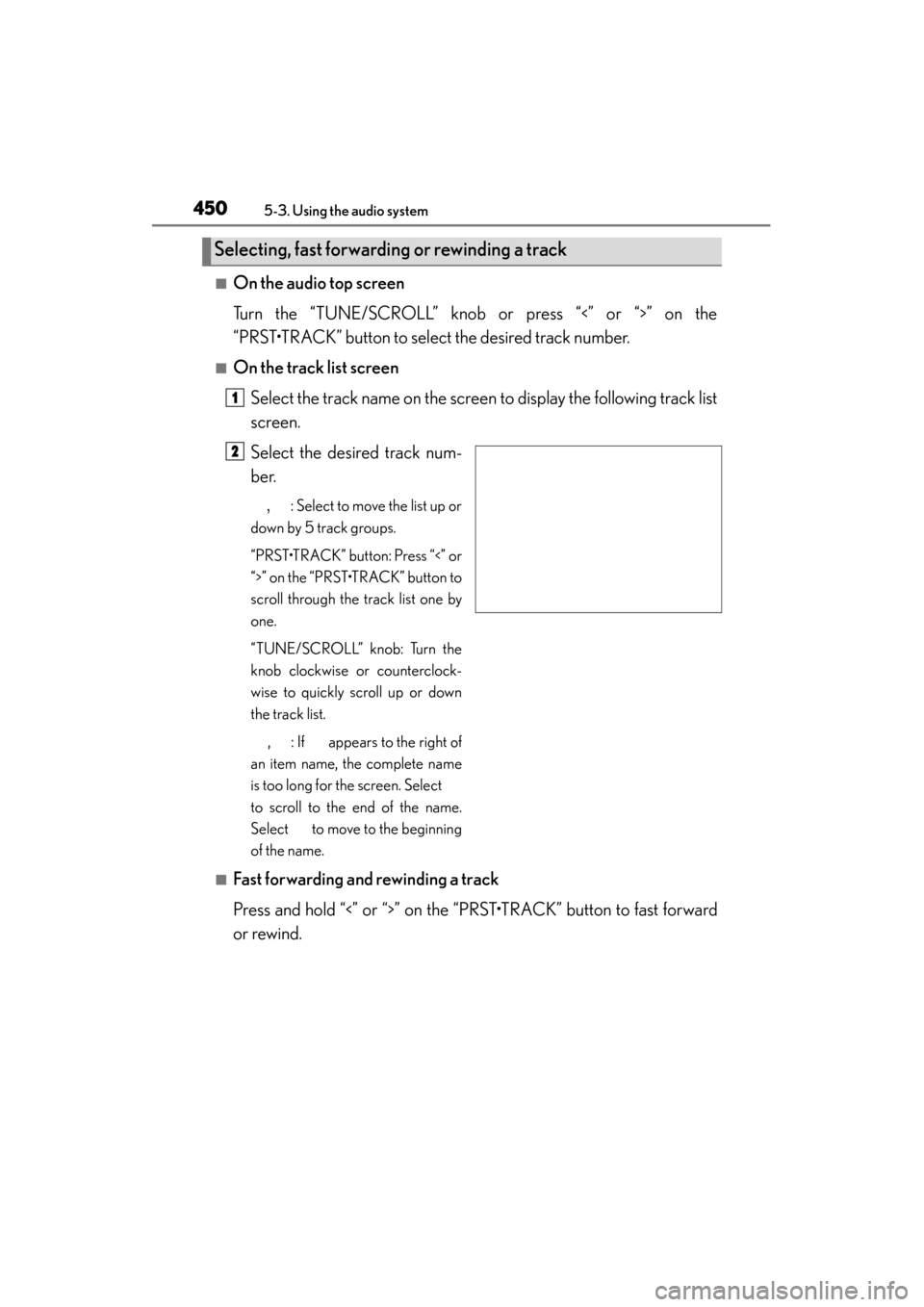
■On the track list screenSelect the track name on the screen to display the following track list
screen.
Select the desired track num-
ber.
, : Select to move the list up or
down by 5 track groups.
“PRST•TRACK” button: Press “<” or
“>” on the “PRST•TRACK” button to
scroll through the track list one by
one.
“TUNE/SCROLL” knob: Turn the
knob clockwise or counterclock-
wise to quickly scroll up or down
the track list.
, : If appears to the right of
an item name, the complete name
is too long for the screen. Select
to scroll to the end of the name.
Select to move to the beginning
of the name.
■Fast forwarding and rewinding a track
Press and hold “<” or “>” on the “PRST•TRACK” button to fast forward
or rewind.
Selecting, fast forwarding or rewinding a track
1
2
Page 458 of 830
GS350_U (OM30C34U)
4575-3. Using the audio system
5
Interior features
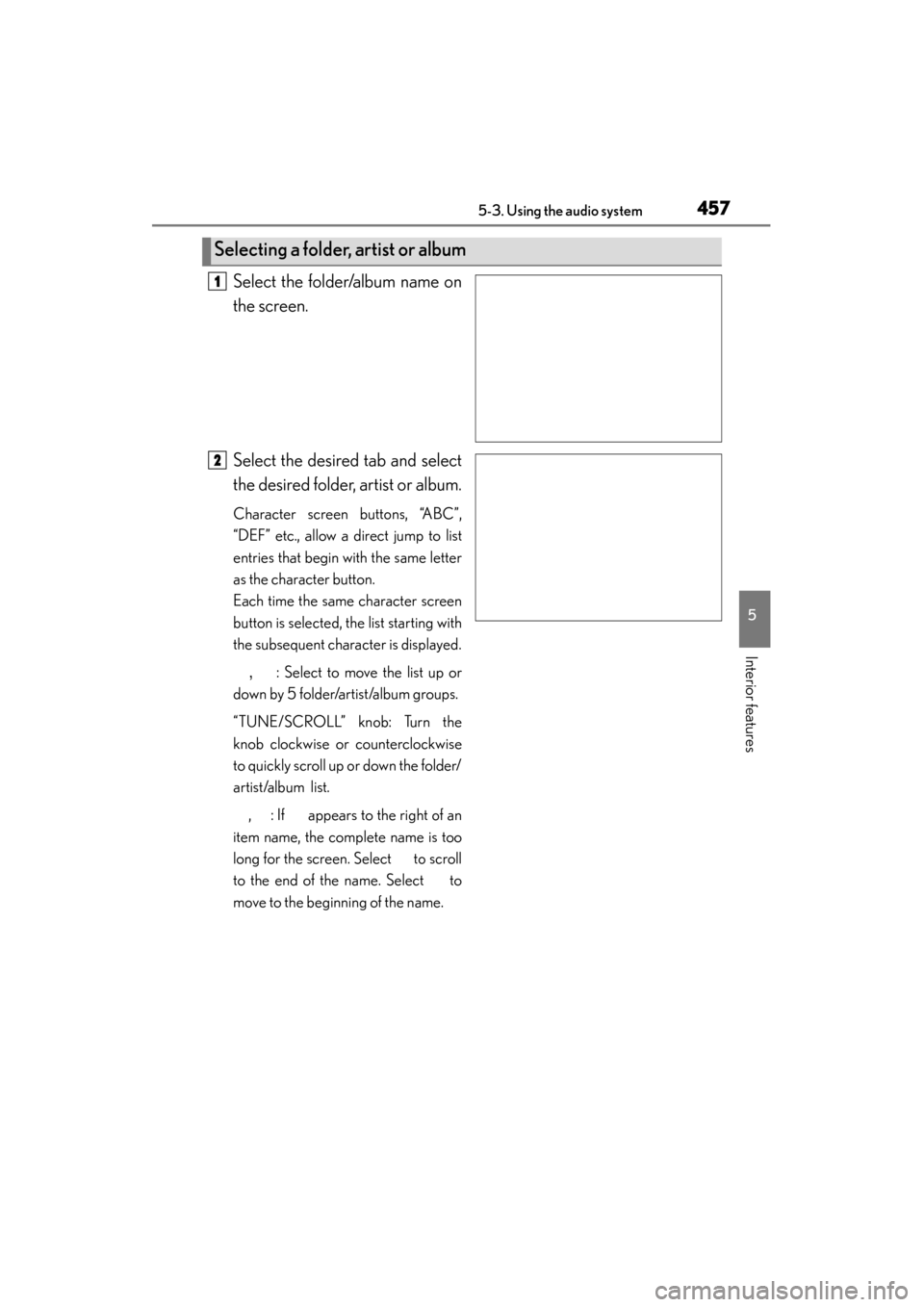
Select the folder/album name on
the screen.
Select the desired tab and select
the desired folder, artist or album.
Character screen buttons, “ABC”,
“DEF” etc., allow a direct jump to list
entries that begin with the same letter
as the character button.
Each time the same character screen
button is selected, the list starting with
the subsequent character is displayed., : Select to move the list up or
down by 5 folder/artist/album groups.
“TUNE/SCROLL” knob: Turn the
knob clockwise or counterclockwise
to quickly scroll up or down the folder/
artist/album list.
, : If appears to the right of an
item name, the complete name is too
long for the screen. Select to scroll
to the end of the name. Select to
move to the beginning of the name.
Selecting a folder, artist or album
1
2
Page 459 of 830
458
GS350_U (OM30C34U)
5-3. Using the audio system
■Selecting one file/track at a time
Select “<” or “>” on the screen to select the next/previous file/track.
Turn the “TUNE/SCROLL” knob or press “<” or “>” on the
“PRST•TRACK” button to select the desired file/track.
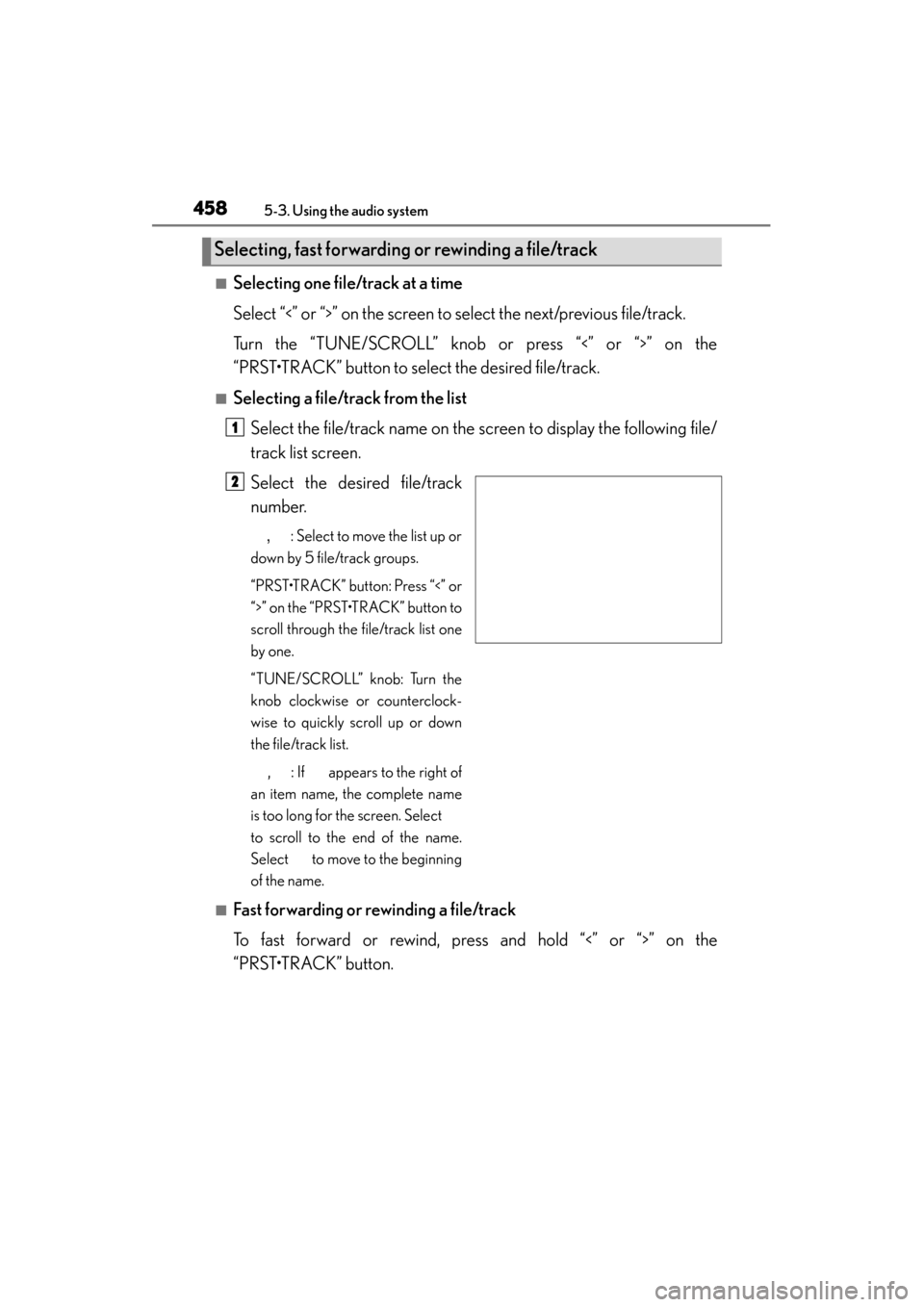
■Selecting a file/track from the listSelect the file/track name on the screen to display the following file/
track list screen.
Select the desired file/track
number.
, : Select to move the list up or
down by 5 file/track groups.
“PRST•TRACK” button: Press “<” or
“>” on the “PRST•TRACK” button to
scroll through the file/track list one
by one.
“TUNE/SCROLL” knob: Turn the
knob clockwise or counterclock-
wise to quickly scroll up or down
the file/track list.
, : If appears to the right of
an item name, the complete name
is too long for the screen. Select
to scroll to the end of the name.
Select to move to the beginning
of the name.
■Fast forwarding or rewinding a file/track
To fast forward or rewind, press and hold “<” or “>” on the
“PRST•TRACK” button.
Selecting, fast forwarding or rewinding a file/track
1
2
Page 470 of 830
GS350_U (OM30C34U)
4695-3. Using the audio system
5
Interior features
■Selecting one track at a time
Select “<” or “>” on the screen to select the next/previous track.
Turn the “TUNE/SCROLL” knob or press “<” or “>” on the
“PRST•TRACK” button to select the desired track.
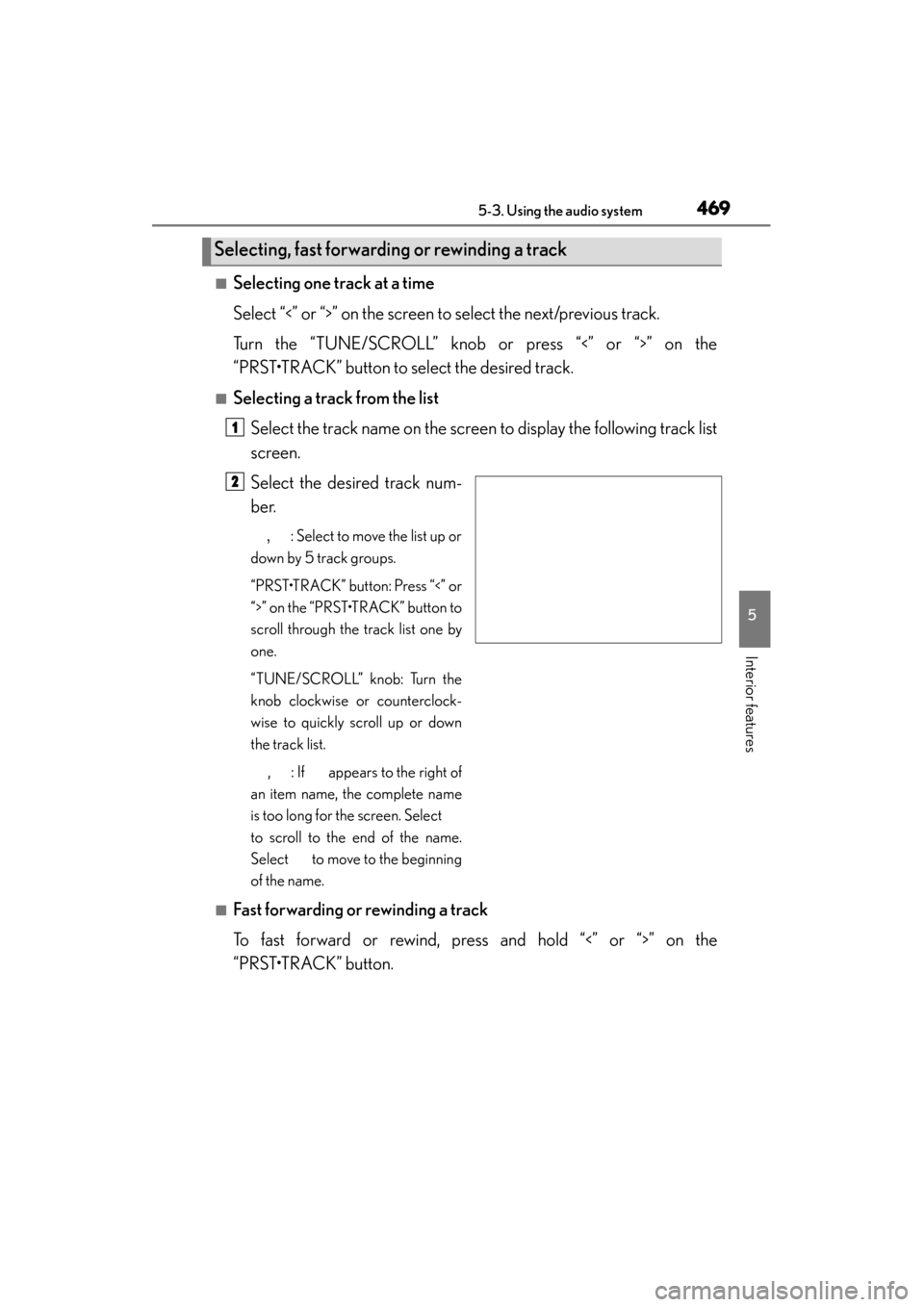
■Selecting a track from the listSelect the track name on the screen to display the following track list
screen.
Select the desired track num-
ber.
, : Select to move the list up or
down by 5 track groups.
“PRST•TRACK” button: Press “<” or
“>” on the “PRST•TRACK” button to
scroll through the track list one by
one.
“TUNE/SCROLL” knob: Turn the
knob clockwise or counterclock-
wise to quickly scroll up or down
the track list.
, : If appears to the right of
an item name, the complete name
is too long for the screen. Select
to scroll to the end of the name.
Select to move to the beginning
of the name.
■Fast forwarding or rewinding a track
To fast forward or rewind, press and hold “<” or “>” on the
“PRST•TRACK” button.
Selecting, fast forwarding or rewinding a track
1
2
Page 482 of 830
GS350_U (OM30C34U)
4815-3. Using the audio system
5
Interior features
■Fast forwarding or rewinding a chapter or file
Press and hold “∧” or “ ∨” on .
■Button lock function
To prevent inadvertent operation, some buttons on the rear armrest can be locked.
(→ P. 3 6 4 )
■Rear control panel illumination off function
Control panel illumination on the rear armrest can be turned off. ( →P. 3 6 4 )
■When “ERROR”, “WAIT” or “NO MUSIC” is shown on the display
Refer to the following and take the appropriate measures. If the problem is not recti-
fied, take the vehicle to your Lexus dealer.
“ERROR”: This indicates a trouble either in the disc or inside the player. The disc
may be dirty, damaged, or inserted up-side down.
“WAIT”: Operation is stopped due to a high temperature inside the player. Eject the disc and allow the player to cool down.
“NO MUSIC”: This indicates that an MP3/WMA file is not included in the disc.
Page 551 of 830
550
GS350_U (OM30C34U)
5-5. Using the interior lights
■Illuminated entry system
The lights automatically turn on/off according to engine switch mode, the presence
of the electronic key, whether the doors are locked/unlocked, and whether the doors
are opened/closed.
■To prevent battery discharge
If the interior lights remain on when the engine switch is turned off, the lights will go
off automatically after 20 minutes.
■Customization
Setting (e.g. the time elapsed before lights turn off) can be changed.
(Customizable features: →P. 777)
NOTICE
■To prevent battery discharge
Do not leave the lights on longer than necessary when the engine is not running.
Page 554 of 830
GS350_U (OM30C34U)
5535-6. Using the storage features
5
Interior features
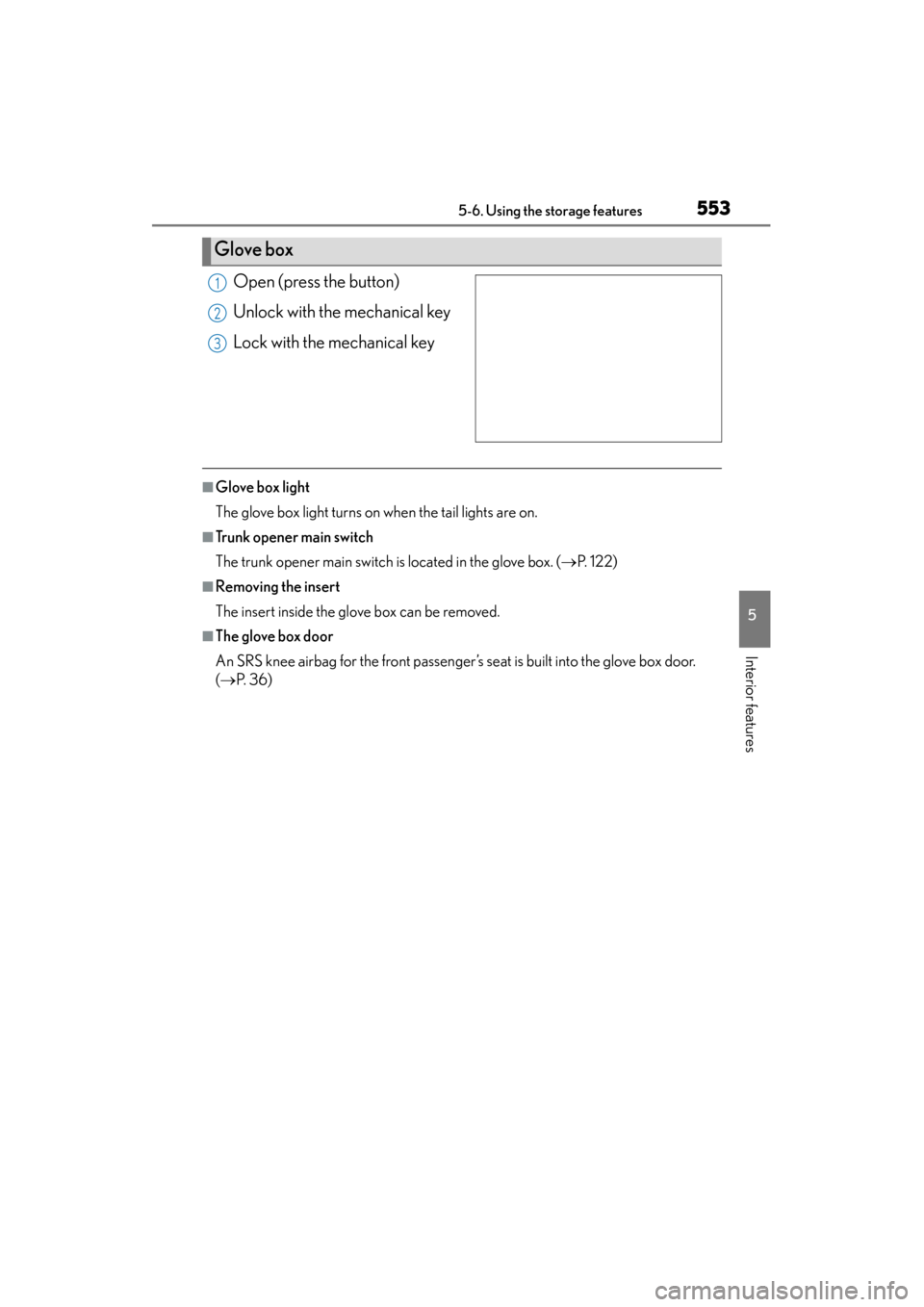
Open (press the button)
Unlock with the mechanical key
Lock with the mechanical key
■Glove box light
The glove box light turns on when the tail lights are on.
■Trunk opener main switch
The trunk opener main switch is located in the glove box. (→P. 122)
■Removing the insert
The insert inside the glove box can be removed.
■The glove box door
An SRS knee airbag for the front passenger’s seat is built into the glove box door.
(→ P. 3 6 )
Glove box
1
2
3
Page 555 of 830
554
GS350_U (OM30C34U)
5-6. Using the storage features
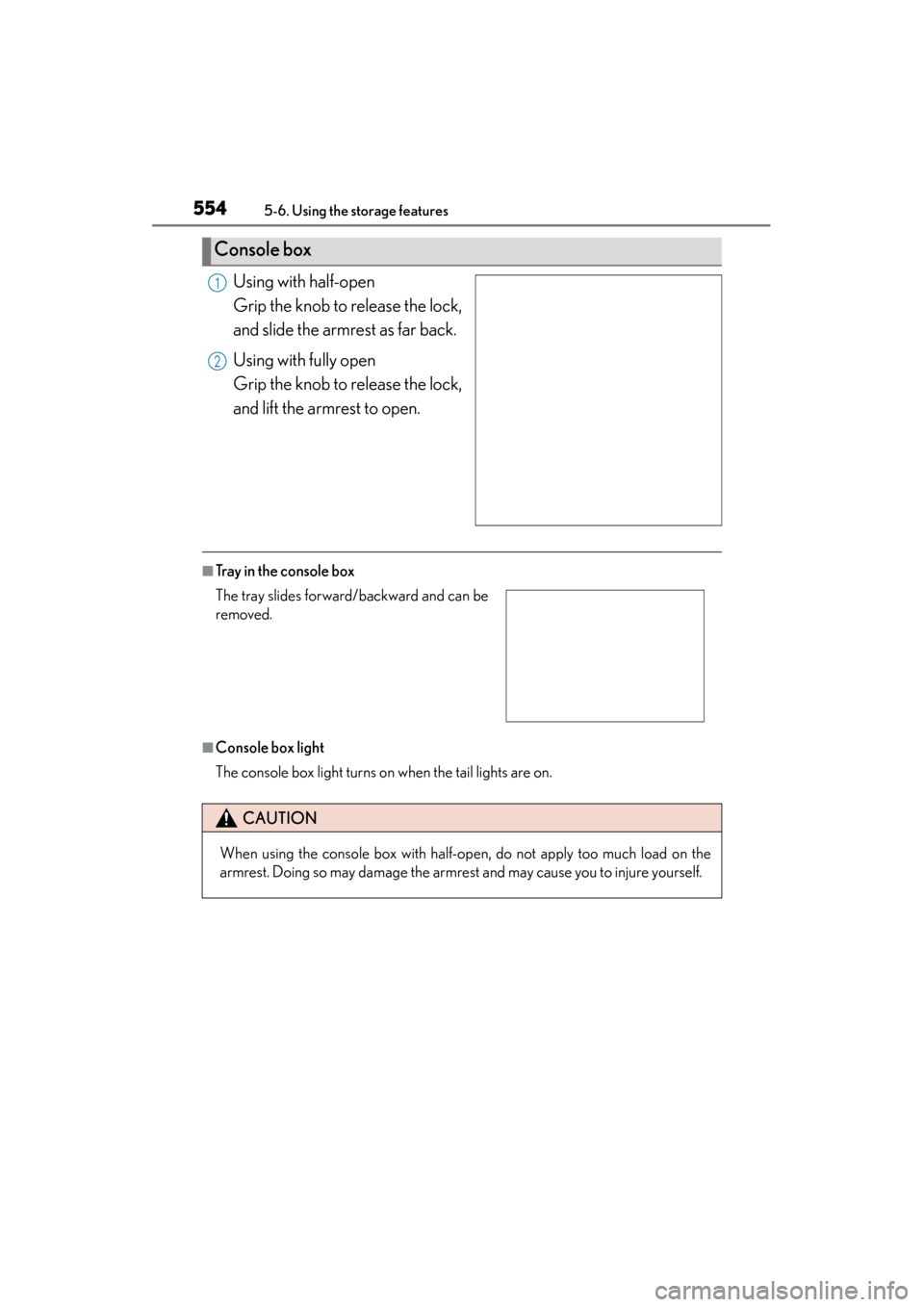
Using with half-open
Grip the knob to release the lock,
and slide the armrest as far back.
Using with fully open
Grip the knob to release the lock,
and lift the armrest to open.
■Tray in the console box
■Console box light
The console box light turns on when the tail lights are on.
Console box
1
2
The tray slides forward/backward and can be
removed.
CAUTION
When using the console box with half-open, do not apply too much load on the
armrest. Doing so may damage the armrest and may cause you to injure yourself.
Page 558 of 830
GS350_U (OM30C34U)
5575-6. Using the storage features
5
Interior features
Auxiliary boxes
XTy p e AXType B
Press in the button. Pull up the lever to release the lock and lift the lid.
XType C (if equipped)
Open the lid.
CAUTION
■Using the auxiliary boxes (type C)
Do not use the auxiliary box as an ashtray.
Doing so may cause a fire.
Page 563 of 830
562
GS350_U (OM30C34U)
5-7. Other interior features
Clock
Pressing and holding will move
the clock hands backward.
Pressing and holding will move
the clock hands forward.
The clock can be adjusted by pressing the buttons.
1
2