lock Lexus GS350 2013 Manual Online
[x] Cancel search | Manufacturer: LEXUS, Model Year: 2013, Model line: GS350, Model: Lexus GS350 2013Pages: 830, PDF Size: 9.71 MB
Page 361 of 830
360
GS350_U (OM30C34U)
5-2. Using the air conditioning system and defogger
Rear air conditioning system∗
∗: If equipped
Air outlets and fan speed are automatically adjusted according to the
temperature setting.
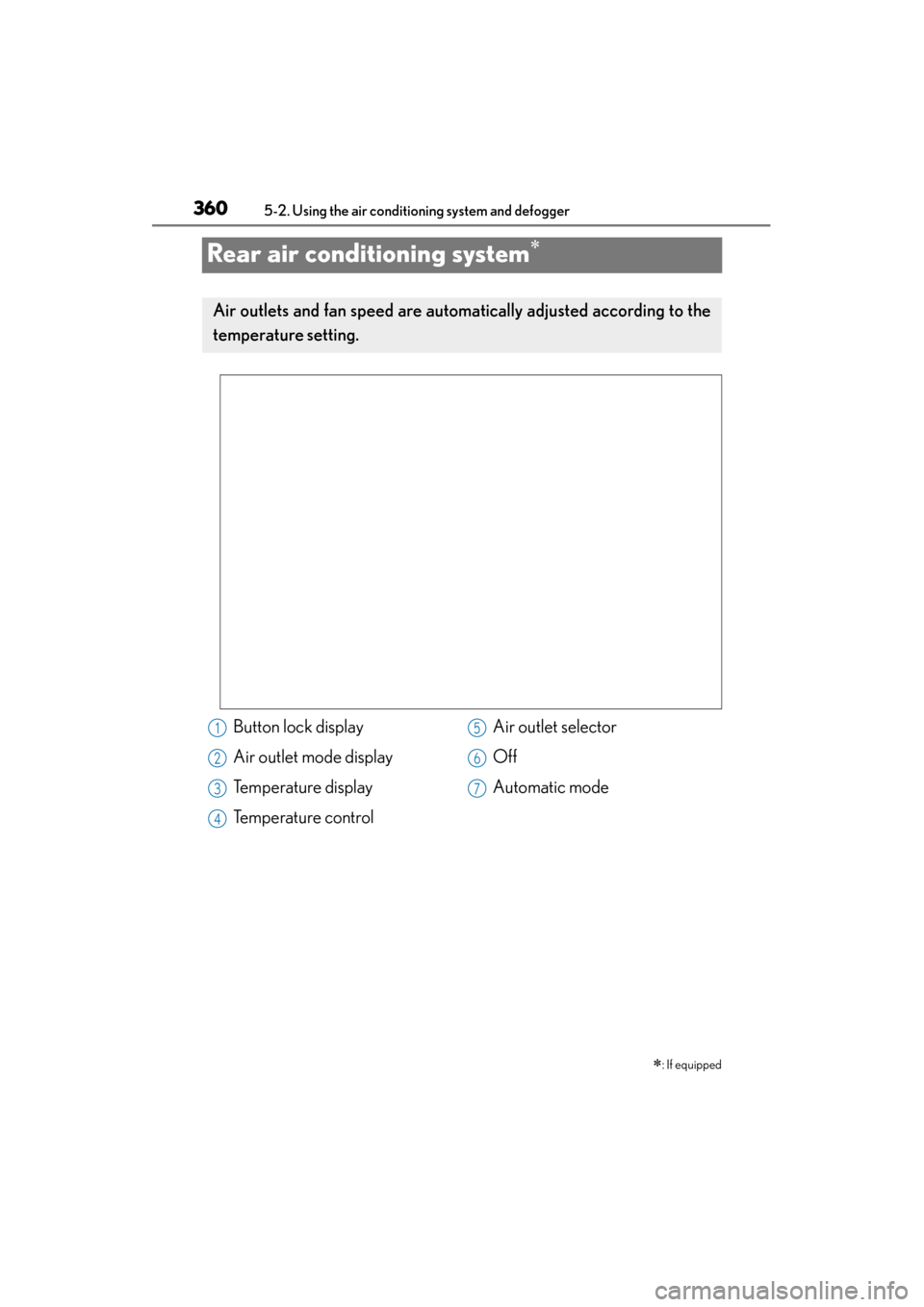
Button lock display
Air outlet mode display
Temperature display
Temperature control Air outlet selector
Off
Automatic mode1
2
3
4
5
6
7
Page 365 of 830
364
GS350_U (OM30C34U)
5-2. Using the air conditioning system and defogger
■Button lock function
■Rear control panel illumination off function To prevent inadvertent operation, the buttons
on the rear armrest can be locked. Press until you hear a beep to lock the but-
tons. Pressing again until you hear a
beep will release the lock.
The indicator appears on the display when the
buttons are locked.
Control panel illumination on the rear armrest
can be turned off. Press until you hear a
beep to turn the illumination off. Pressing again until you hear a beep will turn the
illumination on.
NOTICE
■To prevent battery discharge
Do not leave the air conditioning system on longer than necessary when the
engine is off.
Page 405 of 830
404
GS350_U (OM30C34U)
5-3. Using the audio system
■XM Radio Services — Legal Disclaimers and Warnings (vehicles without a naviga-
tion system for U.S.A.)
●Fees and Taxes — Subscription fee, taxes, one time activation fee, and other fees may
apply. Subscription fee is consumer only. All fees and programming subject to change.
Subscriptions subject to Customer Agreement available at www.siriusxm.com.
XM
service only available in the 48 contiguous United States and Canada.
Explicit Language Notice — Channels with frequent explicit language are indi-
cated with an “XL” preceding the channel name. Channel blocking is available for
XM Satellite Radio receivers by notifying XM at;
U.S.A. Customers:
Visit www.siriusxm.com
or calling 1-877-515-3987
It is prohibited to copy, decompile, disassemble, reverse engineer, hack, manipulate,
or otherwise make available any technology or software incorporated in receivers
compatible with the XM Satellite Radio System or that support the XM website, the
Online Service or any of its content. Furthermore, the AMBE
® voice compression
software included in this product is protected by intellectual property rights includ-
ing patent rights, copyrights, and trade secrets of Digital Voice Systems, Inc.
Note: this applies to XM receivers only and not XM Ready devices.
Page 407 of 830
406
GS350_U (OM30C34U)
5-3. Using the audio system
■XM Radio Services — Legal Disclaimers and Warnings (vehicles without a naviga-
tion system for Canada)Fees and Taxes — Subscription fee, taxes, one time activation fee, and other fees
may apply. Subscription fee is consumer only. All fees and programming subject to
change. Subscriptions subject to Customer Agreement available
at www.xmradio.ca.
XM service only available in the 48 contiguous United States
and Canada
*.
*Canada — some deterioration of service may occur in extreme northern lati-
tudes. This is beyond the control of XM Satellite Radio.
Explicit Language Notice — Channels with frequent explicit language are indi-
cated with an “XL” preceding the channel name. Channel blocking is available for
XM Satellite Radio receivers by notifying XM at;
Canadian Customers — Visit www.xmradio.ca
or calling 1-877-515-3987
It is prohibited to copy, decompile, disassemble, reverse engineer, hack, manipulate,
or otherwise make available any technology or software incorporated in receivers
compatible with the XM Satellite Radio System or that support the XM website, the
Online Service or any of its content. Furthermore, the AMBE
® voice compression
software included in this product is protected by intellectual property rights includ-
ing patent rights, copyrights, and trade secrets of Digital Voice Systems, Inc.
Note: this applies to XM receivers only and not XM Ready devices.
Page 409 of 830
408
GS350_U (OM30C34U)
5-3. Using the audio system
■XM Radio Services — Legal Disclaimers and Warnings (vehicles with a navigation
system)
Fees and Taxes — Subscription fee, taxes, one time activation fee, and other fees
may apply. Subscription fee is consumer only. All fees and programming subject to
change. Subscriptions subject to Customer Agreement available
at www.siriusxm.com
. (U.S.A.) or www.xmradio.ca (Canada) XM service only
available in the 48 contiguous United States and Canada
*.
*Canada — some deterioration of service may occur in extreme northern lati-
tudes. This is beyond the control of XM Satellite Radio.
Explicit Language Notice — Channels with frequent explicit language are indi-
cated with an “XL” preceding the channel name. Channel blocking is available for
XM Satellite Radio receivers by notifying XM at;
XU.S.A. Customers:
Visit www.siriusxm.com
or calling 1-877-515-3987
XCanadian Customers:
Visit ww w.xmradio.ca
or calling 1-877-515-3987
It is prohibited to copy, decompile, disassemble, reverse engineer, hack, manipulate,
or otherwise make available any technology or software incorporated in receivers
compatible with the XM Satellite Radio System or that support the XM website, the
Online Service or any of its content. Furthermore, the AMBE
® voice compression
software included in this product is protected by intellectual property rights includ-
ing patent rights, copyrights, and trade secrets of Digital Voice Systems, Inc.
Note: this applies to XM receivers only and not XM Ready devices.
Page 416 of 830
GS350_U (OM30C34U)
4155-3. Using the audio system
5
Interior features
■Selecting a track
Select “<” or “>” on the screen to select the next/previous track.
Press “<” or “>” on the “PRST•TRACK” button or turn the “TUNE/
SCROLL” knob to select the desired track number.
■Selecting a track from the track listSelect the track name on the screen to display the CD’s track list.
Select the desired track num-
ber.
, : Select to move the list up or
down by 5 track groups.
“PRST•TRACK” button: Press “<” or
“>” on the “PRST•TRACK” button to
scroll through the track list one by
one.
“TUNE/SCROLL” knob: Turn the
knob clockwise or counterclock-
wise to quickly scroll up or down
the track list.
, : If appears to the right of
an item name, the complete name
is too long for the screen. Select
to scroll to the end of the name.
Select to move to the beginning
of the name.
■Fast forwarding or rewinding a track
To fast forward or rewind, press and hold “<” or “>” on the
“PRST•TRACK” button.
Selecting, fast forwarding or rewinding a track (Audio CD)
1
2
Page 417 of 830
416
GS350_U (OM30C34U)
5-3. Using the audio system
■Selecting a folder
Select “
<” or “>” on the screen to select the next/previous folder.
■Selecting a folder from the folder listSelect the folder name on the screen to display the following folder
list screen.
Select the desired folder num-
ber to display the folder’s file
list. From the file list, select the
desired file number.
, : Select to move the list up or
down by 5 folder groups.
“TUNE/SCROLL” knob: Turn the
knob clockwise or counterclock-
wise to quickly scroll up or down
the folder list.
, : If appears to the right of
an item name, the complete name
is too long for the screen. Select
to scroll to the end of the name.
Select to move to the beginning
of the name.
Selecting a folder (MP3/WMA discs)
1
2
Page 418 of 830
GS350_U (OM30C34U)
4175-3. Using the audio system
5
Interior features
■Selecting a file
Select “<” or “>” on the screen to select the next/previous file.
Press “<” or “>” on the “PRST•TRACK” button or turn the “TUNE/
SCROLL” knob to select the desired file number.
■Selecting a file from the file listSelect the file name on the screen to display the following file list
screen.
Select the desired file number.
, : Select to move the list up or
down by 5 file groups.
“PRST•TRACK” button: Press “<” or
“>” on the “PRST•TRACK” button to
scroll through the file list one by
one.
“TUNE/SCROLL” knob: Turn the
knob clockwise or counterclock-
wise to quickly scroll up or down
the file list.
, : If appears to the right of
an item name, the complete name
is too long for the screen. Select
to scroll to the end of the name.
Select to move to the beginning
of the name.
■Fast forwarding or rewinding a file
To fast forward or rewind, press and hold “<” or “>” on the
“PRST•TRACK” button.
Selecting, fast forwarding or rewinding a file (MP3/WMA discs)
1
2
Page 429 of 830
428
GS350_U (OM30C34U)
5-3. Using the audio system
■Setting menu languageSelect “Menu Language” on the “DVD Settings” screen.
Select the desired language to be read on the “Menu Language”
screen.
If you cannot find the desired language, select “Other” and input the desired
language code. ( →P. 4 2 9 )
■Setting angle mark
If the DVD has angle options, you can turn the angle mark on or off.
Select “Angle Mark” on the “DVD Settings” screen.
Select “On” or “Off”.
■Setting parental lock
Select “Parental Lock” on the “DVD Settings” screen.Input the 4-digit personal code on the “Key Code” screen.
If you enter wrong numbers, select to delete the numbers.
Select a parental level (1-8) on the “Select Restriction Level” screen.
(→P. 435)
■Setting the auto start
Discs that are inserted while the vehicle is in motion will automatically
start playing.
Select “Auto Start Playback” on the “DVD Settings” screen.
Select “On” or “Off”.
■Setting sound dynamic range
The difference between the lowest volume and the highest volume can
be adjusted.Select “Sound Dynamic Range” on the “DVD Settings” screen.
Select “MAX”, “STD” or “MIN”.
1
2
1
2
1
2
3
1
2
1
2
Page 450 of 830
GS350_U (OM30C34U)
4495-3. Using the audio system
5
Interior features
■On the audio top screen
Select “<” or “>” on the screen to select the next/previous folder/album.
■On the playlist screenSelect the album name on the
screen to display the playlist
screen.
Select the desired screen button.
If the folder name on the screen is selected, the track list screen is displayed.
Select the desired track name
on the screen.
, : Select to move the list up or
down by 5 track/folder groups.
“PRST•TRACK” button: Press “<” or
“>” on the “PRST•TRACK” button to
scroll through the track list one by
one.
“TUNE/SCROLL” knob: Turn the
knob clockwise or counterclock-
wise to quickly scroll up or down
the track/folder list.
, : If appears to the right of
an item name, the complete name
is too long for the screen. Select
to scroll to the end of the name.
Select to move to the beginning
of the name.
Selecting a track/folder/album
1
2
3