Gauge Lexus GS350 2017 Owner's Manual
[x] Cancel search | Manufacturer: LEXUS, Model Year: 2017, Model line: GS350, Model: Lexus GS350 2017Pages: 676, PDF Size: 67.73 MB
Page 1 of 676
GS350_200t_GS F_OM_OM30F83E_(EE)
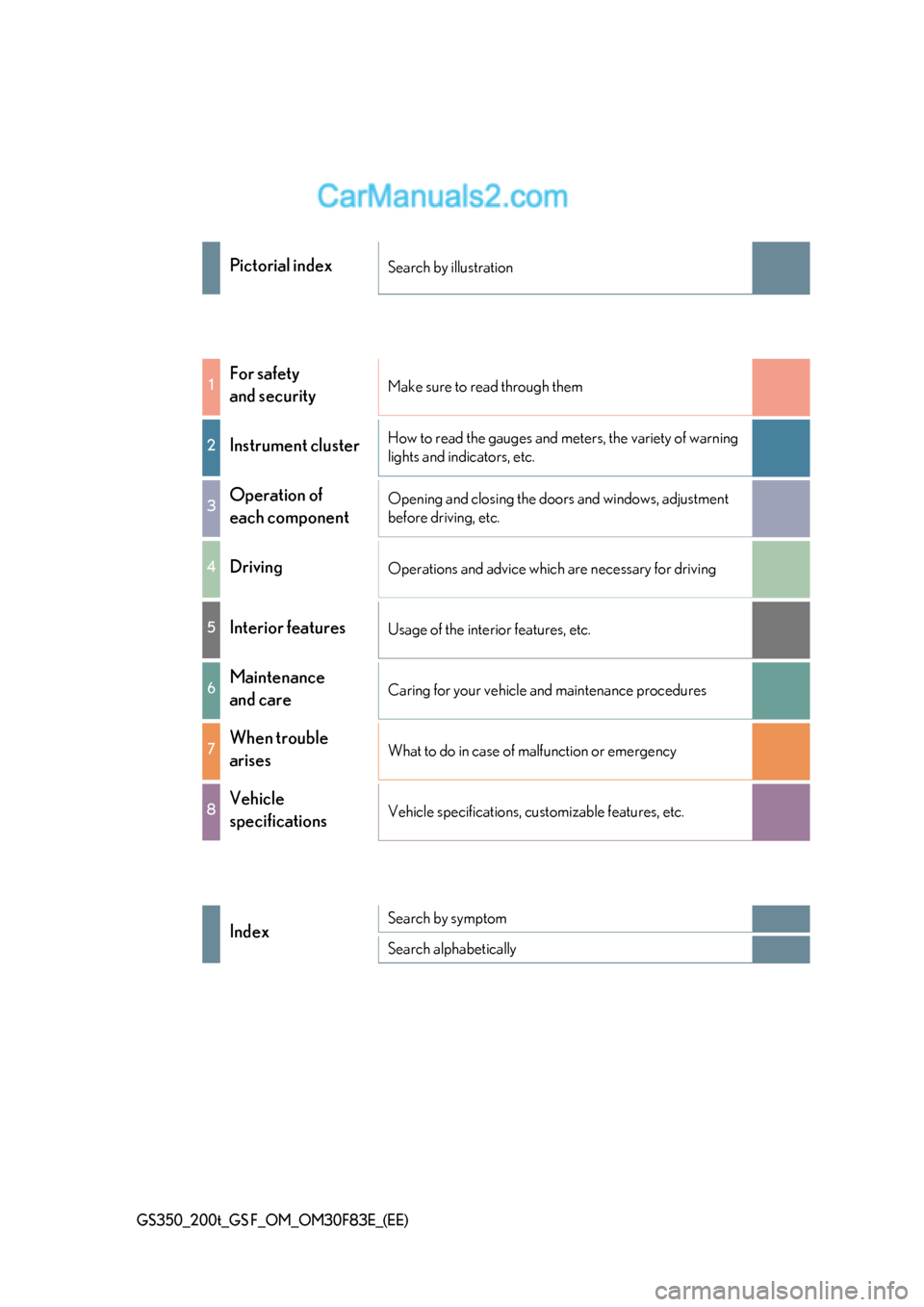
Pictorial indexSearch by illustration
1For safety
and securityMake sure to read through them
2Instrument cluster
How to read the gauges and meters, the variety of warning
lights and indicators, etc.
3Operation of
each componentOpening and closing the doors and windows, adjustment
before driving, etc.
4Driving
Operations and advice which are necessary for driving
5Interior featuresUsage of the interior features, etc.
6Maintenance
and careCaring for your vehicle and maintenance procedures
7When trouble
arisesWhat to do in case of malfunction or emergency
8Vehicle
specificationsVehicle specifications, customizable features, etc.
IndexSearch by symptom
Search alphabetically
Page 2 of 676
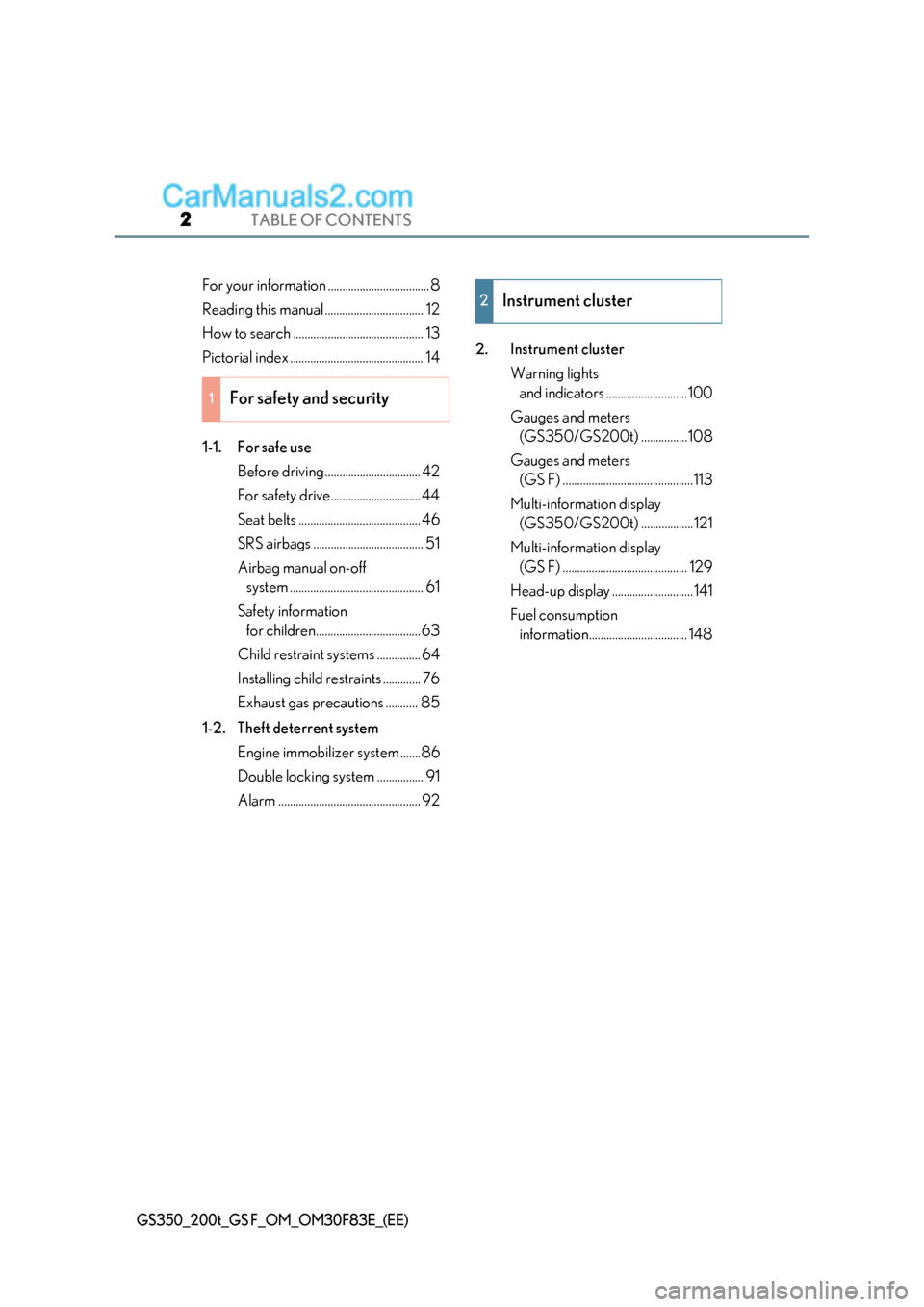
TABLE OF CONTENTS2
GS350_200t_GS F_OM_OM30F83E_(EE)
For your information ...................................8
Reading this manual .................................. 12
How to search ............................................. 13
Pictorial index .............................................. 14
1-1. For safe useBefore driving ................................. 42
For safety drive............................... 44
Seat belts .......................................... 46
SRS airbags ...................................... 51
Airbag manual on-off system .............................................. 61
Safety information for children.................................... 63
Child restraint systems ............... 64
Installing child restraints ............. 76
Exhaust gas precautions ........... 85
1-2. Theft deterrent system Engine immobilizer system .......86
Double locking system ................ 91
Alarm ................................................. 92 2. Instrument cluster
Warning lights and indicators ............................100
Gauges and meters (GS350/GS200t) ................108
Gauges and meters (GS F) .............................................113
Multi-information display (GS350/GS200t) ..................121
Multi-information display (GS F) ........................................... 129
Head-up display ............................141
Fuel consumption information.................................. 148
1For safety and security
2Instrument cluster
Page 99 of 676
99
2Instrument cluster
GS350_200t_GS F_OM_OM30F83E_(EE)
2. Instrument clusterWarning lights and indicators ............................ 100
Gauges and meters (GS350/GS200t) ................ 108
Gauges and meters (GS F) ............................................. 113
Multi-information display (GS350/GS200t) .................. 121
Multi-information display (GS F) ............................................129
Head-up display ............................ 141
Fuel consumption information ................................. 148
Page 108 of 676
1082. Instrument cluster
GS350_200t_GS F_OM_OM30F83E_(EE)
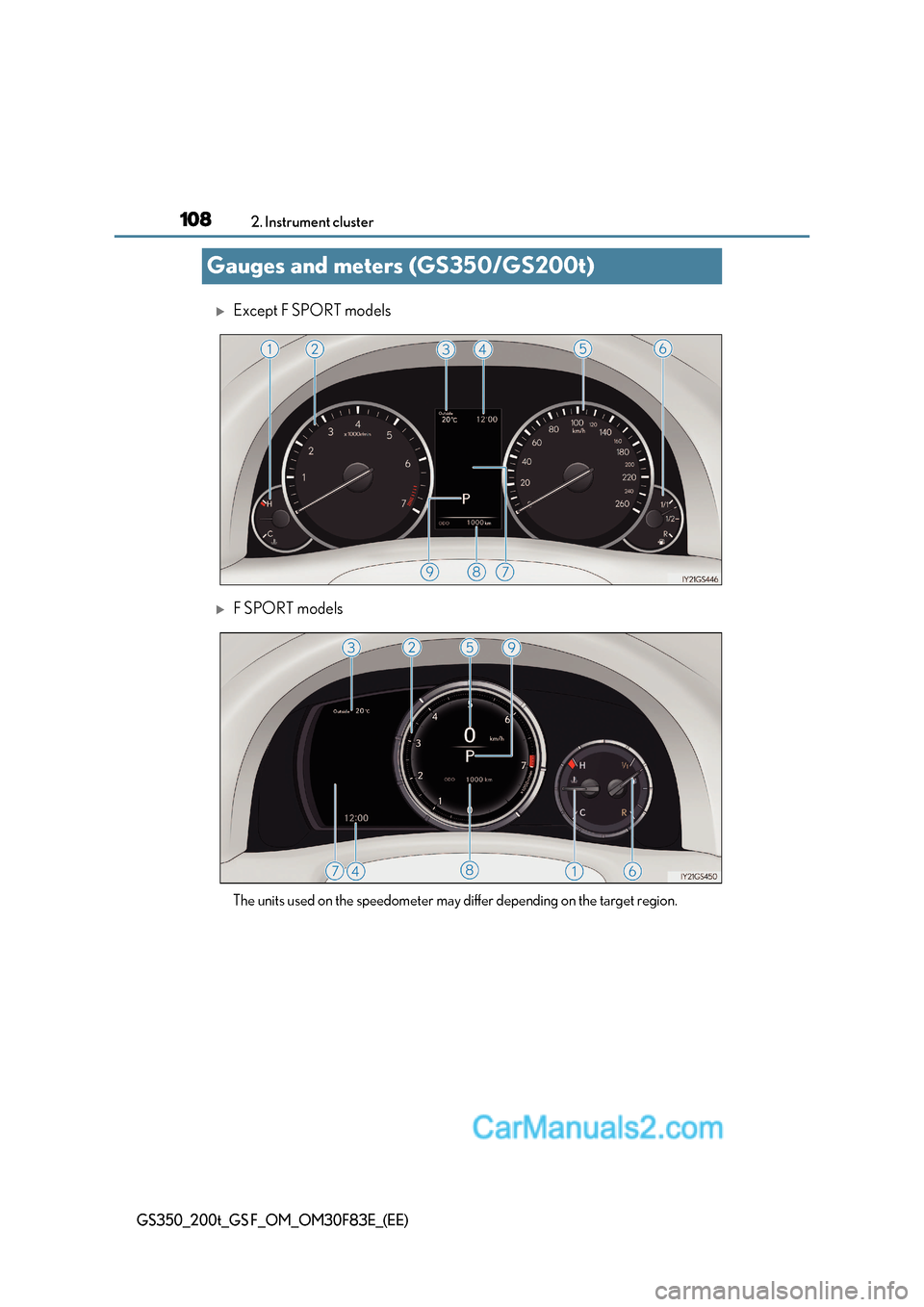
Gauges and meters (GS350/GS200t)
Except F SPORT models
F SPORT models
The units used on the speedometer may differ depending on the target region.
Page 109 of 676
109
2. Instrument cluster
2
Instrument cluster
GS350_200t_GS F_OM_OM30F83E_(EE)
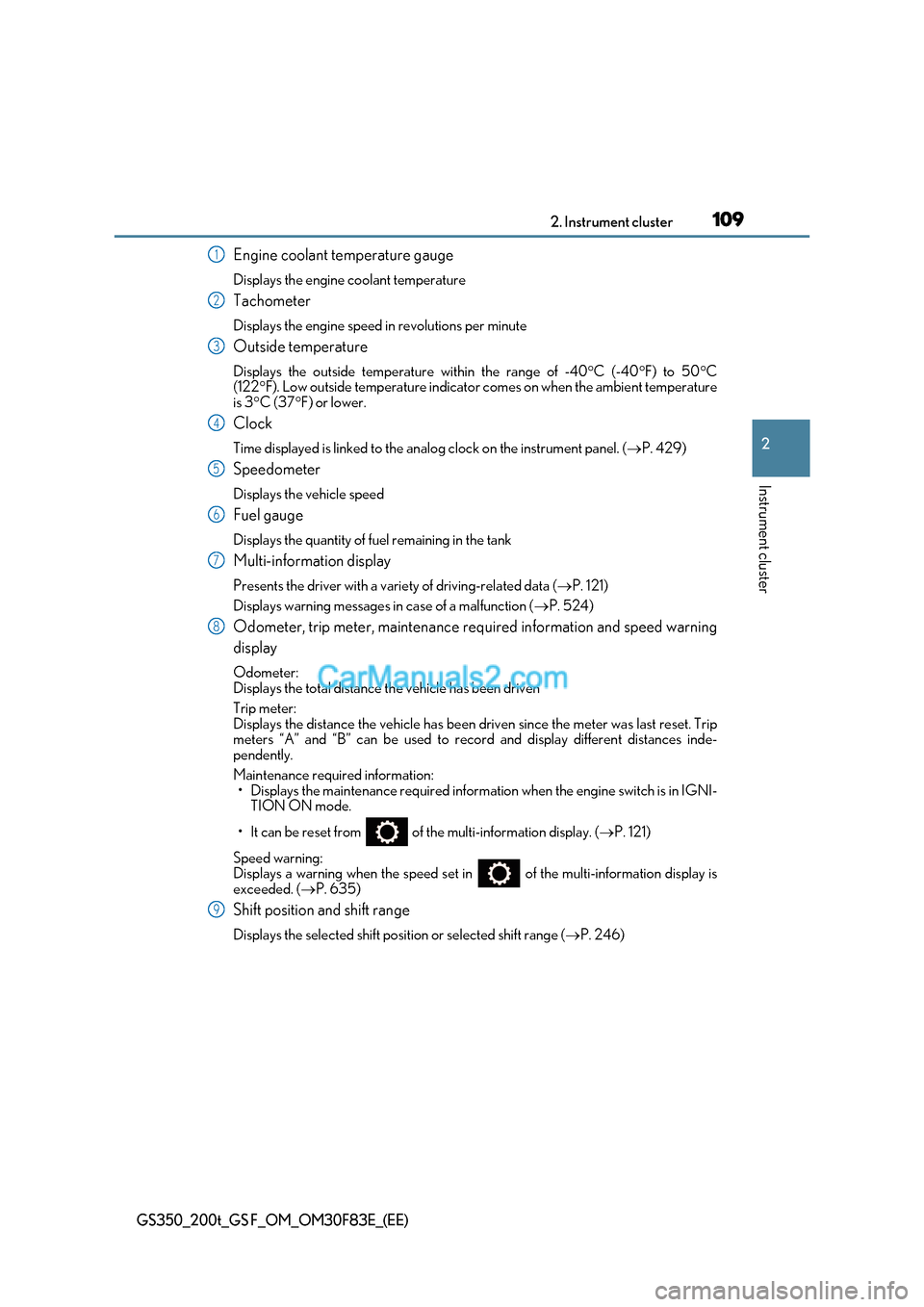
Engine coolant temperature gauge
Displays the engine coolant temperature
Tachometer
Displays the engine speed in revolutions per minute
Outside temperature
Displays the outside temperature within the range of -40 C (-40 F) to 50 C
(122 F). Low outside temperature indicator comes on when the ambient temperature
is 3 C (37 F) or lower.
Clock
Time displayed is linked to the anal og clock on the instrument panel. (P. 429)
Speedometer
Displays the vehicle speed
Fuel gauge
Displays the quantity of fuel remaining in the tank
Multi-information display
Presents the driver with a variety of driving-related data ( P. 121)
Displays warning messages in case of a malfunction (P. 524)
Odometer, trip meter, maintenance required information and speed warning
display
Odometer:
Displays the total distance the vehicle has been driven
Trip meter:
Displays the distance the vehicle has been driven since the meter was last reset. Trip
meters “A” and “B” can be used to record and display different distances inde-
pendently.
Maintenance required information:
Page 112 of 676
1122. Instrument cluster
GS350_200t_GS F_OM_OM30F83E_(EE)
■Clock settings
■Customization
The meter display can be customized on the multi-information display.
(Customizable features: P. 634)
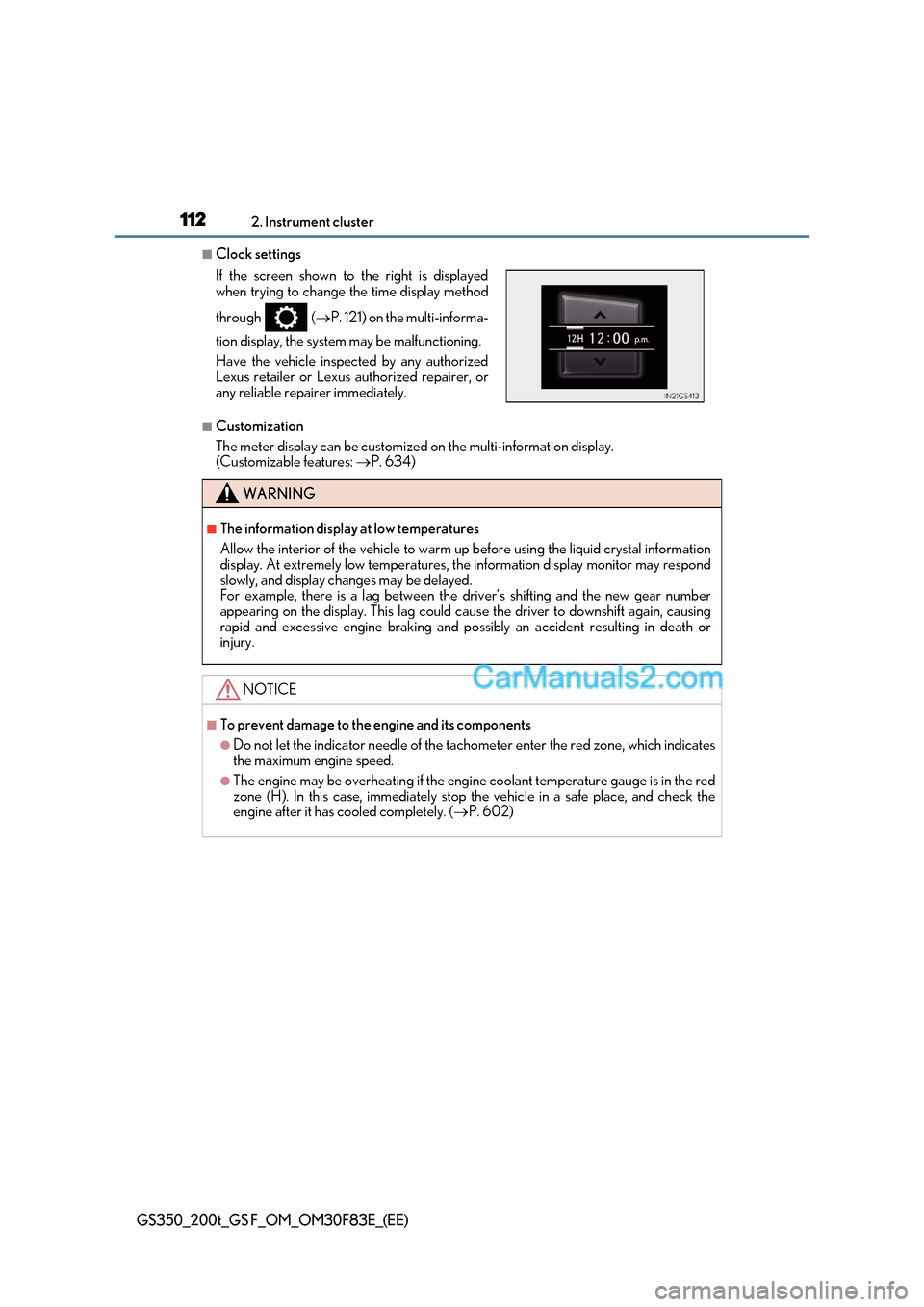
If the screen shown to the right is displayed
when trying to change the time display method
through
( P. 121) on the multi-informa-
tion display, the system may be malfunctioning.
Have the vehicle inspected by any authorized
Lexus retailer or Lexus authorized repairer, or
any reliable repairer immediately.
WARNING
■The information display at low temperatures
Allow the interior of the vehicle to warm up before using the liquid crystal information
display. At extremely low temperatures, the information display monitor may respond
slowly, and display changes may be delayed.
For example, there is a lag between the driver’s shifting and the new gear number
appearing on the display. This lag could cau se the driver to downshift again, causing
rapid and excessive engine braking and po ssibly an accident resulting in death or
injury.
NOTICE
■To prevent damage to the engine and its components
●Do not let the indicator needle of the tachometer enter the red zone, which indicates
the maximum engine speed.
●The engine may be overheating if the engine coolant temperature gauge is in the red
zone (H). In this case, immediately stop the vehicle in a safe place, and check the
engine after it has cooled completely. ( P. 602)
Page 113 of 676
113
2
2. Instrument cluster
Instrument cluster
GS350_200t_GS F_OM_OM30F83E_(EE)
Gauges and meters (GS F)
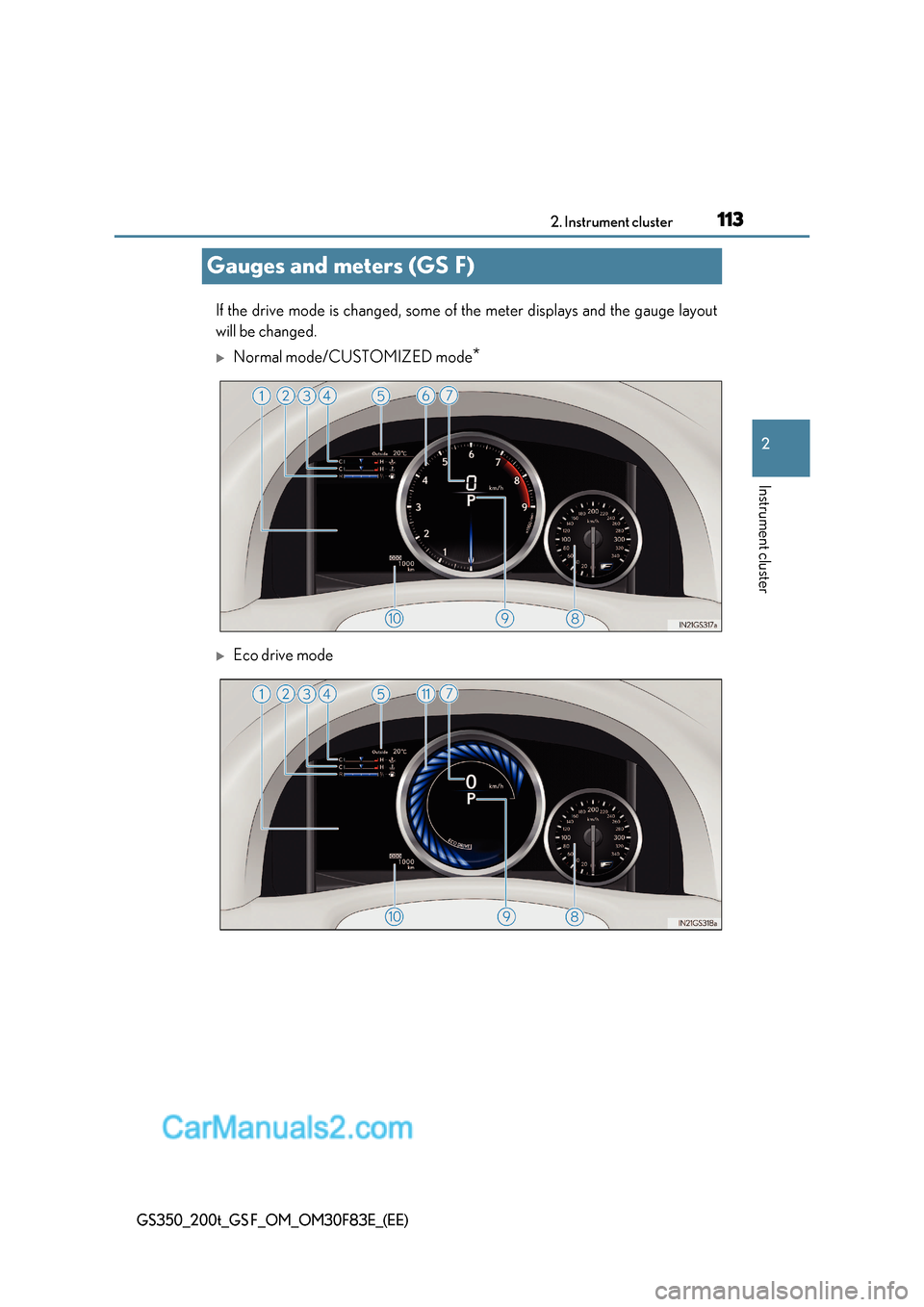
If the drive mode is changed, some of the meter displays and the gauge layout
will be changed.
Normal mode/CUSTOMIZED mode *
Eco drive mode
Page 115 of 676
115
2. Instrument cluster
2
Instrument cluster
GS350_200t_GS F_OM_OM30F83E_(EE)
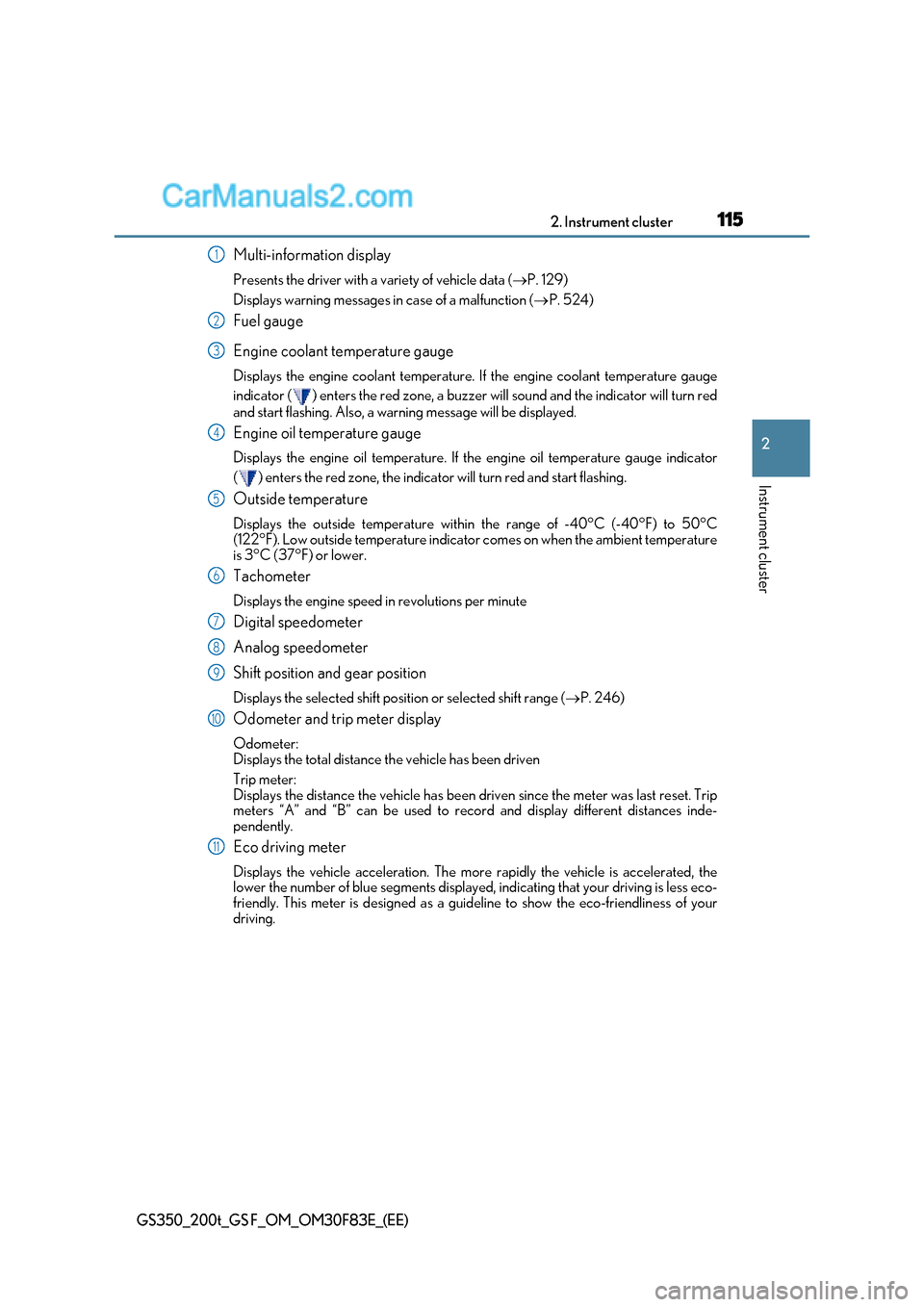
Multi-information display
Presents the driver with a variety of vehicle data ( P. 129)
Displays warning messages in case of a malfunction (P. 524)
Fuel gauge
Engine coolant temperature gauge
Displays the engine coolant temperature. If the engine coolant temperature gauge
indicator ( ) enters the red zone, a buzzer will sound and the indicator will turn red
and start flashing. Also, a warning message will be displayed.
Engine oil temperature gauge
Displays the engine oil temperature. If the engine oil temperature gauge indicator
( ) enters the red zone, the indicator will turn red and start flashing.
Outside temperature
Displays the outside temperature within the range of -40°C (-40°F) to 50°C
(122°F). Low outside temperature indicator comes on when the ambient temperature
is 3°C (37°F) or lower.
Tachometer
Displays the engine speed in revolutions per minute
Digital speedometer
Analog speedometer
Shift position and gear position
Displays the selected shift posi tion or selected shift range (P. 246)
Odometer and trip meter display
Odometer:
Displays the total distance the vehicle has been driven
Trip meter:
Displays the distance the vehicle has been driven since the meter was last reset. Trip
meters “A” and “B” can be used to record and display different distances inde-
pendently.
Eco driving meter
Displays the vehicle acceleration. The more rapidly the vehicle is accelerated, the
lower the number of blue segments displayed, indicating that your driving is less eco-
friendly. This meter is designed as a guid eline to show the eco-friendliness of your
driving.1
2
3
4
5
6
7
8
9
10
11
Page 117 of 676
117
2. Instrument cluster
2
Instrument cluster
GS350_200t_GS F_OM_OM30F83E_(EE)
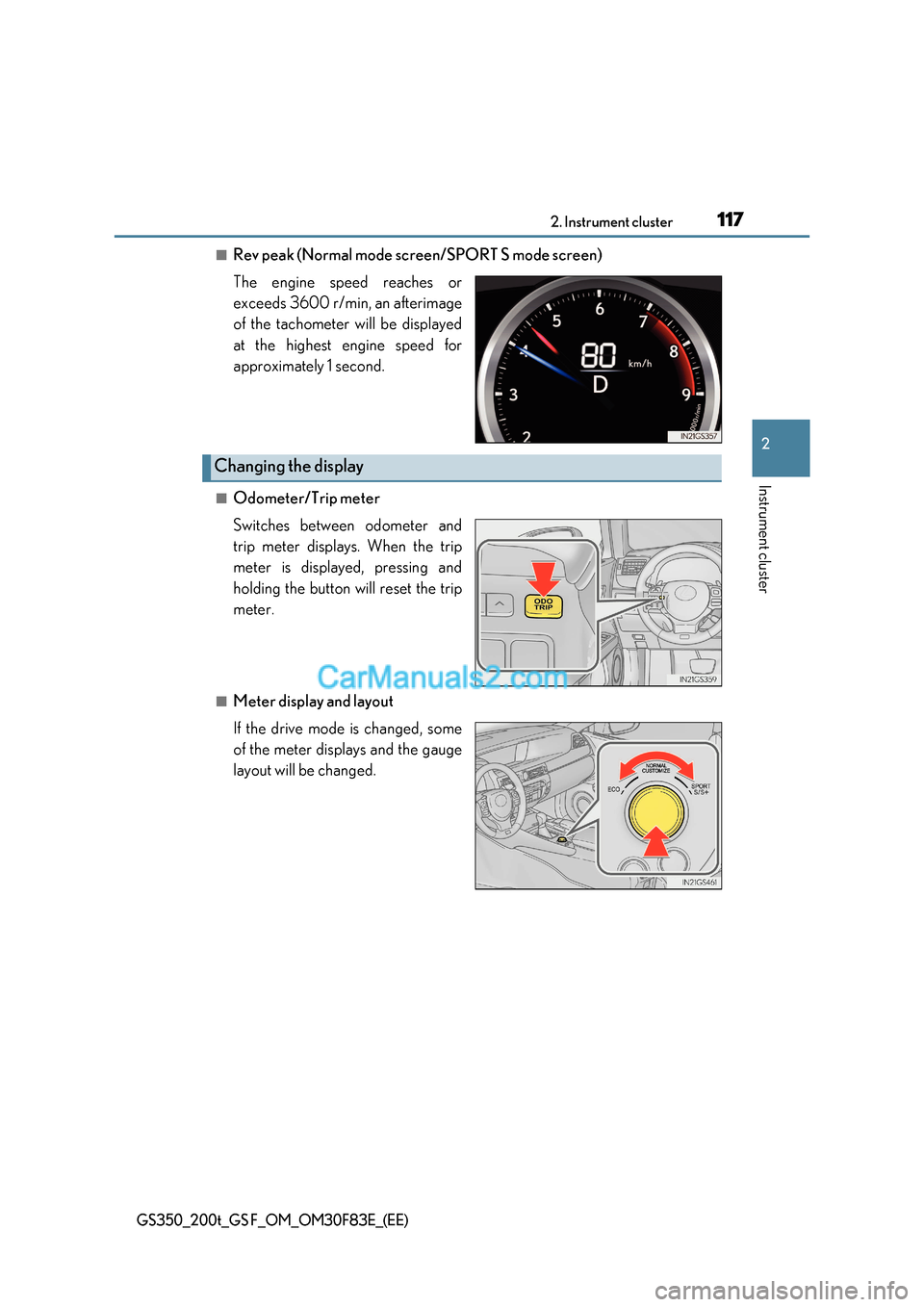
■Rev peak (Normal mode screen/SPORT S mode screen)
The engine speed reaches or
exceeds 3600 r/min, an afterimage
of the tachometer will be displayed
at the highest engine speed for
approximately 1 second.
■Odometer/Trip meter
Switches between odometer and
trip meter displays. When the trip
meter is displayed, pressing and
holding the button will reset the trip
meter.
■Meter display and layout
If the drive mode is changed, some
of the meter displays and the gauge
layout will be changed.
Changing the display
Page 127 of 676
127
2. Instrument cluster
2
Instrument cluster
GS350_200t_GS F_OM_OM30F83E_(EE)
■G-force display
●The G-force values may not be zero even when the vehicle is parked, such as when it is
parked on an incline.
●Depending on the vehicle usage conditions, the brake fluid pressure display may not
reach its maximum reading even though the brake pedal is fully depressed.
●If a battery terminal is disconnected and reconnected, the steering amount display may
be disabled temporarily. After driving the ve hicle for a while, the display will be enabled.
■Suspension of the settings display
In the following situations, the settings disp lay using the meter control switches will be
suspended.
●When a warning message appears on the multi-information display
●When the vehicle begins to move
■Tire inflation pressure (if equipped)
●It may take a few minutes to display the tire inflation pressure afte r the engine switch is
turned to IGNITION ON mode. It may also take a few minutes to display the tire infla-
tion pressure after inflation pressure has been adjusted.
●“---” may be displayed if the tire information cannot be determined due to unfavorable
radio wave conditions.
●Tire inflation pressure changes with temperature. The displayed values may also be dif-
ferent from the values measured using a tire pressure gauge.
■When disconnecting and reconnecting battery terminals
The drive information will be reset.
■Liquid crystal display P. 111