steering wheel Lexus GS450h 2013 Owner's Guide
[x] Cancel search | Manufacturer: LEXUS, Model Year: 2013, Model line: GS450h, Model: Lexus GS450h 2013Pages: 862, PDF Size: 19.06 MB
Page 284 of 862
GS450h_U (OM30D01U)
2834-5. Using the driving support systems
4
Driving
CAUTION
■When using the rear view monitor system
When backing up, be sure to check visually behind and all around the vehicle
before proceeding.
Observe the following precautions to avoid an accident that could result in death
or serious injuries.
●The rear view monitor system is a supplemental device intended to assist the
driver when backing up. Never depend on the rear view monitor system entirely
when backing up. Always make sure your intended path is clear.
Use caution, just as you would when backing up any vehicle.
●Never back up while looking only at the screen.
The image shown on the screen may differ from the actual state, and you could
collide with another vehicle or obstacles if backing up looking only at the screen,
possibly causing an accident. When backing up, be sure to check in front of and
behind the vehicle, both directly and with mirrors.
●Be sure to back up slowly, depressing the brake pedal to control vehicle speed.
●The instructions given are only guidelines.
When and how much to turn the steering wheel will vary according to traffic con-
ditions, road surface conditions, vehicle condition, etc. when parking. It is neces-
sary to be fully aware of this before using the rear view monitor system.
●When parking, be sure to check that the parking space will accommodate your
vehicle before maneuvering into it.
●Do not use system in the following cases:
• On icy or slick road surfaces, or in snow
• When using tire chains or the compact spare tire
• When the trunk lid is not closed completely
• On roads that are not flat or straight, such as curves or slopes.
●In low temperatures, the screen may darken or the image may become faint. The
image could distort when the vehicle is moving, or you may become unable to
see the image on the screen. Be sure to check direct visually and with mirror all
around the vehicle before proceeding.
●If the tire sizes are changed, the position of the fixation guide lines displayed on
the screen may change.
●The camera uses a special lens. The distances between objects and pedestrians
that appear in the image displayed on the screen will differ from the actual dis-
tances. (→P. 277)
GS450h_U.book Page 283 Monday, January 23, 2012 10:20 AM
Page 290 of 862
289
GS450h_U (OM30D01U)4-5. Using the driving support systems
4
Driving
Driving assist systems
◆ABS (Anti-lock Brake System)
Helps to prevent wheel lock when th e brakes are applied suddenly, or if
the brakes are applied while driving on a slippery road surface
◆Brake assist
Generates an increased level of braking force after the brake pedal is
depressed when the system detects a panic stop situation
◆VSC (Vehicle Stability Control)
Helps the driver to control skidding when swerving suddenly or turning
on slippery road surfaces
◆TRAC (Traction Control)
Helps to maintain drive power and prevent the drive wheels from spin-
ning when starting the vehicle or accelerating on slippery roads
◆EPS (Electric Power Steering)
Employs an electric motor to reduce the amount of effort needed to
turn the steering wheel
To help enhance driving safety and performance, the following systems
operate automatically in response to various driving situations. Be
aware, however, that these systems are supplementary and should not
be relied upon too heavily when operating the vehicle.
GS450h_U.book Page 289 Monday, January 23, 2012 10:20 AM
Page 291 of 862
290
GS450h_U (OM30D01U)
4-5. Using the driving support systems
◆AVS (Adaptive Variable Suspension system)
By independently controlling the damping force of the shock absorbers
for each of the 4 wheels according to the road and driving conditions,
this system helps riding comfort with superior steering stability, and
helps good vehicle posture ( →P. 2 8 6 )
◆VDIM (Vehicle Dynamics Integrated Management)
Provides integrated control of the ABS, brake assist, TRAC, VSC and
EPS
Helps to maintain vehicle stability when swerving on slippery road sur-
faces by controlling the brakes, hybrid system output, steering assist,
and steering ratio
◆PCS (Pre-Collision System) (if equipped)
→ P. 2 9 6
GS450h_U.book Page 290 Monday, January 23, 2012 10:20 AM
Page 294 of 862
GS450h_U (OM30D01U)
2934-5. Using the driving support systems
4
Driving
■When the message is displayed on the multi-information display showing that
TRAC has been disabled even if the VSC OFF switch has not been pressed
TRAC cannot be operated. Contact your Lexus dealer.
■Sounds and vibrations caused by the ABS, brake assist, VSC and TRAC systems
●A sound may be heard from the engine compartment when the brake pedal is
depressed repeatedly, when the hybrid system is started or just after the vehicle
begins to move. This sound does not indicate that a malfunction has occurred in
any of these systems.
●Any of the following conditions may occur when the above systems are operating.
None of these indicates that a malfunction has occurred.
• Vibrations may be felt through the vehicle body and steering.
• A motor sound may be heard after the vehicle comes to a stop.
■EPS operation sound
When the steering wheel is operated, a motor sound (whirring sound) may be heard.
This does not indicate a malfunction.
■Reactivation of the TRAC/VSC systems
Even after the TRAC/VSC systems have been turned off, turning the hybrid system
off and then on again will automatically reactivate the TRAC/VSC systems.
■Reactivation of the TRAC system linked to vehicle speed
When only the TRAC system is turned off, the TRAC system will turn on when vehi-
cle speed increases. However, when both TRAC/VSC systems are turned off, the
systems will not turn on even when vehicle speed increases.
■Reduced effectiveness of the EPS system
The effectiveness of the EPS system is reduced to prevent the system from overheat-
ing when there is frequent steering input over an extended period of time. The steer-
ing wheel may feel heavy as a result.
* Should this occur, refrain from excessive
steering input or stop the vehicle and turn the hybrid system off. The effectiveness
will improve after a short while.
*: If the LKA (Lane-Keeping Assist) system cannot operate in this case, a warning
message will be shown on the multi-information display.
GS450h_U.book Page 293 Monday, January 23, 2012 10:20 AM
Page 324 of 862
GS450h_U (OM30D01U)
3234-6. Driving tips
4
Driving
CAUTION
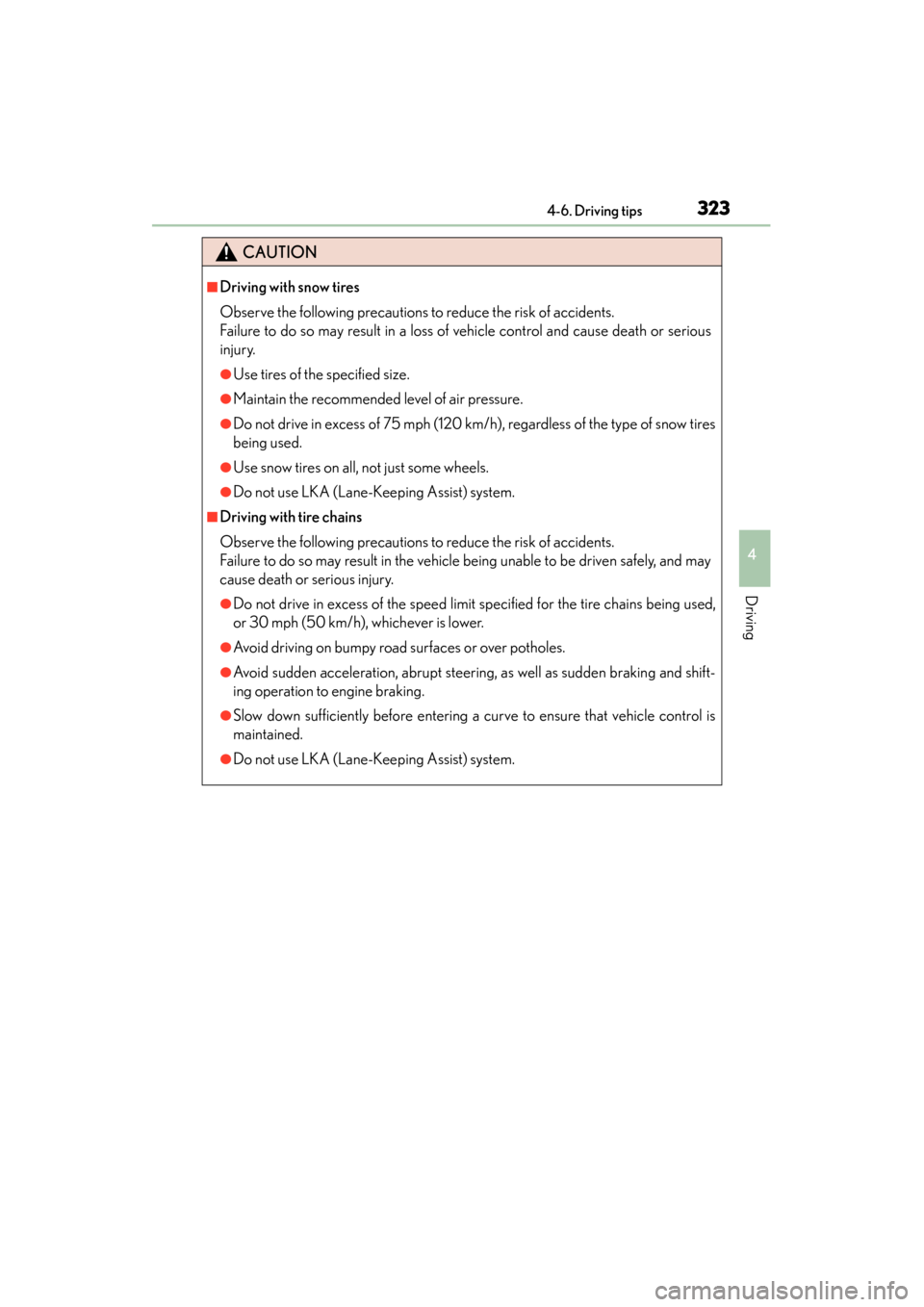
■Driving with snow tires
Observe the following precautions to reduce the risk of accidents.
Failure to do so may result in a loss of vehicle control and cause death or serious
injury.
●Use tires of the specified size.
●Maintain the recommended level of air pressure.
●Do not drive in excess of 75 mph (120 km/h), regardless of the type of snow tires
being used.
●Use snow tires on all, not just some wheels.
●Do not use LKA (Lane-Keeping Assist) system.
■Driving with tire chains
Observe the following precautions to reduce the risk of accidents.
Failure to do so may result in the vehicle being unable to be driven safely, and may
cause death or serious injury.
●Do not drive in excess of the speed limit specified for the tire chains being used,
or 30 mph (50 km/h), whichever is lower.
●Avoid driving on bumpy road surfaces or over potholes.
●Avoid sudden acceleration, abrupt steering, as well as sudden braking and shift-
ing operation to engine braking.
●Slow down sufficiently before entering a curve to ensure that vehicle control is
maintained.
●Do not use LKA (Lane-Keeping Assist) system.
GS450h_U.book Page 323 Monday, January 23, 2012 10:20 AM
Page 327 of 862
326
GS450h_U (OM30D01U)
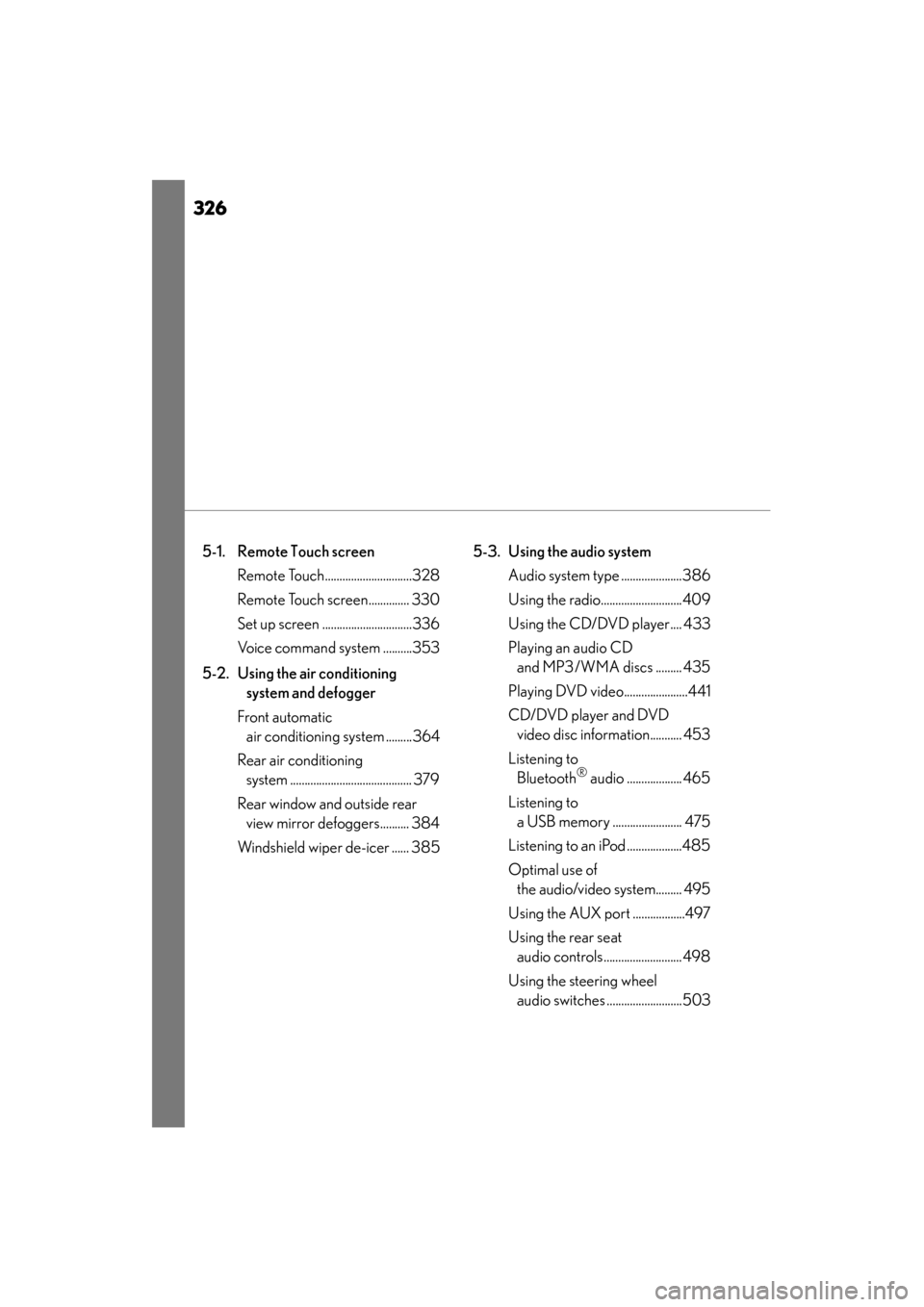
5-1. Remote Touch screen Remote Touch..............................328
Remote Touch screen.............. 330
Set up screen ...............................336
Voice command system ..........353
5-2. Using the air conditioning system and defogger
Front automatic air conditioning system .........364
Rear air conditioning system .......................................... 379
Rear window and outside rear view mirror defoggers.......... 384
Windshield wiper de-icer ...... 385 5-3. Using the audio system
Audio system type .....................386
Using the radio............................409
Using the CD/DVD player.... 433
Playing an audio CD and MP3/WMA discs ......... 435
Playing DVD video......................441
CD/DVD player and DVD video disc information........... 453
Listening to Bluetooth
® audio ................... 465
Listening to a USB memory ........................ 475
Listening to an iPod ...................485
Optimal use of the audio/video system......... 495
Using the AUX port ..................497
Using the rear seat audio controls........................... 498
Using the steering wheel audio switches ..........................503
GS450h_U.book Page 326 Monday, January 23, 2012 10:20 AM
Page 328 of 862
327
GS450h_U (OM30D01U)
5Interior features
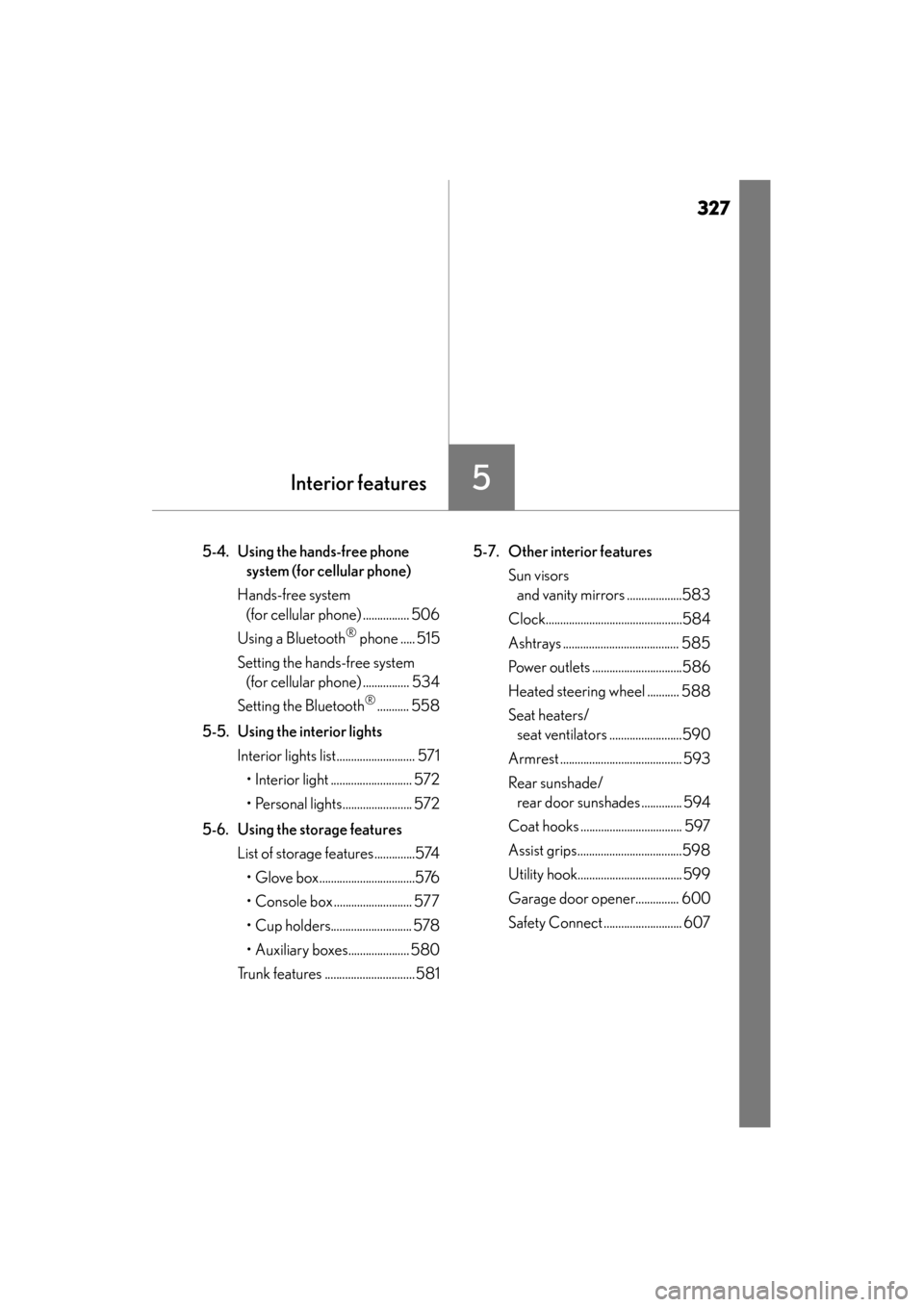
5-4. Using the hands-free phone system (for cellular phone)
Hands-free system (for cellular phone) ................ 506
Using a Bluetooth
® phone ..... 515
Setting the hands-free system (for cellular phone) ................ 534
Setting the Bluetooth
®........... 558
5-5. Using the interior lights Interior lights list........................... 571• Interior light ............................ 572
• Personal lights........................ 572
5-6. Using the storage features List of storage features..............574• Glove box.................................576
• Console box ........................... 577
• Cup holders............................ 578
• Auxiliary boxes..................... 580
Trunk features ...............................581 5-7. Other interior features
Sun visors and vanity mirrors ...................583
Clock...............................................584
Ashtrays ........................................ 585
Power outlets ...............................586
Heated steering wheel ........... 588
Seat heaters/ seat ventilators .........................590
Armrest .......................................... 593
Rear sunshade/ rear door sunshades .............. 594
Coat hooks ................................... 597
Assist grips....................................598
Utility hook.................................... 599
Garage door opener............... 600
Safety Connect ........................... 607
GS450h_U.book Page 327 Monday, January 23, 2012 10:20 AM
Page 389 of 862
388
GS450h_U (OM30D01U)
5-3. Using the audio system
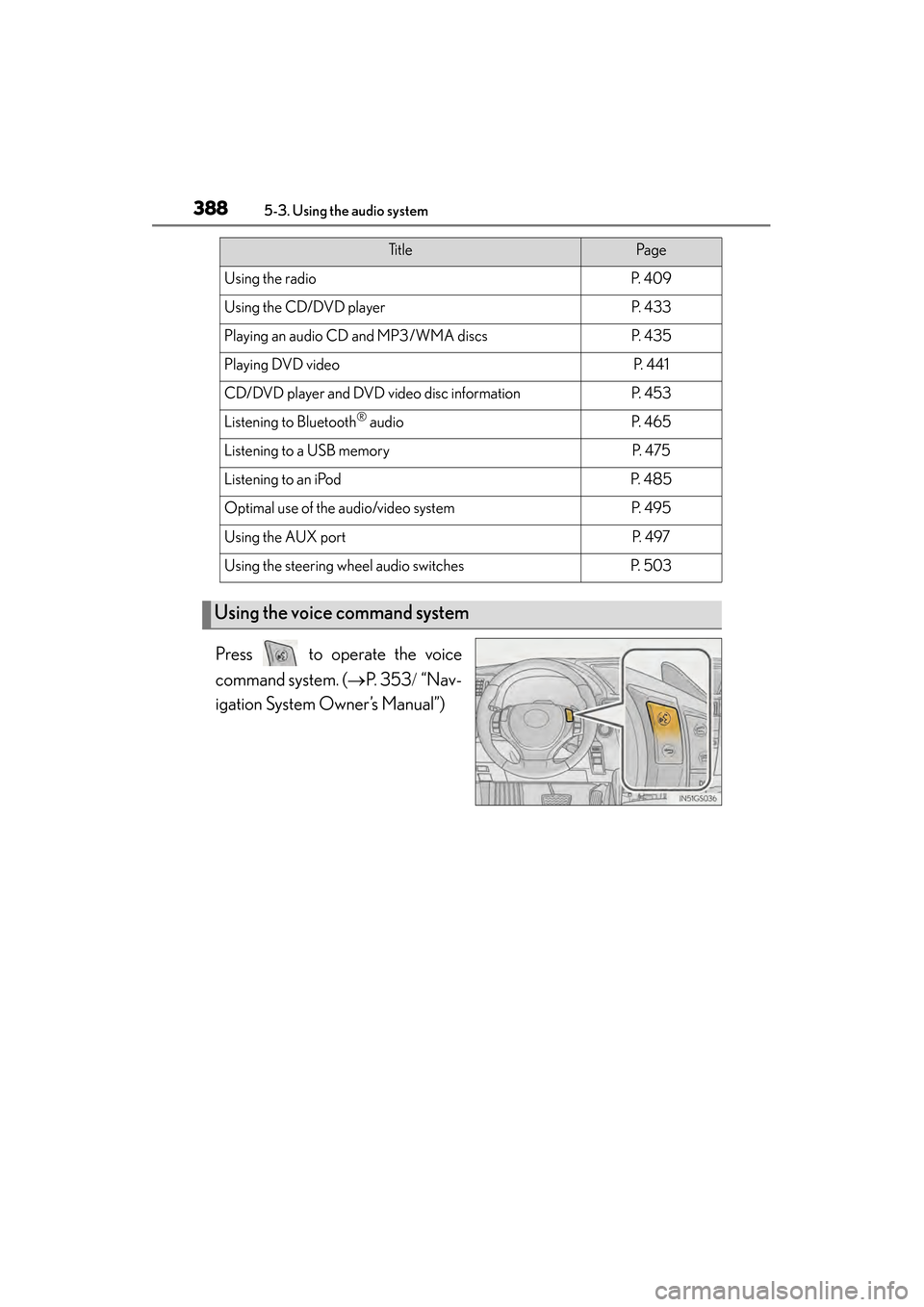
Press to operate the voice
command system. (→P. 353 / “Nav-
igation System Owner’s Manual”)
Ti t l ePa g e
Using the radioP. 4 0 9
Using the CD/DVD playerP. 4 3 3
Playing an audio CD and MP3/WMA discsP. 4 3 5
Playing DVD videoP. 441
CD/DVD player and DVD video disc informationP. 4 5 3
Listening to Bluetooth® audioP. 4 6 5
Listening to a USB memoryP. 4 7 5
Listening to an iPodP. 4 8 5
Optimal use of the audio/video systemP. 4 9 5
Using the AUX portP. 4 9 7
Using the steering wheel audio switchesP. 5 0 3
Using the voice command system
GS450h_U.book Page 388 Monday, January 23, 2012 10:20 AM
Page 504 of 862
503
GS450h_U (OM30D01U)5-3. Using the audio system
5
Interior features
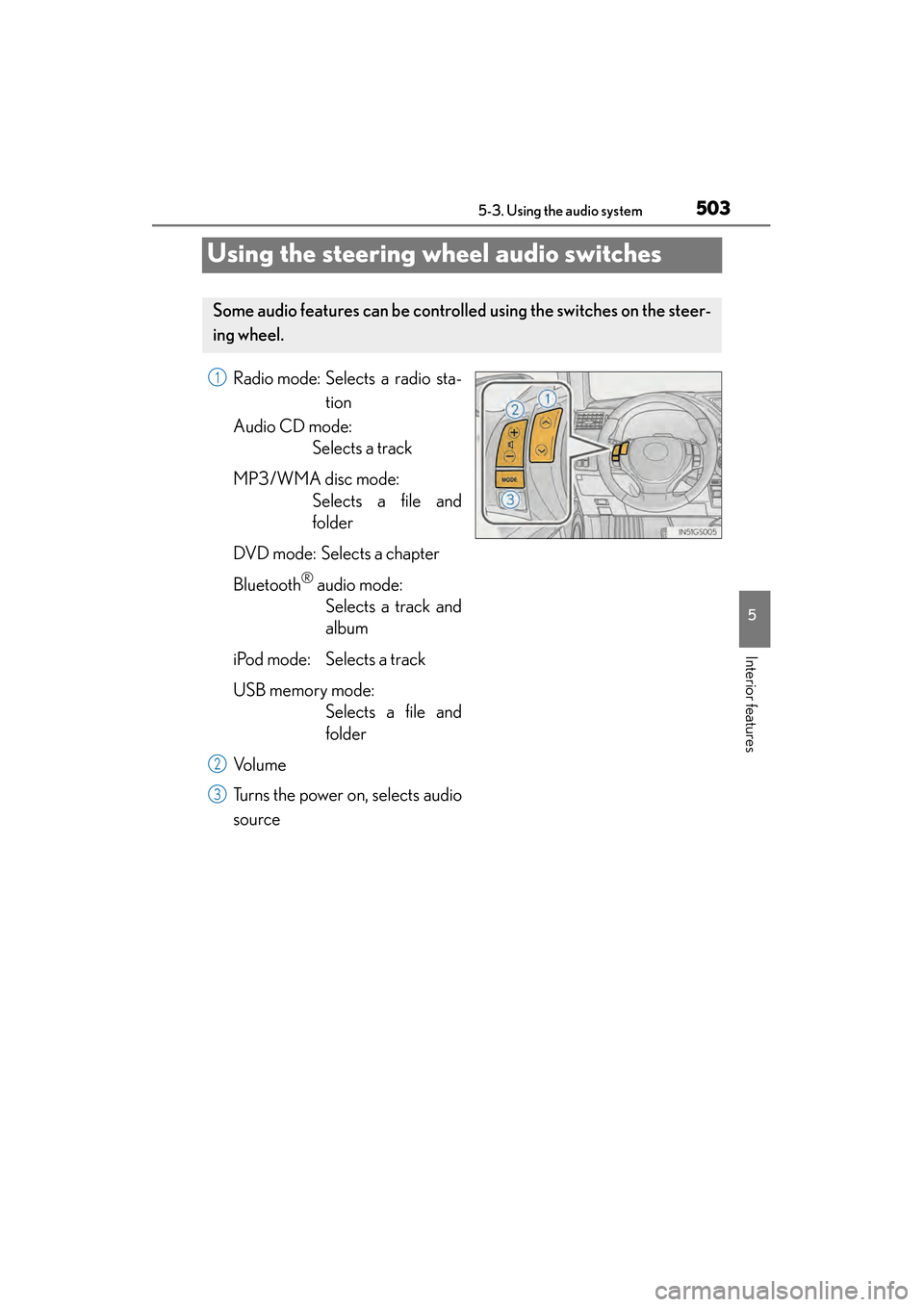
Using the steering wheel audio switches
Radio mode: Selects a radio sta- tion
Audio CD mode: Selects a track
MP3/WMA disc mode: Selects a file and
folder
DVD mode: Selects a chapter
Bluetooth
® audio mode: Selects a track and
album
iPod mode: Selects a track
USB memory mode: Selects a file and
folder
Vo l u m e
Turns the power on, selects audio
source
Some audio features can be controll ed using the switches on the steer-
ing wheel.
1
2
3
GS450h_U.book Page 503 Monday, January 23, 2012 10:20 AM
Page 506 of 862
GS450h_U (OM30D01U)
5055-3. Using the audio system
5
Interior features
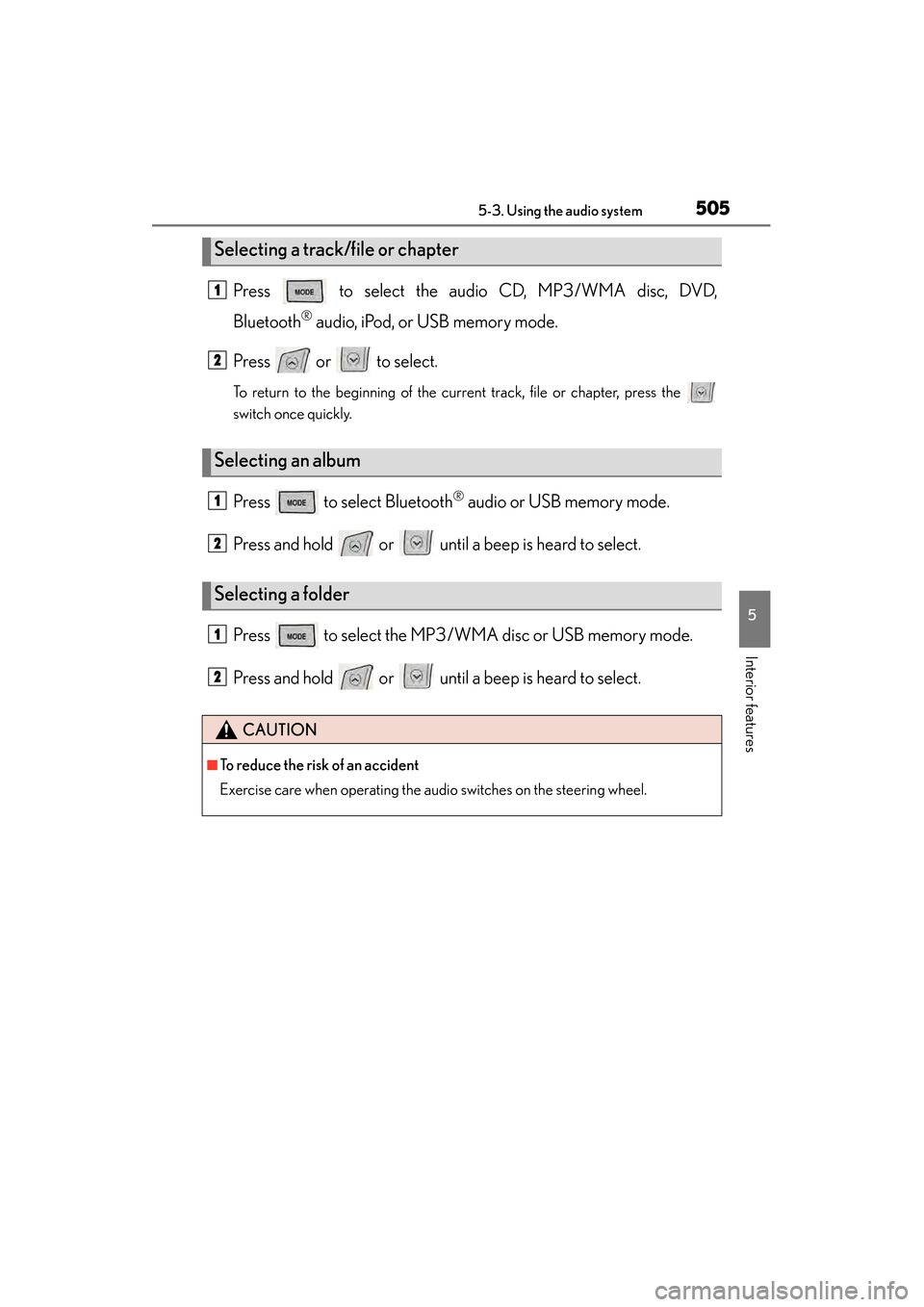
Press to select the audio CD, MP3/WMA disc, DVD,
Bluetooth
® audio, iPod, or USB memory mode.
Press or to select.
To return to the beginning of the current track, file or chapter, press the
switch once quickly.
Press to select Bluetooth® audio or USB memory mode.
Press and hold or until a beep is heard to select.
Press to select the MP3/W MA disc or USB memory mode.
Press and hold or until a beep is heard to select.
Selecting a track/file or chapter
Selecting an album
Selecting a folder
CAUTION
■To reduce the risk of an accident
Exercise care when operating the audio switches on the steering wheel.
1
2
1
2
1
2
GS450h_U.book Page 505 Monday, January 23, 2012 10:20 AM