bluetooth Lexus GS450h 2014 Owner's Manual
[x] Cancel search | Manufacturer: LEXUS, Model Year: 2014, Model line: GS450h, Model: Lexus GS450h 2014Pages: 890, PDF Size: 40.62 MB
Page 5 of 890
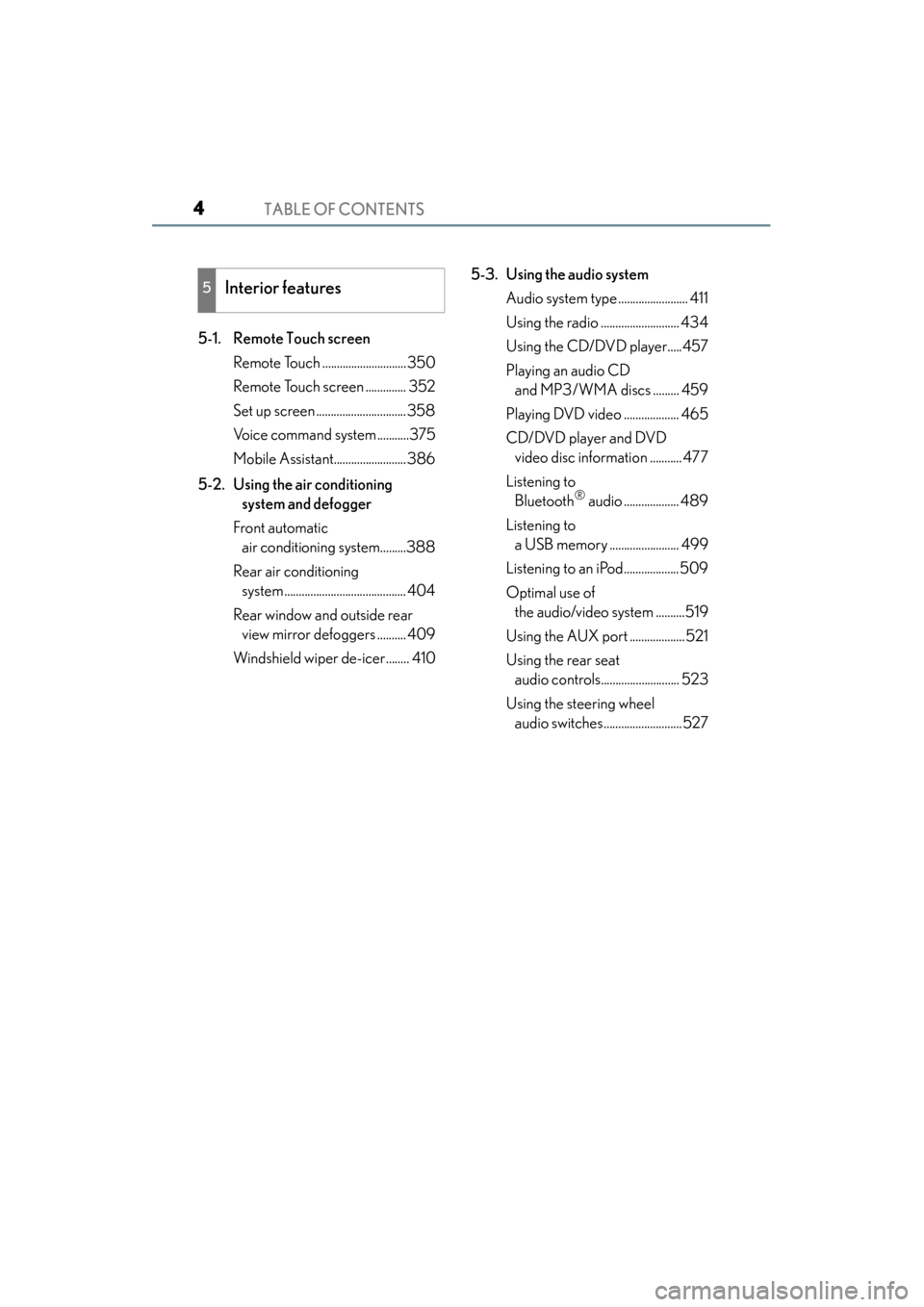
TABLE OF CONTENTS4
GS450h_OM_OM30D52U_(U)
5-1. Remote Touch screenRemote Touch .............................350
Remote Touch screen .............. 352
Set up screen ............................... 358
Voice command system ...........375
Mobile Assistant.........................386
5-2. Using the air conditioning system and defogger
Front automatic air conditioning system.........388
Rear air conditioning system .......................................... 404
Rear window and outside rear view mirror defoggers .......... 409
Windshield wiper de-icer........ 410 5-3. Using the audio system
Audio system type ........................ 411
Using the radio ........................... 434
Using the CD/DVD player.....457
Playing an audio CD and MP3/WMA discs ......... 459
Playing DVD video ................... 465
CD/DVD player and DVD video disc information ........... 477
Listening to Bluetooth
® audio ................... 489
Listening to a USB memory ........................ 499
Listening to an iPod...................509
Optimal use of the audio/video system ..........519
Using the AUX port ................... 521
Using the rear seat audio controls........................... 523
Using the steering wheel audio switches...........................527
5Interior features
GS450h_OM_OM30D52U_(U).book Page 4 Monday, July 29, 2013 12:07 PM
Page 6 of 890
5
1
8 7
6
5
4
3
2
GS450h_OM_OM30D52U_(U)
9
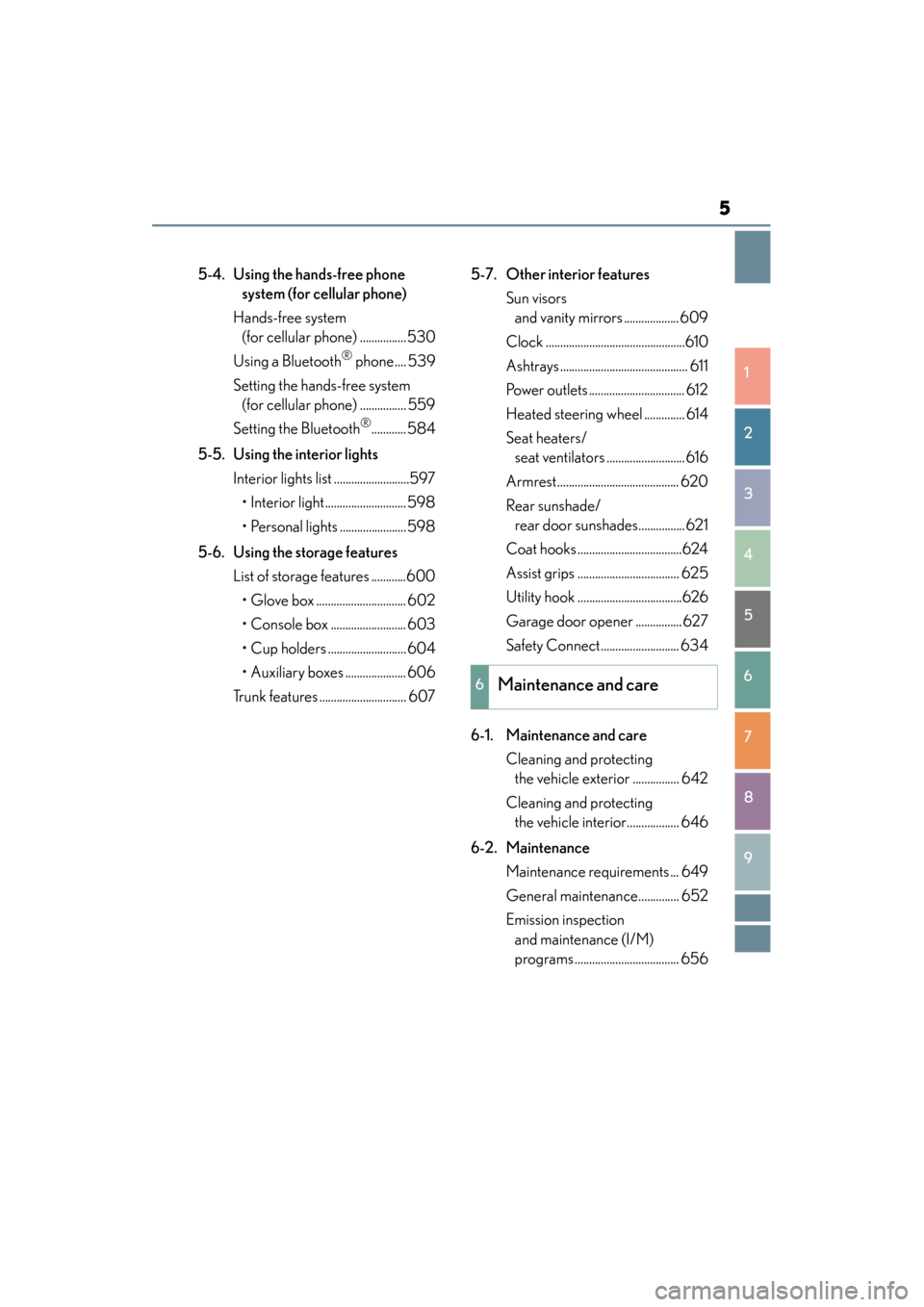
5-4. Using the hands-free phone system (for cellular phone)
Hands-free system (for cellular phone) ................530
Using a Bluetooth
® phone .... 539
Setting the hands-free system (for cellular phone) ................ 559
Setting the Bluetooth
®............ 584
5-5. Using the interior lights Interior lights list ..........................597• Interior light............................ 598
• Personal lights .......................598
5-6. Using the storage features List of storage features ............600• Glove box ............................... 602
• Console box .......................... 603
• Cup holders ........................... 604
• Auxiliary boxes ..................... 606
Trunk features .............................. 607 5-7. Other interior features
Sun visors and vanity mirrors ................... 609
Clock ................................................610
Ashtrays ............................................ 611
Power outlets ................................. 612
Heated steering wheel .............. 614
Seat heaters/ seat ventilators ........................... 616
Armrest.......................................... 620
Rear sunshade/ rear door sunshades................ 621
Coat hooks ....................................624
Assist grips ................................... 625
Utility hook ....................................626
Garage door opener ................ 627
Safety Connect........................... 634
6-1. Maintenance and care Cleaning and protecting the vehicle exterior ................ 642
Cleaning and protecting the vehicle interior.................. 646
6-2. Maintenance Maintenance requirements ... 649
General maintenance.............. 652
Emission inspection and maintenance (I/M)
programs .................................... 656
6Maintenance and care
GS450h_OM_OM30D52U_(U).book Page 5 Monday, July 29, 2013 12:07 PM
Page 349 of 890
348
GS450h_OM_OM30D52U_(U)
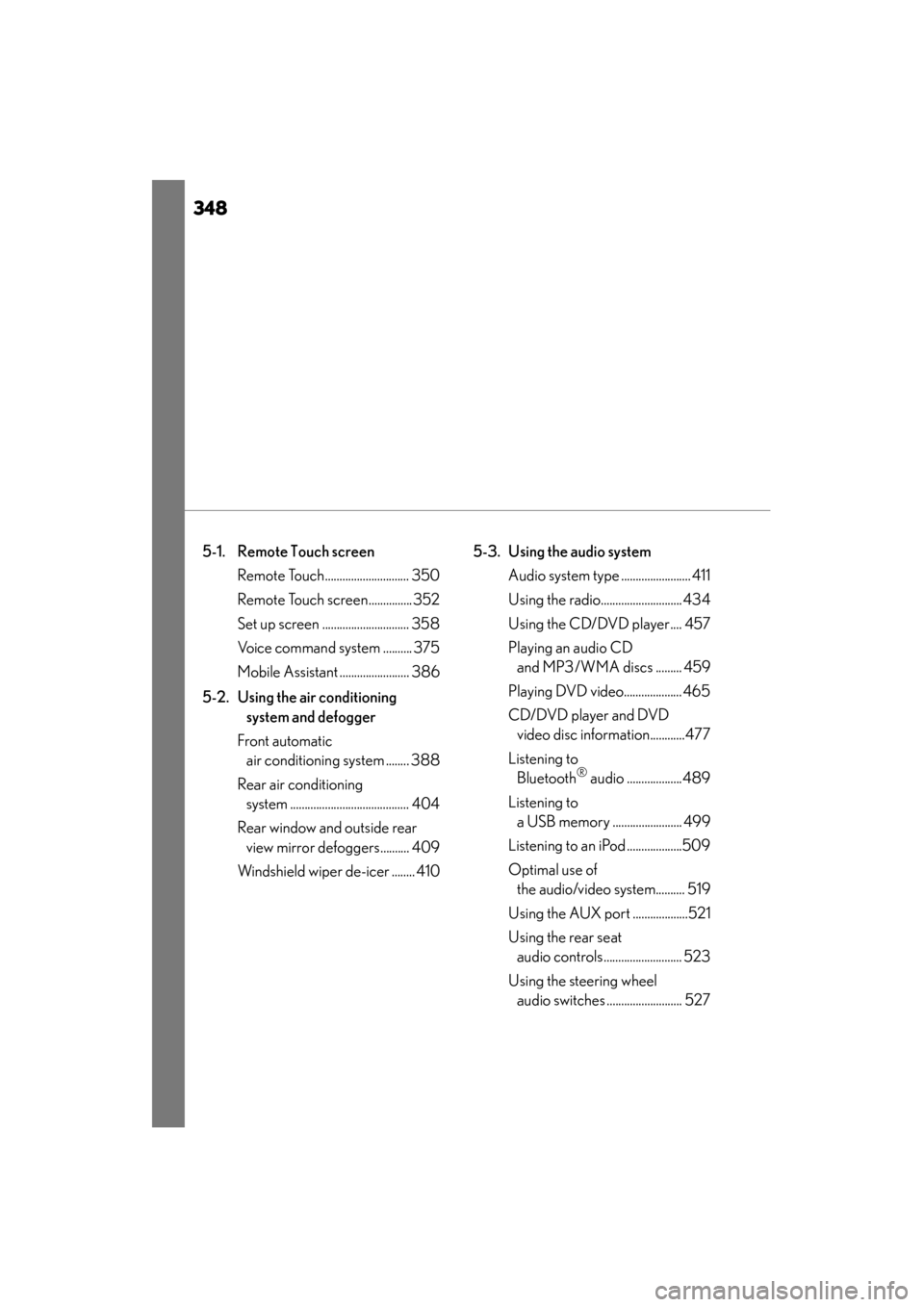
5-1. Remote Touch screen Remote Touch............................. 350
Remote Touch screen............... 352
Set up screen .............................. 358
Voice command system .......... 375
Mobile Assistant ........................ 386
5-2. Using the air conditioning system and defogger
Front automatic air conditioning system ........ 388
Rear air conditioning system ......................................... 404
Rear window and outside rear view mirror defoggers.......... 409
Windshield wiper de-icer ........ 410 5-3. Using the audio system
Audio system type ........................ 411
Using the radio............................ 434
Using the CD/DVD player.... 457
Playing an audio CD and MP3/WMA discs ......... 459
Playing DVD video.................... 465
CD/DVD player and DVD video disc information............477
Listening to Bluetooth
® audio ...................489
Listening to a USB memory ........................ 499
Listening to an iPod ...................509
Optimal use of the audio/video system.......... 519
Using the AUX port ...................521
Using the rear seat audio controls........................... 523
Using the steering wheel audio switches .......................... 527
GS450h_OM_OM30D52U_(U).book Page 348 Monday, July 29, 2013 12:07 PM
Page 350 of 890
349
GS450h_OM_OM30D52U_(U)
5Interior features
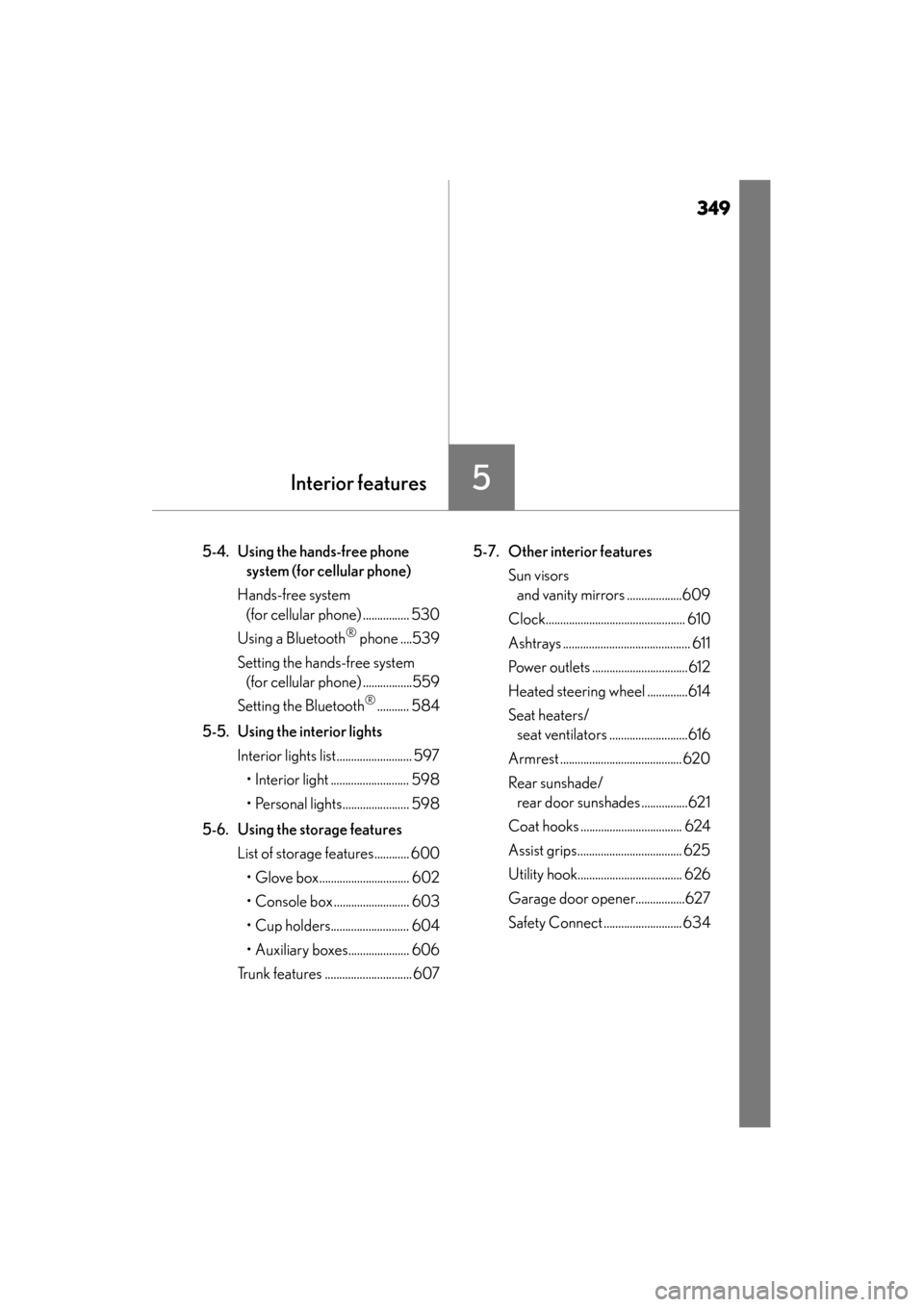
5-4. Using the hands-free phone system (for cellular phone)
Hands-free system (for cellular phone) ................ 530
Using a Bluetooth
® phone ....539
Setting the hands-free system (for cellular phone) .................559
Setting the Bluetooth
®........... 584
5-5. Using the interior lights Interior lights list.......................... 597• Interior light ........................... 598
• Personal lights....................... 598
5-6. Using the storage features List of storage features............ 600• Glove box............................... 602
• Console box .......................... 603
• Cup holders........................... 604
• Auxiliary boxes..................... 606
Trunk features .............................. 607 5-7. Other interior features
Sun visors and vanity mirrors ...................609
Clock................................................ 610
Ashtrays ............................................ 611
Power outlets .................................612
Heated steering wheel ..............614
Seat heaters/ seat ventilators ...........................616
Armrest .......................................... 620
Rear sunshade/ rear door sunshades ................621
Coat hooks ................................... 624
Assist grips.................................... 625
Utility hook.................................... 626
Garage door opener.................627
Safety Connect ........................... 634
GS450h_OM_OM30D52U_(U).book Page 349 Monday, July 29, 2013 12:07 PM
Page 359 of 890
358
GS450h_OM_OM30D52U_(U)
5-1. Remote Touch screen
Set up screen
*: Bluetooth is a registered trademark of Bluetooth SIG, Inc.
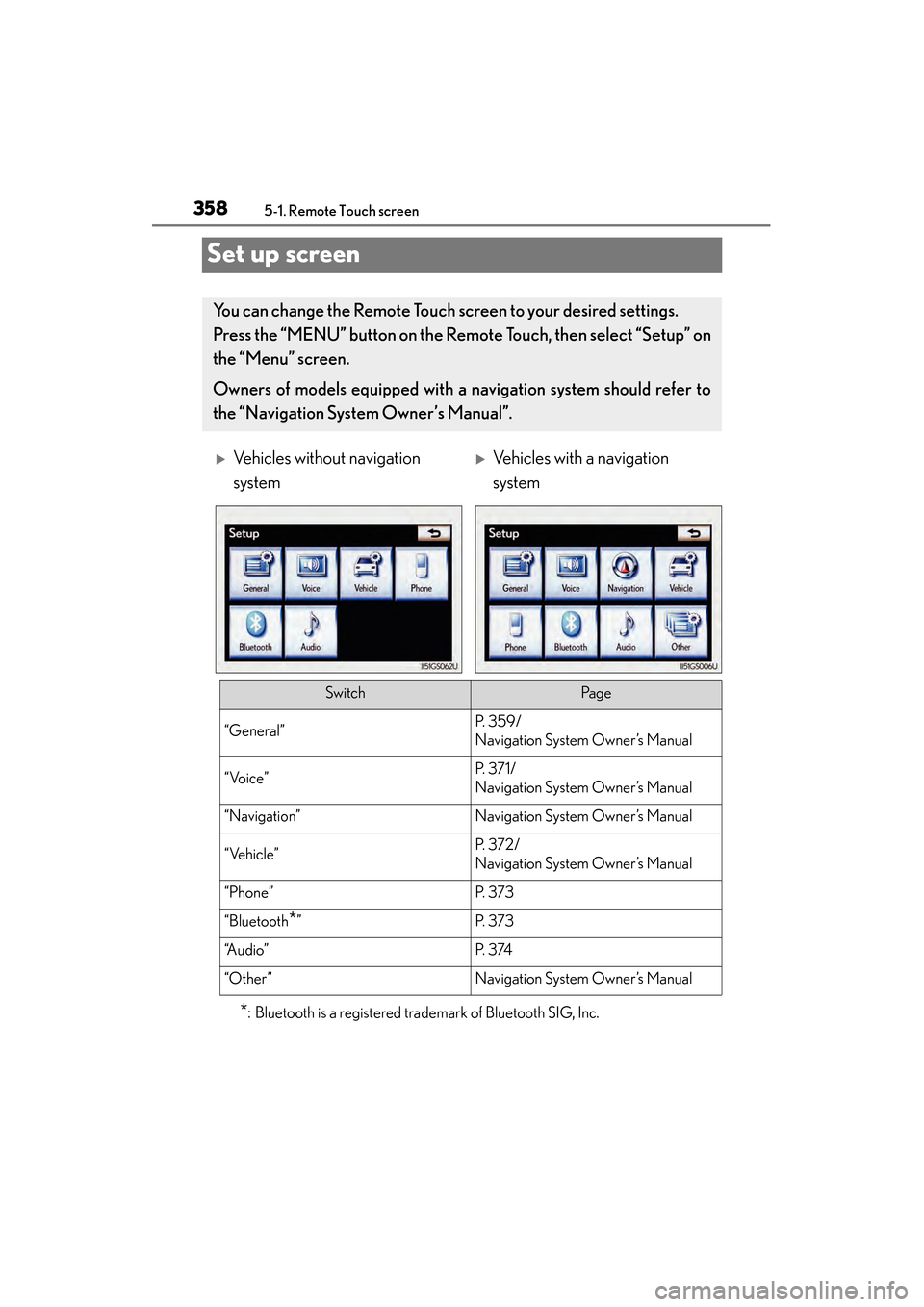
You can change the Remote Touch screen to your desired settings.
Press the “MENU” button on the Remote Touch, then select “Setup” on
the “Menu” screen.
Owners of models equipped with a navigation system should refer to
the “Navigation System Owner’s Manual”.
XVehicles without navigation
systemXVehicles with a navigation
system
SwitchPa g e
“General”P. 3 5 9 /
Navigation System Owner’s Manual
“Voice”P. 3 7 1 /
Navigation System Owner’s Manual
“Navigation”Navigation System Owner’s Manual
“Vehicle”P. 3 7 2 /
Navigation System Owner’s Manual
“Phone”P. 3 7 3
“Bluetooth*”P. 3 7 3
“A u d i o ”P. 3 74
“Other ”Navigation System Owner’s Manual
GS450h_OM_OM30D52U_(U).book Page 358 Monday, July 29, 2013 12:07 PM
Page 370 of 890
GS450h_OM_OM30D52U_(U)
3695-1. Remote Touch screen
5
Interior features
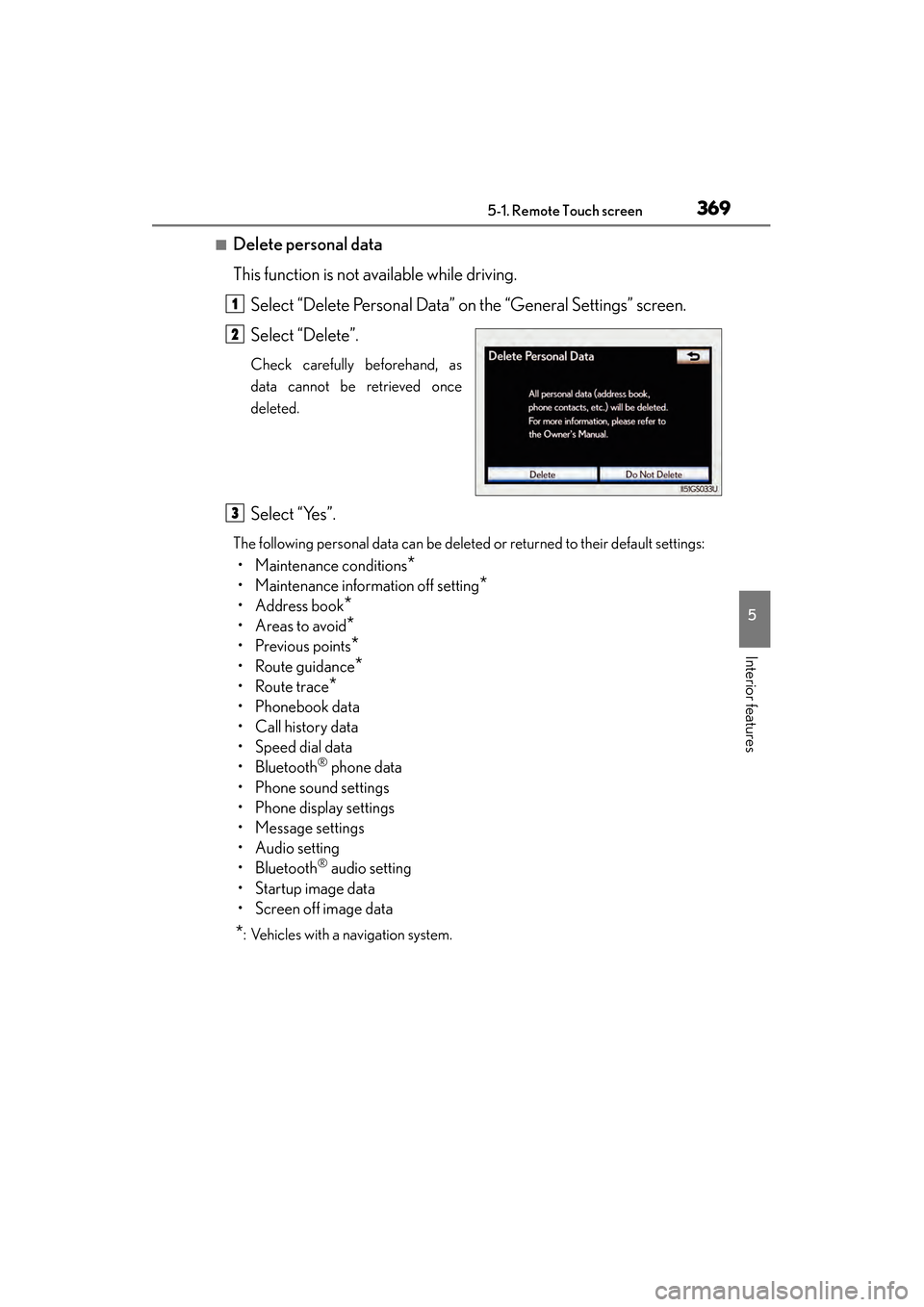
■Delete personal data
This function is not available while driving.Select “Delete Personal Data” on the “General Settings” screen.
Select “Delete”.
Check carefully beforehand, as
data cannot be retrieved once
deleted.
Select “Yes”.
The following personal data can be deleted or returned to their default settings:
• Maintenance conditions*
• Maintenance information off setting*
• Address book*
•Areas to avoid*
•Previous points*
• Route guidance*
•Route trace*
• Phonebook data
•Call history data
• Speed dial data
•Bluetooth
® phone data
• Phone sound settings
• Phone display settings
• Message settings
• Audio setting
•Bluetooth
® audio setting
•Startup image data
• Screen off image data
*: Vehicles with a navigation system.
1
2
3
GS450h_OM_OM30D52U_(U).book Page 369 Monday, July 29, 2013 12:07 PM
Page 374 of 890
GS450h_OM_OM30D52U_(U)
3735-1. Remote Touch screen
5
Interior features
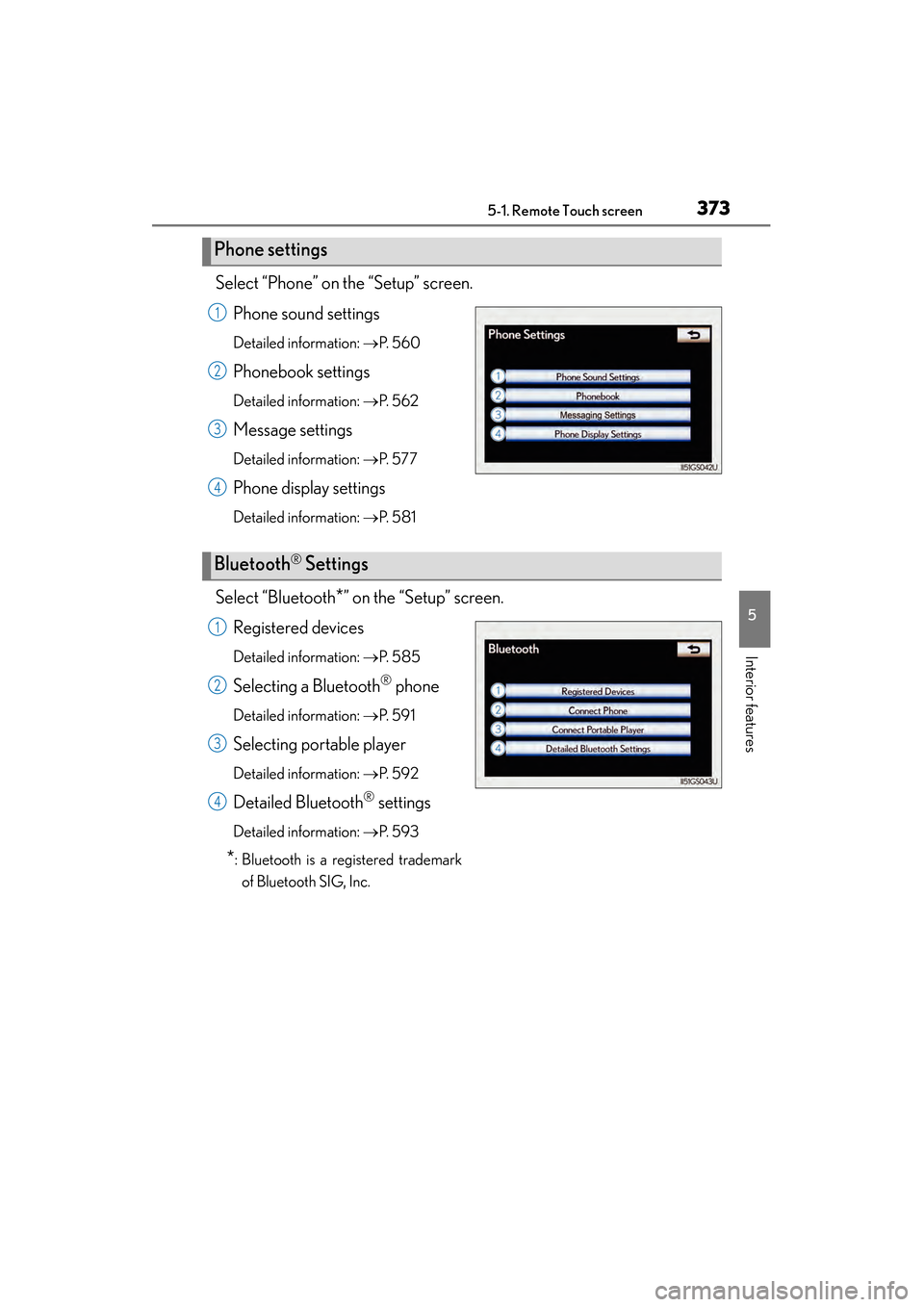
Select “Phone” on the “Setup” screen.Phone sound settings
Detailed information: →P. 5 6 0
Phonebook settings
Detailed information: →P. 5 6 2
Message settings
Detailed information: →P. 5 7 7
Phone display settings
Detailed information: →P. 5 8 1
Select “Bluetooth*” on the “Setup” screen.
Registered devices
Detailed information: →P. 5 8 5
Selecting a Bluetooth® phone
Detailed information: →P. 5 9 1
Selecting portable player
Detailed information: →P. 5 9 2
Detailed Bluetooth® settings
Detailed information: →P. 5 9 3
*: Bluetooth is a registered trademark
of Bluetooth SIG, Inc.
Phone settings
1
2
3
4
Bluetooth® Settings
1
2
3
4
GS450h_OM_OM30D52U_(U).book Page 373 Monday, July 29, 2013 12:07 PM
Page 383 of 890
3825-1. Remote Touch screen
GS450h_OM_OM30D52U_(U)
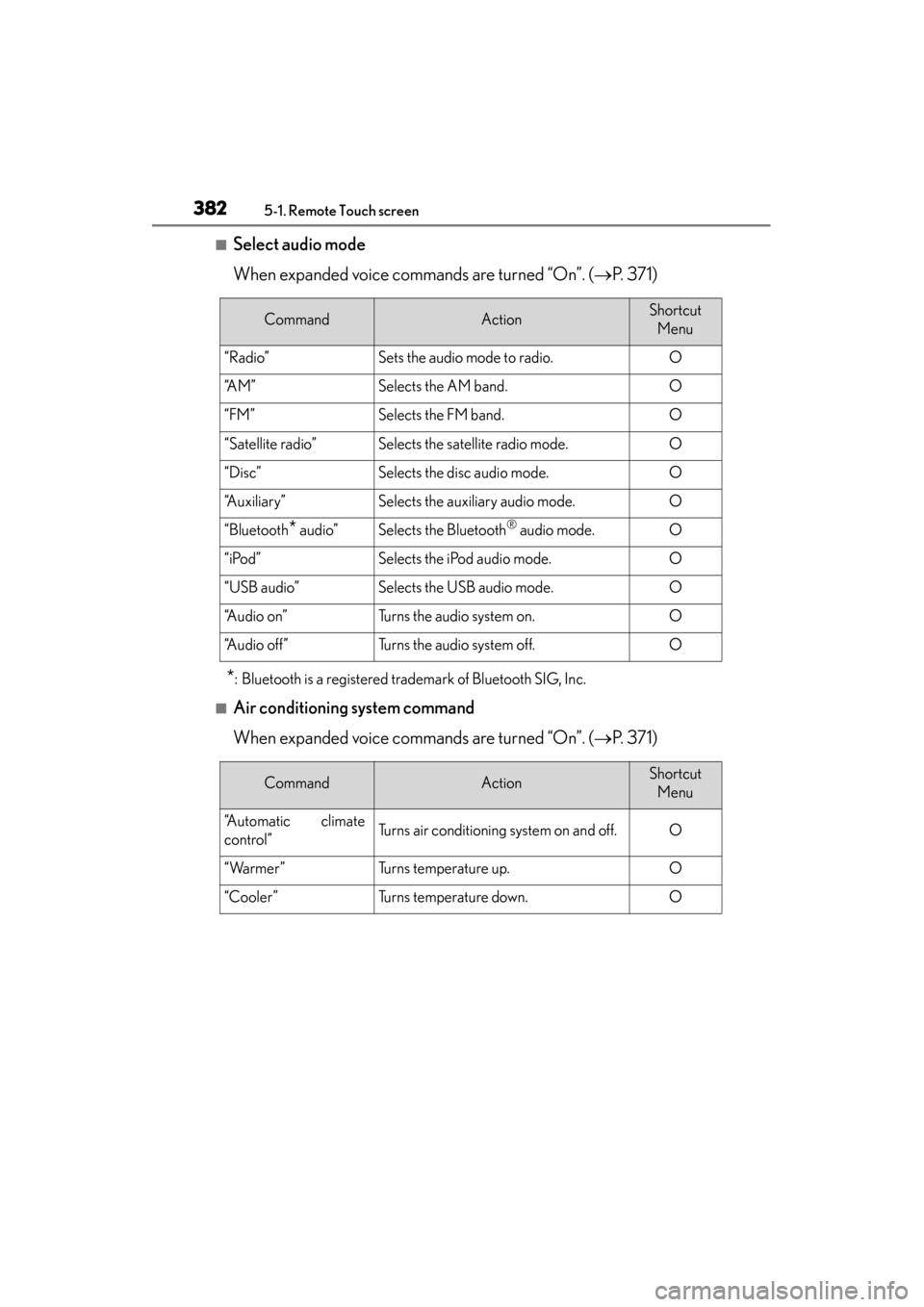
■Select audio mode
When expanded voice commands are turned “On”. (→P. 3 7 1 )
*: Bluetooth is a registered trademark of Bluetooth SIG, Inc.
■Air conditioning system command
When expanded voice commands are turned “On”. ( →P. 3 7 1 )
CommandActionShortcut
Menu
“Radio”Sets the audio mode to radio.O
“A M ”Selects the AM band.O
“FM”Selects the FM band.O
“Satellite radio”Selects the satellite radio mode.O
“Disc”Selects the disc audio mode.O
“Auxiliary”Selects the auxiliary audio mode.O
“Bluetooth* audio”Selects the Bluetooth® audio mode.O
“iPod”Selects the iPod audio mode.O
“USB audio”Selects the USB audio mode.O
“A u d i o o n ”Turns the audio system on.O
“Audio off”Turns the audio system off.O
CommandActionShortcut Menu
“Automatic climate
control”Turns air conditioning system on and off.O
“Warmer”Turns temperature up.O
“Cooler”Turns temperature down.O
GS450h_OM_OM30D52U_(U).book Page 382 Monday, July 29, 2013 12:07 PM
Page 387 of 890
386
GS450h_OM_OM30D52U_(U)
5-1. Remote Touch screen
Mobile Assistant
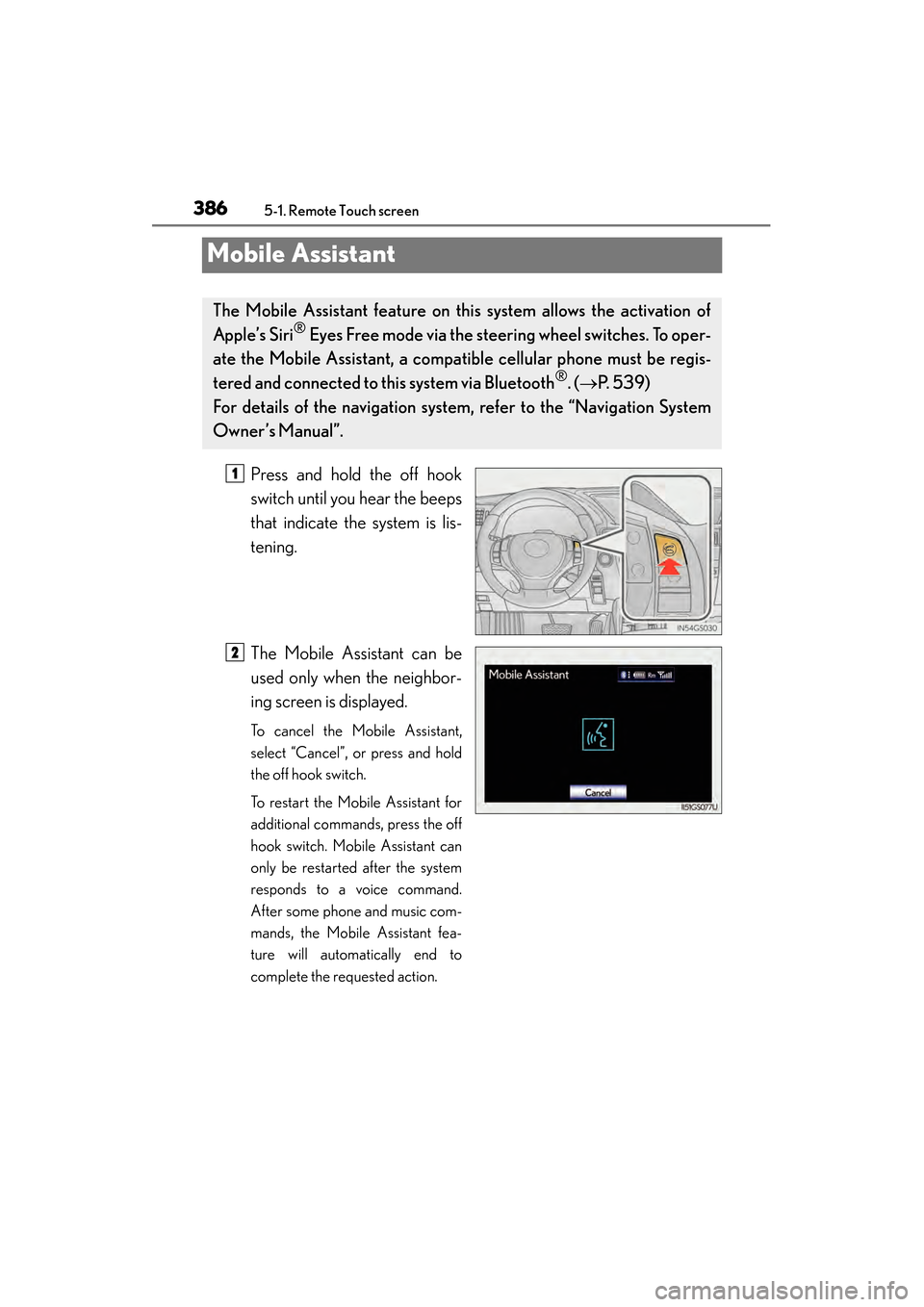
Press and hold the off hook
switch until you hear the beeps
that indicate the system is lis-
tening.
The Mobile Assistant can be
used only when the neighbor-
ing screen is displayed.
To cancel the Mobile Assistant,
select “Cancel”, or press and hold
the off hook switch.
To restart the Mobile Assistant for
additional commands, press the off
hook switch. Mobile Assistant can
only be restarted after the system
responds to a voice command.
After some phone and music com-
mands, the Mobile Assistant fea-
ture will automatically end to
complete the requested action.
The Mobile Assistant feature on this system allows the activation of
Apple’s Siri
® Eyes Free mode via the steering wheel switches. To oper-
ate the Mobile Assistant, a compat ible cellular phone must be regis-
tered and connected to this system via Bluetooth
®. ( → P. 5 3 9 )
For details of the navigation system , refer to the “Navigation System
Owner’s Manual”.
1
2
GS450h_OM_OM30D52U_(U).book Page 386 Monday, July 29, 2013 12:07 PM
Page 388 of 890
GS450h_OM_OM30D52U_(U)
3875-1. Remote Touch screen
5
Interior features
■Adjusting the volume
The volume of the Mobile Assistant can be adjusted using the “PWR/VOL” knob or
steering wheel volume switches. The Mobile Assistant and phone call volumes are
synchronized.
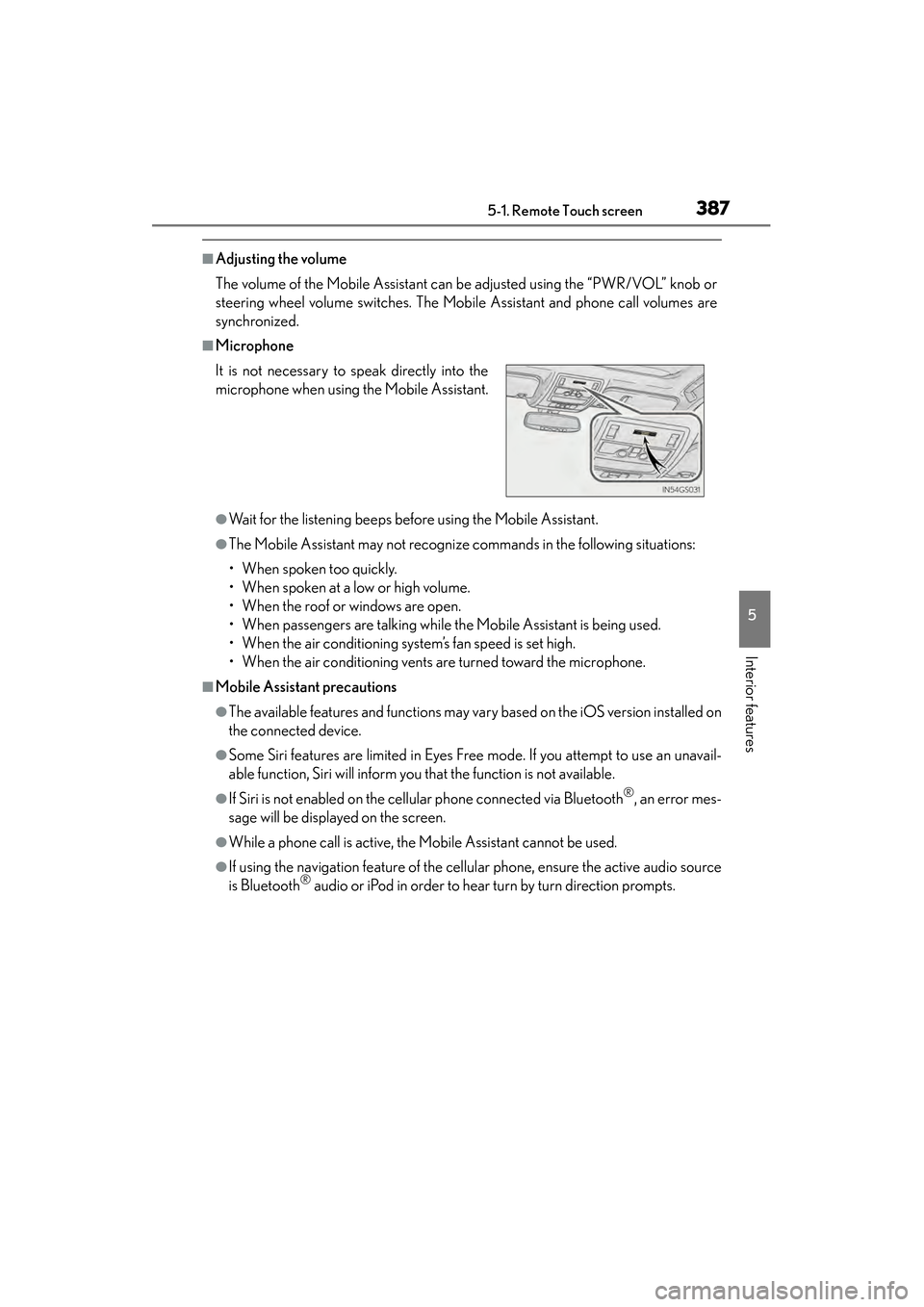
■Microphone
●Wait for the listening beeps before using the Mobile Assistant.
●The Mobile Assistant may not recognize commands in the following situations:
• When spoken too quickly.
• When spoken at a low or high volume.
• When the roof or windows are open.
• When passengers are talking while the Mobile Assistant is being used.
• When the air conditioning system’s fan speed is set high.
• When the air conditioning vents are turned toward the microphone.
■Mobile Assistant precautions
●The available features and functions may vary based on the iOS version installed on
the connected device.
●Some Siri features are limited in Eyes Free mode. If you attempt to use an unavail-
able function, Siri will inform you that the function is not available.
●If Siri is not enabled on the cellular phone connected via Bluetooth®, an error mes-
sage will be displayed on the screen.
●While a phone call is active, the Mobile Assistant cannot be used.
●If using the navigation feature of the cellular phone, ensure the active audio source
is Bluetooth® audio or iPod in order to hear turn by turn direction prompts.
It is not necessary to speak directly into the
microphone when using the Mobile Assistant.
GS450h_OM_OM30D52U_(U).book Page 387 Monday, July 29, 2013 12:07 PM