audio LEXUS LS430 2006 User Guide
[x] Cancel search | Manufacturer: LEXUS, Model Year: 2006, Model line: LS430, Model: LEXUS LS430 2006Pages: 419, PDF Size: 11.19 MB
Page 194 of 419
178
3-2. Using the audio system
Scanning radio stations
■Scanning the preset radio stations
Press and hold the button until a beep is heard.
Preset stations will be played for a few seconds each.
Push once more to select the desired station.
■ Scanning all r
adio stations within range
Push .
Received stations will be played for a few seconds each.
Push once more to select the desired station.
Page 195 of 419
179
3-2. Using the audio system
3
Interior features
Receiving XM satellite radio
The optional Lexus genuine satellite tuner and antenna allows you to
receive and play XM satellite radio br oadcasts. (Subscription is required.
Not available in Hawaii and Alaska.)*
■ About XM subscription
For detailed information about XM satellite radio or to subscribe, visit
XM on the w
eb at www.xmradio.com or call an (800) 852-9696.
■ The r
adio ID
You will need the ID when activati ng XM ser
vice or reporting a prob-
lem. Select “CH000” using the “TUNE” button, the r
eceiver’s ID num-
ber will appear in 8 characters.
■ About y
our satellite tuner
The tuner supports “Audio Services ” (Music and T
alk) and the accom-
panying “Text Information” of XM satellite radio only.
■ Selecting the channel categor
y
Push either of
The current channel category appears on the display.
Push either of once more to select the channel category.
■ Displaying te
xt information
Push .
The display will show up to 10 characters.
The text information changes each time the button is pushed
• CH NAME
• TITLE (SONG/PROGRAM TITLE)
• NAME (ARTIST NAME/FEATURE)
• CH NUMBER
• CH NAME
* Terms and service provided by XM Radio are subject to change without notice.
Page 196 of 419
180
3-2. Using the audio system
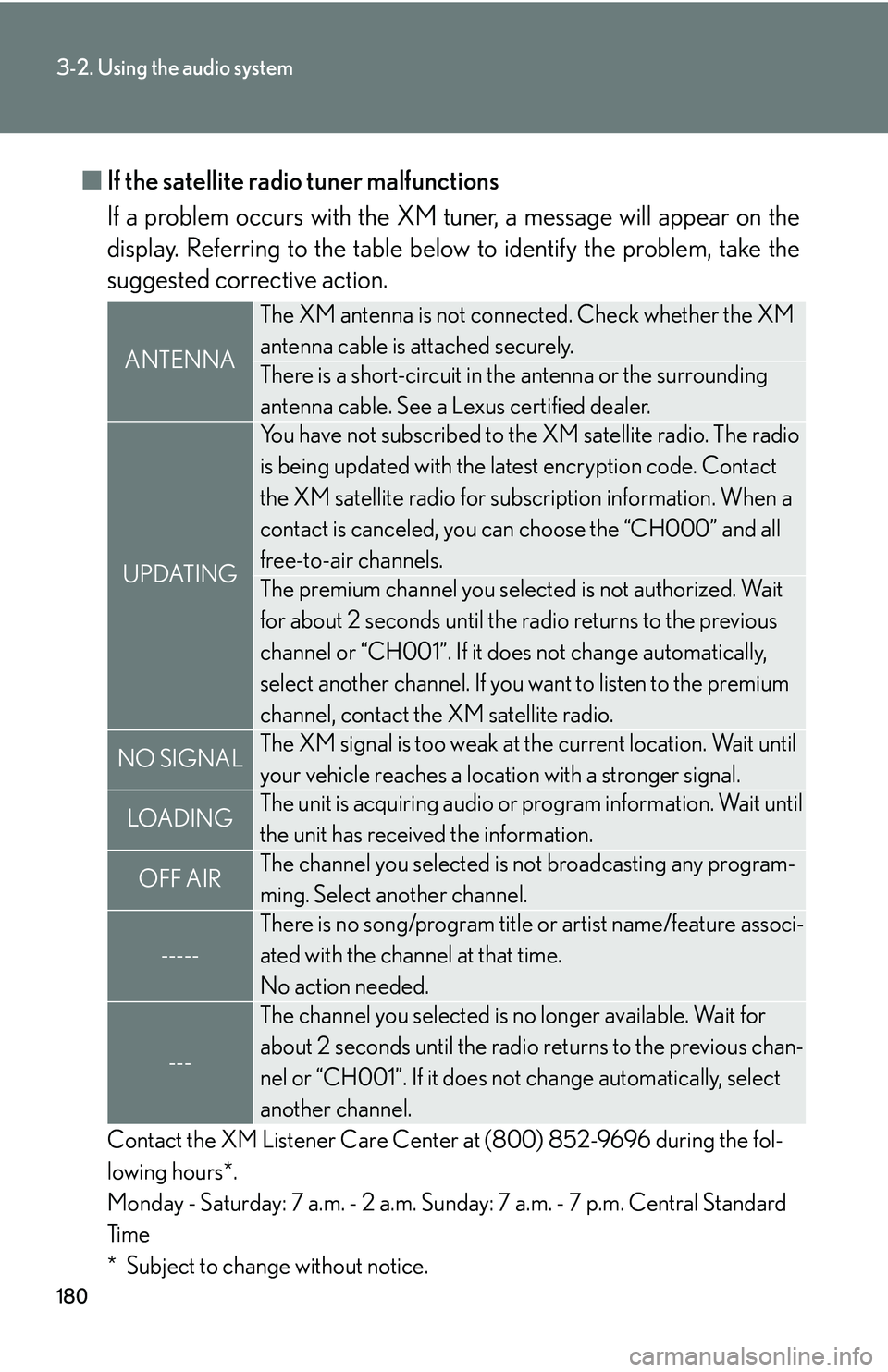
■If the satellite radio tuner malfunctions
If a problem occurs with the XM tuner
, a message will appear on the
display. Referring to the table below to identify the problem, take the
suggested corrective action.
Contact the XM Listener Care Center at (800) 852-9696 during the fol -
lowing hours*.
Monday - Saturday: 7 a.m. - 2 a.m. Sunday: 7 a.m. - 7 p.m. Central Standard
Ti
m e
* Subject to change without notice.
ANTENNA
The XM antenna is not connected. Check whether the XM
antenna cable is attached securely.
There is a short-circuit in th e antenna or the surrounding
antenna cable. See a Lexus certified dealer.
UPDATING
You have not subscribed to the XM satellite radio. The radio
is being updated with the latest encryption code. Contact
the XM satellite radio for subscr iption information. When a
contact is canceled, you can choose the “CH000” and all
free-to-air channels.
The premium channel you selected is not authorized. Wait
for about 2 seconds until the radio returns to the previous
channel or “CH001”. If it does not change automatically,
select another channel. If you want to listen to the premium
channel, contact the XM satellite radio.
NO SIGNALThe XM signal is too weak at the current location. Wait until
your vehicle reaches a location with a stronger signal.
LOADIN GThe unit is acquiring audio or program information. Wait until
the unit has received the information.
OFF AIRThe channel you selected is not broadcasting any program -
ming. Select another channel.
-----
There is no song/program title or artist name/feature associ -
ated with the channel at that time.
No action needed.
---
The channel you selected is no longer available. Wait for
about 2 seconds until the radio returns to the previous chan -
nel or “CH001”. If it does not change automatically
, select
another channel.
Page 197 of 419
181
3-2. Using the audio system
3
Interior features
■Certifications for the radio tuner
This equipment has been tested and found to comply with the limits for a class B
di
gital device, pursuant to Part 15 of the FCC Rules. These limits are designed to
provide reasonable protection against harmful interference in a residential installa -
tion. This equipment generate s
, uses and can radiate radio frequency energy and, if
not installed and used in accordance with the instructions, may cause harmful inter -
ference to radio communications. However, there is no guarantee that interference
wi
ll not occur in a particular installation.
If this equipment does cause harmful interference to radio or television reception,
whi
ch can be determined by turning the equipment off and on, the user is encour -
aged to try to correct the interference by one or more of the following measures:
• Reorient or relocate the receiving antenna.
• Increase the separation between the equipment and receiver.
• Connect the equipment into an outlet on a cir
cuit different from that to which
the receiver is connected.
• Consult the dealer or an experienced radio/TV technician for help.
Information to user
Alternation or modifications carried ou t
without appropriate authorization may
invalidate the user’s right to operate the equipment.
■When the battery is disconnected
Stations saved in the memory presets are deleted.
■Reception sensitivity
Maintaining perfect radio reception at all times is
difficult due to the continually
changing position of the antenna, differ ences in signal strength and surrounding
objects, such as trains, transmitters, etc.
Page 198 of 419
182
3-2. Using the audio system
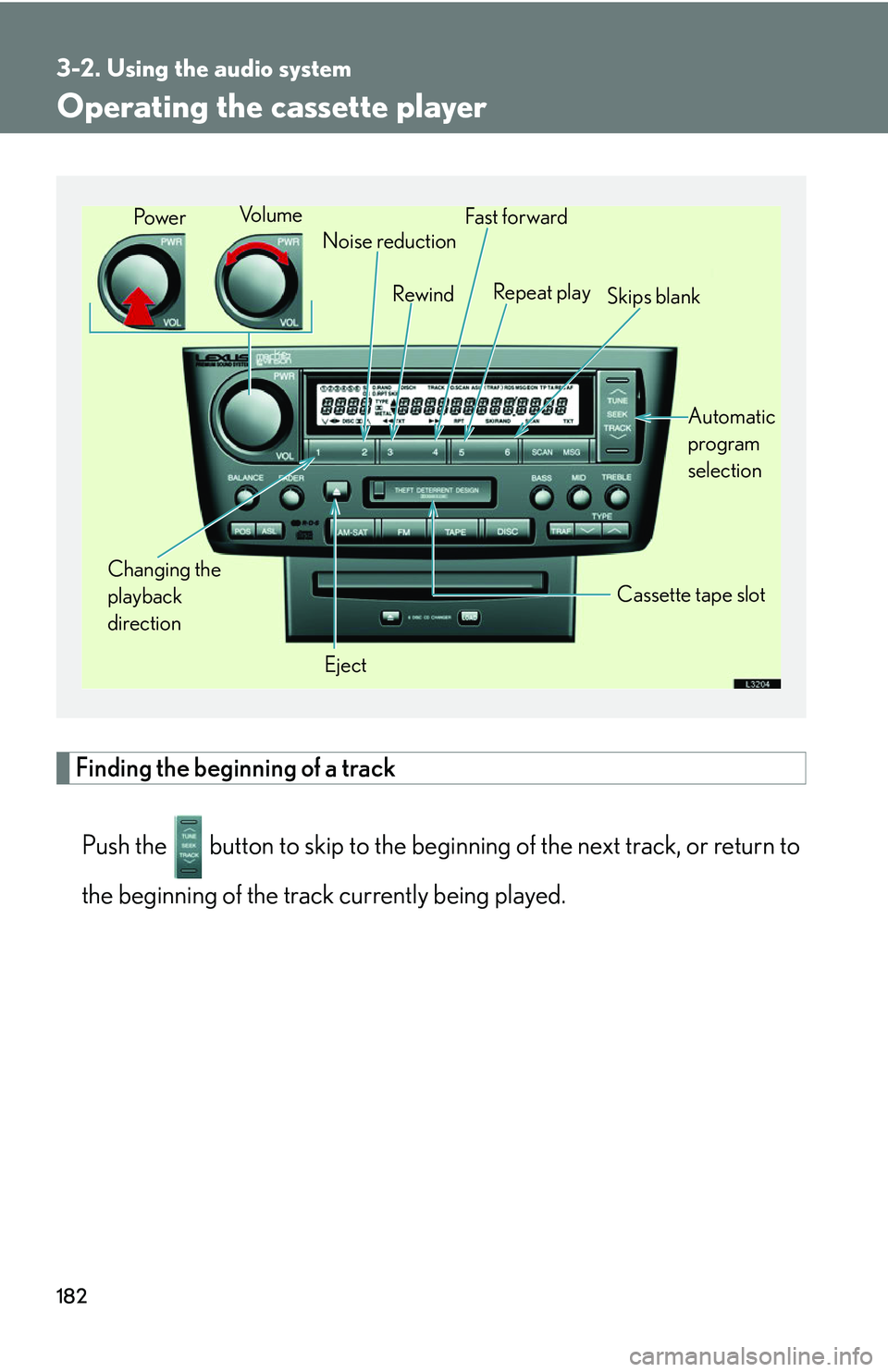
Operating the cassette player
Finding the beginning of a track
Push the button to skip to th e beginning of the ne xt track, or return to
the beginning of the track currently being played.
Changing the
playback
direction Noise reduction
Rewind
Eject Cassette tape slot
Vo l u m e
Fast for ward
Repeat play Skips blank
Automatic
program
selection
Pow e r
Page 199 of 419
183
3-2. Using the audio system
3
Interior features
Using Dolby Noise Reduction
Push the () button.
Reduces the level of noise for tapes r
ecorded with Dolby NR only.
Dolby noise reduction is manufactured under license from Dolby Laborato-
ries Licensing Corporation. “DOLBY” and the double-D symbol ( ) are
registered trademarks of Dolby Laboratories.
■Canceling
To c a n c e l (), (RPT) and
(SKIP): Push the same button.
To c a n c e l (), and (): Push the same button or .
■When the cassette player does not operat e correctly due to the cassette recording
conditions
Forwarding to the beginning of a track, repeat, blank tape skip and fast-forward
may not be possible in the following situations:
• The interval between tracks is less th an
three seconds (beginning of track and
repeat playback) or less than fif teen seconds (blank tape skip).
• When there is noise between two tracks.
• The beginning and end of subseque n
t tracks is not clearly defined.
■Using long playing cassette tapes
Avoid using tapes with a length of more than 90 minutes, as the tape used is very
thin an
d may become tangle d in the cassette player.
Page 200 of 419
184
3-2. Using the audio system
NOTICE
■Cassette tapes that cannot be used
Do not use a cassette tape if it has been damaged
or tangled or if its label is peeling
off. Such tapes may affect playing speed and may also get stuck in the player.
■Cassette player precautions
●Store cassette tapes away from direct sunlight.
●Do not insert anything other than cass ette tapes into the cassette player.
●Do not apply oil to the cassette player.
Page 201 of 419
185
3-2. Using the audio system
3
Interior features
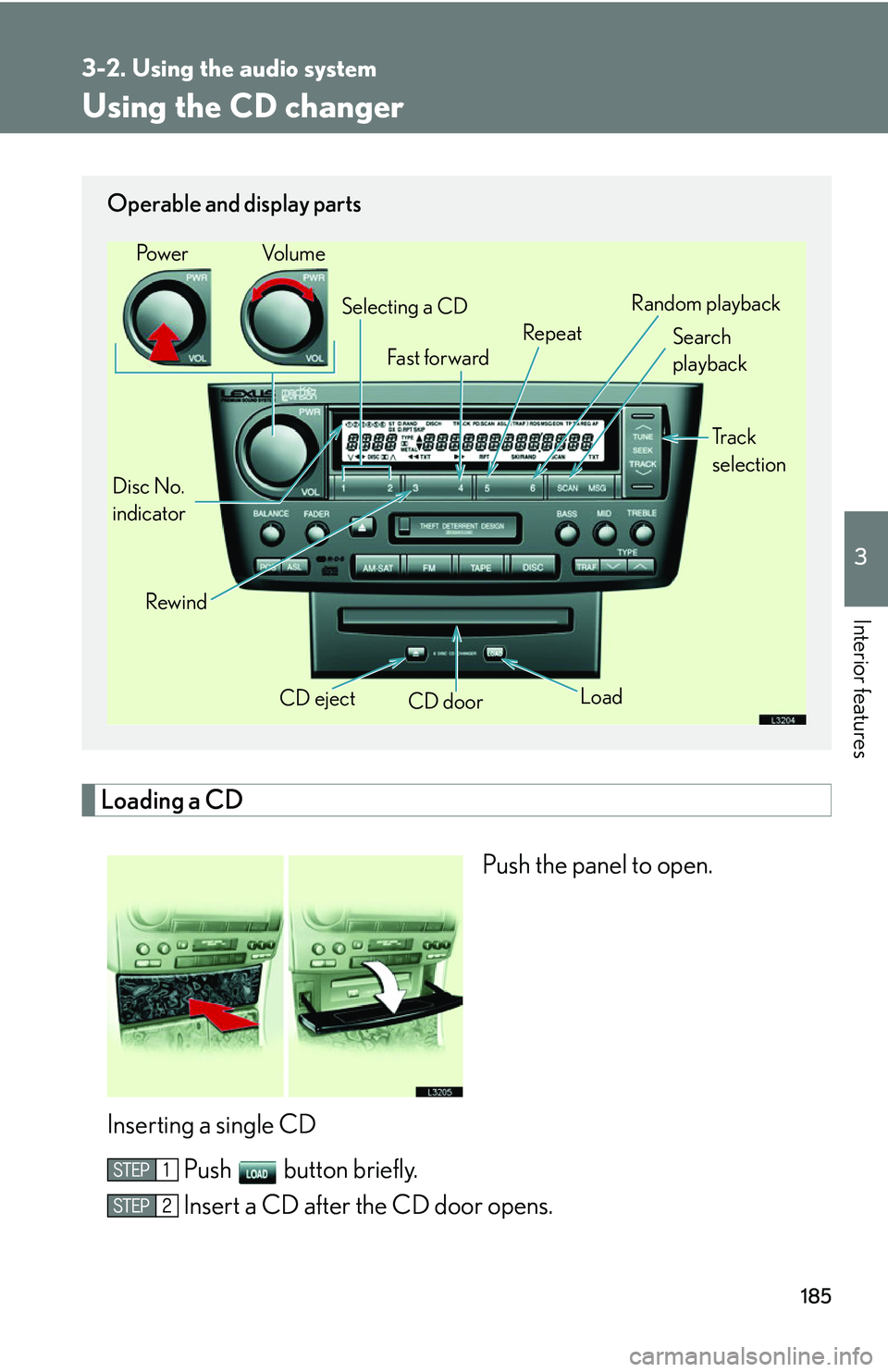
Using the CD changer
Loading a CD
Push the panel to open.
Inserting a single CD Push button briefly.
Insert a CD after the CD door opens.
Operable and display parts
CD eject
CD door
Disc No.
indicator Search
playback
Rewind LoadTr a c k
selection
Selecting a CD
Fa st for wa rd RepeatRandom playback
Po w e r Vo l u m e
Page 202 of 419
186
3-2. Using the audio system
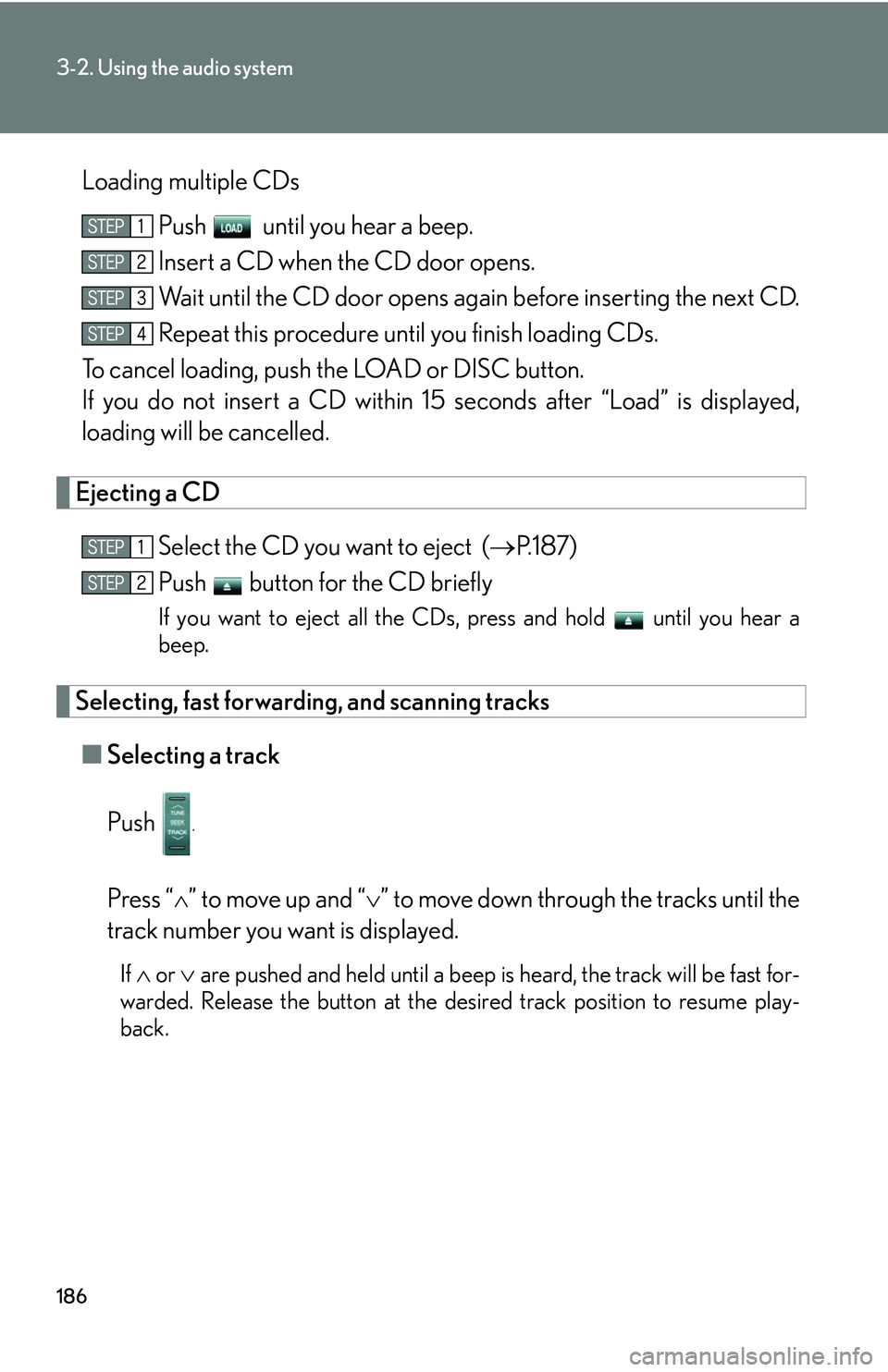
Loading multiple CDsPush until you hear a beep.
Insert a CD when the CD door opens.
Wait until the CD door opens again before inserting the next CD.
Repeat this procedure until you finish loading CDs.
To cancel loading, push the LOAD or DISC button.
If you do not insert a CD within 15 seconds af
ter “Load” is displayed,
loading will be cancelled.
Ejecting a CD
Select the CD you want to eject ( P.187)
Push button for the CD briefly
If you want to eject all the CDs, press and hold until you hear a
beep.
Selecting, fast forwarding, and scanning tracks
■ Selecting a track
Push
.
Press “” to move up and “” to move down throu gh the tracks until the
track number you want is displayed.
If or are pushed and held until a beep is heard, the track will be fast for-
warded. Release the button at the desired track position to resume play -
back.
Page 203 of 419
187
3-2. Using the audio system
3
Interior features
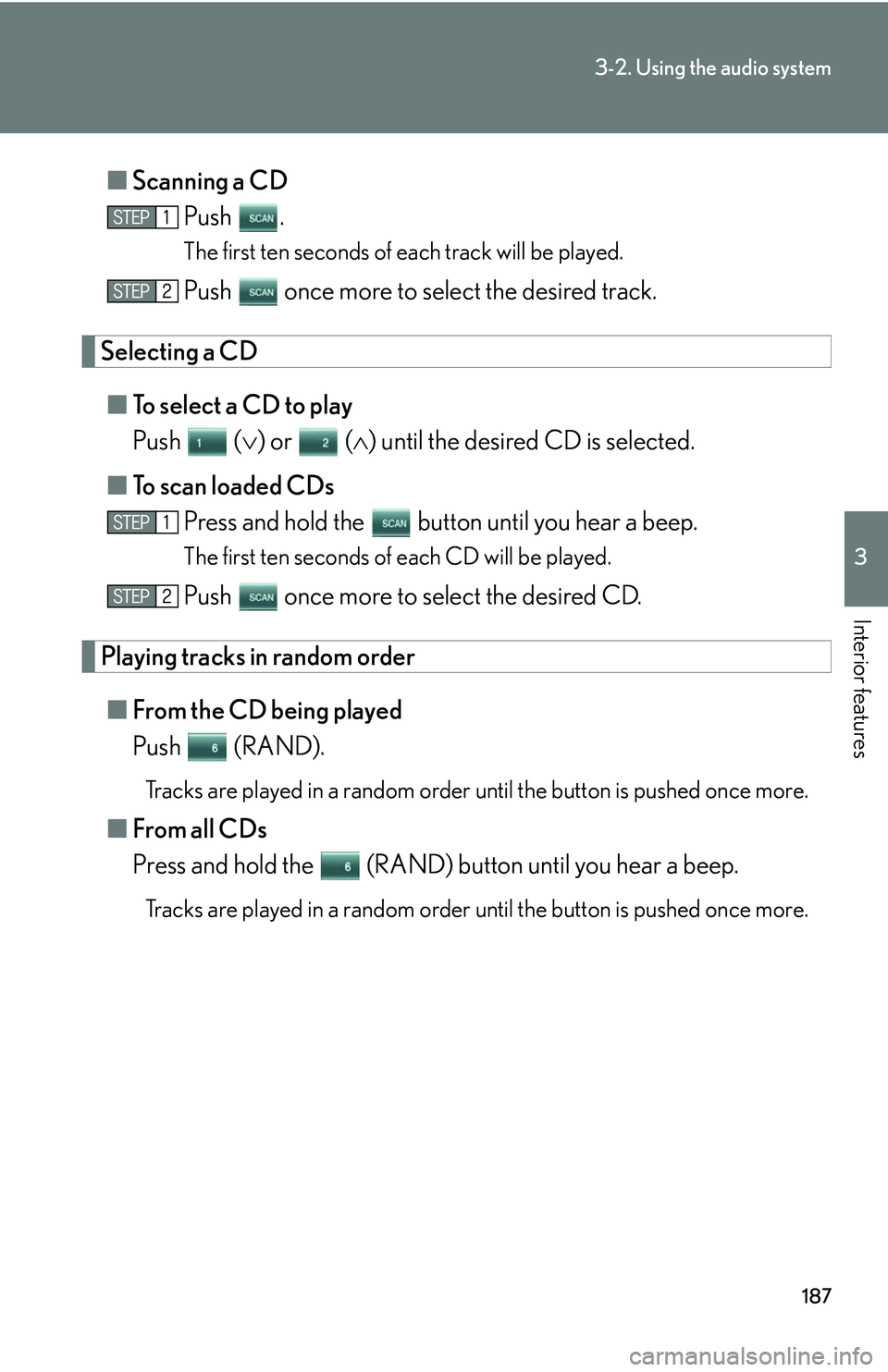
■Scanning a CD
Push .
The first ten seconds of each track will be played.
Push once more to select the desired track.
Selecting a CD
■To select a CD to play
Push () or () until the desir
ed CD is selected.
■ T
o scan loaded CDs
Press and hold the button until you hear a beep.
The first ten seconds of each CD will be played.
Push once more to select the desired CD.
Playing tracks in random order
■From the CD being played
Push (RAND).
Tracks are played in a random order un til the button is pushed once more.
■From all CDs
Press and hold the (RAND) button until you hear a beep.
Tracks are played in a random order un til the button is pushed once more.