seats LEXUS LX570 2015 Owner's Guide
[x] Cancel search | Manufacturer: LEXUS, Model Year: 2015, Model line: LX570, Model: LEXUS LX570 2015Pages: 960, PDF Size: 11.33 MB
Page 372 of 960

3722-5. Driving information
LX570_OM_OM60L96U_(U) CAUTION■
Things that must not be carri ed in the luggage compartment
The following things may cause a fire if loaded in the luggage compartment. ●
Receptacles containing gasoline ●
Aerosol cans■
Storage precautions
Observe the following precautions.
Failing to do so may result in death or serious injury. ●
Stow cargo and luggage in the lugg age compartment whenever possible.●
Do not stack anything in the luggage compartment higher than the seatbacks.
Such items may be thrown about and possi bly injure people in the vehicle during
sudden braking, sudden swerving or in an accident. ●
Do not place cargo or luggage in or on the following locations as the items may
get under the brake or accelerator peda l and prevent the pedals from being
depressed properly, block the driver’s vi sion, or hit the driver or passengers,
causing an accident.
• Driver’s feet
• Front passenger or rear seats (when stacking items)
•Instrument panel
•Dashboard
• Auxiliary box or tray that has no lid●
Secure all items in the occupant compartm ent, as they may shift and injure some-
one during sudden braking, sudden swerving or an accident. ●
When you fold down the rear seats, long items should not be placed directly
behind the front seats. ●
Never allow anyone to ride in the luggage compartment. It is not designed for
passengers. They should ride in their seats with their se at belts properly fastened.
Otherwise, they are much more likely to suffer death or serious injury, in the
event of sudden braking, sudden swerving or an accident.
Page 445 of 960

4453-2. Using the air conditio ning system and defogger
3
Interior features
LX570_OM_OM60L96U_(U) Using the voice command system
Press or to operate
the voice command system.
( P. 431/“Navigation System
Owner’s Manual”)
Without dynamic radar cruise
control
With dynamic radar cruise con-
trol
Using the automatic mode
Press the “AUTO” button.
The air conditioning system will begin to operate. Air outlets
and fan speed are automatically adjusted according to the
temperature setting. “AUTO” will be displayed on the touch screen.
Press to switch to automatic air intake mode.
The air conditioning system automatically switches between
outside air and recirculated air modes.
Press to increase the temperature and to decrease
the temperature. The temperature for the driver’s and front passenger’s seats can be set
separately.
■ Automatic mode indicator
If the fan speed setting or air fl ow modes are operated, the automatic
mode indicator goes off. However, automatic mode for functions other
than that operated are maintained. A
B
STEP 1
STEP 2
STEP 3
Page 446 of 960
4463-2. Using the air conditio ning system and defogger
LX570_OM_OM60L96U_(U) Adjusting the settings
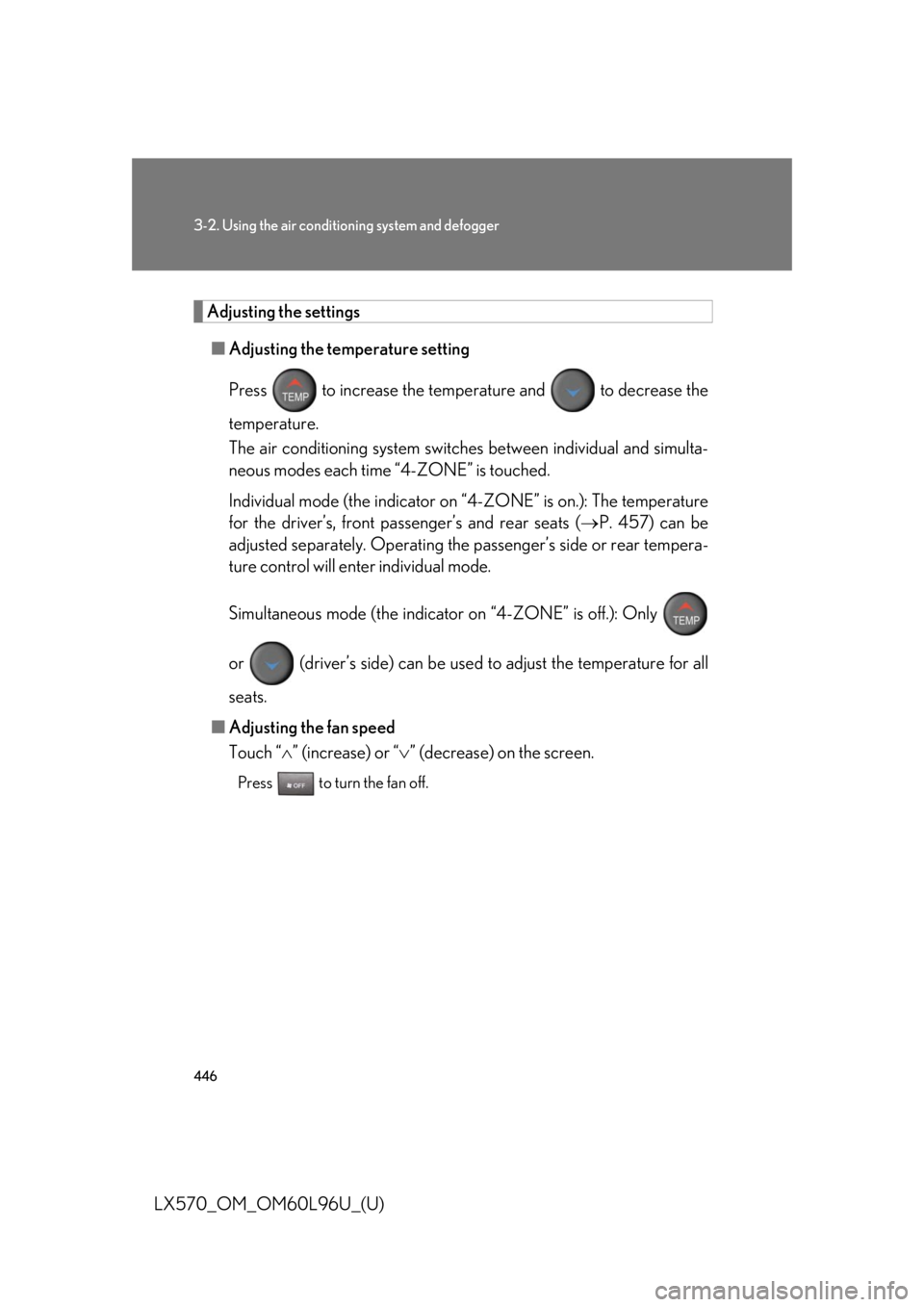
■ Adjusting the temperature setting
Press to increase the temperat ure and to decrease the
temperature.
The air conditioning system switch es between individual and simulta-
neous modes each time “4-ZONE” is touched.
Individual mode (the indicator on “4-ZONE” is on.): The temperature
for the driver’s, front passenger’s and rear seats ( P. 457) can be
adjusted separately. Operating the passenger’s side or rear tempera-
ture control will enter individual mode.
Simultaneous mode (the indicator on “4-ZONE” is off.): Only
or (driver’s side) can be used to adjust the temperature for all
seats.
■ Adjusting the fan speed
Touch “ ” (increase) or “ ” (decrease) on the screen.Press to turn the fan off.
Page 447 of 960
4473-2. Using the air conditio ning system and defogger
3
Interior features
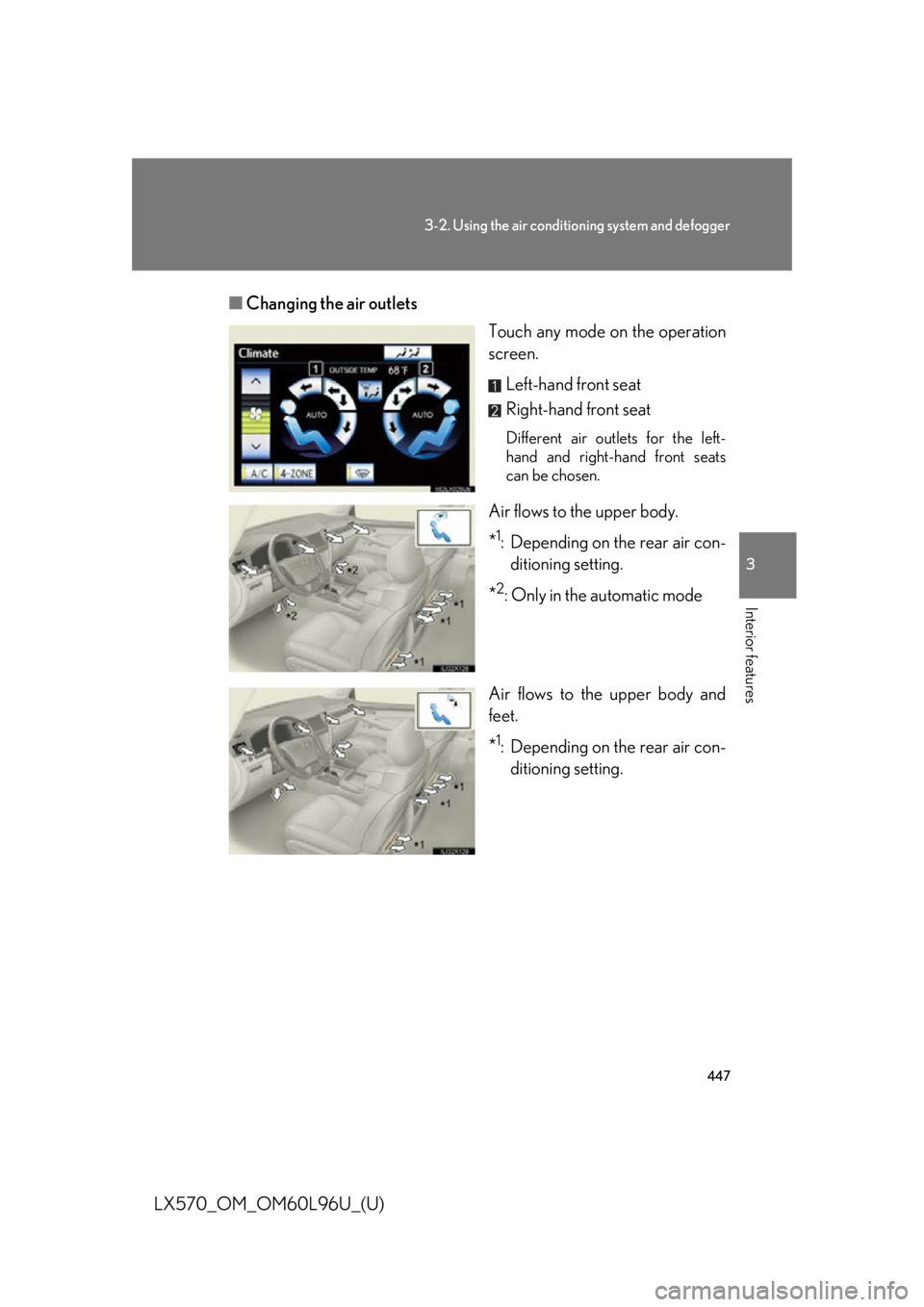
LX570_OM_OM60L96U_(U) ■ Changing the air outlets
Touch any mode on the operation
screen.
Left-hand front seat
Right-hand front seat Different air outlets for the left-
hand and right-hand front seats
can be chosen.
Air flows to the upper body.
* 1
: Depending on the rear air con-
ditioning setting.
* 2
: Only in the automatic mode
Air flows to the upper body and
feet.
* 1
: Depending on the rear air con-
ditioning setting.
Page 457 of 960
4573-2. Using the air conditio ning system and defogger
3
Interior features
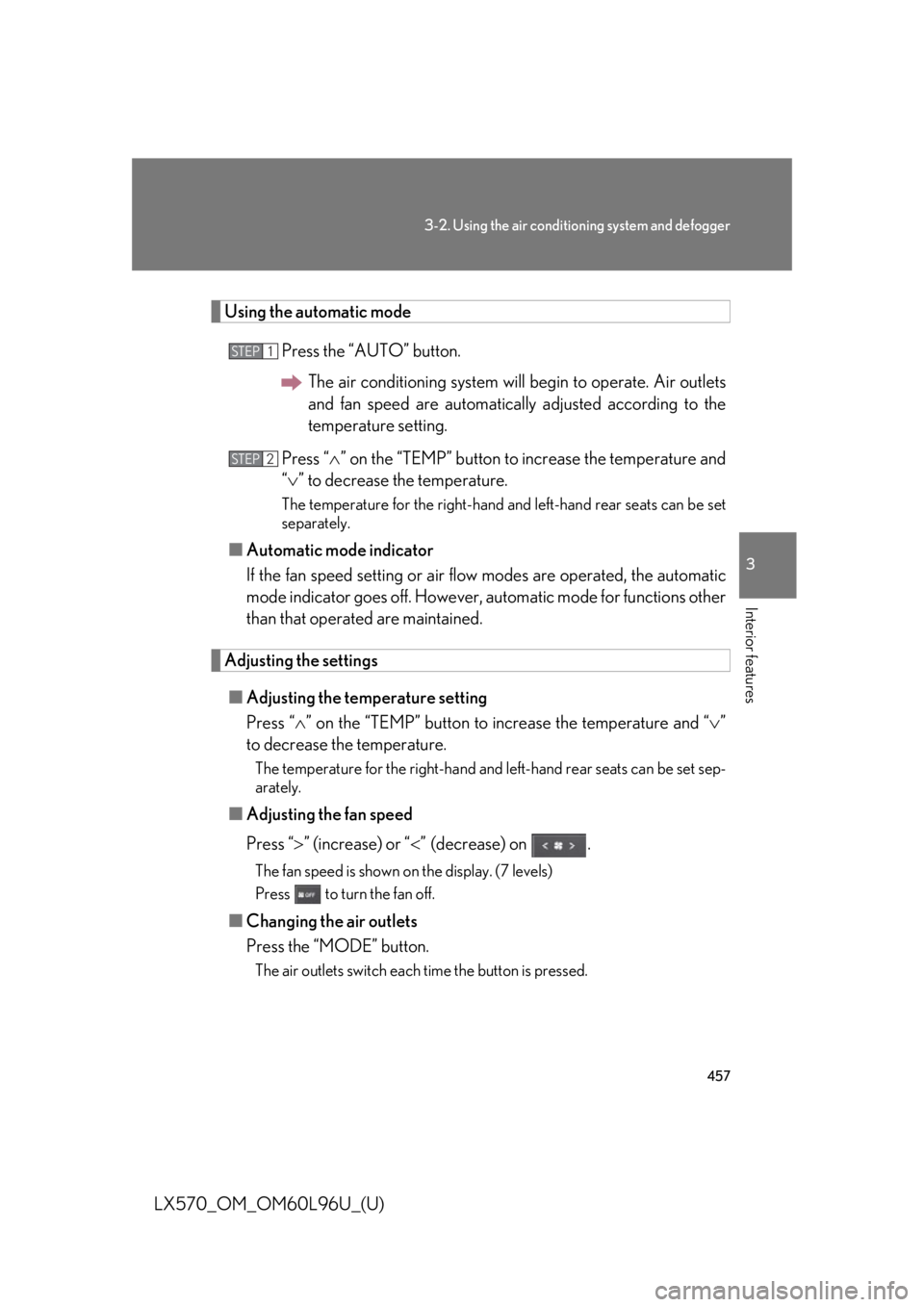
LX570_OM_OM60L96U_(U) Using the automatic mode
Press the “AUTO” button.
The air conditioning system will begin to operate. Air outlets
and fan speed are automatically adjusted according to the
temperature setting.
Press “ ” on the “TEMP” button to increase the temperature and
“ ” to decrease the temperature. The temperature for the right-hand and left-hand rear seats can be set
separately.
■ Automatic mode indicator
If the fan speed setting or air fl ow modes are operated, the automatic
mode indicator goes off. However, automatic mode for functions other
than that operated are maintained.
Adjusting the settings
■ Adjusting the temperature setting
Press “ ” on the “TEMP” button to increase the temperature and “ ”
to decrease the temperature. The temperature for the right-hand and left-hand rear seats can be set sep-
arately.
■ Adjusting the fan speed
Press “ ” (increase) or “ ” (decrease) on .The fan speed is shown on the display. (7 levels)
Press to turn the fan off.
■ Changing the air outlets
Press the “MODE” button. The air outlets switch each time the button is pressed. STEP 1
STEP 2
Page 582 of 960
5823-4. Using the rear seat entertainment system
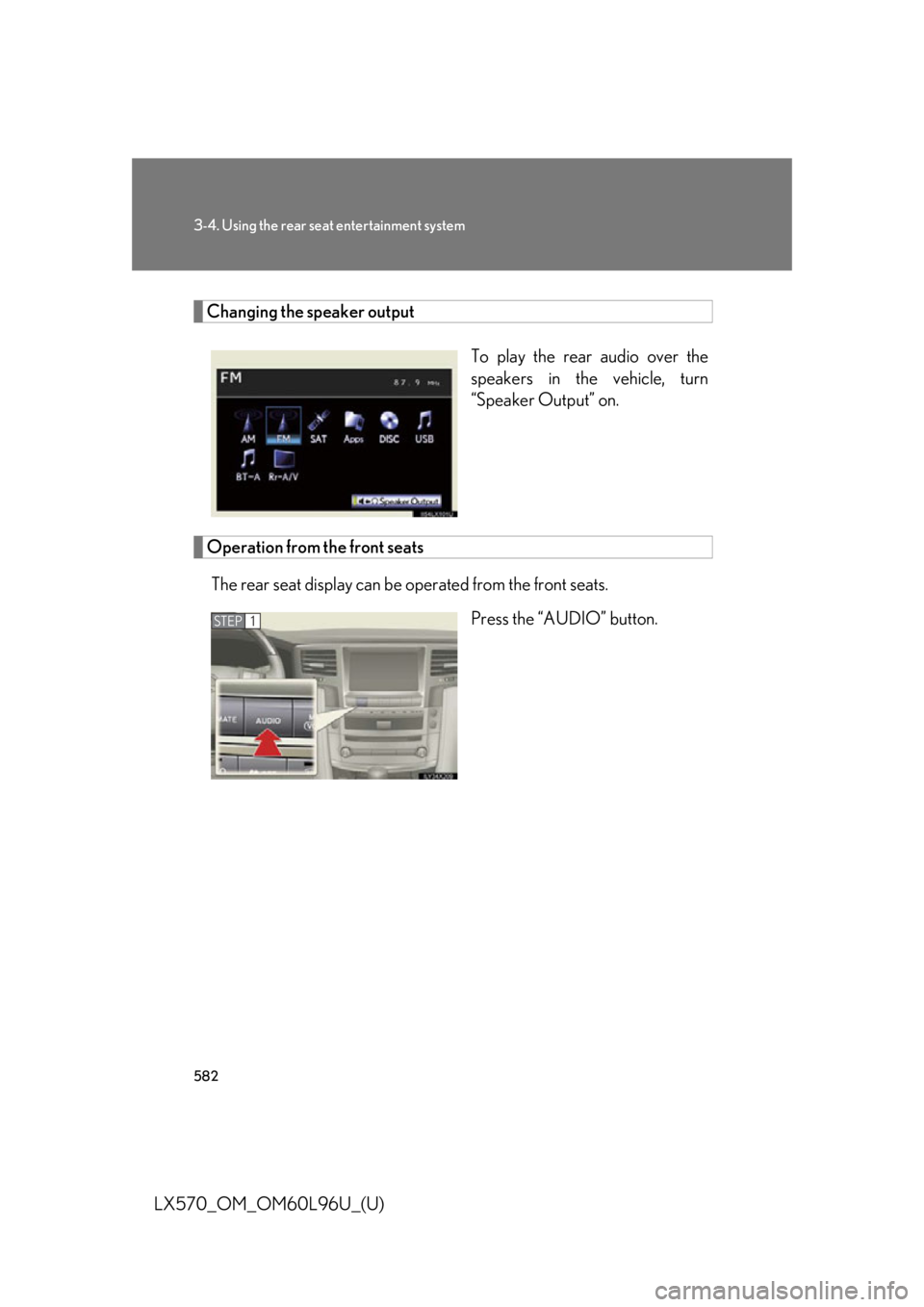
LX570_OM_OM60L96U_(U) Changing the speaker output
To play the rear audio over the
speakers in the vehicle, turn
“Speaker Output” on.
Operation from the front seats
The rear seat display can be operated from the front seats.
Press the “AUDIO” button.STEP 1
Page 583 of 960

5833-4. Using the rear se at entertainment system
3
Interior features
LX570_OM_OM60L96U_(U) Touch the “Rear” tab on the
screen.
Touch the desired button. The se lected button indicator is high-
lighted. “POWER”: Turns the rear screen on or off.
“Rear System Lock”: Locks the system so passengers in the rear seats
cannot operate the rear entertainment system.
“Speaker Output”: Enables the front speakers to output the front audio
system’s audio source.STEP 2
■
The rear seat entertainment system can be used when
The “ENGINE START STOP” switch is in ACCESSORY or IGNITION ON
mode. ■
When appears on the screen
It indicates that the selected icon cannot be used at this time. STEP 3
Page 588 of 960
5883-4. Using the rear seat entertainment system
LX570_OM_OM60L96U_(U) Tuning the station
Using the “TUNE” button
Press “ ” or “ ” of the “TUNE” button on the controller until the
desired station/channel appears on the screen.
Press and hold “ ” or “ ” of the “TUNE” button and the stations/
channels will be searched automatically one after another.
Using or
Press or until the desired station appears on the screen.
Press or until a beep is hear d. The radio will begin seeking
up or down for a station/chan nel of the nearest frequency.Continue to press and ho ld or after a beep is heard and stations
will be sought for automatically. When or is released the radio will
seek up or down for a station/channel of the nearest frequency.■
When a different audio source is selected at the front seats
Radio mode cannot be selected at the rear seats.
Page 589 of 960
5893-4. Using the rear seat entertainment system
3
Interior features
LX570_OM_OM60L96U_(U) Using the radio (in ternet radio broadcast)■
When a different audio source is selected at the front seats
Radio (internet radio broadcast) mode cannot be selected at the rear seats.One of Apps’ features is the ability to list en to internet radio. In order to use
this service, an Apps compatible ph one and the navigation system needs to
be set. For details, refer to the “Navigation System Owner’s Manual”.
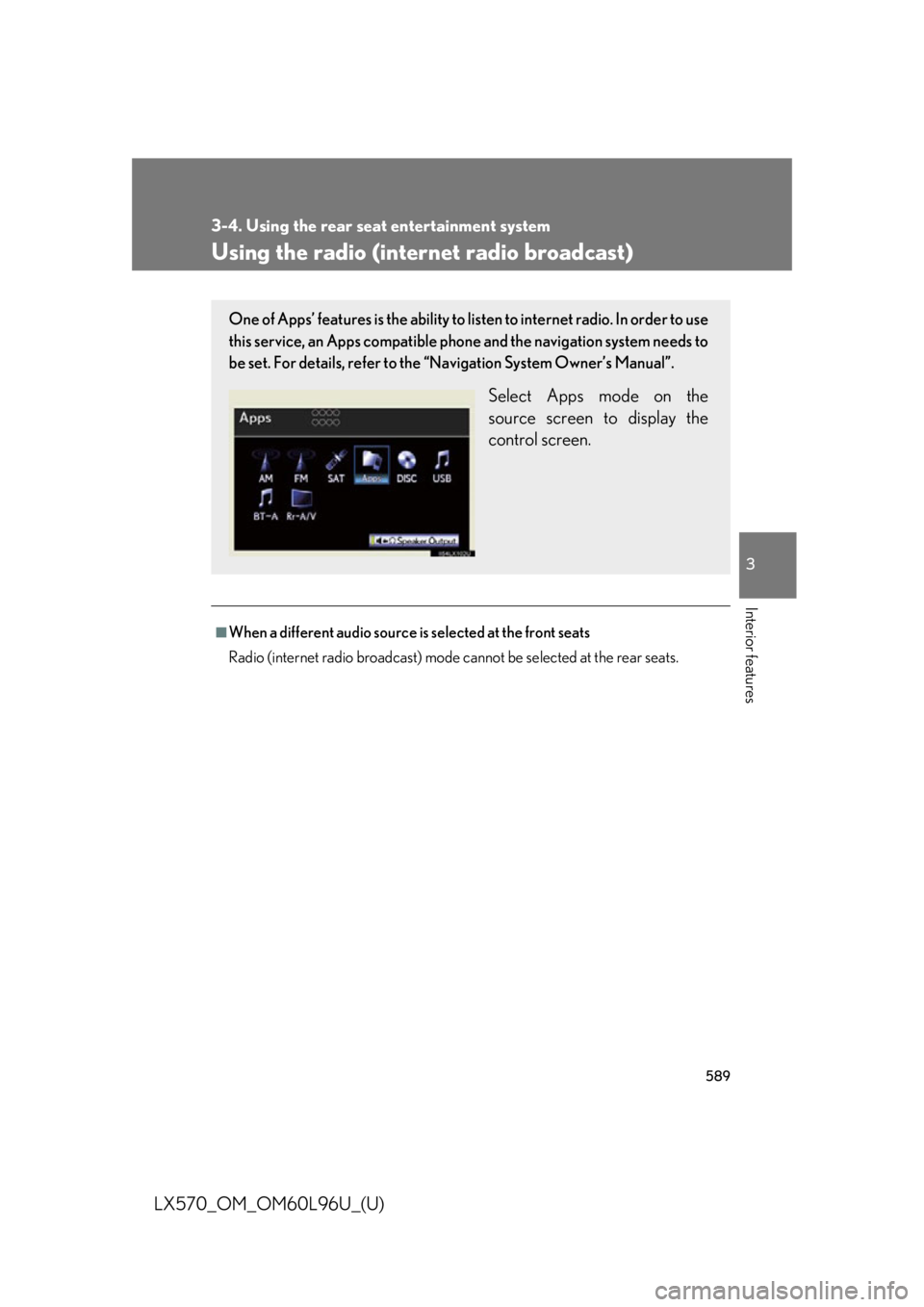
Select Apps mode on the
source screen to display the
control screen.
Page 594 of 960
5943-4. Using the rear seat entertainment system
LX570_OM_OM60L96U_(U) Fast forwarding or rewinding a track
Press or , or press and hold or .
Playing and pausing a track
Press . ■
When a different audio source is selected at the front seats
BT-A mode cannot be selected at the rear seats. ■
Connecting Bluetooth ®
audio player
P. 549■
When using the Bluetooth ®
audio system
P. 549■
Bluetooth ®
antenna
P. 549■
Battery charge/signal status
P. 549■
About Bluetooth ®
P. 550■
Compatible models
P. 550■
Certification
P. 622■
Reconnecting the portable player
P. 551■
When transferring owne rship of your vehicle
P. 551