phone LEXUS RX200T 2017 Service Manual
[x] Cancel search | Manufacturer: LEXUS, Model Year: 2017, Model line: RX200T, Model: LEXUS RX200T 2017Pages: 776, PDF Size: 44.51 MB
Page 512 of 776
5125-11. Bluetooth®
RX350/RX200t_EE_OM48F32E
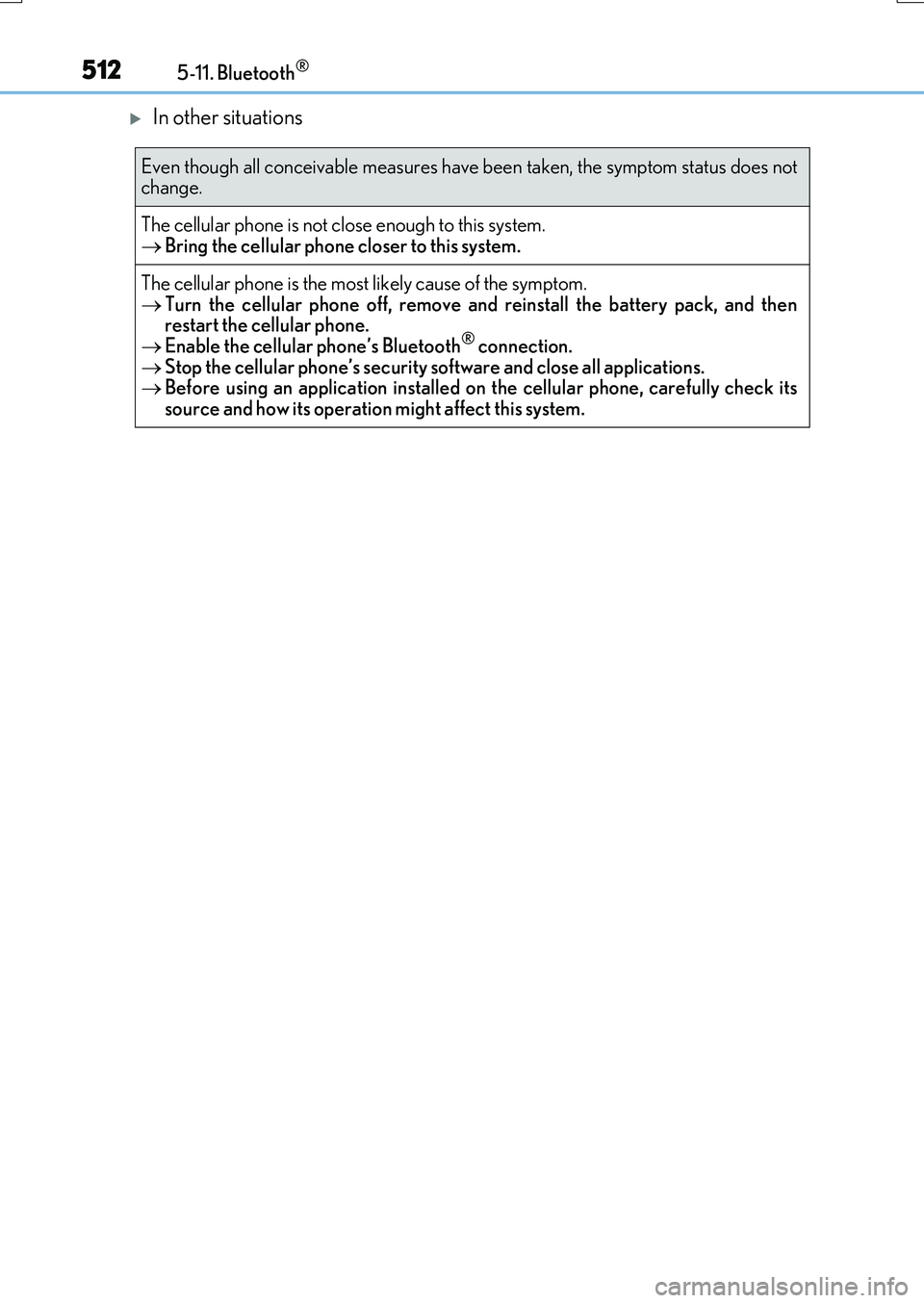
In other situations
Even though all conceivable measures have been taken, the symptom status does not change.
The cellular phone is not close enough to this system. Bring the cellular phone closer to this system.
The cellular phone is the most likely cause of the symptom.
Turn the cellular phone off, remove and reinstall the battery pack, and then restart the cellular phone. Enable the cellular phone’s Bluetooth® connection.
Stop the cellular phone’s security software and close all applications. Before using an application installed on the cellular phone, carefully check its source and how its operation might affect this system.
Page 513 of 776
5135-11. Bluetooth®
5
Lexus Display Audio system
RX350/RX200t_EE_OM48F32E
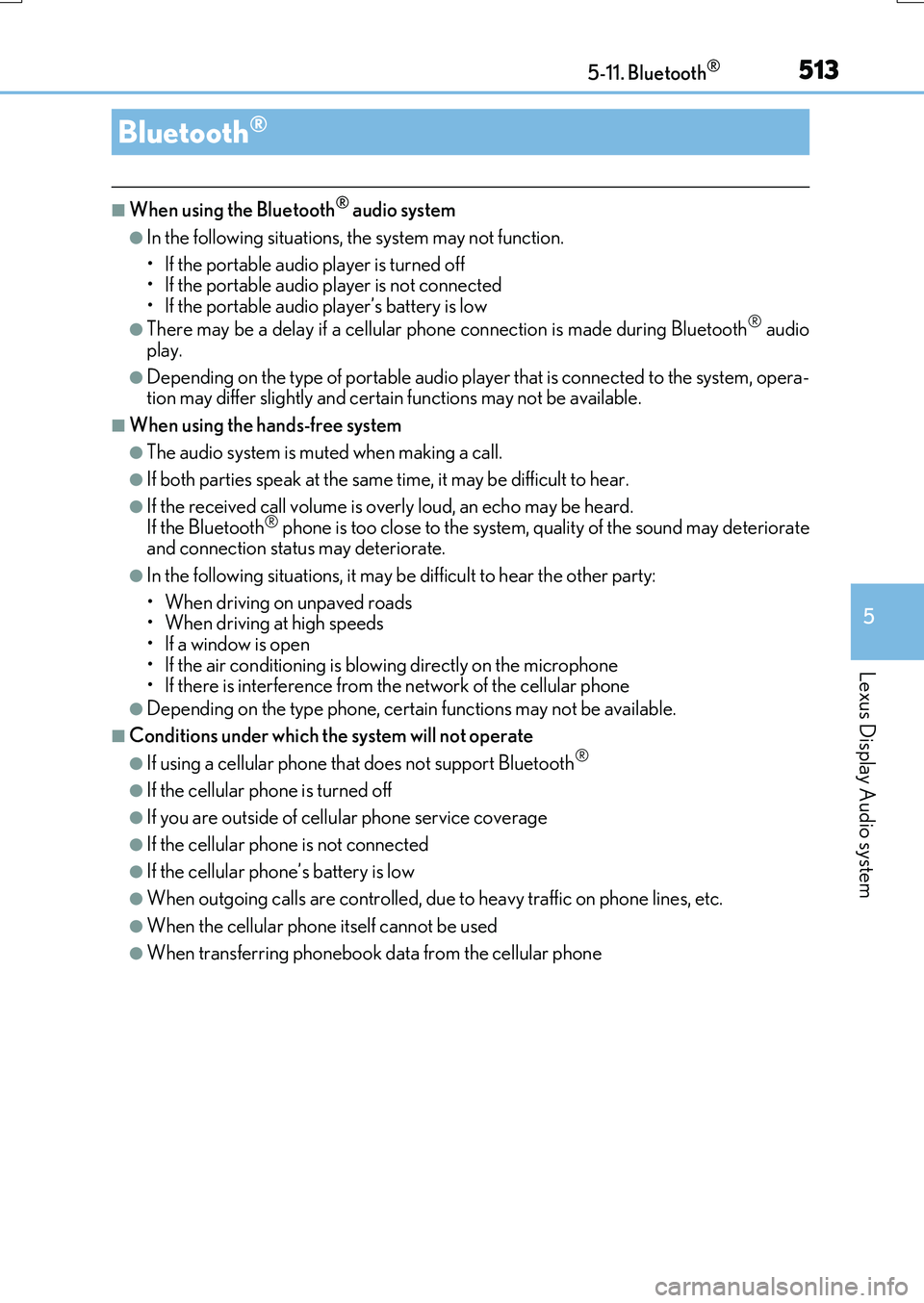
■When using the Bluetooth® audio system
●In the following situations, the system may not function.
• If the portable audio player is turned off • If the portable audio player is not connected
• If the portable audio player’s battery is low
●There may be a delay if a cellular phone connection is made during Bluetooth® audio
play.
●Depending on the type of portable audio player that is connected to the system, opera- tion may differ slightly and certain functions may not be available.
■When using the hands-free system
●The audio system is muted when making a call.
●If both parties speak at the same time, it may be difficult to hear.
●If the received call volume is over ly loud, an echo may be heard. If the Bluetooth® phone is too close to the system, quality of the sound may deteriorate and connection status may deteriorate.
●In the following situations, it may be difficult to hear the other party:
• When driving on unpaved roads • When driving at high speeds
•If a window is open • If the air conditioning is blowing directly on the microphone• If there is interference from the network of the cellular phone
●Depending on the type phone, cert ain functions may not be available.
■Conditions under which the system will not operate
●If using a cellular phone that does not support Bluetooth®
●If the cellular phone is turned off
●If you are outside of cellular phone service coverage
●If the cellular phone is not connected
●If the cellular phone’s battery is low
●When outgoing calls are controlled, due to heavy traffic on phone lines, etc.
●When the cellular phone itself cannot be used
●When transferring phonebook data from the cellular phone
Bluetooth®
Page 514 of 776
5145-11. Bluetooth®
RX350/RX200t_EE_OM48F32E
■Bluetooth® antenna
The antenna is built into the display. If the portable audio player is behind the seat or in the glove box or console box, or is
touching or covered by me tal objects, the connection status may deteriorate. If the cellular phone is behind the seat or in the console box, or touching or covered by metal objects, the connecti on status may deteriorate.
■Battery charge/signal status
●This display may not correspond exactly with the portable audio player or cellular phone itself.
●This system does not have a charging function.
●The portable audio player or cellular phone battery will be depleted quickly when the device is connected to Bluetooth®.
■When using the Bluetooth® audio and hands-free system at the same time
The following problems may occur.
●The Bluetooth® audio connection may be interrupted.
●Noise may be heard during Bluetooth® audio playback.
■About the contact in this system
The following data is stored for every registered cellular phone. When another phone is
connecting, you cannot read the registered data.
●Contact data
●Call history
●Favorite
●Message
When removing a Bluetooth® phone from the system, the above-mentioned data is also deleted.
■About Bluetooth®
The Bluetooth® word mark and logos are regis-tered trademarks owned by the Bluetooth SIG,
Inc. and any use of such marks by FUJITSU TEN LIMITED is under license. Other trademarksand trade names are those of their respective
owners.
Page 515 of 776
5155-11. Bluetooth®
5
Lexus Display Audio system
RX350/RX200t_EE_OM48F32E
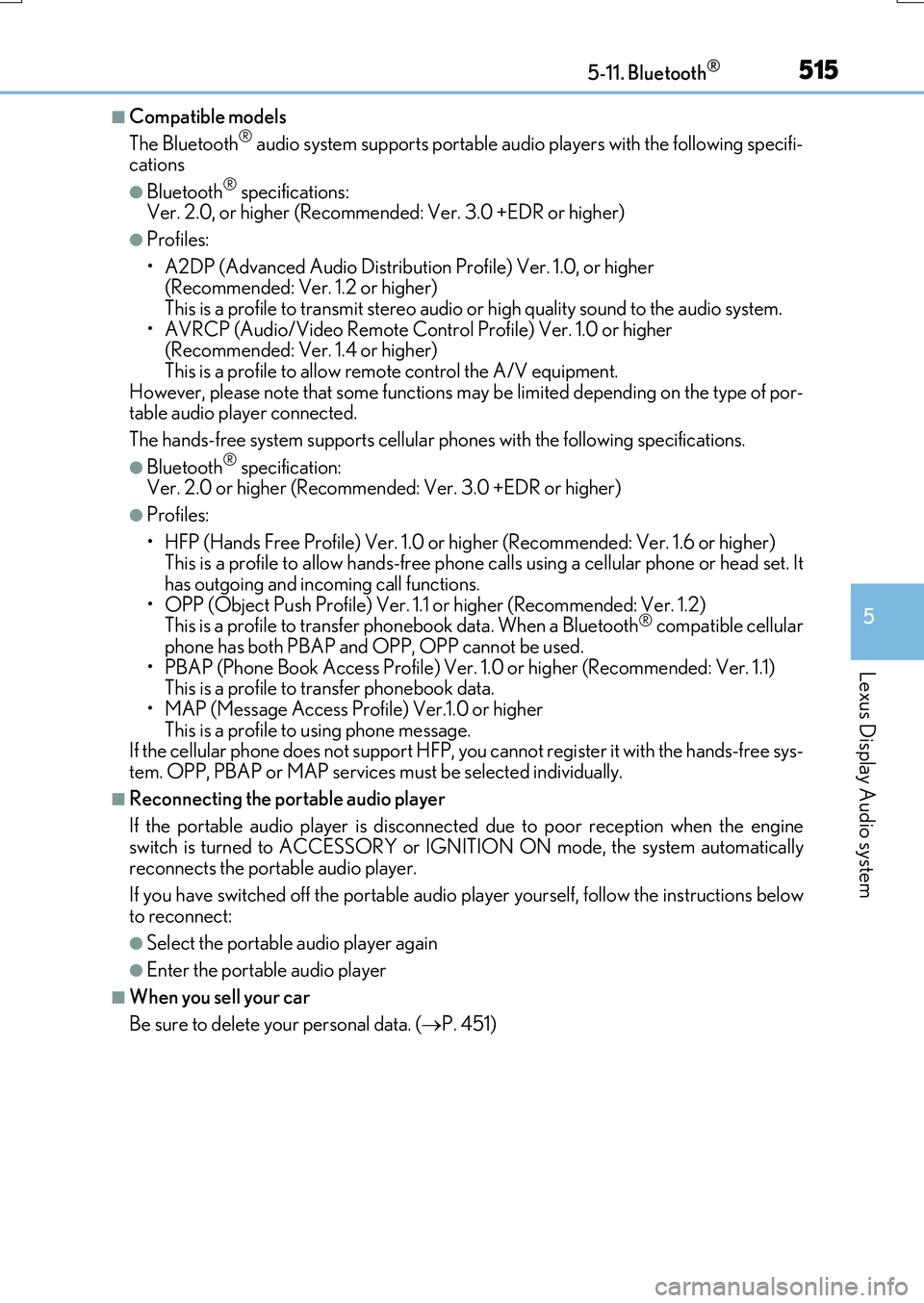
■Compatible models
The Bluetooth® audio system supports portable audio players with the following specifi- cations
●Bluetooth® specifications: Ver. 2.0, or higher (Recommend ed: Ver. 3.0 +EDR or higher)
●Profiles:
• A2DP (Advanced Audio Distribution Profile) Ver. 1.0, or higher (Recommended: Ver. 1.2 or higher) This is a profile to transmit stereo audio or high quality sound to the audio system.
• AVRCP (Audio/Video Remote Control Profile) Ver. 1.0 or higher (Recommended: Ver. 1.4 or higher) This is a profile to allow remote control the A/V equipment.
However, please note that some functions may be limited depending on the type of por- table audio player connected.
The hands-free system supports cellular ph ones with the following specifications.
●Bluetooth® specification: Ver. 2.0 or higher (Recommended : Ver. 3.0 +EDR or higher)
●Profiles:
• HFP (Hands Free Profile) Ver. 1.0 or higher (Recommended: Ver. 1.6 or higher) This is a profile to allow hands-free phone calls using a cellular phone or head set. It has outgoing and incoming call functions.
• OPP (Object Push Profile) Ver. 1.1 or higher (Recommended: Ver. 1.2) This is a profile to transfer phonebook data. When a Bluetooth® compatible cellular phone has both PBAP and OPP, OPP cannot be used.
• PBAP (Phone Book Access Profile) Ver. 1.0 or higher (Recommended: Ver. 1.1) This is a profile to tr ansfer phonebook data.
• MAP (Message Access Profile) Ver.1.0 or higher This is a profile to using phone message.If the cellular phone does not support HFP, you cannot register it with the hands-free sys-
tem. OPP, PBAP or MAP services must be selected individually.
■Reconnecting the portable audio player
If the portable audio player is disconnect ed due to poor reception when the engine
switch is turned to ACCESSORY or IGNITION ON mode, the system automatically reconnects the portable audio player.
If you have switched off the portable audio player yourself, follow the instructions below
to reconnect:
●Select the portable audio player again
●Enter the portable audio player
■When you sell your car
Be sure to delete your personal data. ( P. 451)
Page 518 of 776
5185-11. Bluetooth®
RX350/RX200t_EE_OM48F32E
WARNING
■While driving
Do not operate the portable audio player, cellular phone or connect a device to the Bluetooth® system.
■Caution regarding interference with electronic devices
●Your audio unit is fitted with Bluetooth® antennas. People with implantable cardiacpacemakers, cardiac resynchronization therapy-pacemakers or implantable
cardioverter defibrillators should maintain a reasonable distance between them- selves and the Bluetooth® antennas. The radio waves may affect the operation ofsuch devices.
●Before using Bluetooth® devices, users of any electrical medical device other thanimplantable cardiac pacemakers, cardiac resynchronization therapy-pacemakers orimplantable cardioverter defibrillators should consult the manufacturer of the device
for information about its operation under th e influence of radio waves. Radio waves could have unexpected effects on the operation of such medical devices.
NOTICE
■When leaving the vehicle
Do not leave your portable audio player or cellular phone in the vehicle. The inside of
the vehicle may become hot, causing damage to the portable audio player or cellular phone.
Page 520 of 776
5205-12. Other function
RX350/RX200t_EE_OM48F32E
P. 445
MirrorLink™
The MirrorLink™ function enables operations of some smartphone content
via the Lexus Display Audio system.
Depending on differences between models or software version etc., some
models might be incompatible with this system.
Connect a smartphone to US B port using a USB cable.
For safety reasons, the safe driving screen is displayed while driving depend-
ing on the application.
Connecting a smartphone
Page 521 of 776
5215-12. Other function
5
Lexus Display Audio system
RX350/RX200t_EE_OM48F32E
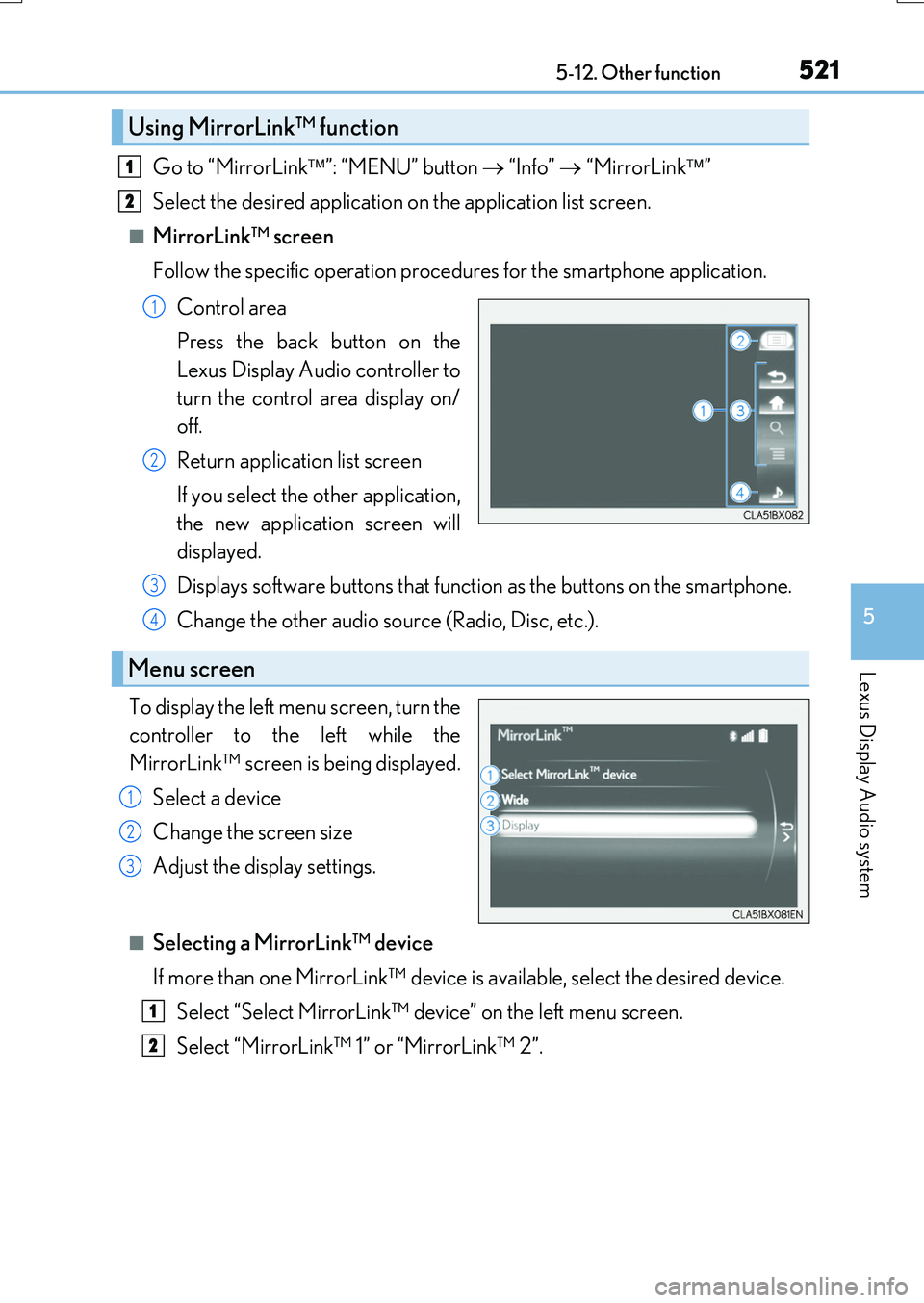
Go to “MirrorLink”: “MENU” button “Info” “MirrorLink”
Select the desired application on the application list screen.
■MirrorLink™ screen
Follow the specific operation procedures for the smartphone application.
Control area
Press the back button on the
Lexus Display Audio controller to
turn the control area display on/
off.
Return application list screen
If you select the other application,
the new application screen will
displayed.
Displays software buttons that function as the buttons on the smartphone.
Change the other audio source (Radio, Disc, etc.).
To display the left menu screen, turn the
controller to the left while the
MirrorLink™ screen is being displayed.
Select a device
Change the screen size
Adjust the display settings.
■Selecting a MirrorLink™ device
If more than one MirrorLink™ device is available, select the desired device.
Select “Select MirrorLink™ device” on the left menu screen.
Select “MirrorLink™ 1” or “MirrorLink™ 2”.
Using MirrorLink™ function
1
2
1
2
Menu screen
3
4
1
2
3
1
2
Page 522 of 776
5225-12. Other function
RX350/RX200t_EE_OM48F32E
■Operational conditions
●When MirrorLink™ is activated, previous applications, run with a USB, are closed, and vice versa.
●Compatible devices
Smartphones, which passed the Car Connectivity Consortium certification program ver1.1 or later. Confirm with the smartphone manufacture or the distributor for theMirrorLink™ compatibility.
●Compatible applications Applications, which are certified by Car Connectivity Consortium as MirrorLink™Base-Certified or Drive-Certified applications.
■About MirrorLink™
MirrorLink is a registered trademark of Car Connectivity Consortium, Inc.
■When using MirrorLink™
●Check that the smartphone screen is unlo cked. Unlock the smartphone screen before connecting it to the Lexus Display Audio system. (Some smartphones may not be able to be connected via MirrorLink™ if the screen is locked.)
●Make sure that the smartphone has been connected via Bluetooth®. (Some smart-phones may not be able to perform hands-free calls using the MirrorLink™ function if it has not been connected to the vehicle via Bluetooth®.
●If a MirrorLink™ application cannot be started, check that the MirrorLink™ applica-tion certificate has not expired. The certificates of MirrorLink™ applications have an expiration date. (An internet connection is required to automatically update the certifi-
cate.) If a MirrorLink™ application becomes unavailable, it may be due to the certifi- cate expiring. In this case, the certificat e must be updated manually. Check with the smartphone manufacturer or application developer for how to update the certificate.
●Make sure the volume of the smartphone is set to an appropriate level. If the Mirror-Link™ application volume is excessively low even when the volume of the Lexus Dis- play Audio system is increased, check the vo lume of the smartphone and increase it as
necessary.
WARNING
■While driving
Do not connect smartphone or operate the controls.
Page 523 of 776
5235-12. Other function
5
Lexus Display Audio system
RX350/RX200t_EE_OM48F32E
NOTICE
■To avoid damaging the smartphone
●Depending on the size and shape of the smartphone that is connected to the system, the console box may not close fully. In this case, do not forcibly close the console box
as this may damage the smartphone or the terminal, etc.
●Do not leave your smartphone in the vehicle. The temperature inside may rise to a level that could damage the smartphone.
●Do not push down on or apply unnecessary pressure to the smartphone device whileit is connected.
●Do not insert foreign objects into the port.
Page 526 of 776
5265-12. Other function
RX350/RX200t_EE_OM48F32E
You can register desired contacts to enable the speech command system. Up to
50 contacts per phone can be registered.
Go to “Voice tags”: “MENU” button “Setup” “Telephone” “Contact/
call history settings” “Voice tag” “New” or “Edit”
Select the desired contact.
Move the controller to the left and then select “REC”.
Say the registered voice tag.
To play the registered voice, select “Play”.
■Deleting a voice tag
Display the “Voice tags” screen.
Select “Delete” and then the desired contact.
Move the controller to the left and then select “Delete”.
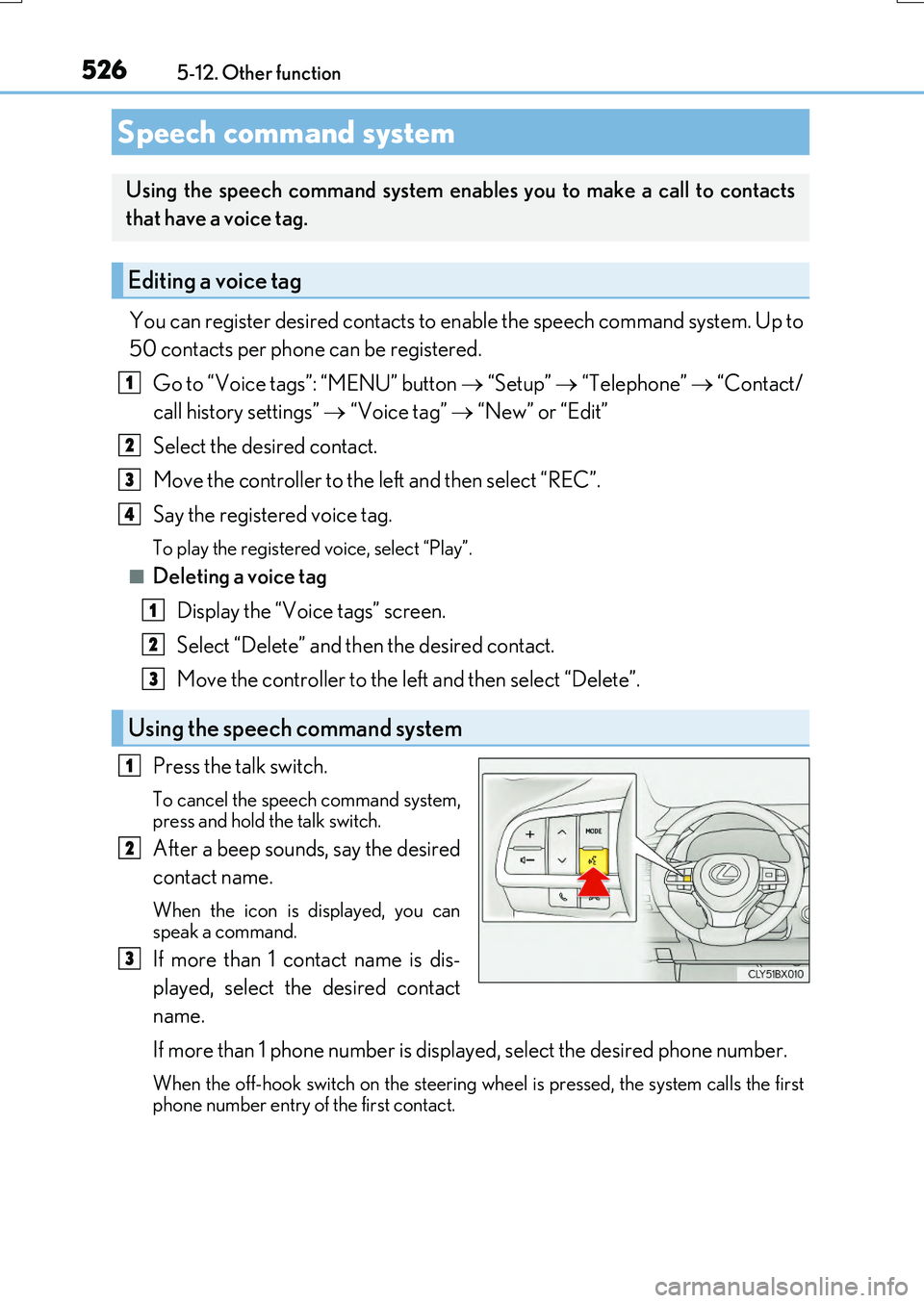
Press the talk switch.
To cancel the speech command system, press and hold the talk switch.
After a beep sounds, say the desired
contact name.
When the icon is displayed, you can speak a command.
If more than 1 contact name is dis-
played, select the desired contact
name.
If more than 1 phone number is displayed, select the desired phone number.
When the off-hook switch on the steering wh eel is pressed, the system calls the first
phone number entry of the first contact.
Speech command system
Using the speech command system enables you to make a call to contacts
that have a voice tag.
Editing a voice tag
Using the speech command system
1
2
3
4
1
2
3
1
2
3