AUX LEXUS RX200T 2017 Owners Manual
[x] Cancel search | Manufacturer: LEXUS, Model Year: 2017, Model line: RX200T, Model: LEXUS RX200T 2017Pages: 776, PDF Size: 44.51 MB
Page 4 of 776
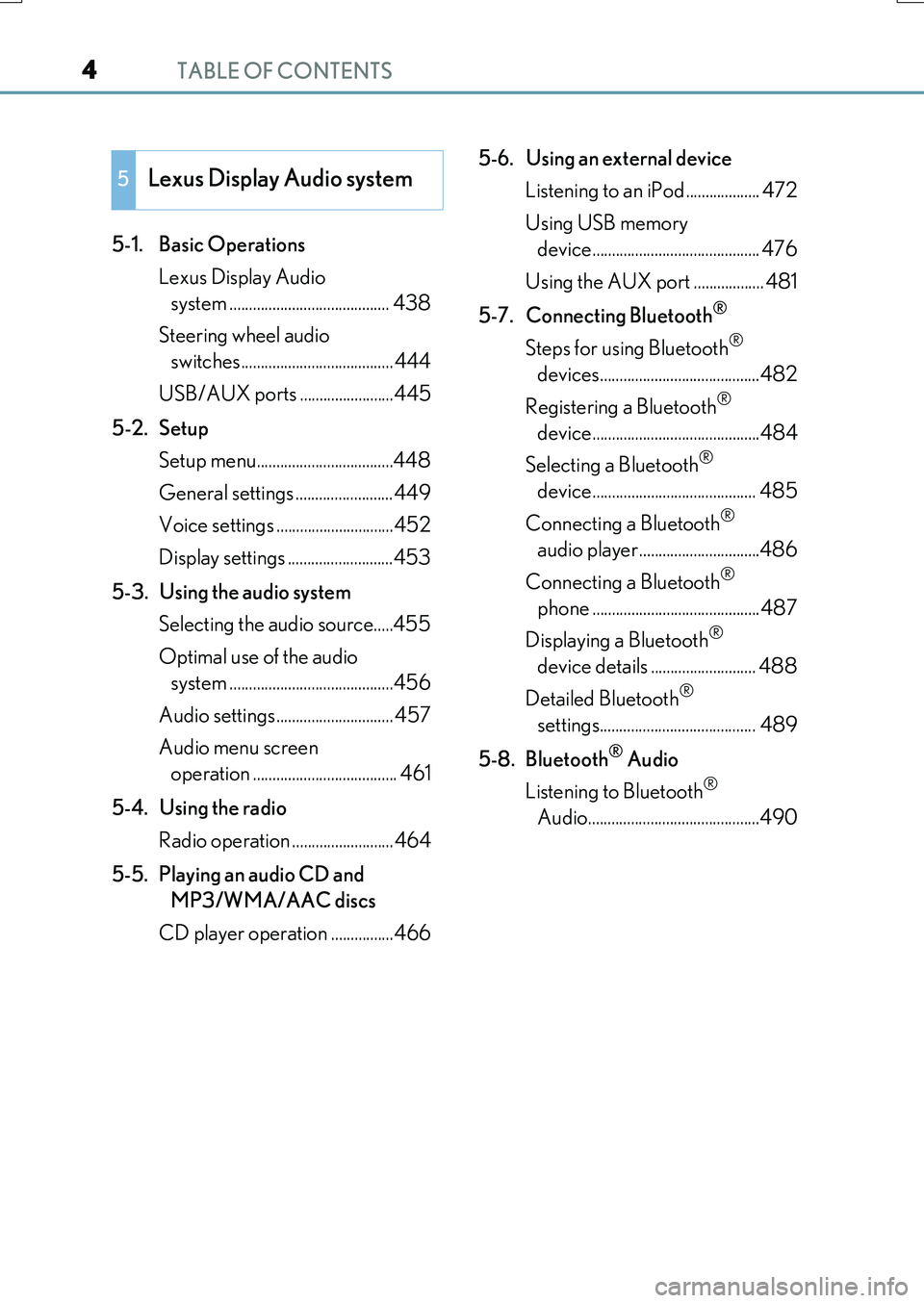
TABLE OF CONTENTS4
RX350/RX200t_EE_OM48F32E
5-1. Basic Operations
Lexus Display Audio
system ......................................... 438
Steering wheel audio
switches....................................... 444
USB/AUX ports ........................445
5-2. Setup
Setup menu...................................448
General settings .........................449
Voice settings ..............................452
Display settings ...........................453
5-3. Using the audio system
Selecting the audio source.....455
Optimal use of the audio
system ..........................................456
Audio settings.............................. 457
Audio menu screen
operation ..................................... 461
5-4. Using the radio
Radio operation ..........................464
5-5. Playing an audio CD and
MP3/WMA/AAC discs
CD player operation ................466
5-6. Using an external device
Listening to an iPod ................... 472
Using USB memory
device........................................... 476
Using the AUX port .................. 481
5-7. Connecting Bluetooth®
Steps for using Bluetooth®
devices.........................................482
Registering a Bluetooth®
device...........................................484
Selecting a Bluetooth®
device.......................................... 485
Connecting a Bluetooth®
audio player...............................486
Connecting a Bluetooth®
phone ...........................................487
Displaying a Bluetooth®
device details ........................... 488
Detailed Bluetooth®
settings........................................ 489
5-8. Bluetooth® Audio
Listening to Bluetooth®
Audio............................................490
5Lexus Display Audio system
Page 5 of 776
5
1
9
8
7
6
4
3
2
RX350/RX200t_EE_OM48F32E
5
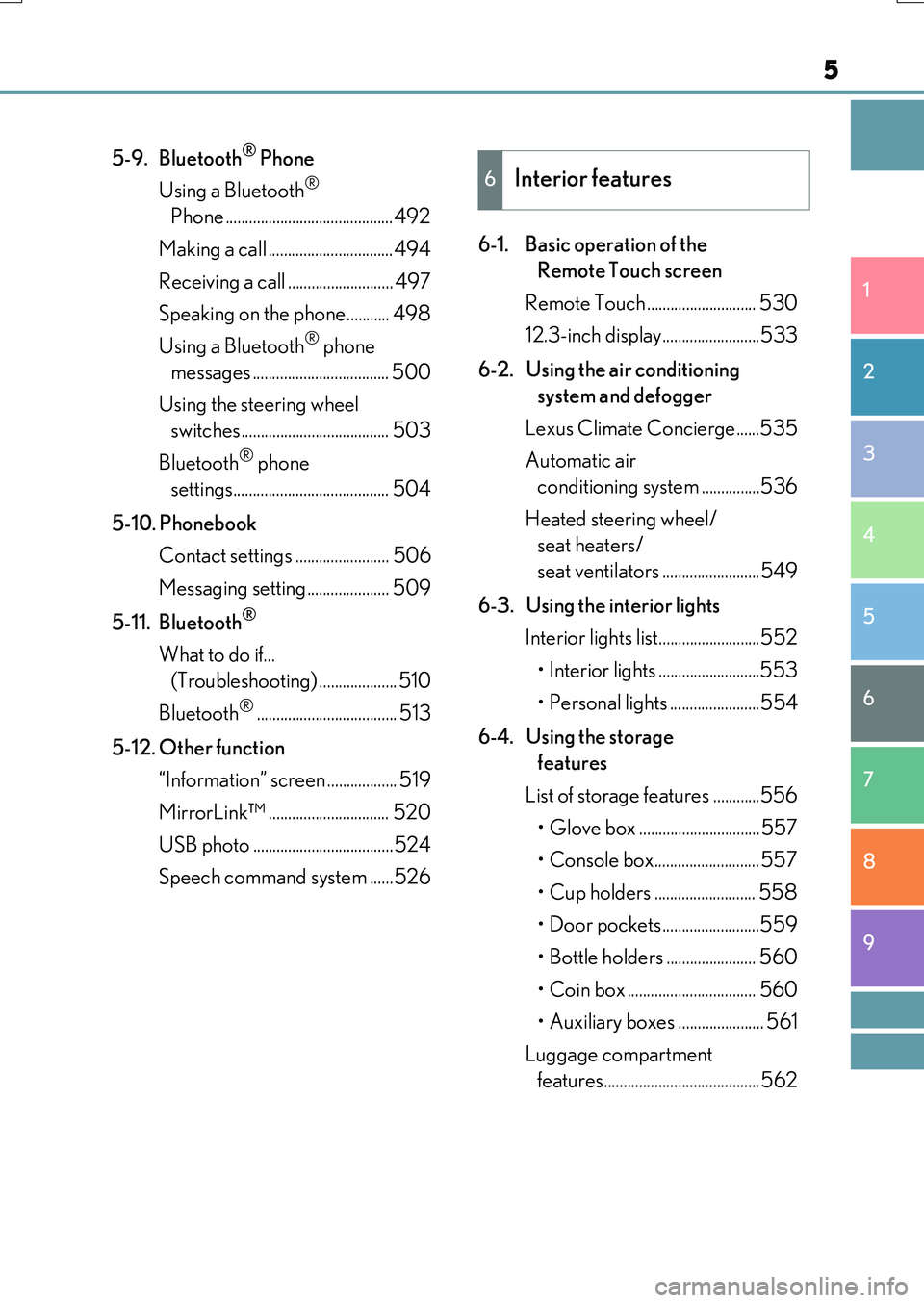
5-9. Bluetooth® Phone
Using a Bluetooth®
Phone ...........................................492
Making a call ................................494
Receiving a call ........................... 497
Speaking on the phone........... 498
Using a Bluetooth® phone
messages ................................... 500
Using the steering wheel
switches...................................... 503
Bluetooth® phone
settings........................................ 504
5-10. Phonebook
Contact settings ........................ 506
Messaging setting..................... 509
5-11. Bluetooth®
What to do if...
(Troubleshooting) .................... 510
Bluetooth®.................................... 513
5-12. Other function
“Information” screen .................. 519
MirrorLink™ ............................... 520
USB photo ....................................524
Speech command system ......526
6-1. Basic operation of the
Remote Touch screen
Remote Touch ............................ 530
12.3-inch display.........................533
6-2. Using the air conditioning
system and defogger
Lexus Climate Concierge......535
Automatic air
conditioning system ...............536
Heated steering wheel/
seat heaters/
seat ventilators .........................549
6-3. Using the interior lights
Interior lights list..........................552
• Interior lights ..........................553
• Personal lights .......................554
6-4. Using the storage
features
List of storage features ............556
• Glove box ...............................557
• Console box........................... 557
• Cup holders .......................... 558
• Door pockets.........................559
• Bottle holders ....................... 560
• Coin box ................................. 560
• Auxiliary boxes ...................... 561
Luggage compartment
features........................................562
6Interior features
Page 21 of 776

21Pictorial index
RX350/RX200t_EE_OM48F32E
Auxiliary box . . . . . . . . . . . . . . . . . . . . . . . . . . . . . . . . . . . . . . . . . . . . . . . . . . . . . . . . P . 561
Interior light*1 . . . . . . . . . . . . . . . . . . . . . . . . . . . . . . . . . . . . . . . . . . . . . . . . . . . . . . .P. 553
Personal lights*1. . . . . . . . . . . . . . . . . . . . . . . . . . . . . . . . . . . . . . . . . . . . . . . . . . . . . P. 554
Moon roof switches*2. . . . . . . . . . . . . . . . . . . . . . . . . . . . . . . . . . . . . . . . . . . . . . . P. 214
Panoramic moon roof switches*2 . . . . . . . . . . . . . . . . . . . . . . . . . . . . . . . . . . P. 218
Intrusion sensor cancel switch*2 . . . . . . . . . . . . . . . . . . . . . . . . . . . . . . . . . . . . P. 85
Intrusion sensor and tilt sensor cancel switch*2. . . . . . . . . . . . . . . . . . . . . P. 85
“SOS” button*2 . . . . . . . . . . . . . . . . . . . . . . . . . . . . . . . . . . . . . . . . . . . . . . . . . . . . . P. 578
Vanity mirrors . . . . . . . . . . . . . . . . . . . . . . . . . . . . . . . . . . . . . . . . . . . . . . . . . . . . . . . P. 567
Sun visors*3 . . . . . . . . . . . . . . . . . . . . . . . . . . . . . . . . . . . . . . . . . . . . . . . . . . . . . . . . . P. 567
Inside rear view mirror . . . . . . . . . . . . . . . . . . . . . . . . . . . . . . . . . . . . . . . . . . . . . .P. 204
1
2
3
4
5
6
7
8
*1: The illustration shows the front, but they are also equipped in the rear.
*2:If equipped
*3: NEVER use a rearward facing child
restraint on a seat protected by an
ACTIVE AIRBAG in front of it, DEATH
or SERIOUS INJURY to the CHILD can
occur. ( P. 60)
Page 29 of 776

29Pictorial index
RX350/RX200t_EE_OM48F32E
Moon roof switches*1 . . . . . . . . . . . . . . . . . . . . . . . . . . . . . . . . . . . . . . . . . . . . . . . P. 214
Panoramic moon roof switches*1. . . . . . . . . . . . . . . . . . . . . . . . . . . . . . . . . . . P. 218
Intrusion sensor and tilt sensor cancel switch . . . . . . . . . . . . . . . . . . . . . . . P. 85
Interior light*2. . . . . . . . . . . . . . . . . . . . . . . . . . . . . . . . . . . . . . . . . . . . . . . . . . . . . . .P. 553
Personal lights*2 . . . . . . . . . . . . . . . . . . . . . . . . . . . . . . . . . . . . . . . . . . . . . . . . . . . . P. 554
Auxiliary box . . . . . . . . . . . . . . . . . . . . . . . . . . . . . . . . . . . . . . . . . . . . . . . . . . . . . . . . P . 561
Inside rear view mirror . . . . . . . . . . . . . . . . . . . . . . . . . . . . . . . . . . . . . . . . . . . . . .P. 204
Sun visors*3 . . . . . . . . . . . . . . . . . . . . . . . . . . . . . . . . . . . . . . . . . . . . . . . . . . . . . . . . . P. 567
Vanity mirrors . . . . . . . . . . . . . . . . . . . . . . . . . . . . . . . . . . . . . . . . . . . . . . . . . . . . . . . P. 567
1
2
3
4
5
6
7
*1:If equipped
*2: The illustration shows the front, but they are also equipped in the rear.
*3: NEVER use a rearward facing child
restraint on a seat protected by an
ACTIVE AIRBAG in front of it, DEATH
or SERIOUS INJURY to the CHILD can
occur. ( P. 60)
Page 436 of 776
436
RX350/RX200t_EE_OM48F32E
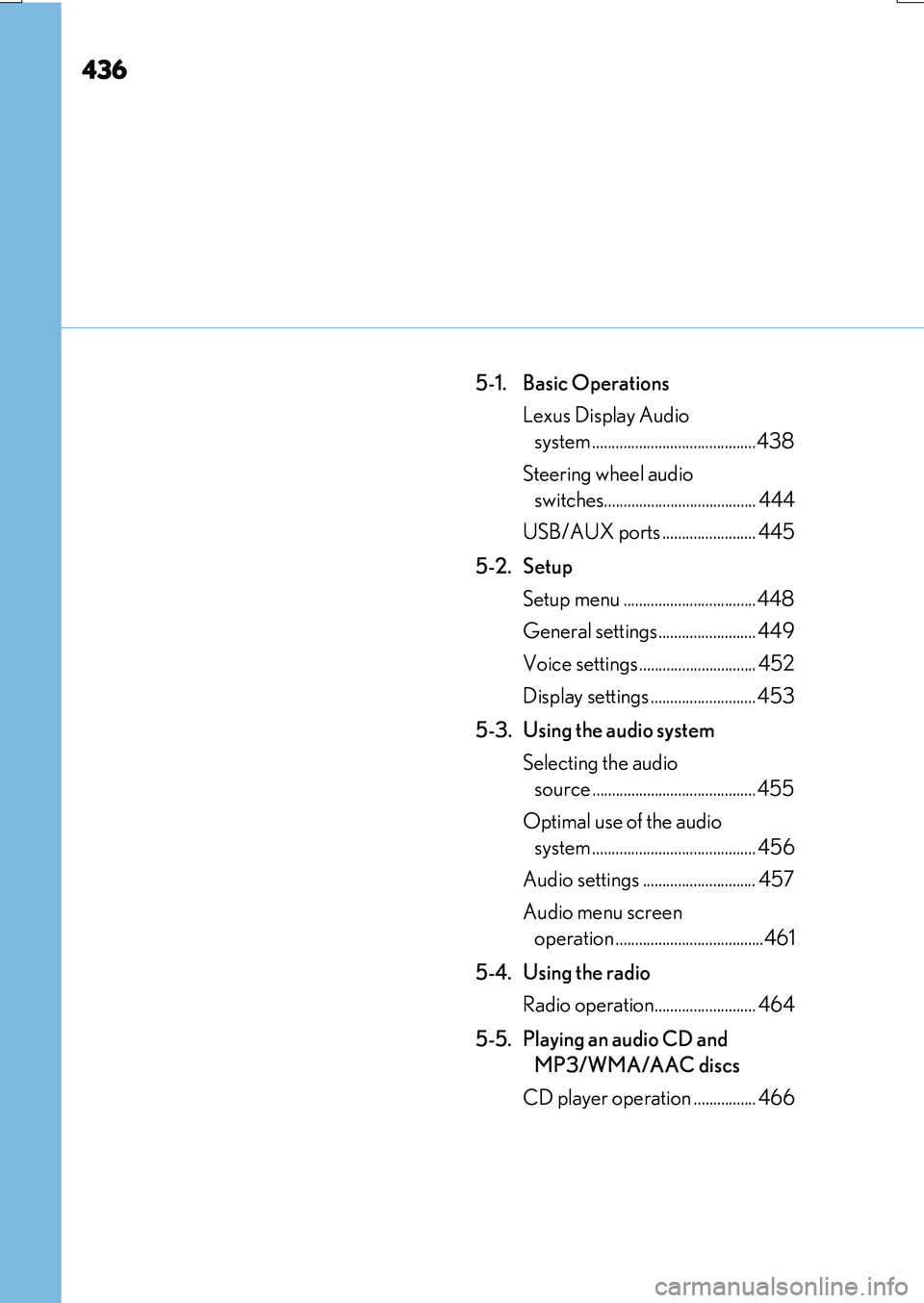
5-1. Basic Operations
Lexus Display Audio
system ..........................................438
Steering wheel audio
switches....................................... 444
USB/AUX ports ........................ 445
5-2. Setup
Setup menu ..................................448
General settings......................... 449
Voice settings.............................. 452
Display settings ........................... 453
5-3. Using the audio system
Selecting the audio
source ..........................................455
Optimal use of the audio
system .......................................... 456
Audio settings ............................. 457
Audio menu screen
operation ......................................461
5-4. Using the radio
Radio operation.......................... 464
5-5. Playing an audio CD and
MP3/WMA/AAC discs
CD player operation ................ 466
Page 437 of 776
437
5
Lexus Display
Audio system
RX350/RX200t_EE_OM48F32E
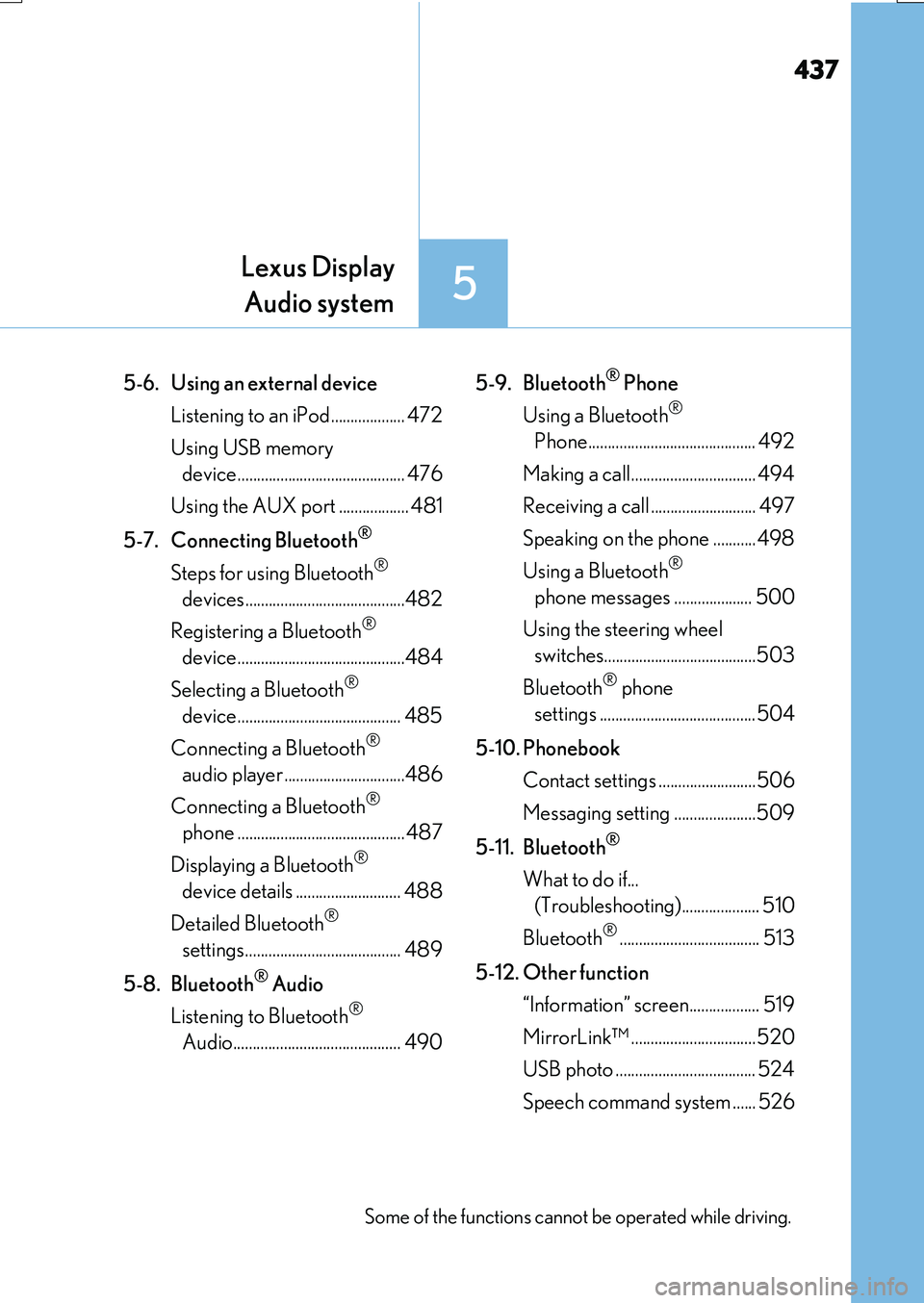
5-6. Using an external device
Listening to an iPod................... 472
Using USB memory
device........................................... 476
Using the AUX port .................. 481
5-7. Connecting Bluetooth®
Steps for using Bluetooth®
devices.........................................482
Registering a Bluetooth®
device...........................................484
Selecting a Bluetooth®
device.......................................... 485
Connecting a Bluetooth®
audio player ...............................486
Connecting a Bluetooth®
phone ...........................................487
Displaying a Bluetooth®
device details ........................... 488
Detailed Bluetooth®
settings........................................ 489
5-8. Bluetooth® Audio
Listening to Bluetooth®
Audio........................................... 490
5-9. Bluetooth® Phone
Using a Bluetooth®
Phone........................................... 492
Making a call................................ 494
Receiving a call ........................... 497
Speaking on the phone ...........498
Using a Bluetooth®
phone messages .................... 500
Using the steering wheel
switches.......................................503
Bluetooth® phone
settings ........................................504
5-10. Phonebook
Contact settings .........................506
Messaging setting .....................509
5-11. Bluetooth®
What to do if...
(Troubleshooting).................... 510
Bluetooth®.................................... 513
5-12. Other function
“Information” screen.................. 519
MirrorLink™ ................................520
USB photo .................................... 524
Speech command system ...... 526
Some of the functions cannot be operated while driving.
Page 445 of 776
4455-1. Basic Operations
5
Lexus Display Audio system
RX350/RX200t_EE_OM48F32E
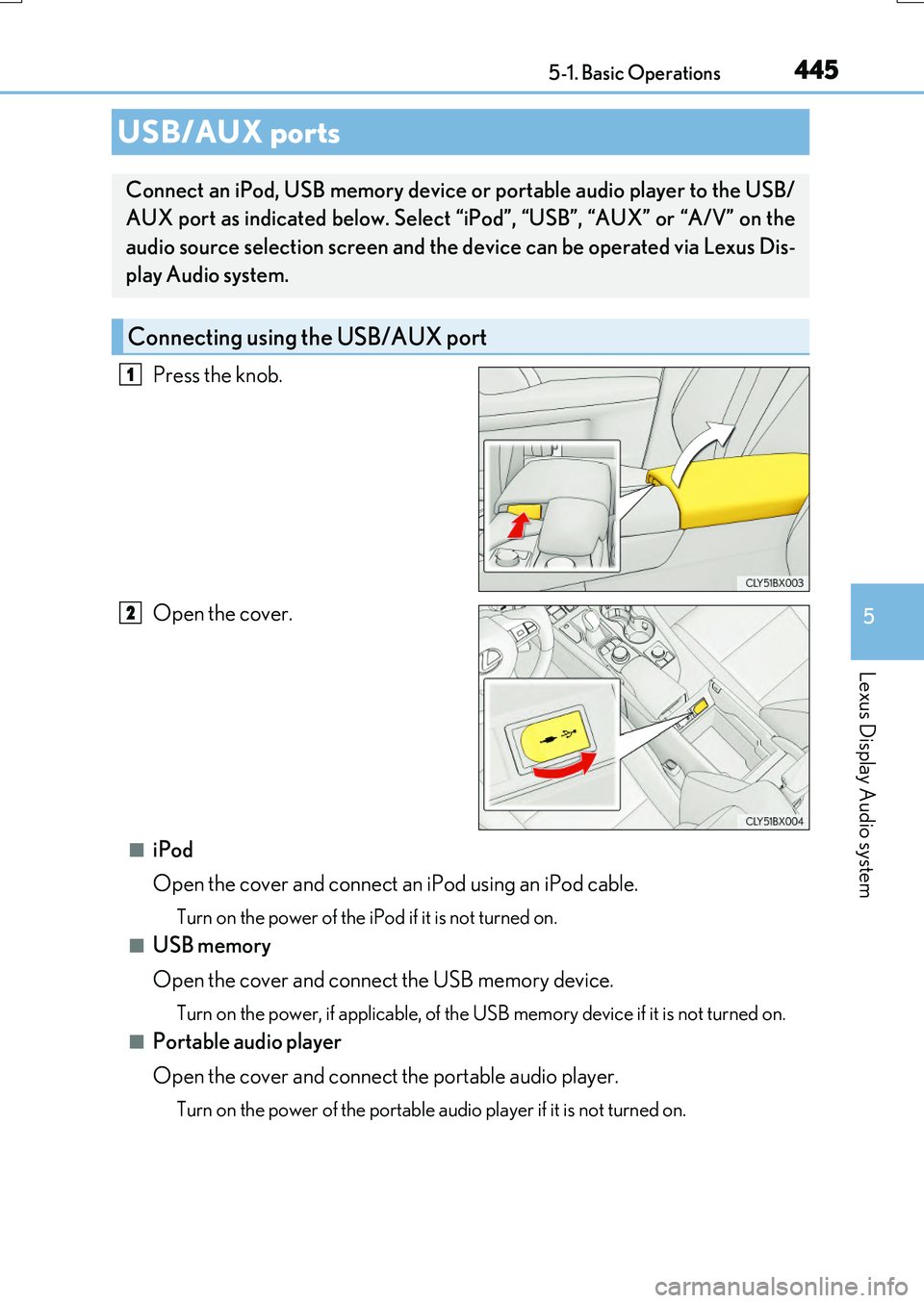
Press the knob.
Open the cover.
■iPod
Open the cover and connect an iPod using an iPod cable.
Turn on the power of the iPod if it is not turned on.
■USB memory
Open the cover and connect the USB memory device.
Turn on the power, if applicable, of the US B memory device if it is not turned on.
■Portable audio player
Open the cover and connect the portable audio player.
Turn on the power of the portable audio player if it is not turned on.
USB/AUX ports
Connect an iPod, USB memory device or portable audio player to the USB/
AUX port as indicated below. Select “iPod”, “USB”, “AUX” or “A/V” on the
audio source selection screen and the device can be operated via Lexus Dis-
play Audio system.
Connecting using the USB/AUX port
1
2
Page 446 of 776
4465-1. Basic Operations
RX350/RX200t_EE_OM48F32E
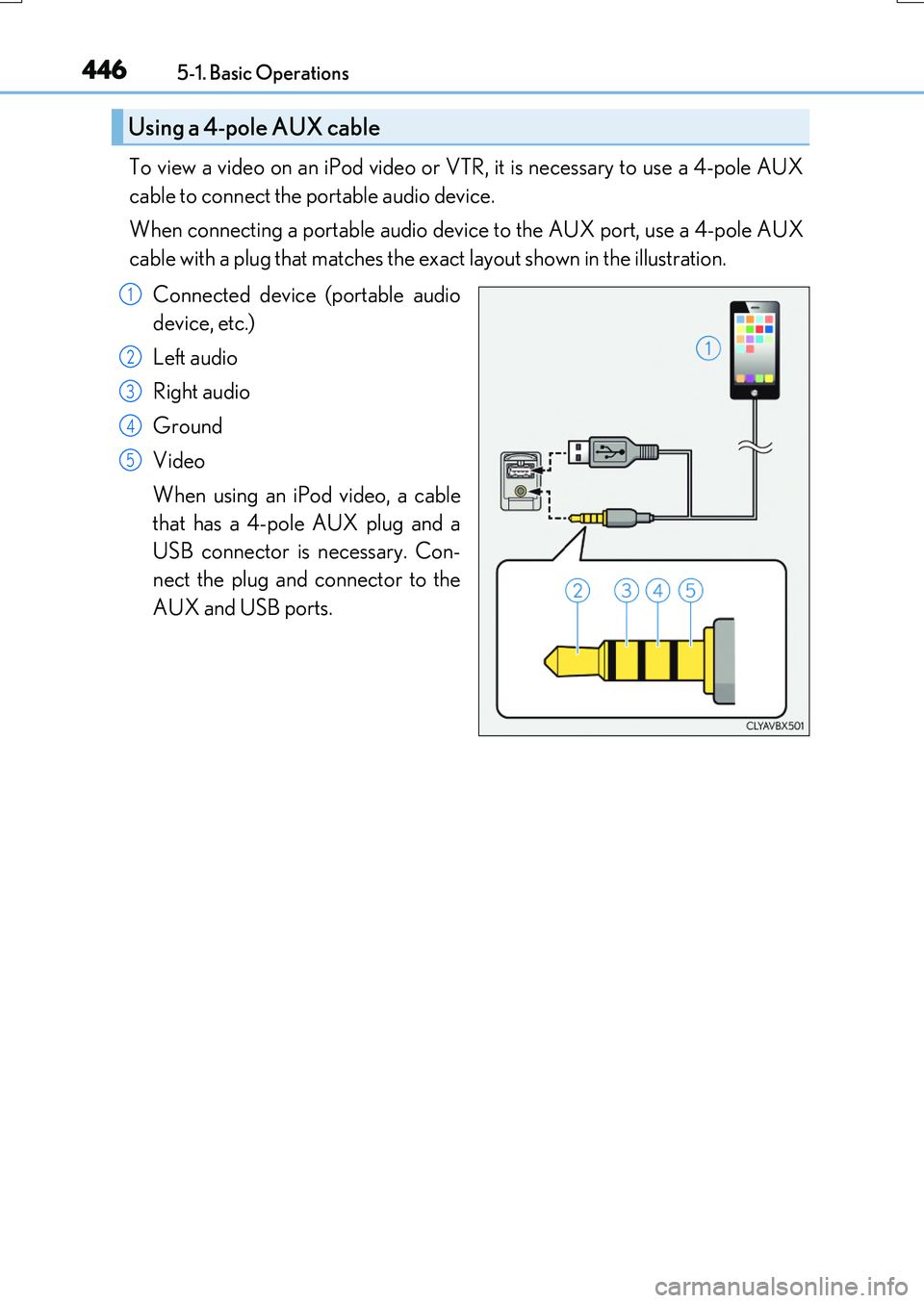
To view a video on an iPod video or VTR, it is necessary to use a 4-pole AUX
cable to connect the portable audio device.
When connecting a portable audio device to the AUX port, use a 4-pole AUX
cable with a plug that matches the exact layout shown in the illustration.
Connected device (portable audio
device, etc.)
Left audio
Right audio
Ground
Video
When using an iPod video, a cable
that has a 4-pole AUX plug and a
USB connector is necessary. Con-
nect the plug and connector to the
AUX and USB ports.
Using a 4-pole AUX cable
1
2
3
4
5
Page 447 of 776
4475-1. Basic Operations
5
Lexus Display Audio system
RX350/RX200t_EE_OM48F32E
■When using a 4-pole AUX cable
If a 4-pole AUX cable with a different layout is used, audio and/or video may not be out- put properly.
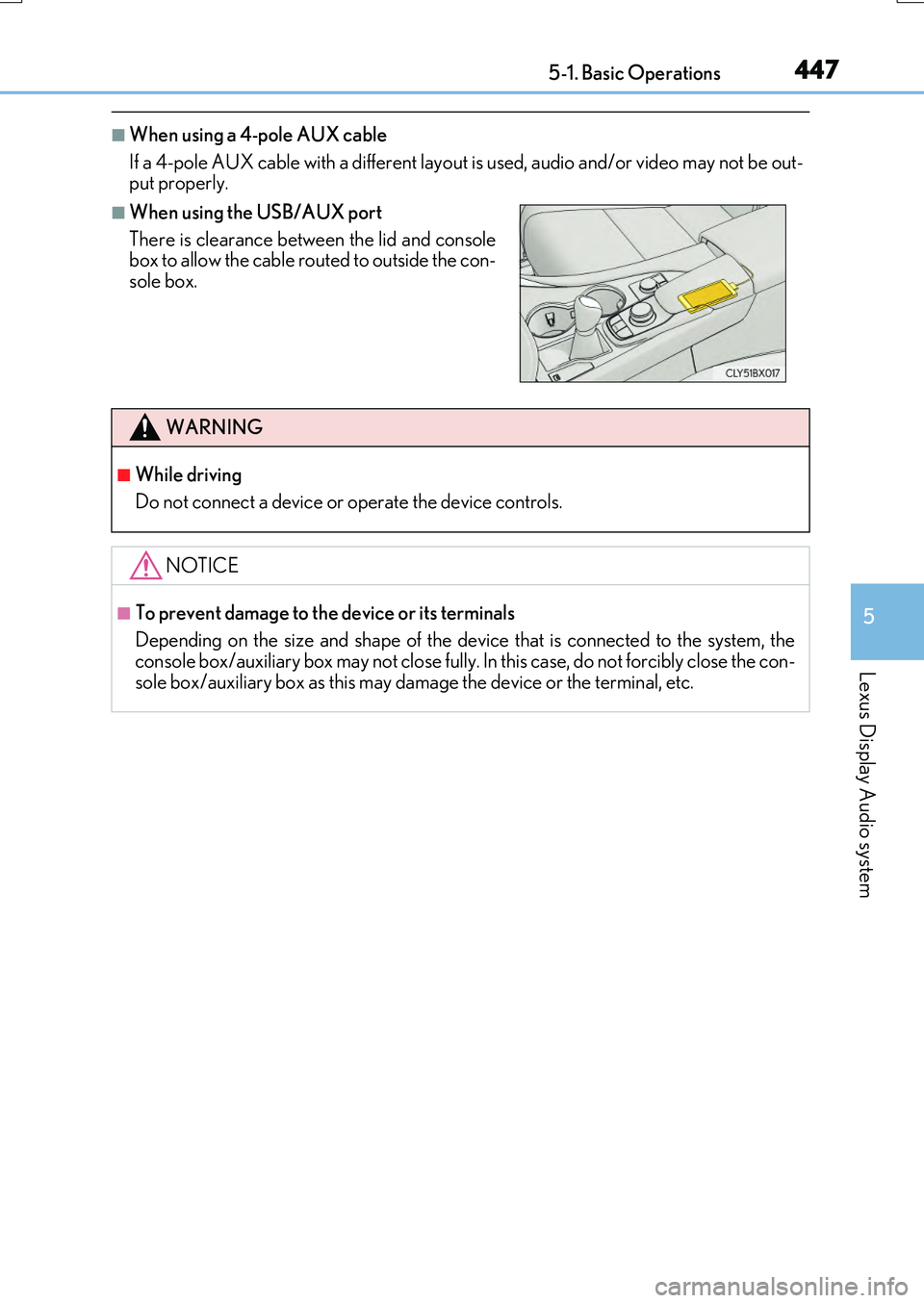
■When using the USB/AUX port
There is clearance between the lid and console box to allow the cable routed to outside the con-
sole box.
WARNING
■While driving
Do not connect a device or operate the device controls.
NOTICE
■To prevent damage to the device or its terminals
Depending on the size and shape of the device that is connected to the system, the console box/auxiliary box may not close fully. In this case, do not forcibly close the con-
sole box/auxiliary box as this may damage the device or the terminal, etc.
Page 481 of 776
4815-6. Using an external device
5
Lexus Display Audio system
RX350/RX200t_EE_OM48F32E
P. 445
Pressing the “MEDIA” button displays th e top screen from any screen of the
selected source.
■Menu screen
P. 461
■Operating portable players connected to the audio system
Volume can be adjusted using the vehicle’s audio controls. All other adjustments must be made on the portable player itself.
■When using a portable player connected to the power outlet
Noise may occur during playback. Use the power source of the portable player.
Using the AUX port
To use the AUX port, connect a portable player, press the “MEDIA” button or
select “AUX” or “A/V” on the “Source” screen.
Connecting a portable player
Top screen
NOTICE
■To prevent damage to the portable player or its terminal
●Depending on the size and shape of the portable player that is connected to the sys-
tem, the console box may not close fully. In this case, do not forcibly close the console box as this may damage the portable player or the terminal, etc.
●Do not leave portable player in the vehicle. The temperature inside the vehicle may
become high.
●Do not push down on or apply unnecessary pr essure to the portable player while it is connected.
●Do not insert foreign objects into the port.