CD player LEXUS RX270 2014 Owners Manual
[x] Cancel search | Manufacturer: LEXUS, Model Year: 2014, Model line: RX270, Model: LEXUS RX270 2014Pages: 652, PDF Size: 48.98 MB
Page 4 of 652
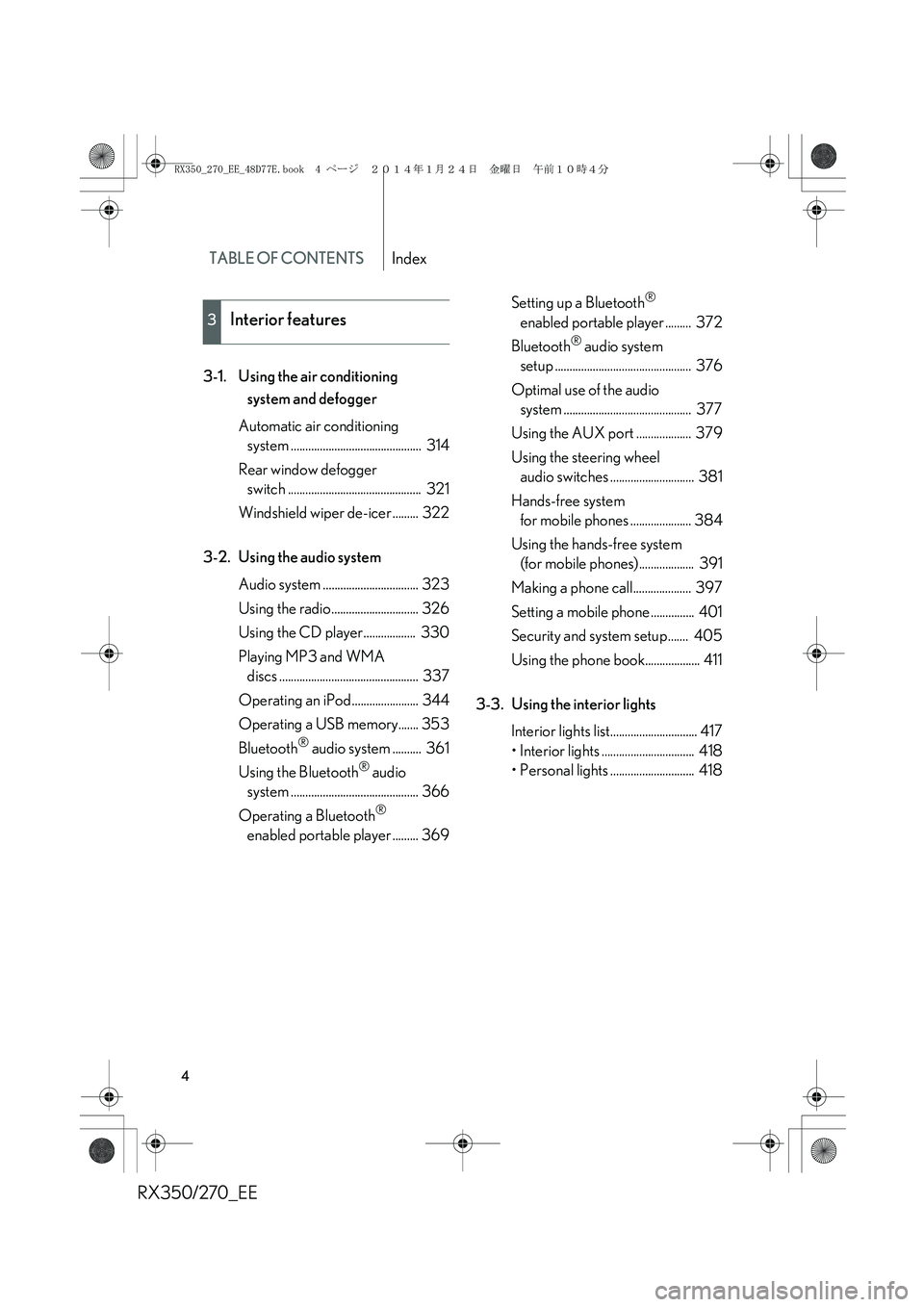
TABLE OF CONTENTSIndex
RX350/270_EE
4
3-1. Using the air conditioning
system and defogger
Automatic air conditioning
system ............................................. 314
Rear window defogger
switch .............................................. 321
Windshield wiper de-icer ......... 322
3-2. Using the audio system
Audio system ................................. 323
Using the radio.............................. 326
Using the CD player.................. 330
Playing MP3 and WMA
discs ................................................ 337
Operating an iPod....................... 344
Operating a USB memory....... 353
Bluetooth
® audio system .......... 361
Using the Bluetooth
® audio
system ............................................ 366
Operating a Bluetooth
®
enabled portable player ......... 369Setting up a Bluetooth
®
enabled portable player ......... 372
Bluetooth
® audio system
setup ............................................... 376
Optimal use of the audio
system ............................................ 377
Using the AUX port ................... 379
Using the steering wheel
audio switches ............................. 381
Hands-free system
for mobile phones ..................... 384
Using the hands-free system
(for mobile phones)................... 391
Making a phone call.................... 397
Setting a mobile phone ............... 401
Security and system setup....... 405
Using the phone book................... 411
3-3. Using the interior lights
Interior lights list.............................. 417
• Interior lights ................................ 418
• Personal lights ............................. 418
3Interior features
RX350_270_EE_48D77E.book 4 ページ 2014年1月24日 金曜日 午前10時4分
Page 37 of 652
37
1-2. Opening, closing and locking the doors
1
Before driving
RX350/270_EE
■Conditions affecting operation
The smart entry & start system uses weak radio waves. In the following situations,
the communication between the electronic key and the vehicle may be affected,
preventing the smart entry & start system, wireless remote control and immobilizer
system from operating properly.
(Ways of coping: →P. 5 9 1 )
●When the electronic key battery is depleted
●Near a TV tower, electric power plant, gas station, radio station, large display,
airport or other facility that generates strong radio waves or electrical noise
●When carrying a portable radio, cellular phone, cordless phone or other wire-
less communication device
●When the electronic key is in contact with, or is covered by the following metal-
lic objects
• Cards to which aluminum foil is attached
• Cigarette boxes that have aluminum foil inside
• Metallic wallets or bags
•Coins
• Hand warmers made of metal
• Media such as CDs and DVDs
●When multiple electronic keys are in the vicinity
●When another wireless key (that emits radio waves) is being used nearby
●When carrying the electronic key together with the following devices that emit
radio waves
• Another vehicle's electronic key or a wireless key that emits radio waves
• Personal computers or personal digital assistants (PDAs)
• Digital audio players
• Portable game systems
●If window tint with a metallic content or metallic objects are attached to the rear
window
RX350_270_EE_48D77E.book 37 ページ 2014年1月24日 金曜日 午前10時4分
Page 141 of 652
141
1-7. Safety information
1
Before driving
RX350/270_EE
CAUTION
■Modification and disposal of SRS airbag system components
Do not dispose of your vehicle or perform any of the following modifications with-
out consulting any authorized Lexus dealer or repairer, or another duly qualified
and equipped professional.
The SRS airbags may malfunction or deploy (inflate) accidentally, causing death or
serious injury.
●Installation, removal, disassembly and repair of the SRS airbags
●Repairs, modifications, removal or replacement of the steering wheel, instrument
panel, dashboard, seats or seat upholstery, front, side and rear pillars or roof side
rails
●Repairs or modifications of the front fender, front bumper, or side of the occupant
compartment
●Installation of a grille guard (bull bars, kangaroo bar, etc.), snow plows or winches
●Modifications to the vehicle's suspension system
●Installation of electronic devices such as an RF-transmitter or CD players
●Modifications to your vehicle for a person with a physical disability
RX350_270_EE_48D77E.book 141 ページ 2014年1月24日 金曜日 午前10時4分
Page 312 of 652
312
RX350/270_EE
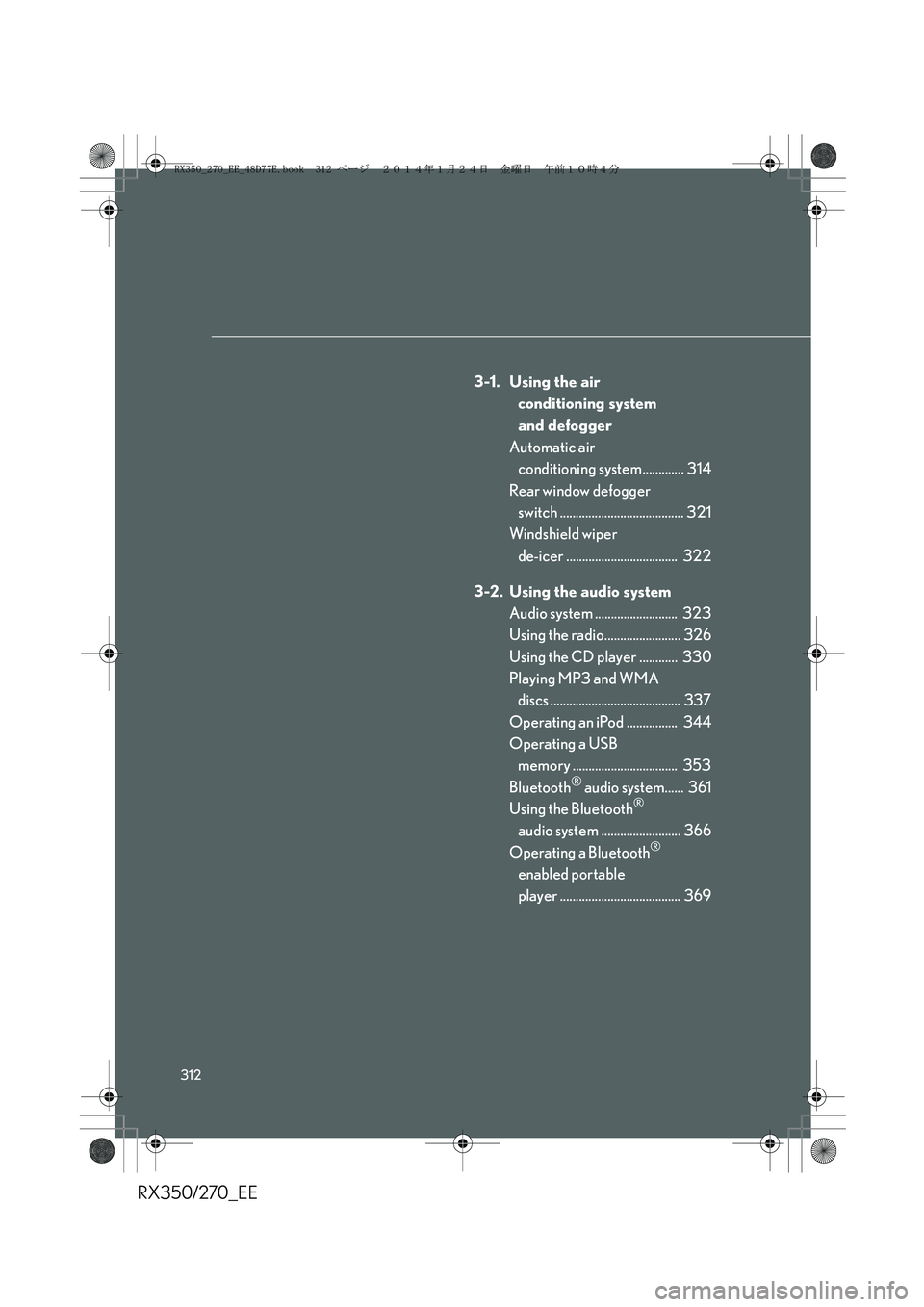
3-1. Using the air
conditioning system
and defogger
Automatic air
conditioning system ............. 314
Rear window defogger
switch ....................................... 321
Windshield wiper
de-icer ................................... 322
3-2. Using the audio system
Audio system .......................... 323
Using the radio........................ 326
Using the CD player ............ 330
Playing MP3 and WMA
discs ......................................... 337
Operating an iPod ................ 344
Operating a USB
memory ................................. 353
Bluetooth
® audio system...... 361
Using the Bluetooth®
audio system ......................... 366
Operating a Bluetooth
®
enabled portable
player ...................................... 369
RX350_270_EE_48D77E.book 312 ページ 2014年1月24日 金曜日 午前10時4分
Page 313 of 652
3Interior features
313
RX350/270_EE
Setting up a Bluetooth®
enabled portable
player...................................... 372
Bluetooth
® audio system
setup ........................................ 376
Optimal use of the audio
system...................................... 377
Using the AUX port............... 379
Using the steering wheel
audio switches....................... 381
Hands-free system
for mobile phones ............... 384
Using the hands-free
system (for mobile
phones) ................................... 391
Making a phone call............... 397
Setting a mobile phone ......... 401
Security and system
setup ....................................... 405
Using the phone book ............. 411
3-3. Using the interior lights
Interior lights list ...................... 417
• Interior lights .......................... 418
• Personal lights ....................... 4183-4. Using the storage
features
List of storage features ........ 420
• Glove box ................................421
• Bottle holders/
door pockets ......................... 422
• Cup holders .......................... 423
• Console box .......................... 426
• Coin holder ............................427
• Auxiliary box......................... 428
• Under tray ............................. 429
3-5. Other interior features
Sun visors ................................. 430
Vanity mirror............................. 431
Clock ........................................ 432
Outside temperature
display .................................... 433
Multi-display light
control.................................... 434
Power outlets........................... 435
Heated steering wheel ......... 437
Seat heaters and
ventilators ............................. 439
Armrest ...................................... 441
Coat hooks ............................... 442
Assist grips .............................. 443
Floor mat................................... 444
Luggage compartment
features .................................. 446
RX350_270_EE_48D77E.book 313 ページ 2014年1月24日 金曜日 午前10時4分
Page 323 of 652
323
3
Interior features
RX350/270_EE
3-2. Using the audio system
Audio system
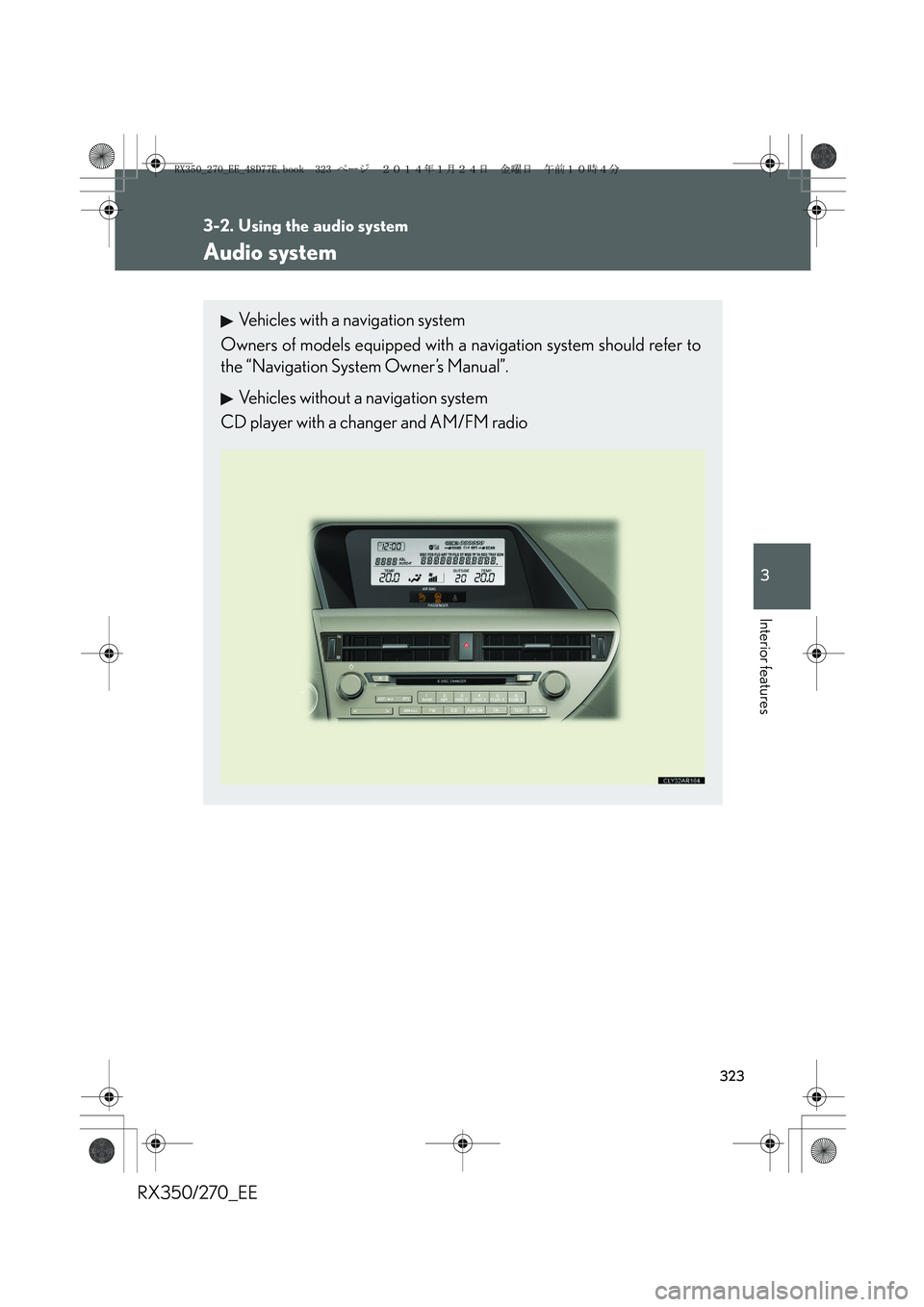
Vehicles with a navigation system
Owners of models equipped with a navigation system should refer to
the “Navigation System Owner’s Manual”.
Vehicles without a navigation system
CD player with a changer and AM/FM radio
RX350_270_EE_48D77E.book 323 ページ 2014年1月24日 金曜日 午前10時4分
Page 324 of 652
324
3-2. Using the audio system
RX350/270_EE
■Using mobile phones
Interference may be heard through the audio system’s speakers if a mobile phone is
being used inside or close to the vehicle while the audio system is operating.
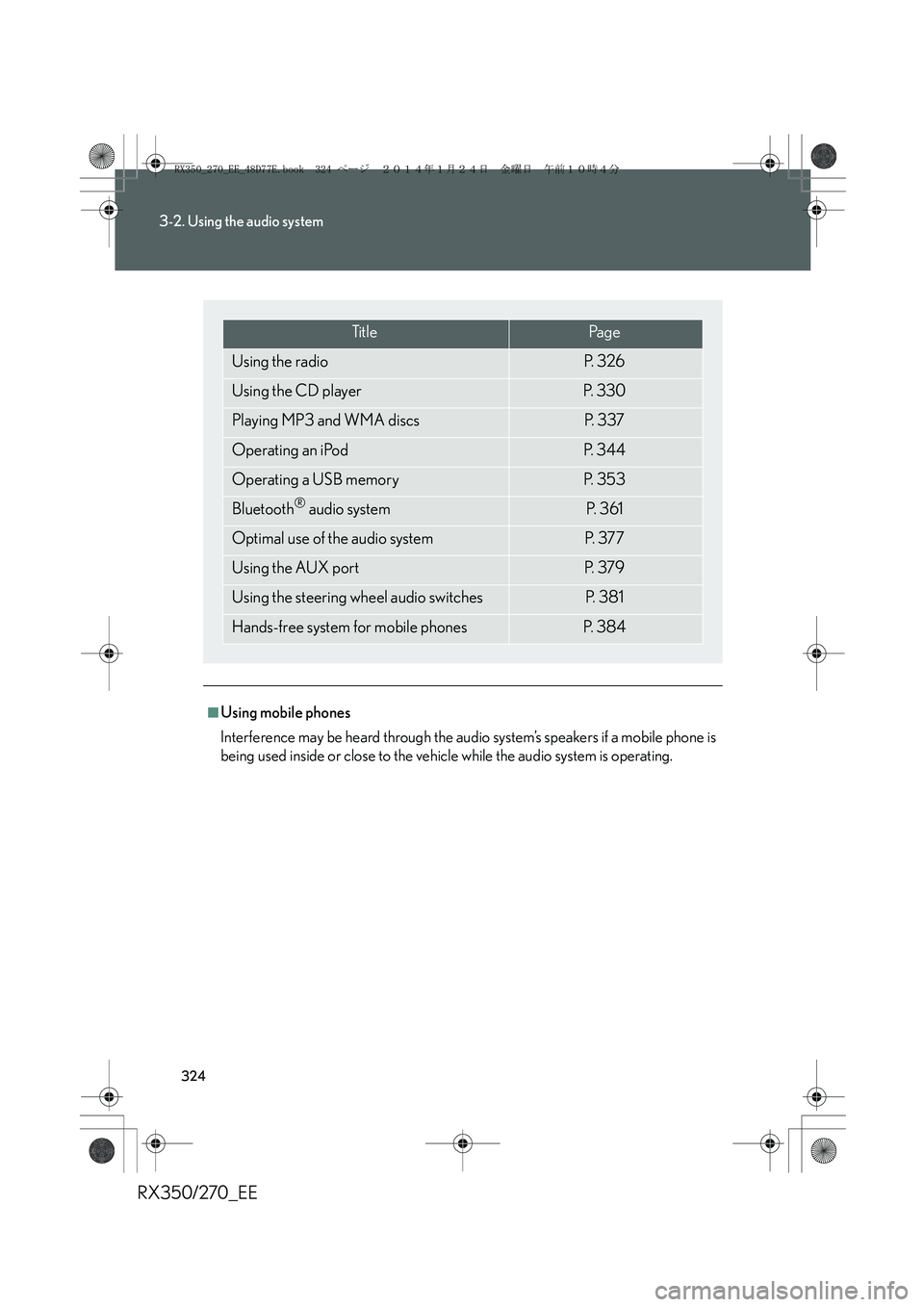
Ti t l ePa g e
Using the radioP. 3 2 6
Using the CD playerP. 3 3 0
Playing MP3 and WMA discsP. 3 3 7
Operating an iPodP. 3 4 4
Operating a USB memoryP. 3 5 3
Bluetooth® audio systemP. 3 6 1
Optimal use of the audio systemP. 3 7 7
Using the AUX portP. 3 7 9
Using the steering wheel audio switchesP. 3 8 1
Hands-free system for mobile phonesP. 3 8 4
RX350_270_EE_48D77E.book 324 ページ 2014年1月24日 金曜日 午前10時4分
Page 325 of 652
325
3-2. Using the audio system
3
Interior features
RX350/270_EE
CAUTION
■Certification for the radio (for Italy)
IL PRODUTTORE PIONEER CORPORATION 4-1, Meguro 1-Chome, Meguro-
Ku, Tokyo, Japan DI QUESTO APPARECCHIO MODELLO 86120-48Q90
(radio-CD player) DICHIARA CHE ESSO E’ CONFORME AL D.M.28.08.1995
No.548, OTTEMPERANDO ALLE PRESCRIZIONI DI CUI AL D.M.25.6.1985
(PARAGRAFO 3,ALL.A) ED AL D.M.27.8.1987 (PARAGRAFO 3,ALL.I).
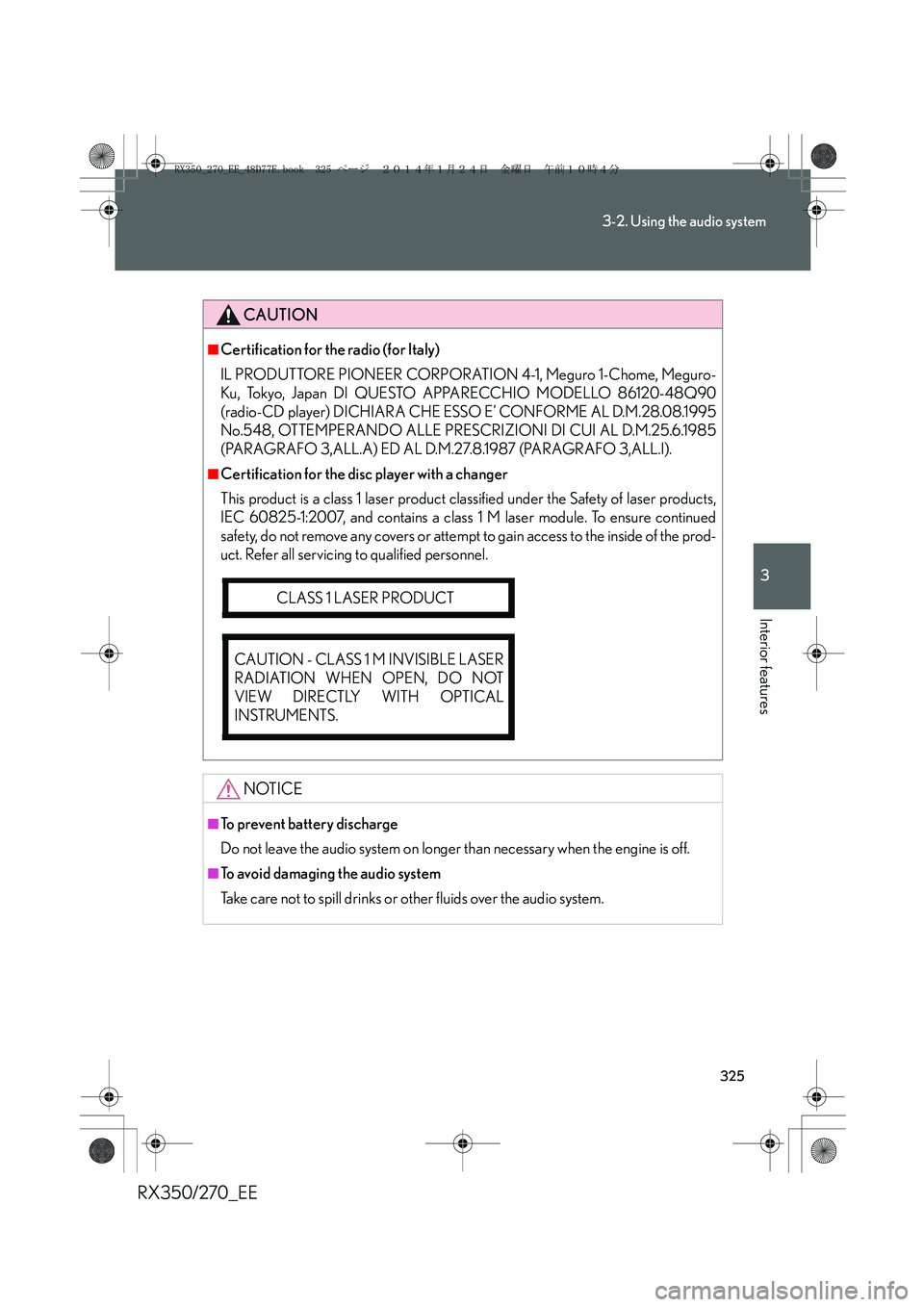
■Certification for the disc player with a changer
This product is a class 1 laser product classified under the Safety of laser products,
IEC 60825-1:2007, and contains a class 1 M laser module. To ensure continued
safety, do not remove any covers or attempt to gain access to the inside of the prod-
uct. Refer all servicing to qualified personnel.
NOTICE
■To prevent battery discharge
Do not leave the audio system on longer than necessary when the engine is off.
■To avoid damaging the audio system
Take care not to spill drinks or other fluids over the audio system.
CLASS 1 LASER PRODUCT
CAUTION - CLASS 1 M INVISIBLE LASER
RADIATION WHEN OPEN, DO NOT
VIEW DIRECTLY WITH OPTICAL
INSTRUMENTS.
RX350_270_EE_48D77E.book 325 ページ 2014年1月24日 金曜日 午前10時4分
Page 330 of 652
330
3-2. Using the audio system
RX350/270_EE
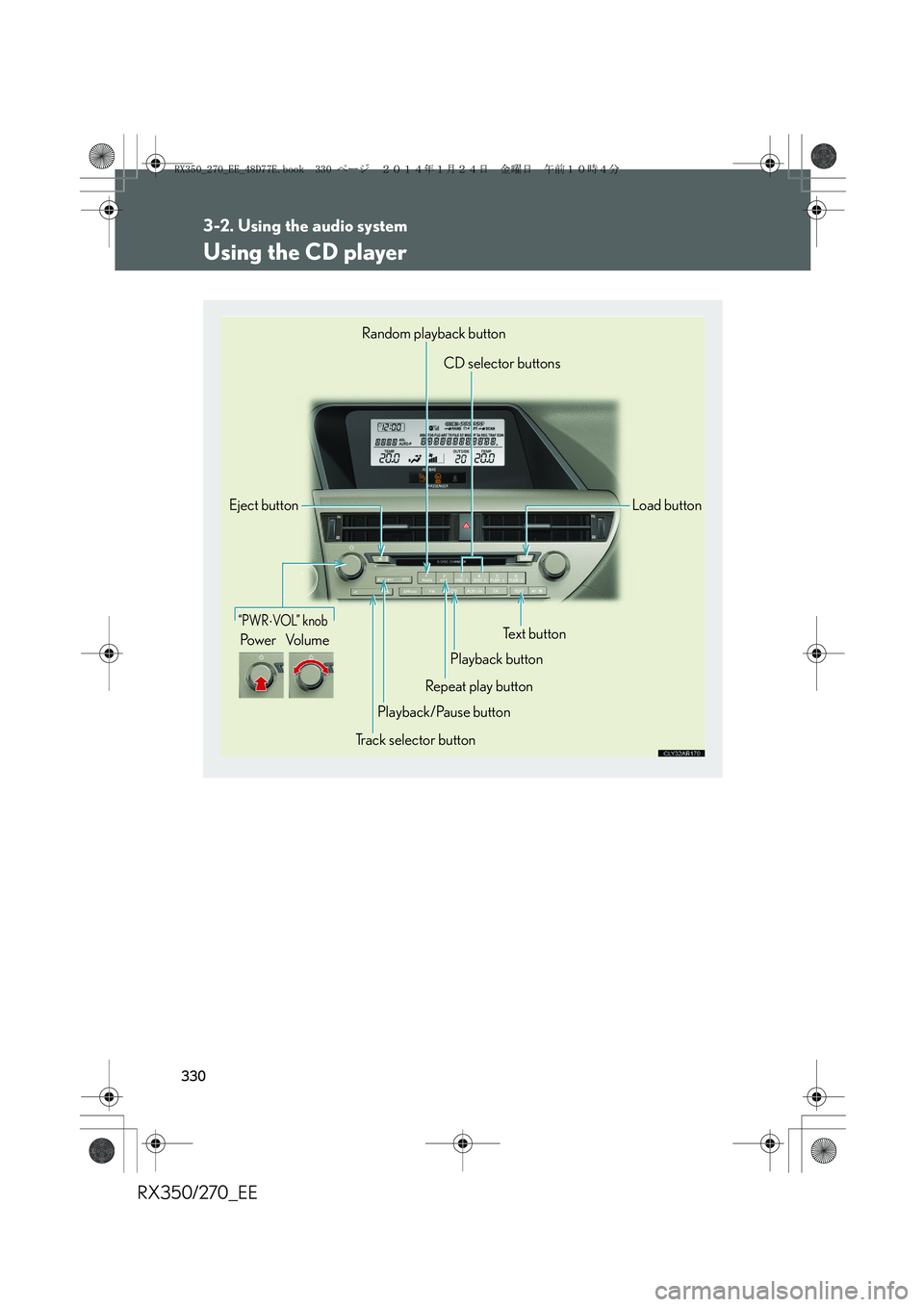
Using the CD player
“PWR⋅VOL” knob
Pow e r Vo l u m e
Random playback button
CD selector buttons
Load button
Text button
Playback button
Repeat play button
Playback/Pause button
Track selector button Eject button
RX350_270_EE_48D77E.book 330 ページ 2014年1月24日 金曜日 午前10時4分
Page 334 of 652
334
3-2. Using the audio system
RX350/270_EE
■CD player protection feature
To protect the internal components, playback is automatically stopped when a
problem is detected.
■Display
Up to 12 characters can be displayed at a time.
If there are 13 or more characters, pressing and holding until you hear a beep
enables to display the remaining characters.
A maximum of 24 characters can be displayed.
If is pressed until you hear a beep again or has not been operated for more
than 6 seconds, the display will return to the first 12 characters.
Depending on the contents recorded, the characters may not be displayed prop-
erly or may not be displayed at all.
■When “ERROR” or “WAIT” is shown on the display
“ERROR”: This indicates a problem either in the CD or inside the player. The CD
may be dirty, damaged, or inserted up-side down.
“WAIT”: This indicates that operation is stopped due to a high temperature inside
the player. Wait for a while and then press . If the CD still cannot
be played back, contact any authorized Lexus dealer or repairer, or
another duly qualified and equipped professional.
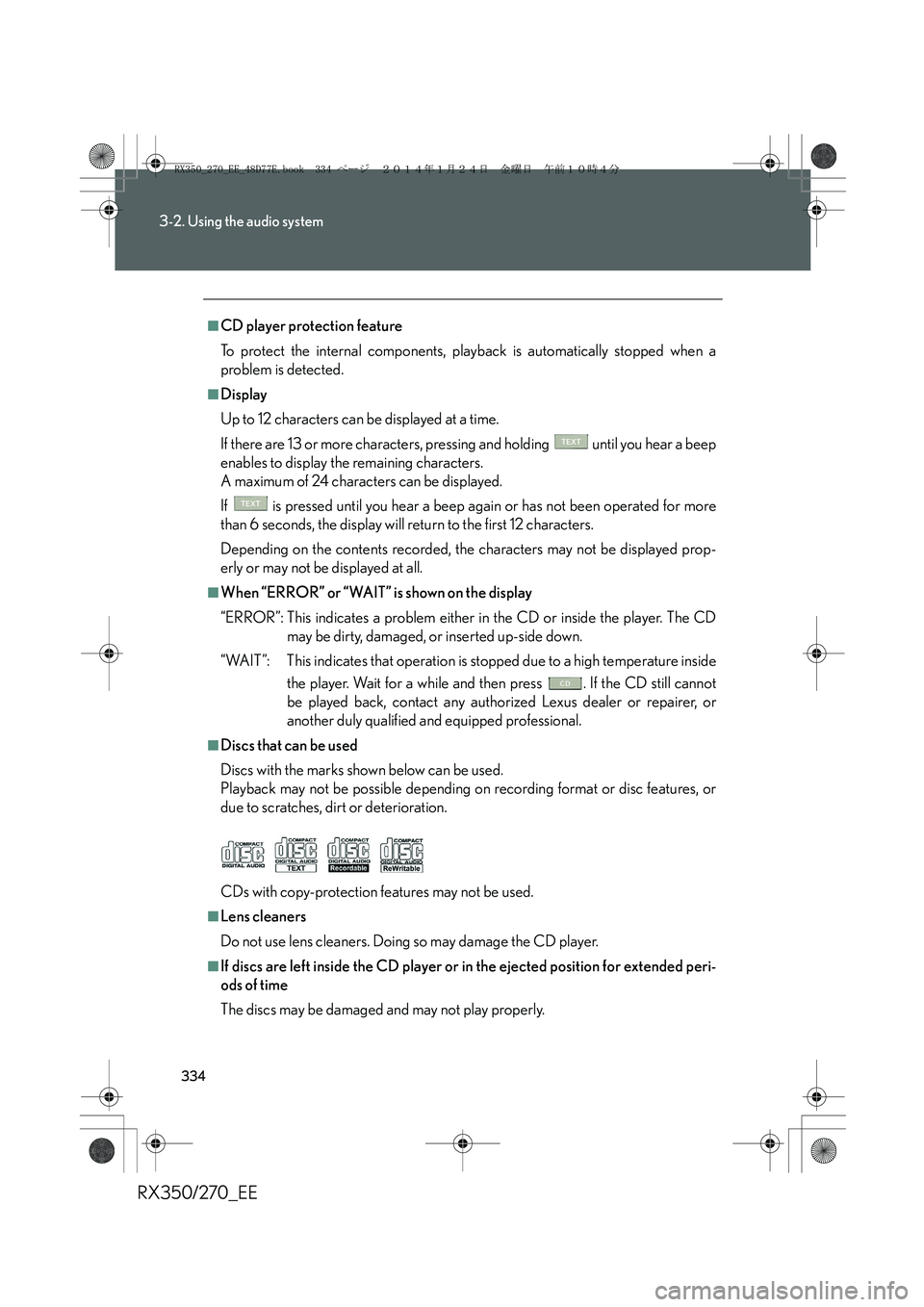
■Discs that can be used
Discs with the marks shown below can be used.
Playback may not be possible depending on recording format or disc features, or
due to scratches, dirt or deterioration.
CDs with copy-protection features may not be used.
■Lens cleaners
Do not use lens cleaners. Doing so may damage the CD player.
■If discs are left inside the CD player or in the ejected position for extended peri-
ods of time
The discs may be damaged and may not play properly.
RX350_270_EE_48D77E.book 334 ページ 2014年1月24日 金曜日 午前10時4分