audio LEXUS RX350 2011 Owners Manual
[x] Cancel search | Manufacturer: LEXUS, Model Year: 2011, Model line: RX350, Model: LEXUS RX350 2011Pages: 821, PDF Size: 13.27 MB
Page 428 of 821
358
3-3. Using the Bluetooth® audio system
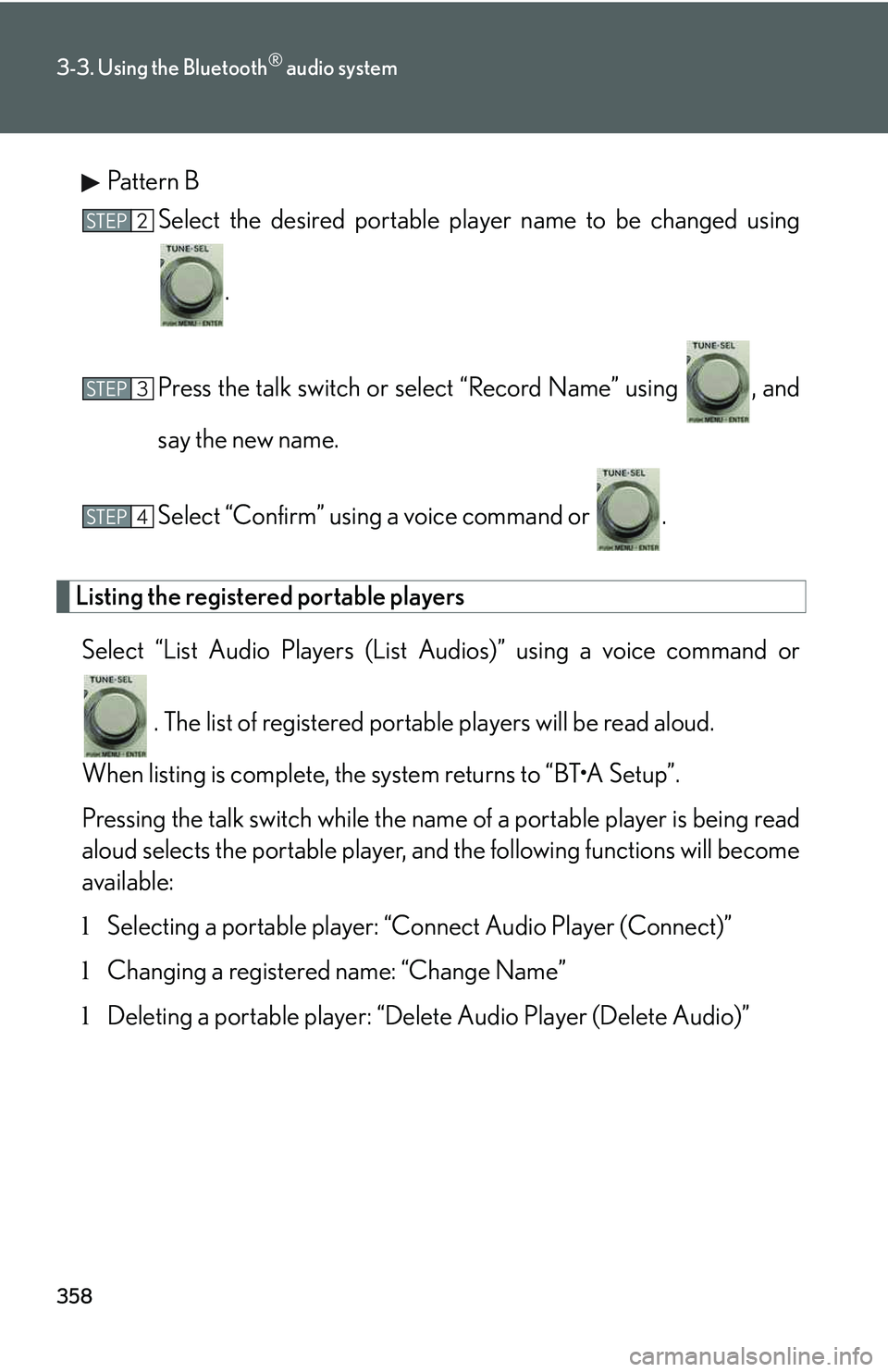
Pattern B
Select the desired portable player name to be changed using
.
Press the talk switch or select “Record Name” using , and
say the new name.
Select “Confirm” using a voice command or .
Listing the registered portable players
Select “List Audio Players (List Audios)” using a voice command or
. The list of registered portable players will be read aloud.
When listing is complete, the system returns to “BT
Page 429 of 821
359
3-3. Using the Bluetooth® audio system
3
Interior features
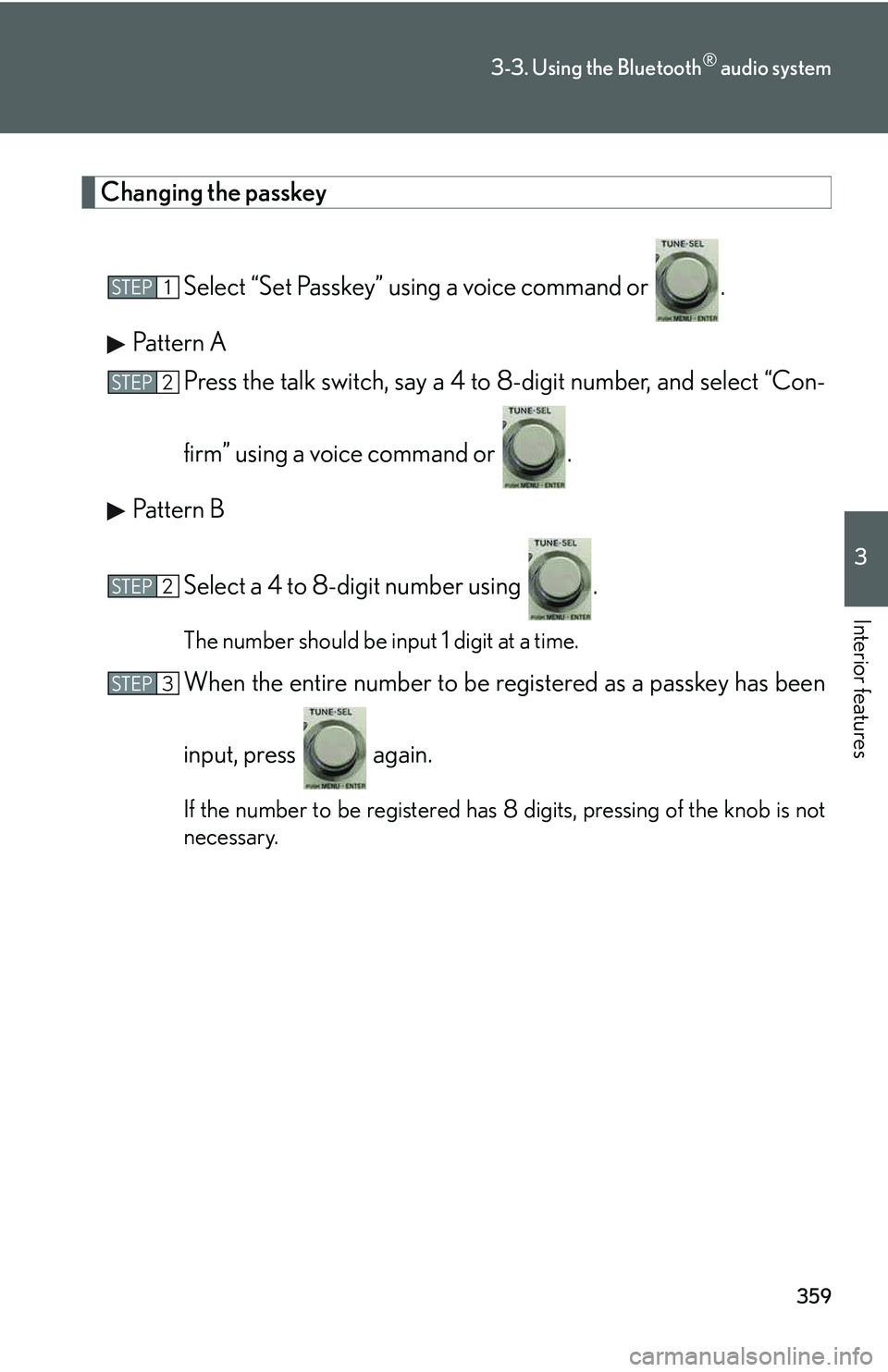
Changing the passkey
Select “Set Passkey” using a voice command or .
Pattern A
Press the talk switch, say a 4 to 8-digit number, and select “Con-
firm” using a voice command or .
Pattern B
Select a 4 to 8-digit number using .
The number should be input 1 digit at a time.
When the entire number to be registered as a passkey has been
input, press again.
If the number to be registered has 8 digits, pressing of the knob is not
necessary.
STEP1
STEP2
STEP2
STEP3
Page 430 of 821
360
3-3. Using the Bluetooth® audio system
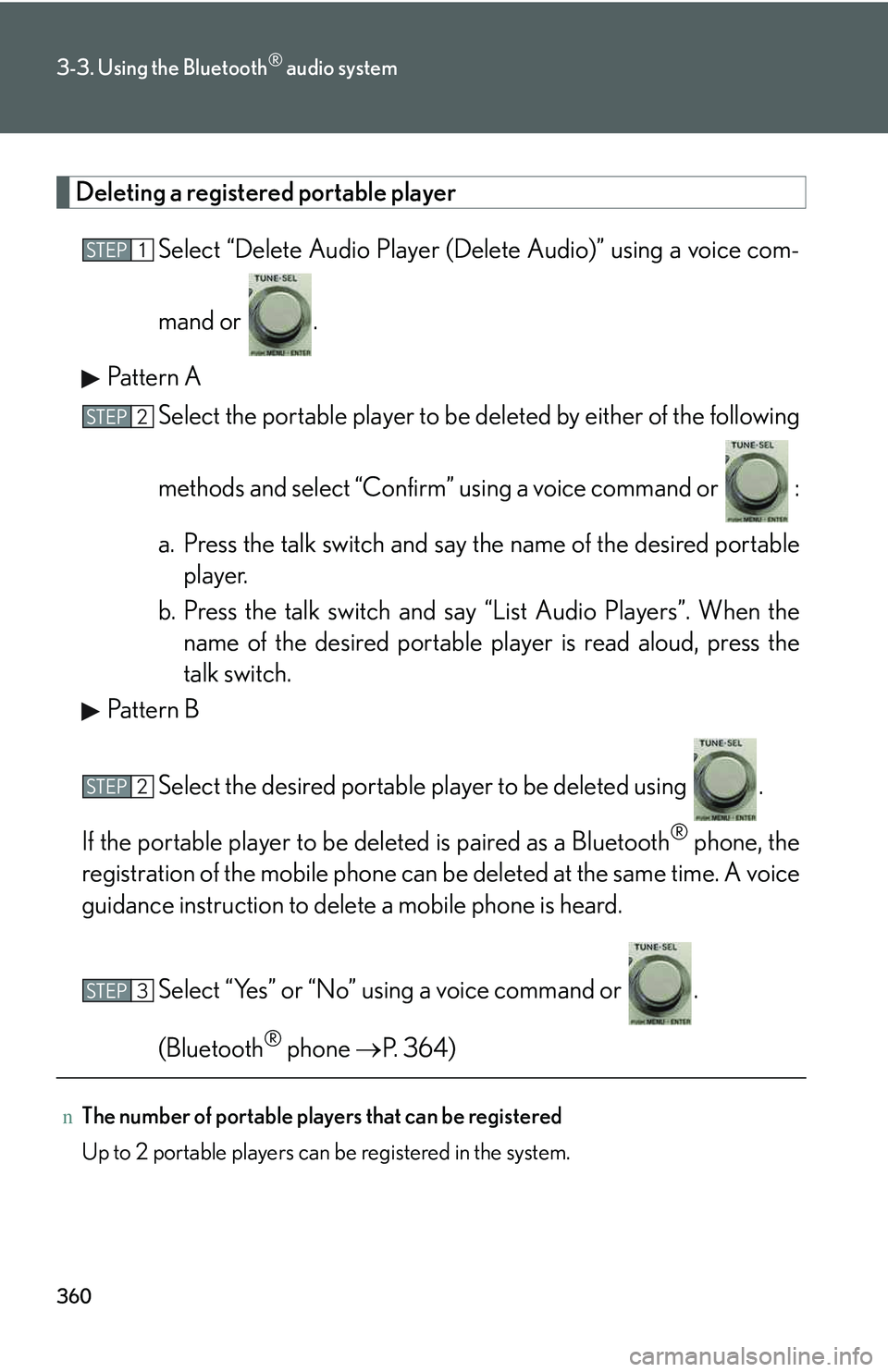
Deleting a registered portable player
Select “Delete Audio Player (Delete Audio)” using a voice com-
mand or .
Pattern A
Select the portable player to be deleted by either of the following
methods and select “Confirm” using a voice command or :
a. Press the talk switch and say the name of the desired portable
player.
b. Press the talk switch and say “List Audio Players”. When the
name of the desired portable player is read aloud, press the
talk switch.
Pattern B
Select the desired portable player to be deleted using .
If the portable player to be deleted is paired as a Bluetooth® phone, the
registration of the mobile phone can be deleted at the same time. A voice
guidance instruction to delete a mobile phone is heard.
Select “Yes” or “No” using a voice command or .
(Bluetooth® phone →P. 364)
nThe number of portable players that can be registered
Up to 2 portable players can be registered in the system.
STEP1
STEP2
STEP2
STEP3
Page 431 of 821
361
3-3. Using the Bluetooth® audio system
3
Interior features
Bluetooth® audio system setup
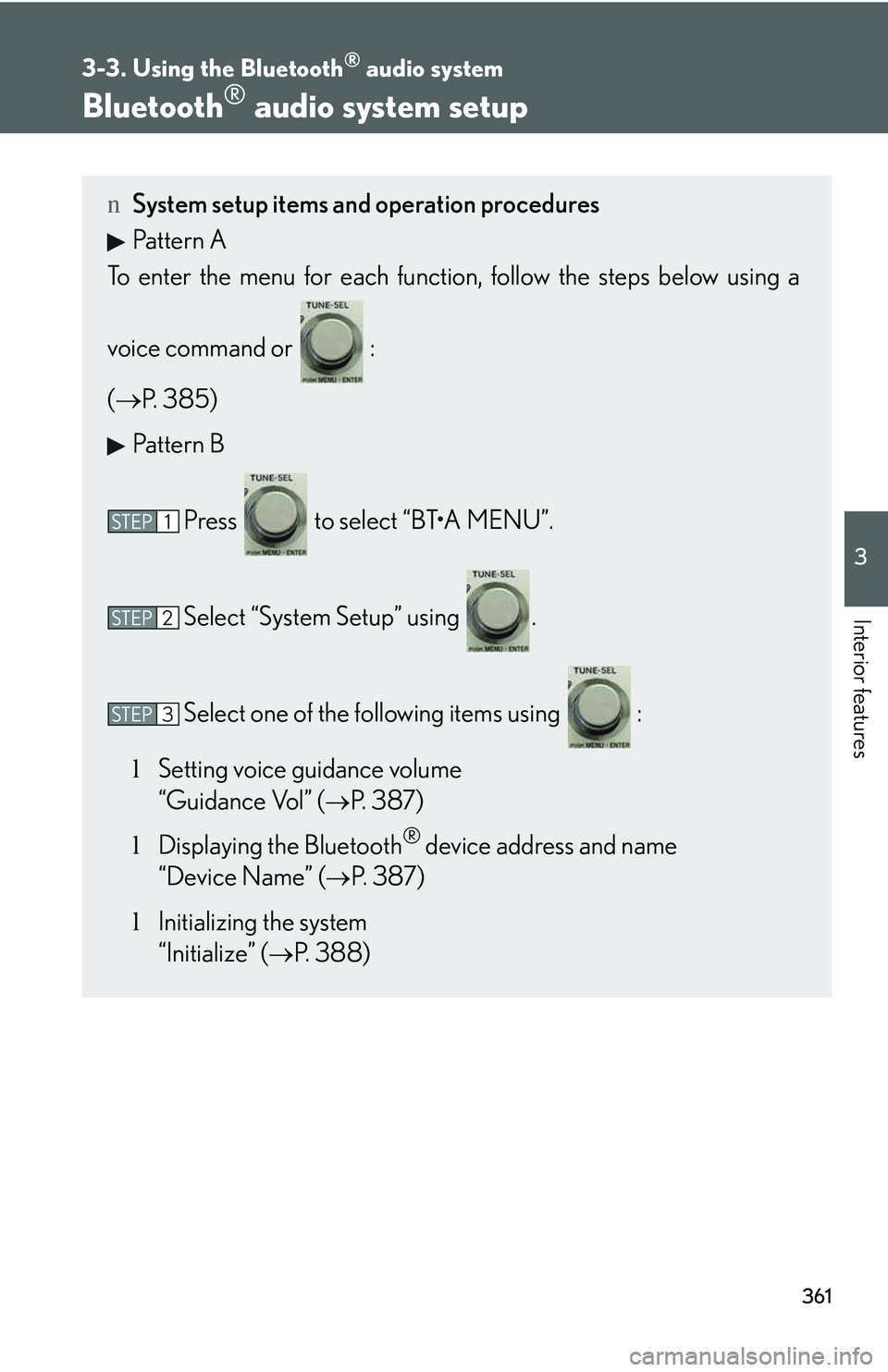
nSystem setup items and operation procedures
Pattern A
To enter the menu for each function, follow the steps below using a
voice command or :
(→P. 385)
Pattern B
Press to select “BT
Page 433 of 821
363
3-4. Using the hands-free phone system (for mobile phones)
3
Interior features
nConditions under which the system will not operate
lIf using a mobile phone that does not support Bluetooth®
lIf the mobile phone is switched off
lIf you are outside service range
lIf the mobile phone is not connected
lIf the mobile phone's battery is low
lIf the mobile phone is behind the seat or in the glove box or console box
lIf metal is covering or touching the phone
nWhen using the hands-free system
lThe audio system and voice guidance are muted when making a call.
lIf both parties speak at the same time, it may be difficult to hear.
lIf the incoming call volume is overly loud, an echo may be heard.
lTry to face toward the microphone as much as possible when speaking.
lIn the following circumstances, it may be difficult to hear the other party:
Page 436 of 821
366
3-4. Using the hands-free phone system (for mobile phones)
Using the hands-free system (for mobile phones)
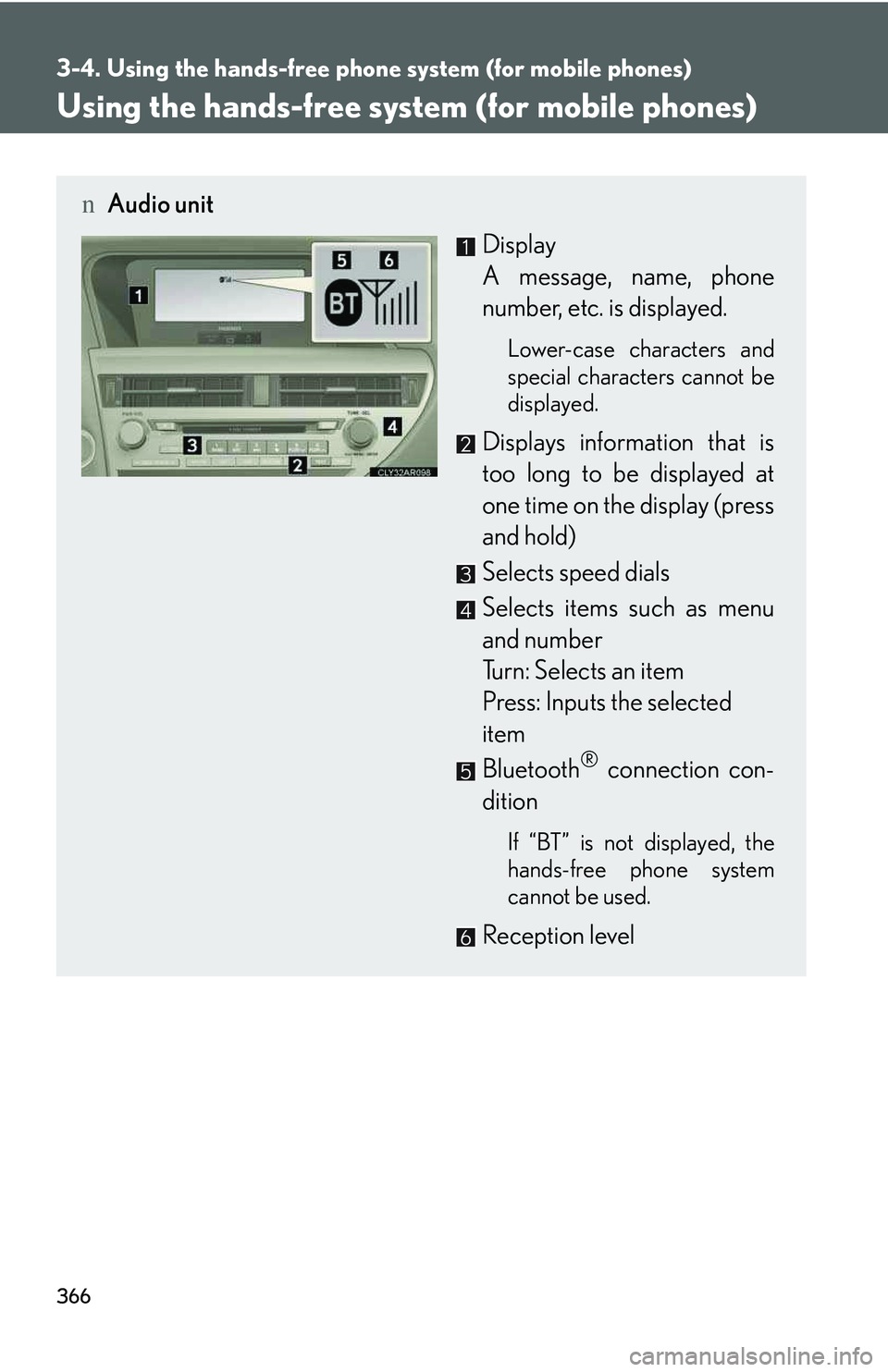
nAudio unit
Display
A message, name, phone
number, etc. is displayed.
Lower-case characters and
special characters cannot be
displayed.
Displays information that is
too long to be displayed at
one time on the display (press
and hold)
Selects speed dials
Selects items such as menu
and number
Turn: Selects an item
Press: Inputs the selected
item
Bluetooth® connection con-
dition
If “BT” is not displayed, the
hands-free phone system
cannot be used.
Reception level
Page 439 of 821
369
3-4. Using the hands-free phone system (for mobile phones)
3
Interior features
Using the hands-free phone system for the first time
Before using the hands-free phone system, it is necessary to register a
mobile phone in the system. The system will enter phone registration
mode automatically when starting the system with no mobile phone reg-
istered. Follow the procedure below to register (pair) a mobile phone:
Press the off-hook switch or the talk switch.
The introductory guidance and phone name registration instructions are
heard.
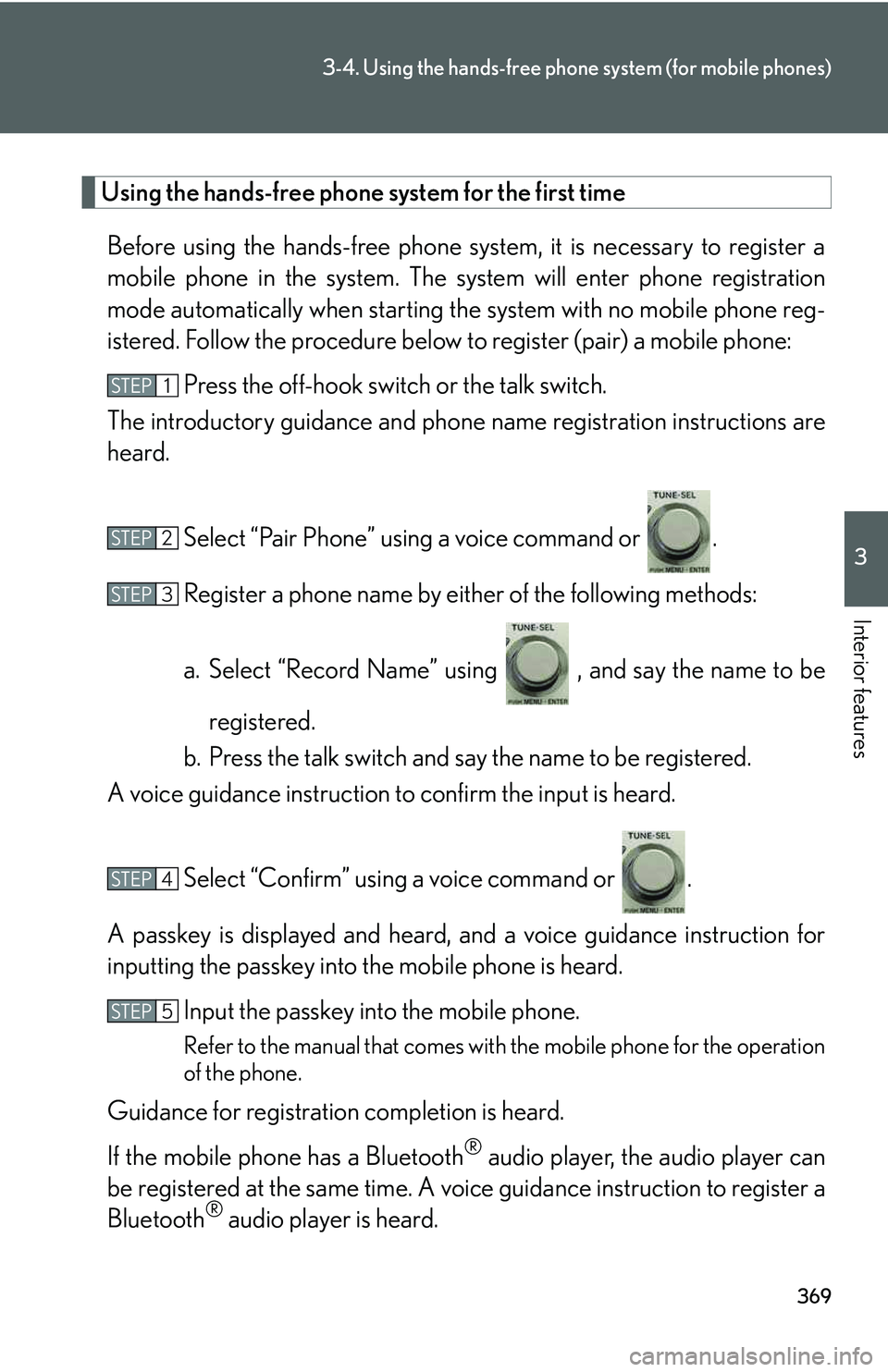
Select “Pair Phone” using a voice command or .
Register a phone name by either of the following methods:
a. Select “Record Name” using , and say the name to be
registered.
b. Press the talk switch and say the name to be registered.
A voice guidance instruction to confirm the input is heard.
Select “Confirm” using a voice command or .
A passkey is displayed and heard, and a voice guidance instruction for
inputting the passkey into the mobile phone is heard.
Input the passkey into the mobile phone.
Refer to the manual that comes with the mobile phone for the operation
of the phone.
Guidance for registration completion is heard.
If the mobile phone has a Bluetooth® audio player, the audio player can
be registered at the same time. A voice guidance instruction to register a
Bluetooth® audio player is heard.
STEP1
STEP2
STEP3
STEP4
STEP5
Page 440 of 821
370
3-4. Using the hands-free phone system (for mobile phones)
Select “Yes” or “No” using a voice command or .
(Bluetooth® audio player →P. 343)
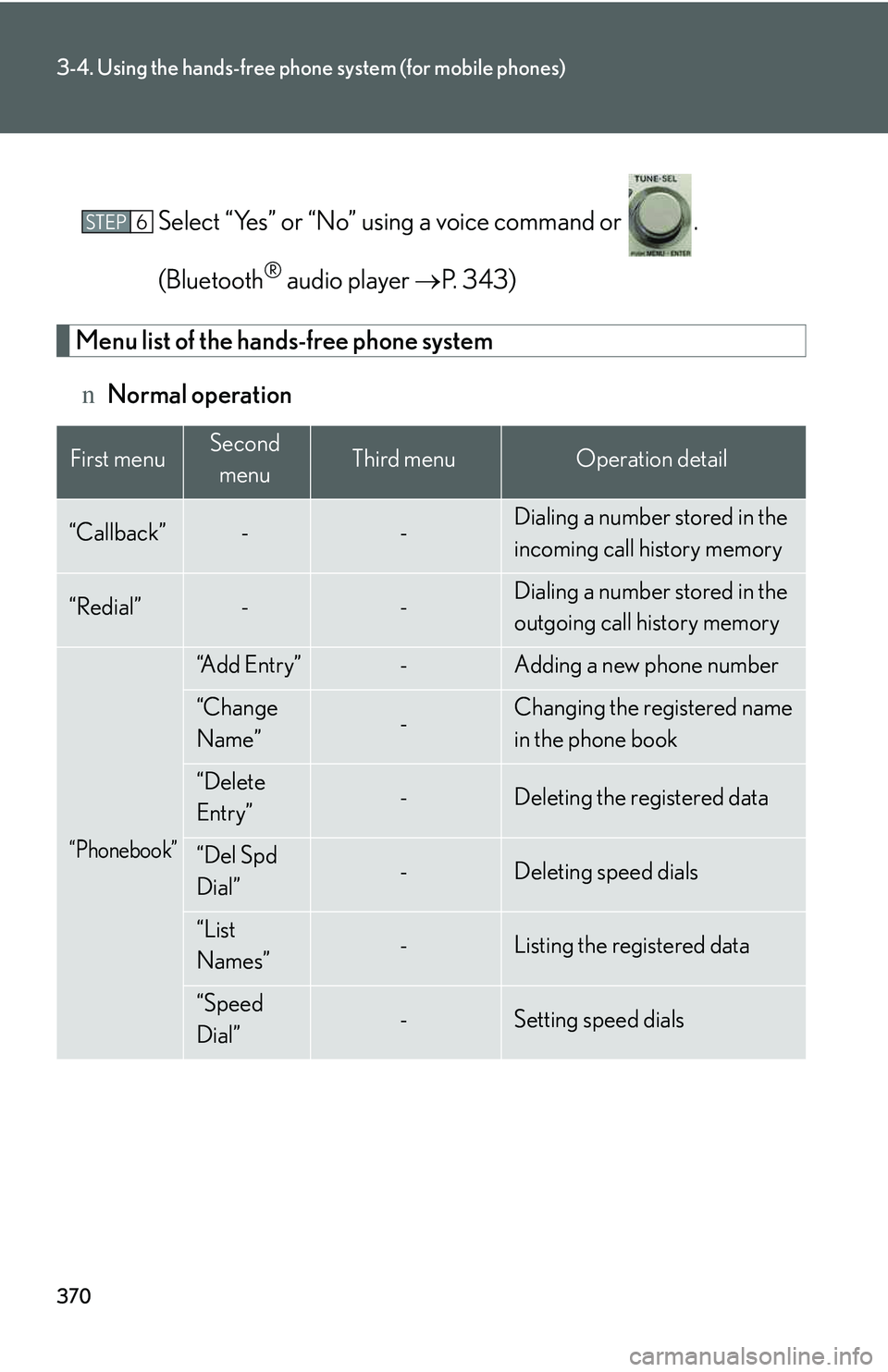
Menu list of the hands-free phone system
nNormal operation
First menuSecond
menuThird menuOperation detail
“Callback”--Dialing a number stored in the
incoming call history memory
“Redial”--Dialing a number stored in the
outgoing call history memory
“Phonebook”
“A d d E n t r y ”-Adding a new phone number
“Change
Name”-Changing the registered name
in the phone book
“Delete
Entry”-Deleting the registered data
“Del Spd
Dial”-Deleting speed dials
“List
Names”-Listing the registered data
“Speed
Dial”-Setting speed dials
STEP6
Page 454 of 821
384
3-4. Using the hands-free phone system (for mobile phones)
Pattern B
Select the desired mobile phone to be deleted using .
If the mobile phone to be deleted is paired as a Bluetooth® audio player,
the registration of the audio player can be deleted at the same time. A
voice guidance instruction to delete a Bluetooth® audio player is heard.
Select “Yes” or “No” using a voice command or .
(Bluetooth® audio player →P. 343)
nThe number of mobile phones that can be registered
Up to 6 mobile phones can be registered in the system.
STEP2
STEP3
Page 572 of 821
502
4-3. Do-it-yourself maintenance
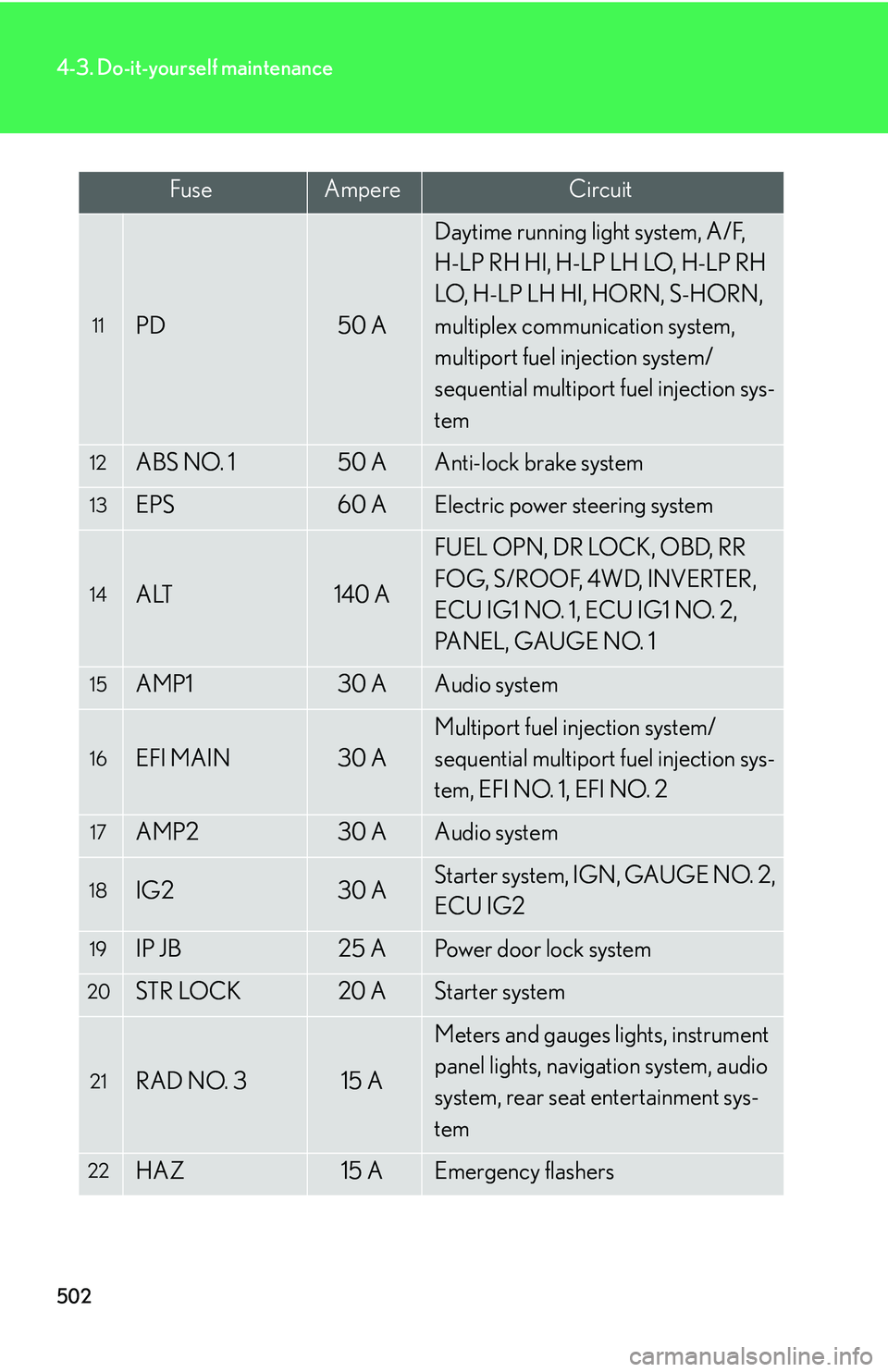
11PD50 A
Daytime running light system, A/F,
H-LP RH HI, H-LP LH LO, H-LP RH
LO, H-LP LH HI, HORN, S-HORN,
multiplex communication system,
multiport fuel injection system/
sequential multiport fuel injection sys-
tem
12ABS NO. 150 AAnti-lock brake system
13EPS60 AElectric power steering system
14ALT140 A
FUEL OPN, DR LOCK, OBD, RR
FOG, S/ROOF, 4WD, INVERTER,
ECU IG1 NO. 1, ECU IG1 NO. 2,
PANEL, GAUGE NO. 1
15AMP130 AAudio system
16EFI MAIN30 A
Multiport fuel injection system/
sequential multiport fuel injection sys-
tem, EFI NO. 1, EFI NO. 2
17AMP230 AAudio system
18IG230 AStarter system, IGN, GAUGE NO. 2,
ECU IG2
19IP JB25 APower door lock system
20STR LOCK20 AStarter system
21RAD NO. 315 A
Meters and gauges lights, instrument
panel lights, navigation system, audio
system, rear seat entertainment sys-
tem
22HAZ15 AEmergency flashers
FuseAmpereCircuit