LEXUS RX350 2011 Manual PDF
RX350 2011
LEXUS
LEXUS
https://www.carmanualsonline.info/img/36/58968/w960_58968-0.png
LEXUS RX350 2011 Manual PDF
Page 398 of 821
328
3-2. Using the audio system
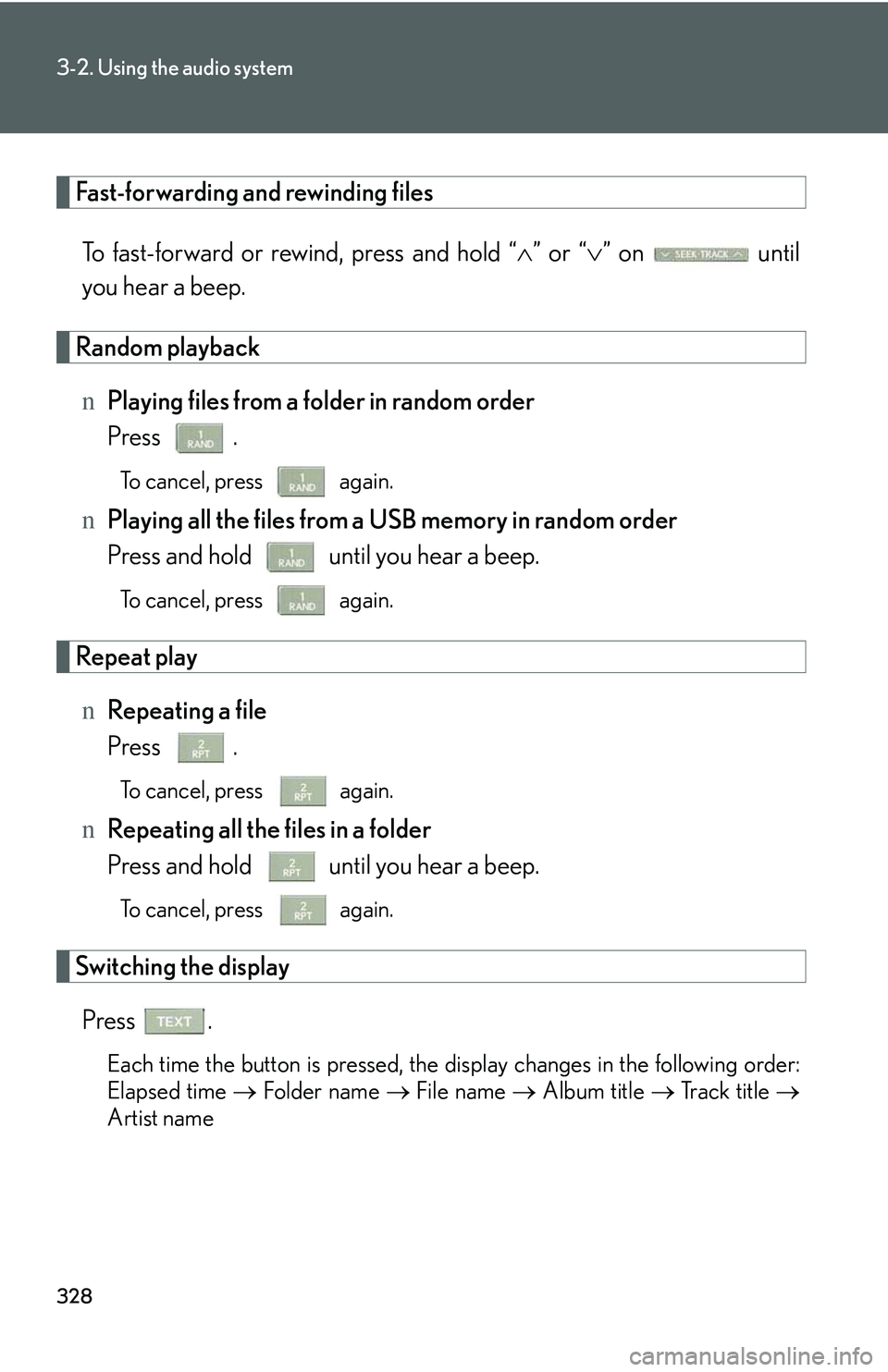
Fast-forwarding and rewinding files
To fast-forward or rewind, press and hold “∧” or “∨” on until
you hear a beep.
Random playback
nPlaying files from a folder in random order
Press .
To cancel, press again.
nPlaying all the files from a USB memory in random order
Press and hold until you hear a beep.
To cancel, press again.
Repeat play
nRepeating a file
Press .
To cancel, press again.
nRepeating all the files in a folder
Press and hold until you hear a beep.
To cancel, press again.
Switching the display
Press .
Each time the button is pressed, the display changes in the following order:
Elapsed time → Folder name → File name → Album title → Track title →
Artist name
Page 399 of 821
329
3-2. Using the audio system
3
Interior features
nUSB memory functions
lDepending on the USB memory that is connected to the system, the device
itself may not be operable and certain functions may not be available. If the
device is inoperable or a function is unavailable due to a malfunction (as
opposed to a system specification), disconnecting the device and reconnecting
it once again may resolve the problem.
lIf the USB memory still does not begin operation after being disconnected and
reconnected, format the memory.
nDisplay
→P. 3 0 3
nRouting portable audio device cables
→P. 3 2 3
nError messages
“ERROR”: This indicates a problem in the USB memory or its connection.
“NO MUSIC”: This indicates that no MP3/WMA files are included in the USB
memory.
Page 400 of 821
330
3-2. Using the audio system
nUSB memory
lCompatible devices
USB memories that can be used for MP3 and WMA playback
lCompatible device formats
The following device formats can be used:
Page 401 of 821
331
3-2. Using the audio system
3
Interior features
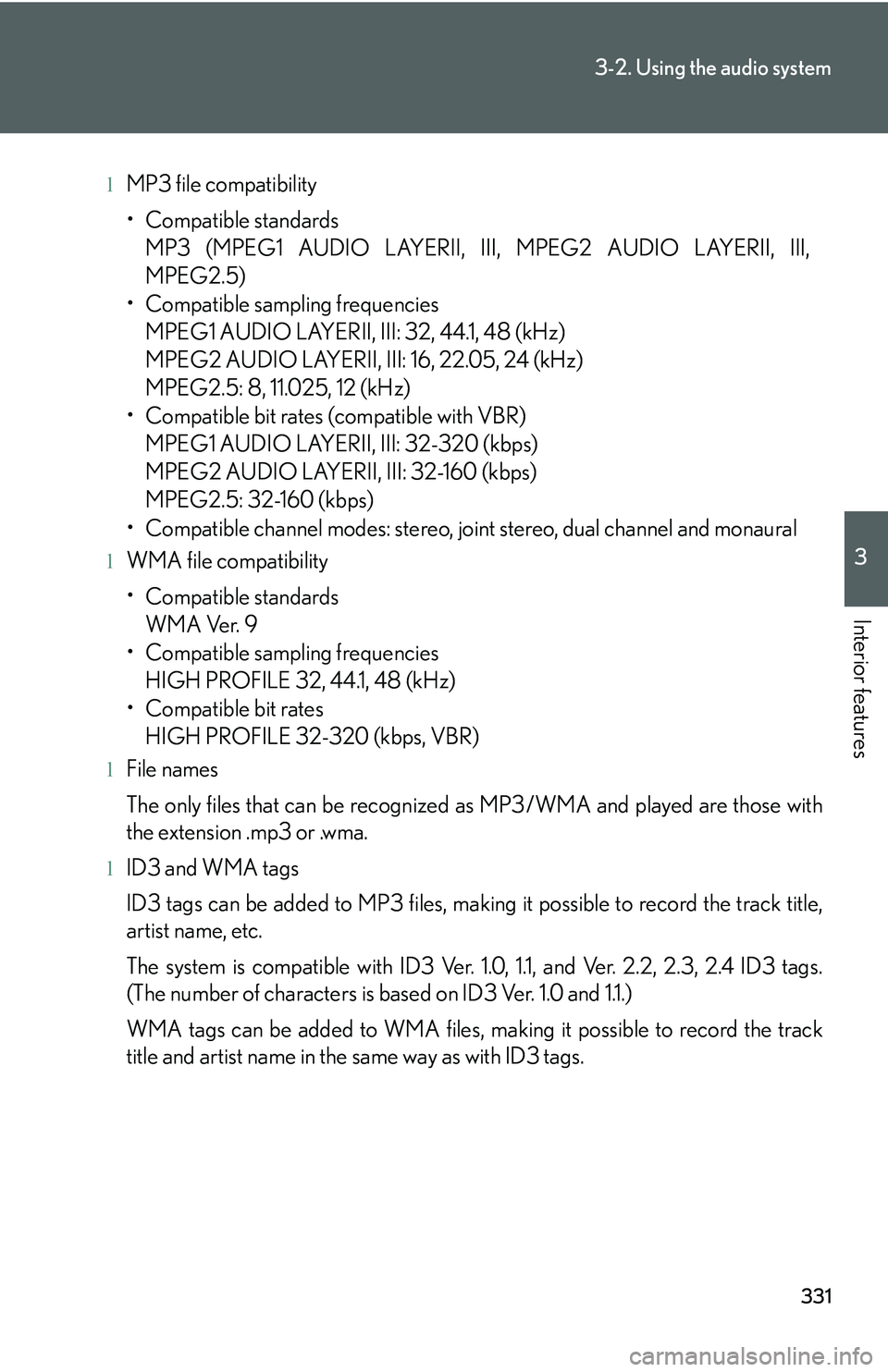
lMP3 file compatibility
Page 402 of 821
332
3-2. Using the audio system
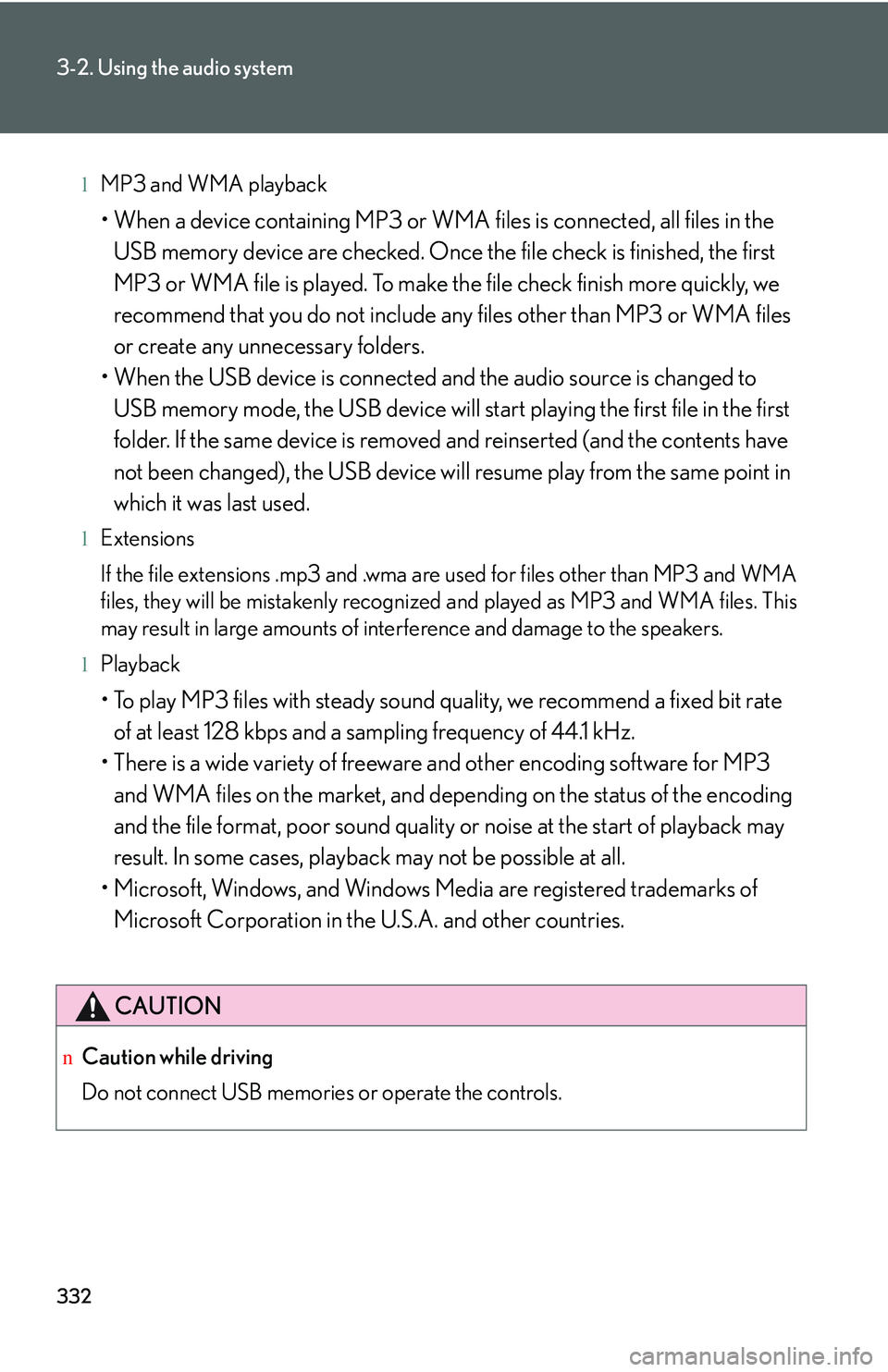
lMP3 and WMA playback
Page 403 of 821
333
3-2. Using the audio system
3
Interior features
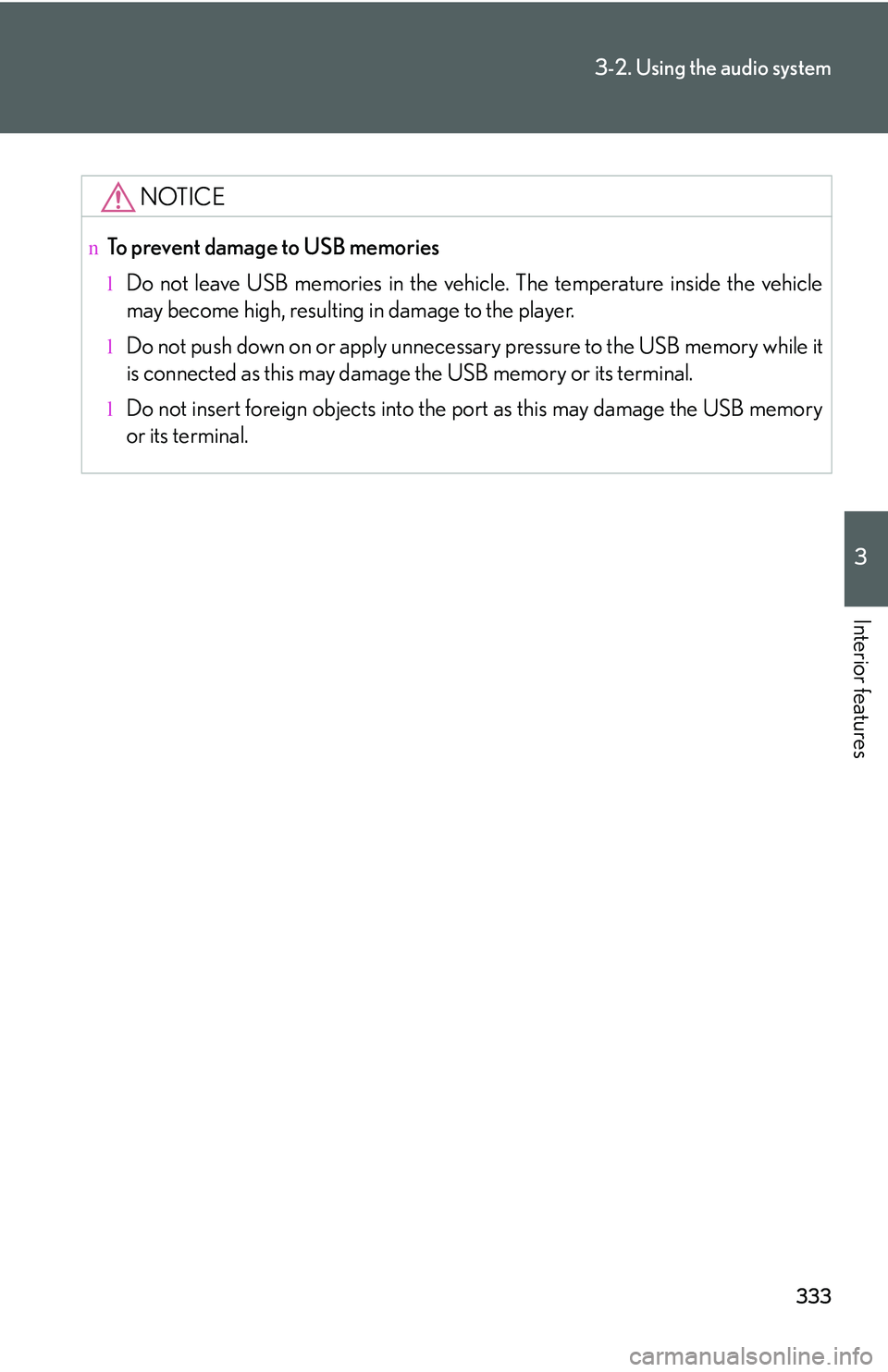
NOTICE
nTo prevent damage to USB memories
lDo not leave USB memories in the vehicle. The temperature inside the vehicle
may become high, resulting in damage to the player.
lDo not push down on or apply unnecessary pressure to the USB memory while it
is connected as this may damage the USB memory or its terminal.
lDo not insert foreign objects into the port as this may damage the USB memory
or its terminal.
Page 404 of 821
334
3-2. Using the audio system
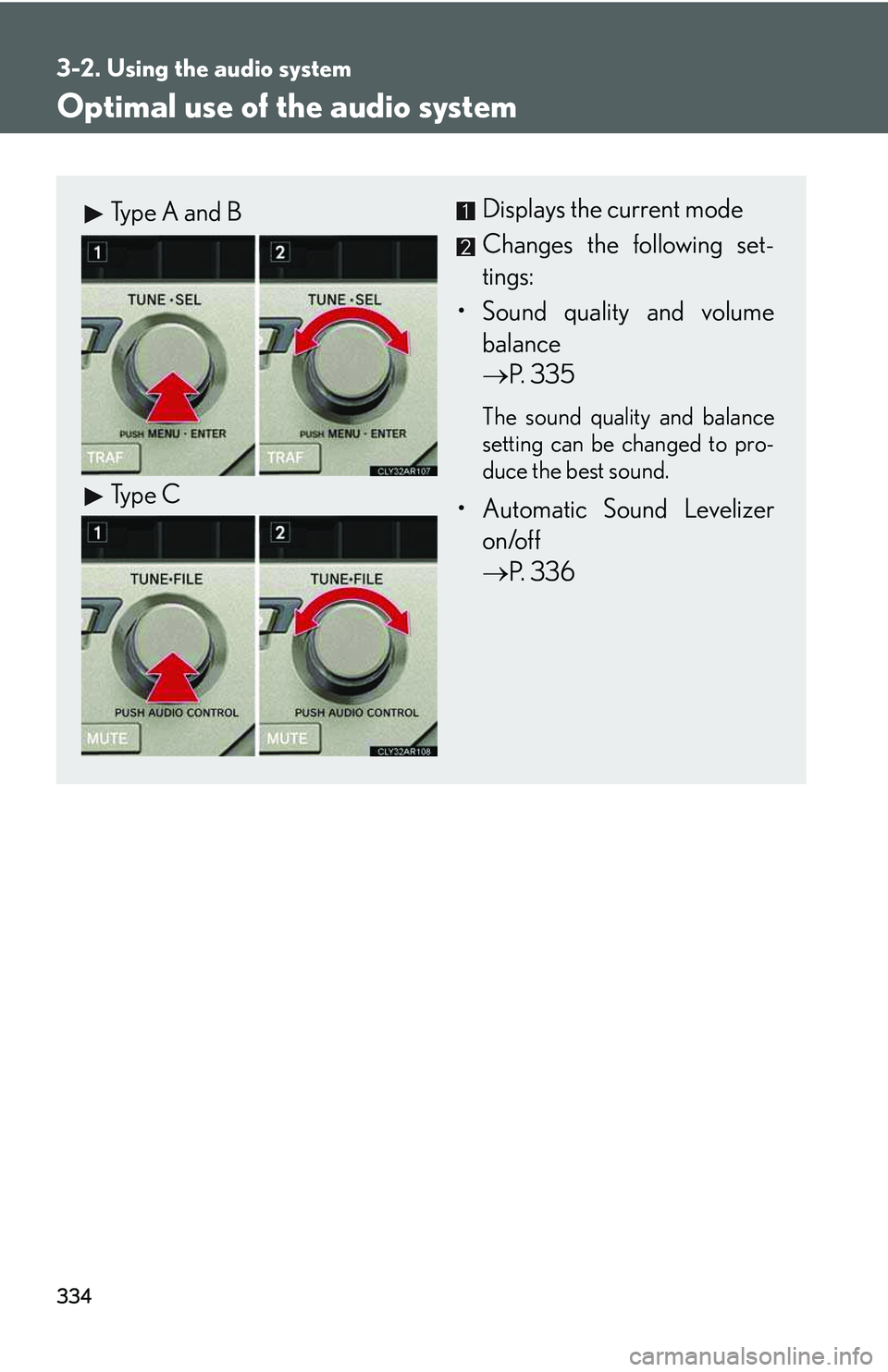
Optimal use of the audio system
Displays the current mode
Changes the following set-
tings:
Page 405 of 821
335
3-2. Using the audio system
3
Interior features
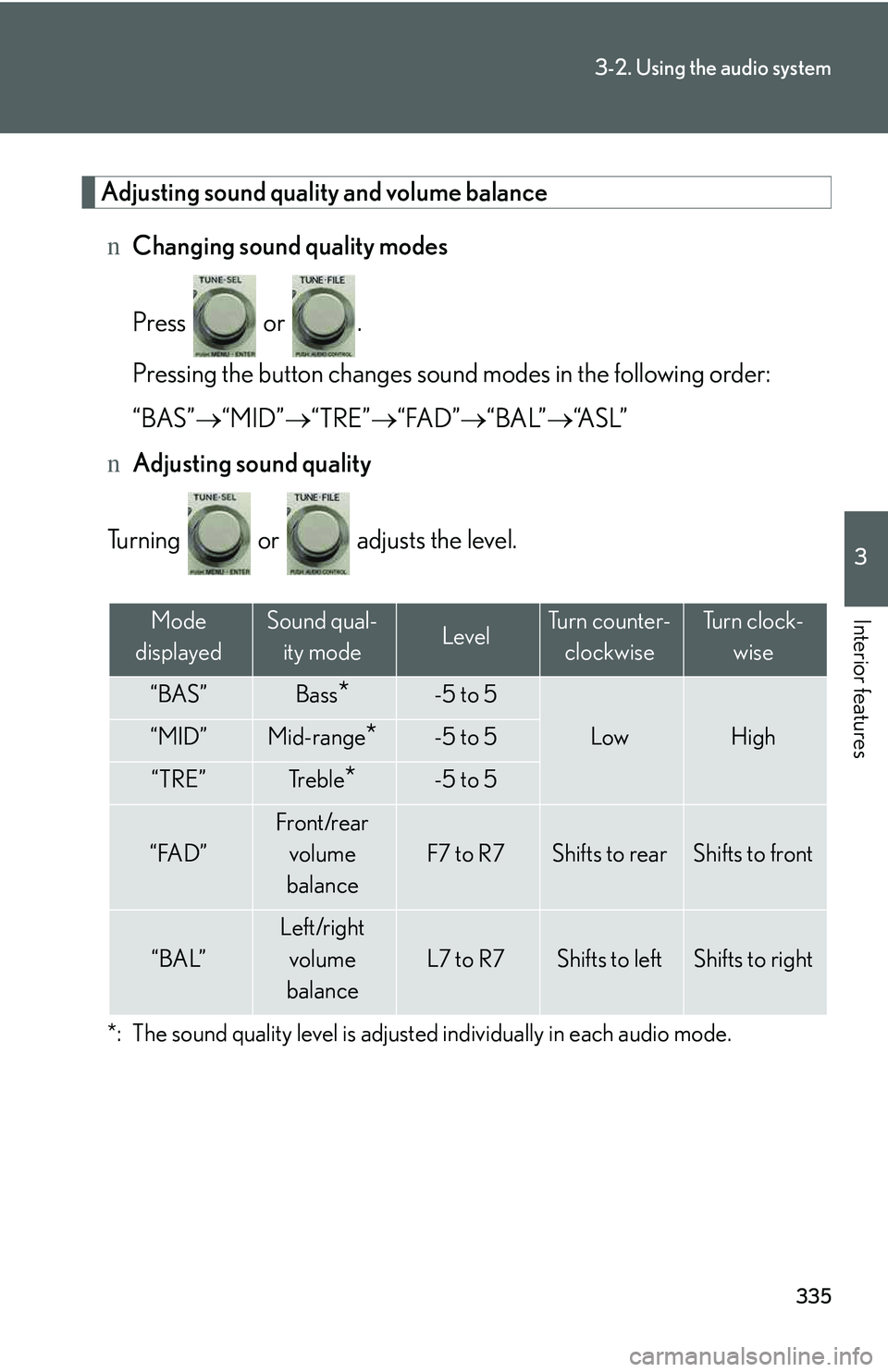
Adjusting sound quality and volume balance
nChanging sound quality modes
Press or .
Pressing the button changes sound modes in the following order:
“BAS”→“MID”→“TRE”→“FAD”→“BAL”→“A S L ”
nAdjusting sound quality
Turning or adjusts the level.
*: The sound quality level is adjusted individually in each audio mode.
Mode
displayed
Sound qual-
ity modeLevelTurn counter-
clockwise
Tu r n c l o c k -
wise
“BAS”Bass*-5 to 5
LowHigh“MID”Mid-range*-5 to 5
“TRE”Tr e b l e*-5 to 5
“FAD”
Front/rear
volume
balance
F7 to R7Shifts to rearShifts to front
“BAL”
Left/right
volume
balance
L7 to R7Shifts to leftShifts to right
Page 406 of 821
336
3-2. Using the audio system
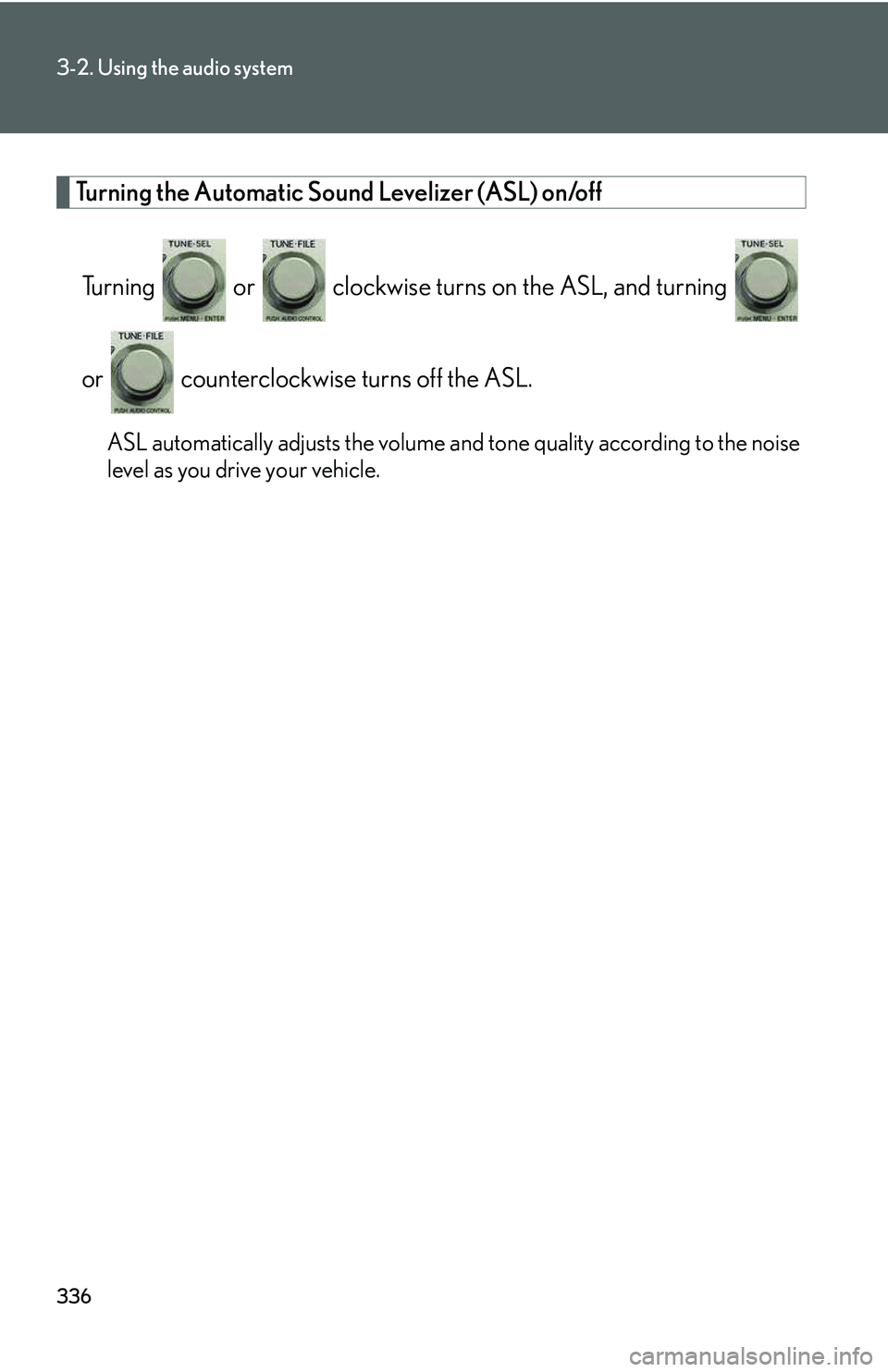
Turning the Automatic Sound Levelizer (ASL) on/off
Turning or clockwise turns on the ASL, and turning
or counterclockwise turns off the ASL.
ASL automatically adjusts the volume and tone quality according to the noise
level as you drive your vehicle.
Page 407 of 821
337
3-2. Using the audio system
3
Interior features
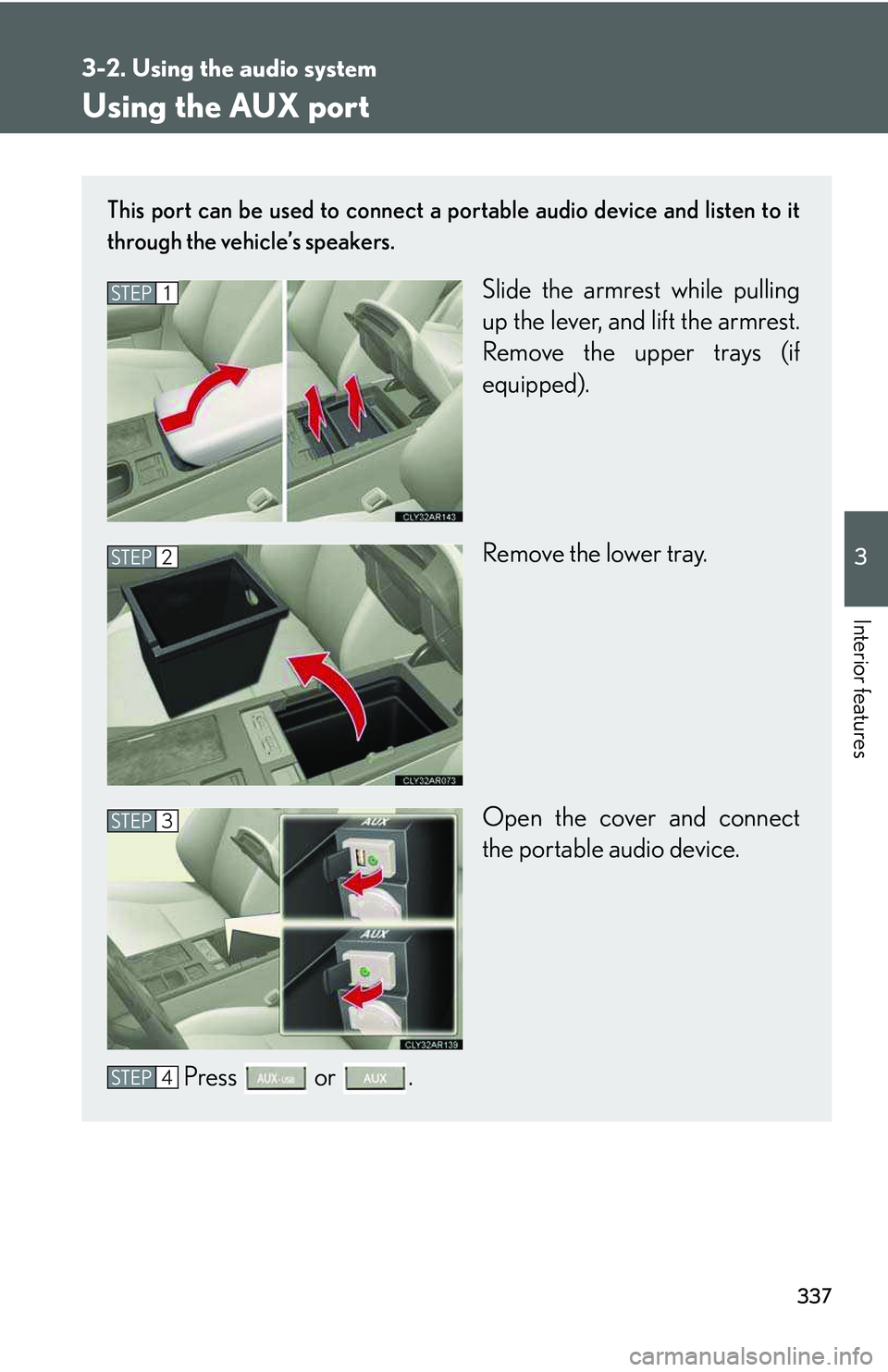
Using the AUX port
This port can be used to connect a portable audio device and listen to it
through the vehicle’s speakers.
Slide the armrest while pulling
up the lever, and lift the armrest.
Remove the upper trays (if
equipped).
Remove the lower tray.
Open the cover and connect
the portable audio device.
Press or .
STEP1
STEP2
STEP3
STEP4