lock LEXUS RX350 2011 Owners Manual
[x] Cancel search | Manufacturer: LEXUS, Model Year: 2011, Model line: RX350, Model: LEXUS RX350 2011Pages: 821, PDF Size: 13.27 MB
Page 338 of 821
266
2-5. Driving information
lWhen restarting after parking on a slope:
With the transmission in the P position, start the engine. Be sure
to keep the brake pedal depressed.
Shift into 3, 2, 1, or the R position (if reversing).
Release the parking brake and brake pedal, and slowly pull or
back away from the wheel blocks. Stop and apply the brakes.
Have someone retrieve the blocks.
nBefore towing
Check that the following conditions are met:
lThe vehicle's tires are properly inflated. (→P. 4 8 7 )
lTrailer tires are inflated according to the trailer manufacturer's recommendation.
lAll trailer lights work.
lAll lights work each time you connect them.
lThe trailer ball is set up at the proper height for the coupler on the trailer.
lThe vehicle remains level when a loaded or unloaded trailer is hitched. Do not
drive if the vehicle is not level, and check for improper tongue load, overloading,
worn suspension, or other possible causes.
lThe trailer cargo is securely loaded.
lThe rear view mirrors conform to all applicable federal, state/provincial or local
regulations. If they do not, install rear view mirrors appropriate for towing pur-
poses.
nBreak-in schedule
If your vehicle is new or equipped with any new power train components (such as
an engine, transmission, differential and wheel bearing), Lexus recommends that
you do not tow a trailer until it has been driven for over 500 miles (800 km).
However, avoid full throttle acceleration.
nMaintenance
lIf you tow a trailer, your vehicle will require more frequent maintenance due to
the additional load. (See “Warranty and Services Guide”, “Owner's Manual Sup-
plement” or “Scheduled Maintenance”.)
lRetighten the fixing bolts of the towing ball and bracket after approximately 600
miles (1000 km) of trailer towing.
STEP1
STEP2
STEP3
STEP4
Page 405 of 821
335
3-2. Using the audio system
3
Interior features
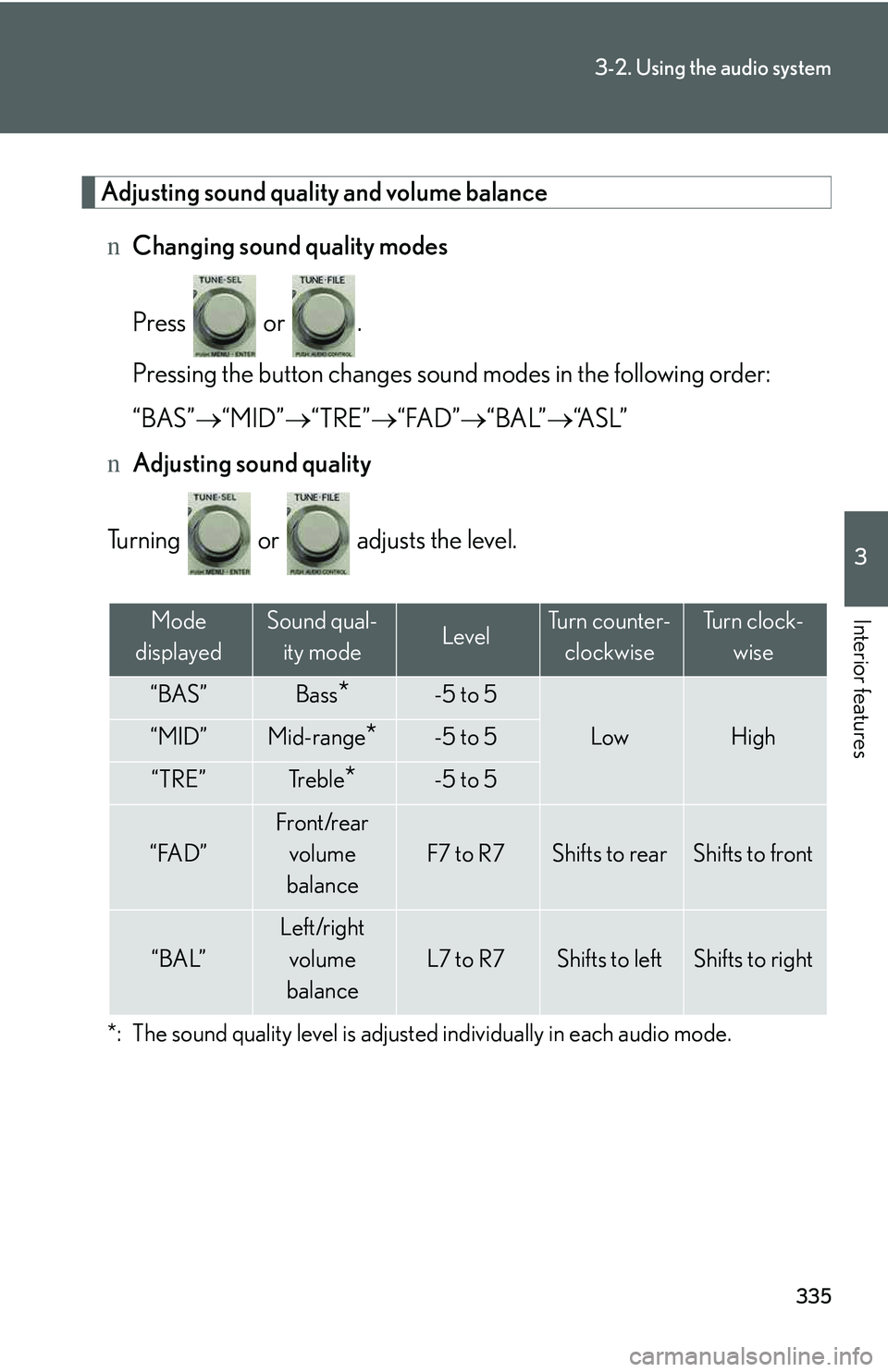
Adjusting sound quality and volume balance
nChanging sound quality modes
Press or .
Pressing the button changes sound modes in the following order:
“BAS”→“MID”→“TRE”→“FAD”→“BAL”→“A S L ”
nAdjusting sound quality
Turning or adjusts the level.
*: The sound quality level is adjusted individually in each audio mode.
Mode
displayed
Sound qual-
ity modeLevelTurn counter-
clockwise
Tu r n c l o c k -
wise
“BAS”Bass*-5 to 5
LowHigh“MID”Mid-range*-5 to 5
“TRE”Tr e b l e*-5 to 5
“FAD”
Front/rear
volume
balance
F7 to R7Shifts to rearShifts to front
“BAL”
Left/right
volume
balance
L7 to R7Shifts to leftShifts to right
Page 406 of 821
336
3-2. Using the audio system
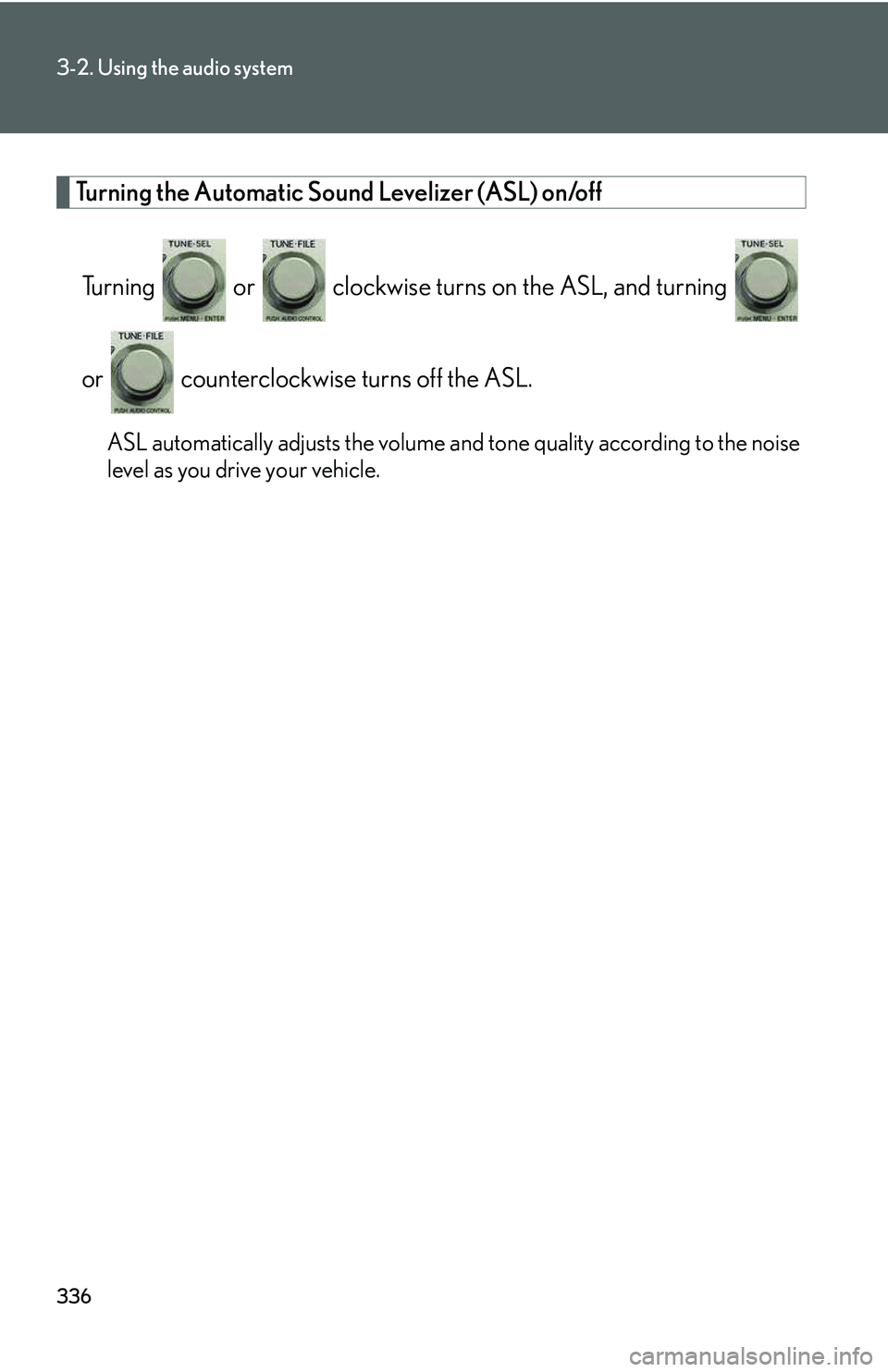
Turning the Automatic Sound Levelizer (ASL) on/off
Turning or clockwise turns on the ASL, and turning
or counterclockwise turns off the ASL.
ASL automatically adjusts the volume and tone quality according to the noise
level as you drive your vehicle.
Page 441 of 821
371
3-4. Using the hands-free phone system (for mobile phones)
3
Interior features
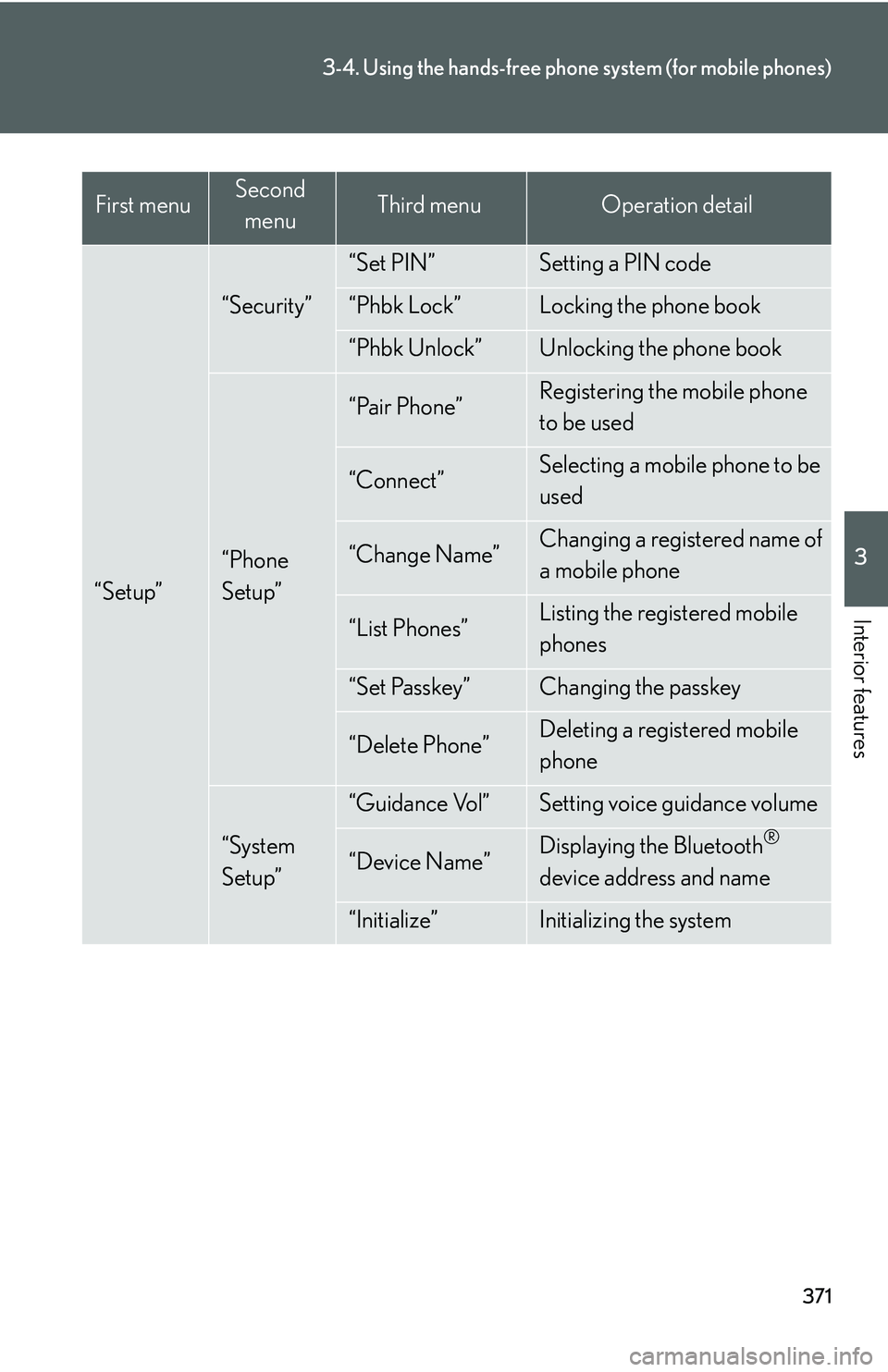
“Setup”
“Security”
“Set PIN”Setting a PIN code
“Phbk Lock”Locking the phone book
“Phbk Unlock”Unlocking the phone book
“Phone
Setup”
“Pair Phone”Registering the mobile phone
to be used
“Connect”Selecting a mobile phone to be
used
“Change Name”Changing a registered name of
a mobile phone
“List Phones”Listing the registered mobile
phones
“Set Passkey”Changing the passkey
“Delete Phone”Deleting a registered mobile
phone
“System
Setup”
“Guidance Vol”Setting voice guidance volume
“Device Name”Displaying the Bluetooth®
device address and name
“Initialize”Initializing the system
First menuSecond
menuThird menuOperation detail
Page 442 of 821

372
3-4. Using the hands-free phone system (for mobile phones)
nUsing a short cut key
First menuSecond menuOperation detail
“Dial XXX (name)”-Dialing a name registered in the
phone book
“Phone book add
Entry”-Adding a new phone number
“Phone book Change
name”-Changing a registered name in
the phone book
“Phone book Delete
Entry”-Deleting the registered data
“Phone book List
names”-Listing the registered data
“Phone book Set
Speed Dial”-Setting speed dials
“Phone book Delete
Speed Dial”-Deleting speed dials
“Dial XXX (number)”-Dialing by inputting a number
“Phonebook”“Phonebook Unlock”Unlocking the phone book
“Phonebook Lock”Locking the phone book
Page 455 of 821
385
3-4. Using the hands-free phone system (for mobile phones)
3
Interior features
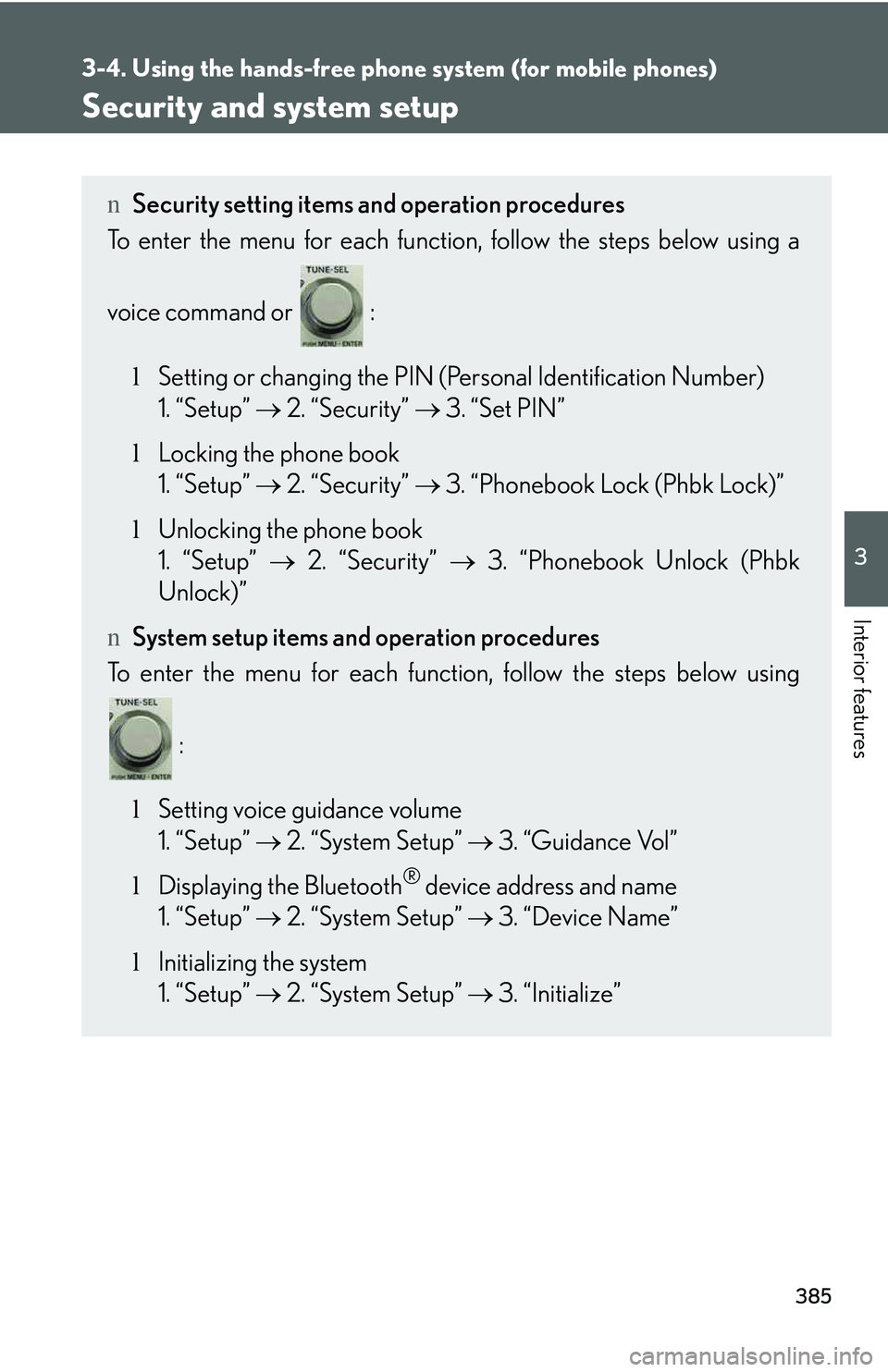
Security and system setup
nSecurity setting items and operation procedures
To enter the menu for each function, follow the steps below using a
voice command or :
lSetting or changing the PIN (Personal Identification Number)
1. “Setup” → 2. “Security” → 3. “Set PIN”
lLocking the phone book
1. “Setup” → 2. “Security” → 3. “Phonebook Lock (Phbk Lock)”
lUnlocking the phone book
1. “Setup” → 2. “Security” → 3. “Phonebook Unlock (Phbk
Unlock)”
nSystem setup items and operation procedures
To enter the menu for each function, follow the steps below using
:
lSetting voice guidance volume
1. “Setup” → 2. “System Setup” → 3. “Guidance Vol”
lDisplaying the Bluetooth® device address and name
1. “Setup” → 2. “System Setup” → 3. “Device Name”
lInitializing the system
1. “Setup” → 2. “System Setup” → 3. “Initialize”
Page 456 of 821
386
3-4. Using the hands-free phone system (for mobile phones)
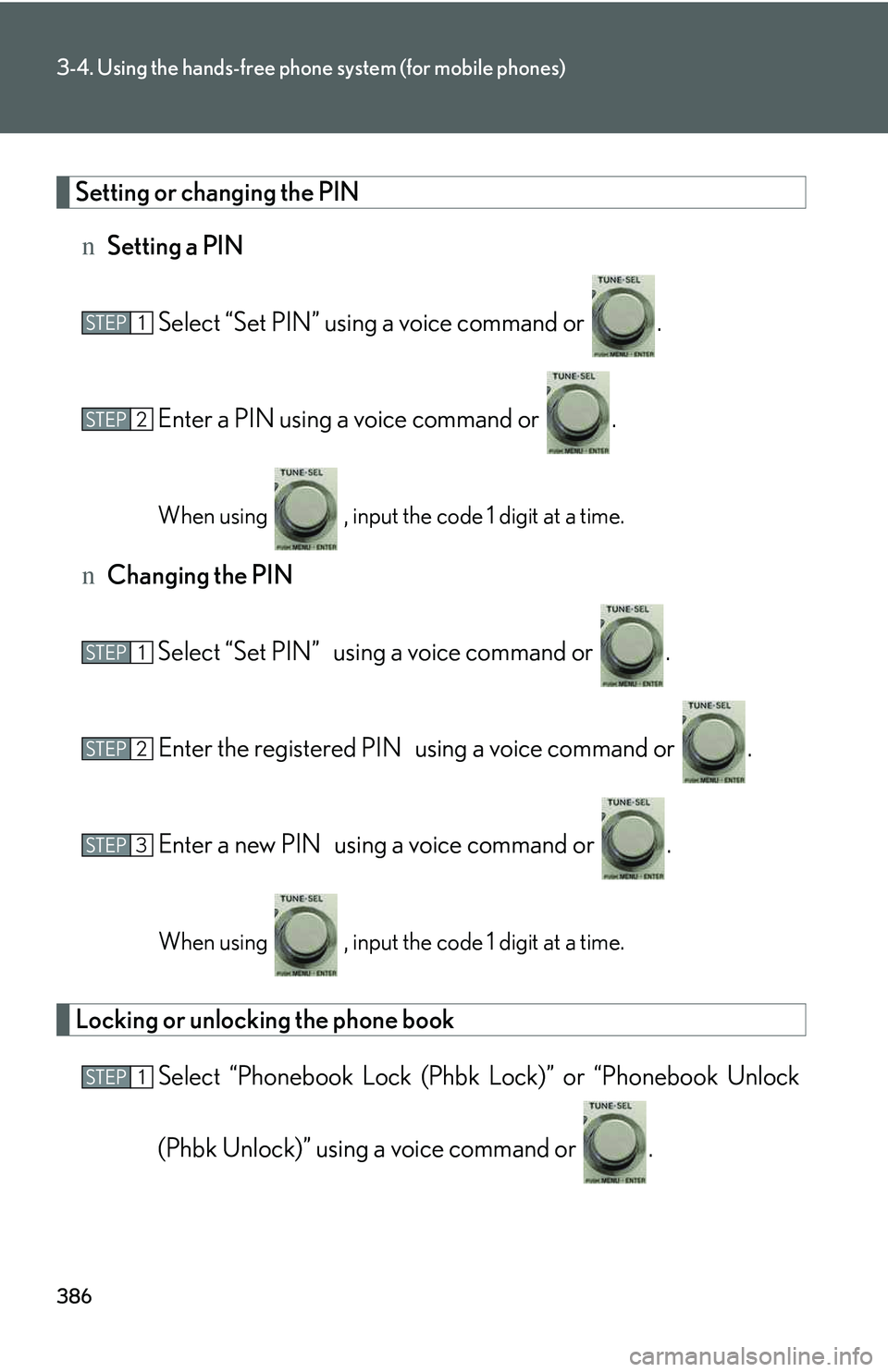
Setting or changing the PIN
nSetting a PIN
Select “Set PIN” using a voice command or .
Enter a PIN using a voice command or .
When using , input the code 1 digit at a time.
nChanging the PIN
Select “Set PIN” using a voice command or .
Enter the registered PIN using a voice command or .
Enter a new PIN using a voice command or .
When using , input the code 1 digit at a time.
Locking or unlocking the phone book
Select “Phonebook Lock (Phbk Lock)” or “Phonebook Unlock
(Phbk Unlock)” using a voice command or .
STEP1
STEP2
STEP1
STEP2
STEP3
STEP1
Page 457 of 821
387
3-4. Using the hands-free phone system (for mobile phones)
3
Interior features
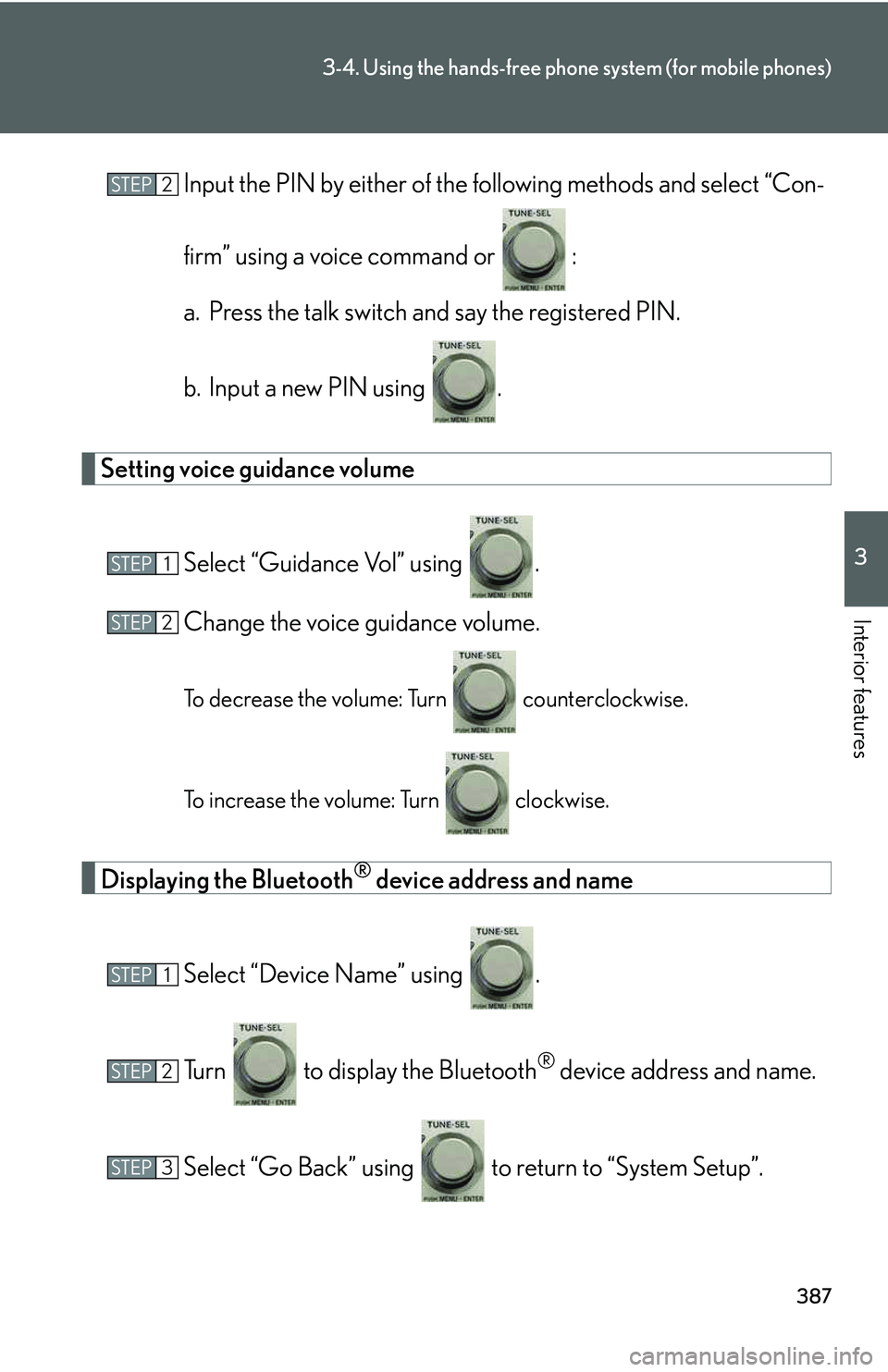
Input the PIN by either of the following methods and select “Con-
firm” using a voice command or :
a. Press the talk switch and say the registered PIN.
b. Input a new PIN using .
Setting voice guidance volume
Select “Guidance Vol” using .
Change the voice guidance volume.
To decrease the volume: Turn counterclockwise.
To increase the volume: Turn clockwise.
Displaying the Bluetooth® device address and name
Select “Device Name” using .
Turn to display the Bluetooth® device address and name.
Select “Go Back” using to return to “System Setup”.
STEP2
STEP1
STEP2
STEP1
STEP2
STEP3
Page 468 of 821
398
3-5. Using the interior lights
nIlluminated entry system
The lights automatically turn on/off according to “ENGINE START STOP” switch
mode, the presence of the electronic key, whether the doors are locked/unlocked,
and whether the doors are open/closed.
nTo prevent battery discharge
If the interior lights remain on when the door is not fully closed and the interior light
switch (door position on/ off) is on, the lights will go off automatically after 20 min-
utes.
nCustomization
Settings (e.g. the time elapsed before the lights turn off) can be changed. (Custom-
izable features →P. 6 2 1 )
Pe r s o n a l l i g h t s
Page 470 of 821
400
3-6. Using the storage features
Glove box
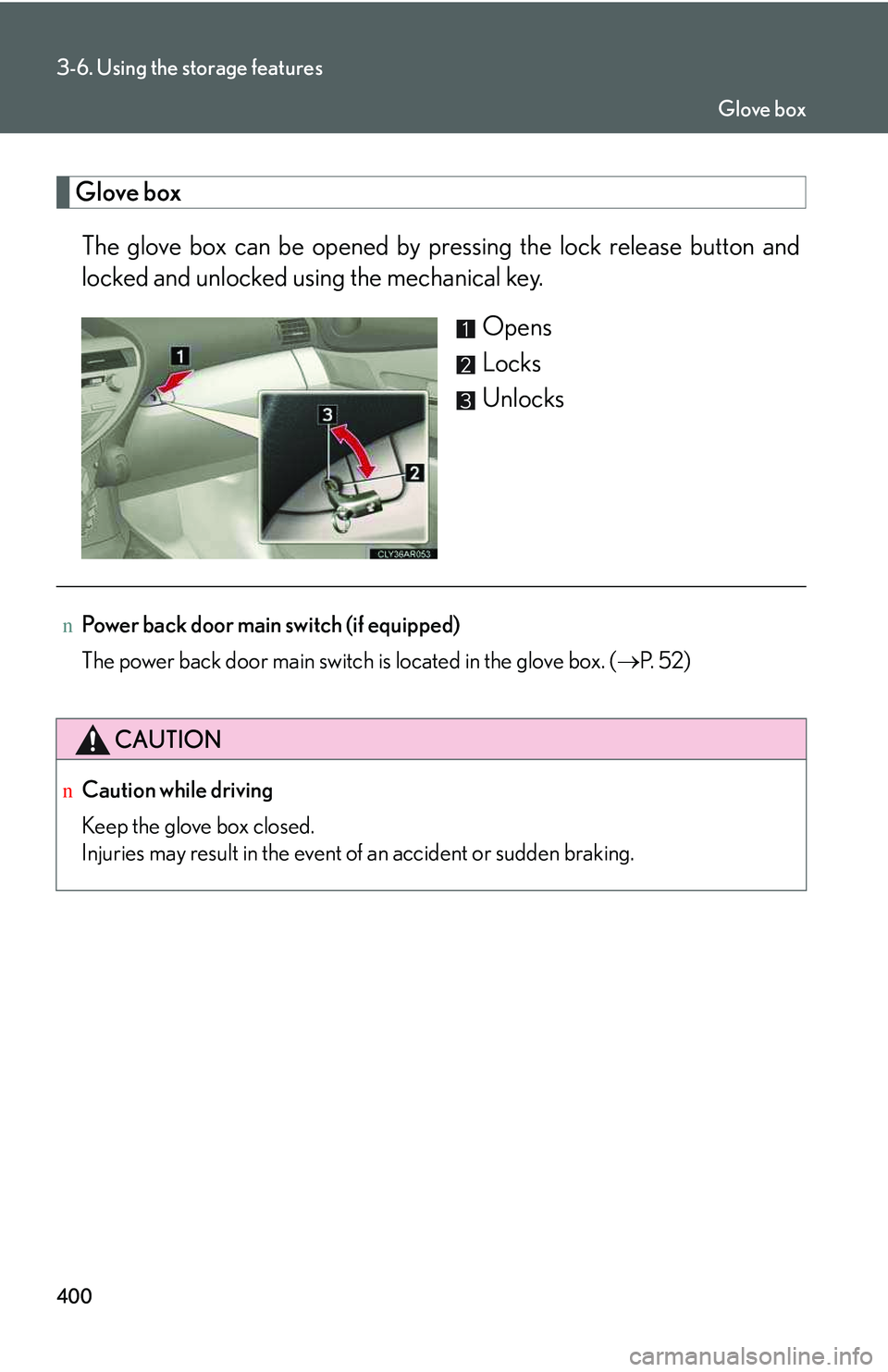
The glove box can be opened by pressing the lock release button and
locked and unlocked using the mechanical key.
Opens
Locks
Unlocks
nPower back door main switch (if equipped)
The power back door main switch is located in the glove box. (→P. 5 2 )
CAUTION
nCaution while driving
Keep the glove box closed.
Injuries may result in the event of an accident or sudden braking.
Glove box