change time LEXUS RX350 2011 User Guide
[x] Cancel search | Manufacturer: LEXUS, Model Year: 2011, Model line: RX350, Model: LEXUS RX350 2011Pages: 821, PDF Size: 13.27 MB
Page 362 of 821
292
3-2. Using the audio system
nDisplaying radio station names
Press .
nDisplaying radio text messages
Press twice.
A text message is displayed when “MSG” is shown on the screen.
If the text continues past the end of the display, is displayed. Press and
hold until you hear a beep.
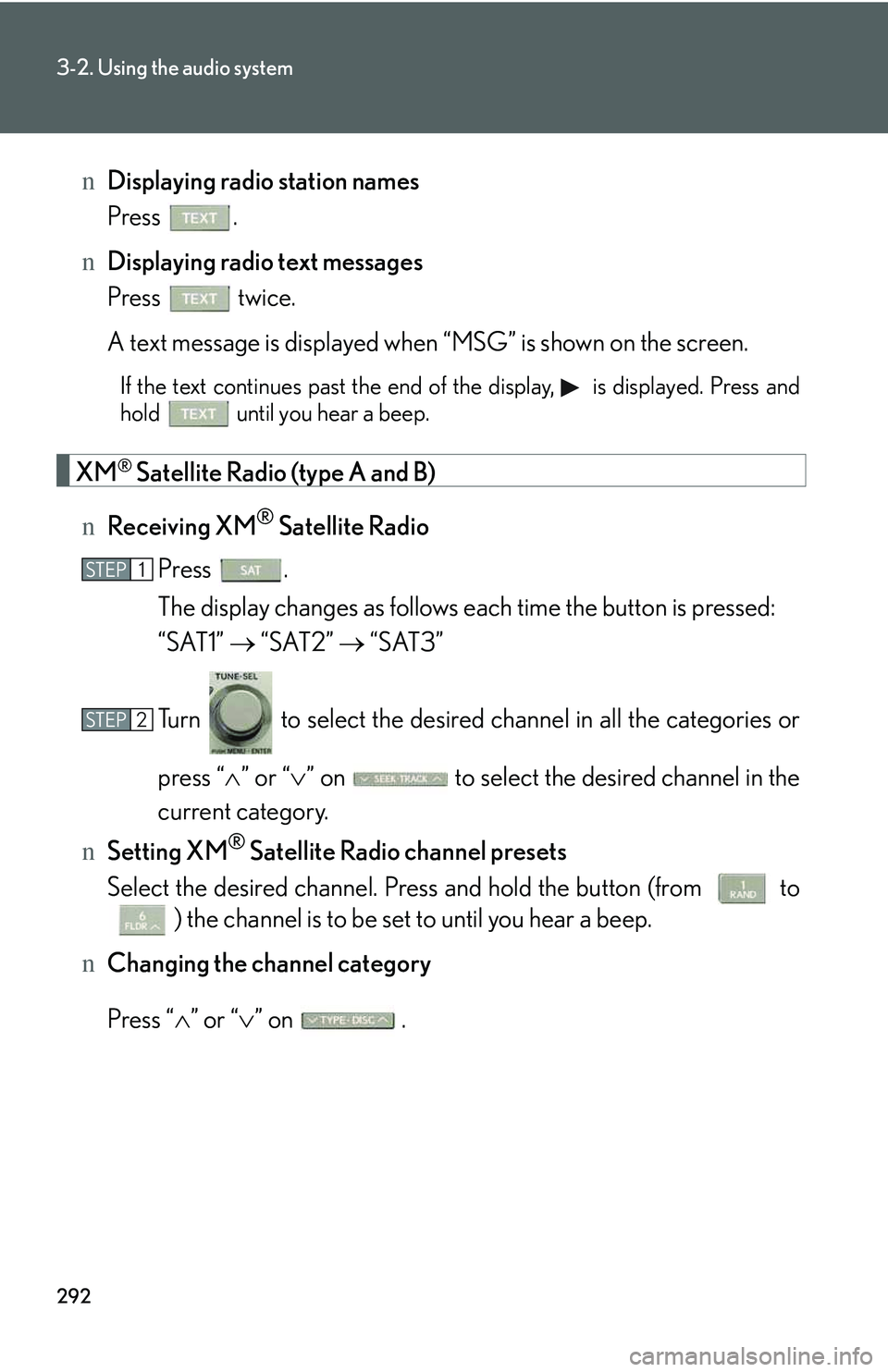
XM® Satellite Radio (type A and B)
nReceiving XM® Satellite Radio
Press .
The display changes as follows each time the button is pressed:
“SAT1” → “SAT2” → “SAT3”
Turn to select the desired channel in all the categories or
press “∧” or “∨” on to select the desired channel in the
current category.
nSetting XM® Satellite Radio channel presets
Select the desired channel. Press and hold the button (from to
) the channel is to be set to until you hear a beep.
nChanging the channel category
Press “∧” or “∨” on .
STEP1
STEP2
Page 363 of 821
293
3-2. Using the audio system
3
Interior features
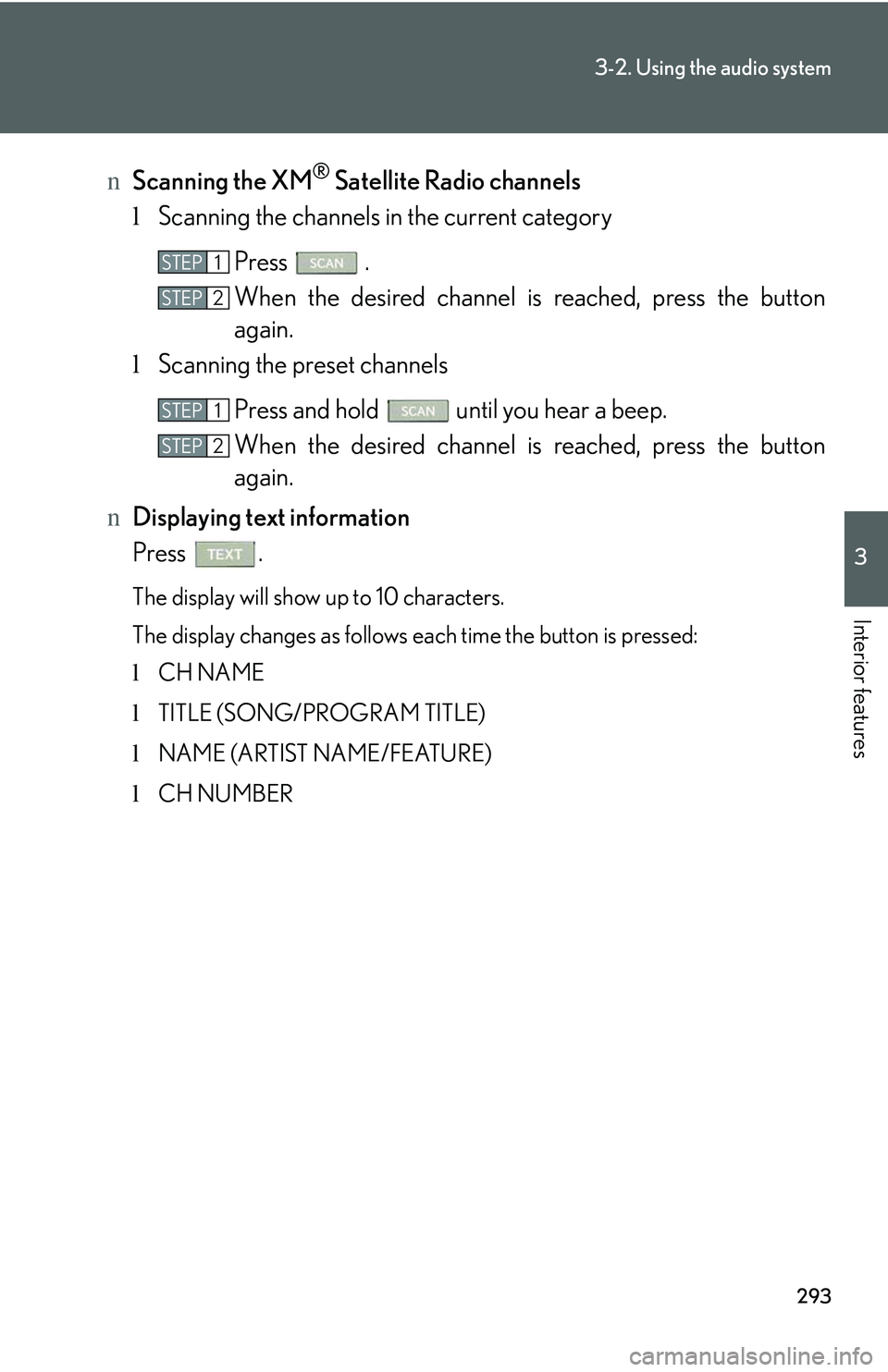
nScanning the XM® Satellite Radio channels
lScanning the channels in the current category
Press .
When the desired channel is reached, press the button
again.
lScanning the preset channels
Press and hold until you hear a beep.
When the desired channel is reached, press the button
again.
nDisplaying text information
Press .
The display will show up to 10 characters.
The display changes as follows each time the button is pressed:
lCH NAME
lTITLE (SONG/PROGRAM TITLE)
lNAME (ARTIST NAME/FEATURE)
lCH NUMBER
STEP1
STEP2
STEP1
STEP2
Page 366 of 821
296
3-2. Using the audio system
Contact the XM® Listener Care Center at 1-877-515-3987 (U.S.A.) or 1-877-
438-9677 (Canada).
nCertifications for the radio tuner
This equipment has been tested and found to comply with the limits for a class B
digital device, pursuant to Part 15 of the FCC Rules. These limits are designed to
provide reasonable protection against harmful interference in a residential installa-
tion. This equipment generates, uses and can radiate radio frequency energy and, if
not installed and used in accordance with the instructions, may cause harmful inter-
ference to radio communications. However, there is no guarantee that interference
will not occur in a particular installation.
If this equipment does cause harmful interference to radio or television reception,
which can be determined by turning the equipment off and on, the user is encour-
aged to try to correct the interference by trying one or more of the following:
lReorienting or relocate the receiving antenna.
lIncreasing the separation between the equipment and receiver.
lConnecting the equipment into an outlet on a circuit different from that to which
the receiver is connected.
lConsulting the dealer or an experienced radio/TV technician for help.
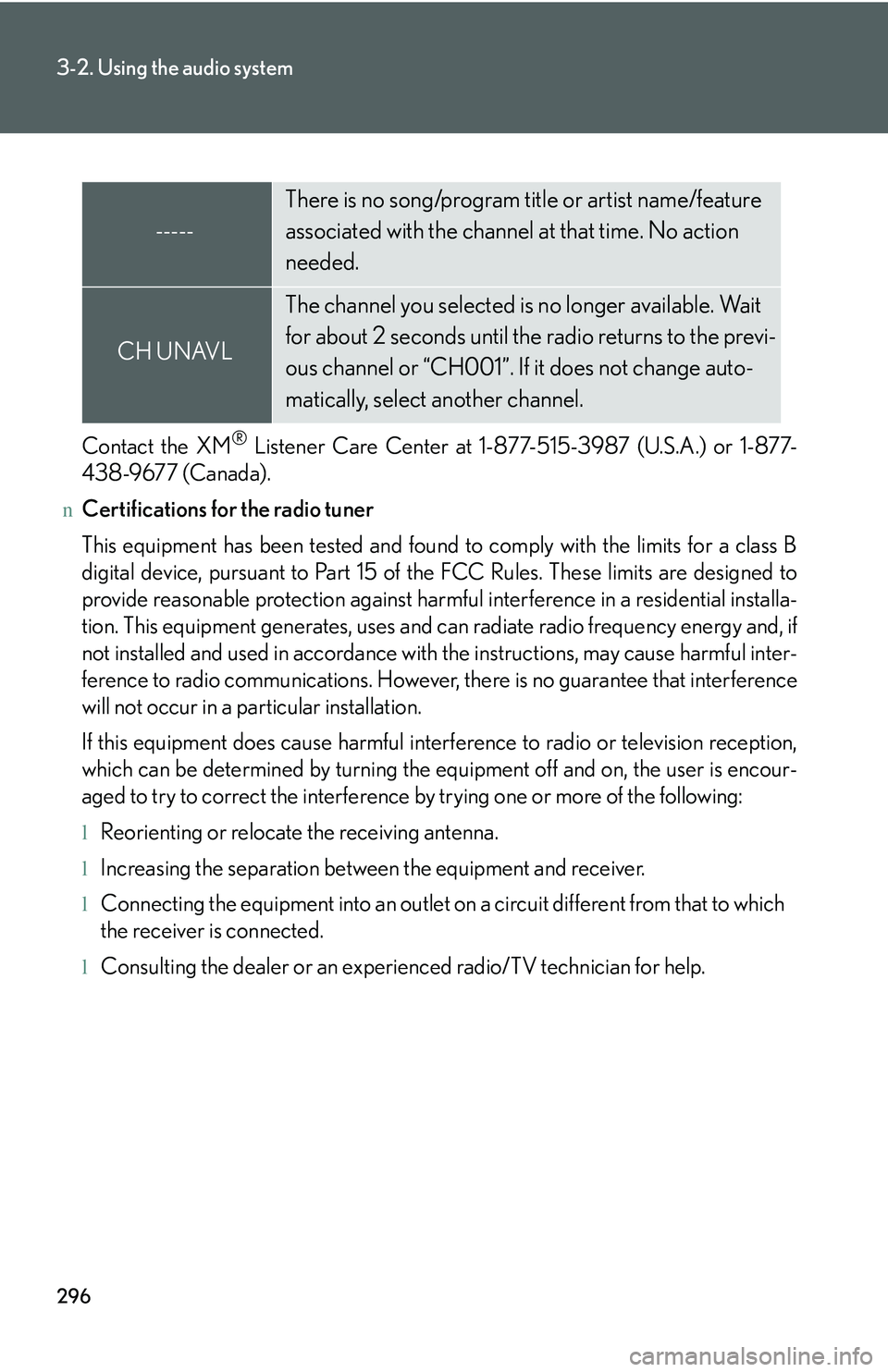
-----
There is no song/program title or artist name/feature
associated with the channel at that time. No action
needed.
CH UNAVL
The channel you selected is no longer available. Wait
for about 2 seconds until the radio returns to the previ-
ous channel or “CH001”. If it does not change auto-
matically, select another channel.
Page 373 of 821
303
3-2. Using the audio system
3
Interior features
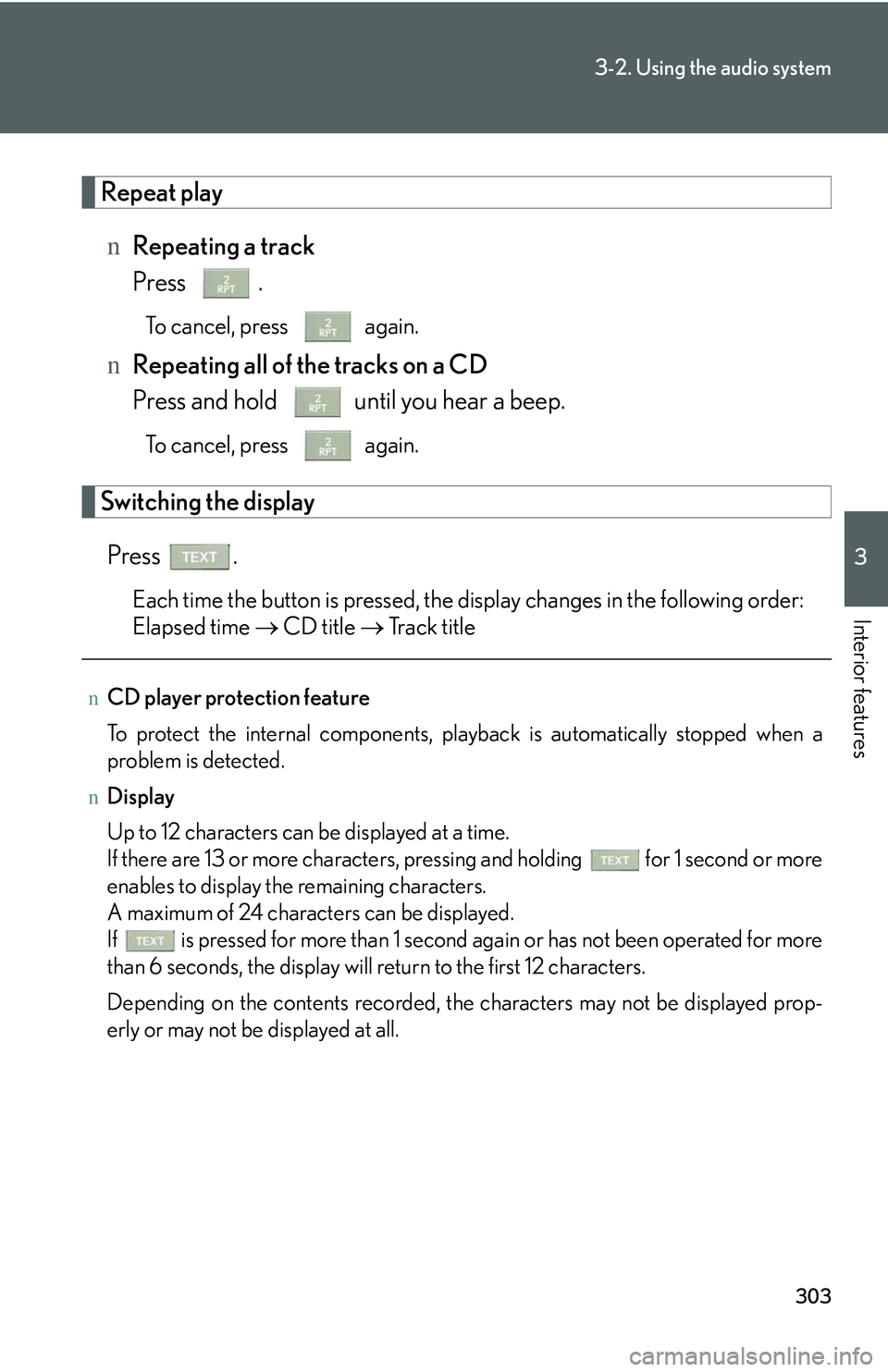
Repeat play
nRepeating a track
Press .
To cancel, press again.
nRepeating all of the tracks on a CD
Press and hold until you hear a beep.
To cancel, press again.
Switching the display
Press .
Each time the button is pressed, the display changes in the following order:
Elapsed time → CD title → Track title
nCD player protection feature
To protect the internal components, playback is automatically stopped when a
problem is detected.
nDisplay
Up to 12 characters can be displayed at a time.
If there are 13 or more characters, pressing and holding for 1 second or more
enables to display the remaining characters.
A maximum of 24 characters can be displayed.
If is pressed for more than 1 second again or has not been operated for more
than 6 seconds, the display will return to the first 12 characters.
Depending on the contents recorded, the characters may not be displayed prop-
erly or may not be displayed at all.
Page 382 of 821
312
3-2. Using the audio system
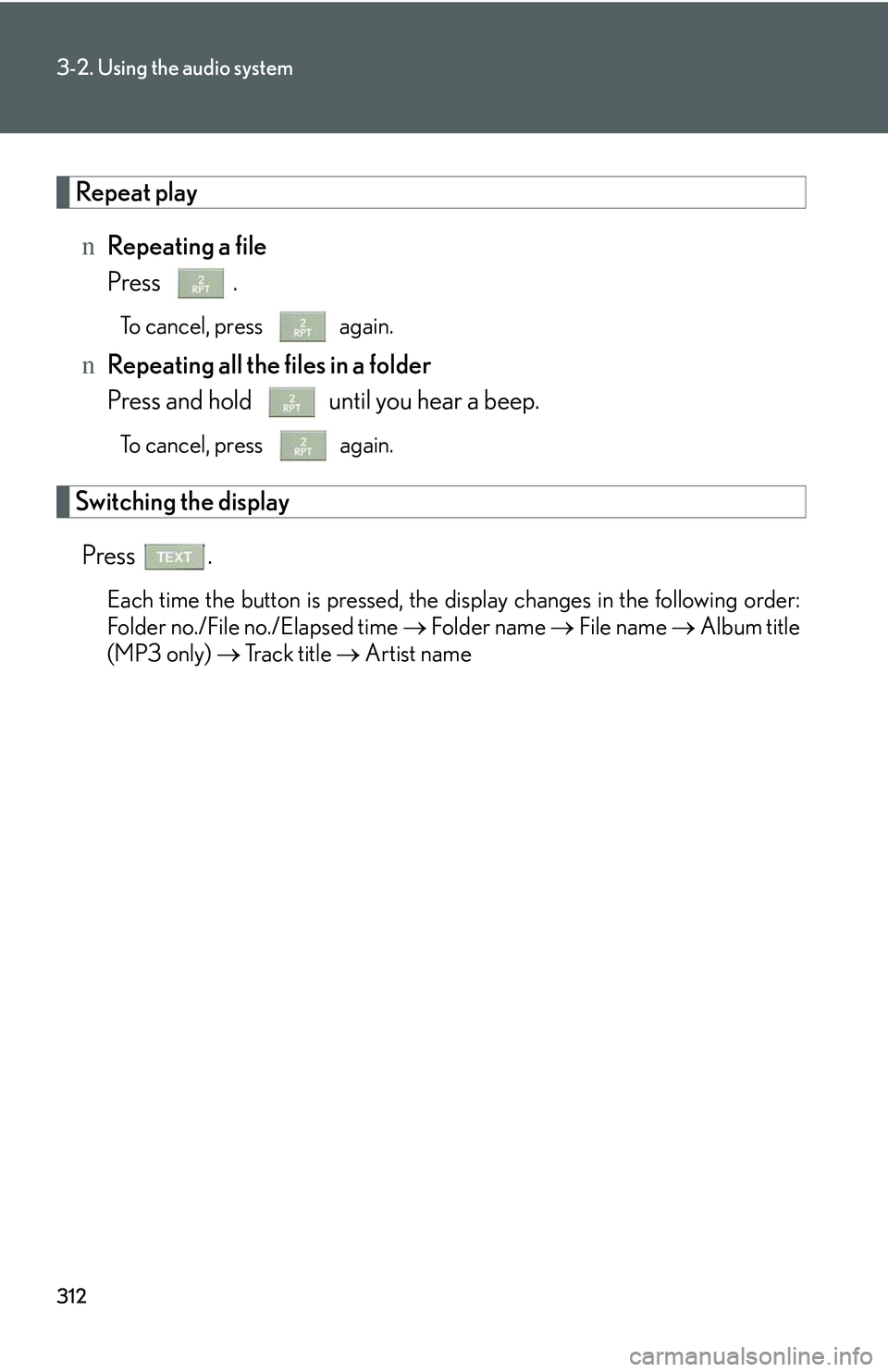
Repeat play
nRepeating a file
Press .
To cancel, press again.
nRepeating all the files in a folder
Press and hold until you hear a beep.
To cancel, press again.
Switching the display
Press .
Each time the button is pressed, the display changes in the following order:
Folder no./File no./Elapsed time → Folder name → File name → Album title
(MP3 only) → Track title → Artist name
Page 391 of 821
321
3-2. Using the audio system
3
Interior features
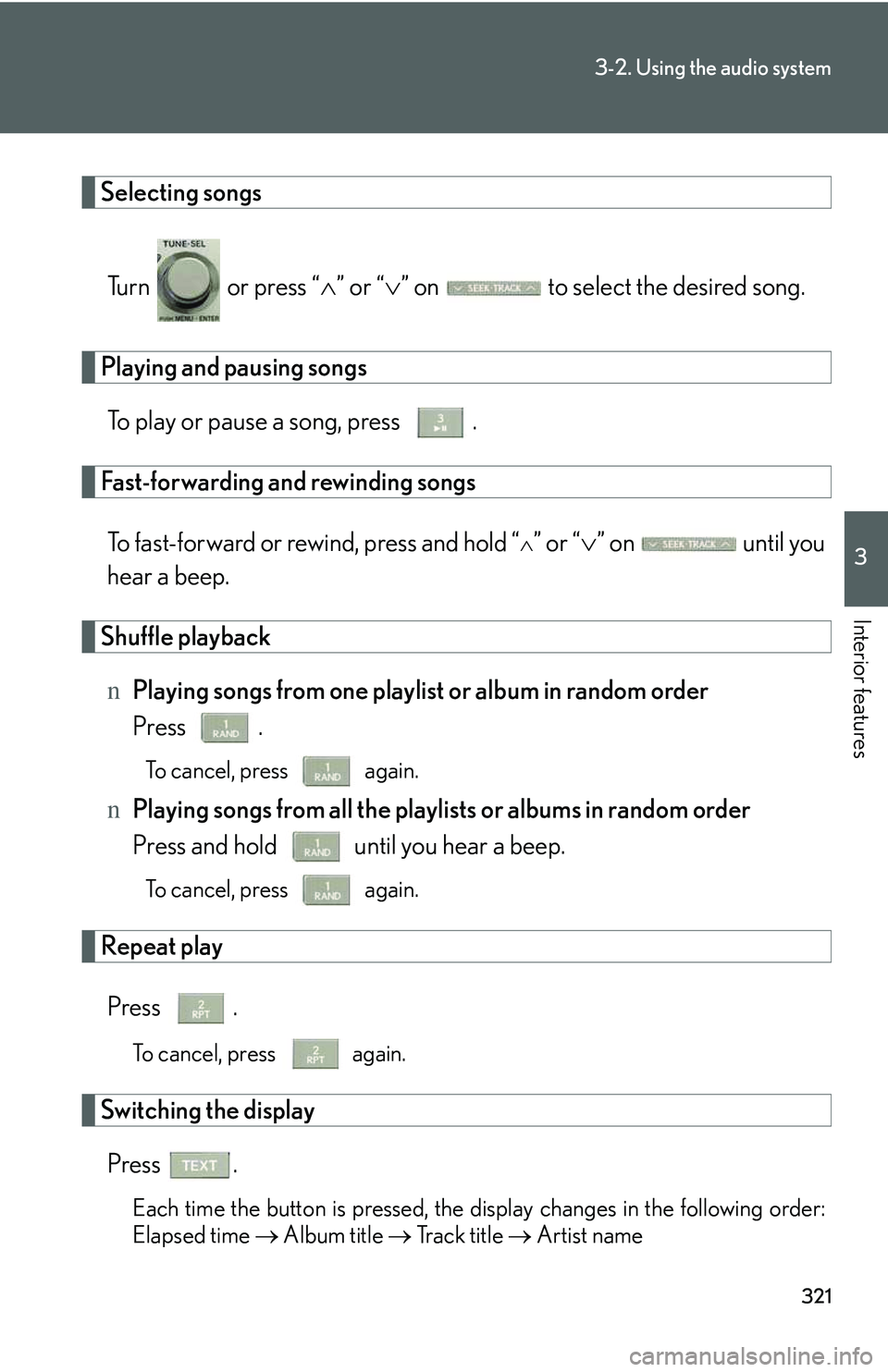
Selecting songs
Turn or press “∧” or “∨” on to select the desired song.
Playing and pausing songs
To play or pause a song, press .
Fast-forwarding and rewinding songs
To fast-forward or rewind, press and hold “∧” or “∨” on until you
hear a beep.
Shuffle playback
nPlaying songs from one playlist or album in random order
Press .
To cancel, press again.
nPlaying songs from all the playlists or albums in random order
Press and hold until you hear a beep.
To cancel, press again.
Repeat play
Press .
To cancel, press again.
Switching the display
Press .
Each time the button is pressed, the display changes in the following order:
Elapsed time → Album title → Tr a c k t i t l e → Artist name
Page 398 of 821
328
3-2. Using the audio system
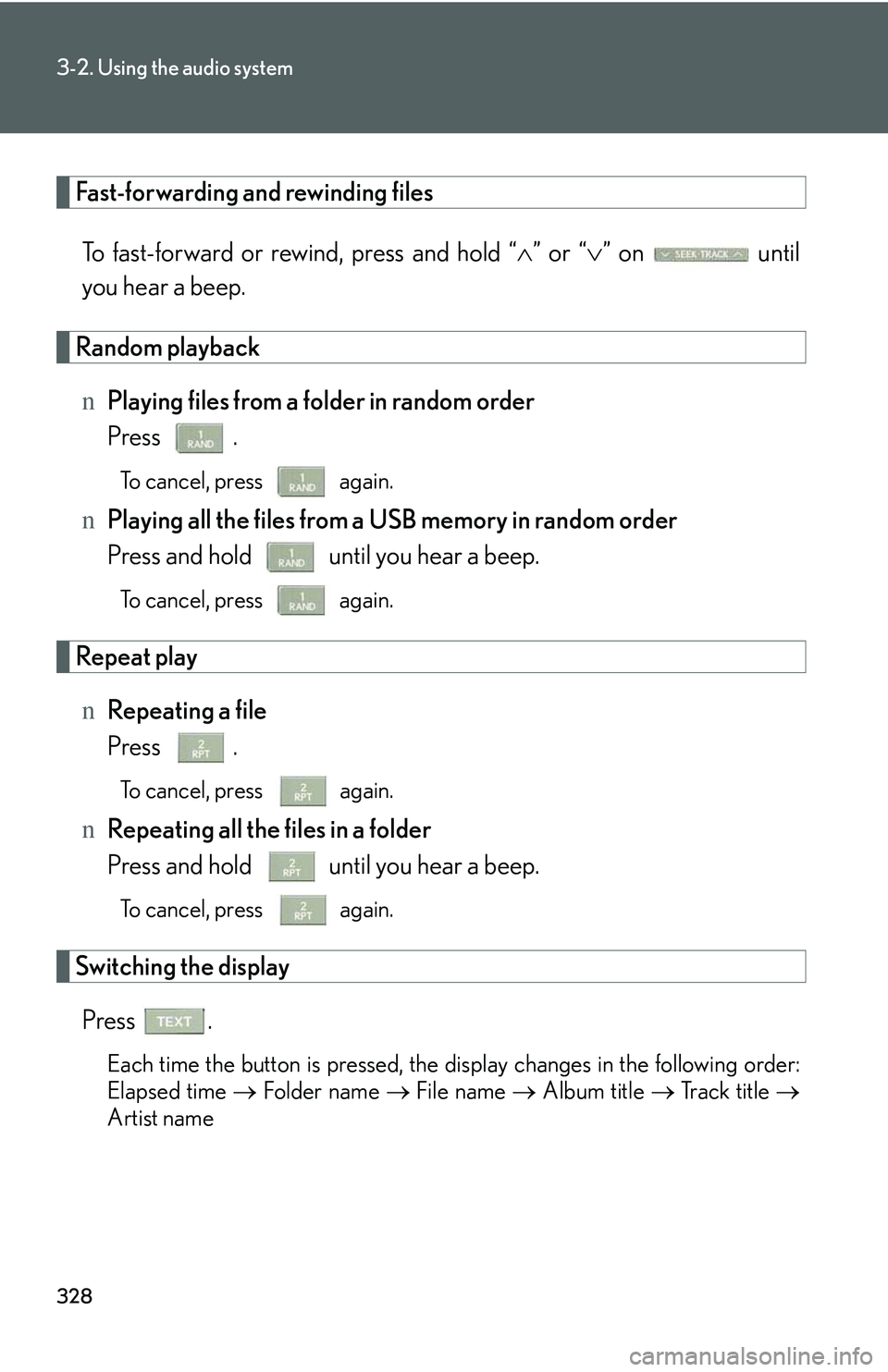
Fast-forwarding and rewinding files
To fast-forward or rewind, press and hold “∧” or “∨” on until
you hear a beep.
Random playback
nPlaying files from a folder in random order
Press .
To cancel, press again.
nPlaying all the files from a USB memory in random order
Press and hold until you hear a beep.
To cancel, press again.
Repeat play
nRepeating a file
Press .
To cancel, press again.
nRepeating all the files in a folder
Press and hold until you hear a beep.
To cancel, press again.
Switching the display
Press .
Each time the button is pressed, the display changes in the following order:
Elapsed time → Folder name → File name → Album title → Track title →
Artist name
Page 410 of 821
340
3-2. Using the audio system
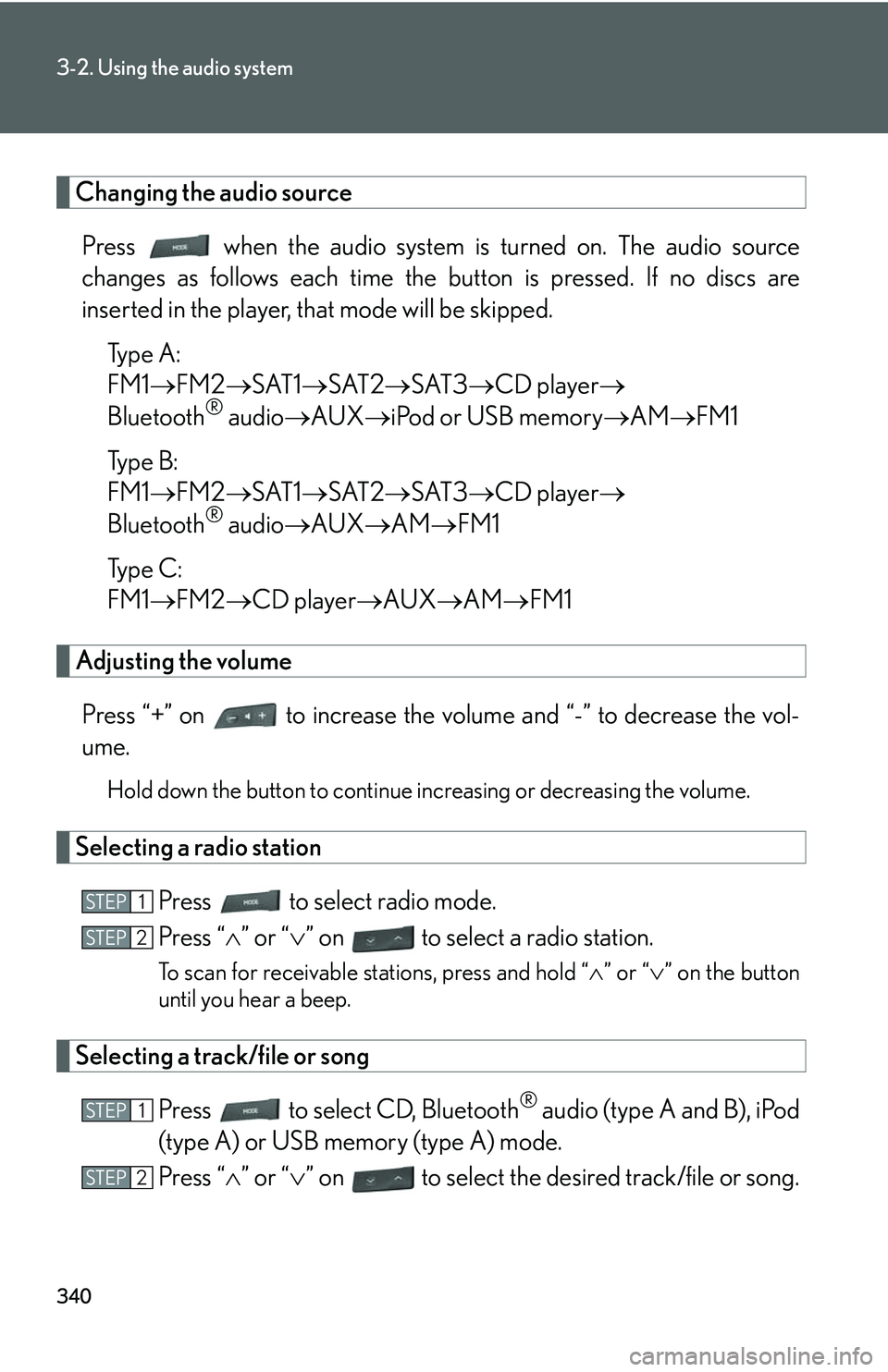
Changing the audio source
Press when the audio system is turned on. The audio source
changes as follows each time the button is pressed. If no discs are
inserted in the player, that mode will be skipped.
Type A:
FM1→FM2→SAT1→SAT2→SAT3→CD player→
Bluetooth® audio→AUX→iPod or USB memory→AM→FM1
Type B:
FM1→FM2→SAT1→SAT2→SAT3→CD player→
Bluetooth® audio→AUX→AM→FM1
Type C:
FM1→FM2→CD player→AUX→AM→FM1
Adjusting the volume
Press “+” on to increase the volume and “-” to decrease the vol-
ume.
Hold down the button to continue increasing or decreasing the volume.
Selecting a radio station
Press to select radio mode.
Press “∧” or “∨” on to select a radio station.
To scan for receivable stations, press and hold “∧” or “∨” on the button
until you hear a beep.
Selecting a track/file or song
Press to select CD, Bluetooth® audio (type A and B), iPod
(type A) or USB memory (type A) mode.
Press “∧” or “∨” on to select the desired track/file or song.
STEP1
STEP2
STEP1
STEP2
Page 418 of 821
348
3-3. Using the Bluetooth® audio system
Guidance for registration completion is heard.
If the portable player has a Bluetooth® phone, the phone can be regis-
tered at the same time. A voice guidance instruction to register a Blue-
tooth® phone is heard.
Select “Yes” or “No” using a voice command or .
(Bluetooth® phone →P. 364)
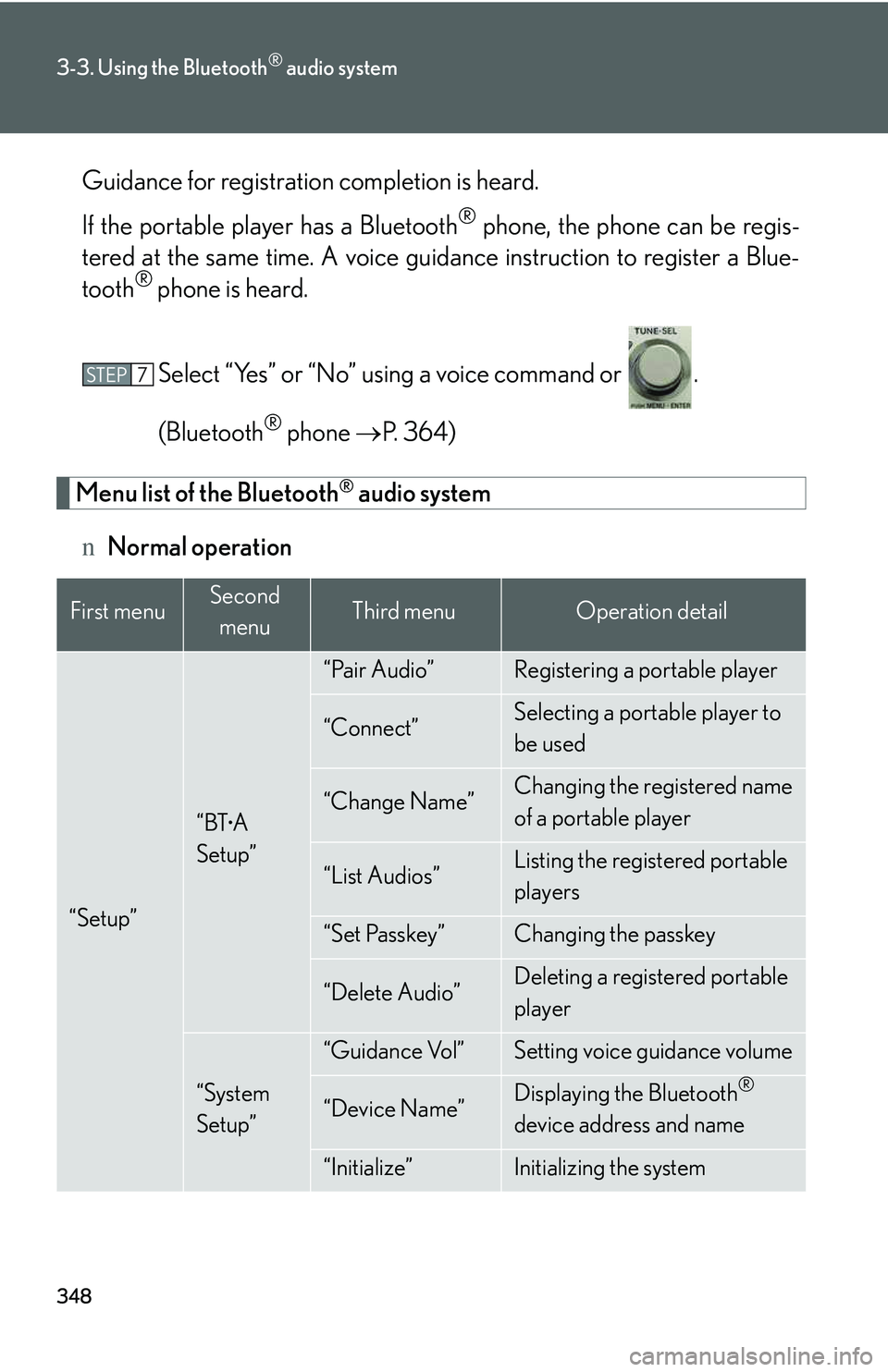
Menu list of the Bluetooth® audio system
nNormal operation
First menuSecond
menuThird menuOperation detail
“Setup”
“BTA
Setup”
“Pair Audio”Registering a portable player
“Connect”Selecting a portable player to
be used
“Change Name”Changing the registered name
of a portable player
“List Audios”Listing the registered portable
players
“Set Passkey”Changing the passkey
“Delete Audio”Deleting a registered portable
player
“System
Setup”
“Guidance Vol”Setting voice guidance volume
“Device Name”Displaying the Bluetooth®
device address and name
“Initialize”Initializing the system
STEP7
Page 423 of 821
353
3-3. Using the Bluetooth® audio system
3
Interior features
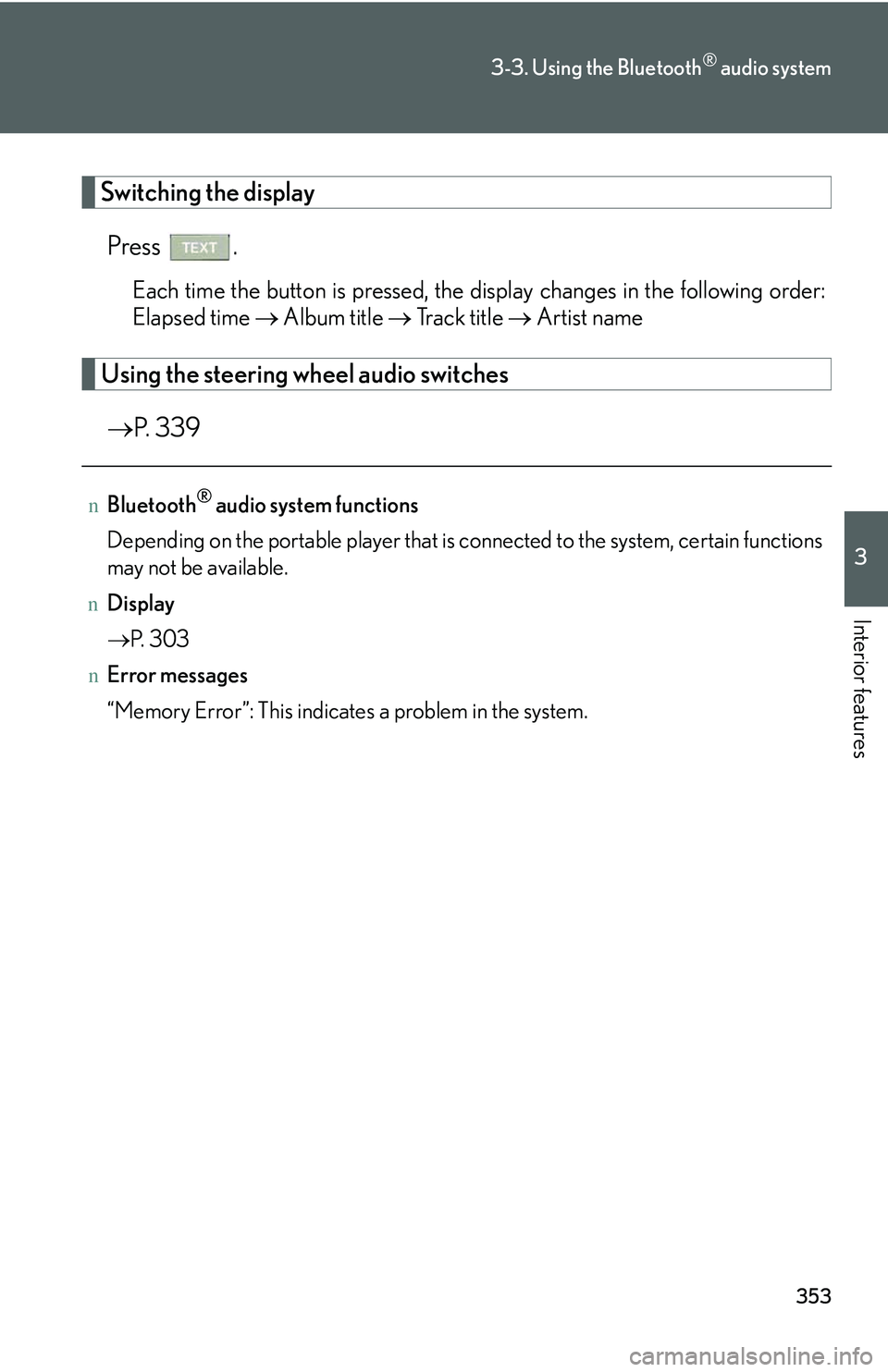
Switching the display
Press .
Each time the button is pressed, the display changes in the following order:
Elapsed time → Album title → Tr a c k t i t l e → Artist name
Using the steering wheel audio switches
→P. 3 3 9
nBluetooth® audio system functions
Depending on the portable player that is connected to the system, certain functions
may not be available.
nDisplay
→P. 3 0 3
nError messages
“Memory Error”: This indicates a problem in the system.