USB LEXUS RX350 2011 Owners Manual
[x] Cancel search | Manufacturer: LEXUS, Model Year: 2011, Model line: RX350, Model: LEXUS RX350 2011Pages: 821, PDF Size: 13.27 MB
Page 56 of 821
56
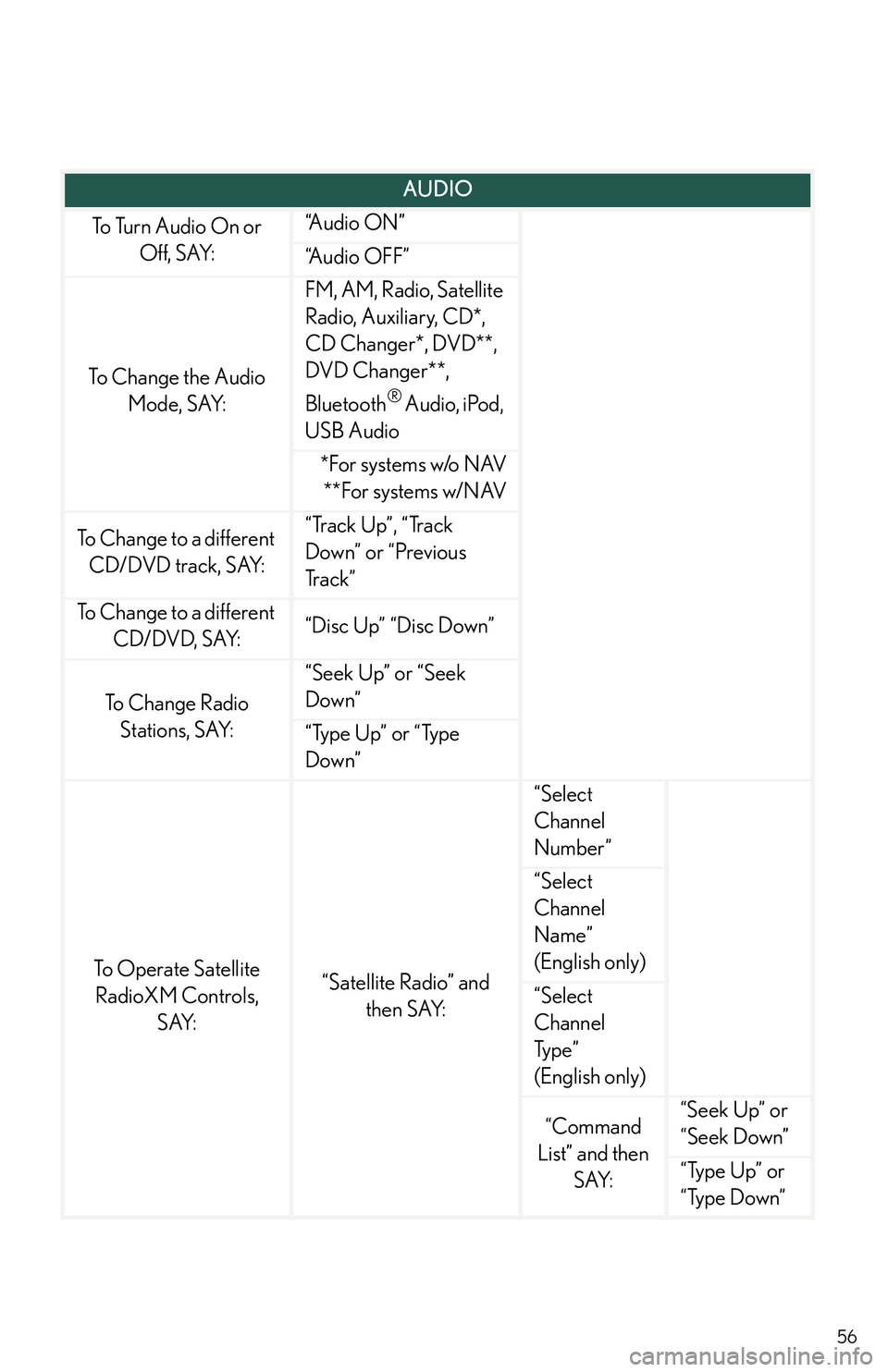
AUDIO
To Turn Audio On or
Off, SAY:
“A u d i o O N ”
“Audio OFF”
To Change the Audio
Mode, SAY:
FM, AM, Radio, Satellite
Radio, Auxiliary, CD*,
CD Changer*, DVD**,
DVD Changer**,
Bluetooth® Audio, iPod,
USB Audio
*For systems w/o NAV
**For systems w/NAV
To Change to a different
CD/DVD track, SAY:
“Track Up”, “Track
Down” or “Previous
Tr a c k ”
To Change to a different
CD/DVD, SAY:“Disc Up” “Disc Down”
To C h a n g e R a d i o
Stations, SAY:
“Seek Up” or “Seek
Down”
“Type Up” or “Type
Down”
To Operate Satellite
RadioXM Controls,
SAY:
“Satellite Radio” and
then SAY:
“Select
Channel
Number”
“Select
Channel
Name”
(English only)
“Select
Channel
Typ e ”
(English only)
“Command
List” and then
SAY:
“Seek Up” or
“Seek Down”
“Type Up” or
“Type Down”
Page 58 of 821
58
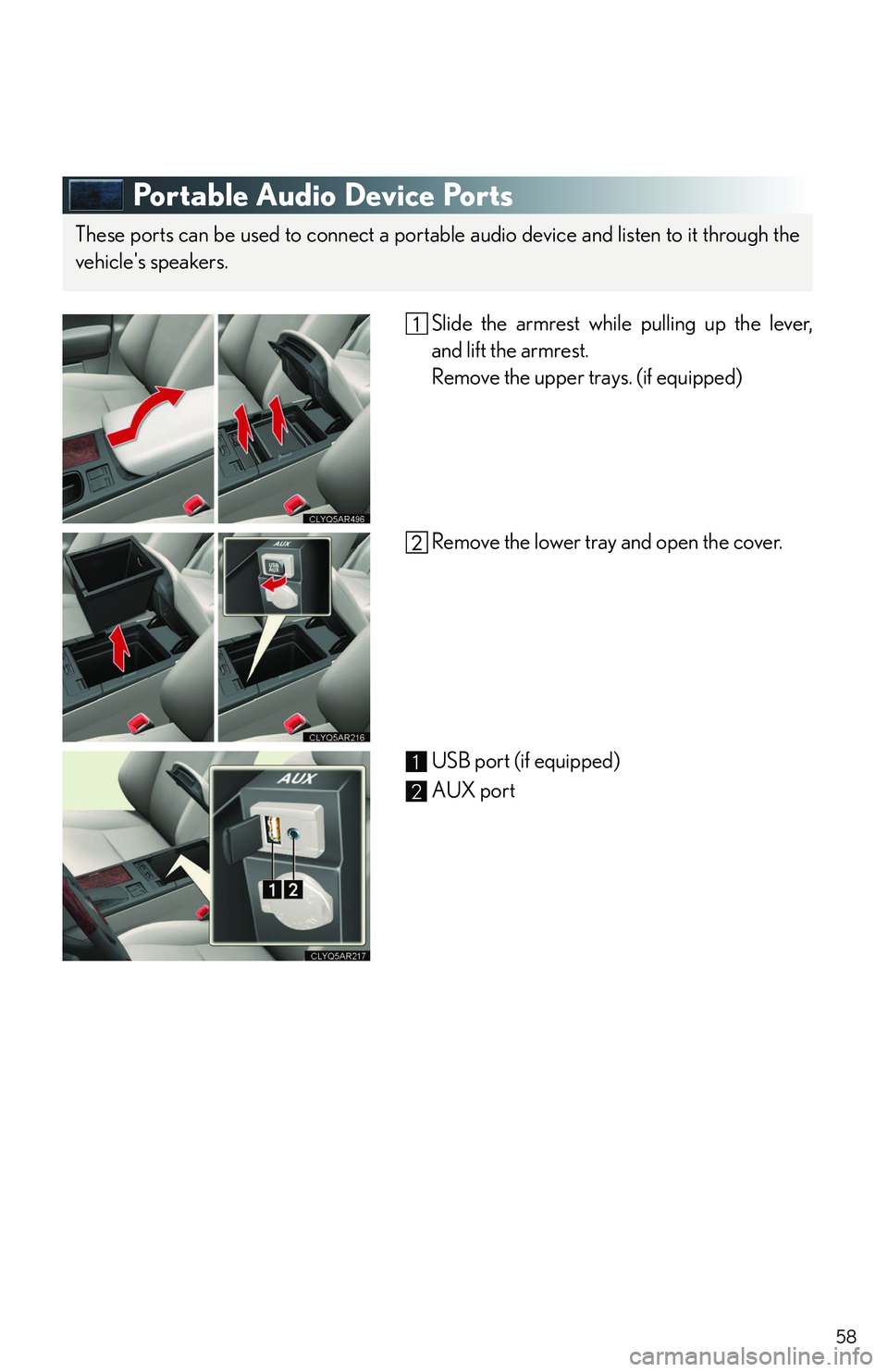
Portable Audio Device Ports
Slide the armrest while pulling up the lever,
and lift the armrest.
Remove the upper trays. (if equipped)
Remove the lower tray and open the cover.
USB port (if equipped)
AUX port
These ports can be used to connect a portable audio device and listen to it through the
vehicle's speakers.
1
2
Page 77 of 821
1
2
3
4
5
6
7
3
2-2.Instrument cluster
Gauges and meters ..................... 166
Indicators and warning
lights................................................. 168
Multi-information display........... 173
Head-up display ............................ 179
2-3. Operating the lights and
windshield wipers
Headlight switch ............................ 184
Automatic High Beam ................ 189
Fog light switch .............................. 195
Windshield wipers and
washer............................................. 197
Rear window wiper and
washer............................................ 202
Headlight cleaner switch ......... 203
2-4. Using other driving systems
Cruise control ............................... 204
Dynamic radar cruise
control........................................... 208
Intuitive parking assist ................ 220
Rear view monitor system
(rear view mirror-attached
type) ................................................ 227
Driving assist systems.................. 231
All-wheel drive lock switch
(AWD models) .......................... 237
Hill-start assist control............... 238
Pre-Collision System.................. 240
2-5. Driving information
Utility vehicle precautions ........ 244
Cargo and luggage ..................... 249
Vehicle load limits ........................ 253
Winter driving tips ....................... 254
Trailer towing ................................ 258
Dinghy towing ............................... 270
3-1. Using the air conditioning
system and defogger
Automatic air conditioning
system ............................................ 274
Rear window defogger
switch .............................................. 281
Windshield wiper de-icer ......... 282
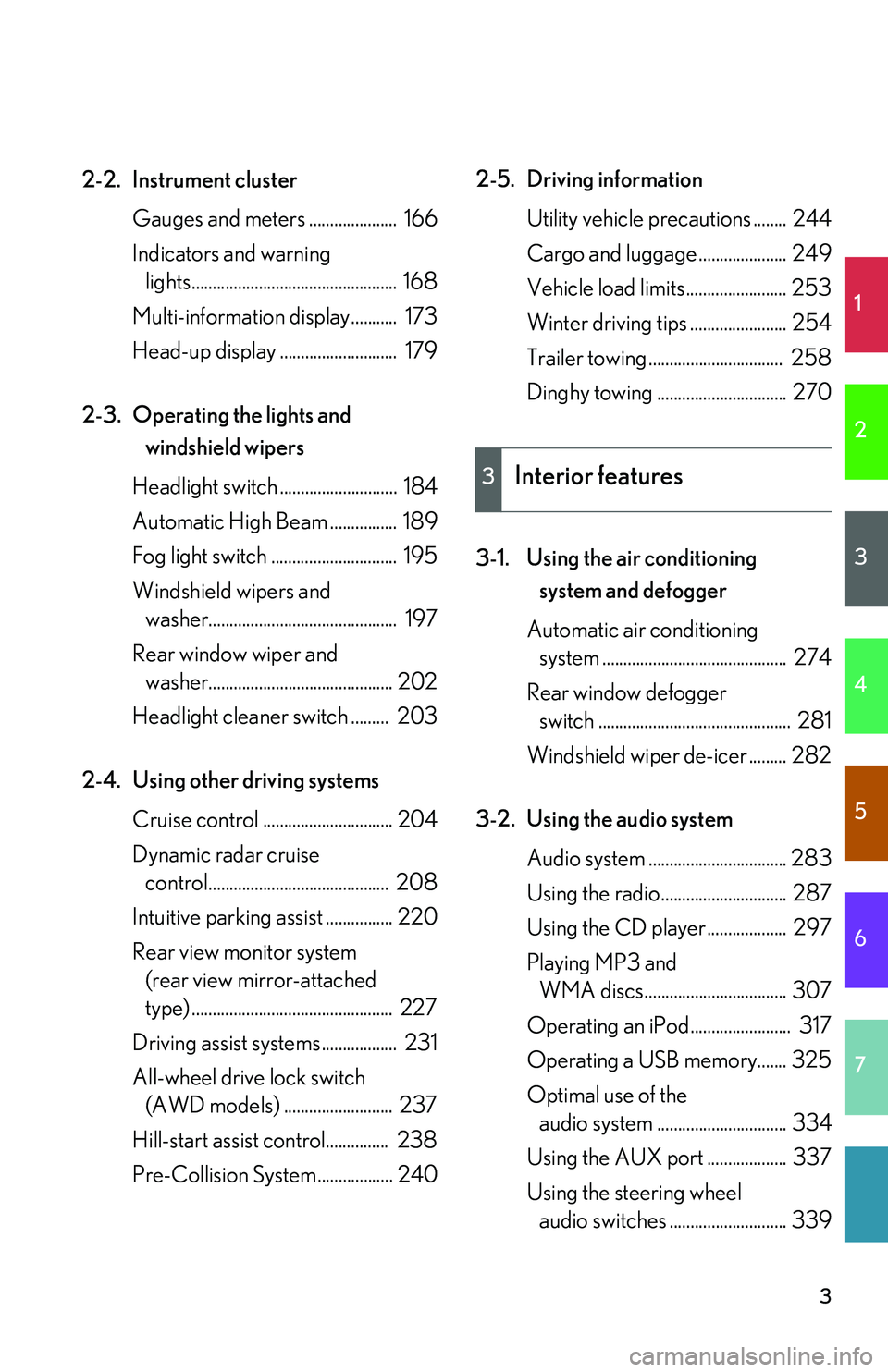
3-2. Using the audio system
Audio system ................................. 283
Using the radio.............................. 287
Using the CD player................... 297
Playing MP3 and
WMA discs.................................. 307
Operating an iPod........................ 317
Operating a USB memory....... 325
Optimal use of the
audio system ............................... 334
Using the AUX port ................... 337
Using the steering wheel
audio switches ............................ 339
3Interior features
Page 84 of 821
10
A
Power outlet
P. 413
Floor mat P. 420
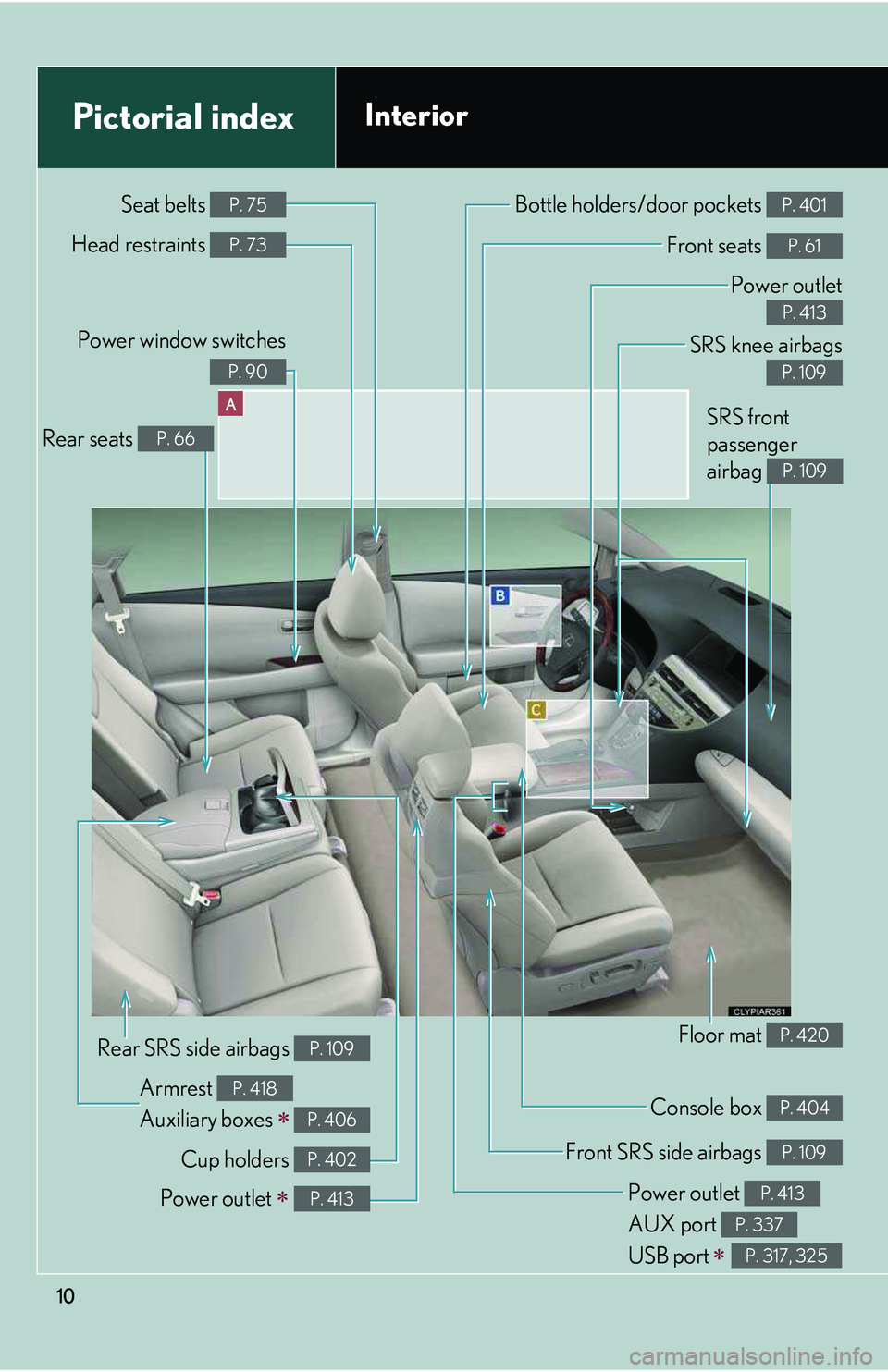
Pictorial indexInterior
Front SRS side airbags P. 109
SRS knee airbags
P. 109
Front seats P. 61
Console box P. 404
Bottle holders/door pockets P. 401
Power window switches
P. 90
Head restraints P. 73
Seat belts P. 75
Cup holders P. 402
Armrest
Auxiliary boxes ∗
P. 418
P. 406
Rear SRS side airbags P. 109
Rear seats P. 66
Power outlet
AUX port
USB port ∗
P. 413
P. 337
P. 317, 325
Power outlet ∗ P. 413
SRS front
passenger
airbag P. 109
Page 355 of 821
285
3-2. Using the audio system
3
Interior features
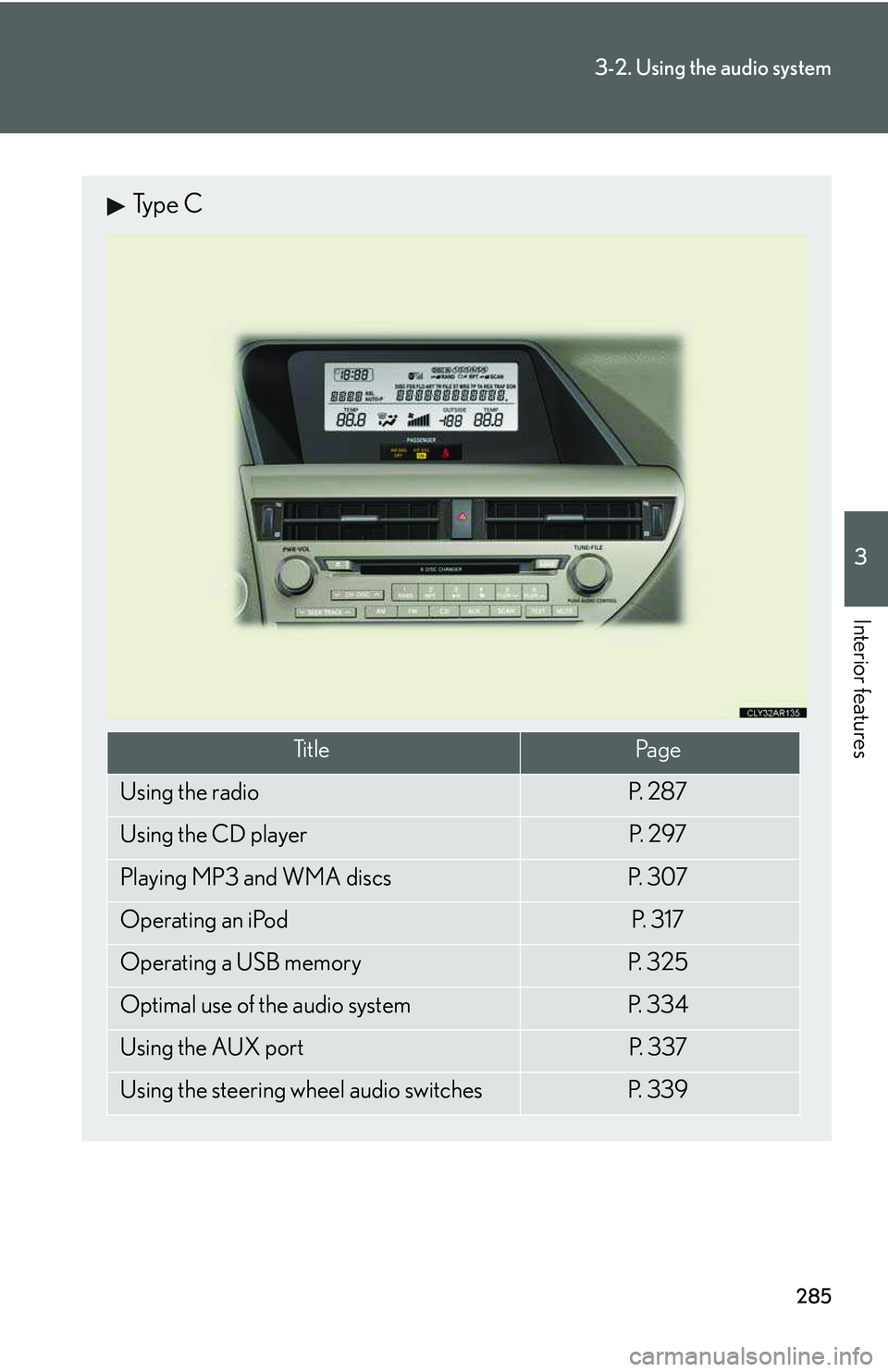
Type C
Ti t l ePa g e
Using the radioP. 2 8 7
Using the CD playerP. 2 9 7
Playing MP3 and WMA discsP. 3 0 7
Operating an iPodP. 3 1 7
Operating a USB memoryP. 3 2 5
Optimal use of the audio systemP. 3 3 4
Using the AUX portP. 3 3 7
Using the steering wheel audio switchesP. 3 3 9
Page 395 of 821

325
3-2. Using the audio system
3
Interior features
Operating a USB memory∗
Connecting a USB memory enables you to enjoy music from the vehicle
speakers.
nConnecting a USB memory
Slide the armrest while pulling
up the lever, and lift the armrest.
Remove the upper trays (if
equipped).
Remove the lower tray.
Open the cover and connect a
USB memory.
Turn on the power of the USB
memory if it is not turned on.
Press or .
STEP1
STEP2
STEP3
STEP4
∗: If equipped
Page 398 of 821
328
3-2. Using the audio system
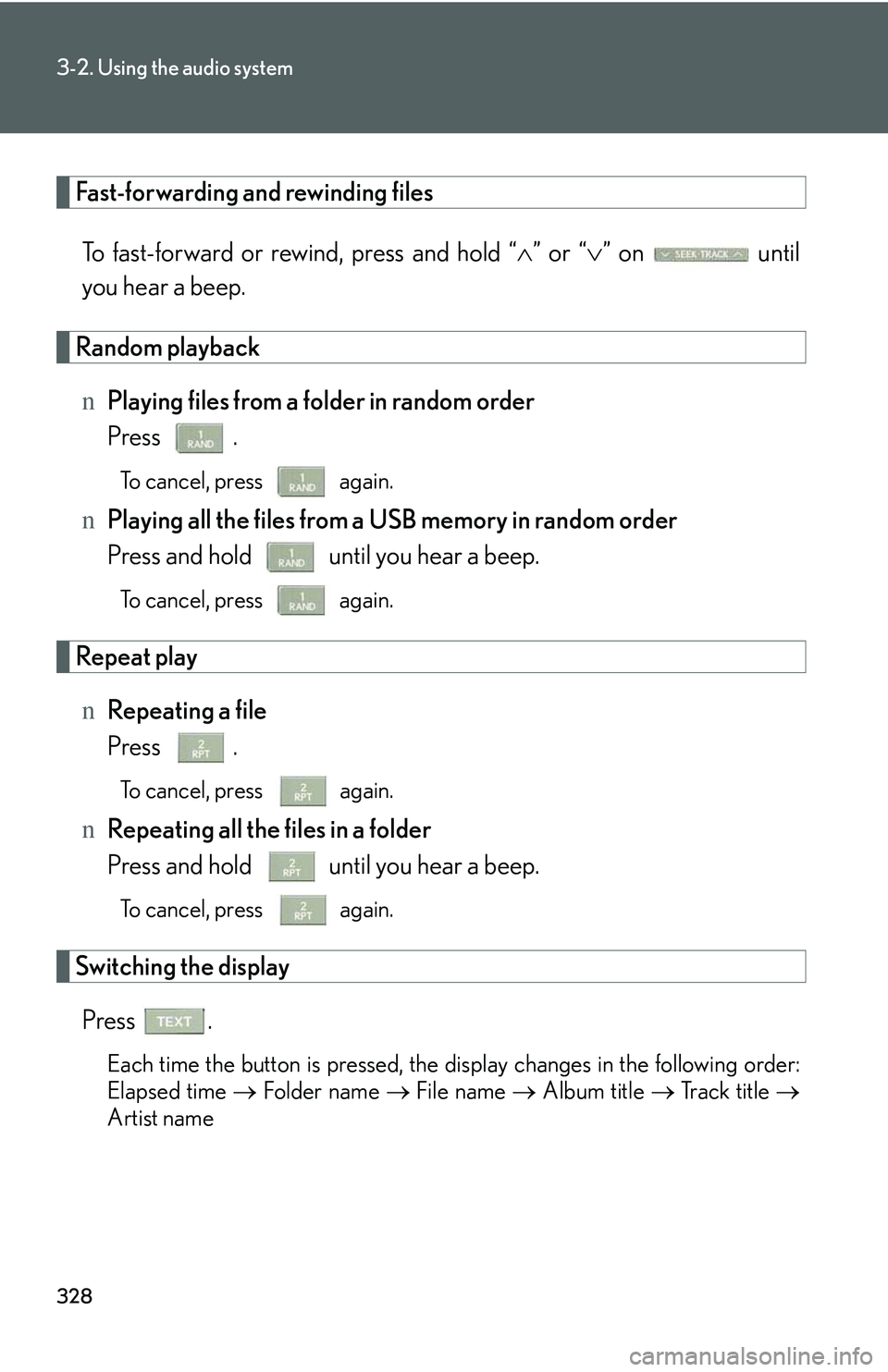
Fast-forwarding and rewinding files
To fast-forward or rewind, press and hold “∧” or “∨” on until
you hear a beep.
Random playback
nPlaying files from a folder in random order
Press .
To cancel, press again.
nPlaying all the files from a USB memory in random order
Press and hold until you hear a beep.
To cancel, press again.
Repeat play
nRepeating a file
Press .
To cancel, press again.
nRepeating all the files in a folder
Press and hold until you hear a beep.
To cancel, press again.
Switching the display
Press .
Each time the button is pressed, the display changes in the following order:
Elapsed time → Folder name → File name → Album title → Track title →
Artist name
Page 399 of 821

329
3-2. Using the audio system
3
Interior features
nUSB memory functions
lDepending on the USB memory that is connected to the system, the device
itself may not be operable and certain functions may not be available. If the
device is inoperable or a function is unavailable due to a malfunction (as
opposed to a system specification), disconnecting the device and reconnecting
it once again may resolve the problem.
lIf the USB memory still does not begin operation after being disconnected and
reconnected, format the memory.
nDisplay
→P. 3 0 3
nRouting portable audio device cables
→P. 3 2 3
nError messages
“ERROR”: This indicates a problem in the USB memory or its connection.
“NO MUSIC”: This indicates that no MP3/WMA files are included in the USB
memory.
Page 400 of 821

330
3-2. Using the audio system
nUSB memory
lCompatible devices
USB memories that can be used for MP3 and WMA playback
lCompatible device formats
The following device formats can be used:
Page 403 of 821
333
3-2. Using the audio system
3
Interior features
NOTICE
nTo prevent damage to USB memories
lDo not leave USB memories in the vehicle. The temperature inside the vehicle
may become high, resulting in damage to the player.
lDo not push down on or apply unnecessary pressure to the USB memory while it
is connected as this may damage the USB memory or its terminal.
lDo not insert foreign objects into the port as this may damage the USB memory
or its terminal.