USB LEXUS RX350 2011 User Guide
[x] Cancel search | Manufacturer: LEXUS, Model Year: 2011, Model line: RX350, Model: LEXUS RX350 2011Pages: 821, PDF Size: 13.27 MB
Page 409 of 821
339
3-2. Using the audio system
3
Interior features
Using the steering wheel audio switches
Turning the power on
Press when the audio system is turned off.
The audio system can be turned off by holding the switch down for 1 second
or more.
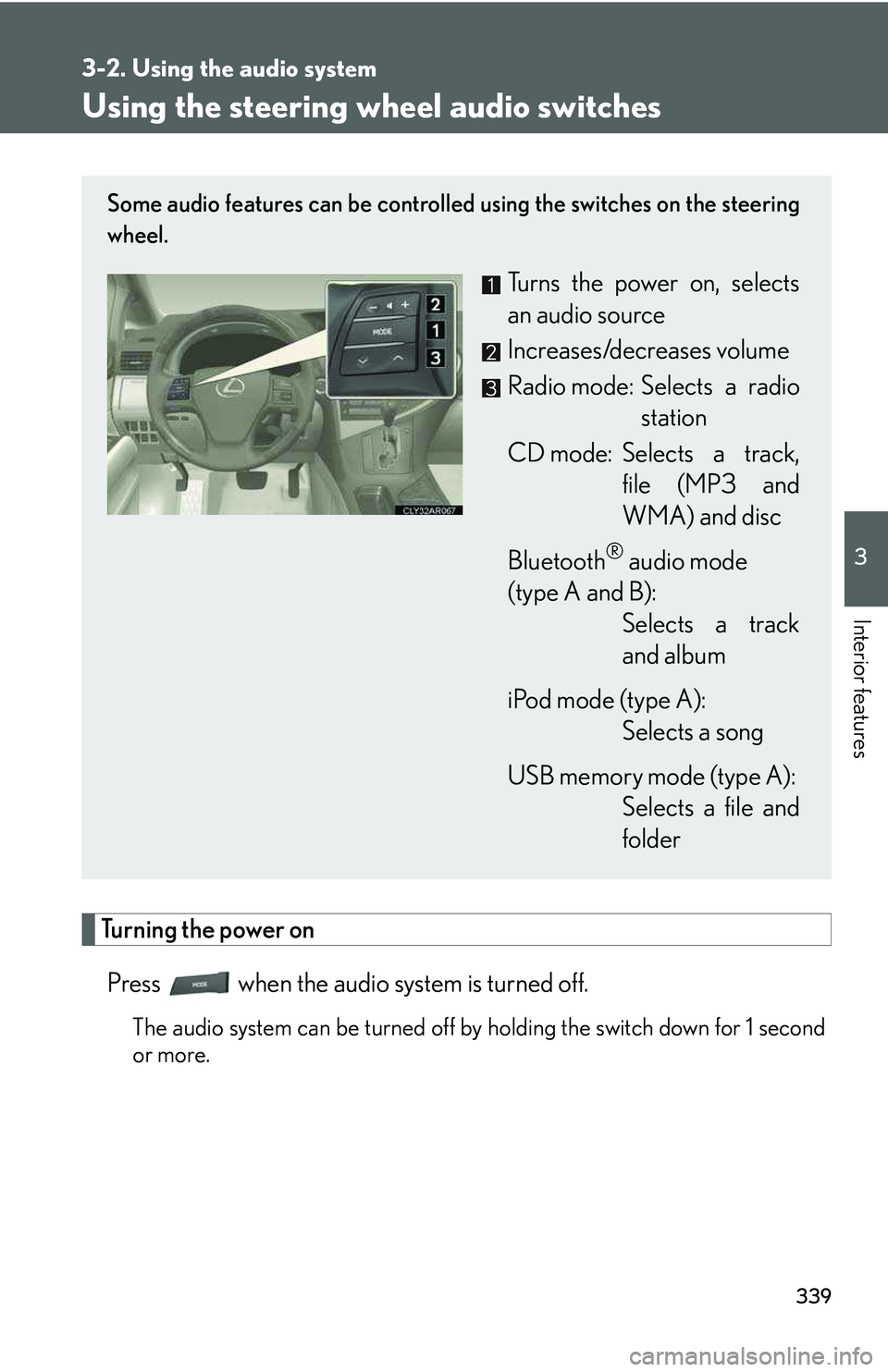
Some audio features can be controlled using the switches on the steering
wheel.
Turns the power on, selects
an audio source
Increases/decreases volume
Radio mode: Selects a radio
station
CD mode: Selects a track,
file (MP3 and
WMA) and disc
Bluetooth® audio mode
(type A and B):
Selects a track
and album
iPod mode (type A):
Selects a song
USB memory mode (type A):
Selects a file and
folder
Page 410 of 821
340
3-2. Using the audio system
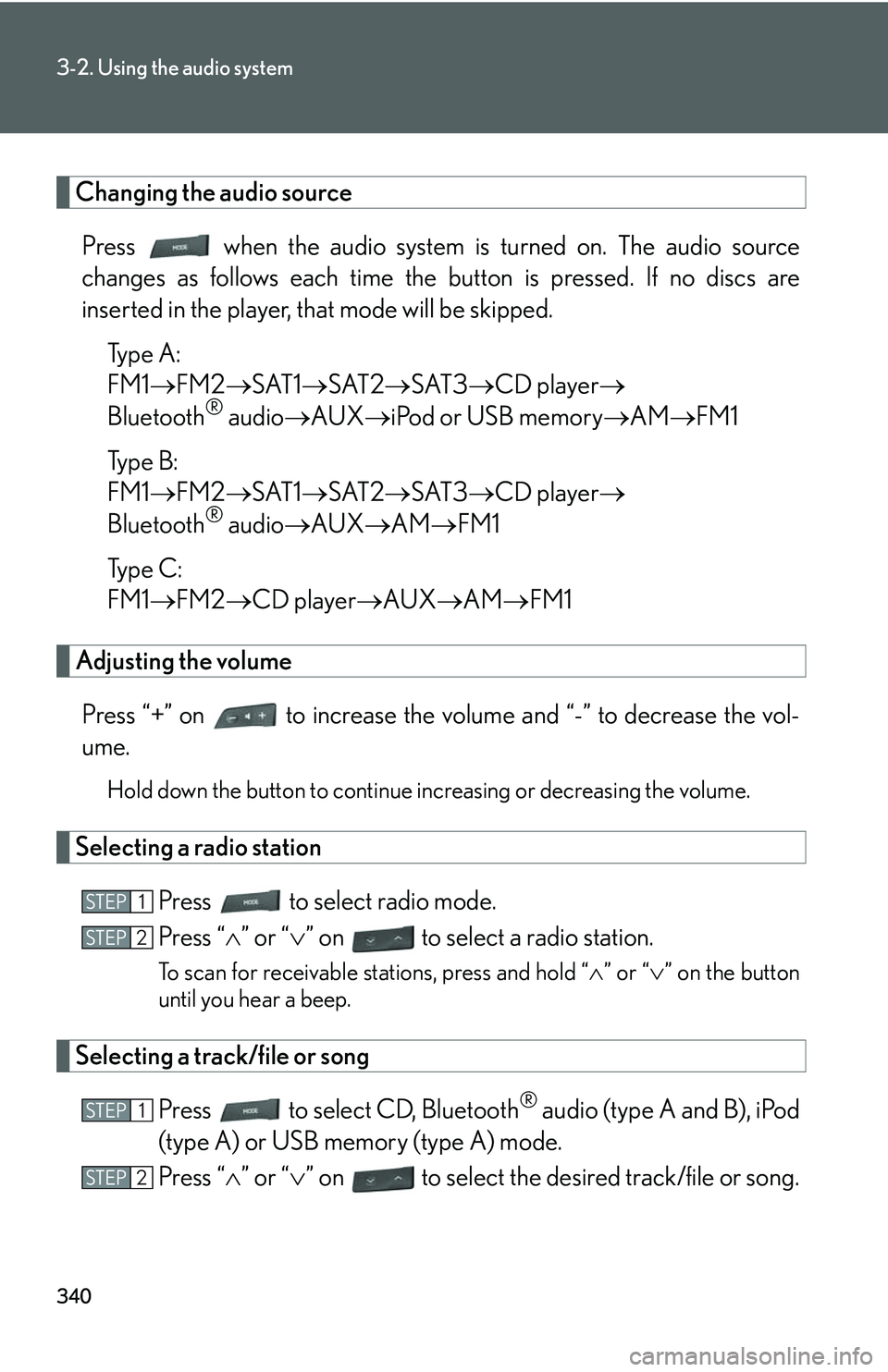
Changing the audio source
Press when the audio system is turned on. The audio source
changes as follows each time the button is pressed. If no discs are
inserted in the player, that mode will be skipped.
Type A:
FM1→FM2→SAT1→SAT2→SAT3→CD player→
Bluetooth® audio→AUX→iPod or USB memory→AM→FM1
Type B:
FM1→FM2→SAT1→SAT2→SAT3→CD player→
Bluetooth® audio→AUX→AM→FM1
Type C:
FM1→FM2→CD player→AUX→AM→FM1
Adjusting the volume
Press “+” on to increase the volume and “-” to decrease the vol-
ume.
Hold down the button to continue increasing or decreasing the volume.
Selecting a radio station
Press to select radio mode.
Press “∧” or “∨” on to select a radio station.
To scan for receivable stations, press and hold “∧” or “∨” on the button
until you hear a beep.
Selecting a track/file or song
Press to select CD, Bluetooth® audio (type A and B), iPod
(type A) or USB memory (type A) mode.
Press “∧” or “∨” on to select the desired track/file or song.
STEP1
STEP2
STEP1
STEP2
Page 411 of 821
341
3-2. Using the audio system
3
Interior features
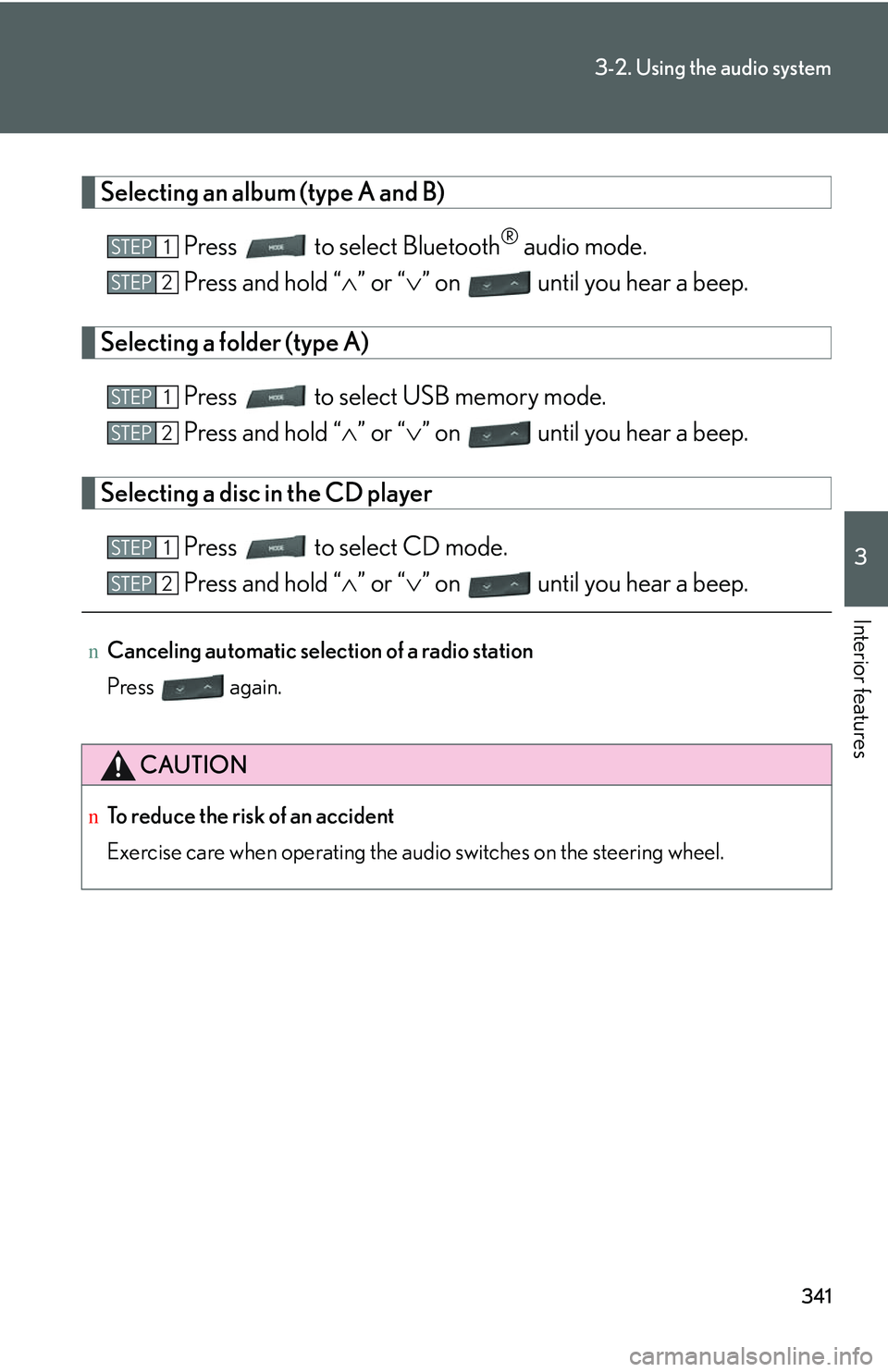
Selecting an album (type A and B)
Press to select Bluetooth® audio mode.
Press and hold “∧” or “∨” on until you hear a beep.
Selecting a folder (type A)
Press to select USB memory mode.
Press and hold “∧” or “∨” on until you hear a beep.
Selecting a disc in the CD player
Press to select CD mode.
Press and hold “∧” or “∨” on until you hear a beep.
nCanceling automatic selection of a radio station
Press again.
CAUTION
nTo reduce the risk of an accident
Exercise care when operating the audio switches on the steering wheel.
STEP1
STEP2
STEP1
STEP2
STEP1
STEP2
Page 720 of 821
651
Alphabetical index
Alarm ..........................................................103
Anti-lock brake system........................ 231
Armrest ......................................................418
Audio input ..............................................337
Audio system
Audio input ............................................337
AUX port ...............................................337
CD player/changer ..........................297
iPod ............................................................ 317
MP3/WMA disc ............................... 307
Optimal use.......................................... 334
Portable audio device......................337
Radio........................................................ 287
Steering wheel audio switch........ 339
USB memory ...................................... 325
USB port................................................ 325
Automatic air conditioning system
Air conditioning filter........................493
Air conditioning system .................. 274
Automatic headlight leveling
system ..................................................... 188
Automatic high beam system ........... 189
Automatic light control system ........ 184
Automatic transmission
Automatic transmission ................... 159
If the shift lever cannot be
shifted from P ...................................579
S mode ....................................................... 161
AUX port ................................................. 337
Page 731 of 821
662
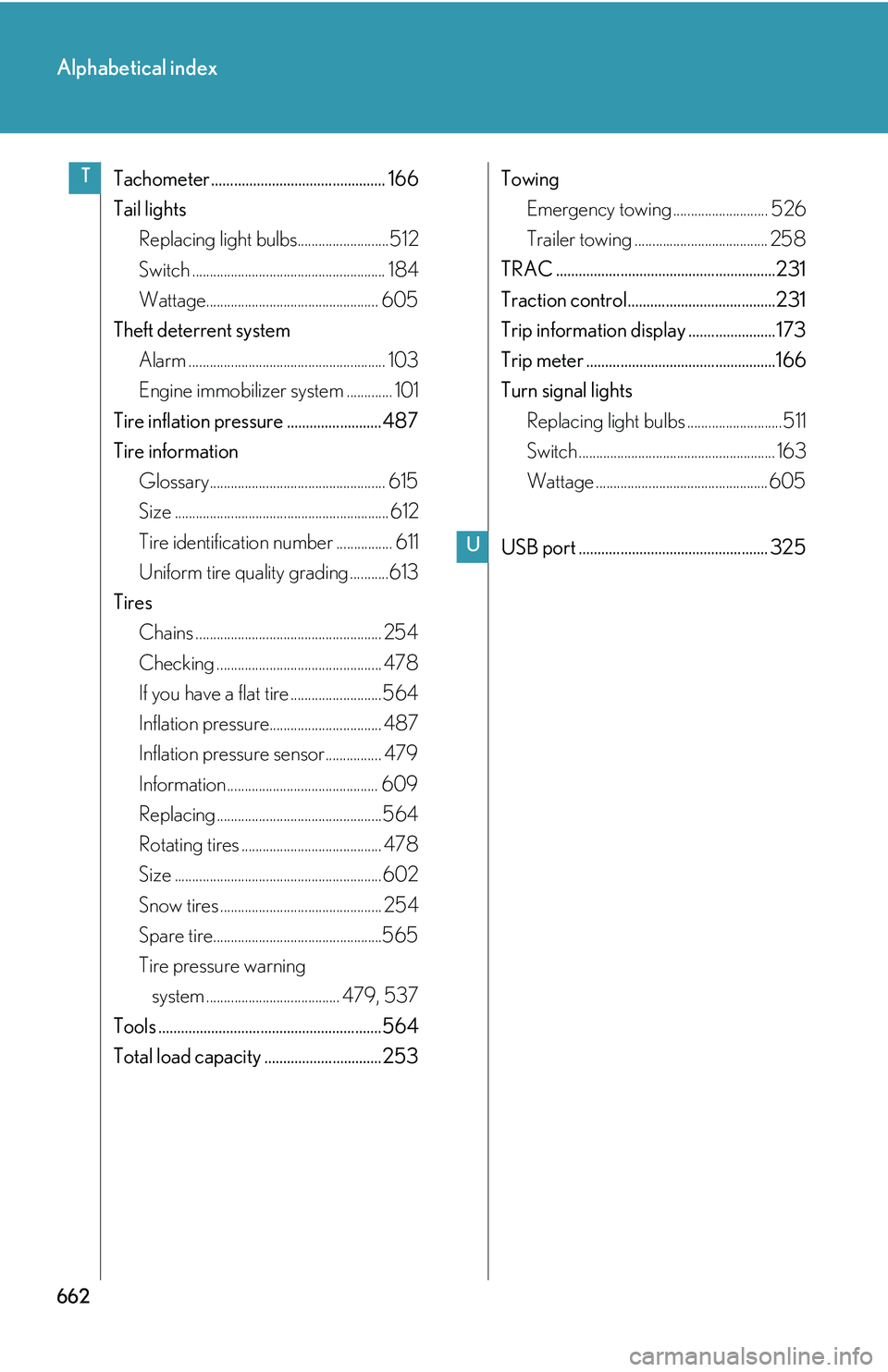
Alphabetical index
Tachometer .............................................. 166
Tail lights
Replacing light bulbs..........................512
Switch ....................................................... 184
Wattage................................................. 605
Theft deterrent system
Alarm ........................................................ 103
Engine immobilizer system ............. 101
Tire inflation pressure ......................... 487
Tire information
Glossary.................................................. 615
Size ............................................................. 612
Tire identification number ................ 611
Uniform tire quality grading ...........613
Tires
Chains ..................................................... 254
Checking ............................................... 478
If you have a flat tire ..........................564
Inflation pressure................................ 487
Inflation pressure sensor................ 479
Information........................................... 609
Replacing ...............................................564
Rotating tires ........................................ 478
Size ...........................................................602
Snow tires .............................................. 254
Spare tire................................................565
Tire pressure warning
system ...................................... 479, 537
Tools ...........................................................564
Total load capacity ...............................253
Towing
Emergency towing ........................... 526
Trailer towing ...................................... 258
TRAC ..........................................................231
Traction control.......................................231
Trip information display ....................... 173
Trip meter ..................................................166
Turn signal lights
Replacing light bulbs ...........................511
Switch ........................................................ 163
Wattage ................................................. 605
USB port .................................................. 325
T
U