LEXUS RX450h 2015 Owners Manual
RX450h 2015
LEXUS
LEXUS
https://www.carmanualsonline.info/img/36/58963/w960_58963-0.png
LEXUS RX450h 2015 Owners Manual
Page 571 of 878
5713-4. Using the audio system
3
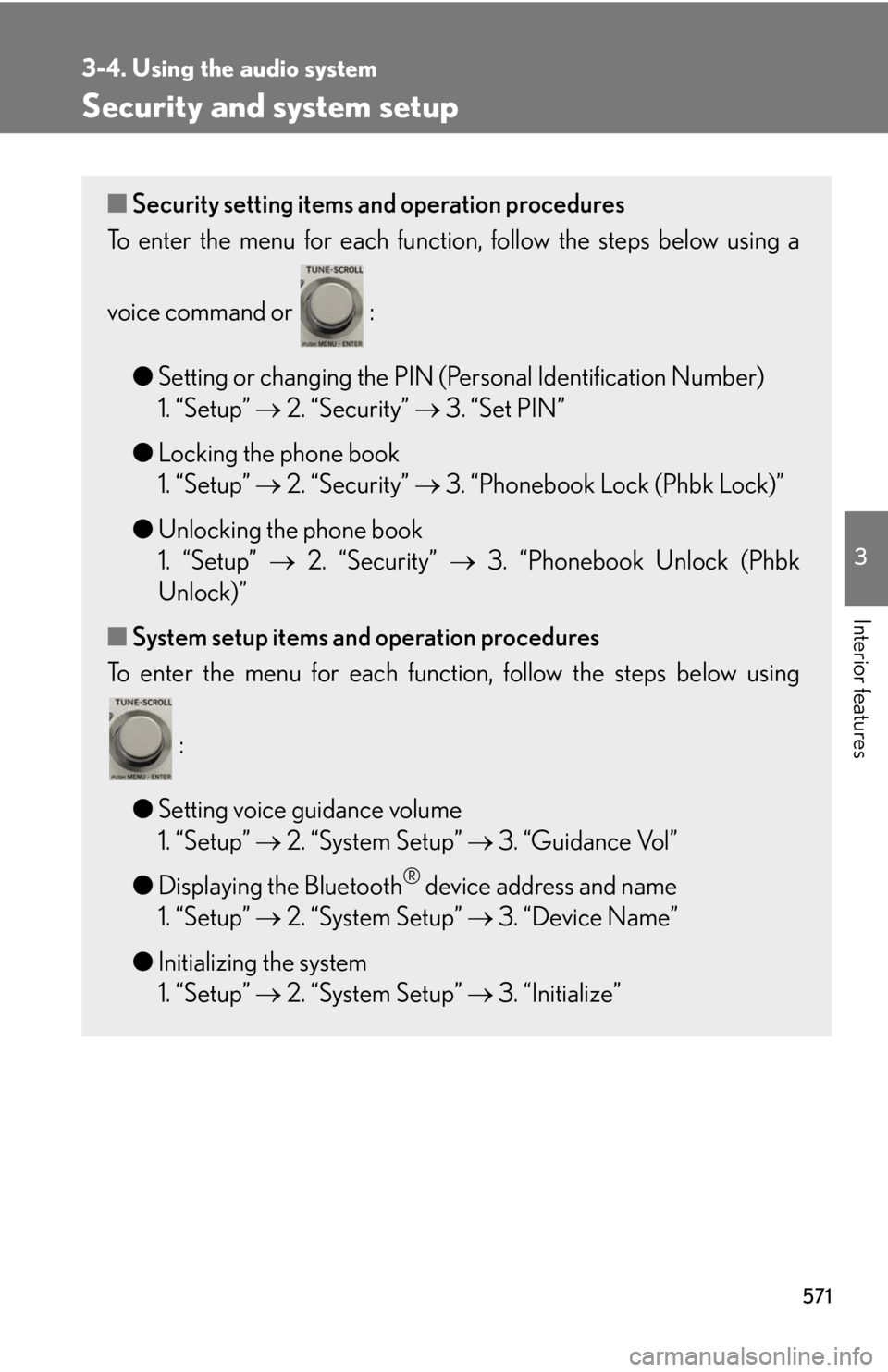
Interior features Security and system setup ■ Security setting items and operation procedures
To enter the menu for each function , follow the steps below using a
voice command or :
● Setting or changing the PIN (Personal Identification Number)
1. “Setup” 2. “Security” 3. “Set PIN”
● Locking the phone book
1. “Setup” 2. “Security” 3. “Phonebook Lock (Phbk Lock)”
● Unlocking the phone book
1. “Setup” 2. “Security” 3. “Phonebook Unlock (Phbk
Unlock)”
■ System setup items and operation procedures
To enter the menu for each function, follow the steps below using
:
● Setting voice guidance volume
1. “Setup” 2. “System Setup” 3. “Guidance Vol”
● Displaying the Bluetooth ®
device address and name
1. “Setup” 2. “System Setup” 3. “Device Name”
● Initializing the system
1. “Setup” 2. “System Setup” 3. “Initialize”
Page 572 of 878
5723-4. Using the audio system
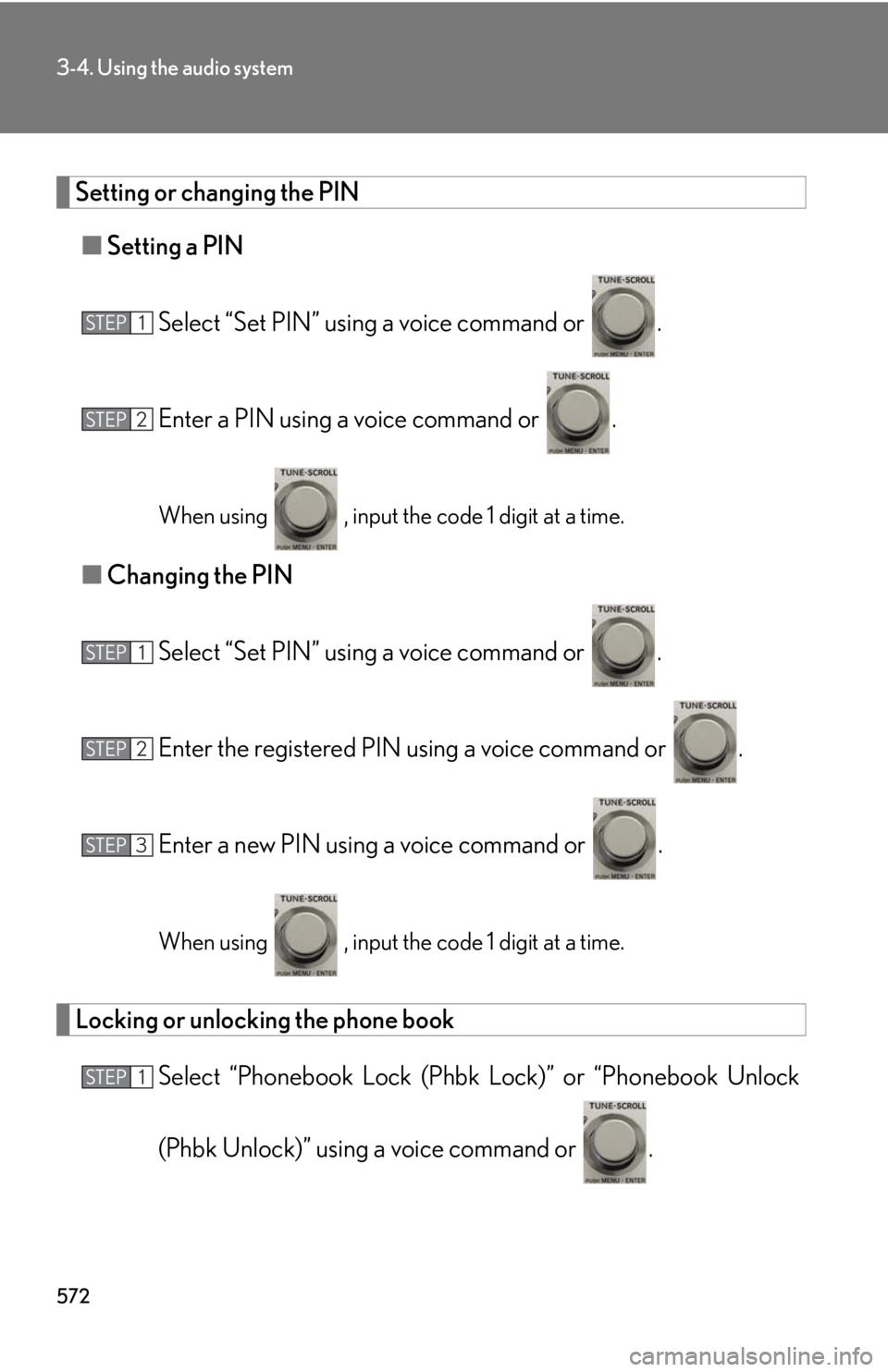
Setting or changing the PIN
■ Setting a PIN
Select “Set PIN” using a voice command or .
Enter a PIN using a voice command or .
When using , input the code 1 digit at a time.
■ Changing the PIN
Select “Set PIN” using a voice command or .
Enter the registered PIN using a voice command or .
Enter a new PIN using a voice command or .
When using , input the code 1 digit at a time.
Locking or unlocking the phone book
Select “Phonebook Lock (Phbk Lock)” or “Phonebook Unlock
(Phbk Unlock)” using a voice command or .STEP 1
STEP 2
STEP 1
STEP 2
STEP 3
STEP 1
Page 573 of 878
5733-4. Using the audio system
3
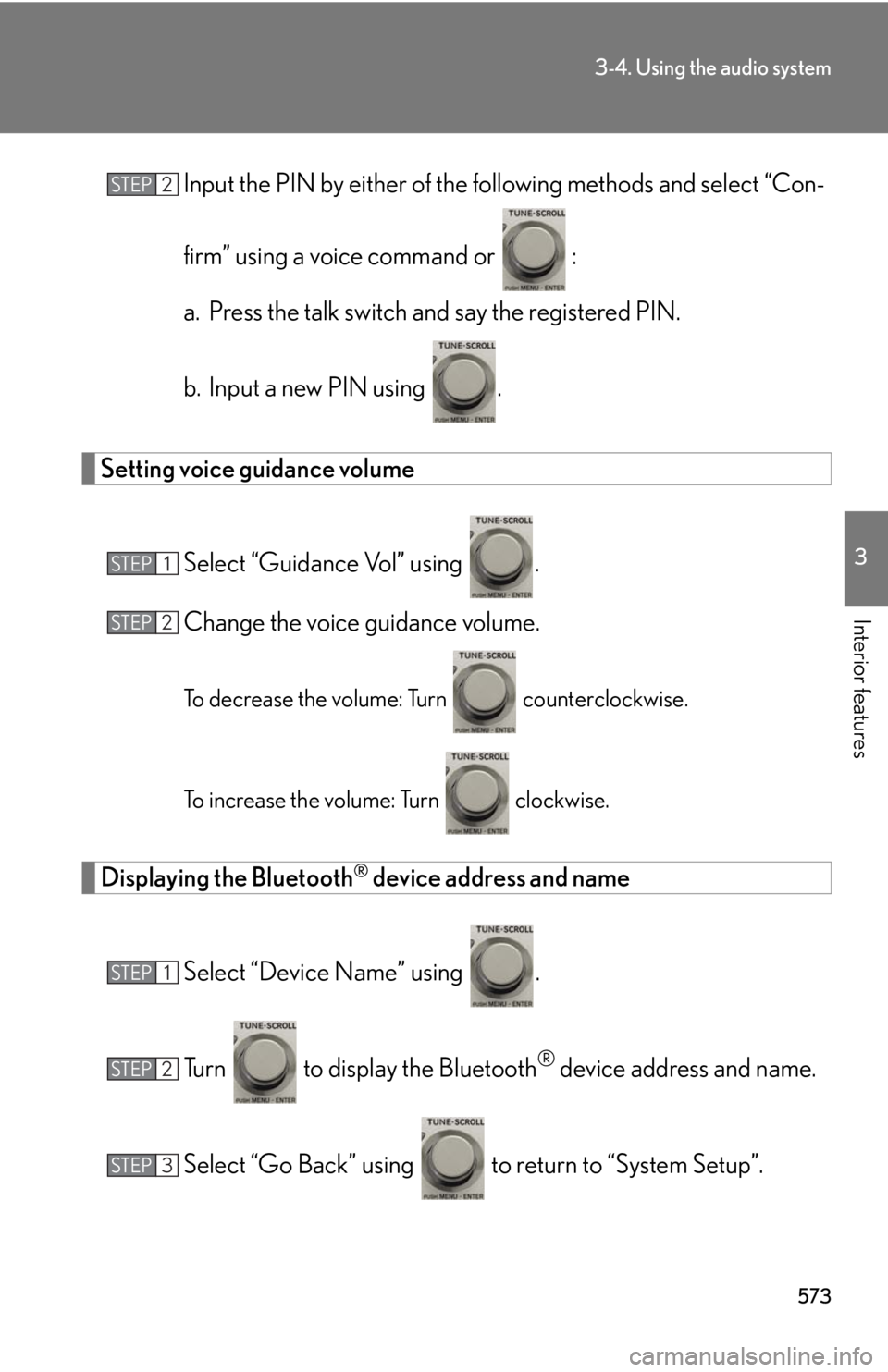
Interior features Input the PIN by either of the fo llowing methods and select “Con-
firm” using a voice command or :
a. Press the talk switch and say the registered PIN.
b. Input a new PIN using .
Setting voice guidance volume
Select “Guidance Vol” using .
Change the voice guidance volume.
To decrease the volume: Turn counterclockwise.
To increase the volume: Turn clockwise.
Displaying the Bluetooth ®
device address and name
Select “Device Name” using .
Turn to display the Bluetooth ®
device address and name.
Select “Go Back” using to return to “System Setup”.STEP 2
STEP 1
STEP 2
STEP 1
STEP 2
STEP 3
Page 574 of 878
5743-4. Using the audio system
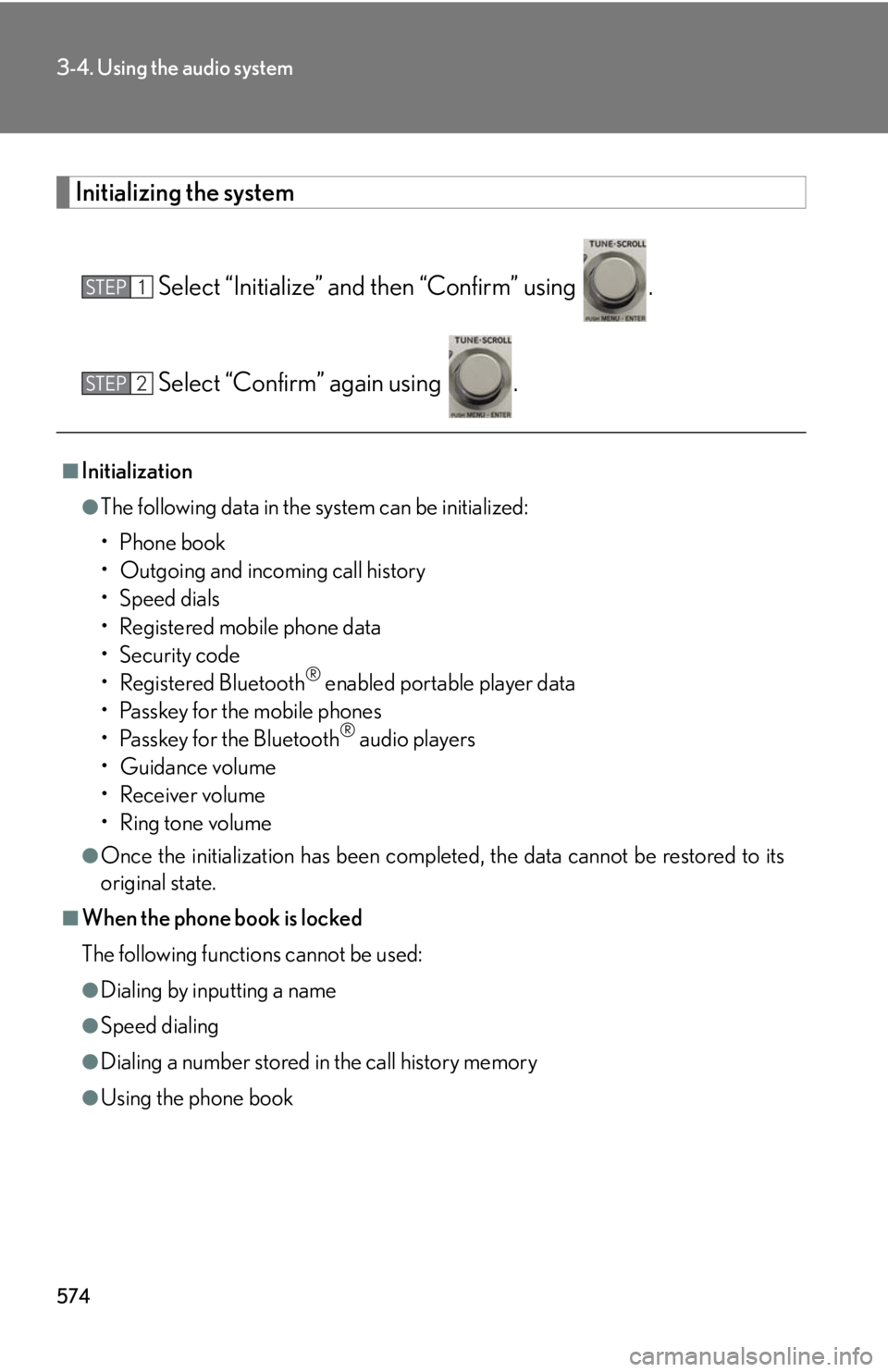
Initializing the system
Select “Initialize” and then “Confirm” using .
Select “Confirm” again using .■
Initialization ●
The following data in the system can be initialized:
•Phone book
• Outgoing and incoming call history
•Speed dials
• Registered mobile phone data
•Security code
• Registered Bluetooth ®
enabled portable player data
• Passkey for the mobile phones
• Passkey for the Bluetooth ®
audio players
•Guidance volume
• Receiver volume
• Ring tone volume●
Once the initialization has been complete d, the data cannot be restored to its
original state.■
When the phone book is locked
The following functions cannot be used: ●
Dialing by inputting a name●
Speed dialing
●
Dialing a number stored in the call history memory
●
Using the phone bookSTEP 1
STEP 2
Page 584 of 878
5843-5. Using the interior lights
■
Illuminated entry system
The lights automatically turn on/off according to “POWER” switch mode, the pres-
ence of the electronic key, whether the doors are locked/unlocked, and whether
the doors are open/closed.■
To prevent 12-volt battery discharge
When the “POWER” switch is turned off, the lights will go off automatically after 20
minutes. ●
Personal lights●
Interior lights●
Door courtesy lights●
Scuff lights (if equipped)●
Footwell lights■
Customization
Settings (e.g. the time elapsed before the lights turn off) can be changed.
(Customizable features P. 825) Interior lights and personal lights
Page 586 of 878
5863-6. Using the storage features
Glove box
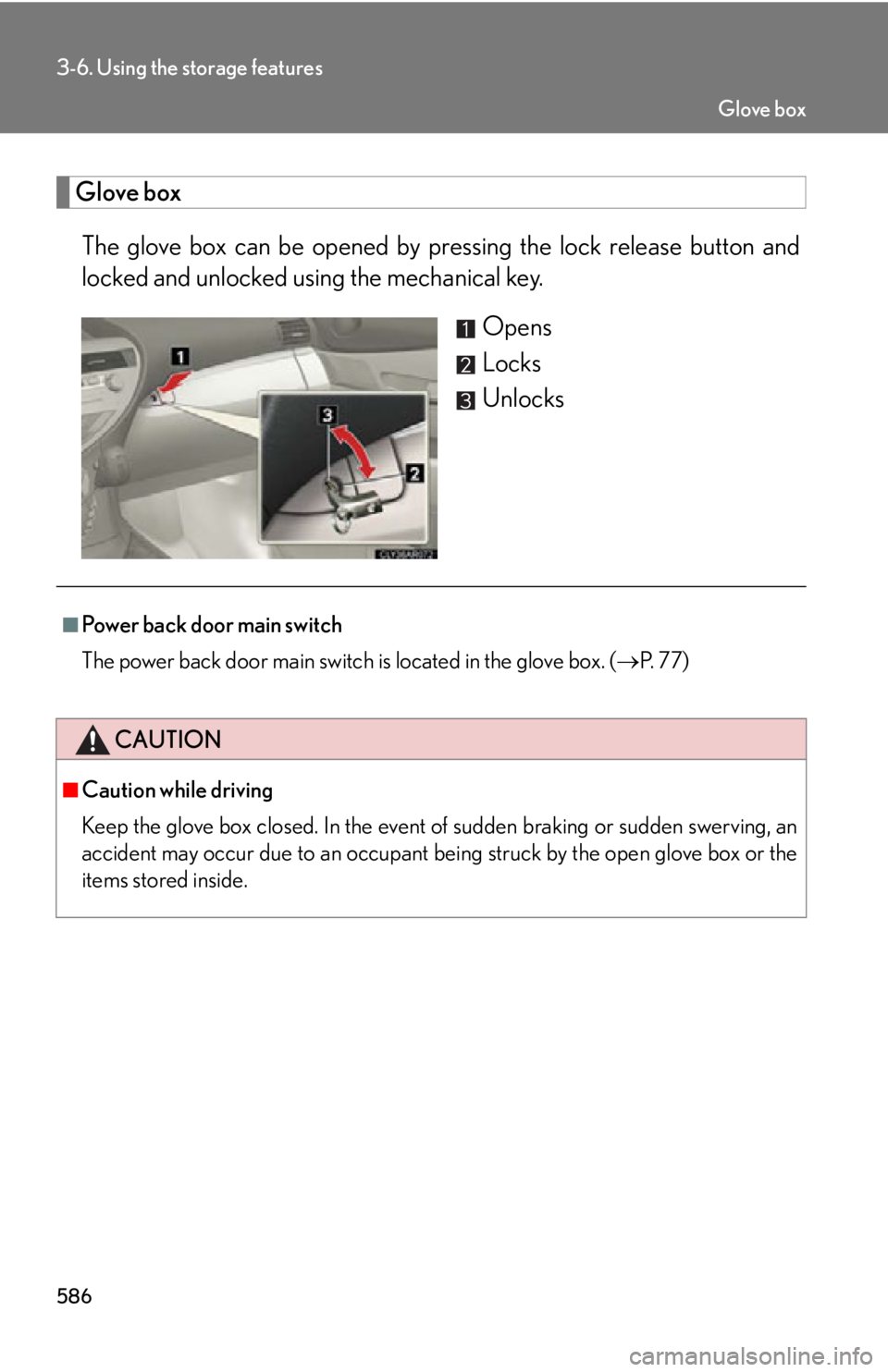
The glove box can be opened by pr essing the lock release button and
locked and unlocked u sing the mechanical key.
Opens
Locks
Unlocks
■
Power back door main switch
The power back door main switch is located in the glove box. ( P. 77)
CAUTION■
Caution while driving
Keep the glove box closed. In the event of sudden braking or sudden swerving, an
accident may occur due to an occupant being struck by the open glove box or the
items stored inside. Glove box
Page 590 of 878
5903-6. Using the storage features
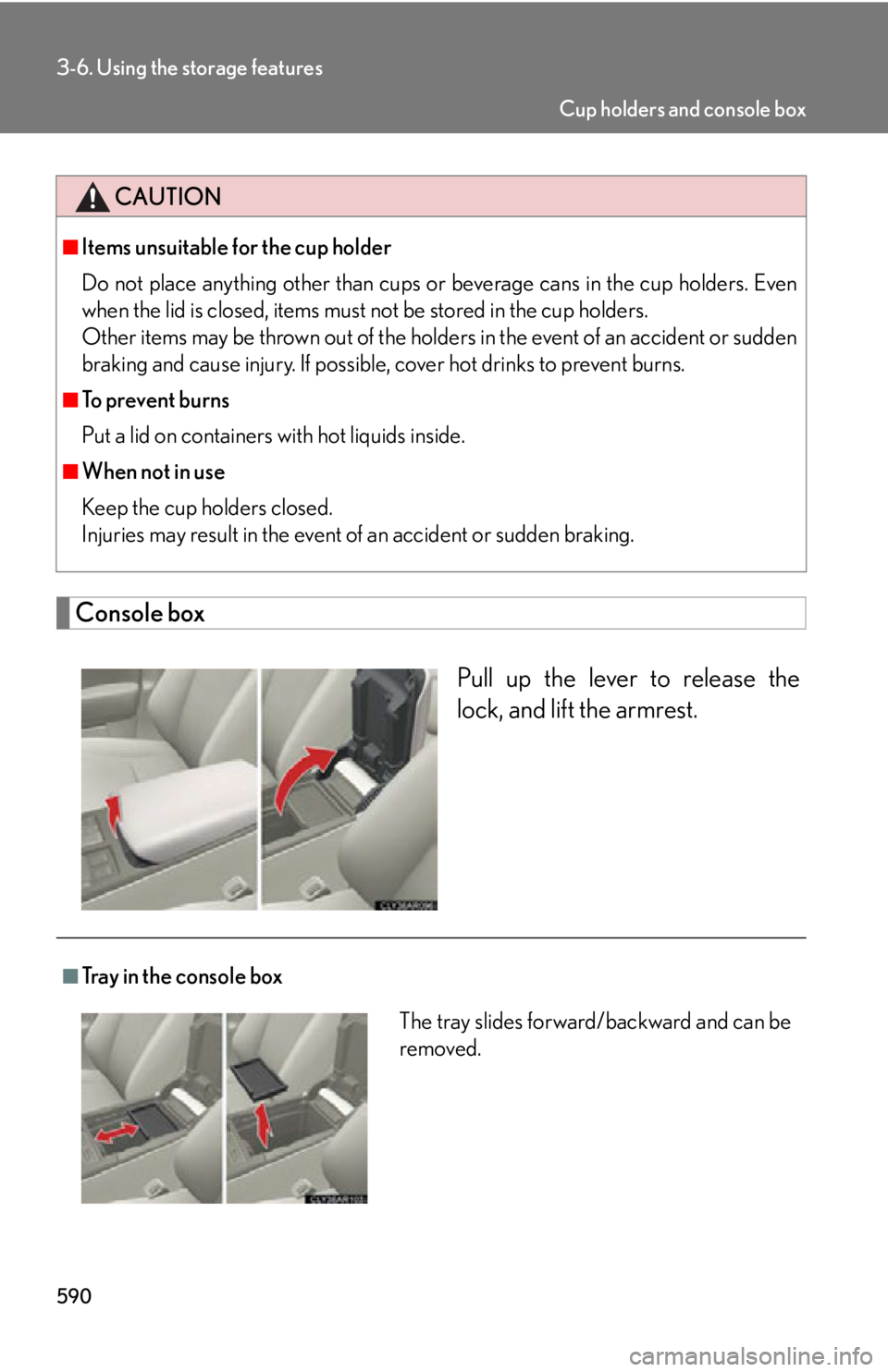
Console box
Pull up the lever to release the
lock, and lift the armrest.CAUTION■
Items unsuitable for the cup holder
Do not place anything other than cups or beverage cans in the cup holders. Even
when the lid is closed, items must not be stored in the cup holders.
Other items may be thrown out of the holder s in the event of an accident or sudden
braking and cause injury. If possible , cover hot drinks to prevent burns.■
To prevent burns
Put a lid on containers with hot liquids inside.■
When not in use
Keep the cup holders closed.
Injuries may result in the event of an accident or sudden braking.
■
Tray in the console box
The tray slides forward/backward and can be
removed. Cup holders and console box
Page 592 of 878
5923-6. Using the storage features
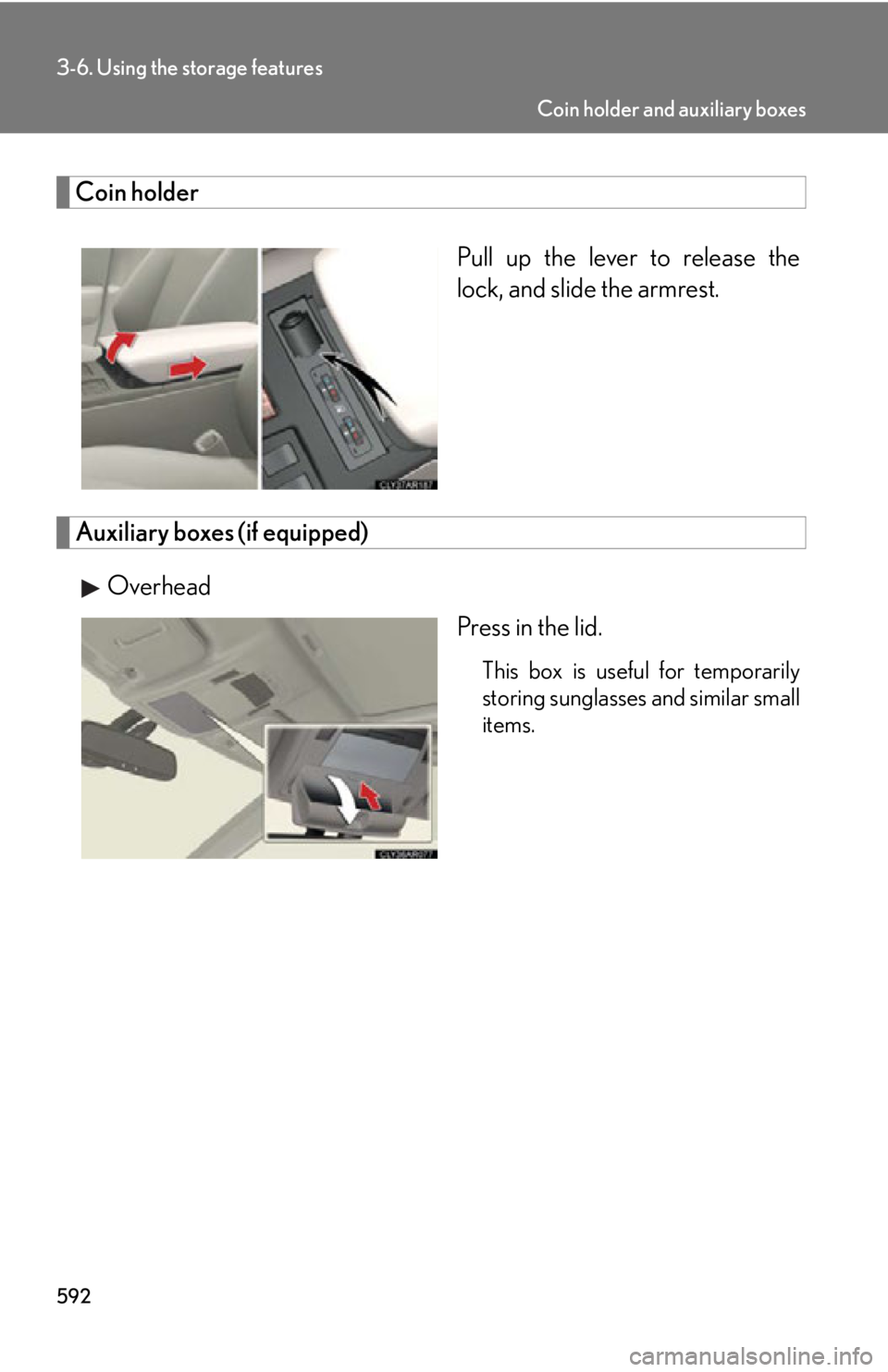
Coin holder
Pull up the lever to release the
lock, and slide the armrest.
Auxiliary boxes (if equipped)
Overhead
Press in the lid. This box is useful for temporarily
storing sunglasses and similar small
items. Coin holder and auxiliary boxes
Page 593 of 878
5933-6. Using the storage features
3
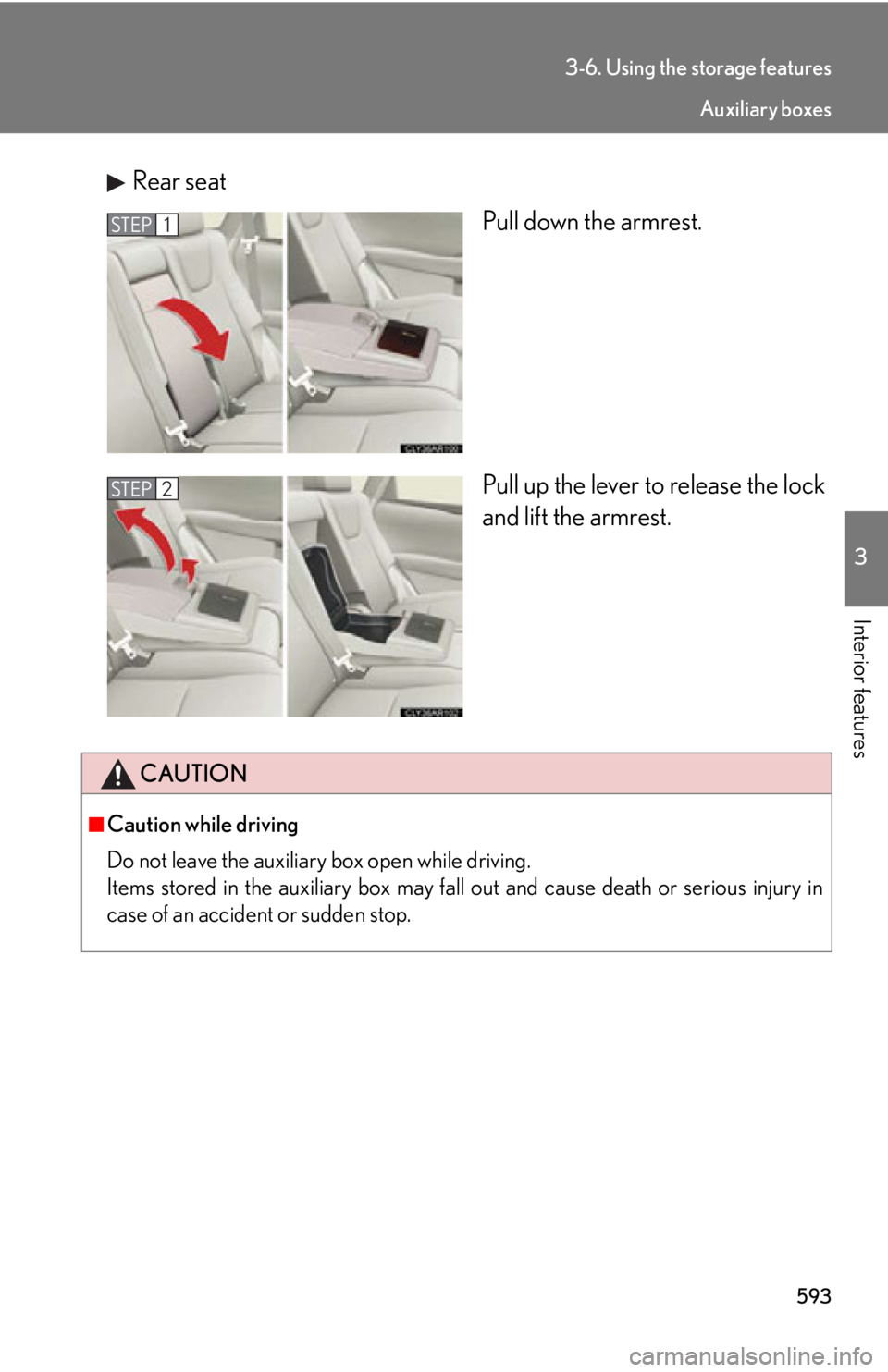
Interior features Rear seat
Pull down the armrest.
Pull up the lever to release the lock
and lift the armrest.STEP 1
STEP 2
CAUTION■
Caution while driving
Do not leave the auxiliary box open while driving.
Items stored in the auxiliary box may fall out and cause death or serious injury in
case of an accident or sudden stop. Auxiliary boxes
Page 597 of 878
5973-7. Other interior features
3
Interior features Clock
■
The clock is displayed when
The clock is displayed when the “POWER” switch is in ACCESSORY or ON
mode.
■
When the 12-volt battery is disconnected
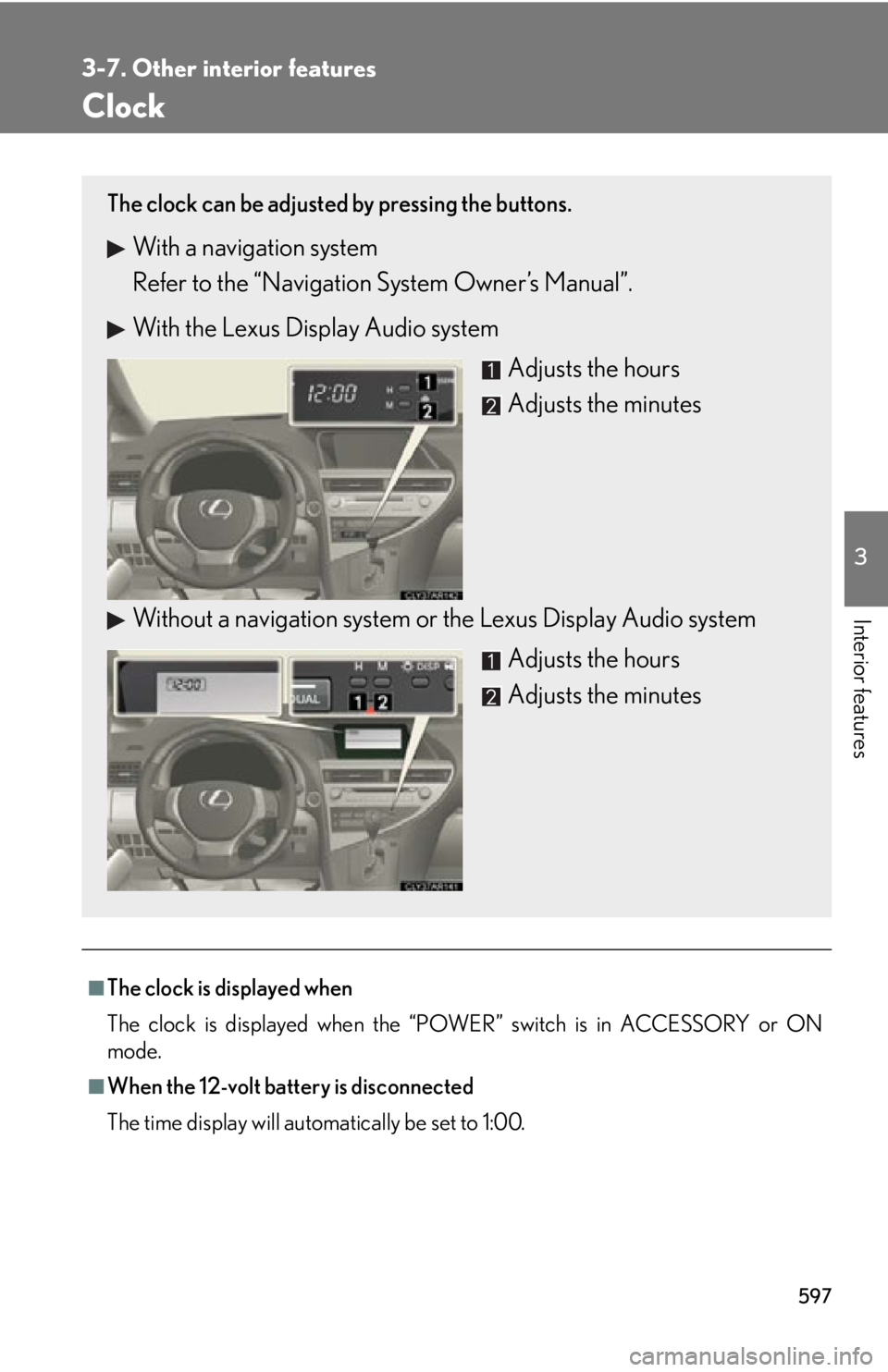
The time display will automatically be set to 1:00.The clock can be adjusted by pressing the buttons.
With a navigation system
Refer to the “Navigation System Owner’s Manual”.
With the Lexus Display Audio system
Adjusts the hours
Adjusts the minutes
Without a navigation system or the Lexus Display Audio system
Adjusts the hours
Adjusts the minutes