Door LINCOLN AVIATOR 2004 Owners Manual
[x] Cancel search | Manufacturer: LINCOLN, Model Year: 2004, Model line: AVIATOR, Model: LINCOLN AVIATOR 2004Pages: 336, PDF Size: 3.69 MB
Page 9 of 336
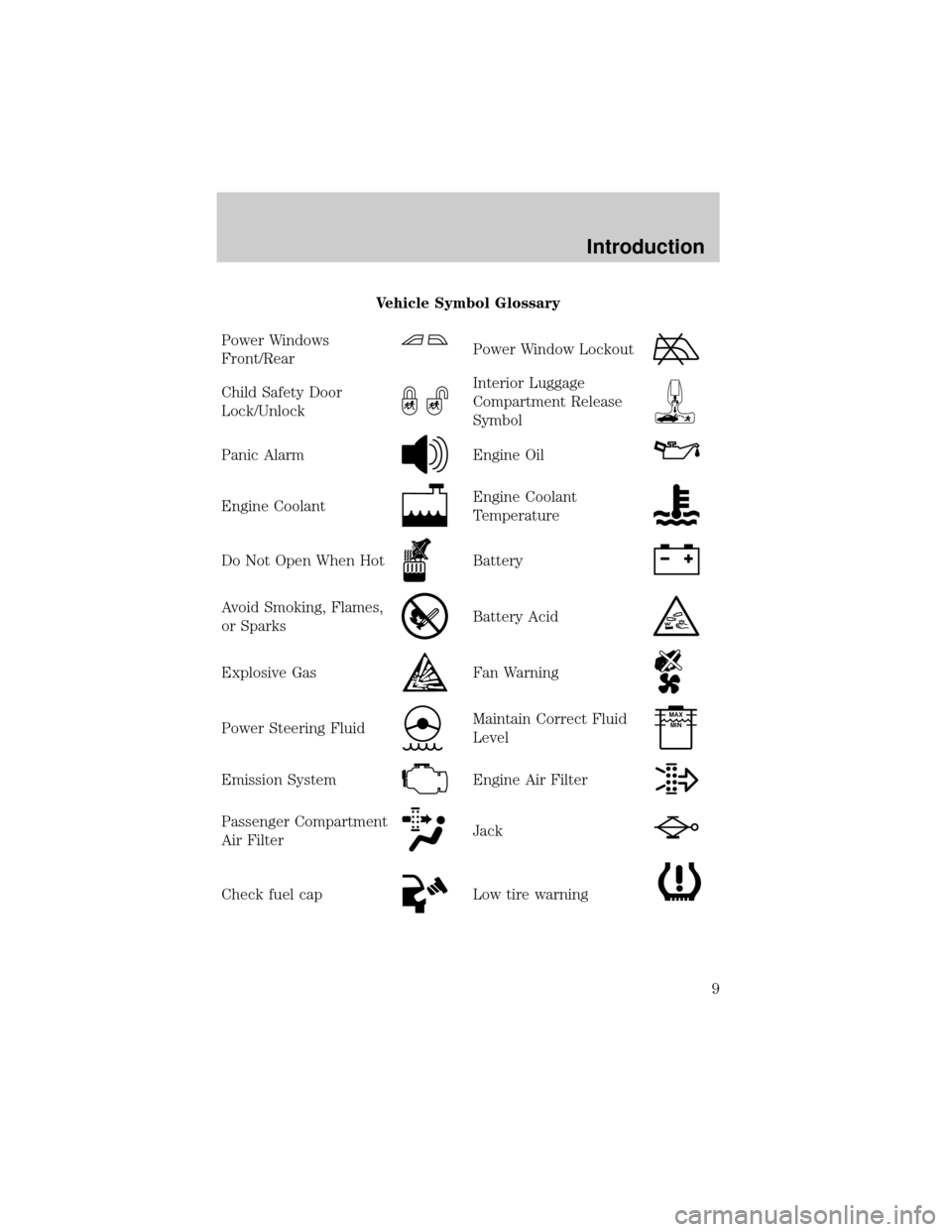
Vehicle Symbol Glossary
Power Windows
Front/Rear
Power Window Lockout
Child Safety Door
Lock/UnlockInterior Luggage
Compartment Release
Symbol
Panic AlarmEngine Oil
Engine CoolantEngine Coolant
Temperature
Do Not Open When HotBattery
Avoid Smoking, Flames,
or SparksBattery Acid
Explosive GasFan Warning
Power Steering FluidMaintain Correct Fluid
LevelMAX
MIN
Emission SystemEngine Air Filter
Passenger Compartment
Air FilterJack
Check fuel capLow tire warning
Introduction
9
Page 13 of 336
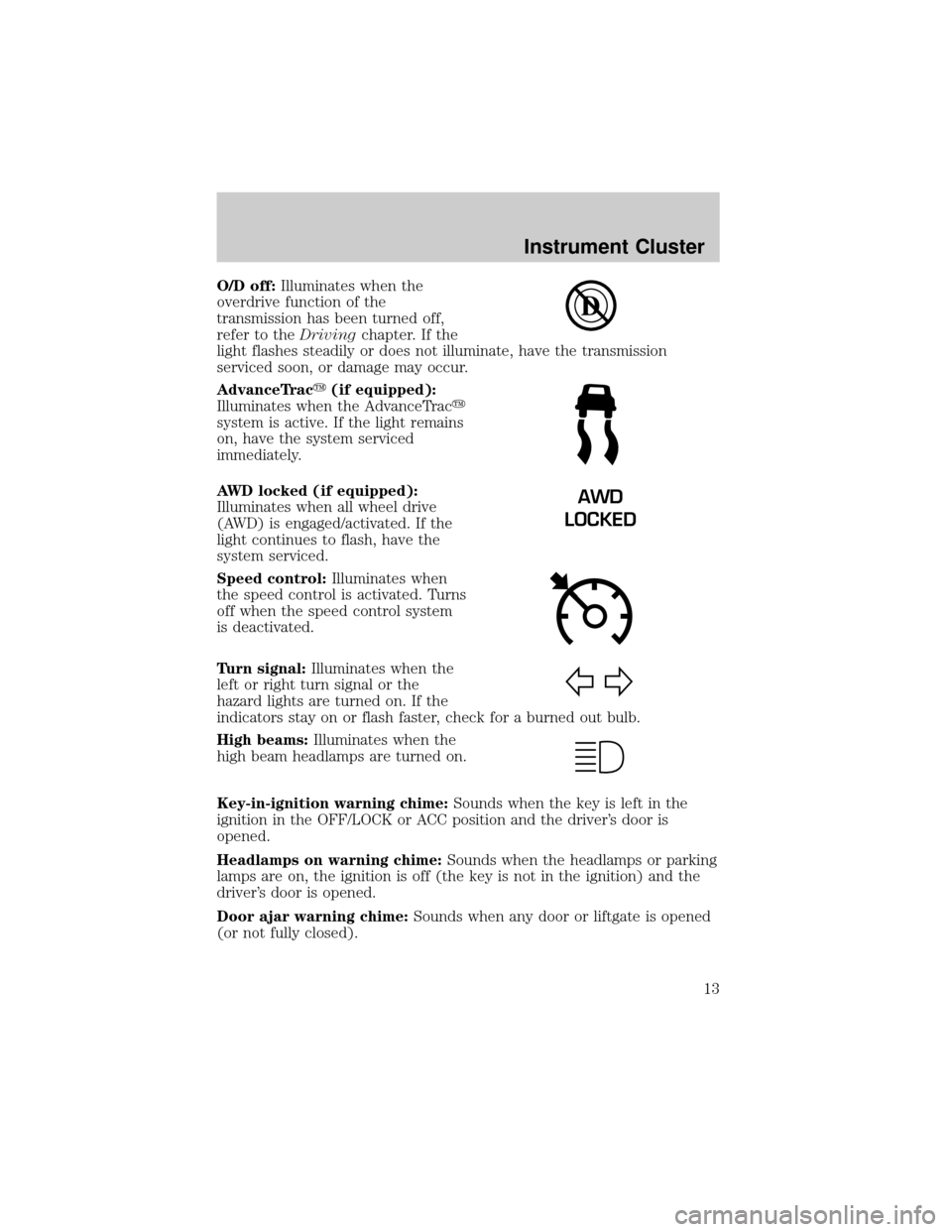
O/D off:Illuminates when the
overdrive function of the
transmission has been turned off,
refer to theDrivingchapter. If the
light flashes steadily or does not illuminate, have the transmission
serviced soon, or damage may occur.
AdvanceTracy(if equipped):
Illuminates when the AdvanceTracy
system is active. If the light remains
on, have the system serviced
immediately.
AWD locked (if equipped):
Illuminates when all wheel drive
(AWD) is engaged/activated. If the
light continues to flash, have the
system serviced.
Speed control:Illuminates when
the speed control is activated. Turns
off when the speed control system
is deactivated.
Turn signal:Illuminates when the
left or right turn signal or the
hazard lights are turned on. If the
indicators stay on or flash faster, check for a burned out bulb.
High beams:Illuminates when the
high beam headlamps are turned on.
Key-in-ignition warning chime:Sounds when the key is left in the
ignition in the OFF/LOCK or ACC position and the driver's door is
opened.
Headlamps on warning chime:Sounds when the headlamps or parking
lamps are on, the ignition is off (the key is not in the ignition) and the
driver's door is opened.
Door ajar warning chime:Sounds when any door or liftgate is opened
(or not fully closed).
AWD
LOCKED
Instrument Cluster
13
Page 15 of 336
Refer toMessage Centerin theDrivers Controlschapter on how to
switch the display from Metric to English.
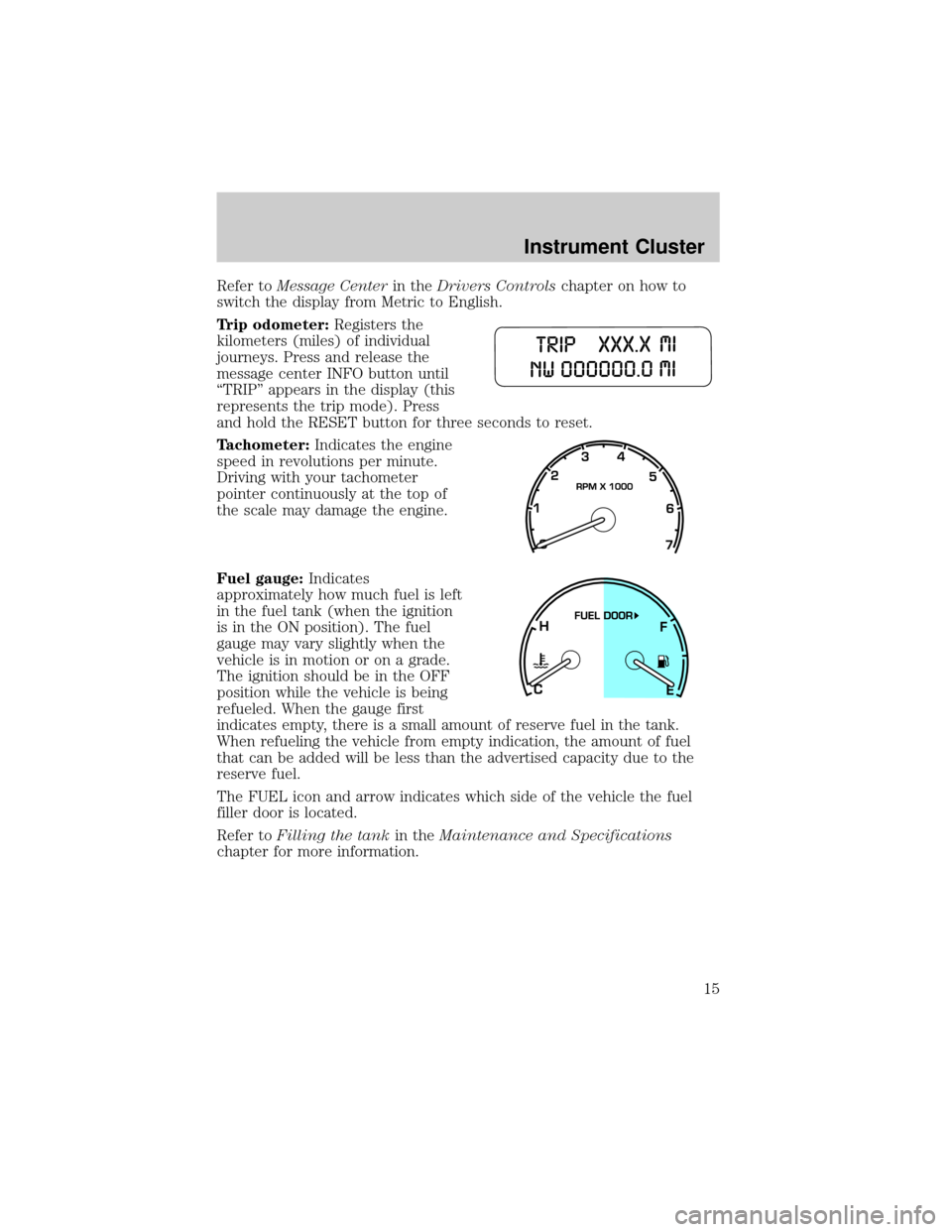
Trip odometer:Registers the
kilometers (miles) of individual
journeys. Press and release the
message center INFO button until
ªTRIPº appears in the display (this
represents the trip mode). Press
and hold the RESET button for three seconds to reset.
Tachometer:Indicates the engine
speed in revolutions per minute.
Driving with your tachometer
pointer continuously at the top of
the scale may damage the engine.
Fuel gauge:Indicates
approximately how much fuel is left
in the fuel tank (when the ignition
is in the ON position). The fuel
gauge may vary slightly when the
vehicle is in motion or on a grade.
The ignition should be in the OFF
position while the vehicle is being
refueled. When the gauge first
indicates empty, there is a small amount of reserve fuel in the tank.
When refueling the vehicle from empty indication, the amount of fuel
that can be added will be less than the advertised capacity due to the
reserve fuel.
The FUEL icon and arrow indicates which side of the vehicle the fuel
filler door is located.
Refer toFilling the tankin theMaintenance and Specifications
chapter for more information.
Instrument Cluster
15
Page 20 of 336
Speed sensitive volume: Automatically changes the volume with
vehicle speed to compensate for road and wind noise. The recommended
level is 1±3. Level 0 turns the speed sensitive volume off and level 7 is
the maximum setting.
To engage the speed sensitive volume feature, press and hold the volume
control for five seconds (with the radio on). Press SEL to increase
/
decrease
volume compensation levels. The selected level will appear
in the display.
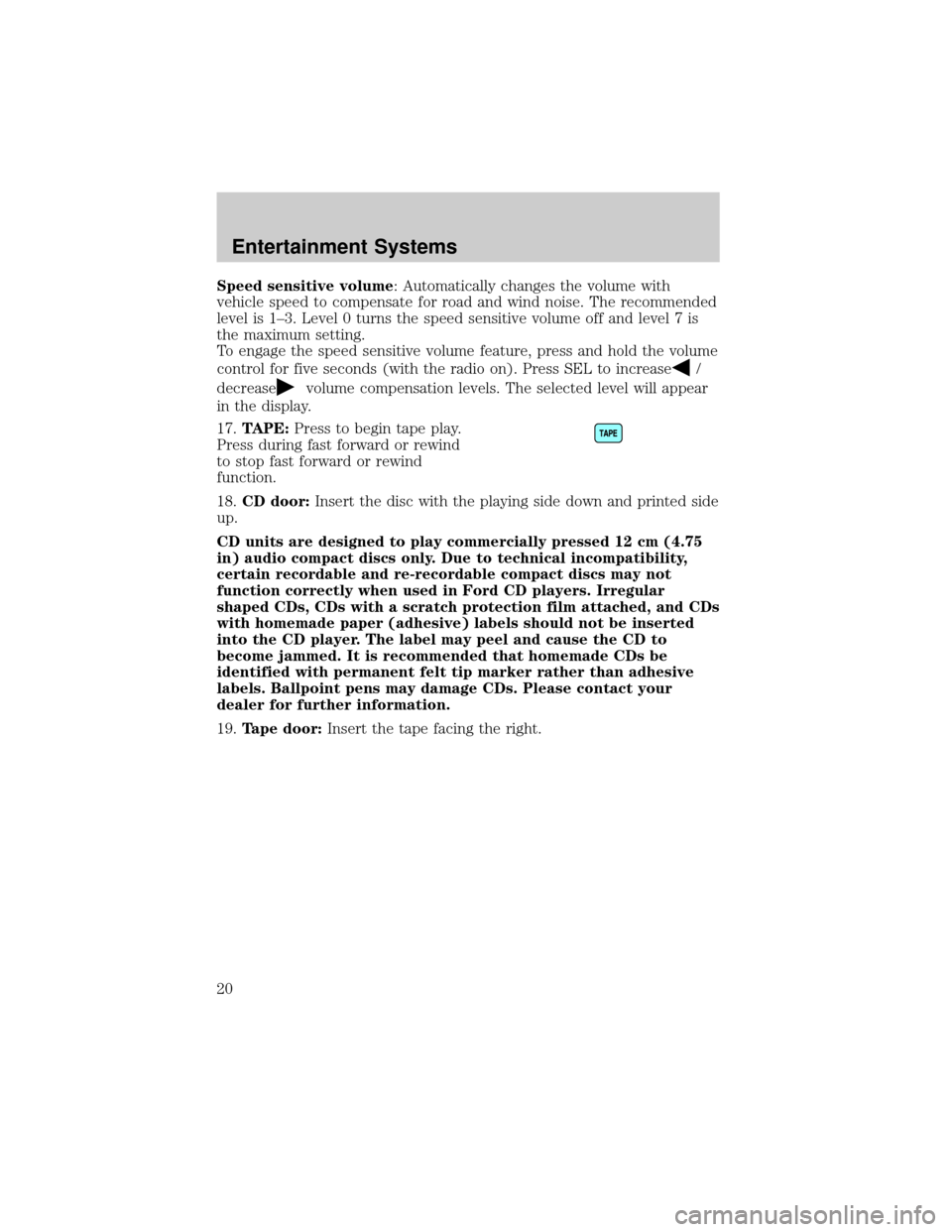
17.TAPE:Press to begin tape play.
Press during fast forward or rewind
to stop fast forward or rewind
function.
18.CD door:Insert the disc with the playing side down and printed side
up.
CD units are designed to play commercially pressed 12 cm (4.75
in) audio compact discs only. Due to technical incompatibility,
certain recordable and re-recordable compact discs may not
function correctly when used in Ford CD players. Irregular
shaped CDs, CDs with a scratch protection film attached, and CDs
with homemade paper (adhesive) labels should not be inserted
into the CD player. The label may peel and cause the CD to
become jammed. It is recommended that homemade CDs be
identified with permanent felt tip marker rather than adhesive
labels. Ballpoint pens may damage CDs. Please contact your
dealer for further information.
19.Tape door:Insert the tape facing the right.
Entertainment Systems
20
Page 85 of 336
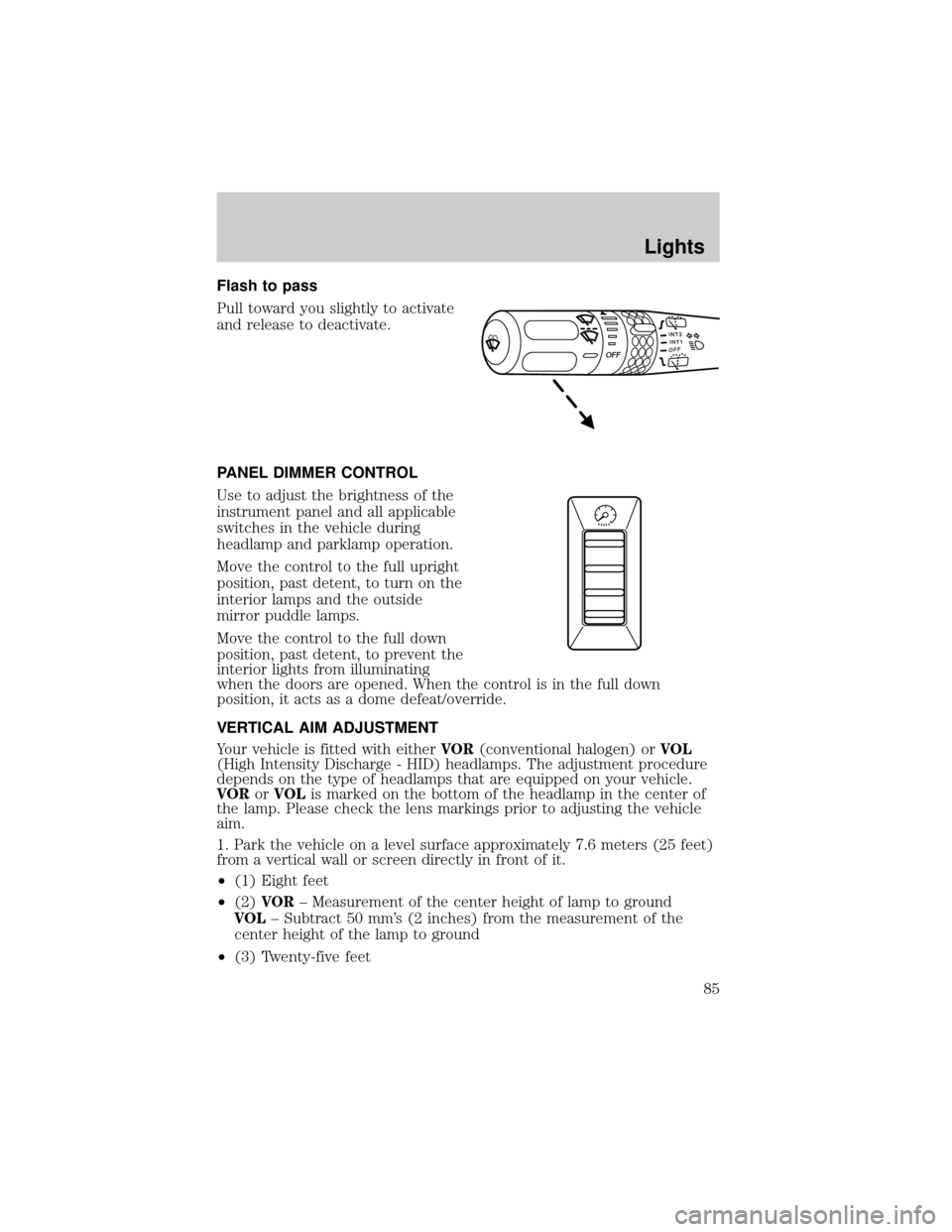
Flash to pass
Pull toward you slightly to activate
and release to deactivate.
PANEL DIMMER CONTROL
Use to adjust the brightness of the
instrument panel and all applicable
switches in the vehicle during
headlamp and parklamp operation.
Move the control to the full upright
position, past detent, to turn on the
interior lamps and the outside
mirror puddle lamps.
Move the control to the full down
position, past detent, to prevent the
interior lights from illuminating
when the doors are opened. When the control is in the full down
position, it acts as a dome defeat/override.
VERTICAL AIM ADJUSTMENT
Your vehicle is fitted with eitherVOR(conventional halogen) orVOL
(High Intensity Discharge - HID) headlamps. The adjustment procedure
depends on the type of headlamps that are equipped on your vehicle.
VORorVOLis marked on the bottom of the headlamp in the center of
the lamp. Please check the lens markings prior to adjusting the vehicle
aim.
1. Park the vehicle on a level surface approximately 7.6 meters (25 feet)
from a vertical wall or screen directly in front of it.
²(1) Eight feet
²(2)VOR± Measurement of the center height of lamp to ground
VOL± Subtract 50 mm's (2 inches) from the measurement of the
center height of the lamp to ground
²(3) Twenty-five feet
INT2OFFOFFINT1
Lights
85
Page 87 of 336
7. Close the hood and turn off the lamps.
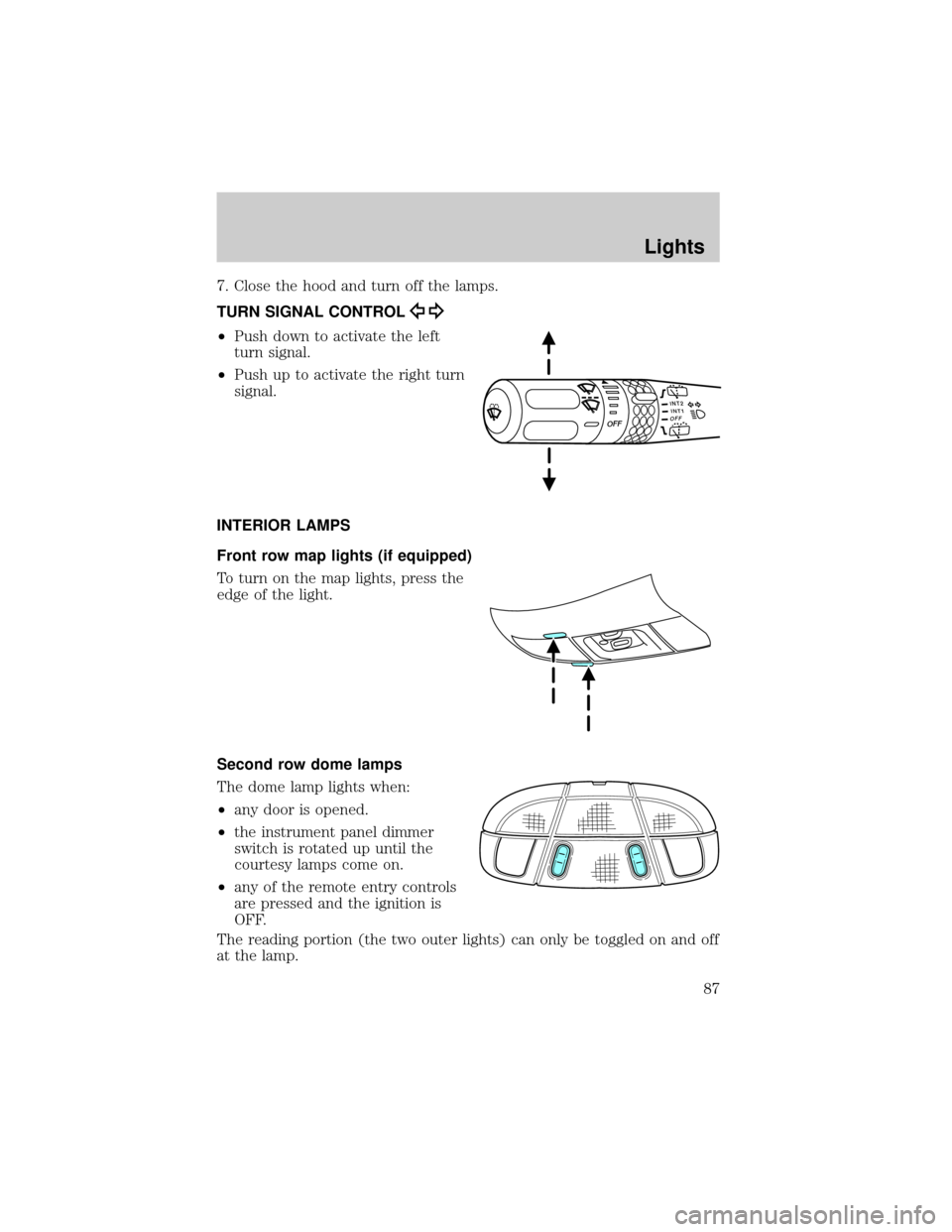
TURN SIGNAL CONTROL
²Push down to activate the left
turn signal.
²Push up to activate the right turn
signal.
INTERIOR LAMPS
Front row map lights (if equipped)
To turn on the map lights, press the
edge of the light.
Second row dome lamps
The dome lamp lights when:
²any door is opened.
²the instrument panel dimmer
switch is rotated up until the
courtesy lamps come on.
²any of the remote entry controls
are pressed and the ignition is
OFF.
The reading portion (the two outer lights) can only be toggled on and off
at the lamp.
INT2OFFOFFINT1
Lights
87
Page 88 of 336
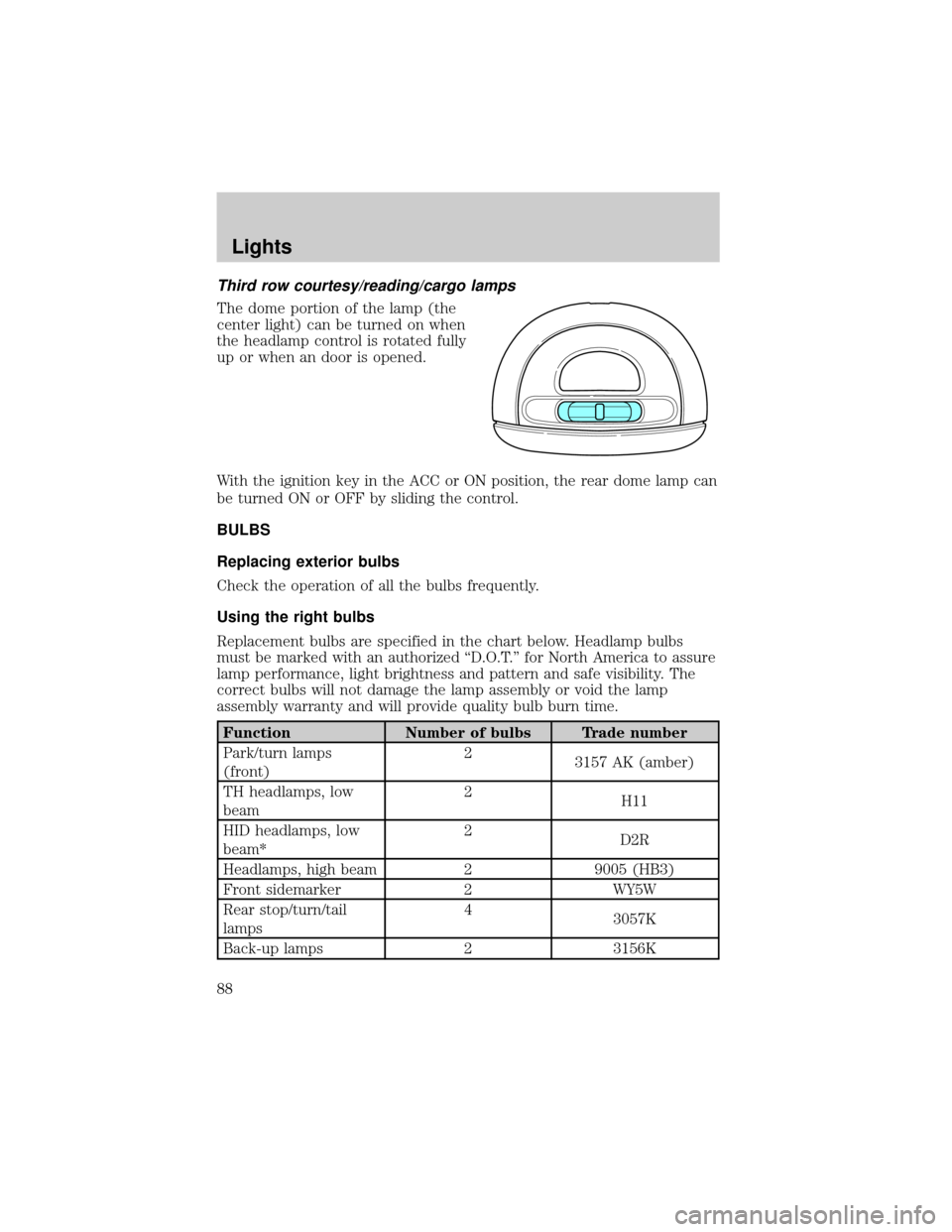
Third row courtesy/reading/cargo lamps
The dome portion of the lamp (the
center light) can be turned on when
the headlamp control is rotated fully
up or when an door is opened.
With the ignition key in the ACC or ON position, the rear dome lamp can
be turned ON or OFF by sliding the control.
BULBS
Replacing exterior bulbs
Check the operation of all the bulbs frequently.
Using the right bulbs
Replacement bulbs are specified in the chart below. Headlamp bulbs
must be marked with an authorized ªD.O.T.º for North America to assure
lamp performance, light brightness and pattern and safe visibility. The
correct bulbs will not damage the lamp assembly or void the lamp
assembly warranty and will provide quality bulb burn time.
Function Number of bulbs Trade number
Park/turn lamps
(front)2
3157 AK (amber)
TH headlamps, low
beam2
H11
HID headlamps, low
beam*2
D2R
Headlamps, high beam 2 9005 (HB3)
Front sidemarker 2 WY5W
Rear stop/turn/tail
lamps4
3057K
Back-up lamps 2 3156K
Lights
88
Page 99 of 336
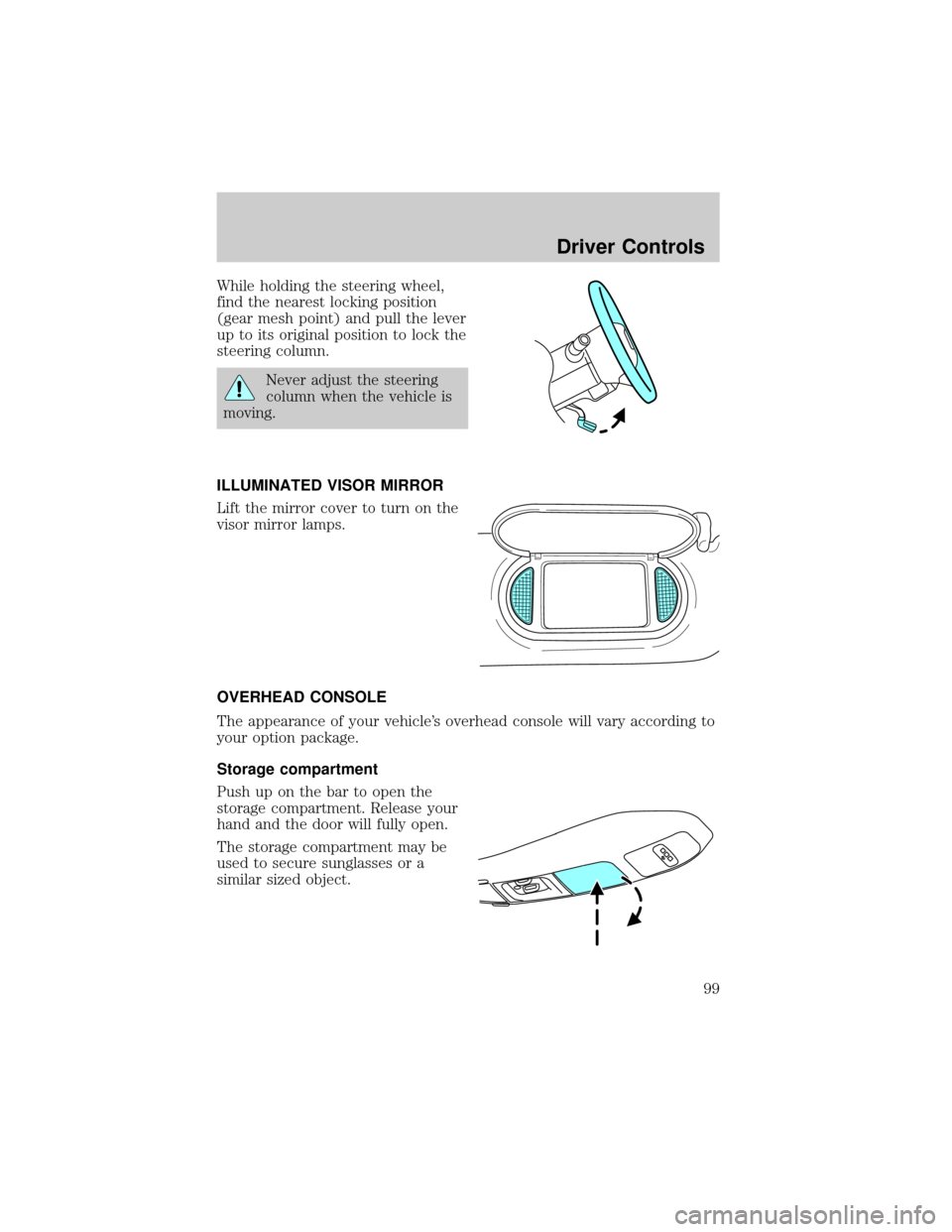
While holding the steering wheel,
find the nearest locking position
(gear mesh point) and pull the lever
up to its original position to lock the
steering column.
Never adjust the steering
column when the vehicle is
moving.
ILLUMINATED VISOR MIRROR
Lift the mirror cover to turn on the
visor mirror lamps.
OVERHEAD CONSOLE
The appearance of your vehicle's overhead console will vary according to
your option package.
Storage compartment
Push up on the bar to open the
storage compartment. Release your
hand and the door will fully open.
The storage compartment may be
used to secure sunglasses or a
similar sized object.
Driver Controls
99
Page 104 of 336
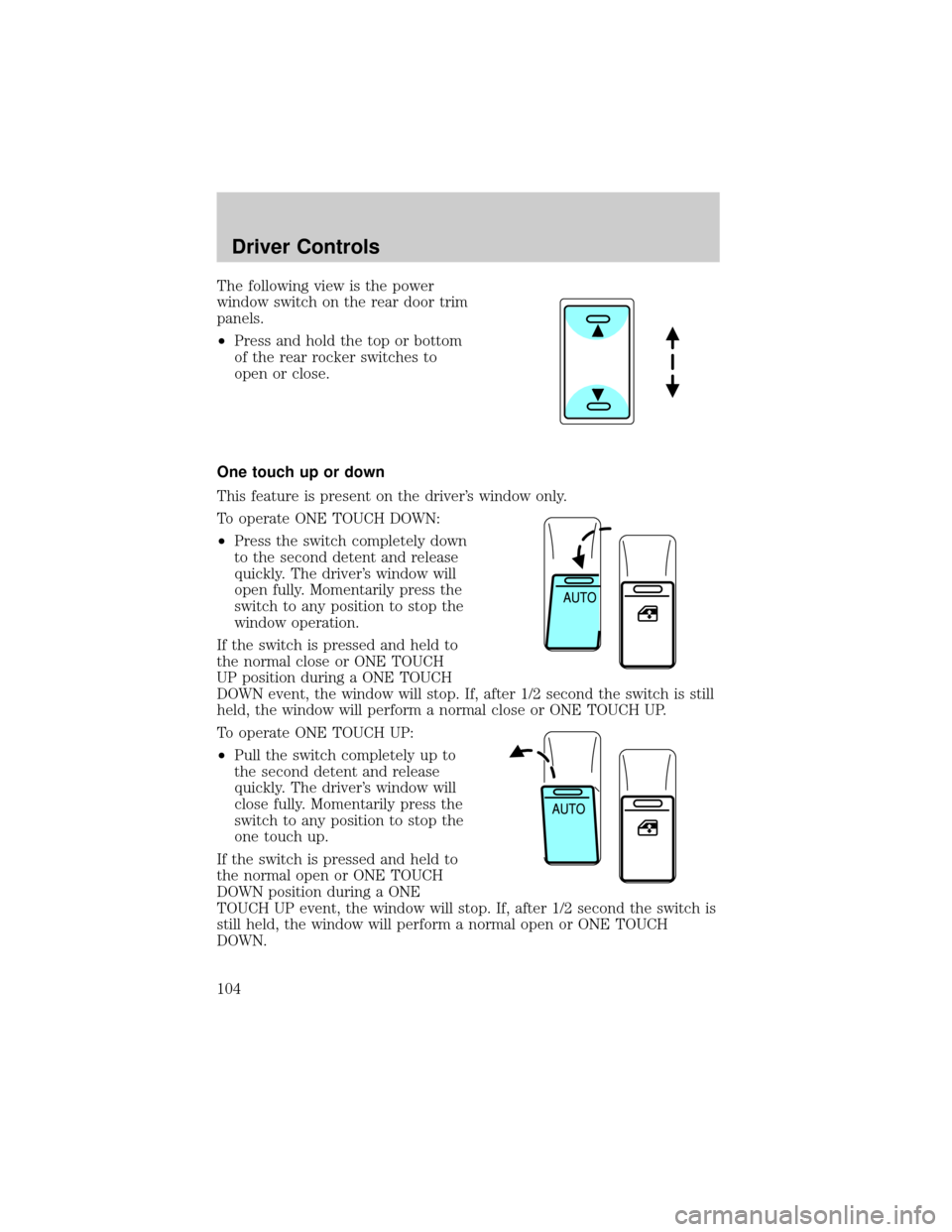
The following view is the power
window switch on the rear door trim
panels.
²Press and hold the top or bottom
of the rear rocker switches to
open or close.
One touch up or down
This feature is present on the driver's window only.
To operate ONE TOUCH DOWN:
²Press the switch completely down
to the second detent and release
quickly. The driver's window will
open fully. Momentarily press the
switch to any position to stop the
window operation.
If the switch is pressed and held to
the normal close or ONE TOUCH
UP position during a ONE TOUCH
DOWN event, the window will stop. If, after 1/2 second the switch is still
held, the window will perform a normal close or ONE TOUCH UP.
To operate ONE TOUCH UP:
²Pull the switch completely up to
the second detent and release
quickly. The driver's window will
close fully. Momentarily press the
switch to any position to stop the
one touch up.
If the switch is pressed and held to
the normal open or ONE TOUCH
DOWN position during a ONE
TOUCH UP event, the window will stop. If, after 1/2 second the switch is
still held, the window will perform a normal open or ONE TOUCH
DOWN.
Driver Controls
104
Page 105 of 336
Bounce-Back
When an obstacle has been detected in the window opening as the
window is moving upward, the window will automatically reverse
direction and move down. This is known as ªbounce-backº. If the ignition
is turned OFF (without accessory delay being active) during
bounce-back, the window will move down until the bounce back position
is reached.
Security Override
If during a bounce-back condition, the switch is released to the neutral
position, then held in the one touch up position within two seconds after
the window reaches the bounce-back position,the window will travel
up with no bounce-back protection.If the switch is released before
the window reaches fully closed or the ignition is turned OFF (without
accessory delay being active), the window will stop. Security override
can be used if there is ice on the window or seals, causing a restriction.
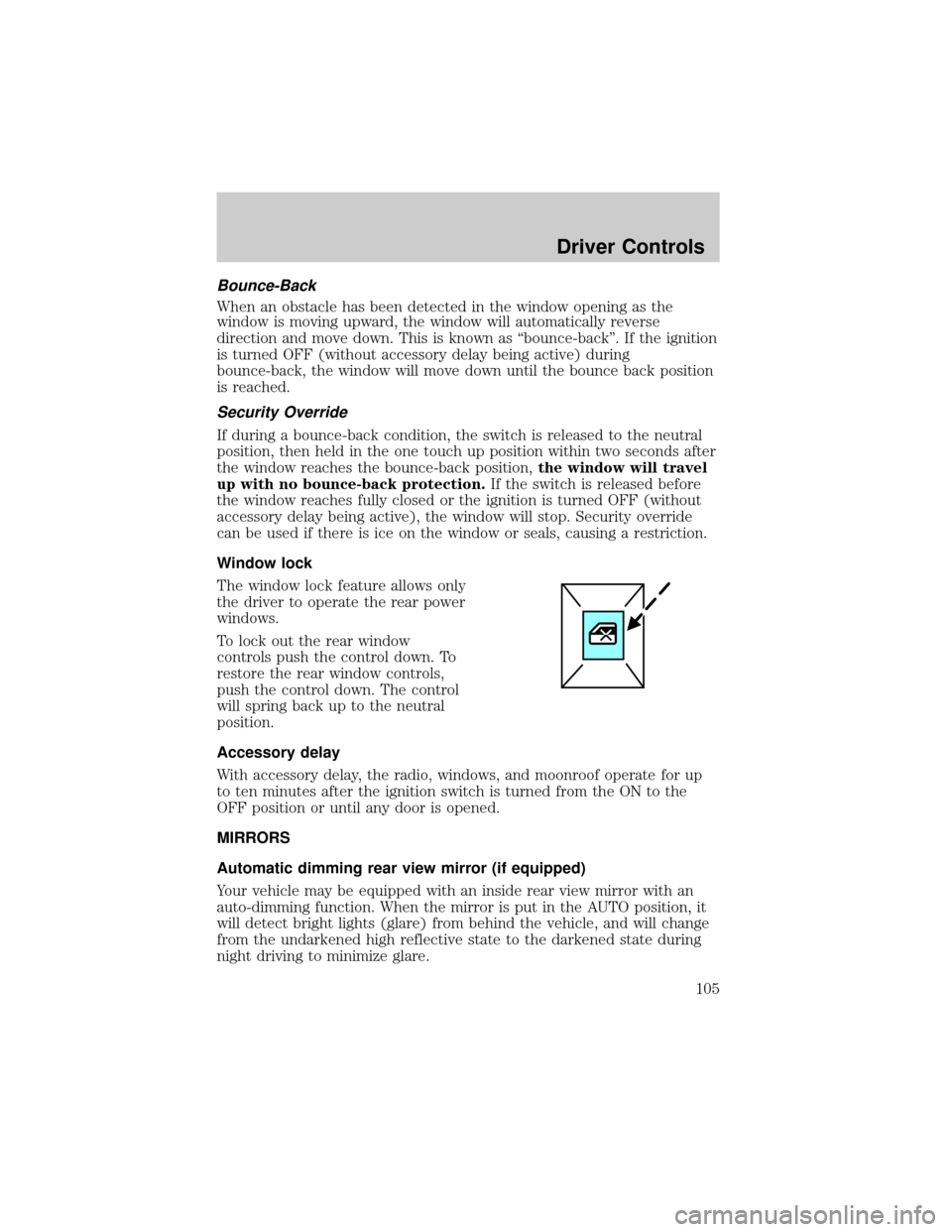
Window lock
The window lock feature allows only
the driver to operate the rear power
windows.
To lock out the rear window
controls push the control down. To
restore the rear window controls,
push the control down. The control
will spring back up to the neutral
position.
Accessory delay
With accessory delay, the radio, windows, and moonroof operate for up
to ten minutes after the ignition switch is turned from the ON to the
OFF position or until any door is opened.
MIRRORS
Automatic dimming rear view mirror (if equipped)
Your vehicle may be equipped with an inside rear view mirror with an
auto-dimming function. When the mirror is put in the AUTO position, it
will detect bright lights (glare) from behind the vehicle, and will change
from the undarkened high reflective state to the darkened state during
night driving to minimize glare.
Driver Controls
105