Interior light LINCOLN AVIATOR 2023 User Guide
[x] Cancel search | Manufacturer: LINCOLN, Model Year: 2023, Model line: AVIATOR, Model: LINCOLN AVIATOR 2023Pages: 681, PDF Size: 9.33 MB
Page 428 of 681
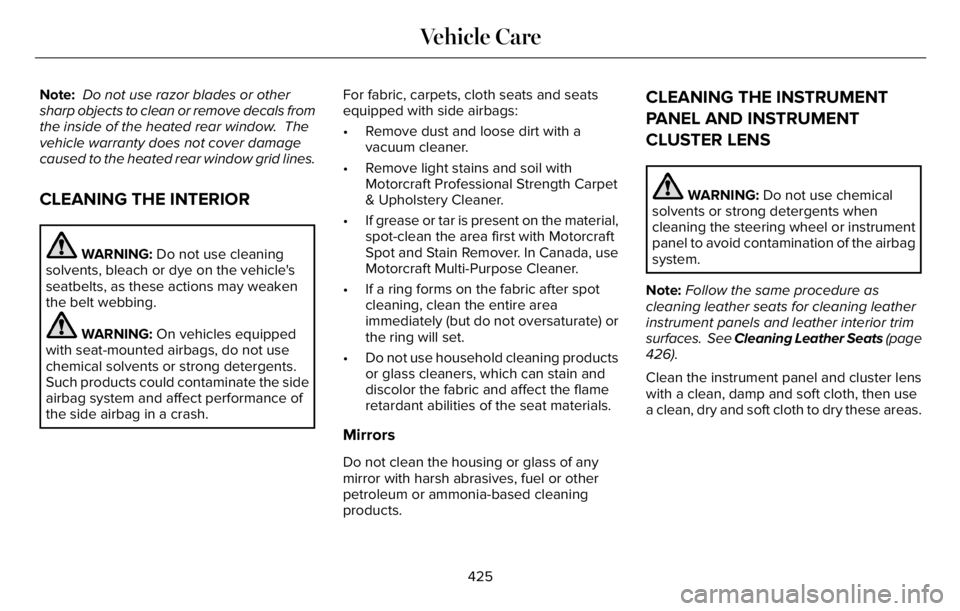
Note: Do not use razor blades or other
sharp objects to clean or remove decals from
the inside of the heated rear window. The
vehicle warranty does not cover damage
caused to the heated rear window grid lines.
CLEANING THE INTERIOR
WARNING: Do not use cleaning
solvents, bleach or dye on the vehicle's
seatbelts, as these actions may weaken
the belt webbing.
WARNING: On vehicles equipped
with seat-mounted airbags, do not use
chemical solvents or strong detergents.
Such products could contaminate the side
airbag system and affect performance of
the side airbag in a crash.For fabric, carpets, cloth seats and seats
equipped with side airbags:
• Remove dust and loose dirt with a
vacuum cleaner.
• Remove light stains and soil with
Motorcraft Professional Strength Carpet
& Upholstery Cleaner.
• If grease or tar is present on the material,
spot-clean the area first with Motorcraft
Spot and Stain Remover. In Canada, use
Motorcraft Multi-Purpose Cleaner.
• If a ring forms on the fabric after spot
cleaning, clean the entire area
immediately (but do not oversaturate) or
the ring will set.
• Do not use household cleaning products
or glass cleaners, which can stain and
discolor the fabric and affect the flame
retardant abilities of the seat materials.
Mirrors
Do not clean the housing or glass of any
mirror with harsh abrasives, fuel or other
petroleum or ammonia-based cleaning
products.
CLEANING THE INSTRUMENT
PANEL AND INSTRUMENT
CLUSTER LENS
WARNING: Do not use chemical
solvents or strong detergents when
cleaning the steering wheel or instrument
panel to avoid contamination of the airbag
system.
Note:Follow the same procedure as
cleaning leather seats for cleaning leather
instrument panels and leather interior trim
surfaces. See Cleaning Leather Seats (page
426).
Clean the instrument panel and cluster lens
with a clean, damp and soft cloth, then use
a clean, dry and soft cloth to dry these areas.
425
Vehicle Care
Page 431 of 681
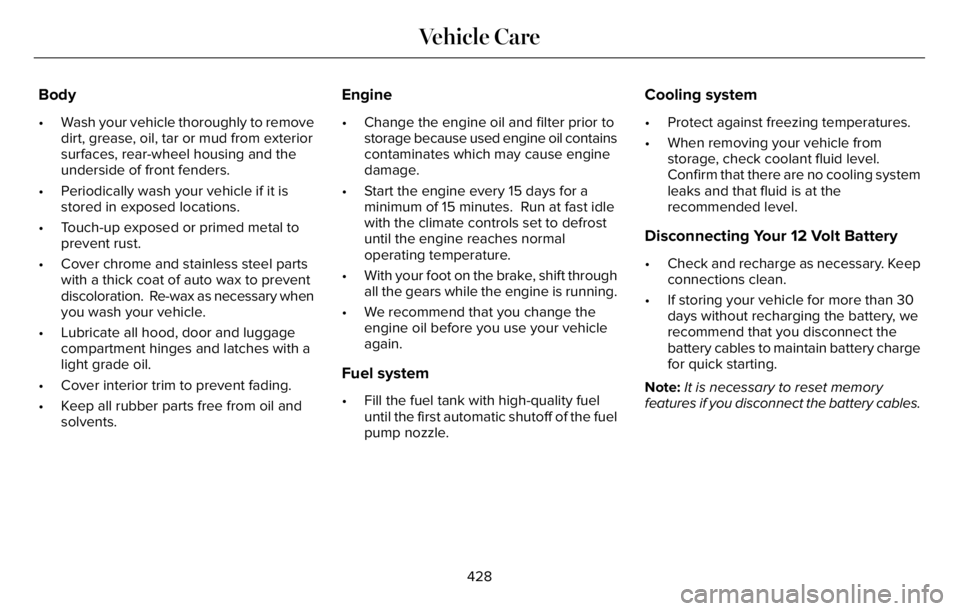
Body
• Wash your vehicle thoroughly to remove
dirt, grease, oil, tar or mud from exterior
surfaces, rear-wheel housing and the
underside of front fenders.
• Periodically wash your vehicle if it is
stored in exposed locations.
• Touch-up exposed or primed metal to
prevent rust.
• Cover chrome and stainless steel parts
with a thick coat of auto wax to prevent
discoloration. Re-wax as necessary when
you wash your vehicle.
• Lubricate all hood, door and luggage
compartment hinges and latches with a
light grade oil.
• Cover interior trim to prevent fading.
• Keep all rubber parts free from oil and
solvents.
Engine
• Change the engine oil and filter prior to
storage because used engine oil contains
contaminates which may cause engine
damage.
• Start the engine every 15 days for a
minimum of 15 minutes. Run at fast idle
with the climate controls set to defrost
until the engine reaches normal
operating temperature.
• With your foot on the brake, shift through
all the gears while the engine is running.
• We recommend that you change the
engine oil before you use your vehicle
again.
Fuel system
• Fill the fuel tank with high-quality fuel
until the first automatic shutoff of the fuel
pump nozzle.
Cooling system
• Protect against freezing temperatures.
• When removing your vehicle from
storage, check coolant fluid level.
Confirm that there are no cooling system
leaks and that fluid is at the
recommended level.
Disconnecting Your 12 Volt Battery
• Check and recharge as necessary. Keep
connections clean.
• If storing your vehicle for more than 30
days without recharging the battery, we
recommend that you disconnect the
battery cables to maintain battery charge
for quick starting.
Note:It is necessary to reset memory
features if you disconnect the battery cables.
428
Vehicle Care
Page 559 of 681
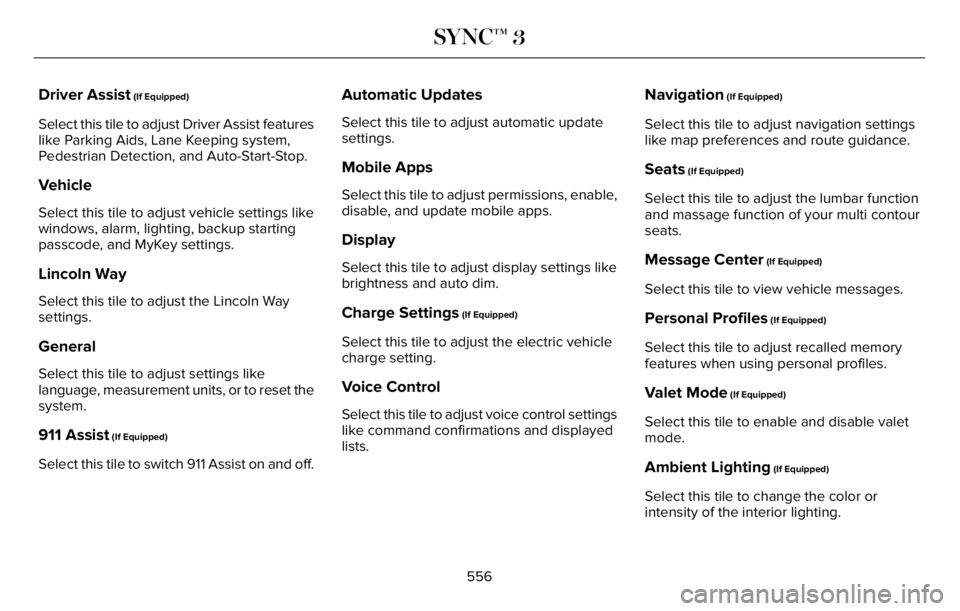
Driver Assist (If Equipped)
Select this tile to adjust Driver Assist features
like Parking Aids, Lane Keeping system,
Pedestrian Detection, and Auto-Start-Stop.
Vehicle
Select this tile to adjust vehicle settings like
windows, alarm, lighting, backup starting
passcode, and MyKey settings.
Lincoln Way
Select this tile to adjust the Lincoln Way
settings.
General
Select this tile to adjust settings like
language, measurement units, or to reset the
system.
911 Assist (If Equipped)
Select this tile to switch 911 Assist on and off.
Automatic Updates
Select this tile to adjust automatic update
settings.
Mobile Apps
Select this tile to adjust permissions, enable,
disable, and update mobile apps.
Display
Select this tile to adjust display settings like
brightness and auto dim.
Charge Settings (If Equipped)
Select this tile to adjust the electric vehicle
charge setting.
Voice Control
Select this tile to adjust voice control settings
like command confirmations and displayed
lists.
Navigation (If Equipped)
Select this tile to adjust navigation settings
like map preferences and route guidance.
Seats (If Equipped)
Select this tile to adjust the lumbar function
and massage function of your multi contour
seats.
Message Center (If Equipped)
Select this tile to view vehicle messages.
Personal Profiles (If Equipped)
Select this tile to adjust recalled memory
features when using personal profiles.
Valet Mode (If Equipped)
Select this tile to enable and disable valet
mode.
Ambient Lighting (If Equipped)
Select this tile to change the color or
intensity of the interior lighting.
556
SYNC™ 3
Page 584 of 681
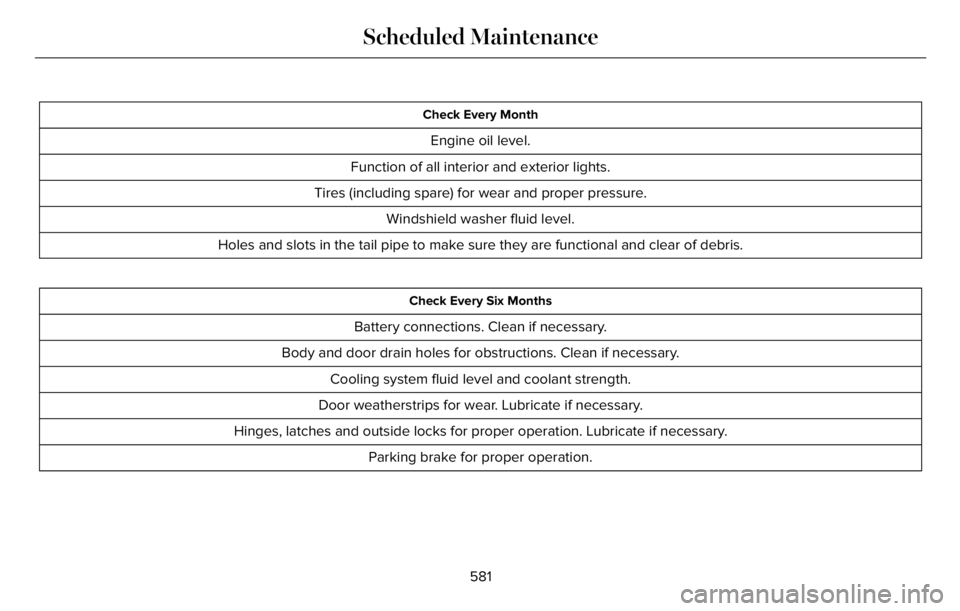
Check Every Month
Engine oil level.
Function of all interior and exterior lights.
Tires (including spare) for wear and proper pressure.
Windshield washer fluid level.
Holes and slots in the tail pipe to make sure they are functional and clear of debris.
Check Every Six Months
Battery connections. Clean if necessary.
Body and door drain holes for obstructions. Clean if necessary.
Cooling system fluid level and coolant strength.
Door weatherstrips for wear. Lubricate if necessary.
Hinges, latches and outside locks for proper operation. Lubricate if necessary.
Parking brake for proper operation.
581
Scheduled Maintenance
Page 674 of 681
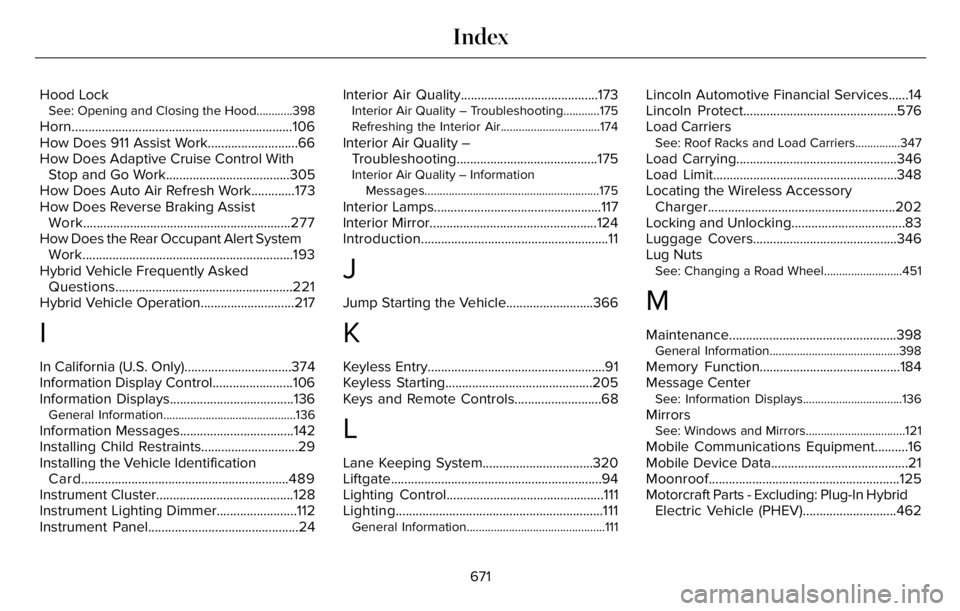
Hood LockSee: Opening and Closing the Hood............398
Horn..................................................................106
How Does 911 Assist Work...........................66
How Does Adaptive Cruise Control With
Stop and Go Work.....................................305
How Does Auto Air Refresh Work.............173
How Does Reverse Braking Assist
Work..............................................................277
How Does the Rear Occupant Alert System
Work...............................................................193
Hybrid Vehicle Frequently Asked
Questions.....................................................221
Hybrid Vehicle Operation............................217
I
In California (U.S. Only)................................374
Information Display Control........................106
Information Displays.....................................136
General Information............................................136
Information Messages..................................142
Installing Child Restraints.............................29
Installing the Vehicle Identification
Card..............................................................489
Instrument Cluster.........................................128
Instrument Lighting Dimmer........................112
Instrument Panel.............................................24Interior Air Quality.........................................173
Interior Air Quality – Troubleshooting............175
Refreshing the Interior Air.................................174
Interior Air Quality –
Troubleshooting..........................................175
Interior Air Quality – Information
Messages..........................................................175
Interior Lamps..................................................117
Interior Mirror..................................................124
Introduction........................................................11
J
Jump Starting the Vehicle..........................366
K
Keyless Entry.....................................................91
Keyless Starting............................................205
Keys and Remote Controls..........................68
L
Lane Keeping System.................................320
Liftgate...............................................................94
Lighting Control...............................................111
Lighting..............................................................111
General Information..............................................111
Lincoln Automotive Financial Services......14
Lincoln Protect..............................................576
Load Carriers
See: Roof Racks and Load Carriers...............347
Load Carrying................................................346
Load Limit.......................................................348
Locating the Wireless Accessory
Charger........................................................202
Locking and Unlocking..................................83
Luggage Covers...........................................346
Lug Nuts
See: Changing a Road Wheel..........................451
M
Maintenance..................................................398General Information...........................................398
Memory Function..........................................184
Message Center
See: Information Displays.................................136
MirrorsSee: Windows and Mirrors.................................121
Mobile Communications Equipment..........16
Mobile Device Data.........................................21
Moonroof.........................................................125
Motorcraft Parts - Excluding: Plug-In Hybrid
Electric Vehicle (PHEV)............................462
671
Index