491 LINCOLN CORSAIR 2022 Owners Manual
[x] Cancel search | Manufacturer: LINCOLN, Model Year: 2022, Model line: CORSAIR, Model: LINCOLN CORSAIR 2022Pages: 676, PDF Size: 7.67 MB
Page 12 of 676
Engine Specifications - 2.3L
.....................462
Engine Specifications - 2.5L, Plug-In Hybrid Electric Vehicle (PHEV) ..........................
463
Motorcraft Parts - 2.0L ...............................
464
Motorcraft Parts - 2.3L ...............................
465
Motorcraft Parts - 2.5L, Plug-In Hybrid Electric Vehicle (PHEV) ..........................
466
Capacities and Specifications - 2.0L ......
467
Capacities and Specifications - 2.3L ......
475
Capacities and Specifications - 2.5L, Plug-In Hybrid Electric Vehicle (PHEV)
......................................................................
483
Bulb Specification Chart ............................
489
Vehicle Identification
Vehicle Identification Number .................
490
Connected Vehicle
What Is a Connected Vehicle ....................
491
Connected Vehicle Requirements ...........
491
Connected Vehicle Limitations .................
491
Connecting the Vehicle to a Mobile Network ......................................................
491Connecting the Vehicle to a Wi-Fi Network
.......................................................................
491
Connected Vehicle – Troubleshooting ......................................................................
492
Vehicle Wi-Fi Hotspot
Creating a Vehicle Wi-Fi Hotspot ............
495
Changing the Vehicle Wi-Fi Hotspot Name or Password .............................................
495
Audio System
General Information ....................................
497
Audio Unit .....................................................
498
Digital Radio .................................................
499
Satellite Radio ..............................................
502
USB Port ........................................................
505
SYNC™ 3
General Information ....................................
507
Using Voice Recognition ...........................
509
Entertainment ................................................
521
Climate ...........................................................
533
Phone .............................................................
536
Navigation .....................................................
538Electric Vehicle Information
......................
546
Apps ...............................................................
552
Settings ..........................................................
555
SYNC™ 3 Troubleshooting .........................
557
Accessories
Accessories ...................................................
574
Lincoln Protect
Lincoln Protect .............................................
576
Scheduled Maintenance
General Maintenance Information ..........
579
Normal Scheduled Maintenance ............
584
Special Operating Conditions Scheduled Maintenance ............................................
588
Customer Information
Radio Frequency Certification Labels ......................................................................
592
Appendices
Electromagnetic Compatibility ................
626
9
2022 Corsair (CTF) Canada/United States of America, enUSA, Edition date: 202106, First-Printing Table of Contents
Page 20 of 676
Vehicles With a Modem
The modem has a SIM. The
modem was enabled when your
vehicle was built and periodically
sends messages to stay connected to the
cell phone network, receive automatic
software updates and send vehicle-related
information to us, for example, diagnostic
information. These messages could include
information that identifies your vehicle, the
SIM and the electronic serial number of the
modem. Cell phone network service
providers could have access to additional
information, for example, cell phone network
tower identification. For additional
information about our privacy policy, visit
www .ConnectedLincoln. com or refer to your
local Lincoln website.
Note: The modem continues to send this
information unless you disable the modem
or stop the modem from sharing vehicle data
by changing the modem settings. See
Connected Vehicle (page 491). Note:
The service can be unavailable or
interrupted for a number of reasons, for
example, environmental or topographical
conditions and data plan coverage.
Note: To find out if your vehicle has a
modem, visit
www .ConnectedLincoln. com .
Vehicles With SYNC
Mobile Device Data
If you connect a mobile device to your
vehicle, you can display data from your
device on the touchscreen for example,
music and album art. You can share your
vehicle data with mobile apps on your device
through the system.
See Apps (page 552).
The mobile apps function operates by your
connected device sending data to us in the
United States. The data is encrypted and
includes, for example, the vehicle
identification number of your vehicle, the
SYNC module serial number, odometer,
enabled apps, usage statistics and debugging information. We retain it only as
long as necessary to provide the service, to
troubleshoot, for continuous improvement
and to offer you products and services that
may be of interest to you according to your
preferences and where allowed by law.
If you connect a cell phone to the system,
the system creates a profile that links to that
cell phone. The cell phone profile enables
more mobile features and efficient operation.
The profile contains, for example, data from
your phonebook, read and unread text
messages and call history, including history
of calls when your cell phone was not
connected to the system.
If you connect a media device, the system
creates and retains a media device index of
supported media content. The system also
records a short diagnostic log of
approximately 10 minutes of all recent system
activity.
17
2022 Corsair (CTF) Canada/United States of America, enUSA, Edition date: 202106, First-Printing Introduction
Page 169 of 676
WHAT IS REMOTE START
The system allows you to remotely start your
vehicle and therefore to heat or cool the
interior to a predetermined temperature.
REMOTE START LIMITATIONS
Remote start does not work if:
•
The alarm horn is sounding.
• The hood is open.
• The transmission is not in park (P).
• Remote start is not enabled.
• The ignition is on.
Note: Do not use remote start if your fuel
level is low.
ENABLING REMOTE START
1. Press Settings on the touchscreen.
2. Press
Vehicle Settings.
3. Press
Remote Start Setup.
4. Switch
System on or off. Note:
To use remote start, make sure that
the modem is enabled.
See Enabling and
Disabling the Modem (page 491).
REMOTELY STARTING THE ENGINE WARNING:
Do not start the engine
in a closed garage or in other enclosed
areas. Exhaust fumes are toxic. Always
open the garage door before you start the
engine. Failure to follow this instruction
could result in personal injury or death.
To start the engine, do the following: Press the button on the remote
control.
Within three seconds, press the
button on the remote control.
Within three seconds, press the
button again.
Note: You can also use the Lincoln Way App
to start the engine.
Note: The turn signals flash twice. Note:
The parking lamps turn on when the
engine is running.
Note: The horn sounds if the system fails to
start.
Note: All other vehicle systems remain off
when you remotely started the engine.
Note: The vehicle remains secure when you
remotely start the engine. Make sure a valid
key is inside your vehicle to switch the
ignition on and drive your vehicle.
EXTENDING THE REMOTE START
DURATION
To extend the engine running duration
during remote start, do the following: Press the button on the remote
control.
Within three seconds, press the
button on the remote control.
Within three seconds, press the
button again.
166
2022 Corsair (CTF) Canada/United States of America, enUSA, Edition date: 202106, First-Printing Remote StartE138623 E138625 E138623 E138625
Page 494 of 676
WHAT IS A CONNECTED VEHICLE
A connected vehicle has technology that
allows your vehicle to connect to a mobile
network and for you to access a range of
features. When used in conjunction with the
Lincoln Way app, it could allow you to
monitor and control your vehicle further, for
example checking the tire pressures, and
the vehicle location. For additional
information, refer to the local Lincoln website.
CONNECTED VEHICLE
REQUIREMENTS
Connected service and related feature
functionality requires a compatible vehicle
network.
Some remote features require a subscription.
For additional information, see the Lincoln
Way app. Some restrictions, third party terms
and message or data rates may apply.
CONNECTED VEHICLE
LIMITATIONS
Evolving technology, cellular networks, or
regulations could affect functionality and
availability, or continued provision of some
features. These changes could even stop
some features from functioning.
CONNECTING THE VEHICLE TO A
MOBILE NETWORK
WHAT IS THE MODEM
The modem allows access to a
range of features built into your
vehicle.
ENABLING AND DISABLING THE
MODEM
1. Press Settings.
2. Press
Lincoln Connect.
3. Press
Connectivity Settings. 4. Switch connectivity features on or off.
CONNECTING LINCOLN WAY TO THE
MODEM
1. Make sure that the modem is enabled
using the vehicle settings menu.
2. Open the Lincoln Way app on your device and log in.
3. Add your vehicle or select your vehicle if already added.
4. Select the option for vehicle details.
5. Select the option to activate your vehicle.
6. Make sure that the name on the screen matches the name shown in your Lincoln
Way account.
7. Confirm that your Lincoln Way account is connected to the modem.
CONNECTING THE VEHICLE TO A
WI-FI NETWORK
1. Press Settings.
2. Press
Wi-Fi.
491
2022 Corsair (CTF) Canada/United States of America, enUSA, Edition date: 202106, First-Printing Connected Vehicle
Page 668 of 676
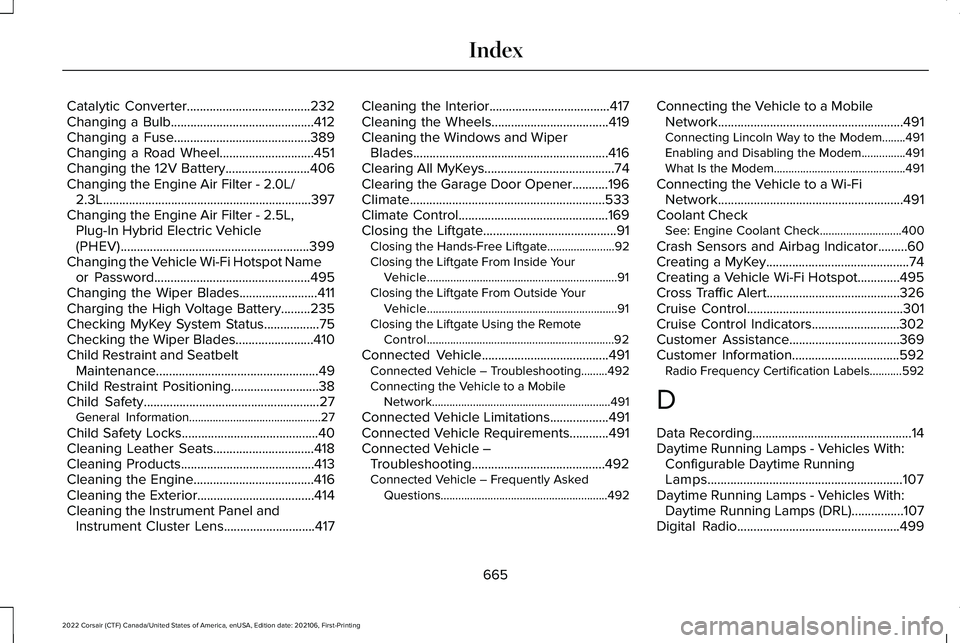
Catalytic Converter......................................232
Changing a Bulb............................................412
Changing a Fuse..........................................389
Changing a Road Wheel.............................451
Changing the 12V Battery..........................406
Changing the Engine Air Filter - 2.0L/ 2.3L................................................................397
Changing the Engine Air Filter - 2.5L, Plug-In Hybrid Electric Vehicle
(PHEV)..........................................................399
Changing the Vehicle Wi-Fi Hotspot Name or Password................................................495
Changing the Wiper Blades........................411
Charging the High Voltage Battery.........235
Checking MyKey System Status.................75
Checking the Wiper Blades........................410
Child Restraint and Seatbelt Maintenance..................................................49
Child Restraint Positioning...........................38
Child Safety
......................................................27
General Information.............................................27
Child Safety Locks..........................................40
Cleaning Leather Seats...............................418
Cleaning Products.........................................413
Cleaning the Engine
.....................................416
Cleaning the Exterior....................................414
Cleaning the Instrument Panel and Instrument Cluster Lens
............................417 Cleaning the Interior.....................................417
Cleaning the Wheels....................................419
Cleaning the Windows and Wiper
Blades............................................................416
Clearing All MyKeys
........................................74
Clearing the Garage Door Opener...........196
Climate............................................................533
Climate Control..............................................169
Closing the Liftgate.........................................91 Closing the Hands-Free Liftgate.......................92
Closing the Liftgate From Inside Your
Vehicle.................................................................91
Closing the Liftgate From Outside Your Vehicle.................................................................91
Closing the Liftgate Using the Remote Control................................................................92
Connected Vehicle
.......................................491
Connected Vehicle – Troubleshooting.........492
Connecting the Vehicle to a Mobile
Network.............................................................491
Connected Vehicle Limitations..................491
Connected Vehicle Requirements............491
Connected Vehicle – Troubleshooting.........................................492
Connected Vehicle – Frequently Asked Questions.........................................................492 Connecting the Vehicle to a Mobile
Network.........................................................491
Connecting Lincoln Way to the Modem........491
Enabling and Disabling the Modem...............491
What Is the Modem.............................................491
Connecting the Vehicle to a Wi-Fi Network.........................................................491
Coolant Check See: Engine Coolant Check............................400
Crash Sensors and Airbag Indicator.........60
Creating a MyKey............................................74
Creating a Vehicle Wi-Fi Hotspot
.............495
Cross Traffic Alert.........................................326
Cruise Control................................................301
Cruise Control Indicators...........................302
Customer Assistance..................................369
Customer Information
.................................592
Radio Frequency Certification Labels...........592
D
Data Recording
.................................................14
Daytime Running Lamps - Vehicles With: Configurable Daytime Running
Lamps............................................................107
Daytime Running Lamps - Vehicles With: Daytime Running Lamps (DRL)................107
Digital Radio..................................................499
665
2022 Corsair (CTF) Canada/United States of America, enUSA, Edition date: 202106, First-Printing Index
Page 676 of 676
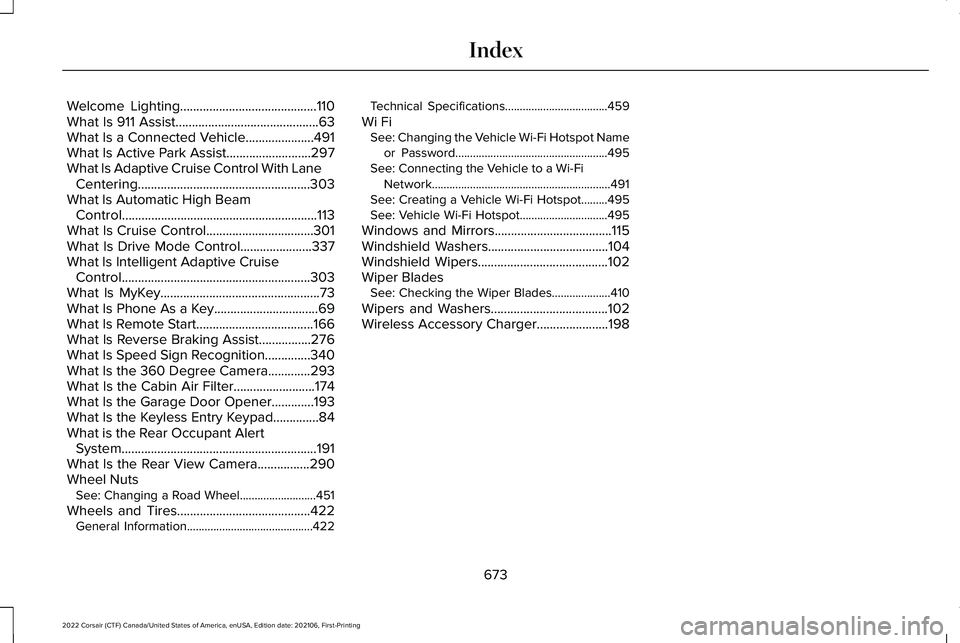
Welcome Lighting..........................................110
What Is 911 Assist............................................63
What Is a Connected Vehicle.....................491
What Is Active Park Assist..........................297
What Is Adaptive Cruise Control With Lane Centering.....................................................303
What Is Automatic High Beam Control............................................................113
What Is Cruise Control
.................................301
What Is Drive Mode Control......................337
What Is Intelligent Adaptive Cruise Control..........................................................303
What Is MyKey.................................................73
What Is Phone As a Key................................69
What Is Remote Start....................................166
What Is Reverse Braking Assist................276
What Is Speed Sign Recognition..............340
What Is the 360 Degree Camera.............293
What Is the Cabin Air Filter.........................174
What Is the Garage Door Opener.............193
What Is the Keyless Entry Keypad..............84
What is the Rear Occupant Alert System
............................................................191
What Is the Rear View Camera................290
Wheel Nuts See: Changing a Road Wheel..........................451
Wheels and Tires.........................................422 General Information...........................................422 Technical Specifications...................................459
Wi Fi See: Changing the Vehicle Wi-Fi Hotspot Name
or Password....................................................495
See: Connecting the Vehicle to a Wi-Fi Network.............................................................491
See: Creating a Vehicle Wi-Fi Hotspot.........495
See: Vehicle Wi-Fi Hotspot..............................495
Windows and Mirrors....................................115
Windshield Washers
.....................................104
Windshield Wipers........................................102
Wiper Blades See: Checking the Wiper Blades....................410
Wipers and Washers....................................102
Wireless Accessory Charger
......................198
673
2022 Corsair (CTF) Canada/United States of America, enUSA, Edition date: 202106, First-Printing Index