light LINCOLN MARK VIII 1997 User Guide
[x] Cancel search | Manufacturer: LINCOLN, Model Year: 1997, Model line: MARK VIII, Model: LINCOLN MARK VIII 1997Pages: 315, PDF Size: 2.18 MB
Page 49 of 315
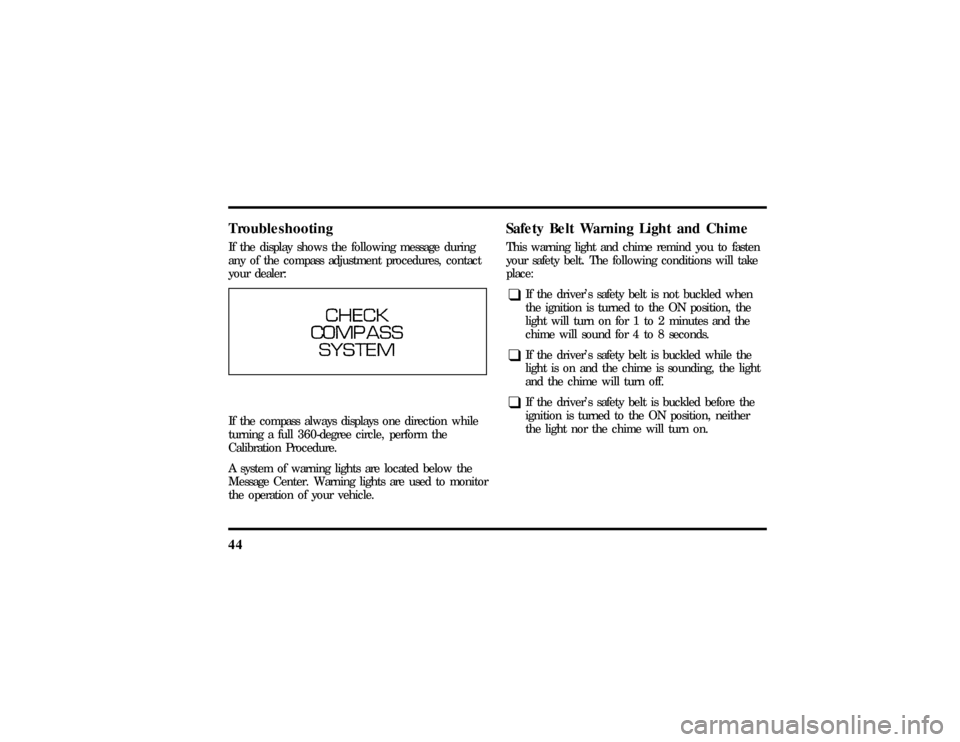
44TroubleshootingIf the display shows the following message during
any of the compass adjustment procedures, contact
your dealer:If the compass always displays one direction while
turning a full 360-degree circle, perform the
Calibration Procedure.
A system of warning lights are located below the
Message Center. Warning lights are used to monitor
the operation of your vehicle.
Safety Belt Warning Light and ChimeThis warning light and chime remind you to fasten
your safety belt. The following conditions will take
place:q
If the driver's safety belt is not buckled when
the ignition is turned to the ON position, the
light will turn on for 1 to 2 minutes and the
chime will sound for 4 to 8 seconds.
q
If the driver's safety belt is buckled while the
light is on and the chime is sounding, the light
and the chime will turn off.
q
If the driver's safety belt is buckled before the
ignition is turned to the ON position, neither
the light nor the chime will turn on.
File:03fnis8.ex
Update:Thu Jun 27 10:00:37 1996
Page 50 of 315
45
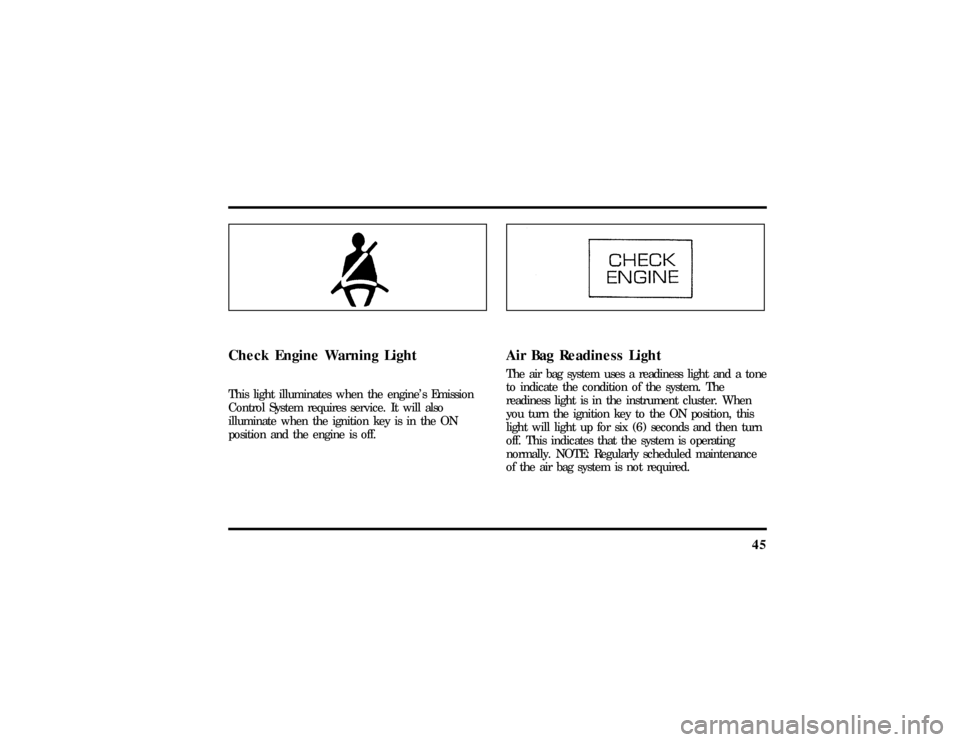
Check Engine Warning LightThis light illuminates when the engine's Emission
Control System requires service. It will also
illuminate when the ignition key is in the ON
position and the engine is off.
Air Bag Readiness LightThe air bag system uses a readiness light and a tone
to indicate the condition of the system. The
readiness light is in the instrument cluster. When
you turn the ignition key to the ON position, this
light will light up for six (6) seconds and then turn
off. This indicates that the system is operating
normally. NOTE: Regularly scheduled maintenance
of the air bag system is not required.
File:03fnis8.ex
Update:Thu Jun 27 10:00:37 1996
Page 51 of 315
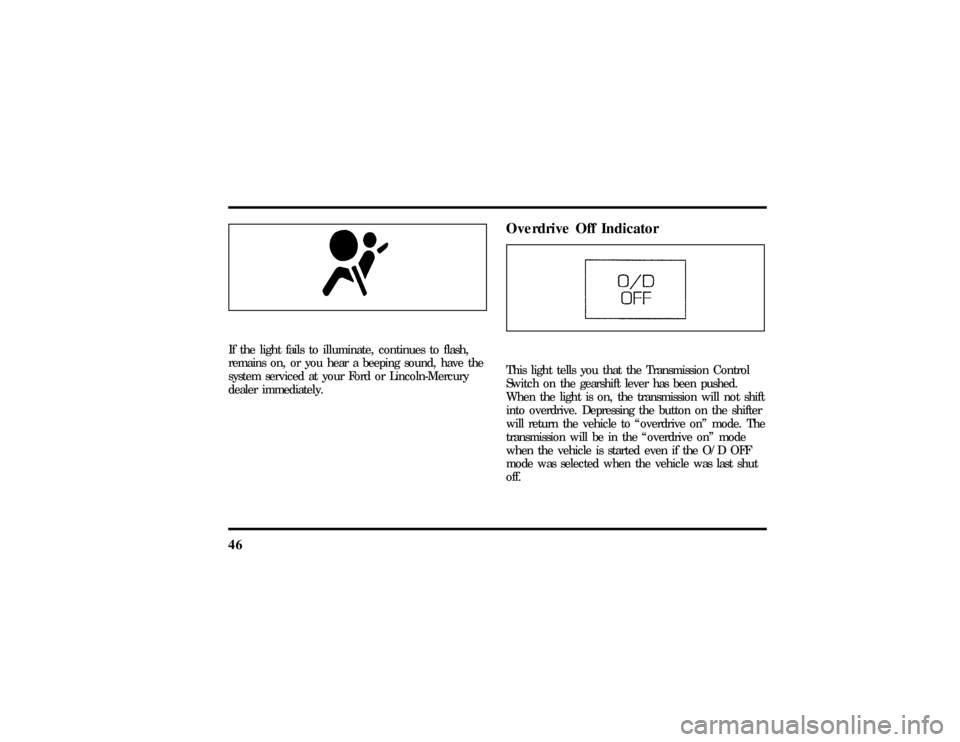
46If the light fails to illuminate, continues to flash,
remains on, or you hear a beeping sound, have the
system serviced at your Ford or Lincoln-Mercury
dealer immediately.
Overdrive Off IndicatorThis light tells you that the Transmission Control
Switch on the gearshift lever has been pushed.
When the light is on, the transmission will not shift
into overdrive. Depressing the button on the shifter
will return the vehicle to ªoverdrive onº mode. The
transmission will be in the ªoverdrive onº mode
when the vehicle is started even if the O/D OFF
mode was selected when the vehicle was last shut
off.
File:03fnis8.ex
Update:Thu Jun 27 10:00:37 1996
Page 52 of 315
47
If the light does not come ON when the TCS is
depressed or if the light FLASHES when you are
driving, have your vehicle serviced at the first
opportunity. If this condition persists, damage could
occur to the transmission.
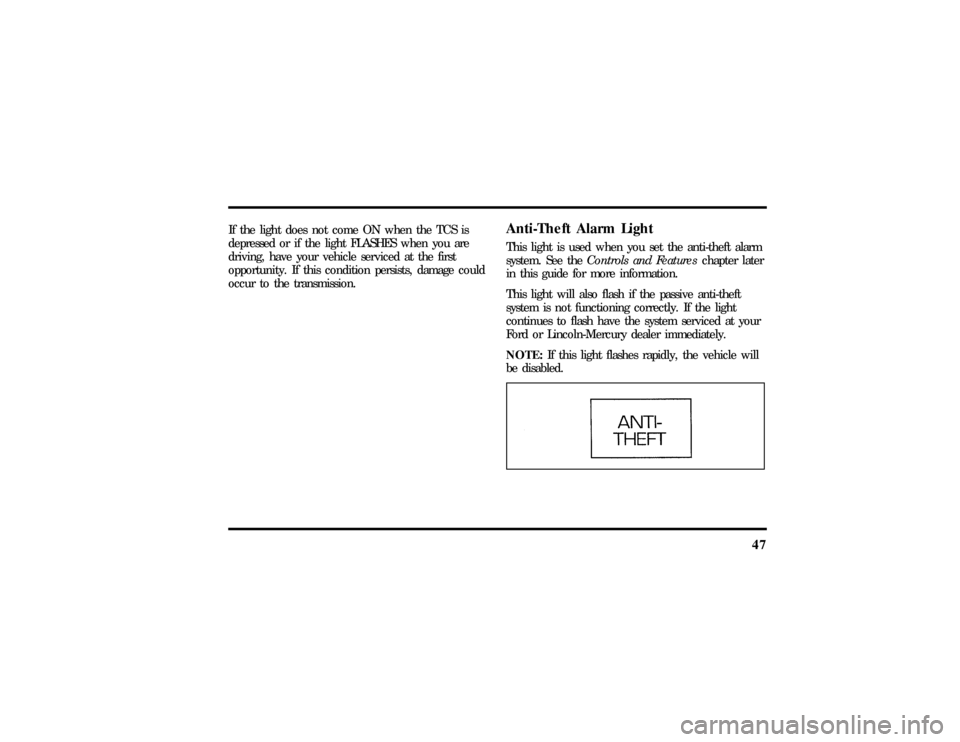
Anti-Theft Alarm LightThis light is used when you set the anti-theft alarm
system. See theControls and Featureschapter later
in this guide for more information.
This light will also flash if the passive anti-theft
system is not functioning correctly. If the light
continues to flash have the system serviced at your
Ford or Lincoln-Mercury dealer immediately.
NOTE:If this light flashes rapidly, the vehicle will
be disabled.
File:03fnis8.ex
Update:Thu Jun 27 10:00:37 1996
Page 53 of 315
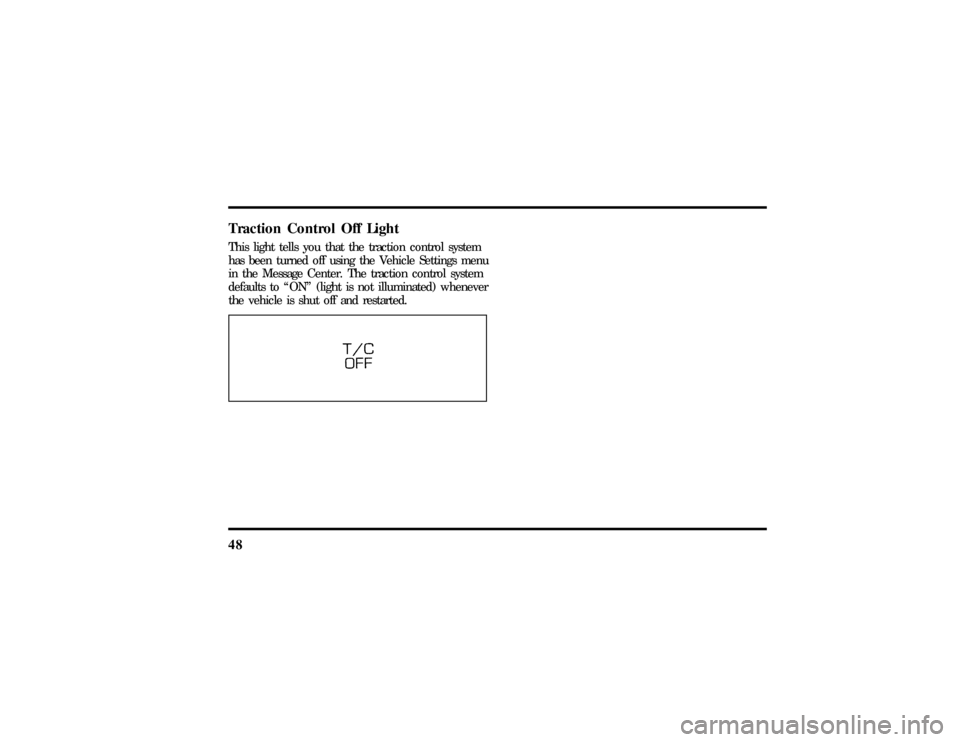
48Traction Control Off LightThis light tells you that the traction control system
has been turned off using the Vehicle Settings menu
in the Message Center. The traction control system
defaults to ªONº (light is not illuminated) whenever
the vehicle is shut off and restarted.
File:03fnis8.ex
Update:Thu Jun 27 10:00:37 1996
Page 59 of 315

54q
Increasing or decreasing treble response
Press the top
cof the ªTREBLEº button to
increase treble; press the bottom
dof the treble
button to decrease treble.
q
Adjusting speaker balance
Balance control allows you to adjust the sound
distribution between the right and left speakers.
Press the top
cof the ªBALº button to shift the
sound to the right speakers, and press the bottom
dof the ªBALº button to shift the sound to the
left speakers.
q
Adjusting speaker fader
Fade control allows you to adjust the sound
distribution between the front and rear speakers.
Press the top
cof the ªFADEº button to shift the
sound to the front speakers, and press the bottom
dof the ªFADEº button to shift the sound to the
back speakers.NOTE:Illuminated bars in the display show relative
levels of bass and treble, and positions of speaker
balance and fader functions (left to right, front to
rear).
Using the Controls of Your
Cassette Tape Player
(If Equipped)NOTE:Radio power must be on to use the cassette
tape player.How to insert a tapeYour cassette tape player is equipped with power
loading. Once you insert a tape and push slightly
(with theopen edge to the right), the loading
mechanism draws the tape the rest of the way in
and play will begin after a momentary tape
tightening process. Display indicates ªTAPEº while
tape is playing.
File:04fnas8.ex
Update:Wed Jun 19 10:43:44 1996
Page 62 of 315

57
q
Protect cassettes from exposure to direct
sunlight, high humidity and extreme heat or
cold. If they are exposed to extreme conditions,
allow them to reach a moderate temperature
before playing.
q
If a tape is loose inside the cassette, tighten it
before playing by putting your finger or a pencil
into one of the holes and turning the hub until
the tape is tight.
q
Loose labels on cassette tapes can become
lodged in the mechanism. Remove any loose
label material before inserting cassette.
q
Do not leave a tape in the cassette tape player.
High heat in the vehicle can cause the cassette
to warp.
Using the Controls of Your Compact
Disc Player (If equipped)NOTE:Radio power must be on to use the CD
player.
How to insert a CDYour CD player is equipped with power loading.
Once you insert a CD and push slightly, the loading
mechanism draws the CD the rest of the way in
and play will begin after a momentary pause.
Display indicates ªTR-__º (track number) while CD
is playing.
NOTE:A CD can be loaded with the ignition on
whether or not the radio power is on. However,
with radio power off, the CD is loaded and stored.Operating the ªSCANº functionPress the ªSCNº button to enter the scan mode.
The CD player will begin scanning the disc,
stopping on each listenable track for approximately
an eight second sampling. This continues until you
press the ªSCNº button a second time.How to stop CD playWhile in the CD mode, press the ªAM/FMº button
to stop CD play and resume radio play.
File:04fnas8.ex
Update:Wed Jun 19 10:43:44 1996
Page 72 of 315

67
To minimize these conditions, a stereo/mono blend
circuit has been incorporated into this system. This
feature automatically switches a weak stereo signal
to a clearer monaural signal, which improves the
quality of reception.
Several sources of static are normal conditions on
AM frequencies. These can be caused by power
lines, electric fences, traffic lights and
thunderstorms.
Another reception phenomenon isStrong Signal
Capture and Overload. This can occur when
listening to a weak station and when passing
another broadcast tower. The close station may
capture the more distant station, although the
displayed frequency does not change. While passing
the tower, the station may switch back and forth a
few times before returning to the original station.
When several broadcast towers are present
(common in metropolitan areas), several stations
may overload the receiver, resulting in considerablestation changing, mixing and distortion.
Automatic gain control circuitry for both AM and
FM bands has been incorporated into this system to
reduce strong signal capture and overload.
All About Radio FrequenciesThe Federal Communications Commission (FCC)
and the Canadian Radio Telecommunications
Commission (CRTC) establish the frequencies that
AM and FM radio stations may use for their
broadcasts. The allowable frequencies are, AM: 530,
540...1600, 1610 kHz in 10 kHz steps; FM: 87.9,
88.1...107.7, 107.9 MHz in 0.2 MHz steps.
Not all frequencies will be assigned to a given area.
This radio will tune to each of these frequencies
using manual tune and no fine tuning is necessary
as radio stations may not use other frequencies.
Some FM radio stations advertise a ªrounded-offº
frequency which is not the frequency they actually
broadcast on. For example, a radio station that is
File:04fnas8.ex
Update:Wed Jun 19 10:43:44 1996
Page 83 of 315
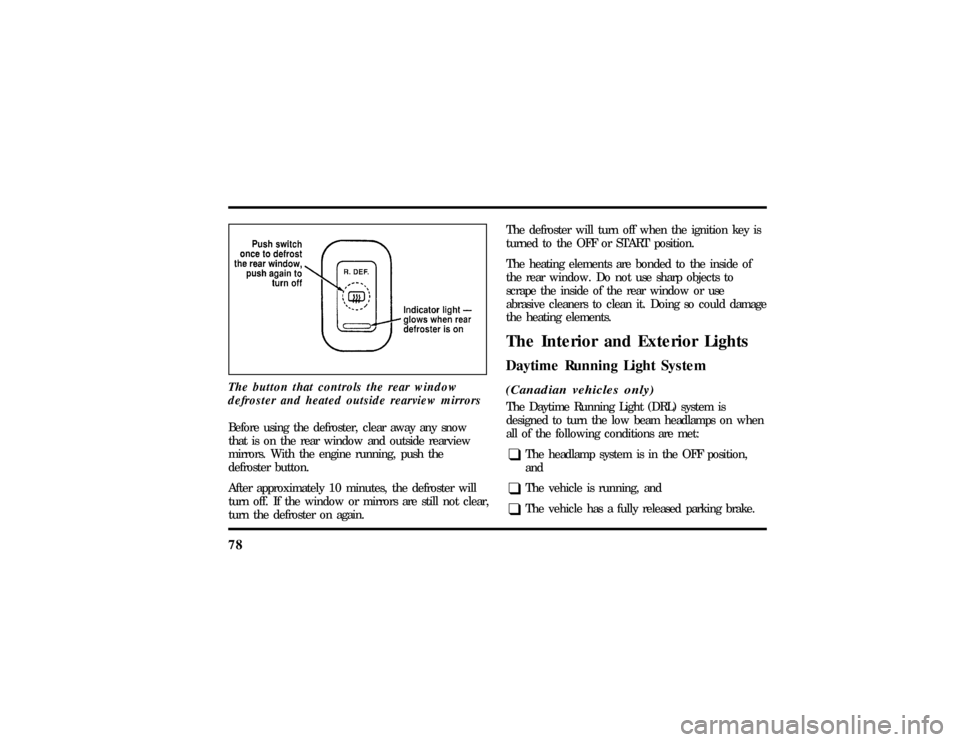
78The button that controls the rear window
defroster and heated outside rearview mirrorsBefore using the defroster, clear away any snow
that is on the rear window and outside rearview
mirrors. With the engine running, push the
defroster button.
After approximately 10 minutes, the defroster will
turn off. If the window or mirrors are still not clear,
turn the defroster on again.The defroster will turn off when the ignition key is
turned to the OFF or START position.
The heating elements are bonded to the inside of
the rear window. Do not use sharp objects to
scrape the inside of the rear window or use
abrasive cleaners to clean it. Doing so could damage
the heating elements.
The Interior and Exterior LightsDaytime Running Light System(Canadian vehicles only)The Daytime Running Light (DRL) system is
designed to turn the low beam headlamps on when
all of the following conditions are met:q
The headlamp system is in the OFF position,
and
q
The vehicle is running, and
q
The vehicle has a fully released parking brake.
File:05fncf8.ex
Update:Thu Jun 27 10:02:20 1996
Page 85 of 315

80Setting the Autolamp On/Off Delay
SystemBy using the autolamp, you can set the headlamps
to:q
turn on the lamps automatically at night
q
turn off the lamps automatically during daylight
q
keep the lamps on for up to three minutes after
you turn the key to OFF.
The controls for the autolamp
To use the autolamp:
1. Make sure the headlamp control is in the OFF
position. If the control for the headlamps is
ON, you cancel the autolamp.
2. Turn the ignition key to ON or start your
vehicle.
File:05fncf8.ex
Update:Thu Jun 27 10:02:20 1996