reset LINCOLN MARK VIII 1998 User Guide
[x] Cancel search | Manufacturer: LINCOLN, Model Year: 1998, Model line: MARK VIII, Model: LINCOLN MARK VIII 1998Pages: 170, PDF Size: 1.37 MB
Page 23 of 170
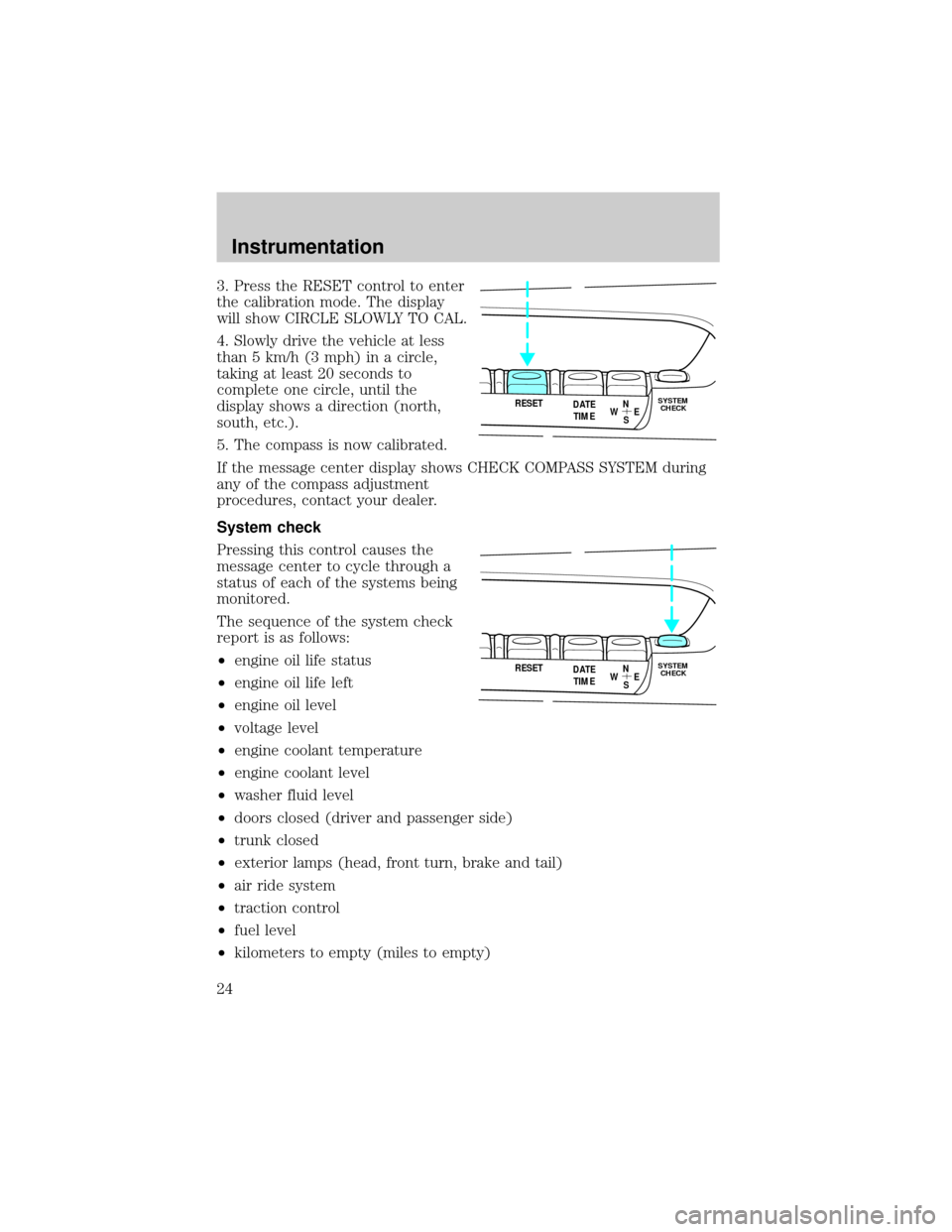
3. Press the RESET control to enter
the calibration mode. The display
will show CIRCLE SLOWLY TO CAL.
4. Slowly drive the vehicle at less
than 5 km/h (3 mph) in a circle,
taking at least 20 seconds to
complete one circle, until the
display shows a direction (north,
south, etc.).
5. The compass is now calibrated.
If the message center display shows CHECK COMPASS SYSTEM during
any of the compass adjustment
procedures, contact your dealer.
System check
Pressing this control causes the
message center to cycle through a
status of each of the systems being
monitored.
The sequence of the system check
report is as follows:
²engine oil life status
²engine oil life left
²engine oil level
²voltage level
²engine coolant temperature
²engine coolant level
²washer fluid level
²doors closed (driver and passenger side)
²trunk closed
²exterior lamps (head, front turn, brake and tail)
²air ride system
²traction control
²fuel level
²kilometers to empty (miles to empty)
RESET
N
S W
E DATE
TIMESYSTEM
CHECK
RESET
N
S W
E DATE
TIMESYSTEM
CHECK
Instrumentation
24
Page 24 of 170
At normal conclusion of the system check sequence, the last displayed
feature will be displayed.
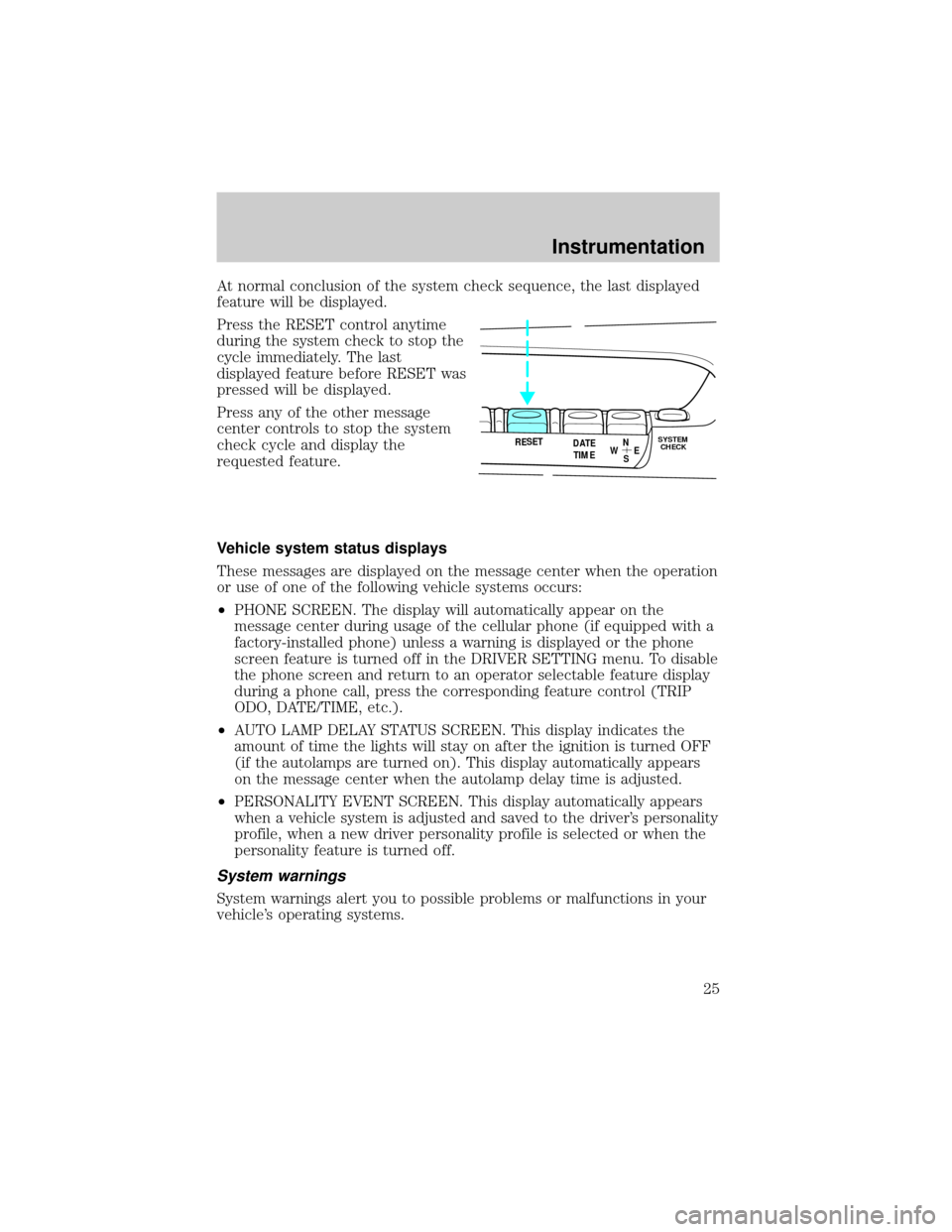
Press the RESET control anytime
during the system check to stop the
cycle immediately. The last
displayed feature before RESET was
pressed will be displayed.
Press any of the other message
center controls to stop the system
check cycle and display the
requested feature.
Vehicle system status displays
These messages are displayed on the message center when the operation
or use of one of the following vehicle systems occurs:
²PHONE SCREEN. The display will automatically appear on the
message center during usage of the cellular phone (if equipped with a
factory-installed phone) unless a warning is displayed or the phone
screen feature is turned off in the DRIVER SETTING menu. To disable
the phone screen and return to an operator selectable feature display
during a phone call, press the corresponding feature control (TRIP
ODO, DATE/TIME, etc.).
²AUTO LAMP DELAY STATUS SCREEN. This display indicates the
amount of time the lights will stay on after the ignition is turned OFF
(if the autolamps are turned on). This display automatically appears
on the message center when the autolamp delay time is adjusted.
²PERSONALITY EVENT SCREEN. This display automatically appears
when a vehicle system is adjusted and saved to the driver's personality
profile, when a new driver personality profile is selected or when the
personality feature is turned off.
System warnings
System warnings alert you to possible problems or malfunctions in your
vehicle's operating systems.
RESET
N
S W
E DATE
TIMESYSTEM
CHECK
Instrumentation
25
Page 25 of 170
In the event of a multiple warning situation, the message center will
cycle the display to show all warnings by displaying each one for
4 seconds.
The message center will display the
last selected feature if there are no
more warning messages. This allows
you to use the full functionality of
the message center after you
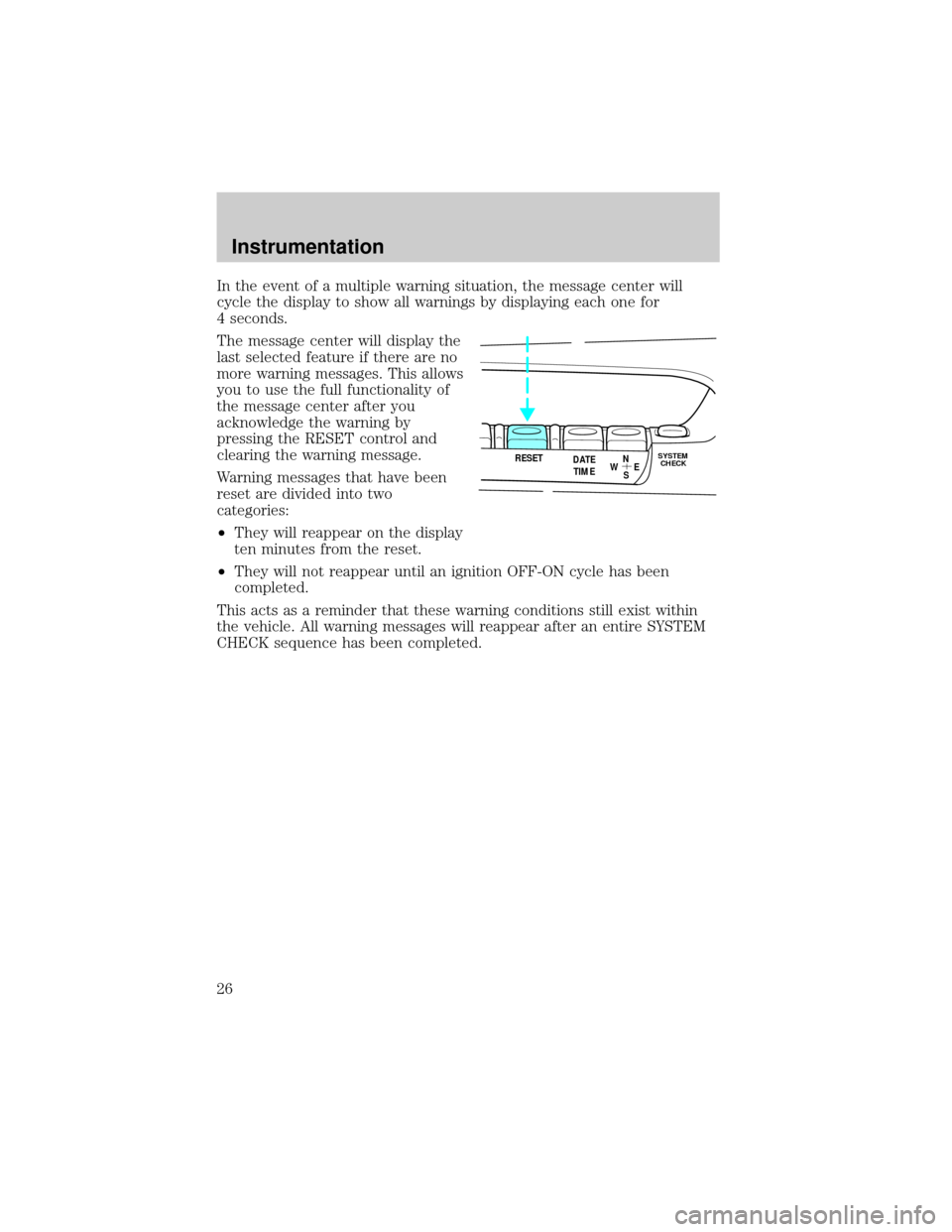
acknowledge the warning by
pressing the RESET control and
clearing the warning message.
Warning messages that have been
reset are divided into two
categories:
²They will reappear on the display
ten minutes from the reset.
²They will not reappear until an ignition OFF-ON cycle has been
completed.
This acts as a reminder that these warning conditions still exist within
the vehicle. All warning messages will reappear after an entire SYSTEM
CHECK sequence has been completed.
RESET
N
S W
E DATE
TIMESYSTEM
CHECK
Instrumentation
26
Page 26 of 170

Driver's door ajar Warning cannot be reset
Right door ajar
Check engine temp Warning returns after 10 minutes
Low oil level
Check charging system
Low fuel level
Low engine coolant
Engine temp data err
Check transmission
Transmission overheat
Check brake lamps Warning returns after the ignition
key is turned from OFF to ON or
system check sequence is
completed Check headlamps
Check taillamps
Check front turn lamps
Low washer fluid
Trunk ajar
Check traction control
Air ride switch off
Check air ride system
Oil change required
Change oil soon
Gear display data err
DRIVER'S DOOR AJAR. Displayed when the driver's door is not
completely closed and the ignition switch is either ON or in ACC mode.
RIGHT DOOR AJAR. Displayed when the passenger side door is not
completely closed and the ignition switch either ON or in ACC mode.
CHECK ENGINE TEMP. Displayed when the engine coolant is
overheating. Stop the vehicle as soon as safely possible, turn off the
engine and let it cool. Check the coolant and coolant level. Refer to
Engine coolantin theMaintenance and carechapter. If the warning
stays on or continues to come on, contact your dealer as soon as safely
possible.
Instrumentation
27
Page 29 of 170
CHECK AIR RIDE SYSTEM. Displayed when the air suspension
system is not operating properly. If this message is displayed while
driving, pull off the road as soon as safely possible. The message may
also be displayed if the vehicle is loaded beyond the recommended
maximum payload. This is a normal condition if the vehicle is overloaded.
To correct this condition:
1. Remove or redistribute the payload per the recommended maximum
requirements.
2. Turn the ignition switch from ON to OFF to ON again.
If the message reappears:
1. Turn the air suspension switch (located in the trunk) OFF.
2. Contact your dealer for service as soon as safely possible.
For more information, refer toAir suspensionin theDrivingchapter.
CHANGE OIL SOON/OIL CHANGE REQUIRED. Displayed when the
engine oil life remaining is 5 percent or less. When oil life left is between
5% and 0%, the CHANGE OIL SOON message will be displayed. When oil
life left reaches 0%, the OIL CHANGE REQUIRED message will be
displayed.
An oil change is required whenever indicated by the message center.
USE ONLY RECOMMENDED ENGINE OILS.
To reset the oil monitoring system to 100% (or your personalized oil
reset percentage) after each oil change:
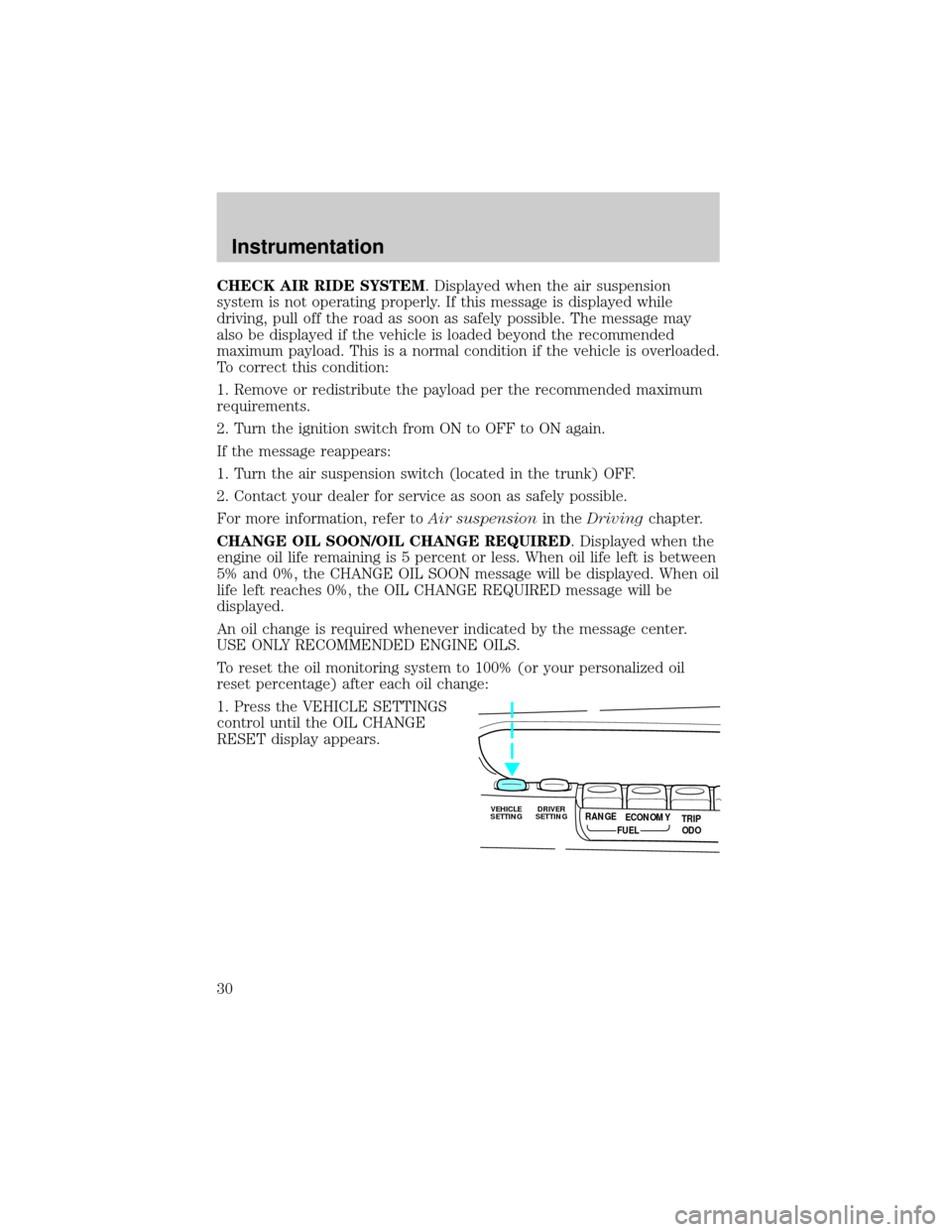
1. Press the VEHICLE SETTINGS
control until the OIL CHANGE
RESET display appears.
VEHICLE
SETTINGDRIVER
SETTINGTRIP
ODO RANGE
FUELECONOMY
Instrumentation
30
Page 30 of 170
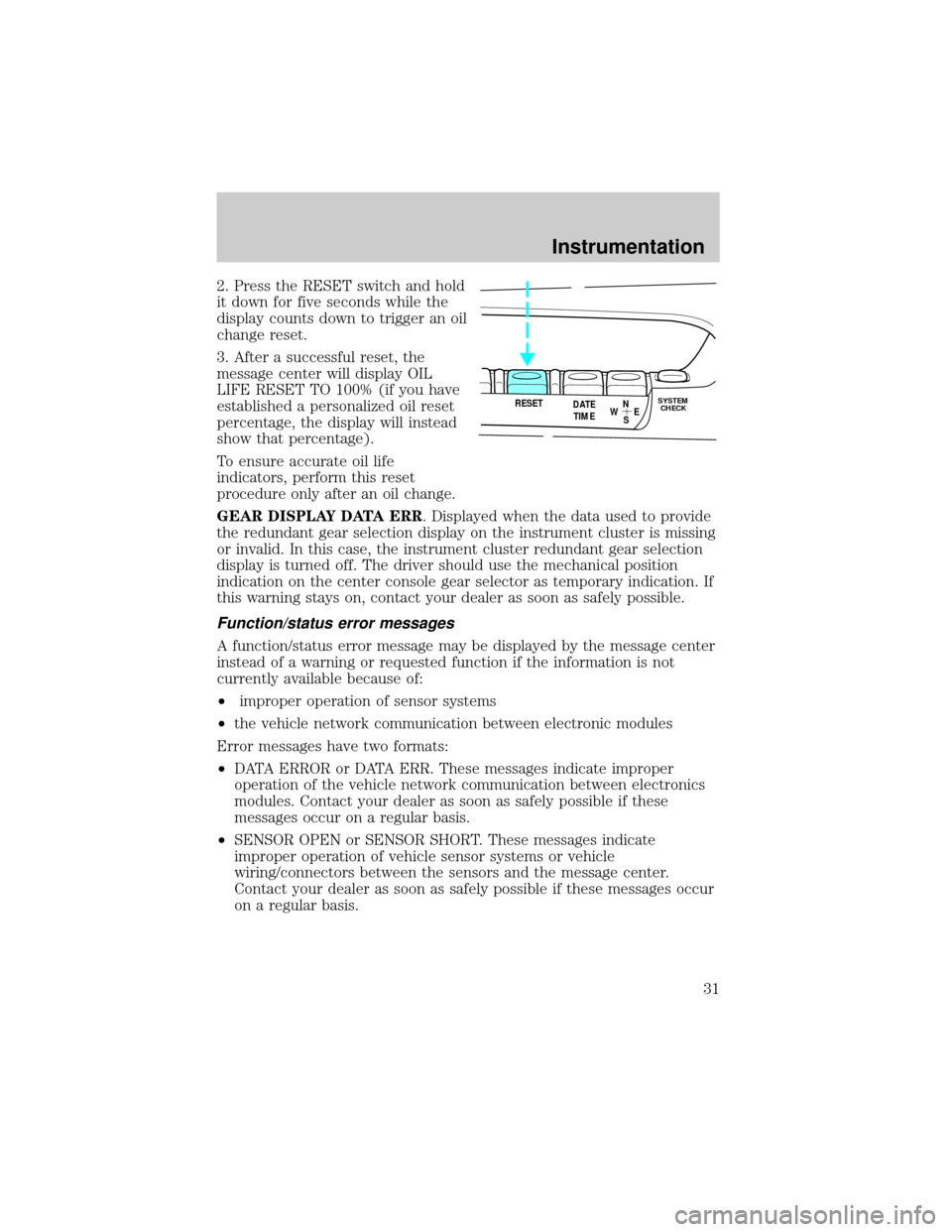
2. Press the RESET switch and hold
it down for five seconds while the
display counts down to trigger an oil
change reset.
3. After a successful reset, the
message center will display OIL
LIFE RESET TO 100% (if you have
established a personalized oil reset
percentage, the display will instead
show that percentage).
To ensure accurate oil life
indicators, perform this reset
procedure only after an oil change.
GEAR DISPLAY DATA ERR. Displayed when the data used to provide
the redundant gear selection display on the instrument cluster is missing
or invalid. In this case, the instrument cluster redundant gear selection
display is turned off. The driver should use the mechanical position
indication on the center console gear selector as temporary indication. If
this warning stays on, contact your dealer as soon as safely possible.
Function/status error messages
A function/status error message may be displayed by the message center
instead of a warning or requested function if the information is not
currently available because of:
²improper operation of sensor systems
²the vehicle network communication between electronic modules
Error messages have two formats:
²DATA ERROR or DATA ERR. These messages indicate improper
operation of the vehicle network communication between electronics
modules. Contact your dealer as soon as safely possible if these
messages occur on a regular basis.
²SENSOR OPEN or SENSOR SHORT. These messages indicate
improper operation of vehicle sensor systems or vehicle
wiring/connectors between the sensors and the message center.
Contact your dealer as soon as safely possible if these messages occur
on a regular basis.
RESET
N
S W
E DATE
TIMESYSTEM
CHECK
Instrumentation
31
Page 76 of 170
AIR BAG SUPPLEMENTAL RESTRAINT SYSTEM (SRS)
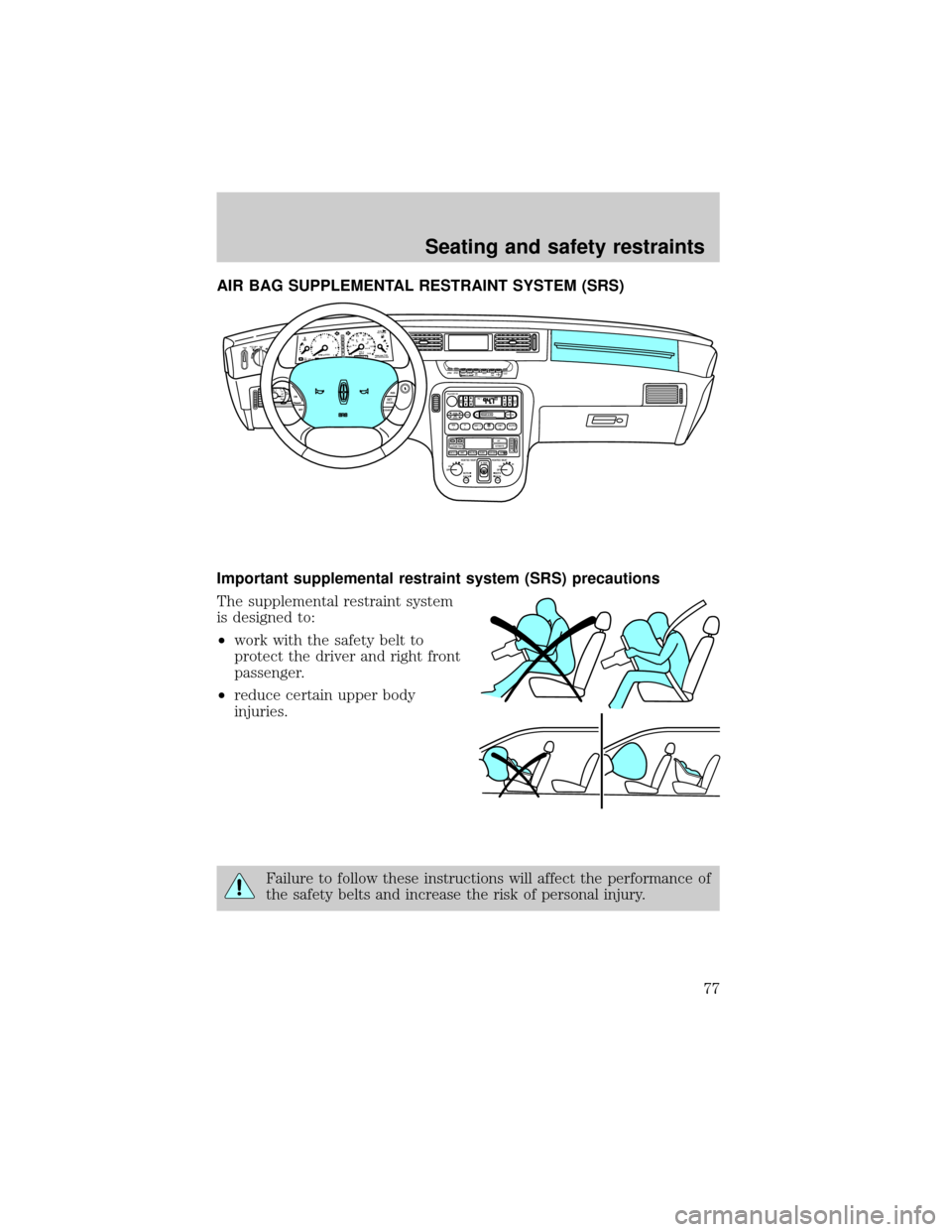
Important supplemental restraint system (SRS) precautions
The supplemental restraint system
is designed to:
²work with the safety belt to
protect the driver and right front
passenger.
²reduce certain upper body
injuries.
Failure to follow these instructions will affect the performance of
the safety belts and increase the risk of personal injury.
VEHICLE
SETTINGDRIVER
SETTINGTRIP
ODO RANGE
RESET
N
S W
E
FUELECONOMY
DATE
TIMESYSTEM
CHECK
P5
0 123
4
6
7 RPMx1000H
C20406080
100
120
1404080120
200160MPHkm/hFUEL
FILL DOORFEBRAKE888888.80R
N
D
2
1
ABSPREMIUM FUEL
RECOMMENDEDOFFAUTO LAMP
DELAYPPANEL
DIM
INT
TIMEHILOINTOFFMISTON
OFFRESSETACCEL
COASTVOL-PUSH ONAM
FMBASS
TREBBAL FADEAUTO
SETSEEKTUNEDISCSSCAN EJTAPE
CDDOLBY 8 NR
REW
1FF
2SIDE 1-2
34COMP
5SHUFFLE
6
ST FM 1
OUTSIDE TEMPOFF
AUTOMATIC
MAX A/C VENT PNL•FLR FLOORFLR•DEF
DEFHI
LO
OFFLOHI
BOTH
BACK HEATED SEATOFFLOHI
BOTH
BACK HEATED SEATPUSH PUSH
R.DEF.
Seating and safety restraints
77
Page 89 of 170
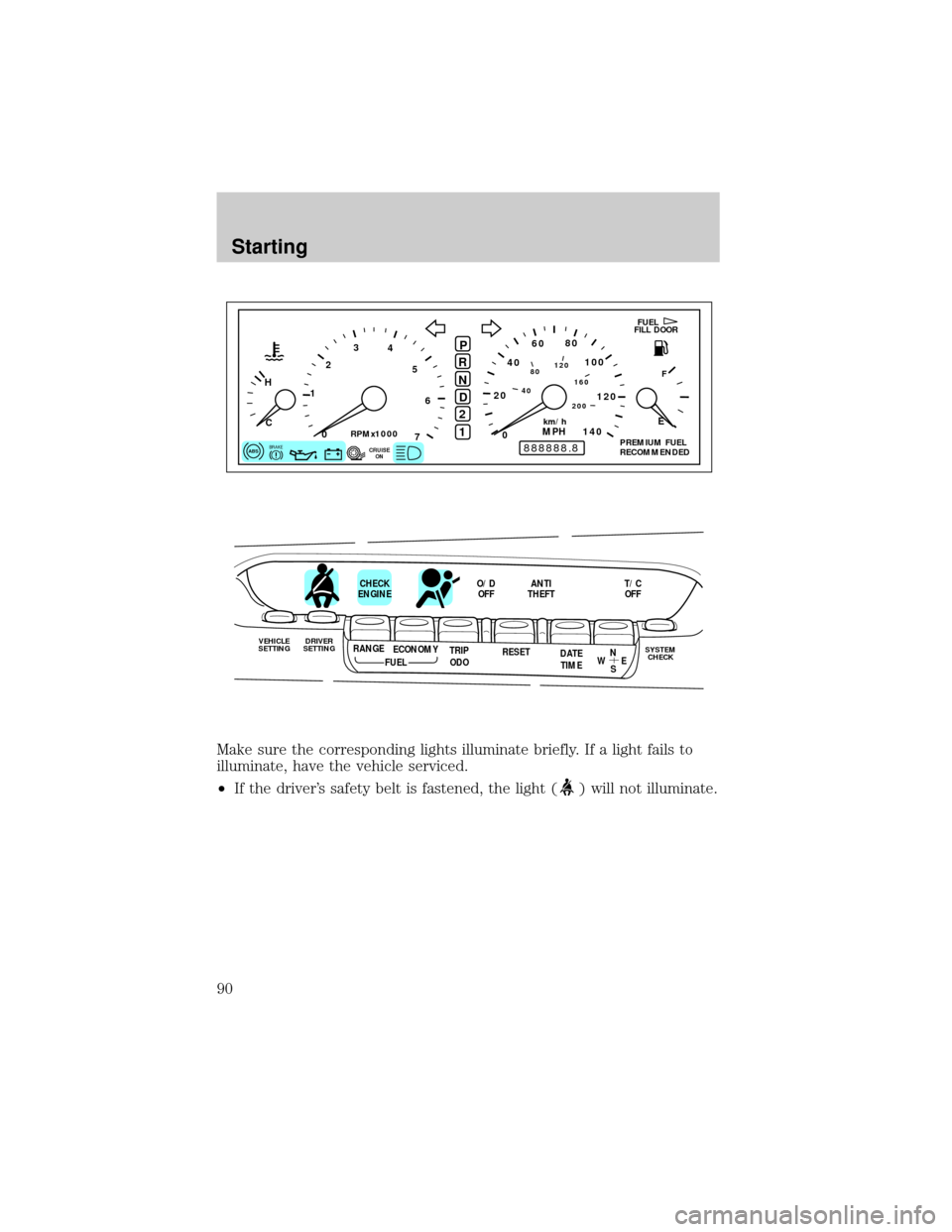
Make sure the corresponding lights illuminate briefly. If a light fails to
illuminate, have the vehicle serviced.
²If the driver's safety belt is fastened, the light (
) will not illuminate.
P
5
0 123
4
6
7
RPMx1000
H
C20406080
100
120
1404080120
200160
MPHkm/hFUEL
FILL DOOR
F
E
BRAKE888888.80
R
N
D
2
1
ABSCRUISE
ONPREMIUM FUEL
RECOMMENDED
VEHICLE
SETTINGDRIVER
SETTINGTRIP
ODO RANGE
RESET
N
S W
E
FUELECONOMY
DATE
TIMESYSTEM
CHECK
CHECK
ENGINEO/D
OFFANTI
THEFTT/C
OFF
Starting
90
Page 106 of 170
HAZARD LIGHTS CONTROL
Use only in an emergency to warn traffic of vehicle breakdown,
approaching danger, etc. The hazard flashers can be operated when the
ignition is off.
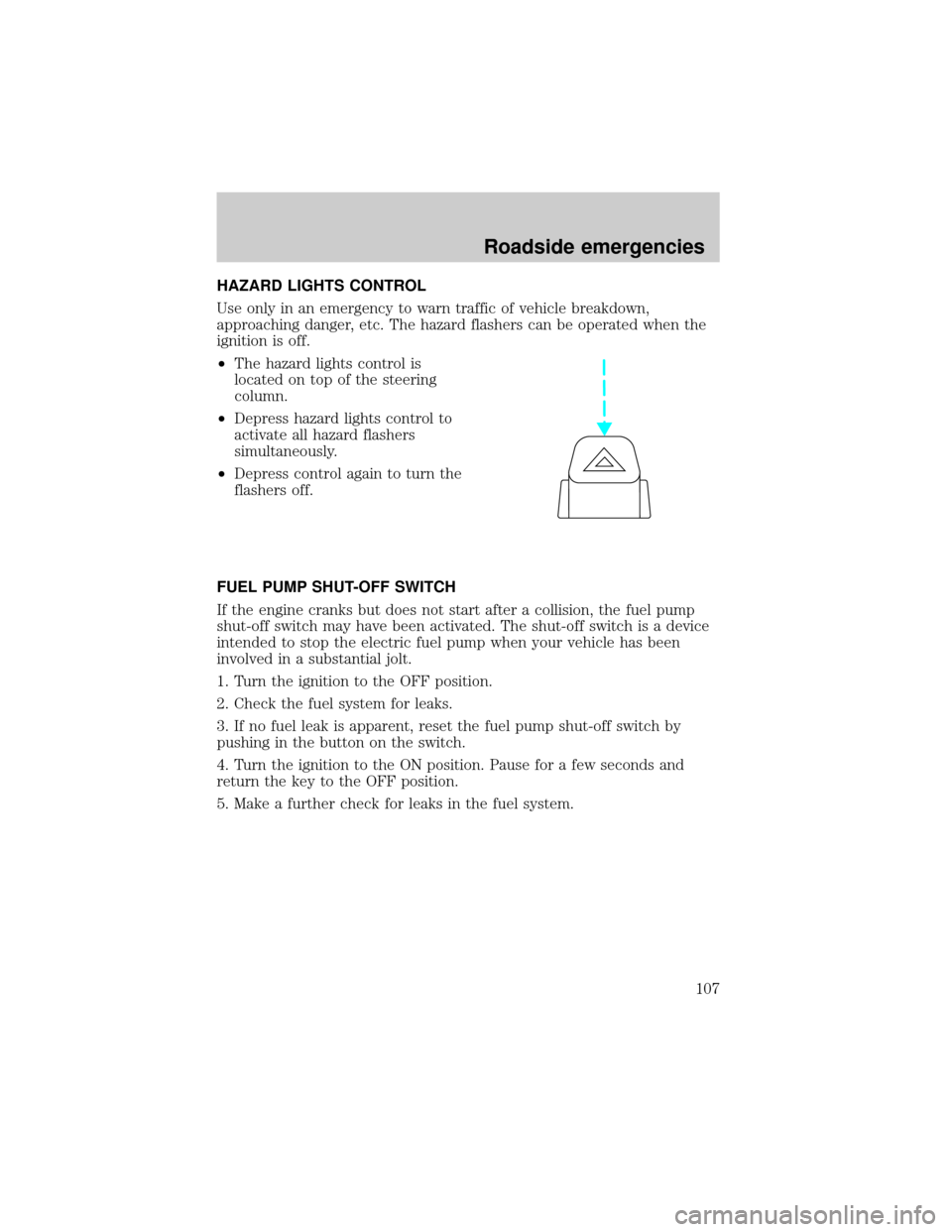
²The hazard lights control is
located on top of the steering
column.
²Depress hazard lights control to
activate all hazard flashers
simultaneously.
²Depress control again to turn the
flashers off.
FUEL PUMP SHUT-OFF SWITCH
If the engine cranks but does not start after a collision, the fuel pump
shut-off switch may have been activated. The shut-off switch is a device
intended to stop the electric fuel pump when your vehicle has been
involved in a substantial jolt.
1. Turn the ignition to the OFF position.
2. Check the fuel system for leaks.
3. If no fuel leak is apparent, reset the fuel pump shut-off switch by
pushing in the button on the switch.
4. Turn the ignition to the ON position. Pause for a few seconds and
return the key to the OFF position.
5. Make a further check for leaks in the fuel system.
Roadside emergencies
107
Page 135 of 170
3. The relearning process will automatically complete as you drive the
vehicle.
²If you do not allow the engine to relearn its idle, the idle quality of
your vehicle may be adversely affected until the idle is eventually
relearned.
²If the battery has been disconnected or a new battery has been
installed, the clock and the preset radio stations must be reset once
the battery is reconnected.
²Always dispose of automotive
batteries in a responsible manner.
Follow your community's
standards for disposal. Call your
local recycling center to find out
more about recycling automotive
batteries.
WINDSHIELD WIPER BLADES
Check the wiper blades at least twice a year or when they seem less
effective. Substances such as tree sap and some hot wax treatments used
by commercial car washes reduce the effectiveness of wiper blades.
Checking the wiper blades
If the wiper blades do not wipe properly, clean both the windshield and
wiper blades using undiluted windshield wiper solution or a mild
detergent. Rinse thoroughly with clean water. To avoid damaging the
blades, do not use fuel, kerosene, paint thinner or other solvents.
Changing the wiper blades
When replacing wiper blade assemblies, always use a Motorcraft part or
equivalent. To make replacing the wipers easy, turn the ignition to ACC,
then turn the wipers on. When the wipers reach the vertical position,
turn the ignition to LOCK.
Maintenance and care
136