climate settings LINCOLN MKT 2019 User Guide
[x] Cancel search | Manufacturer: LINCOLN, Model Year: 2019, Model line: MKT, Model: LINCOLN MKT 2019Pages: 575, PDF Size: 4.66 MB
Page 381 of 575
•DISP: Switch the display on or off. Youcan also touch the screen to switch thedisplay back on.
•Temperature, fan and climate controlbuttons: Control the temperature, fanspeed or settings of the climate controlsystem. See Climate Control (page 125).
911 Assist
WARNING: Unless the 911 Assistsetting is set on before a crash, the systemwill not dial for help which could delayresponse time, potentially increasing therisk of serious injury or death after a crash.
WARNING: Do not wait for 911 Assistto make an emergency call if you can doit yourself. Dial emergency servicesimmediately to avoid delayed responsetime which could increase the risk ofserious injury or death after a crash. If youdo not hear 911 Assist within five secondsof the crash, the system or phone may bedamaged or non-functional.
WARNING: Always place your phonein a secure location in your vehicle so itdoes not become a projectile or getdamaged in a crash. Failure to do so maycause serious injury to someone ordamage the phone which could prevent911 Assist from working properly.
Note:The SYNC 911 Assist feature must beset on before the incident.
Note:The SYNC 911 Assist feature onlyoperates in the U.S., Canada or in a territoryin which 911 is the emergency number.
Note:Before setting this feature on, makesure that you read the 911 Assist PrivacyNotice later in this section for importantinformation.
Note:If any user sets 911 Assist to on or off,that setting applies for all paired phones. If911 Assist is switched off and the phone isconnected to SYNC, an icon displays on thestatus bar.
Note:Every phone operates differently.While SYNC 911 Assist works with mostcellular phones, some may have troubleusing this feature.
If a crash deploys an airbag (excluding kneeairbags and rear inflatable safety belts [ifequipped]) or activates the fuel pumpshut-off, your SYNC-equipped vehicle maybe able to contact emergency services bydialing 911 through a paired and connectedBluetooth enabled phone. You can learnmore about the 911 Assist feature, by visiting:
Website
www.owner.lincoln.comwww.syncmyride.cawww.syncmaroute.ca
For important information about airbagdeployment and the fuel pump shut-offplease see the Supplementary Restrains andRoadside Emergencies sections of yourowner manual.
To switch 911 Assist on and off please viewthe settings information. See Settings (page436).
378
MKT (TP4) , enUSA, Edition date: 201803, Second-Printing
SYNC™ 3
Page 399 of 575
DescriptionVoice command
The system does not confirm before placing a call.Call Confirmation Off
The system displays a short list of available commands.Voice Command Lists On
The system does not display the list of commands.Voice Command Lists Off
You can use the volume control to adjust thevolume of the system voice prompts. Whileprompt is active, adjust the volume controlup or down to your desired setting.
Note:Depending on the current climatecontrol settings, the fan speed mayautomatically go down while issuing voicecommands or while making and receivingphone calls via SYNC to reduce the amountof background noise in the vehicle. The fanspeed will automatically return to normaloperation once the voice session ends. Youcan adjust the fan speed during a voicesession, simply press the fan buttons (or turnthe fan knob) to increase or decrease thefan speed to the setting you prefer.
To disable this automatic fan speedreduction feature during voice sessions,press and hold the climate control AC andRecirculated air buttons simultaneously,release and then increase fan speed within2 seconds. To re-enable this feature, repeatthe above sequence.
ENTERTAINMENT
396
MKT (TP4) , enUSA, Edition date: 201803, Second-Printing
SYNC™ 3
Page 413 of 575
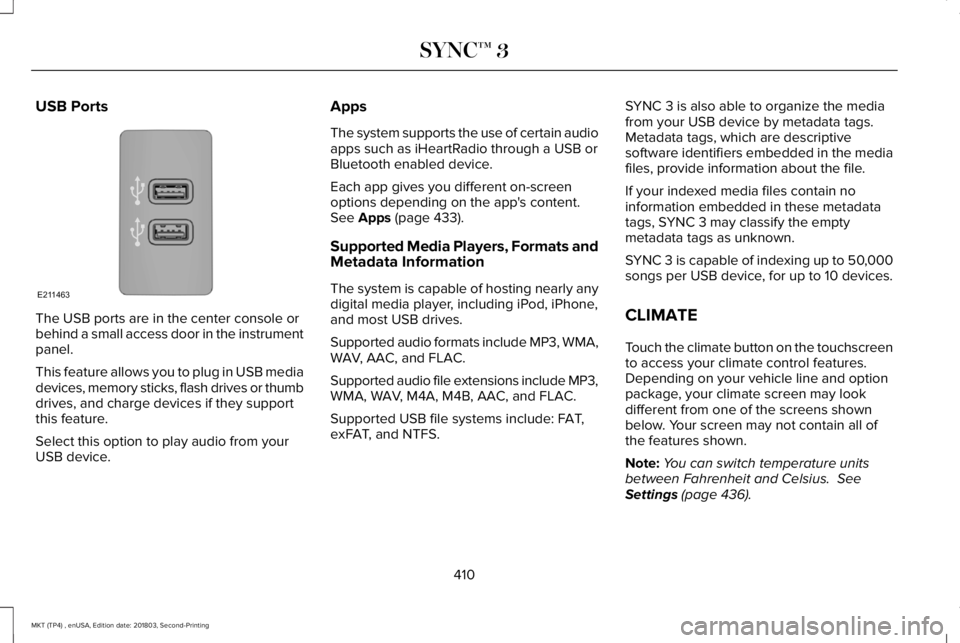
USB Ports
The USB ports are in the center console orbehind a small access door in the instrumentpanel.
This feature allows you to plug in USB mediadevices, memory sticks, flash drives or thumbdrives, and charge devices if they supportthis feature.
Select this option to play audio from yourUSB device.
Apps
The system supports the use of certain audioapps such as iHeartRadio through a USB orBluetooth enabled device.
Each app gives you different on-screenoptions depending on the app's content.See Apps (page 433).
Supported Media Players, Formats andMetadata Information
The system is capable of hosting nearly anydigital media player, including iPod, iPhone,and most USB drives.
Supported audio formats include MP3, WMA,WAV, AAC, and FLAC.
Supported audio file extensions include MP3,WMA, WAV, M4A, M4B, AAC, and FLAC.
Supported USB file systems include: FAT,exFAT, and NTFS.
SYNC 3 is also able to organize the mediafrom your USB device by metadata tags.Metadata tags, which are descriptivesoftware identifiers embedded in the mediafiles, provide information about the file.
If your indexed media files contain noinformation embedded in these metadatatags, SYNC 3 may classify the emptymetadata tags as unknown.
SYNC 3 is capable of indexing up to 50,000songs per USB device, for up to 10 devices.
CLIMATE
Touch the climate button on the touchscreento access your climate control features.Depending on your vehicle line and optionpackage, your climate screen may lookdifferent from one of the screens shownbelow. Your screen may not contain all ofthe features shown.
Note:You can switch temperature unitsbetween Fahrenheit and Celsius. SeeSettings (page 436).
410
MKT (TP4) , enUSA, Edition date: 201803, Second-Printing
SYNC™ 3E211463
Page 416 of 575
Passenger heated and climatecontrolled seats:H
Touch the heated seat icon toadjust the heated seat off and on(if equipped).
Touch the climate-controlled seaticon to adjust theclimate-controlled seat off and on(if equipped).
Fan speed: Touch up or down toincrease or decrease the volumeof air circulated in your vehicle.
I
Rear: A pop up appears on thescreen to display the rear controloptions.
J
Touch the power icon to switch therear climate control functions offand on.
Touch Rear Control to allow therear seat passengers to adjust therear climate settings. Touch itagain to prevent the rear seatpassengers from adjusting thesettings. Rear Controlautomatically turns off when youuse the touchscreen to adjust therear climate settings.
If your vehicle has automaticclimate controls, select Auto toconnect the rear climate settingsto the Auto settings of the driver.
Touch the up and down arrows toadjust the temperature.
Manual airflow distributioncontrols: Select these controlsindividually or together to directthe air flow to the desired area.
K
Panel: Distributes air through theinstrument panel vents.
Floor: Distributes air through thedemister vents, floor vents and rearseat floor vents.
A/C: A pop-up appears on thescreen to display the airconditioning options.
L
MAX A/C: Touch to cool yourvehicle with recirculated air. Touchagain for normal A/C operation.MAX A/C distributes air throughinstrument panel vents and mayhelp reduce odors from enteringyour vehicle. MAX A/C is moreeconomical and efficient thannormal A/C mode.
A/C: Touch to switch the airconditioning on or off. Use A/Cwith recirculated air to improvecooling performance andefficiency. A/C engagesautomatically in MAX A/C, defrostand footwell/defrost.
Recirculated air: Touch to switchthe recirculated air on or off whichmay reduce the amount of timeneeded to cool down the interiorand help reduce odors fromreaching the interior. Recirculated
413
MKT (TP4) , enUSA, Edition date: 201803, Second-Printing
SYNC™ 3
Page 566 of 575
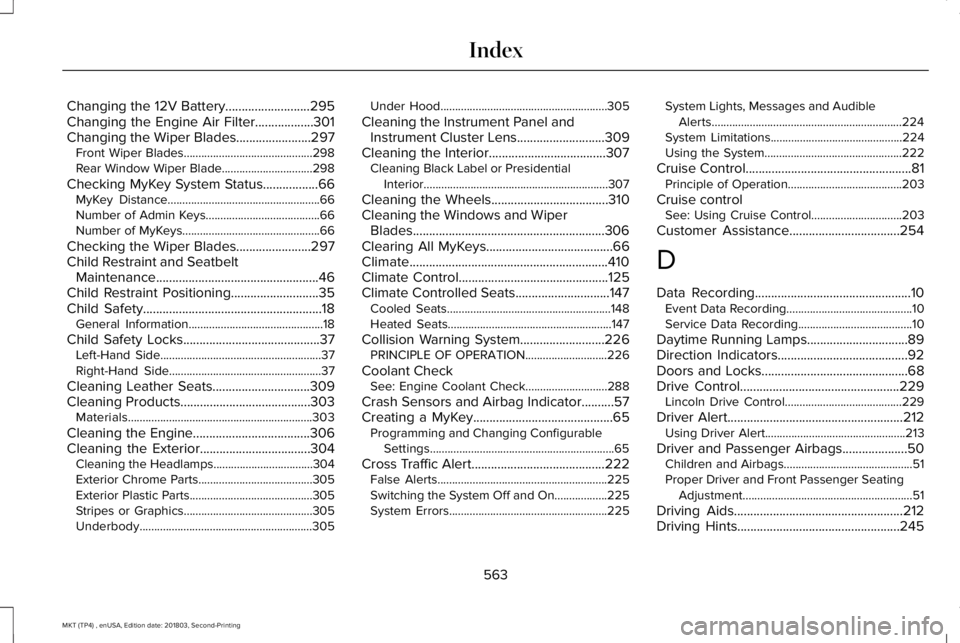
Changing the 12V Battery..........................295Changing the Engine Air Filter..................301Changing the Wiper Blades.......................297Front Wiper Blades............................................298Rear Window Wiper Blade...............................298
Checking MyKey System Status.................66MyKey Distance....................................................66Number of Admin Keys.......................................66Number of MyKeys...............................................66
Checking the Wiper Blades.......................297Child Restraint and SeatbeltMaintenance..................................................46Child Restraint Positioning...........................35Child Safety.......................................................18General Information..............................................18
Child Safety Locks..........................................37Left-Hand Side.......................................................37Right-Hand Side....................................................37
Cleaning Leather Seats..............................309Cleaning Products........................................303Materials...............................................................303
Cleaning the Engine....................................306Cleaning the Exterior..................................304Cleaning the Headlamps..................................304Exterior Chrome Parts.......................................305Exterior Plastic Parts..........................................305Stripes or Graphics............................................305Underbody...........................................................305
Under Hood.........................................................305
Cleaning the Instrument Panel andInstrument Cluster Lens...........................309Cleaning the Interior....................................307Cleaning Black Label or PresidentialInterior...............................................................307
Cleaning the Wheels....................................310Cleaning the Windows and WiperBlades...........................................................306Clearing All MyKeys.......................................66Climate.............................................................410Climate Control..............................................125Climate Controlled Seats.............................147Cooled Seats........................................................148Heated Seats........................................................147
Collision Warning System..........................226PRINCIPLE OF OPERATION............................226
Coolant CheckSee: Engine Coolant Check............................288
Crash Sensors and Airbag Indicator..........57Creating a MyKey...........................................65Programming and Changing ConfigurableSettings...............................................................65
Cross Traffic Alert.........................................222False Alerts..........................................................225Switching the System Off and On..................225System Errors......................................................225
System Lights, Messages and AudibleAlerts.................................................................224System Limitations.............................................224Using the System...............................................222
Cruise Control...................................................81Principle of Operation.......................................203
Cruise controlSee: Using Cruise Control...............................203
Customer Assistance..................................254
D
Data Recording................................................10Event Data Recording...........................................10Service Data Recording.......................................10
Daytime Running Lamps...............................89Direction Indicators........................................92Doors and Locks.............................................68Drive Control.................................................229Lincoln Drive Control........................................229
Driver Alert......................................................212Using Driver Alert................................................213
Driver and Passenger Airbags....................50Children and Airbags............................................51Proper Driver and Front Passenger SeatingAdjustment..........................................................51
Driving Aids....................................................212Driving Hints..................................................245
563
MKT (TP4) , enUSA, Edition date: 201803, Second-Printing
Index
Page 568 of 575
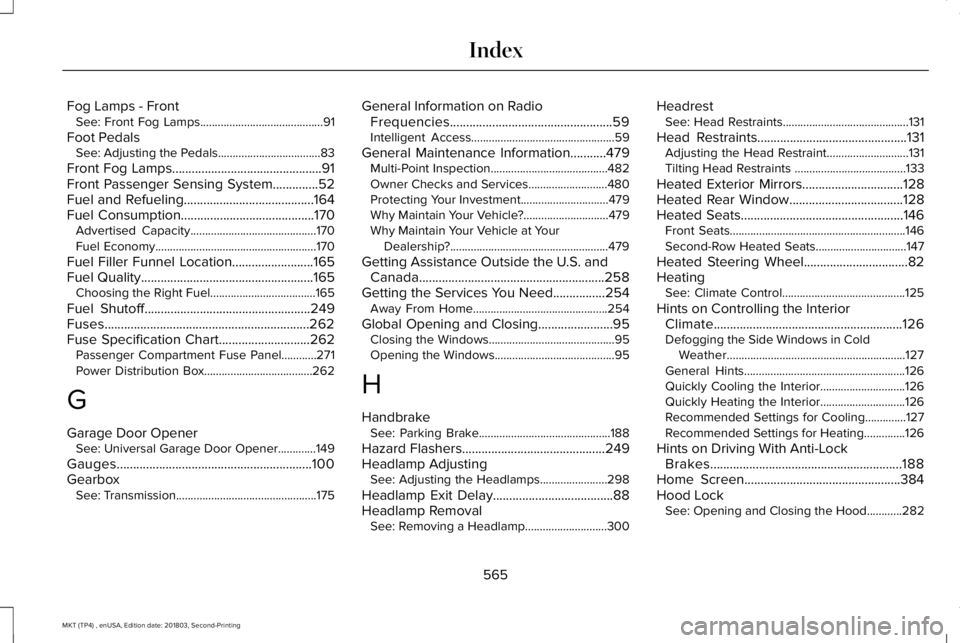
Fog Lamps - FrontSee: Front Fog Lamps..........................................91
Foot PedalsSee: Adjusting the Pedals...................................83
Front Fog Lamps..............................................91Front Passenger Sensing System..............52Fuel and Refueling........................................164Fuel Consumption.........................................170Advertised Capacity...........................................170Fuel Economy.......................................................170
Fuel Filler Funnel Location.........................165Fuel Quality.....................................................165Choosing the Right Fuel....................................165
Fuel Shutoff...................................................249Fuses...............................................................262Fuse Specification Chart............................262Passenger Compartment Fuse Panel............271Power Distribution Box.....................................262
G
Garage Door OpenerSee: Universal Garage Door Opener.............149
Gauges............................................................100GearboxSee: Transmission................................................175
General Information on RadioFrequencies..................................................59Intelligent Access.................................................59
General Maintenance Information...........479Multi-Point Inspection........................................482Owner Checks and Services...........................480Protecting Your Investment..............................479Why Maintain Your Vehicle?.............................479Why Maintain Your Vehicle at YourDealership?......................................................479
Getting Assistance Outside the U.S. andCanada.........................................................258Getting the Services You Need................254Away From Home..............................................254
Global Opening and Closing.......................95Closing the Windows...........................................95Opening the Windows.........................................95
H
HandbrakeSee: Parking Brake.............................................188
Hazard Flashers............................................249Headlamp AdjustingSee: Adjusting the Headlamps.......................298
Headlamp Exit Delay.....................................88Headlamp RemovalSee: Removing a Headlamp............................300
HeadrestSee: Head Restraints...........................................131
Head Restraints..............................................131Adjusting the Head Restraint............................131Tilting Head Restraints ......................................133
Heated Exterior Mirrors...............................128Heated Rear Window...................................128Heated Seats..................................................146Front Seats............................................................146Second-Row Heated Seats...............................147
Heated Steering Wheel................................82HeatingSee: Climate Control..........................................125
Hints on Controlling the InteriorClimate..........................................................126Defogging the Side Windows in ColdWeather.............................................................127General Hints.......................................................126Quickly Cooling the Interior.............................126Quickly Heating the Interior.............................126Recommended Settings for Cooling..............127Recommended Settings for Heating..............126
Hints on Driving With Anti-LockBrakes...........................................................188Home Screen................................................384Hood LockSee: Opening and Closing the Hood............282
565
MKT (TP4) , enUSA, Edition date: 201803, Second-Printing
Index
Page 571 of 575
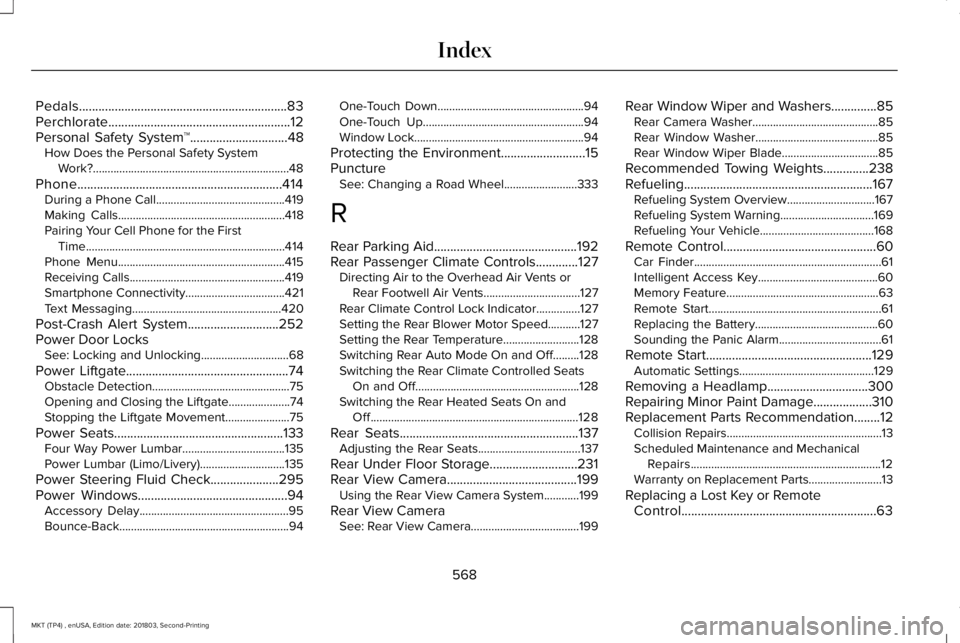
Pedals................................................................83Perchlorate........................................................12Personal Safety System™..............................48How Does the Personal Safety SystemWork?...................................................................48
Phone...............................................................414During a Phone Call............................................419Making Calls.........................................................418Pairing Your Cell Phone for the FirstTime....................................................................414Phone Menu.........................................................415Receiving Calls.....................................................419Smartphone Connectivity..................................421Text Messaging...................................................420
Post-Crash Alert System............................252Power Door LocksSee: Locking and Unlocking..............................68
Power Liftgate..................................................74Obstacle Detection...............................................75Opening and Closing the Liftgate.....................74Stopping the Liftgate Movement......................75
Power Seats....................................................133Four Way Power Lumbar...................................135Power Lumbar (Limo/Livery).............................135
Power Steering Fluid Check.....................295Power Windows..............................................94Accessory Delay...................................................95Bounce-Back..........................................................94
One-Touch Down..................................................94One-Touch Up.......................................................94Window Lock..........................................................94
Protecting the Environment..........................15PunctureSee: Changing a Road Wheel.........................333
R
Rear Parking Aid............................................192Rear Passenger Climate Controls.............127Directing Air to the Overhead Air Vents orRear Footwell Air Vents.................................127Rear Climate Control Lock Indicator...............127Setting the Rear Blower Motor Speed...........127Setting the Rear Temperature..........................128Switching Rear Auto Mode On and Off.........128Switching the Rear Climate Controlled SeatsOn and Off........................................................128Switching the Rear Heated Seats On andOff.......................................................................128
Rear Seats.......................................................137Adjusting the Rear Seats...................................137
Rear Under Floor Storage...........................231Rear View Camera........................................199Using the Rear View Camera System............199
Rear View CameraSee: Rear View Camera.....................................199
Rear Window Wiper and Washers..............85Rear Camera Washer...........................................85Rear Window Washer..........................................85Rear Window Wiper Blade.................................85
Recommended Towing Weights..............238Refueling..........................................................167Refueling System Overview..............................167Refueling System Warning................................169Refueling Your Vehicle.......................................168
Remote Control...............................................60Car Finder................................................................61Intelligent Access Key.........................................60Memory Feature....................................................63Remote Start...........................................................61Replacing the Battery..........................................60Sounding the Panic Alarm...................................61
Remote Start...................................................129Automatic Settings..............................................129
Removing a Headlamp...............................300Repairing Minor Paint Damage..................310Replacement Parts Recommendation........12Collision Repairs.....................................................13Scheduled Maintenance and MechanicalRepairs.................................................................12Warranty on Replacement Parts.........................13
Replacing a Lost Key or RemoteControl............................................................63
568
MKT (TP4) , enUSA, Edition date: 201803, Second-Printing
Index
Page 574 of 575

Changing the Set Speed..................................207Detection Issues.................................................208Following a Vehicle...........................................205Hilly Condition Usage.......................................208Overriding the Set Speed................................207Resuming the Set Speed..................................207Setting the Adaptive Cruise Speed...............205Setting the Gap Distance.................................206Switching Adaptive Cruise Control Off........208Switching Adaptive Cruise Control On........205Switching to Normal Cruise Control................211System Not Available........................................209
Using All-Wheel Drive..................................179Driving In Special Conditions With All-WheelDrive (AWD).......................................................181Operating AWD Vehicles With MismatchedTires.....................................................................181Operating AWD Vehicles With SpareTires...................................................................180
Using Cruise Control...................................203Canceling the Set Speed.................................204Changing the Set Speed..................................203Resuming the Set Speed.................................204Setting the Cruise Speed.................................203Switching Cruise Control Off...........................204Switching Cruise Control On...........................203
Using MyKey With Remote StartSystems..........................................................66
Using Snow Chains......................................328Using Stability Control..................................191Using Traction Control.................................189Switching the System Off..................................189System Indicator Lights and Messages.........189Using a Switch.....................................................189Using the Information Display Controls........189
Using Voice Recognition............................386Audio Voice Commands...................................388Climate Voice Commands................................389Mobile App Voice Commands........................394Navigation Voice Commands..........................392Phone Voice Commands..................................389SiriusXM Traffic and Travel Link VoiceCommands......................................................394Voice Settings Commands..............................395
Utilizing the Mediation/Arbitration Program(Canada Only).............................................257
V
Vehicle Care..................................................303General Information...........................................303
Vehicle Certification Label.........................347Vehicle Identification Number...................347Vehicle Storage...............................................311Battery....................................................................312Body.........................................................................311
Brakes....................................................................312Cooling system....................................................312Engine.....................................................................311Fuel system............................................................311General....................................................................311Miscellaneous......................................................312Removing Vehicle From Storage.....................312Tires........................................................................312
VentilationSee: Climate Control..........................................125
VINSee: Vehicle Identification Number...............347
Voice Control....................................................81
W
Warning Lamps and Indicators...................101Adaptive Cruise Control.....................................101Airbag Readiness.................................................101Anti-Lock Braking System..................................101Battery.....................................................................101Brake System Warning Light............................102Charging System.................................................102Cruise Control......................................................102Direction Indicator..............................................102Door Ajar...............................................................102Engine Coolant Temperature...........................102Engine Oil..............................................................102
571
MKT (TP4) , enUSA, Edition date: 201803, Second-Printing
Index