clock LINCOLN MKZ 2014 User Guide
[x] Cancel search | Manufacturer: LINCOLN, Model Year: 2014, Model line: MKZ, Model: LINCOLN MKZ 2014Pages: 468, PDF Size: 4.49 MB
Page 346 of 468
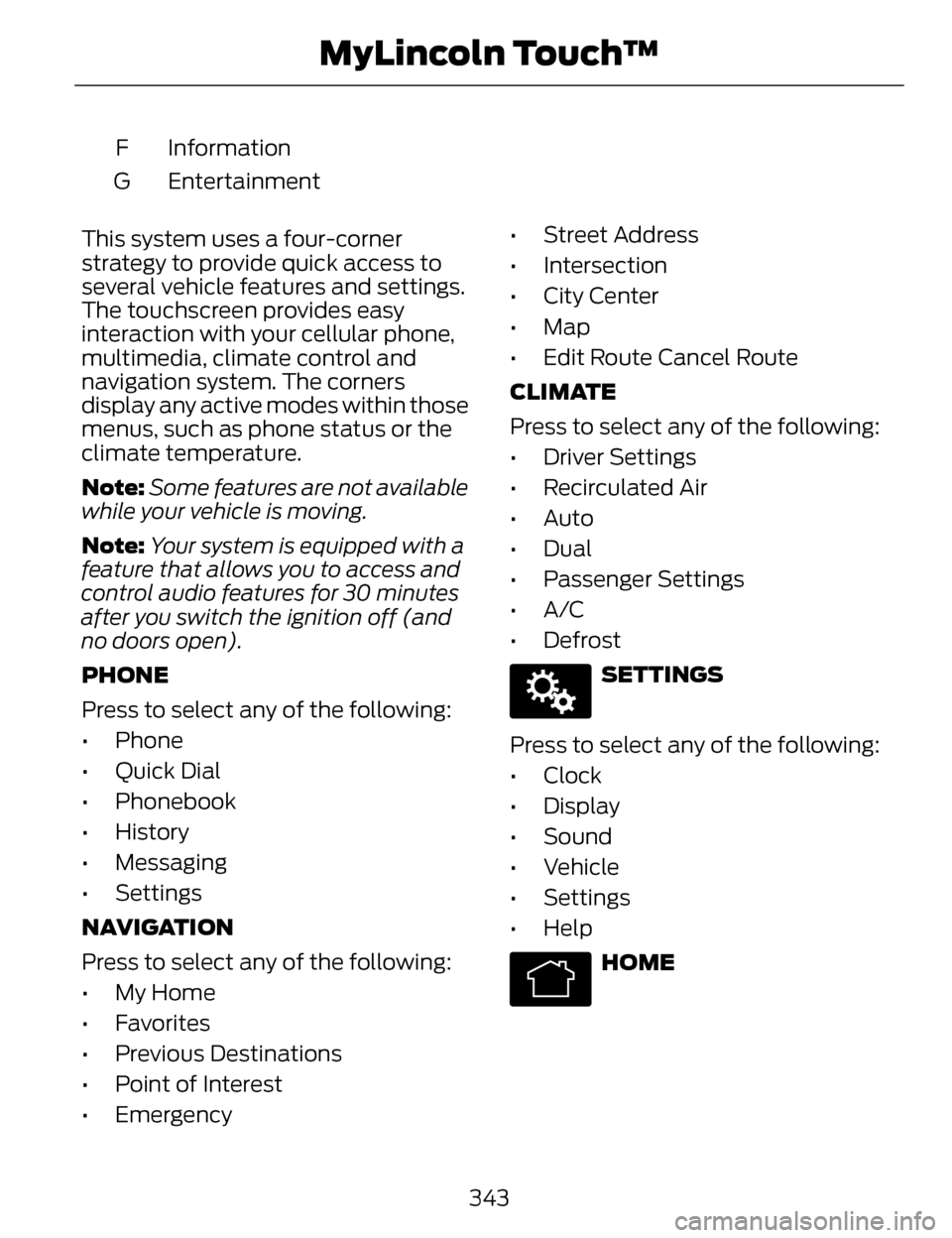
Information
F
Entertainment
G
This system uses a four-corner
strategy to provide quick access to
several vehicle features and settings.
The touchscreen provides easy
interaction with your cellular phone,
multimedia, climate control and
navigation system. The corners
display any active modes within those
menus, such as phone status or the
climate temperature.
Note: Some features are not available
while your vehicle is moving.
Note: Your system is equipped with a
feature that allows you to access and
control audio features for 30 minutes
after you switch the ignition off (and
no doors open).
PHONE
Press to select any of the following:
• Phone
• Quick Dial
• Phonebook
• History
• Messaging
• Settings
NAVIGATION
Press to select any of the following:
• My Home
• Favorites
• Previous Destinations
• Point of Interest
• Emergency • Street Address
• Intersection
• City Center
• Map
• Edit Route Cancel Route
CLIMATE
Press to select any of the following:
• Driver Settings
• Recirculated Air
• Auto
•Dual
• Passenger Settings
•A/C
• Defrost
E142607
SETTINGS
Press to select any of the following:
• Clock
• Display
• Sound
• Vehicle
• Settings
• Help
E142613
HOME
343
MyLincoln Touch™
Page 355 of 468
SETTINGS
A
B
C
D
E
F
E161968
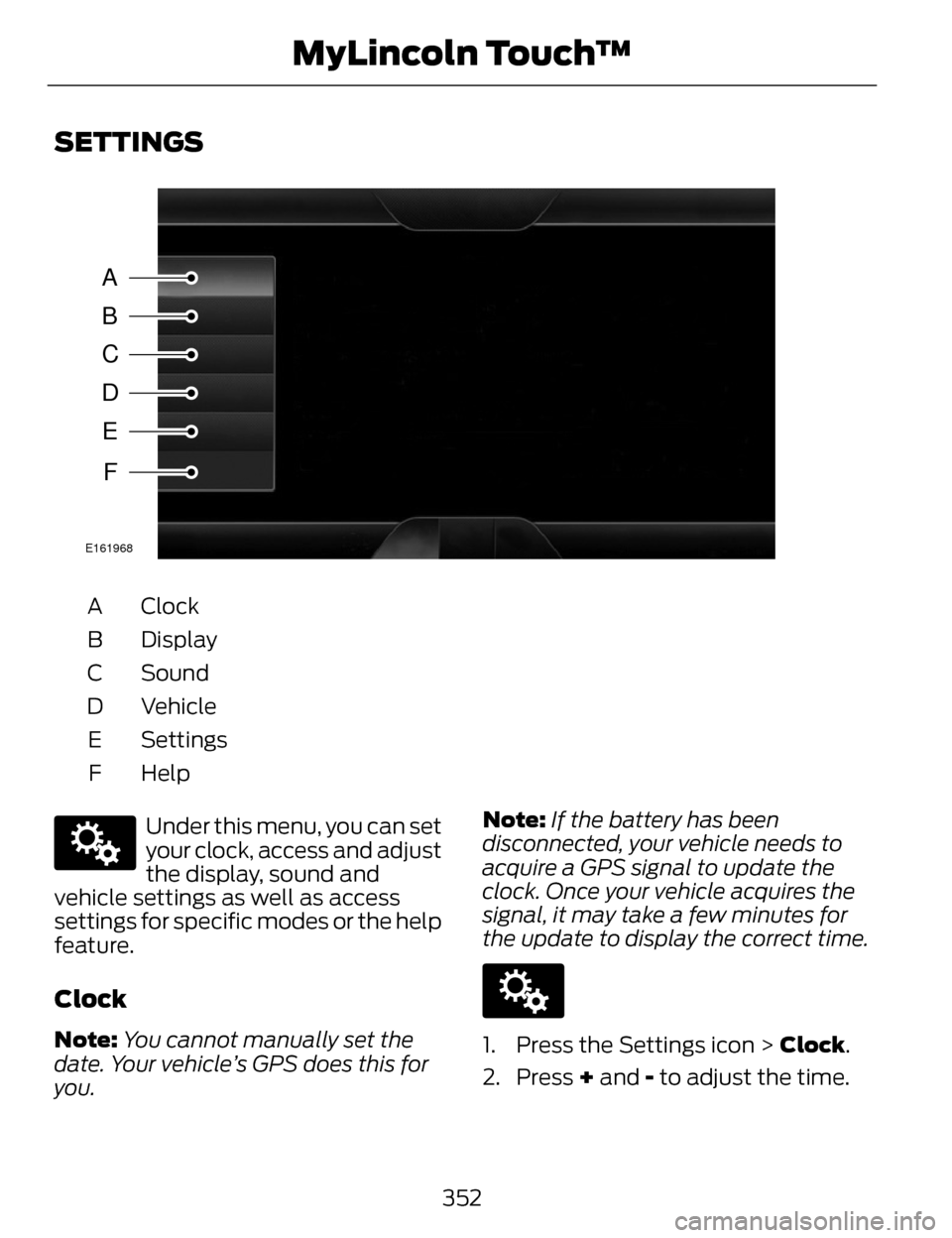
Clock
A
Display
B
Sound
C
Vehicle
D
Settings
E
HelpF
E142607
Under this menu, you can set
your clock, access and adjust
the display, sound and
vehicle settings as well as access
settings for specific modes or the help
feature.
Clock
Note: You cannot manually set the
date. Your vehicle’s GPS does this for
you. Note:
If the battery has been
disconnected, your vehicle needs to
acquire a GPS signal to update the
clock. Once your vehicle acquires the
signal, it may take a few minutes for
the update to display the correct time.
E142607
1. Press the Settings icon > Clock.
2. Press + and - to adjust the time.
352
MyLincoln Touch™
Page 409 of 468
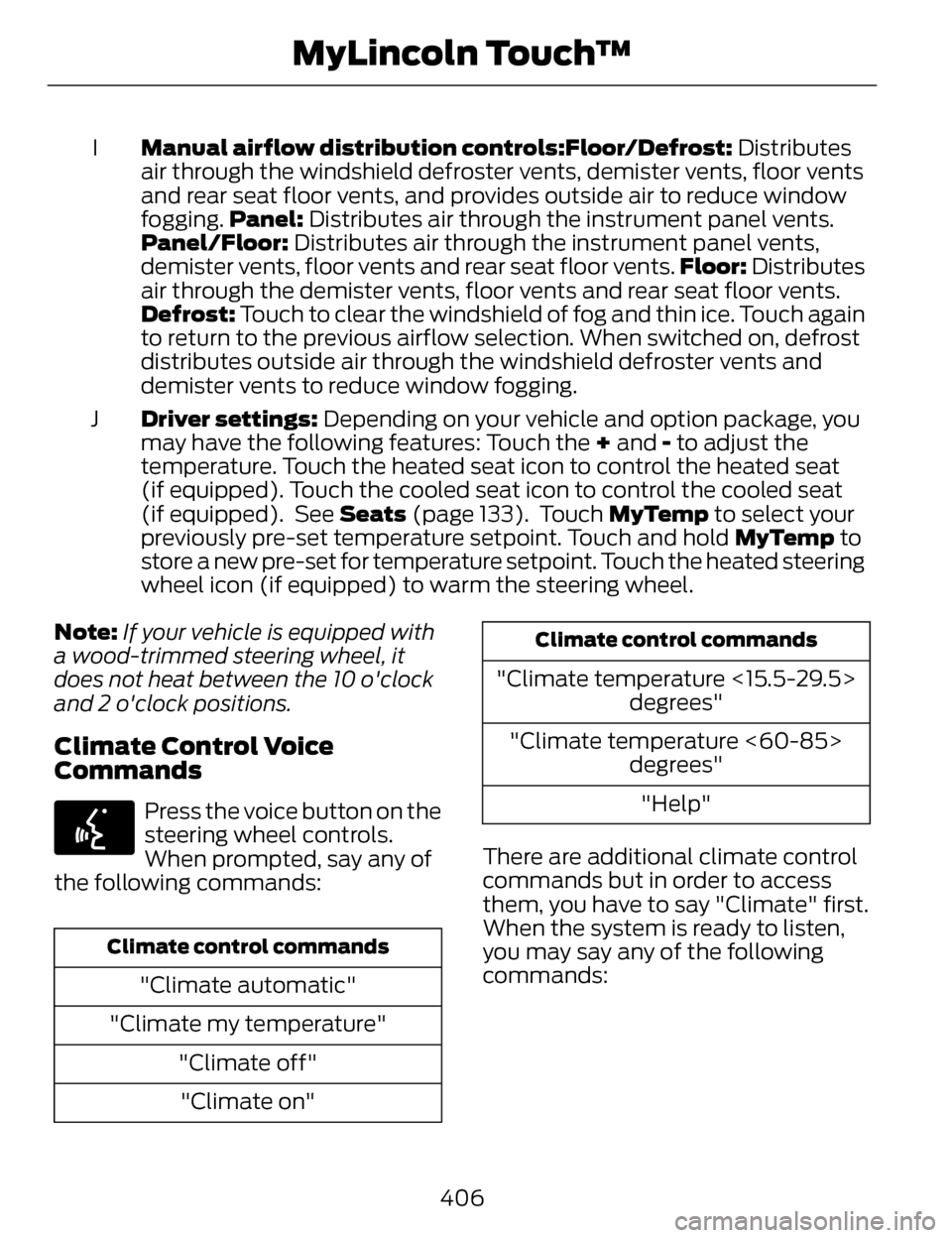
Manual airflow distribution controls:Floor/Defrost: Distributes
air through the windshield defroster vents, demister vents, floor vents
and rear seat floor vents, and provides outside air to reduce window
fogging. Panel: Distributes air through the instrument panel vents.
Panel/Floor: Distributes air through the instrument panel vents,
demister vents, floor vents and rear seat floor vents. Floor: Distributes
air through the demister vents, floor vents and rear seat floor vents.
Defrost: Touch to clear the windshield of fog and thin ice. Touch again
to return to the previous airflow selection. When switched on, defrost
distributes outside air through the windshield defroster vents and
demister vents to reduce window fogging.
I
Driver settings: Depending on your vehicle and option package, you
may have the following features: Touch the + and - to adjust the
temperature. Touch the heated seat icon to control the heated seat
(if equipped). Touch the cooled seat icon to control the cooled seat
(if equipped). See Seats (page 133). Touch MyTemp to select your
previously pre-set temperature setpoint. Touch and hold MyTemp to
store a new pre-set for temperature setpoint. Touch the heated steering
wheel icon (if equipped) to warm the steering wheel.
J
Note: If your vehicle is equipped with
a wood-trimmed steering wheel, it
does not heat between the 10 o'clock
and 2 o'clock positions.
Climate Control Voice
Commands
E142599
Press the voice button on the
steering wheel controls.
When prompted, say any of
the following commands:
Climate control commands
"Climate automatic"
"Climate my temperature" "Climate off""Climate on"
Climate control commands
"Climate temperature <15.5-29.5> degrees"
"Climate temperature <60-85> degrees"
"Help"
There are additional climate control
commands but in order to access
them, you have to say "Climate" first.
When the system is ready to listen,
you may say any of the following
commands:
406
MyLincoln Touch™
Page 464 of 468
Running Out of Fuel...........................158Refilling With a Portable FuelContainer.................................................159
S
Safety Belt Height Adjustment.......36
Safety Belt Minder................................38
Belt-Minder®...............................................38
Safety Belts..............................................31Principle of Operation................................31
Safety Belt Warning Lamp andIndicator Chime...................................37
Conditions of operation...........................37
Safety Precautions..............................157
Scheduled MaintenanceRecord.................................................445
Scheduled Maintenance.................436
Seats........................................................133
Security.....................................................72
Settings..................................................352
Clock.............................................................352
Display.........................................................353
Settings.......................................................355
Sound...........................................................354
Vehicle.........................................................354
Side Airbags............................................47
Side Curtain Airbags............................48
Sitting in the Correct Position.........133
Snow Chains
See: Using Snow Chains.......................323
Special Notices.......................................13New Vehicle Limited Warranty...............13
Special Instructions....................................13
Special Operating Conditions Scheduled Maintenance..............443
Exceptions.................................................445
Speed ControlSee: Cruise Control..................................198
Stability Control..................................185Principle of Operation.............................185
Starting a Gasoline Engine..............152Automatic Engine Shutdown...............153
Failure to Start...........................................153
Fast Restart.................................................152
Guarding Against Exhaust
Fumes....................................................... 154
Important Ventilating Information.............................................155
Stopping the Engine When Your Vehicle is Moving..................................154
Stopping the Engine When Your Vehicle is Stationary...........................154
Starting and Stopping theEngine....................................................151
General Information.................................151
Steering...................................................221Electric Power Steering...........................221
Steering Wheel.......................................75
Storage Compartments...................150
Sunroof
See: Moonroof.............................................92
Sun Shades.............................................92
Sun Visors................................................92
Illuminated Vanity Mirror.........................92
Supplementary RestraintsSystem...................................................42
Principle of Operation..............................42
Symbols Glossary....................................7
T
Technical SpecificationsSee: Capacities and Specifications...329
461
Index