reset LINCOLN MKZ HYBRID 2018 Service Manual
[x] Cancel search | Manufacturer: LINCOLN, Model Year: 2018, Model line: MKZ HYBRID, Model: LINCOLN MKZ HYBRID 2018Pages: 572, PDF Size: 4.49 MB
Page 409 of 572
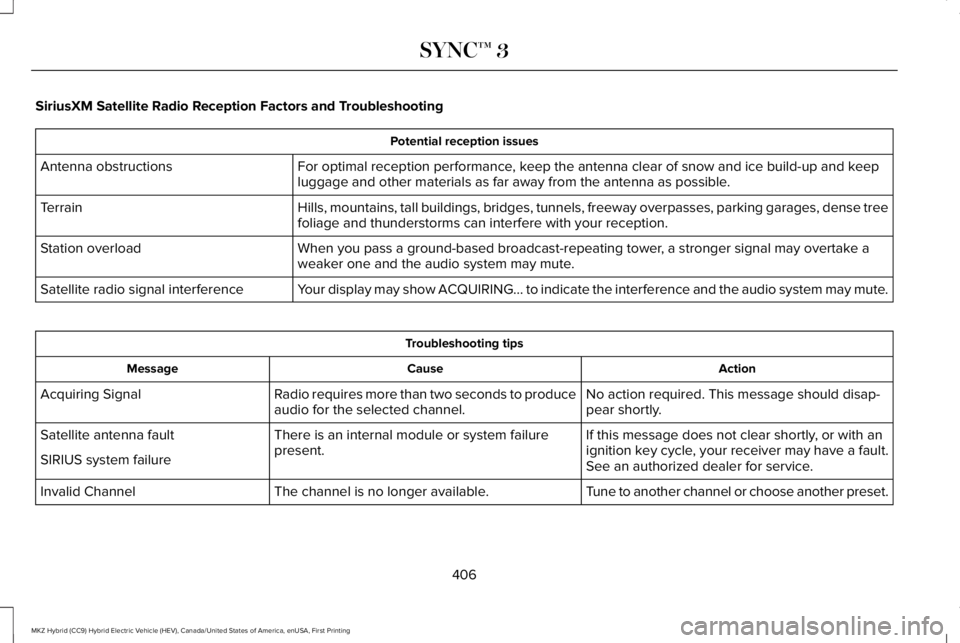
SiriusXM Satellite Radio Reception Factors and Troubleshooting
Potential reception issues
For optimal reception performance, keep the antenna clear of snow and ice build-up and keepluggage and other materials as far away from the antenna as possible.Antenna obstructions
Hills, mountains, tall buildings, bridges, tunnels, freeway overpasses, parking garages, dense treefoliage and thunderstorms can interfere with your reception.Terrain
When you pass a ground-based broadcast-repeating tower, a stronger signal may overtake aweaker one and the audio system may mute.Station overload
Your display may show ACQUIRING... to indicate the interference and the audio system may mute.Satellite radio signal interference
Troubleshooting tips
ActionCauseMessage
No action required. This message should disap-pear shortly.Radio requires more than two seconds to produceaudio for the selected channel.Acquiring Signal
If this message does not clear shortly, or with anignition key cycle, your receiver may have a fault.See an authorized dealer for service.
There is an internal module or system failurepresent.Satellite antenna fault
SIRIUS system failure
Tune to another channel or choose another preset.The channel is no longer available.Invalid Channel
406
MKZ Hybrid (CC9) Hybrid Electric Vehicle (HEV), Canada/United States of America, enUSA, First Printing
SYNC™ 3
Page 412 of 572
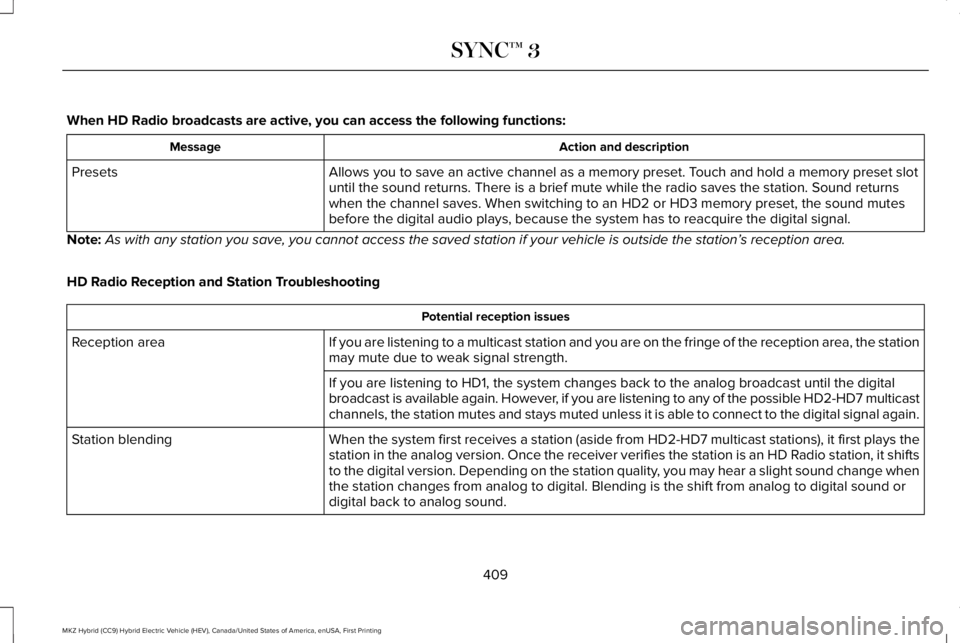
When HD Radio broadcasts are active, you can access the following functions:
Action and descriptionMessage
Allows you to save an active channel as a memory preset. Touch and hold a memory preset slotuntil the sound returns. There is a brief mute while the radio saves the station. Sound returnswhen the channel saves. When switching to an HD2 or HD3 memory preset, the sound mutesbefore the digital audio plays, because the system has to reacquire the digital signal.
Presets
Note:As with any station you save, you cannot access the saved station if your vehicle is outside the station’s reception area.
HD Radio Reception and Station Troubleshooting
Potential reception issues
If you are listening to a multicast station and you are on the fringe of the reception area, the stationmay mute due to weak signal strength.Reception area
If you are listening to HD1, the system changes back to the analog broadcast until the digitalbroadcast is available again. However, if you are listening to any of the possible HD2-HD7 multicastchannels, the station mutes and stays muted unless it is able to connect to the digital signal again.
When the system first receives a station (aside from HD2-HD7 multicast stations), it first plays thestation in the analog version. Once the receiver verifies the station is an HD Radio station, it shiftsto the digital version. Depending on the station quality, you may hear a slight sound change whenthe station changes from analog to digital. Blending is the shift from analog to digital sound ordigital back to analog sound.
Station blending
409
MKZ Hybrid (CC9) Hybrid Electric Vehicle (HEV), Canada/United States of America, enUSA, First Printing
SYNC™ 3
Page 413 of 572
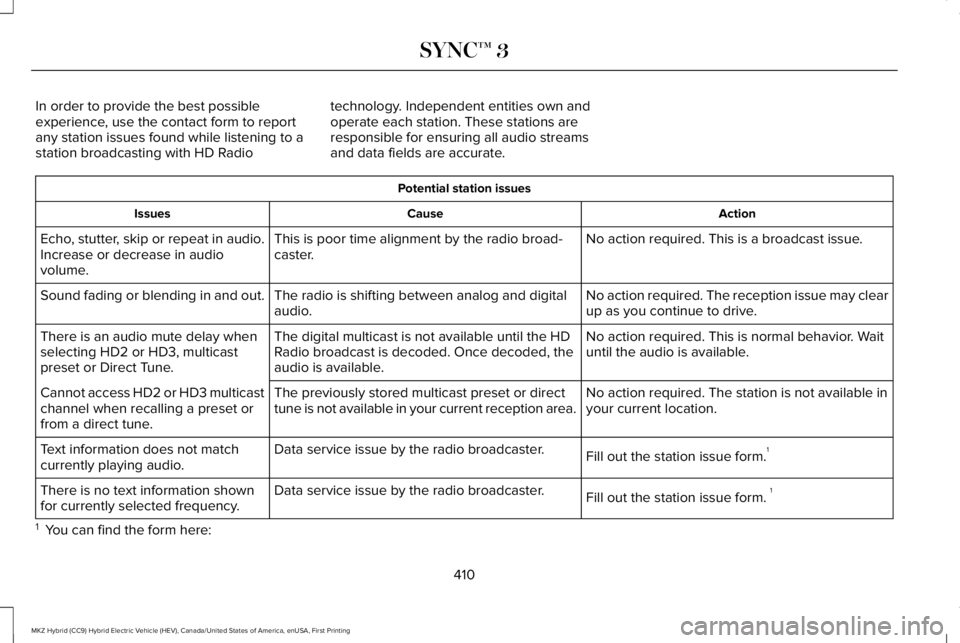
In order to provide the best possibleexperience, use the contact form to reportany station issues found while listening to astation broadcasting with HD Radio
technology. Independent entities own andoperate each station. These stations areresponsible for ensuring all audio streamsand data fields are accurate.
Potential station issues
ActionCauseIssues
No action required. This is a broadcast issue.This is poor time alignment by the radio broad-caster.Echo, stutter, skip or repeat in audio.Increase or decrease in audiovolume.
No action required. The reception issue may clearup as you continue to drive.The radio is shifting between analog and digitalaudio.Sound fading or blending in and out.
No action required. This is normal behavior. Waituntil the audio is available.The digital multicast is not available until the HDRadio broadcast is decoded. Once decoded, theaudio is available.
There is an audio mute delay whenselecting HD2 or HD3, multicastpreset or Direct Tune.
No action required. The station is not available inyour current location.The previously stored multicast preset or directtune is not available in your current reception area.Cannot access HD2 or HD3 multicastchannel when recalling a preset orfrom a direct tune.
Fill out the station issue form.1Data service issue by the radio broadcaster.Text information does not matchcurrently playing audio.
Fill out the station issue form. 1Data service issue by the radio broadcaster.There is no text information shownfor currently selected frequency.
1 You can find the form here:
410
MKZ Hybrid (CC9) Hybrid Electric Vehicle (HEV), Canada/United States of America, enUSA, First Printing
SYNC™ 3
Page 427 of 572
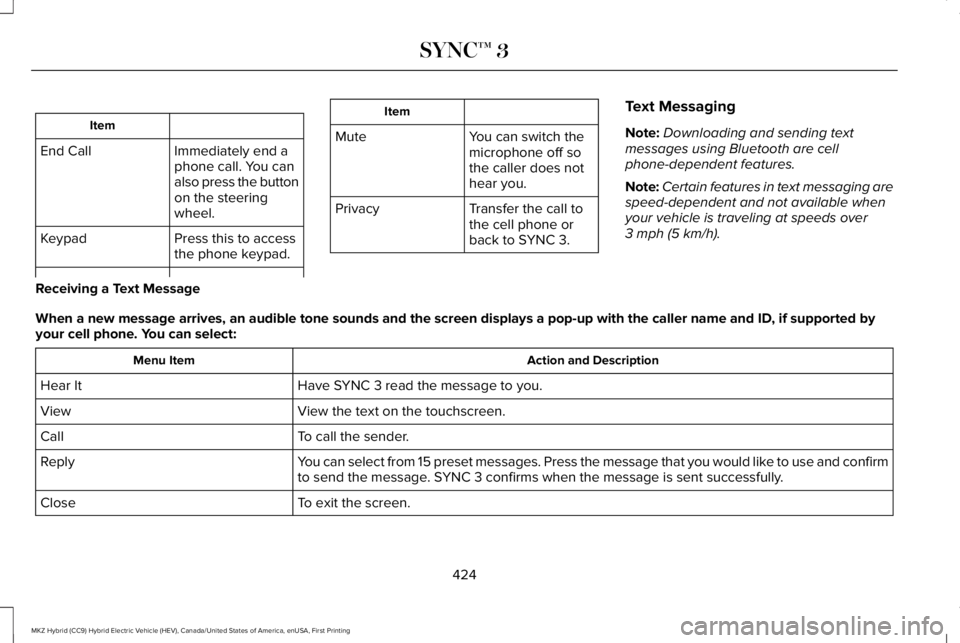
Item
Immediately end aphone call. You canalso press the buttonon the steeringwheel.
End Call
Press this to accessthe phone keypad.Keypad
Item
MuteYou can switch themicrophone off sothe caller does nothear you.
Transfer the call tothe cell phone orback to SYNC 3.
Privacy
Text Messaging
Note:Downloading and sending textmessages using Bluetooth are cellphone-dependent features.
Note:Certain features in text messaging arespeed-dependent and not available whenyour vehicle is traveling at speeds over3 mph (5 km/h).
Receiving a Text Message
When a new message arrives, an audible tone sounds and the screen displays a pop-up with the caller name and ID, if supported byyour cell phone. You can select:
Action and DescriptionMenu Item
Have SYNC 3 read the message to you.Hear It
View the text on the touchscreen.View
To call the sender.Call
You can select from 15 preset messages. Press the message that you would like to use and confirmto send the message. SYNC 3 confirms when the message is sent successfully.Reply
To exit the screen.Close
424
MKZ Hybrid (CC9) Hybrid Electric Vehicle (HEV), Canada/United States of America, enUSA, First Printing
SYNC™ 3
Page 429 of 572
Note:You may need to slide your Settingsscreen to the left to select Apple CarPlayPreferences or Android Auto Preferences.
To return to SYNC 3, select the speedometericon in the Android Auto menu bar at thebottom of the touchscreen, and then touchthe option to return to SYNC.
Note:Contact Google for Android Autosupport.
NAVIGATION
Your navigation system is comprised of twomain features, destination mode and mapmode.
Map Mode
Map mode shows advanced viewingcomprised of 2D city maps, 3D landmarksand 3D city models (when available). 2D citymaps show detailed outlines of buildings,visible land use, landscape features, anddetailed railroad infrastructure for the mostessential cities around the globe.
3D landmarks appear as clear, visible objectsthat are typically recognizable and have acertain tourism value.
3D city models are complete 3D models ofentire city areas including navigable roads,parks, rivers and rendered buildings. 3Dlandmarks and city models appear in 3D mapmode only. Coverage of these varies andimproves with updated map releases.
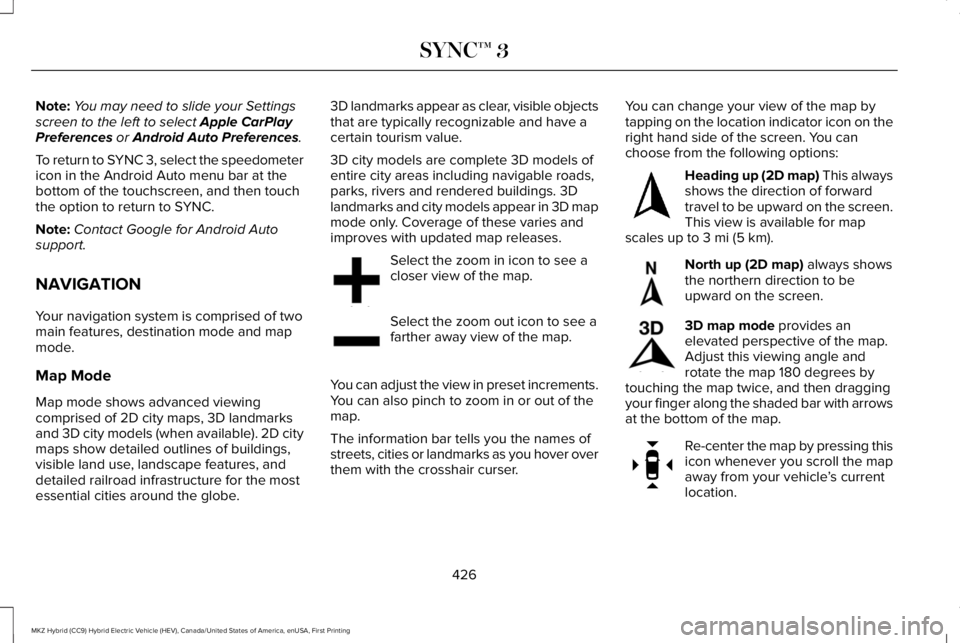
Select the zoom in icon to see acloser view of the map.
Select the zoom out icon to see afarther away view of the map.
You can adjust the view in preset increments.You can also pinch to zoom in or out of themap.
The information bar tells you the names ofstreets, cities or landmarks as you hover overthem with the crosshair curser.
You can change your view of the map bytapping on the location indicator icon on theright hand side of the screen. You canchoose from the following options:
Heading up (2D map) This alwaysshows the direction of forwardtravel to be upward on the screen.This view is available for mapscales up to 3 mi (5 km).
North up (2D map) always showsthe northern direction to beupward on the screen.
3D map mode provides anelevated perspective of the map.Adjust this viewing angle androtate the map 180 degrees bytouching the map twice, and then draggingyour finger along the shaded bar with arrowsat the bottom of the map.
Re-center the map by pressing thisicon whenever you scroll the mapaway from your vehicle’s currentlocation.
426
MKZ Hybrid (CC9) Hybrid Electric Vehicle (HEV), Canada/United States of America, enUSA, First Printing
SYNC™ 3E207752 E207753 E207750 E207749 E207748 E207751
Page 447 of 572
Privacy Notice for GPS Mapping withMyLincoln Mobile
MyLincoln Mobile allows for GPS mappingwhen a vehicle is registered to a MyLincolnMobile account. To remove the vehicle fromthe account, thereby removing GPS mappingability, a Master Reset can be performed inthe vehicle. See Settings (page 448).
Before transferring ownership of a vehicle,owners may choose to execute a MasterReset or Factory Reset (completed via theMyLincoln Mobile website). Either methodremoves the vehicle from all MyLincolnMobile accounts.
It is recommended that new owners conducta Master Reset upon taking possession ofthe vehicle to remove it from any existingMyLincoln Mobile accounts. The new ownercan activate a MyLincoln Mobile account bycompleting registration process on thewebsite.
Website
owner.lincoln.comwww.syncmyride.ca
Website
www.syncmaroute.ca
APPS
The system enables voice, steering wheel,and touch screen control of SYNC 3 AppLinkenabled smartphone apps. Once an app isrunning through AppLink, you can controlmain features of the app through voicecommands and steering wheel controls.
Note:Available AppLink enabled apps willvary by market.
Note:You must pair and connect yoursmartphone via Bluetooth to SYNC 3 toaccess AppLink.
Note:iPhone users need to connect thephone to the USB port.
Note:For information on available apps,supported smartphone devices andtroubleshooting tips please visit:
Websites
owner.lincoln.comwww.syncmyride.cawww.syncmaroute.ca
Note:Make sure you have an active accountfor the app that you have downloaded. Someapps will work automatically with no setup.Other apps will want you to configure yourpersonal settings and personalize yourexperience by creating stations or favorites.We recommend you do this at home oroutside of your vehicle.
Note:We encourage you to review thesmartphone app’s terms of service andprivacy policies because Ford is notresponsible for your app or its use of data.
444
MKZ Hybrid (CC9) Hybrid Electric Vehicle (HEV), Canada/United States of America, enUSA, First Printing
SYNC™ 3
Page 451 of 572
SETTINGS
Under this menu, you can access and adjust
the settings for many of the system features.To access additional settings, swipe thescreen left or right.
Sound
Pressing this button allows you to adjust thefollowing:
Sound Settings
Returns Treble, Midrange, and Bass sound settings to factory levels.Reset All
Adjusts the high frequency level.Treble
Adjusts the middle frequency level.Midrange
Adjusts the low frequency level.Bass
Adjusts the sound ratio from side to side or front to back.Balance / Fade
Adjusts the amount the audio system volume increases with speed, or turns the feature off.Speed Compensated Vol.
Optimizes the sound based on the location of the listeners.Occupancy Mode
StereoSound Settings
Surround
Your vehicle might not have all of these features.
448
MKZ Hybrid (CC9) Hybrid Electric Vehicle (HEV), Canada/United States of America, enUSA, First Printing
SYNC™ 3
Page 453 of 572
Clock
To adjust the time, select the up and downarrows on either side of the screen. The
arrows on the left adjust the hour and arrowson the right adjust the minute. You can thenselect AM or PM.
You can adjust the following features:
Action and DescriptionMenu Item
Select how time displays.Clock Format
When active, the clock adjusts to time zone changes.Auto Time Zone UpdateThis feature is only available in vehicles with navigation.
When selected, the vehicle clock resets to GPS satellite time.Reset Clock to GPS Time
The system automatically saves any updatesyou make to the settings.
Bluetooth
Pressing this button allows you to access thefollowing:
ActionMenu Item
OnBluetooth
Off
You must activate Bluetooth to pair aBluetooth-enabled device.
The processes of pairing a Bluetooth deviceis the same as pairing a phone. See Pairinga Device in Phone settings for how to pair adevice and the available options.
450
MKZ Hybrid (CC9) Hybrid Electric Vehicle (HEV), Canada/United States of America, enUSA, First Printing
SYNC™ 3
Page 459 of 572
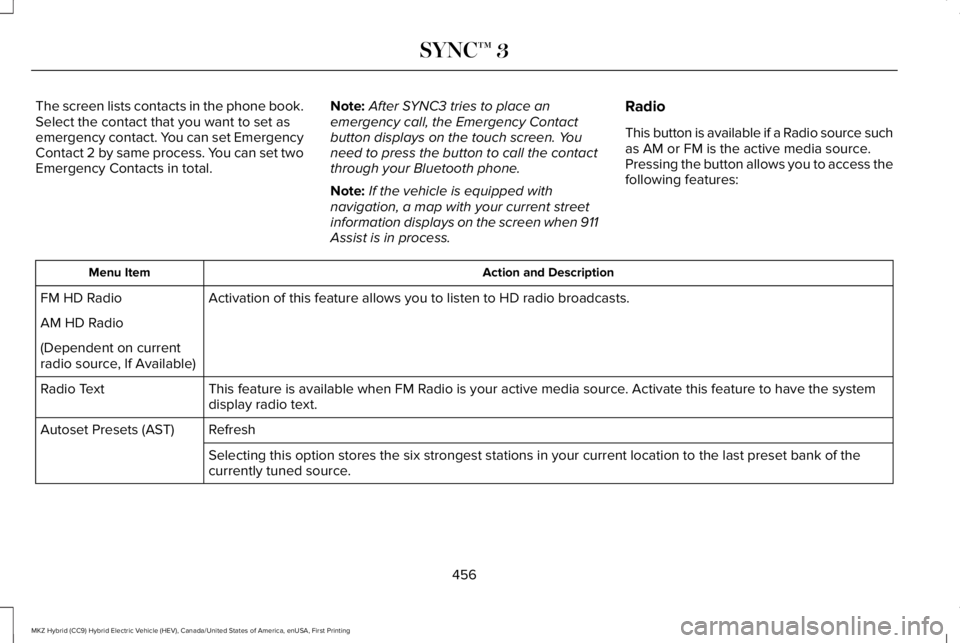
The screen lists contacts in the phone book.Select the contact that you want to set asemergency contact. You can set EmergencyContact 2 by same process. You can set twoEmergency Contacts in total.
Note:After SYNC3 tries to place anemergency call, the Emergency Contactbutton displays on the touch screen. Youneed to press the button to call the contactthrough your Bluetooth phone.
Note:If the vehicle is equipped withnavigation, a map with your current streetinformation displays on the screen when 911Assist is in process.
Radio
This button is available if a Radio source suchas AM or FM is the active media source.Pressing the button allows you to access thefollowing features:
Action and DescriptionMenu Item
Activation of this feature allows you to listen to HD radio broadcasts.FM HD Radio
AM HD Radio
(Dependent on currentradio source, If Available)
This feature is available when FM Radio is your active media source. Activate this feature to have the systemdisplay radio text.Radio Text
RefreshAutoset Presets (AST)
Selecting this option stores the six strongest stations in your current location to the last preset bank of thecurrently tuned source.
456
MKZ Hybrid (CC9) Hybrid Electric Vehicle (HEV), Canada/United States of America, enUSA, First Printing
SYNC™ 3
Page 465 of 572
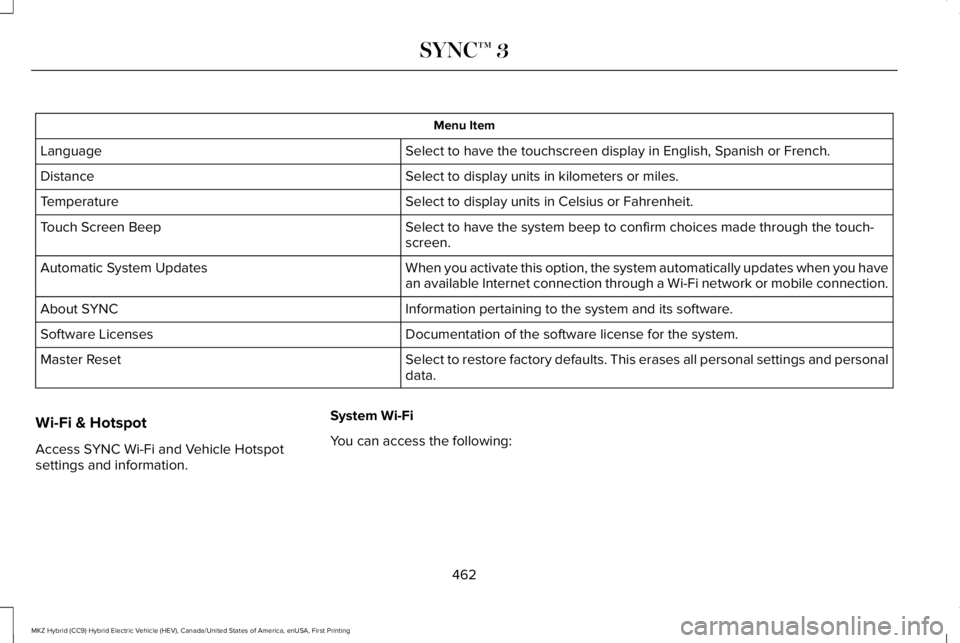
Menu Item
Select to have the touchscreen display in English, Spanish or French.Language
Select to display units in kilometers or miles.Distance
Select to display units in Celsius or Fahrenheit.Temperature
Select to have the system beep to confirm choices made through the touch-screen.Touch Screen Beep
When you activate this option, the system automatically updates when you havean available Internet connection through a Wi-Fi network or mobile connection.Automatic System Updates
Information pertaining to the system and its software.About SYNC
Documentation of the software license for the system.Software Licenses
Select to restore factory defaults. This erases all personal settings and personaldata.Master Reset
Wi-Fi & Hotspot
Access SYNC Wi-Fi and Vehicle Hotspotsettings and information.
System Wi-Fi
You can access the following:
462
MKZ Hybrid (CC9) Hybrid Electric Vehicle (HEV), Canada/United States of America, enUSA, First Printing
SYNC™ 3