trip computer LINCOLN NAUTILUS 2022 Owners Manual
[x] Cancel search | Manufacturer: LINCOLN, Model Year: 2022, Model line: NAUTILUS, Model: LINCOLN NAUTILUS 2022Pages: 586, PDF Size: 13.97 MB
Page 8 of 586
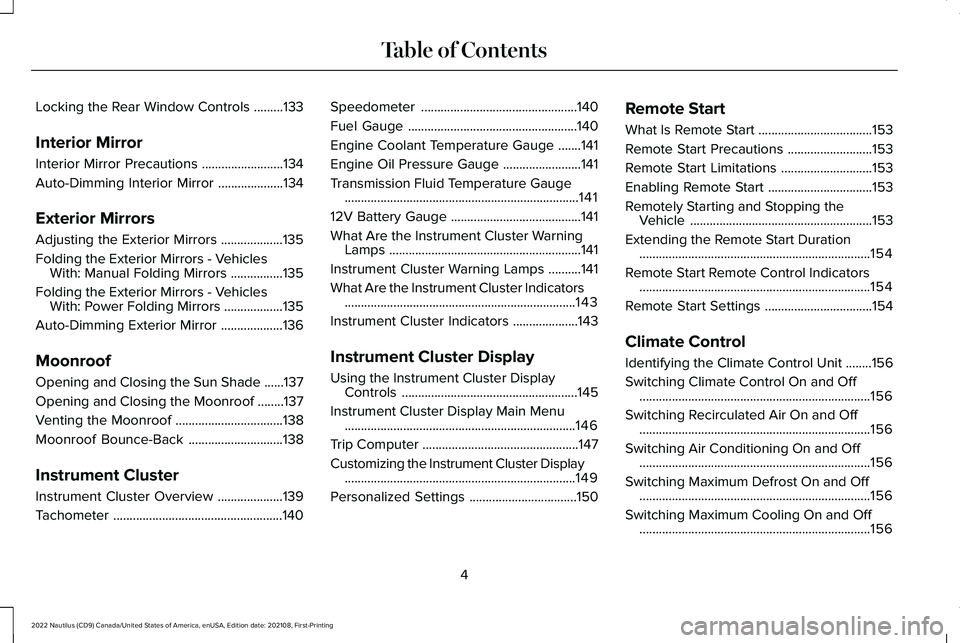
Locking the Rear Window Controls.........133
Interior Mirror
Interior Mirror Precautions.........................134
Auto-Dimming Interior Mirror....................134
Exterior Mirrors
Adjusting the Exterior Mirrors...................135
Folding the Exterior Mirrors - VehiclesWith: Manual Folding Mirrors................135
Folding the Exterior Mirrors - VehiclesWith: Power Folding Mirrors..................135
Auto-Dimming Exterior Mirror...................136
Moonroof
Opening and Closing the Sun Shade......137
Opening and Closing the Moonroof........137
Venting the Moonroof.................................138
Moonroof Bounce-Back.............................138
Instrument Cluster
Instrument Cluster Overview....................139
Tachometer....................................................140
Speedometer................................................140
Fuel Gauge....................................................140
Engine Coolant Temperature Gauge.......141
Engine Oil Pressure Gauge........................141
Transmission Fluid Temperature Gauge........................................................................141
12V Battery Gauge........................................141
What Are the Instrument Cluster WarningLamps...........................................................141
Instrument Cluster Warning Lamps..........141
What Are the Instrument Cluster Indicators.......................................................................143
Instrument Cluster Indicators....................143
Instrument Cluster Display
Using the Instrument Cluster DisplayControls......................................................145
Instrument Cluster Display Main Menu.......................................................................146
Trip Computer................................................147
Customizing the Instrument Cluster Display.......................................................................149
Personalized Settings.................................150
Remote Start
What Is Remote Start...................................153
Remote Start Precautions..........................153
Remote Start Limitations............................153
Enabling Remote Start................................153
Remotely Starting and Stopping theVehicle........................................................153
Extending the Remote Start Duration.......................................................................154
Remote Start Remote Control Indicators.......................................................................154
Remote Start Settings.................................154
Climate Control
Identifying the Climate Control Unit........156
Switching Climate Control On and Off.......................................................................156
Switching Recirculated Air On and Off.......................................................................156
Switching Air Conditioning On and Off.......................................................................156
Switching Maximum Defrost On and Off.......................................................................156
Switching Maximum Cooling On and Off.......................................................................156
4
2022 Nautilus (CD9) Canada/United States of America, enUSA, Edition date: 202108, First-PrintingTable of Contents
Page 151 of 586
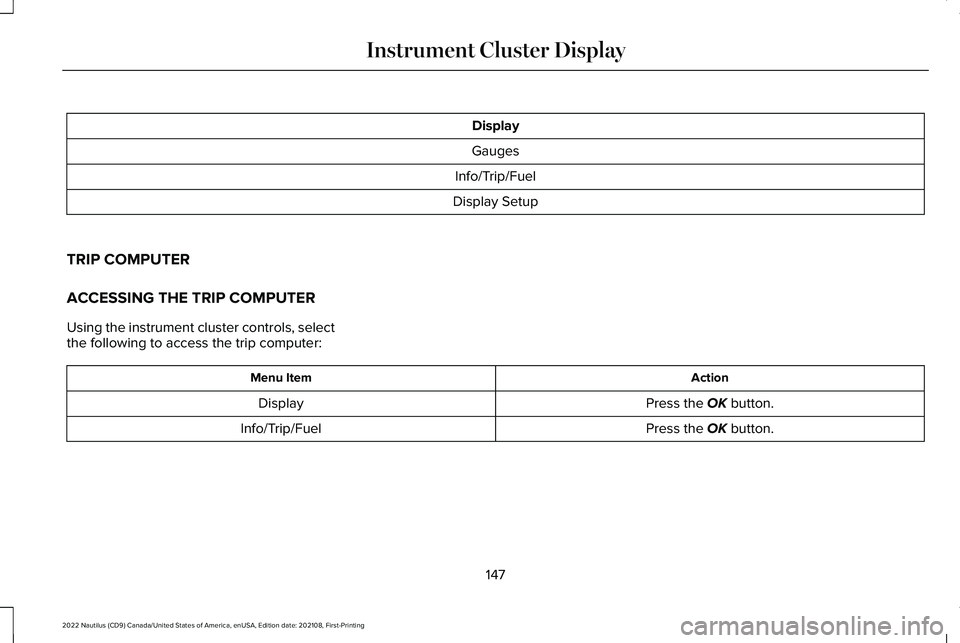
Display
Gauges
Info/Trip/Fuel
Display Setup
TRIP COMPUTER
ACCESSING THE TRIP COMPUTER
Using the instrument cluster controls, selectthe following to access the trip computer:
ActionMenu Item
Press the OK button.Display
Press the OK button.Info/Trip/Fuel
147
2022 Nautilus (CD9) Canada/United States of America, enUSA, Edition date: 202108, First-PrintingInstrument Cluster Display
Page 152 of 586
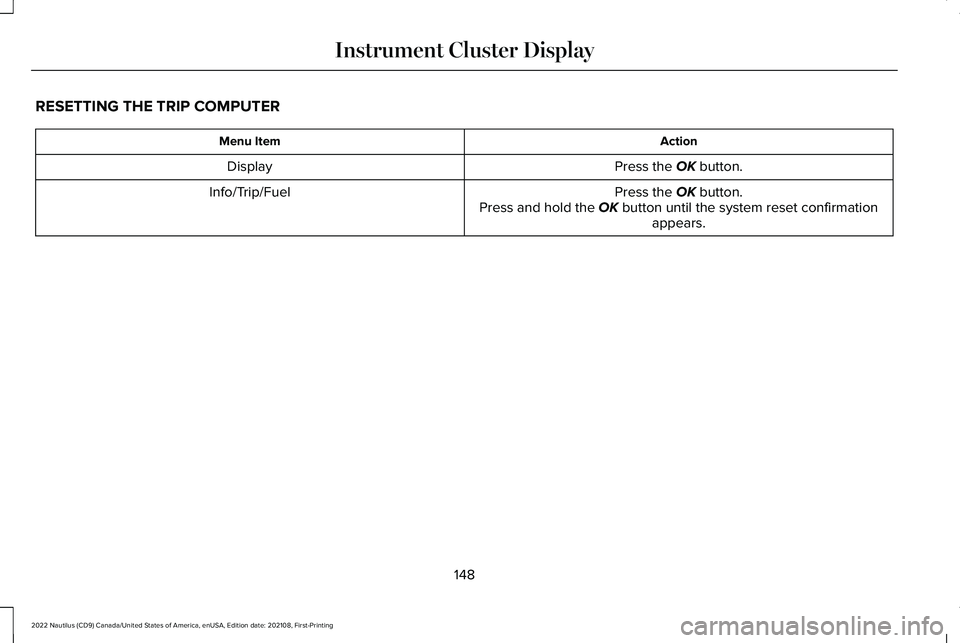
RESETTING THE TRIP COMPUTER
ActionMenu Item
Press the OK button.Display
Press the OK button.Press and hold the OK button until the system reset confirmationappears.
Info/Trip/Fuel
148
2022 Nautilus (CD9) Canada/United States of America, enUSA, Edition date: 202108, First-PrintingInstrument Cluster Display
Page 574 of 586
Instrument Cluster Display..........................145Personalized Settings........................................150Trip Computer.......................................................147
Instrument Cluster Display MainMenu..............................................................146Instrument Cluster Indicators.....................143Instrument Cluster.........................................139Fuel Gauge...........................................................140
Instrument Cluster Overview.....................139Instrument Cluster Warning Lamps...........141Instrument Panel.............................................29Interior Air Quality.........................................160Interior Bulbs..................................................361Interior Bulb Specification Chart.....................361
Interior Lamp Function.................................130Switching the Interior Lamp Function On andOff.......................................................................130What Is the Interior Lamp Function................130
Interior Lighting.............................................129Ambient Lighting.................................................130Interior Lamp Function.......................................130Interior Lighting – Troubleshooting................130
Interior Lighting – Troubleshooting..........130Interior Lighting – Frequently AskedQuestions..........................................................130
Interior Mirror..................................................134Auto-Dimming Interior Mirror...........................134
Interior Mirror Precautions..........................134
Introduction.......................................................17
J
Jump Starting the Vehicle...........................316Jump Starting Precautions................................316Jump Starting the Vehicle.................................317Preparing the Vehicle.........................................317
K
Keyless Entry....................................................94Keyless Entry – Troubleshooting......................96Locking and Unlocking the Doors UsingKeyless Entry.....................................................95
Keyless Entry Keypad....................................97Keyless Entry Keypad –Troubleshooting..............................................100
Keyless Entry Keypad Limitations...............97Keyless Entry Keypad Master AccessCode................................................................97Keyless Entry Keypad Personal AccessCodes..............................................................98Keyless Entry Keypad –Troubleshooting.........................................100Keyless Entry Keypad – Frequently AskedQuestions.........................................................100
Keyless Entry Limitations..............................94
Keyless Entry Settings...................................94Keyless Entry – Troubleshooting................96Keyless Entry – Frequently AskedQuestions...........................................................96
Keys and Remote Controls...........................76Keys and Remote Controls –Troubleshooting...............................................80
Keys and Remote Controls –Troubleshooting...........................................80Keys and Remote Controls – InformationMessages...........................................................80
L
Lane Centering.............................................263How Does Lane Centering Work...................263Lane Centering Alerts.......................................265Lane Centering Automatic Cancellation......265Lane Centering Indicators...............................265Lane Centering Limitations..............................264Lane Centering Precautions............................264Lane Centering Requirements........................264Switching Lane Centering On and Off..........265
Lane Keeping System Indicators..............272Lane Keeping System.................................269Aid Mode...............................................................271Alert and Aid Mode............................................272Alert Mode.............................................................271
570
2022 Nautilus (CD9) Canada/United States of America, enUSA, Edition date: 202108, First-PrintingIndex
Page 582 of 586
Tire Pressure Monitoring SystemPrecautions.................................................393Tire Pressure Monitoring System.............392Tire Pressure Monitoring System –Troubleshooting.............................................395
Tire Pressure Monitoring System –Troubleshooting.........................................395Tire Pressure Monitoring System –Information Messages..................................396Tire Pressure Monitoring System – WarningLamps...............................................................395
Tire Replacement Requirements..............377Tire Rotation..................................................384Tire Sealant and Inflator KitComponents...............................................386Tire Sealant and Inflator KitPrecautions.................................................385Tire Sealant and Inflator Kit.......................385Towing a Trailer Limitations.......................305Towing a Trailer Precautions.....................304Towing a Trailer.............................................304Towing Weights and Dimensions...................307
Towing Weights and Dimensions.............307Calculating the Maximum Loaded TrailerWeight for Your Vehicle................................308Recommended Towing Weights.....................307What Is the Maximum Loaded TrailerWeight...............................................................308
Towing Your Vehicle Precautions..............321Towing Your Vehicle.....................................321Traction Control Indicator..........................230Traction Control............................................230Traction Control – Troubleshooting..............230
Traction Control – Troubleshooting........230Traction Control – Warning Lamps................230
Trailer Brake Precautions...........................304Trailer Sway Control Precautions.............309Trailer Sway Control....................................309Trailer Towing Hints.....................................305Transmission Fluid TemperatureGauge.............................................................141Transporting the Vehicle.............................319Trip Computer.................................................147Accessing the Trip Computer...........................147Resetting the Individual Trip Values...............149Resetting the Trip Computer............................148
U
Under Floor Storage.....................................188Locating the Rear Under Floor Storage........188
Under Hood Fuse Box................................323Accessing the Under Hood Fuse Box...........323Identifying the Fuses in the Under Hood FuseBox.....................................................................325Locating the Under Hood Fuse Box..............323
Under Hood Overview - 2.0L.....................341Under Hood Overview - 2.7L.....................343Updating the Vehicle SystemsWirelessly....................................................456USB Ports.........................................................181Using Auto Hold...........................................228Using Keyless Entry........................................94Using MyKey With Remote StartSystems..........................................................88Using Snow Chains.....................................380Using the Backup Start Passcode..............82Using the Instrument Cluster DisplayControls.........................................................145Using the Keyless Entry Keypad.................99Using the Remote Control............................76Using the Tire Sealant and InflatorKit...................................................................386Using the Valet Mode....................................82Using This Publication....................................18
V
Vehicle Care..................................................362Cleaning the Exterior.........................................363Cleaning the Interior..........................................365
Vehicle Identification Number..................422Locating the Vehicle IdentificationNumber.............................................................422
578
2022 Nautilus (CD9) Canada/United States of America, enUSA, Edition date: 202108, First-PrintingIndex