battery LINCOLN NAUTILUS 2023 Repair Manual
[x] Cancel search | Manufacturer: LINCOLN, Model Year: 2023, Model line: NAUTILUS, Model: LINCOLN NAUTILUS 2023Pages: 606, PDF Size: 13.57 MB
Page 465 of 606
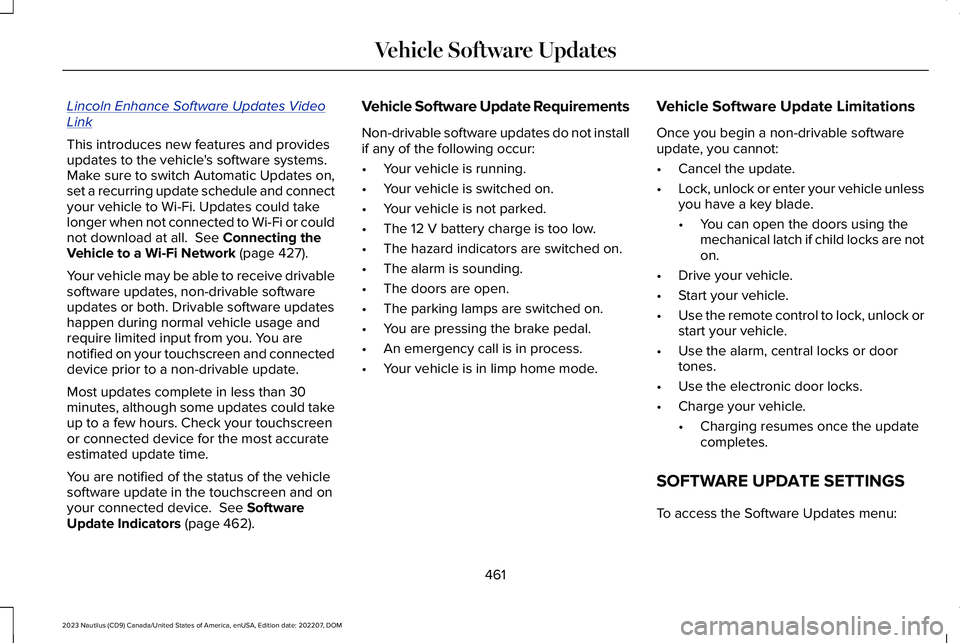
Lincoln Enhance Software Updates VideoLink
This introduces new features and providesupdates to the vehicle's software systems.Make sure to switch Automatic Updates on,set a recurring update schedule and connectyour vehicle to Wi-Fi. Updates could takelonger when not connected to Wi-Fi or couldnot download at all. See Connecting theVehicle to a Wi-Fi Network (page 427).
Your vehicle may be able to receive drivablesoftware updates, non-drivable softwareupdates or both. Drivable software updateshappen during normal vehicle usage andrequire limited input from you. You arenotified on your touchscreen and connecteddevice prior to a non-drivable update.
Most updates complete in less than 30minutes, although some updates could takeup to a few hours. Check your touchscreenor connected device for the most accurateestimated update time.
You are notified of the status of the vehiclesoftware update in the touchscreen and onyour connected device. See SoftwareUpdate Indicators (page 462).
Vehicle Software Update Requirements
Non-drivable software updates do not installif any of the following occur:
•Your vehicle is running.
•Your vehicle is switched on.
•Your vehicle is not parked.
•The 12 V battery charge is too low.
•The hazard indicators are switched on.
•The alarm is sounding.
•The doors are open.
•The parking lamps are switched on.
•You are pressing the brake pedal.
•An emergency call is in process.
•Your vehicle is in limp home mode.
Vehicle Software Update Limitations
Once you begin a non-drivable softwareupdate, you cannot:
•Cancel the update.
•Lock, unlock or enter your vehicle unlessyou have a key blade.
•You can open the doors using themechanical latch if child locks are noton.
•Drive your vehicle.
•Start your vehicle.
•Use the remote control to lock, unlock orstart your vehicle.
•Use the alarm, central locks or doortones.
•Use the electronic door locks.
•Charge your vehicle.
•Charging resumes once the updatecompletes.
SOFTWARE UPDATE SETTINGS
To access the Software Updates menu:
461
2023 Nautilus (CD9) Canada/United States of America, enUSA, Edition date: 202207, DOMVehicle Software Updates
Page 470 of 606
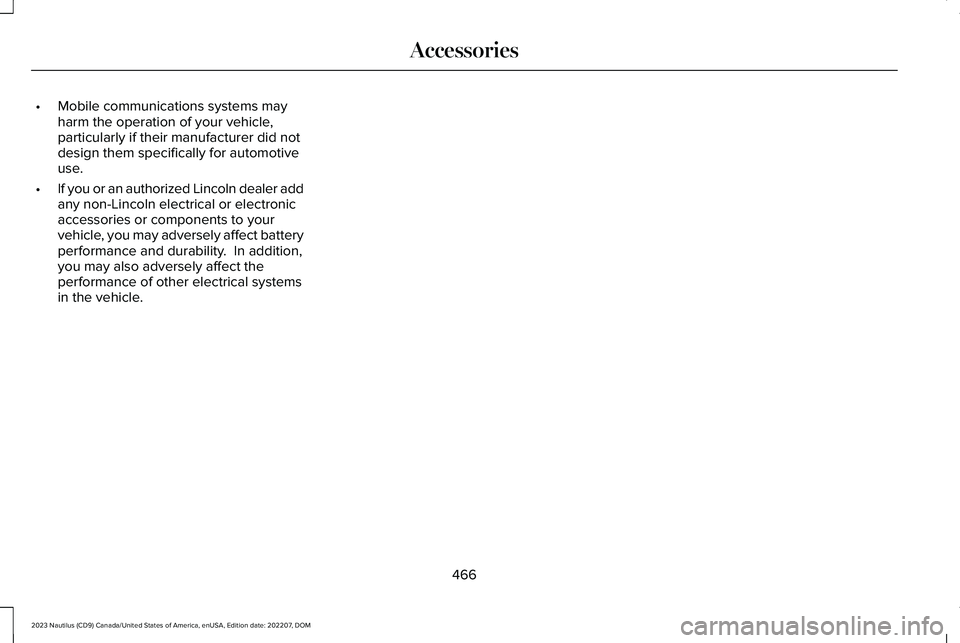
•Mobile communications systems mayharm the operation of your vehicle,particularly if their manufacturer did notdesign them specifically for automotiveuse.
•If you or an authorized Lincoln dealer addany non-Lincoln electrical or electronicaccessories or components to yourvehicle, you may adversely affect batteryperformance and durability. In addition,you may also adversely affect theperformance of other electrical systemsin the vehicle.
466
2023 Nautilus (CD9) Canada/United States of America, enUSA, Edition date: 202207, DOMAccessories
Page 471 of 606
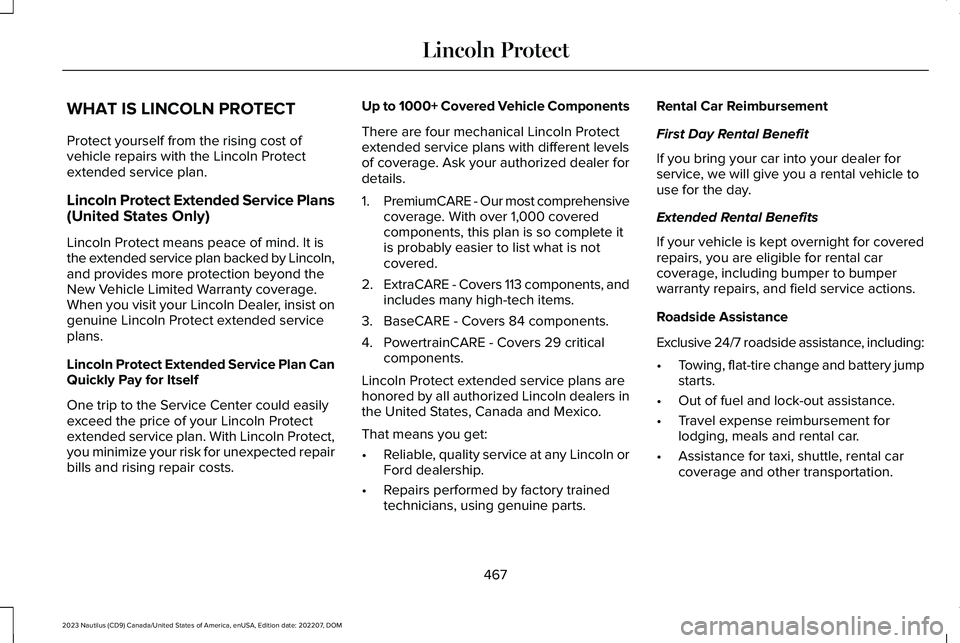
WHAT IS LINCOLN PROTECT
Protect yourself from the rising cost ofvehicle repairs with the Lincoln Protectextended service plan.
Lincoln Protect Extended Service Plans(United States Only)
Lincoln Protect means peace of mind. It isthe extended service plan backed by Lincoln,and provides more protection beyond theNew Vehicle Limited Warranty coverage.When you visit your Lincoln Dealer, insist ongenuine Lincoln Protect extended serviceplans.
Lincoln Protect Extended Service Plan CanQuickly Pay for Itself
One trip to the Service Center could easilyexceed the price of your Lincoln Protectextended service plan. With Lincoln Protect,you minimize your risk for unexpected repairbills and rising repair costs.
Up to 1000+ Covered Vehicle Components
There are four mechanical Lincoln Protectextended service plans with different levelsof coverage. Ask your authorized dealer fordetails.
1.PremiumCARE - Our most comprehensivecoverage. With over 1,000 coveredcomponents, this plan is so complete itis probably easier to list what is notcovered.
2.ExtraCARE - Covers 113 components, andincludes many high-tech items.
3.BaseCARE - Covers 84 components.
4.PowertrainCARE - Covers 29 criticalcomponents.
Lincoln Protect extended service plans arehonored by all authorized Lincoln dealers inthe United States, Canada and Mexico.
That means you get:
•Reliable, quality service at any Lincoln orFord dealership.
•Repairs performed by factory trainedtechnicians, using genuine parts.
Rental Car Reimbursement
First Day Rental Benefit
If you bring your car into your dealer forservice, we will give you a rental vehicle touse for the day.
Extended Rental Benefits
If your vehicle is kept overnight for coveredrepairs, you are eligible for rental carcoverage, including bumper to bumperwarranty repairs, and field service actions.
Roadside Assistance
Exclusive 24/7 roadside assistance, including:
•Towing, flat-tire change and battery jumpstarts.
•Out of fuel and lock-out assistance.
•Travel expense reimbursement forlodging, meals and rental car.
•Assistance for taxi, shuttle, rental carcoverage and other transportation.
467
2023 Nautilus (CD9) Canada/United States of America, enUSA, Edition date: 202207, DOMLincoln Protect
Page 476 of 606
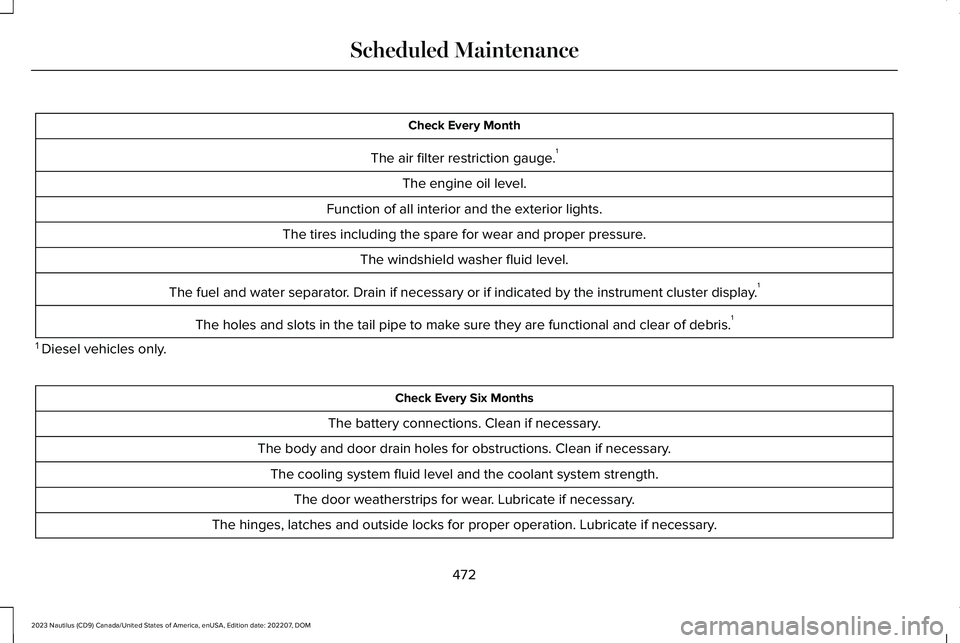
Check Every Month
The air filter restriction gauge.1
The engine oil level.
Function of all interior and the exterior lights.
The tires including the spare for wear and proper pressure.
The windshield washer fluid level.
The fuel and water separator. Drain if necessary or if indicated by the instrument cluster display.1
The holes and slots in the tail pipe to make sure they are functional and clear of debris.1
1 Diesel vehicles only.
Check Every Six Months
The battery connections. Clean if necessary.
The body and door drain holes for obstructions. Clean if necessary.
The cooling system fluid level and the coolant system strength.
The door weatherstrips for wear. Lubricate if necessary.
The hinges, latches and outside locks for proper operation. Lubricate if necessary.
472
2023 Nautilus (CD9) Canada/United States of America, enUSA, Edition date: 202207, DOMScheduled Maintenance
Page 477 of 606
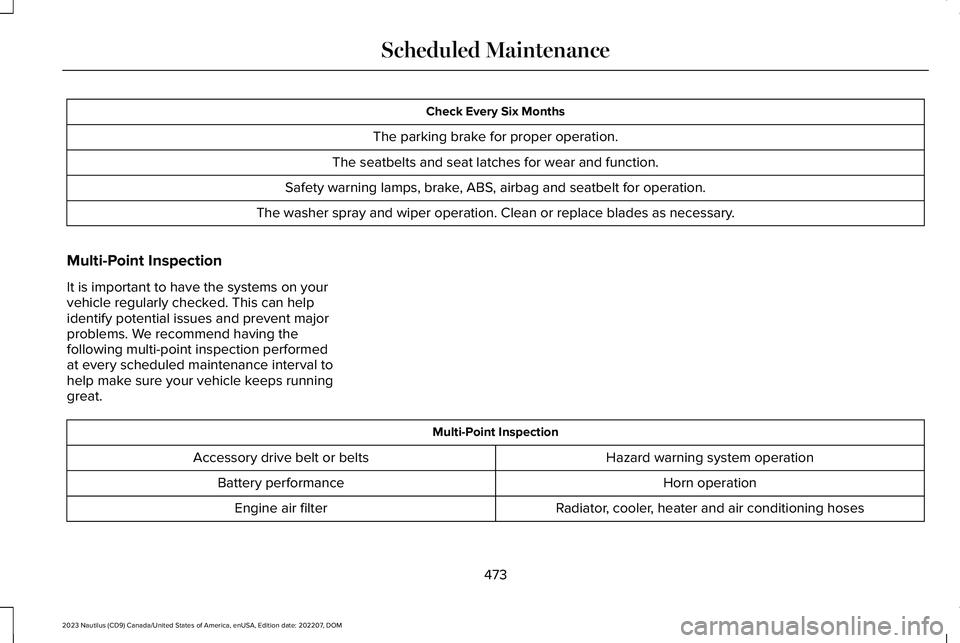
Check Every Six Months
The parking brake for proper operation.
The seatbelts and seat latches for wear and function.
Safety warning lamps, brake, ABS, airbag and seatbelt for operation.
The washer spray and wiper operation. Clean or replace blades as necessary.
Multi-Point Inspection
It is important to have the systems on yourvehicle regularly checked. This can helpidentify potential issues and prevent majorproblems. We recommend having thefollowing multi-point inspection performedat every scheduled maintenance interval tohelp make sure your vehicle keeps runninggreat.
Multi-Point Inspection
Hazard warning system operationAccessory drive belt or belts
Horn operationBattery performance
Radiator, cooler, heater and air conditioning hosesEngine air filter
473
2023 Nautilus (CD9) Canada/United States of America, enUSA, Edition date: 202207, DOMScheduled Maintenance
Page 585 of 606
1
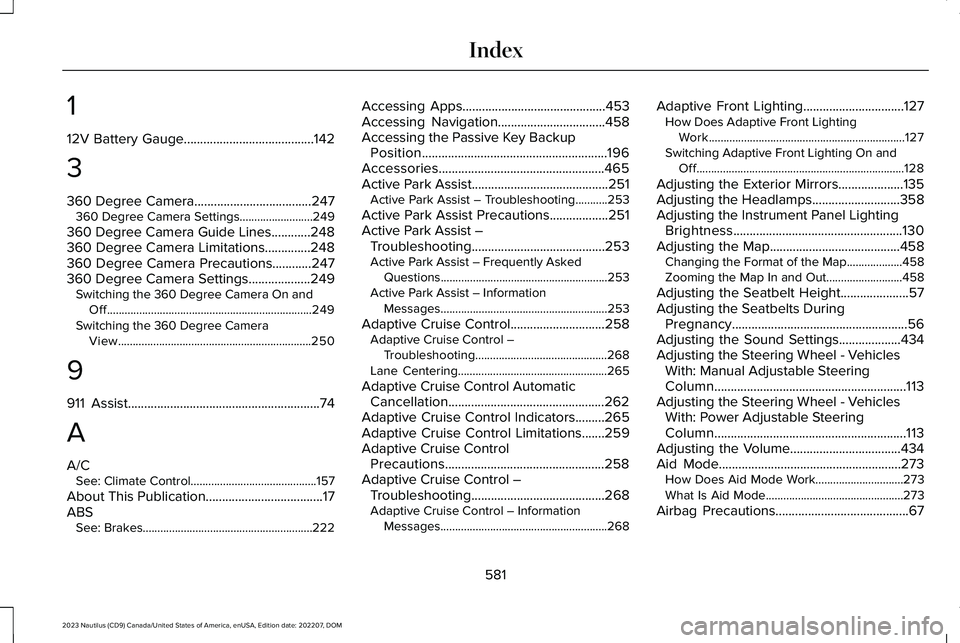
12V Battery Gauge........................................142
3
360 Degree Camera....................................247360 Degree Camera Settings.........................249
360 Degree Camera Guide Lines............248360 Degree Camera Limitations..............248360 Degree Camera Precautions............247360 Degree Camera Settings...................249Switching the 360 Degree Camera On andOff......................................................................249Switching the 360 Degree CameraView..................................................................250
9
911 Assist...........................................................74
A
A/CSee: Climate Control...........................................157
About This Publication....................................17ABSSee: Brakes..........................................................222
Accessing Apps............................................453Accessing Navigation.................................458Accessing the Passive Key BackupPosition.........................................................196Accessories...................................................465Active Park Assist..........................................251Active Park Assist – Troubleshooting...........253
Active Park Assist Precautions..................251Active Park Assist –Troubleshooting.........................................253Active Park Assist – Frequently AskedQuestions.........................................................253Active Park Assist – InformationMessages.........................................................253
Adaptive Cruise Control.............................258Adaptive Cruise Control –Troubleshooting.............................................268Lane Centering...................................................265
Adaptive Cruise Control AutomaticCancellation................................................262Adaptive Cruise Control Indicators.........265Adaptive Cruise Control Limitations.......259Adaptive Cruise ControlPrecautions.................................................258Adaptive Cruise Control –Troubleshooting.........................................268Adaptive Cruise Control – InformationMessages.........................................................268
Adaptive Front Lighting...............................127How Does Adaptive Front LightingWork...................................................................127Switching Adaptive Front Lighting On andOff.......................................................................128
Adjusting the Exterior Mirrors....................135Adjusting the Headlamps...........................358Adjusting the Instrument Panel LightingBrightness....................................................130Adjusting the Map........................................458Changing the Format of the Map...................458Zooming the Map In and Out..........................458
Adjusting the Seatbelt Height.....................57Adjusting the Seatbelts DuringPregnancy......................................................56Adjusting the Sound Settings...................434Adjusting the Steering Wheel - VehiclesWith: Manual Adjustable SteeringColumn...........................................................113Adjusting the Steering Wheel - VehiclesWith: Power Adjustable SteeringColumn...........................................................113Adjusting the Volume..................................434Aid Mode........................................................273How Does Aid Mode Work..............................273What Is Aid Mode...............................................273
Airbag Precautions.........................................67
581
2023 Nautilus (CD9) Canada/United States of America, enUSA, Edition date: 202207, DOMIndex
Page 588 of 606
B
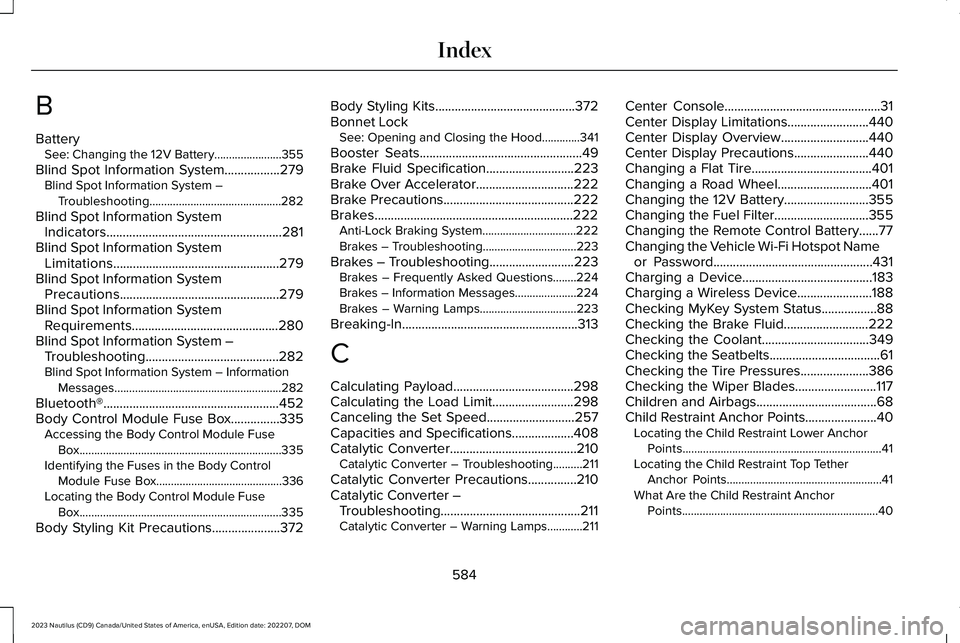
BatterySee: Changing the 12V Battery.......................355
Blind Spot Information System.................279Blind Spot Information System –Troubleshooting.............................................282
Blind Spot Information SystemIndicators......................................................281Blind Spot Information SystemLimitations...................................................279Blind Spot Information SystemPrecautions.................................................279Blind Spot Information SystemRequirements.............................................280Blind Spot Information System –Troubleshooting.........................................282Blind Spot Information System – InformationMessages.........................................................282
Bluetooth®......................................................452Body Control Module Fuse Box...............335Accessing the Body Control Module FuseBox.....................................................................335Identifying the Fuses in the Body ControlModule Fuse Box...........................................336Locating the Body Control Module FuseBox.....................................................................335
Body Styling Kit Precautions.....................372
Body Styling Kits...........................................372Bonnet LockSee: Opening and Closing the Hood.............341
Booster Seats..................................................49Brake Fluid Specification...........................223Brake Over Accelerator..............................222Brake Precautions........................................222Brakes.............................................................222Anti-Lock Braking System................................222Brakes – Troubleshooting................................223
Brakes – Troubleshooting..........................223Brakes – Frequently Asked Questions........224Brakes – Information Messages.....................224Brakes – Warning Lamps.................................223
Breaking-In......................................................313
C
Calculating Payload.....................................298Calculating the Load Limit.........................298Canceling the Set Speed...........................257Capacities and Specifications...................408Catalytic Converter.......................................210Catalytic Converter – Troubleshooting..........211
Catalytic Converter Precautions...............210Catalytic Converter –Troubleshooting...........................................211Catalytic Converter – Warning Lamps............211
Center Console................................................31Center Display Limitations.........................440Center Display Overview...........................440Center Display Precautions.......................440Changing a Flat Tire.....................................401Changing a Road Wheel.............................401Changing the 12V Battery..........................355Changing the Fuel Filter.............................355Changing the Remote Control Battery......77Changing the Vehicle Wi-Fi Hotspot Nameor Password.................................................431Charging a Device........................................183Charging a Wireless Device.......................188Checking MyKey System Status.................88Checking the Brake Fluid..........................222Checking the Coolant.................................349Checking the Seatbelts..................................61Checking the Tire Pressures.....................386Checking the Wiper Blades.........................117Children and Airbags.....................................68Child Restraint Anchor Points......................40Locating the Child Restraint Lower AnchorPoints....................................................................41Locating the Child Restraint Top TetherAnchor Points.....................................................41What Are the Child Restraint AnchorPoints...................................................................40
584
2023 Nautilus (CD9) Canada/United States of America, enUSA, Edition date: 202207, DOMIndex
Page 598 of 606
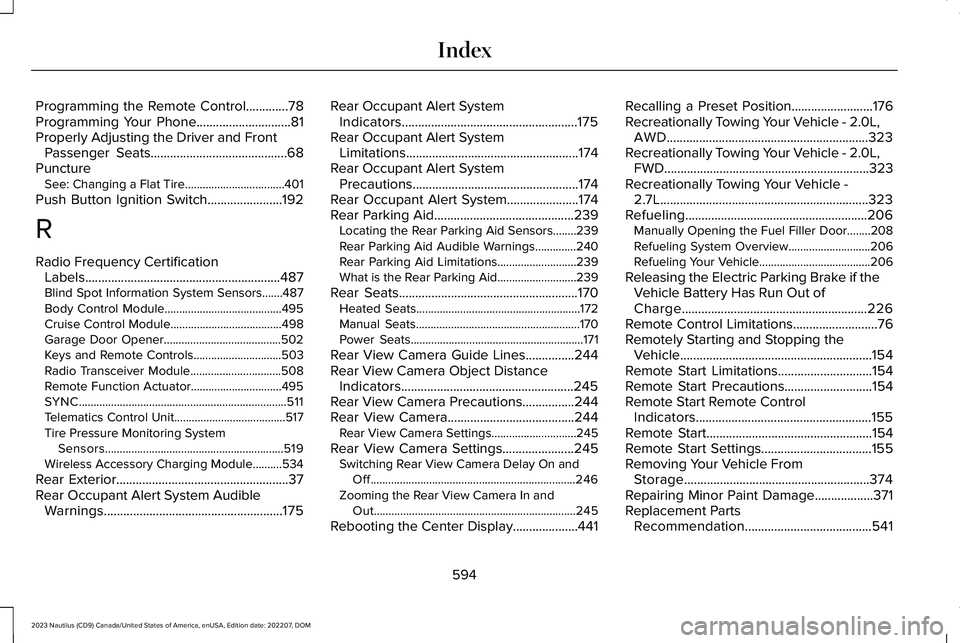
Programming the Remote Control.............78Programming Your Phone.............................81Properly Adjusting the Driver and FrontPassenger Seats..........................................68PunctureSee: Changing a Flat Tire..................................401
Push Button Ignition Switch.......................192
R
Radio Frequency CertificationLabels............................................................487Blind Spot Information System Sensors.......487Body Control Module........................................495Cruise Control Module......................................498Garage Door Opener........................................502Keys and Remote Controls..............................503Radio Transceiver Module...............................508Remote Function Actuator...............................495SYNC.......................................................................511Telematics Control Unit......................................517Tire Pressure Monitoring SystemSensors.............................................................519Wireless Accessory Charging Module..........534
Rear Exterior.....................................................37Rear Occupant Alert System AudibleWarnings.......................................................175
Rear Occupant Alert SystemIndicators......................................................175Rear Occupant Alert SystemLimitations.....................................................174Rear Occupant Alert SystemPrecautions...................................................174Rear Occupant Alert System......................174Rear Parking Aid...........................................239Locating the Rear Parking Aid Sensors........239Rear Parking Aid Audible Warnings..............240Rear Parking Aid Limitations...........................239What is the Rear Parking Aid...........................239
Rear Seats.......................................................170Heated Seats........................................................172Manual Seats........................................................170Power Seats...........................................................171
Rear View Camera Guide Lines...............244Rear View Camera Object DistanceIndicators.....................................................245Rear View Camera Precautions................244Rear View Camera.......................................244Rear View Camera Settings.............................245
Rear View Camera Settings......................245Switching Rear View Camera Delay On andOff......................................................................246Zooming the Rear View Camera In andOut.....................................................................245
Rebooting the Center Display....................441
Recalling a Preset Position.........................176Recreationally Towing Your Vehicle - 2.0L,AWD..............................................................323Recreationally Towing Your Vehicle - 2.0L,FWD...............................................................323Recreationally Towing Your Vehicle -2.7L................................................................323Refueling........................................................206Manually Opening the Fuel Filler Door........208Refueling System Overview............................206Refueling Your Vehicle......................................206
Releasing the Electric Parking Brake if theVehicle Battery Has Run Out ofCharge.........................................................226Remote Control Limitations..........................76Remotely Starting and Stopping theVehicle...........................................................154Remote Start Limitations.............................154Remote Start Precautions...........................154Remote Start Remote ControlIndicators......................................................155Remote Start...................................................154Remote Start Settings..................................155Removing Your Vehicle FromStorage.........................................................374Repairing Minor Paint Damage..................371Replacement PartsRecommendation.......................................541
594
2023 Nautilus (CD9) Canada/United States of America, enUSA, Edition date: 202207, DOMIndex