child lock LINCOLN NAVIGATOR 2014 User Guide
[x] Cancel search | Manufacturer: LINCOLN, Model Year: 2014, Model line: NAVIGATOR, Model: LINCOLN NAVIGATOR 2014Pages: 506, PDF Size: 5.72 MB
Page 99 of 506
INTERIOR MIRROR
WARNING:Do not adjust the mirror when your vehicle is
moving.
Note:Do not clean the housing or glass of any mirror with harsh
abrasives, fuel or other petroleum or ammonia based cleaning products.
You can adjust the interior mirror to your preference. Some mirrors also
have a second pivot point. This lets you move the mirror head up or
down and from side to side.
Auto-Dimming Mirror
Note:Do not block the sensors on the front and back of the mirror.
Mirror performance may be affected. A rear center passenger or raised
rear center head restraint may also block light from reaching the sensor.
The mirror will dim automatically to reduce glare when bright lights are
detected from behind your vehicle. It will automatically return to normal
reflection when you select reverse gear to make sure you have a clear
view when backing up.
CHILDMINDER MIRROR (IF EQUIPPED)
On double bin overhead consoles, the conversation mirror allows the
driver to view the rear seating area.
WARNING:Do not use the childminder mirror to view rearward
traffic, do not allow rear passengers to distract you from the
driving task, and make sure the rear view mirror has a clear view of
rearward traffic. Failure to do so could increase the risk of a crash from
an unseen vehicle, which may result in serious injury.
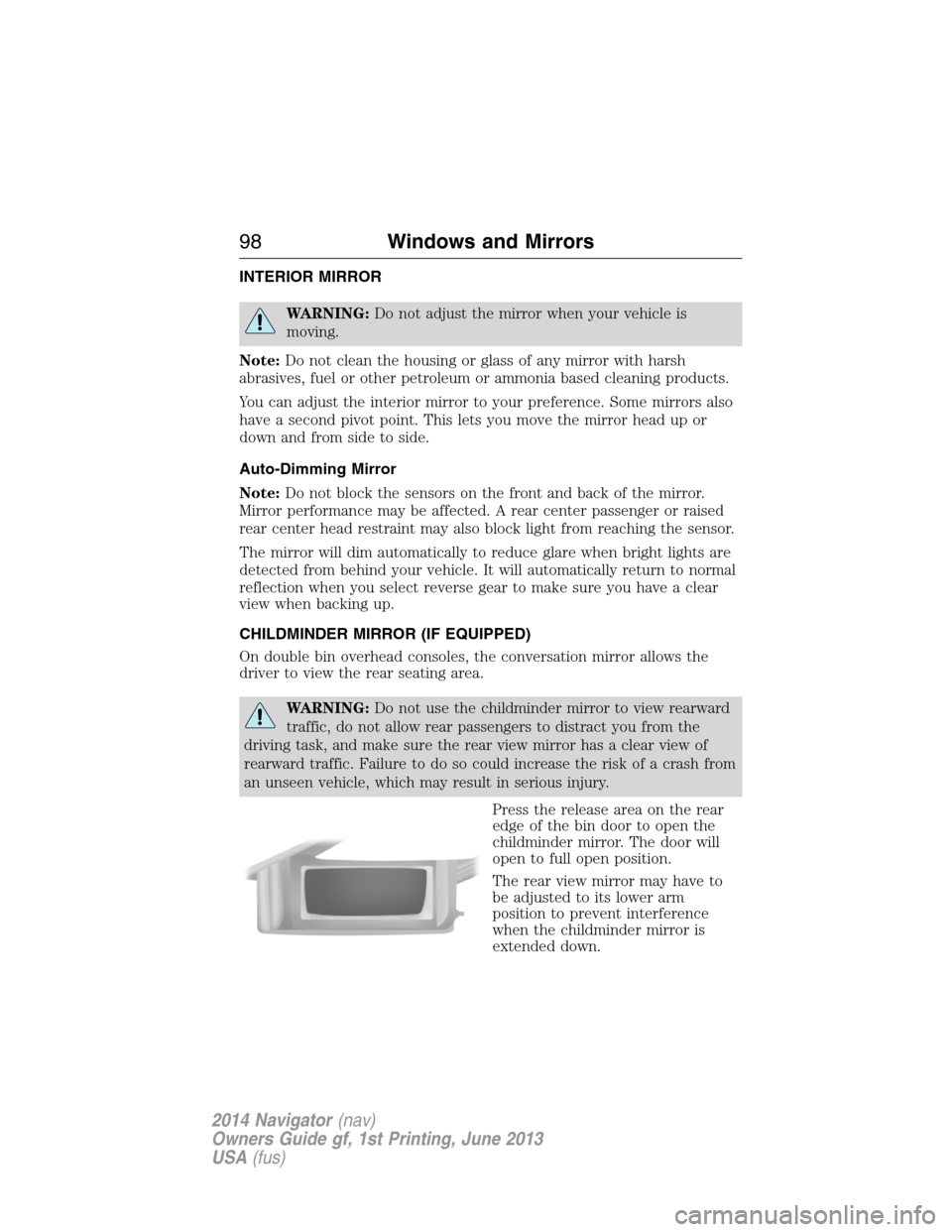
Press the release area on the rear
edge of the bin door to open the
childminder mirror. The door will
open to full open position.
The rear view mirror may have to
be adjusted to its lower arm
position to prevent interference
when the childminder mirror is
extended down.
98Windows and Mirrors
2014 Navigator(nav)
Owners Guide gf, 1st Printing, June 2013
USA(fus)
Page 340 of 506
Switching Dual Play Mode On
You can switch Dual Play mode on by simultaneously pressing the 2 and
4 memory preset buttons on the audio or by doing the following:
1. Press the headphone/speaker control. The headphone icon
illuminates in both front and rear audio displays indicating the rear
seat speakers are off and the headphones are on.
2. Press MEDIA to change audio sources (as heard in the headphones
only).
3. Use the other controls to adjust the playing media.
Switching Off Dual Play Mode
Use any one of the following to switch off Dual Play mode:
•Press the 2 and 4 memory preset buttons simultaneously again.
•Press the 3 and 5 memory preset buttons simultaneously to LOCK
the rear seat controls.
•Press the headphone/speaker button again.
Using Dual Play Mode with Headphones
WARNING:Do not leave children unattended in your vehicle
and do not let children operate the system while unsupervised.
If wired headphones or auxiliary systems are used, children may
become entangled in the cords and seriously injure themselves.
Plug a 1/8–inch (3.5 millimeter) headphone (not included) into the
headphone jack. Press the speaker button, or the 2 and 4 memory preset
buttons simultaneously on the radio to switch on the headphones. DUAL
PLAY illuminates in the audio display, there is no sound from the rear
speakers and the fade control is inactive, signaling that Dual Play is on.
The front speakers remain on for the front passengers. Press the speaker
button, or the 2 and 4 memory preset buttons simultaneously on the
radio again to switch off the headphones and Dual Play mode. SINGLE
PLAY illuminates in the audio display; fade control is active and there is
sound from rear speakers, signaling that Single Play is on.
You need to switch the rear seat controls on to use any rear controls
(whether in Single Play or Dual Play mode). To use Dual Play, switch
on the rear seat controls; the headphone icon illuminates in the audio
display. SeeSwitching the rear audio controls onpreviously.
Audio System339
2014 Navigator(nav)
Owners Guide gf, 1st Printing, June 2013
USA(fus)
Page 348 of 506
Wireless FM Transmitter
Your device has an internal FM transmitter. This allows you to listen to
the DVD player audio signal by tuning your vehicle FM radio to a radio
frequency that you select, then accessing the SOUND-AROUND feature
by using the remote control. SOUND-AROUND allows the user to choose
from a number of pre-programmed frequencies to play back the rear-seat
entertainment system audio over the radio. When you engage
SOUND-AROUND, as long as the DVD player is active, it adversely
affects the FM radio reception of other stations, especially neighboring
stations nearest to whichever station is in use for the DVD player.
Performance of SOUND-AROUND varies based on geographic location.
You may need to change the SOUND-AROUND frequency periodically
when travelling long distances. This helps maintain the best performance
when listening to DVD system content over the radio. Audio heard
through wireless headphones remains unaffected by SOUND-AROUND.
There may also be a reduction in AM radio performance as well. AM and
FM radio performance can be expected to return to normal when the
DVD system is turned off.
How to use the FM Transmitter
1. Switch on the system and place a disc in Monitor A.
2. Point the remote control at the monitor, and then press DVD A.
3.
PressSOUND AROUND ON/OFFto turn FM transmission off and on.
4. Select a radio frequency (88.3, 88.7, 89.1, 89.5, 89.9, and 90.3MHz) by
pressingSOUND AROUND SELECT.
5. Select a frequency, and then tune your radio to the corresponding
frequency. Try each station frequency until you achieve a clear audio
signal.
Console Controls
Note:Do not use any solvents or cleaning materials when cleaning the
video device.
Note:Do not use any abrasive cleaners, which may scratch the screen.
Use only a lightly dampened lint free cloth to wipe the screen if it is
dirty.
Note:Lock the LCD screen in the fully closed position when not in use.
Note:Do not put pressure on the screen.
Note:Caution children against touching or scratching the screen, as it
may become dirty or damaged.
Audio System347
2014 Navigator(nav)
Owners Guide gf, 1st Printing, June 2013
USA(fus)
Page 350 of 506
J.USB port (optional):Listen to music or view images you stored on a
USB device such as a USB memory stick or a memory card reader.
K.SOURCE:Press this button to select Monitor A, Monitor B, AUX/TV
(if available), and AUX 2 (if available).
L.POWER:Press this button to turn the system off and on.
M.TFT LCD panel:Seven-inch TFT LCD panel.
N.Level lock and release latch:Use this latch to change the viewing
angle of the LCD panel or lock the panel into the secured position.
O.Infrared sensor - forward sensor eye:This allows the remote
control to navigate the on-screen display.
Remote Control
Note:The remote control uses infrared light to send commands to the
DVD player, just as many home video systems do. Just point the remote
control at the DVD player infrared window located above each screen in
order to control that DVD player. While you can connect a second device
such as a VCR through the auxiliary inputs, and view the playback on
the screen, you cannot control that device by aiming its remote control
at the Ford DVD player. The Ford DVD system remote control is the
only remote control you can use with the system. For example, if you
connect a VCR to the DVD system, you must point the VCR remote
control at the VCR to control it.
Installing the Battery
Before using your remote control, install the batteries as follows:
1. Turn the remote control face down. Press down on the ridged area of
the battery cover and slide it off.
2. Install two AAA batteries. Make sure you install the batteries
properly, with the + and – facing the correct way, as shown in the
battery compartment.
3. Slide the cover back until it clicks.
Note:Different types of batteries have different characteristics. Do not
mix different types.
Note:Do not mix old and new batteries. Mixing old and new batteries
can shorten battery life and cause chemical leaks from the old batteries.
Note:Keep the batteries out of the reach of children. If someone
swallows a battery, immediately consult a doctor. When you dispose of
used batteries, keep to governmental regulations or environmental public
institution rules that apply in your area.
Audio System349
2014 Navigator(nav)
Owners Guide gf, 1st Printing, June 2013
USA(fus)
Page 499 of 506
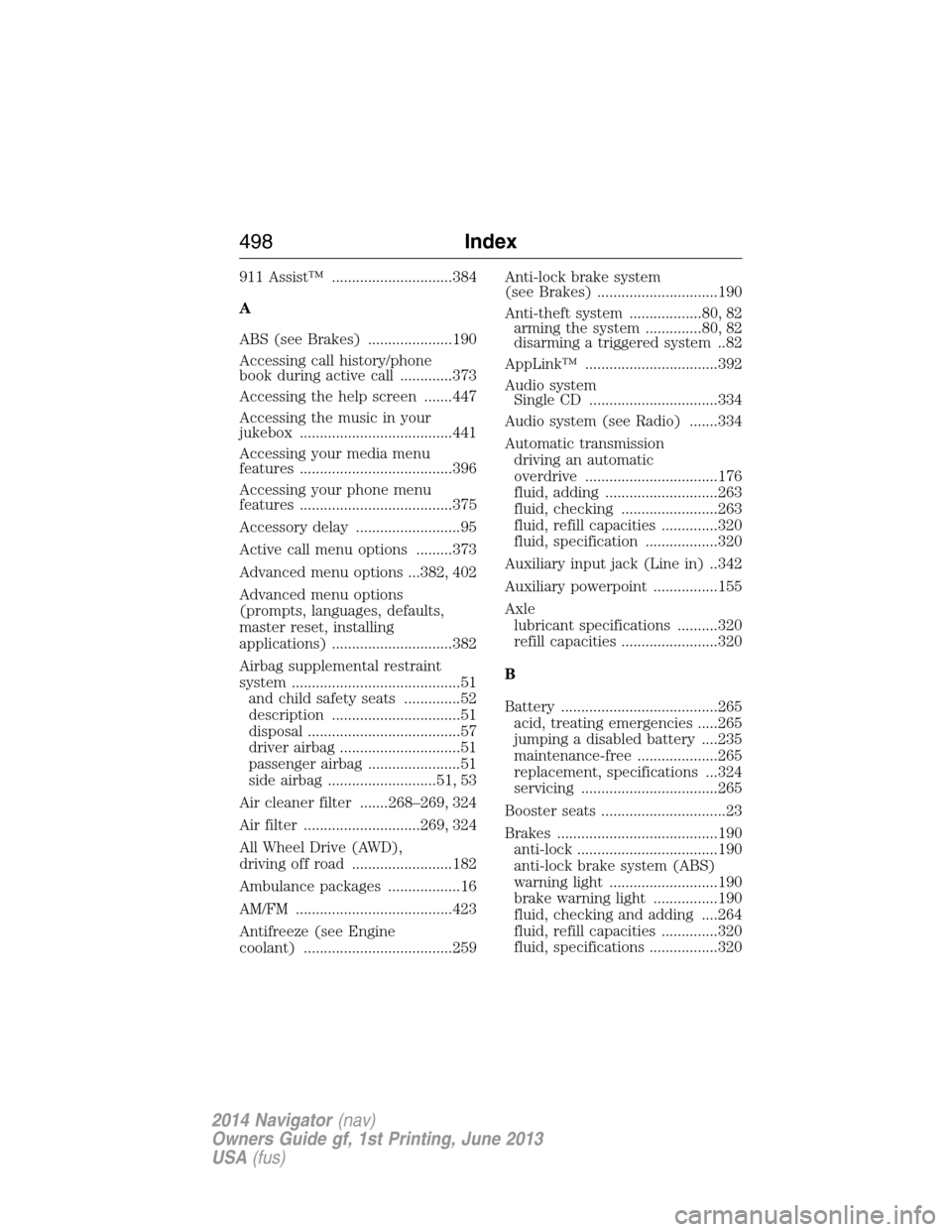
911 Assist™ ..............................384
A
ABS (see Brakes) .....................190
Accessing call history/phone
book during active call .............373
Accessing the help screen .......447
Accessing the music in your
jukebox ......................................441
Accessing your media menu
features ......................................396
Accessing your phone menu
features ......................................375
Accessory delay ..........................95
Active call menu options .........373
Advanced menu options ...382, 402
Advanced menu options
(prompts, languages, defaults,
master reset, installing
applications) ..............................382
Airbag supplemental restraint
system ..........................................51
and child safety seats ..............52
description ................................51
disposal ......................................57
driver airbag ..............................51
passenger airbag .......................51
side airbag ...........................51, 53
Air cleaner filter .......268–269, 324
Air filter .............................269, 324
All Wheel Drive (AWD),
driving off road .........................182
Ambulance packages ..................16
AM/FM .......................................423
Antifreeze (see Engine
coolant) .....................................259Anti-lock brake system
(see Brakes) ..............................190
Anti-theft system ..................80, 82
arming the system ..............80, 82
disarming a triggered system ..82
AppLink™ .................................392
Audio system
Single CD ................................334
Audio system (see Radio) .......334
Automatic transmission
driving an automatic
overdrive .................................176
fluid, adding ............................263
fluid, checking ........................263
fluid, refill capacities ..............320
fluid, specification ..................320
Auxiliary input jack (Line in) ..342
Auxiliary powerpoint ................155
Axle
lubricant specifications ..........320
refill capacities ........................320
B
Battery .......................................265
acid, treating emergencies .....265
jumping a disabled battery ....235
maintenance-free ....................265
replacement, specifications ...324
servicing ..................................265
Booster seats ...............................23
Brakes ........................................190
anti-lock ...................................190
anti-lock brake system (ABS)
warning light ...........................190
brake warning light ................190
fluid, checking and adding ....264
fluid, refill capacities ..............320
fluid, specifications .................320
498Index
2014 Navigator(nav)
Owners Guide gf, 1st Printing, June 2013
USA(fus)
Page 500 of 506
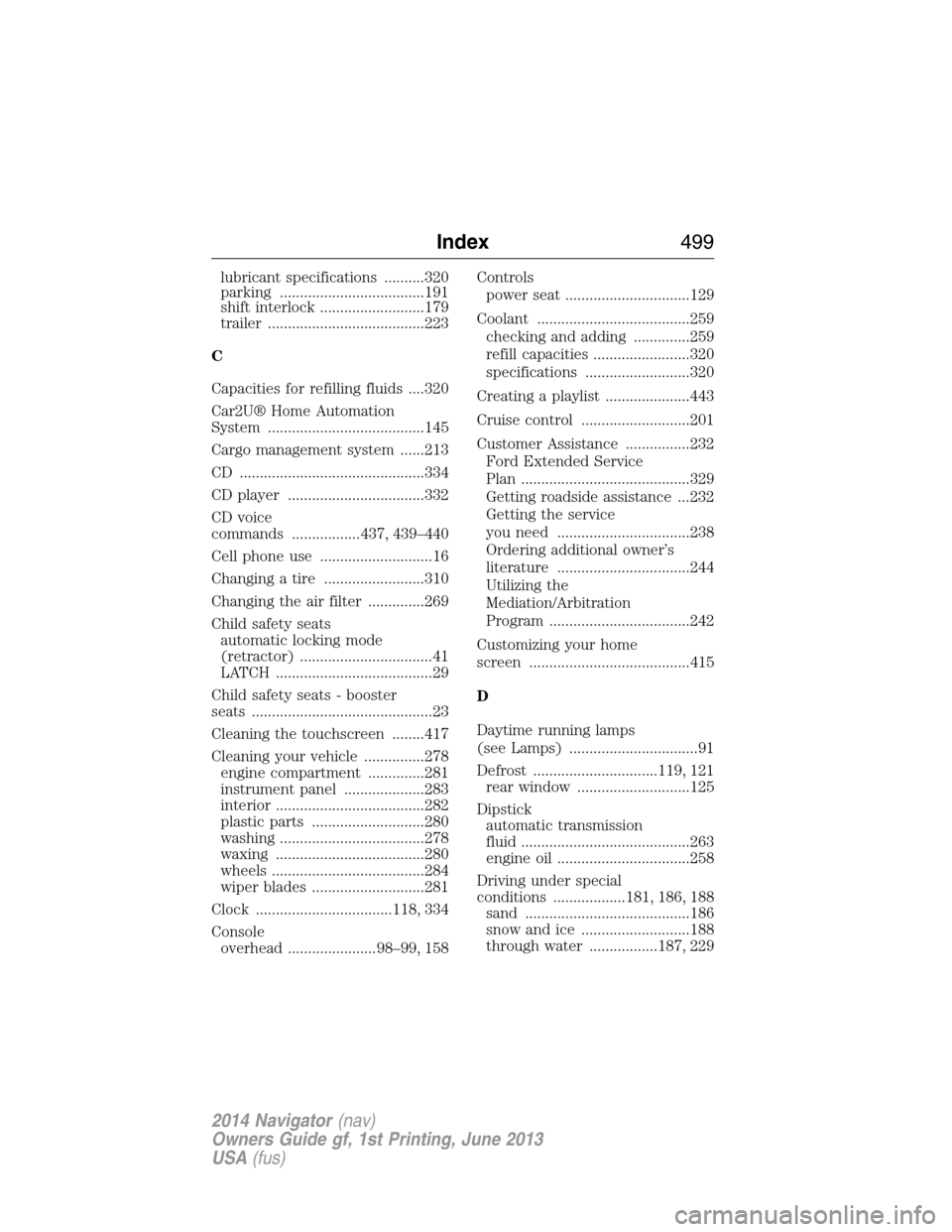
lubricant specifications ..........320
parking ....................................191
shift interlock ..........................179
trailer .......................................223
C
Capacities for refilling fluids ....320
Car2U® Home Automation
System .......................................145
Cargo management system ......213
CD ..............................................334
CD player ..................................332
CD voice
commands .................437, 439–440
Cell phone use ............................16
Changing a tire .........................310
Changing the air filter ..............269
Child safety seats
automatic locking mode
(retractor) .................................41
LATCH .......................................29
Child safety seats - booster
seats .............................................23
Cleaning the touchscreen ........417
Cleaning your vehicle ...............278
engine compartment ..............281
instrument panel ....................283
interior .....................................282
plastic parts ............................280
washing ....................................278
waxing .....................................280
wheels ......................................284
wiper blades ............................281
Clock ..................................118, 334
Console
overhead ......................98–99, 158Controls
power seat ...............................129
Coolant ......................................259
checking and adding ..............259
refill capacities ........................320
specifications ..........................320
Creating a playlist .....................443
Cruise control ...........................201
Customer Assistance ................232
Ford Extended Service
Plan ..........................................329
Getting roadside assistance ...232
Getting the service
you need .................................238
Ordering additional owner’s
literature .................................244
Utilizing the
Mediation/Arbitration
Program ...................................242
Customizing your home
screen ........................................415
D
Daytime running lamps
(see Lamps) ................................91
Defrost ...............................119, 121
rear window ............................125
Dipstick
automatic transmission
fluid ..........................................263
engine oil .................................258
Driving under special
conditions ..................181, 186, 188
sand .........................................186
snow and ice ...........................188
through water .................187, 229
Index499
2014 Navigator(nav)
Owners Guide gf, 1st Printing, June 2013
USA(fus)
Page 502 of 506
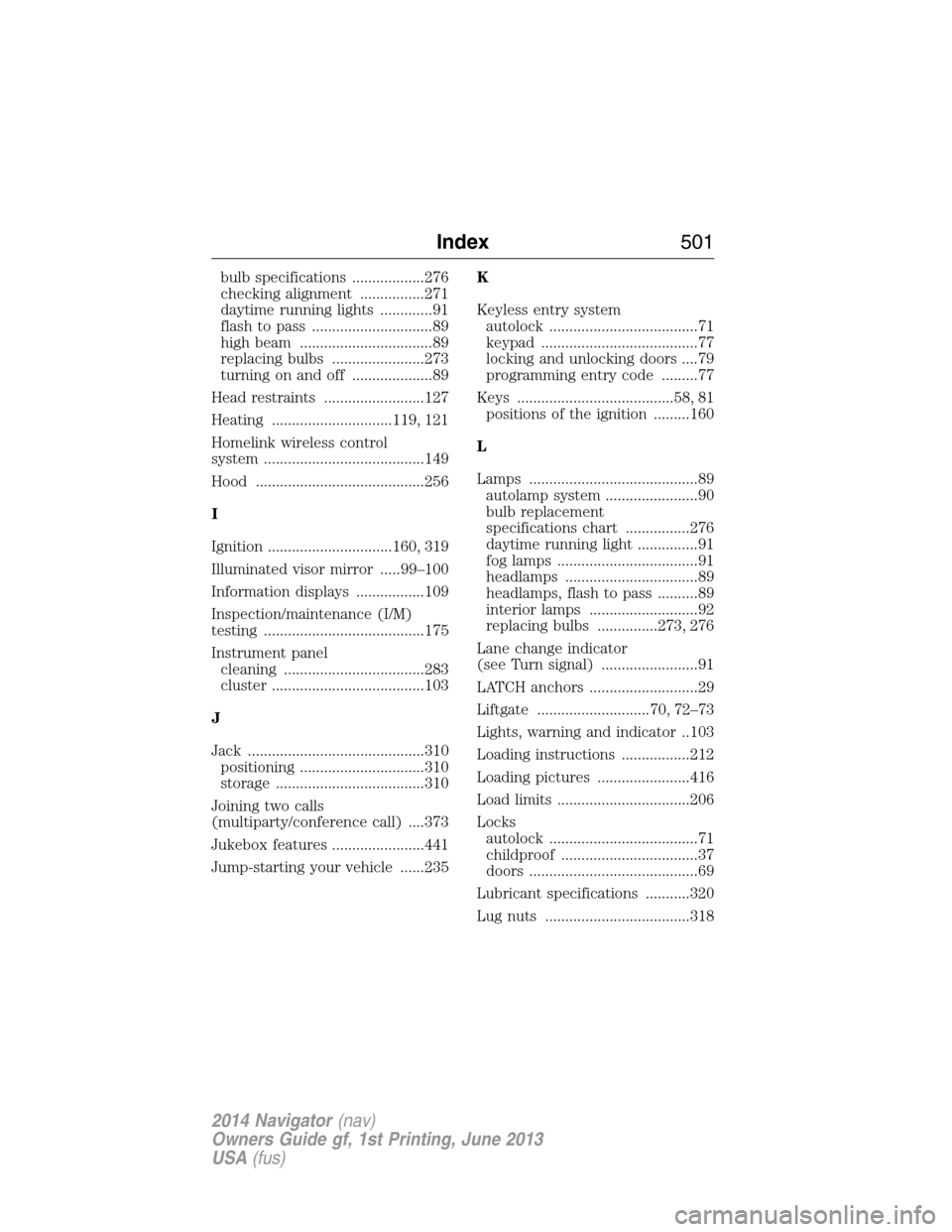
bulb specifications ..................276
checking alignment ................271
daytime running lights .............91
flash to pass ..............................89
high beam .................................89
replacing bulbs .......................273
turning on and off ....................89
Head restraints .........................127
Heating ..............................119, 121
Homelink wireless control
system ........................................149
Hood ..........................................256
I
Ignition ...............................160, 319
Illuminated visor mirror .....99–100
Information displays .................109
Inspection/maintenance (I/M)
testing ........................................175
Instrument panel
cleaning ...................................283
cluster ......................................103
J
Jack ............................................310
positioning ...............................310
storage .....................................310
Joining two calls
(multiparty/conference call) ....373
Jukebox features .......................441
Jump-starting your vehicle ......235K
Keyless entry system
autolock .....................................71
keypad .......................................77
locking and unlocking doors ....79
programming entry code .........77
Keys .......................................58, 81
positions of the ignition .........160
L
Lamps ..........................................89
autolamp system .......................90
bulb replacement
specifications chart ................276
daytime running light ...............91
fog lamps ...................................91
headlamps .................................89
headlamps, flash to pass ..........89
interior lamps ...........................92
replacing bulbs ...............273, 276
Lane change indicator
(see Turn signal) ........................91
LATCH anchors ...........................29
Liftgate ............................70, 72–73
Lights, warning and indicator ..103
Loading instructions .................212
Loading pictures .......................416
Load limits .................................206
Locks
autolock .....................................71
childproof ..................................37
doors ..........................................69
Lubricant specifications ...........320
Lug nuts ....................................318
Index501
2014 Navigator(nav)
Owners Guide gf, 1st Printing, June 2013
USA(fus)
Page 504 of 506
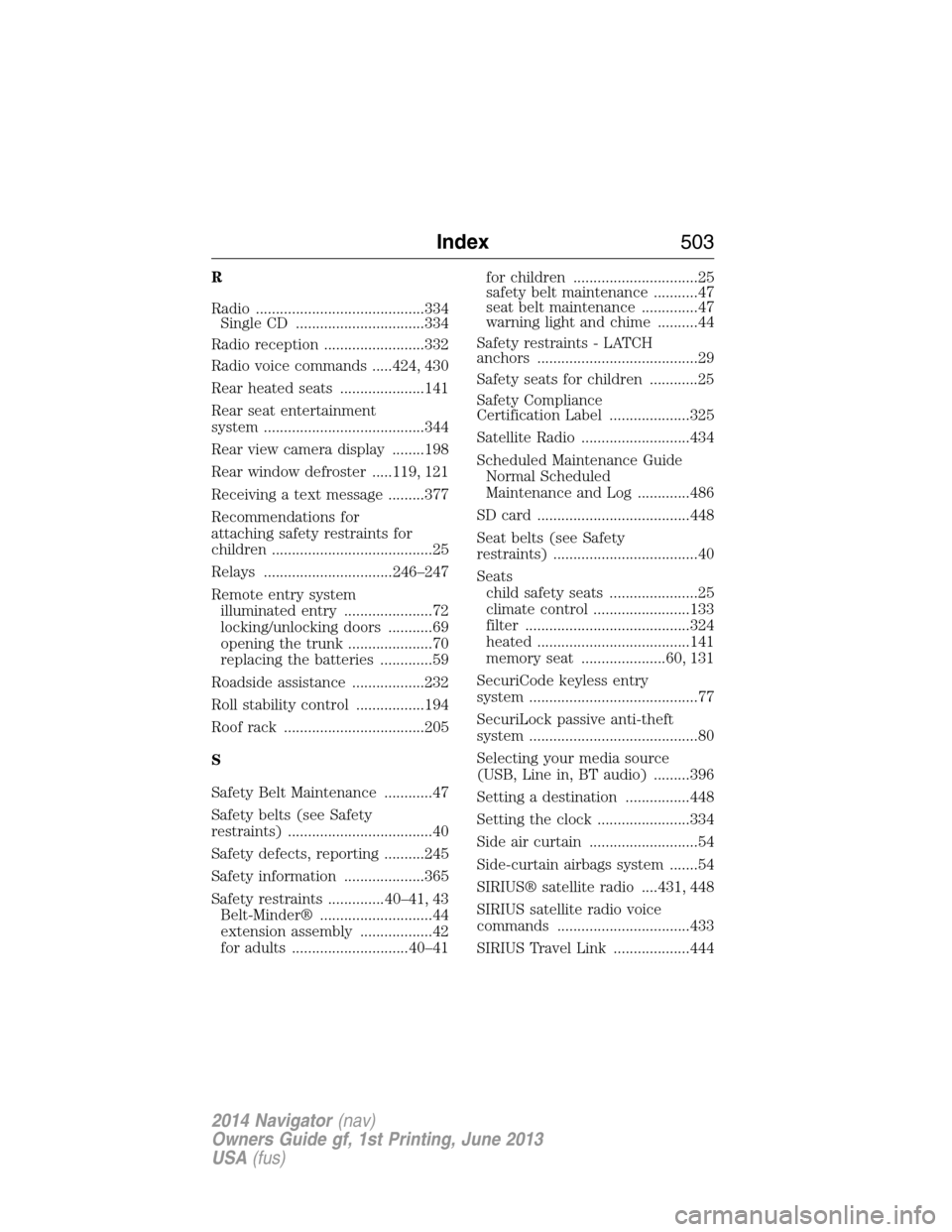
R
Radio ..........................................334
Single CD ................................334
Radio reception .........................332
Radio voice commands .....424, 430
Rear heated seats .....................141
Rear seat entertainment
system ........................................344
Rear view camera display ........198
Rear window defroster .....119, 121
Receiving a text message .........377
Recommendations for
attaching safety restraints for
children ........................................25
Relays ................................246–247
Remote entry system
illuminated entry ......................72
locking/unlocking doors ...........69
opening the trunk .....................70
replacing the batteries .............59
Roadside assistance ..................232
Roll stability control .................194
Roof rack ...................................205
S
Safety Belt Maintenance ............47
Safety belts (see Safety
restraints) ....................................40
Safety defects, reporting ..........245
Safety information ....................365
Safety restraints ..............40–41, 43
Belt-Minder® ............................44
extension assembly ..................42
for adults .............................40–41for children ...............................25
safety belt maintenance ...........47
seat belt maintenance ..............47
warning light and chime ..........44
Safety restraints - LATCH
anchors ........................................29
Safety seats for children ............25
Safety Compliance
Certification Label ....................325
Satellite Radio ...........................434
Scheduled Maintenance Guide
Normal Scheduled
Maintenance and Log .............486
SD card ......................................448
Seat belts (see Safety
restraints) ....................................40
Seats
child safety seats ......................25
climate control ........................133
filter .........................................324
heated ......................................141
memory seat .....................60, 131
SecuriCode keyless entry
system ..........................................77
SecuriLock passive anti-theft
system ..........................................80
Selecting your media source
(USB, Line in, BT audio) .........396
Setting a destination ................448
Setting the clock .......................334
Side air curtain ...........................54
Side-curtain airbags system .......54
SIRIUS® satellite radio ....431, 448
SIRIUS satellite radio voice
commands .................................433
SIRIUS Travel Link ...................444
Index503
2014 Navigator(nav)
Owners Guide gf, 1st Printing, June 2013
USA(fus)