parking brake LINCOLN NAVIGATOR 2014 Owner's Manual
[x] Cancel search | Manufacturer: LINCOLN, Model Year: 2014, Model line: NAVIGATOR, Model: LINCOLN NAVIGATOR 2014Pages: 506, PDF Size: 5.72 MB
Page 313 of 506
•Ground clearance and parking at curbs
•Winter weather driving capability
•Wet weather driving capability
•All-wheel driving capability (if applicable)
•Load leveling adjustment (if applicable)
When driving with the full-size dissimilar spare tire and wheel assembly,
additional caution should be given to:
•towing a trailer.
•driving vehicles equipped with a camper body.
•driving vehicles with a load on the cargo rack.
Drive cautiously when using a full-size dissimilar spare tire and wheel,
and seek service as soon as possible.
Tire Change Procedure
WARNING:When one of the front wheels is off the ground, the
transmission alone will not prevent the vehicle from moving or
slipping off the jack, even if the transmission selector lever is in
positionP.
WARNING:To help prevent the vehicle from moving when you
change a tire, be sure to place the transmission selector lever in
positionP,set the parking brake and block (in both directions) the
wheel that is diagonally opposite (other side and end of the vehicle) to
the tire being changed.
WARNING:Never get underneath a vehicle that is supported
only by a jack. If the vehicle slips off the jack, you or someone
else could be seriously injured.
WARNING:Do not attempt to change a tire on the side of the
vehicle close to moving traffic. Pull far enough off the road to
avoid the danger of being hit when operating the jack or changing the
wheel.
312Wheels and Tires
2014 Navigator(nav)
Owners Guide gf, 1st Printing, June 2013
USA(fus)
Page 314 of 506
WARNING:Always use the jack provided as original equipment
with your vehicle. If using a jack other than the one provided as
original equipment with your vehicle, make sure the jack capacity is
adequate for the vehicle weight, including any vehicle cargo or
modifications.
WARNING:Disable the power running boards before jacking,
lifting, or placing any object under the vehicle. Never place your
hand between the power running board and vehicle as extended power
running boards will retract when the doors are closed. Failure to follow
these instructions may result in personal injury.
Note:Passengers should not remain in the vehicle when the vehicle is
being jacked.
Park on a level surface, activate the hazard flashers and set the parking
brake. Then, place the transmission selector lever in positionPand turn
the engine off.
Location of the spare tire and tools
The spare tire and tools for your vehicle are stowed in the following
locations:
Item Location
Spare tire Under the vehicle, just forward of
the rear bumper
Jack tools Under the access panel located in
the floor compartment behind the
rear seat
Wheels and Tires313
2014 Navigator(nav)
Owners Guide gf, 1st Printing, June 2013
USA(fus)
Page 344 of 506
WARNING:For safety reasons, do not connect or adjust the
settings on your portable music player while your vehicle is
moving.
WARNING:Store the portable music player in a secure location,
such as the center console or the glove box, when your vehicle is
moving. Hard objects may become projectiles in a crash or sudden stop,
which may increase the risk of serious injury. The audio extension cable
must be long enough to allow the portable music player to be safely
stored while your vehicle is moving.
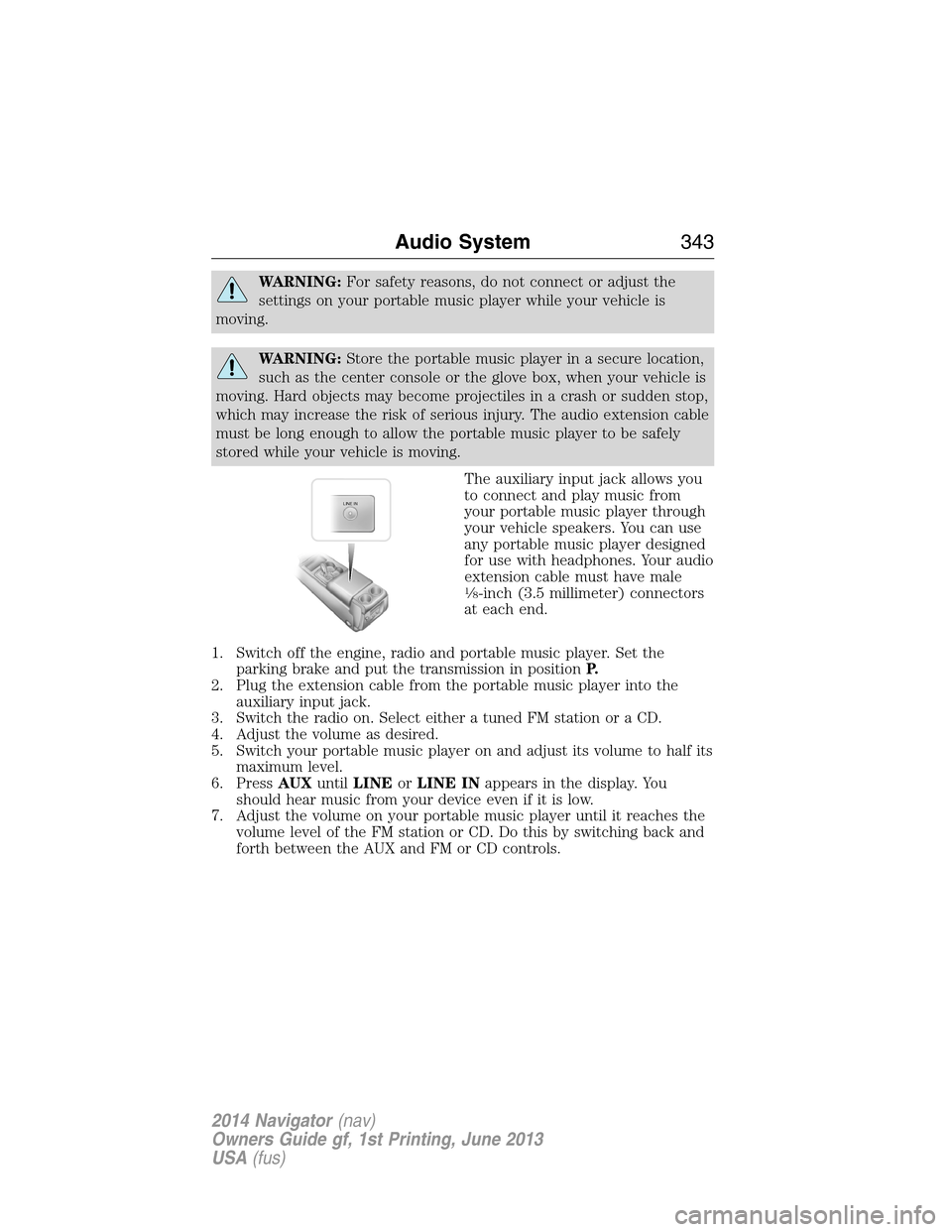
The auxiliary input jack allows you
to connect and play music from
your portable music player through
your vehicle speakers. You can use
any portable music player designed
for use with headphones. Your audio
extension cable must have male
18-inch (3.5 millimeter) connectors
at each end.
1. Switch off the engine, radio and portable music player. Set the
parking brake and put the transmission in positionP.
2. Plug the extension cable from the portable music player into the
auxiliary input jack.
3. Switch the radio on. Select either a tuned FM station or a CD.
4. Adjust the volume as desired.
5. Switch your portable music player on and adjust its volume to half its
maximum level.
6. PressAUXuntilLINEorLINE INappears in the display. You
should hear music from your device even if it is low.
7. Adjust the volume on your portable music player until it reaches the
volume level of the FM station or CD. Do this by switching back and
forth between the AUX and FM or CD controls.
LINE IN
Audio System343
2014 Navigator(nav)
Owners Guide gf, 1st Printing, June 2013
USA(fus)
Page 439 of 506
DVD
Note:Your system only plays NTSC formatted discs. The system does
not support PAL format.
Your system allows you to play DVD audio and video discs. Make sure
your vehicle is in positionP(vehicles equipped with an automatic
transmission) or the parking brake is engaged (vehicles equipped with a
manual transmission). This allows you to be able to view and hear the
DVD. If your vehicle is moving, the video does not play.
When you select: You can:
Ti t l eGo to the disc’s main title screen.
MenuGo to the disc’s main menu.
Cursor ControlsNavigate to the desired menu selections.
Settings Video Display Settingsallows you to adjust
the brightness and contrast. You can also
choose to return to the default settings by
pressing Restore Default.
Audio Languageallows you to choose which
language you would like the DVD audio track
to play in.
Subtitle Displayallows you to turn subtitles
off and on.
Subtitle Languageallows you to choose the
subtitle language.
Aspect Ratioallows you to choose wide, full,
normal or cinema display.
Angle Mark Notificationallows you to have
more viewing angles from which to select.
Once you have made your selection, press
ENTER to confirm.
SearchGo to a specific title or chapter using the
keypad.
Note:Some of the above settings are disc-dependent and availability and
operation may vary.
438Navigation System (If Equipped)
2014 Navigator(nav)
Owners Guide gf, 1st Printing, June 2013
USA(fus)
Page 484 of 506
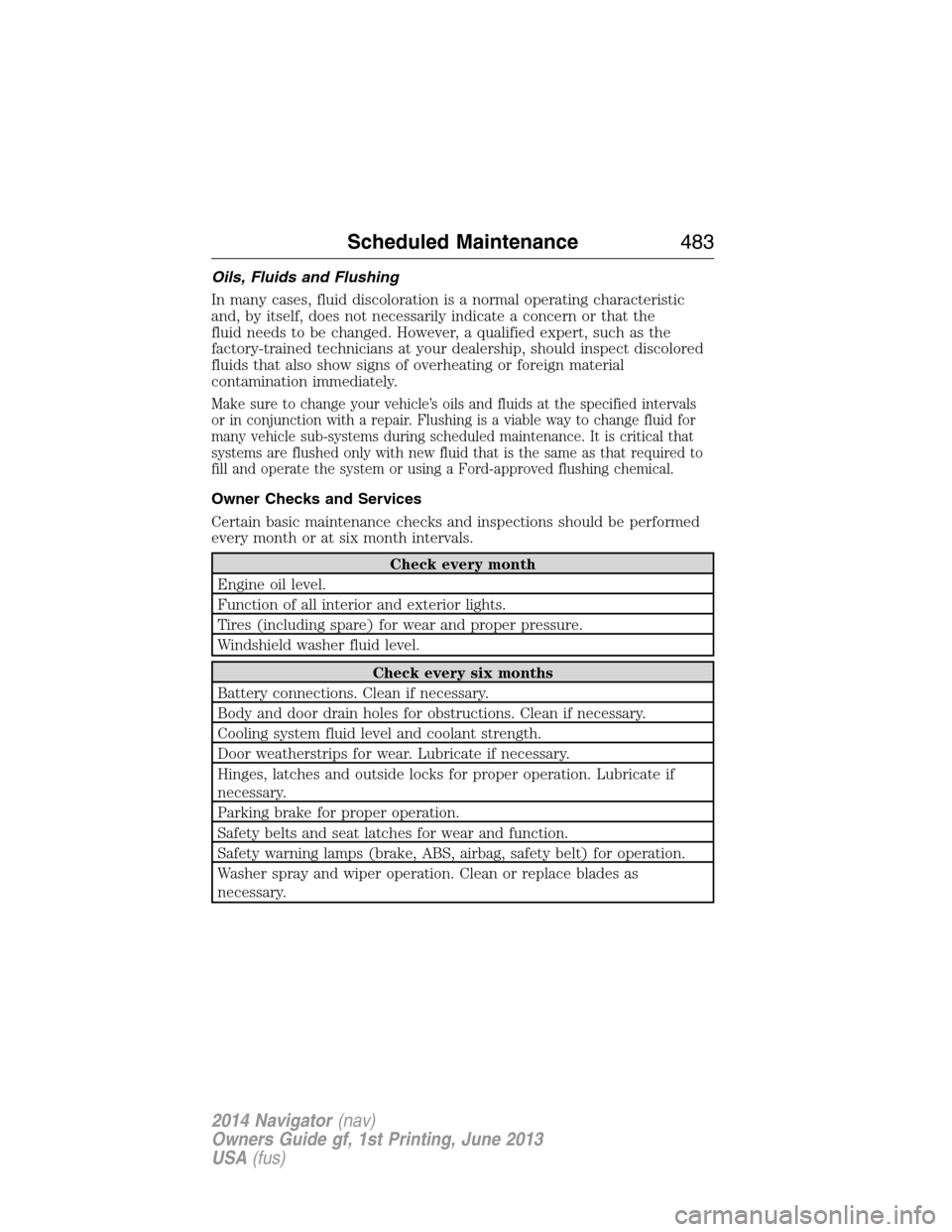
Oils, Fluids and Flushing
In many cases, fluid discoloration is a normal operating characteristic
and, by itself, does not necessarily indicate a concern or that the
fluid needs to be changed. However, a qualified expert, such as the
factory-trained technicians at your dealership, should inspect discolored
fluids that also show signs of overheating or foreign material
contamination immediately.
Make sure to change your vehicle’s oils and fluids at the specified intervals
or in conjunction with a repair. Flushing is a viable way to change fluid for
many vehicle sub-systems during scheduled maintenance. It is critical that
systems are flushed only with new fluid that is the same as that required to
fill and operate the system or using a Ford-approved flushing chemical.
Owner Checks and Services
Certain basic maintenance checks and inspections should be performed
every month or at six month intervals.
Check every month
Engine oil level.
Function of all interior and exterior lights.
Tires (including spare) for wear and proper pressure.
Windshield washer fluid level.
Check every six months
Battery connections. Clean if necessary.
Body and door drain holes for obstructions. Clean if necessary.
Cooling system fluid level and coolant strength.
Door weatherstrips for wear. Lubricate if necessary.
Hinges, latches and outside locks for proper operation. Lubricate if
necessary.
Parking brake for proper operation.
Safety belts and seat latches for wear and function.
Safety warning lamps (brake, ABS, airbag, safety belt) for operation.
Washer spray and wiper operation. Clean or replace blades as
necessary.
Scheduled Maintenance483
2014 Navigator(nav)
Owners Guide gf, 1st Printing, June 2013
USA(fus)
Page 487 of 506
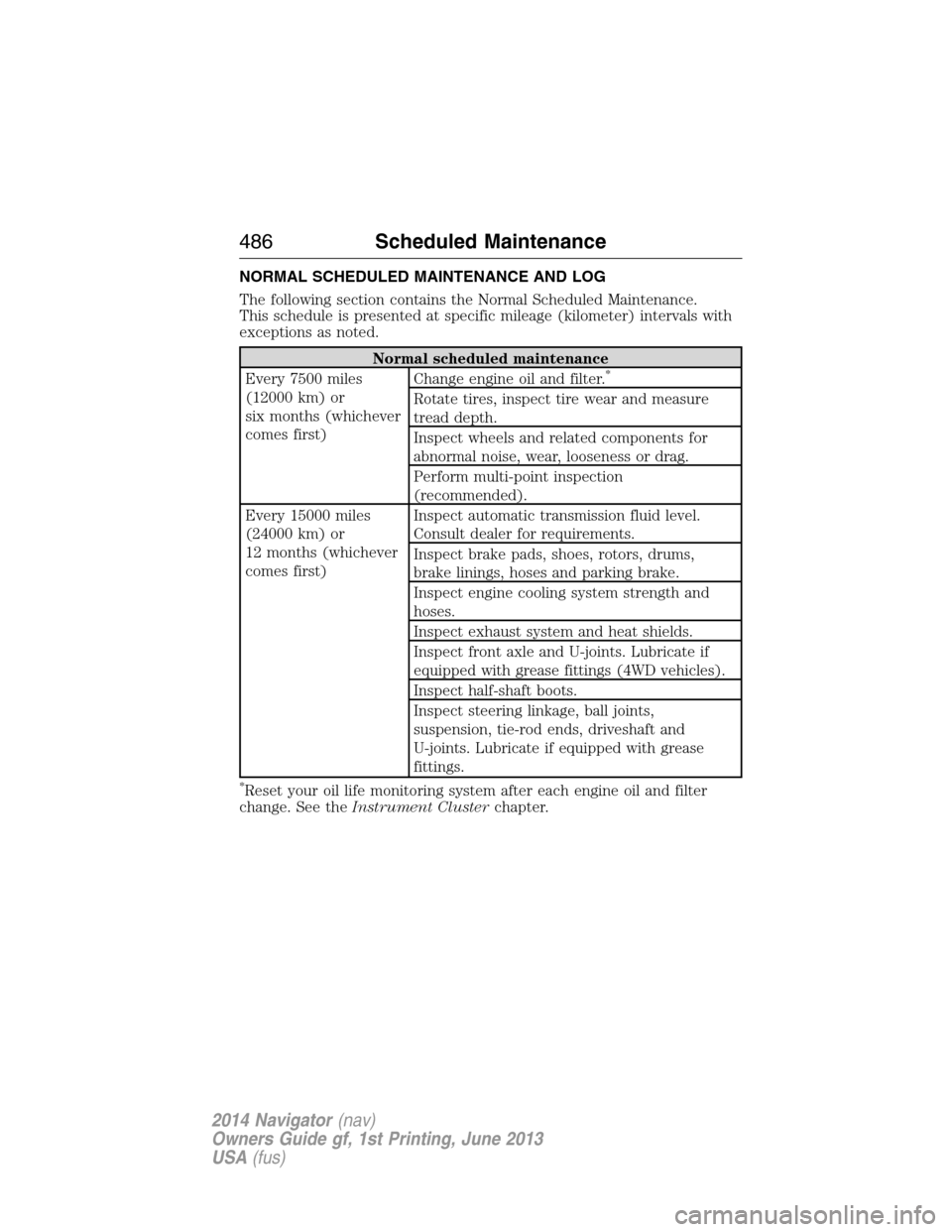
NORMAL SCHEDULED MAINTENANCE AND LOG
The following section contains the Normal Scheduled Maintenance.
This schedule is presented at specific mileage (kilometer) intervals with
exceptions as noted.
Normal scheduled maintenance
Every 7500 miles
(12000 km) or
six months (whichever
comes first)Change engine oil and filter.*
Rotate tires, inspect tire wear and measure
tread depth.
Inspect wheels and related components for
abnormal noise, wear, looseness or drag.
Perform multi-point inspection
(recommended).
Every 15000 miles
(24000 km) or
12 months (whichever
comes first)Inspect automatic transmission fluid level.
Consult dealer for requirements.
Inspect brake pads, shoes, rotors, drums,
brake linings, hoses and parking brake.
Inspect engine cooling system strength and
hoses.
Inspect exhaust system and heat shields.
Inspect front axle and U-joints. Lubricate if
equipped with grease fittings (4WD vehicles).
Inspect half-shaft boots.
Inspect steering linkage, ball joints,
suspension, tie-rod ends, driveshaft and
U-joints. Lubricate if equipped with grease
fittings.
*Reset your oil life monitoring system after each engine oil and filter
change. See theInstrument Clusterchapter.
486Scheduled Maintenance
2014 Navigator(nav)
Owners Guide gf, 1st Printing, June 2013
USA(fus)
Page 503 of 506
M
MAP DVD - Loading and
Unloading ..................................353
Map icons ..................................462
Map mode ..................................461
Map updates ..............................465
Master lighting switch ................89
Media Bluetooth menu options
(adding, connecting, deleting,
turning on/off) ..........................401
Message center .........................109
warning messages ...................115
Mirrors ...................................95, 98
programmable memory ............60
side view mirrors (power) .......95
signal ...................................96–97
Moon roof ..................................100
Motorcraft® parts .............278, 324
MyKey ..........................................62
N
Navigation end user license
agreement ..................................475
Navigation features ...................448
O
Octane rating ............................167
P
Pairing other phones ................370
Pairing your phone for the first
time ............................................370Parental MyKey programming ...62
Parking brake ............................191
Parts (see Motorcraft®
parts) .........................................324
Phone Bluetooth menu options
(adding, connecting, deleting,
turning on/off) ..........................381
Phone redial ..............................375
Playing a DVD in the system ...353
Playing music (by artist,
album, genre, playlist, tracks,
similar) ......................................398
POI categories ...........................456
Point of Interest (POI) .............456
Power deployable running
boards ........................................214
Power distribution box
(see Fuses) .......................247, 251
Power door locks ........................69
Power liftgate ..............................73
Power mirrors .............................95
Powerpoint ................................155
Power steering ..........................203
fluid, checking and adding ....264
fluid, refill capacity ................320
fluid, specifications .................320
Power Windows ...........................94
Privacy information ..................366
Putting a call on/off hold .........373
Q
Quick touch buttons .................464
502Index
2014 Navigator(nav)
Owners Guide gf, 1st Printing, June 2013
USA(fus)