power steering LINCOLN NAVIGATOR 2015 Owner's Manual
[x] Cancel search | Manufacturer: LINCOLN, Model Year: 2015, Model line: NAVIGATOR, Model: LINCOLN NAVIGATOR 2015Pages: 475, PDF Size: 5.13 MB
Page 401 of 475
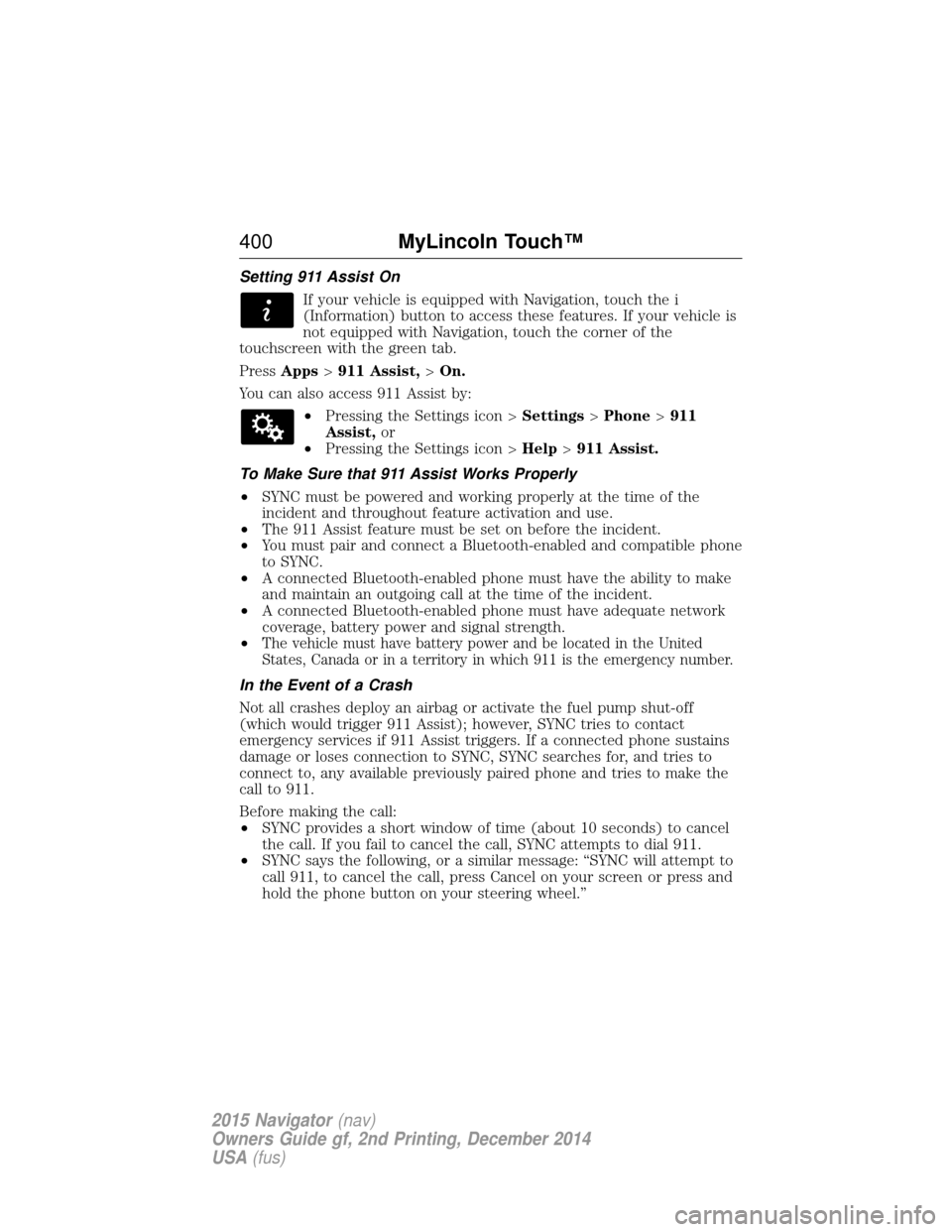
Setting 911 Assist OnIf your vehicle is equipped with Navigation, touch the i
(Information) button to access these features. If your vehicle is
not equipped with Navigation, touch the corner of the
touchscreen with the green tab.
Press Apps >911 Assist, >On.
You can also access 911 Assist by: •Pressing the Settings icon > Settings>Phone >911
Assist, or
• Pressing the Settings icon > Help>911 Assist.
To Make Sure that 911 Assist Works Properly
• SYNC must be powered and working properly at the time of the
incident and throughout feature activation and use.
• The 911 Assist feature must be set on before the incident.
• You must pair and connect a Bluetooth-enabled and compatible phone
to SYNC.
• A connected Bluetooth-enabled phone must have the ability to make
and maintain an outgoing call at the time of the incident.
• A connected Bluetooth-enabled phone must have adequate network
coverage, battery power and signal strength.
•
The vehicle must have battery power and be located in the United States, Canada or in a territory in which 911 is the emergency number.
In the Event of a Crash
Not all crashes deploy an airbag or activate the fuel pump shut-off
(which would trigger 911 Assist); however, SYNC tries to contact
emergency services if 911 Assist triggers. If a connected phone sustains
damage or loses connection to SYNC, SYNC searches for, and tries to
connect to, any available previously paired phone and tries to make the
call to 911.
Before making the call:
• SYNC provides a short window of time (about 10 seconds) to cancel
the call. If you fail to cancel the call, SYNC attempts to dial 911.
• SYNC says the following, or a similar message: “SYNC will attempt to
call 911, to cancel the call, press Cancel on your screen or press and
hold the phone button on your steering wheel.”
400 MyLincoln Touch™
2015 Navigator(nav)
Owners Guide gf, 2nd Printing, December 2014
USA (fus)
Page 454 of 475
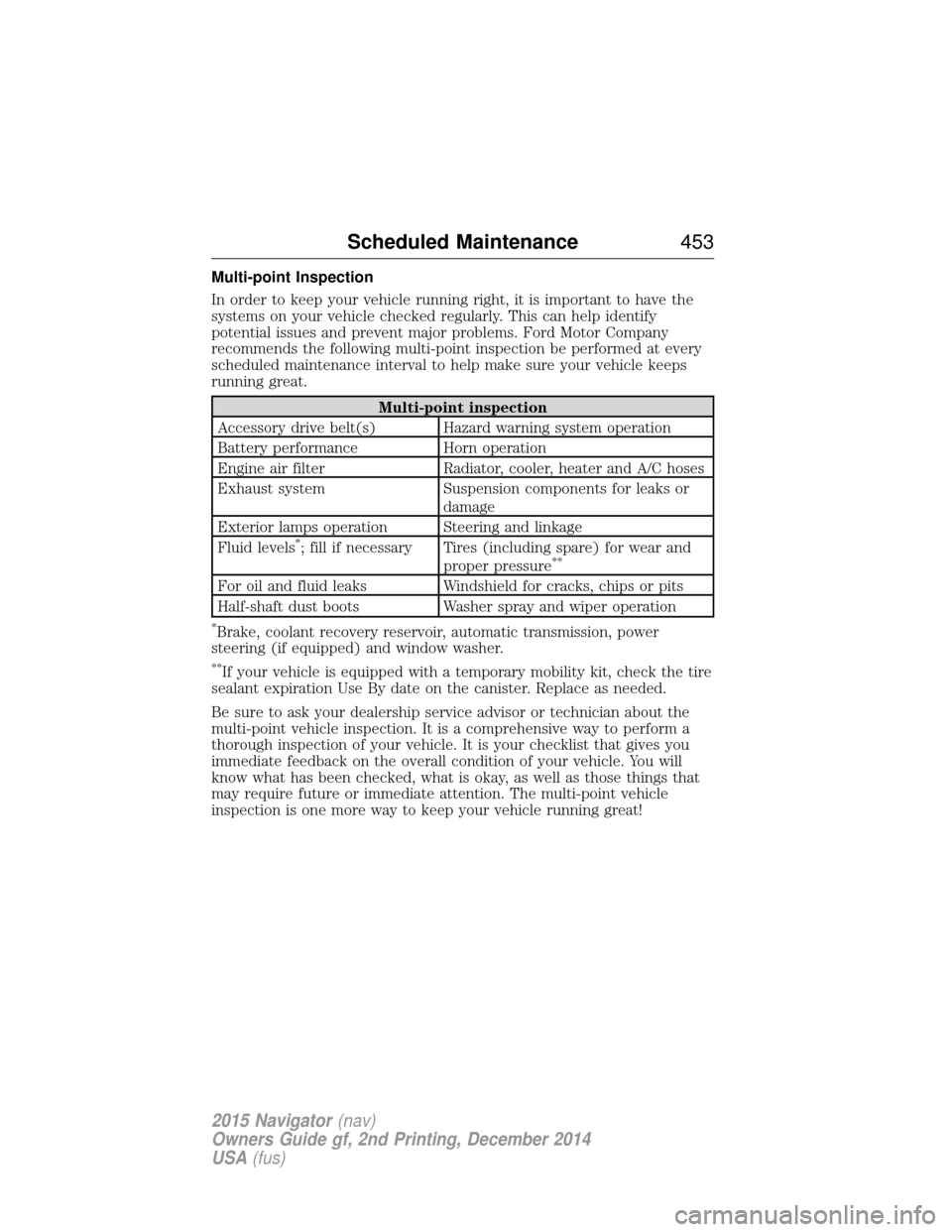
Multi-point Inspection
In order to keep your vehicle running right, it is important to have the
systems on your vehicle checked regularly. This can help identify
potential issues and prevent major problems. Ford Motor Company
recommends the following multi-point inspection be performed at every
scheduled maintenance interval to help make sure your vehicle keeps
running great.
Multi-point inspection
Accessory drive belt(s) Hazard warning system operation
Battery performance Horn operation
Engine air filter Radiator, cooler, heater and A/C hoses
Exhaust system Suspension components for leaks or damage
Exterior lamps operation Steering and linkage
Fluid levels
*; fill if necessary Tires (including spare) for wear and proper pressure**
For oil and fluid leaks Windshield for cracks, chips or pits
Half-shaft dust boots Washer spray and wiper operation
*Brake, coolant recovery reservoir, automatic transmission, power
steering (if equipped) and window washer.
**If your vehicle is equipped with a temporary mobility kit, check the tire
sealant expiration Use By date on the canister. Replace as needed.
Be sure to ask your dealership service advisor or technician about the
multi-point vehicle inspection. It is a comprehensive way to perform a
thorough inspection of your vehicle. It is your checklist that gives you
immediate feedback on the overall condition of your vehicle. You will
know what has been checked, what is okay, as well as those things that
may require future or immediate attention. The multi-point vehicle
inspection is one more way to keep your vehicle running great!
Scheduled Maintenance 453
2015 Navigator(nav)
Owners Guide gf, 2nd Printing, December 2014
USA (fus)
Page 473 of 475
N
Navigation features ...................418
Navigation voice commands ....428
Notifications ..............................398
O
Octane rating ............................164
P
Pairing other phones ................385
Pairing your phone ...................385
Pairing your phone for the first
time ............................................385
Parental MyKey programming ...60
Parking brake ............................188
Parts
(see Motorcraft® parts) ..........333
Phone settings ..................389, 411
Phone voice commands ............390
POI categories ...........................420
Point of Interest (POI) .............420
Power deployable running
boards ........................................222
Power distribution box
(see Fuses) .......................255, 260
Power door locks ........................67
Power liftgate ..............................70
Power mirrors .............................94
Powerpoint ................................152
Power steering ..........................210fluid, checking and adding ....272
fluid, refill capacity ................328
fluid, specifications .................328 Power Windows ...........................93
Privacy information ..................358
Push button start system .........156
Q
Quick touch buttons .................427
R
Radio ..........................................343
AM/FM .....................................366
Single CD ................................343
Radio reception .........................341
Radio voice commands .............371
Rear heated seats .....................143
Rear view camera display..198, 406
Rear window defroster .............122
Receiving a text message .........388
Recommendations for
attaching safety restraints for
children ........................................18
Relays ........................................255
Remote entry system illuminated entry ................69–70
locking/unlocking doors ...........67
replacing the batteries .............55
Remote start climate
operation ...................................127
Roadside assistance ..................241
Roll stability control .................192
Roof rack ...................................213
Route preferences ....................422
S
Safety Belt Maintenance ............42
472 Index
2015 Navigator(nav)
Owners Guide gf, 2nd Printing, December 2014
USA (fus)
Page 475 of 475
SYNC® customer support ........356
SYNC® Services ........................391
System settings .........................406
T
Temperature control
(see Climate control) .......122, 415
Text messaging .........................387
Third-row power fold seat .......145
Tilt steering wheel ......................79
Tires ...........................297–298, 318alignment ................................311
care ..........................................297
changing ..........................318, 320
checking the pressure ............307
inflating ...................................305
label .........................................304
replacing ..................................309
rotating ....................................312
safety practices .......................311
sidewall information ...............299
snow tires and chains ............312
spare tire .................................318
terminology .............................298
tire grades ...............................298
treadwear ........................298, 307
Touchscreen features
(climate) ....................................415
Towing .......................224, 235–236 recreational towing .................236
trailer towing ..........................224
wrecker ....................................235
Traction control ........................190
Traffic preferences ...................422
Trailer sway control ..................225 Transmission
brake-shift interlock (BSI) ....176
fluid, checking and adding
(automatic) .............................271
fluid, refill capacities ..............328
lubricant specifications ..........328
Turn signal ..................................91
U
USB port ............................351, 378
V
Vehicle health report ................401
Vehicle Identification Number
(VIN) ..........................................333
Vehicle loading ..........................213
Ventilating your vehicle ...........160
Voice recognition ......................361
W
Warning lights (see Lights) .....100
Washer fluid ......................272–273
Water, Driving through .............238
Windows power .........................................93
rear wiper/washer .....................86
Windshield washer fluid and
wipers ..........................................85 checking and adding
fluid ..................................272–273
replacing wiper blades ...........275
Wrecker towing .........................235
474 Index
2015 Navigator(nav)
Owners Guide gf, 2nd Printing, December 2014
USA (fus)