key LINCOLN NAVIGATOR 2015 Workshop Manual
[x] Cancel search | Manufacturer: LINCOLN, Model Year: 2015, Model line: NAVIGATOR, Model: LINCOLN NAVIGATOR 2015Pages: 475, PDF Size: 5.13 MB
Page 242 of 475
ROADSIDE ASSISTANCE
Vehicles Sold in the United States: Getting Roadside Assistance
If you ever need help on the road, the Lincoln Motor Company is there
for you with nationwide, 24-hours-a-day, seven-days-a-week assistance.
The service is available:
•Throughout the life of the vehicle for original owners.
• For six years or 70000 miles (112655 kilometers) (whichever comes
first) within the extended powertrain warranty coverage period for
subsequent owners.
• For the coverage period listed on the Roadside Assistance Card
included in your Owner’s Manual portfolio.
This complimentary Roadside Assistance program is separate from the
New Vehicle Limited Warranty, and includes:
• A flat tire change with a good spare (except vehicles supplied with a
tire inflation kit).
• Battery jump start.
• Lock-out assistance (key replacement cost is the customer’s
responsibility).
• Fuel delivery – independent service contractors, if not prohibited by
state, local or municipal law, shall deliver up to 2.0 gallons (7.5 liters)
of gasoline or 5.0 gallons (18.9 liters) of diesel fuel to a disabled
vehicle. Roadside Assistance limits fuel delivery service to two
no-charge occurrences within a 12-month period.
• Winch out – available within 100 feet (30.5 meters) of a paved or
county maintained road, no recoveries.
• Towing – Lincoln eligible vehicles to the client’s selling or preferred
dealer within 100 miles (161 kilometers) of the disablement location
or to the nearest Lincoln dealer. If a client requests a tow to a selling
or preferred dealer that is more than 100 miles (161 kilometers) from
the disablement location, the client shall be responsible for any
mileage costs in excess of 100 miles (161 kilometers).
Roadside Assistance will include up to $200 coverage for a towed trailer
if the disabled eligible vehicle requires service at the nearest authorized
dealer. If the towing vehicle is operational but the trailer is not, then the
trailer does not qualify for any roadside services.
Roadside Emergencies 241
2015 Navigator(nav)
Owners Guide gf, 2nd Printing, December 2014
USA (fus)
Page 262 of 475
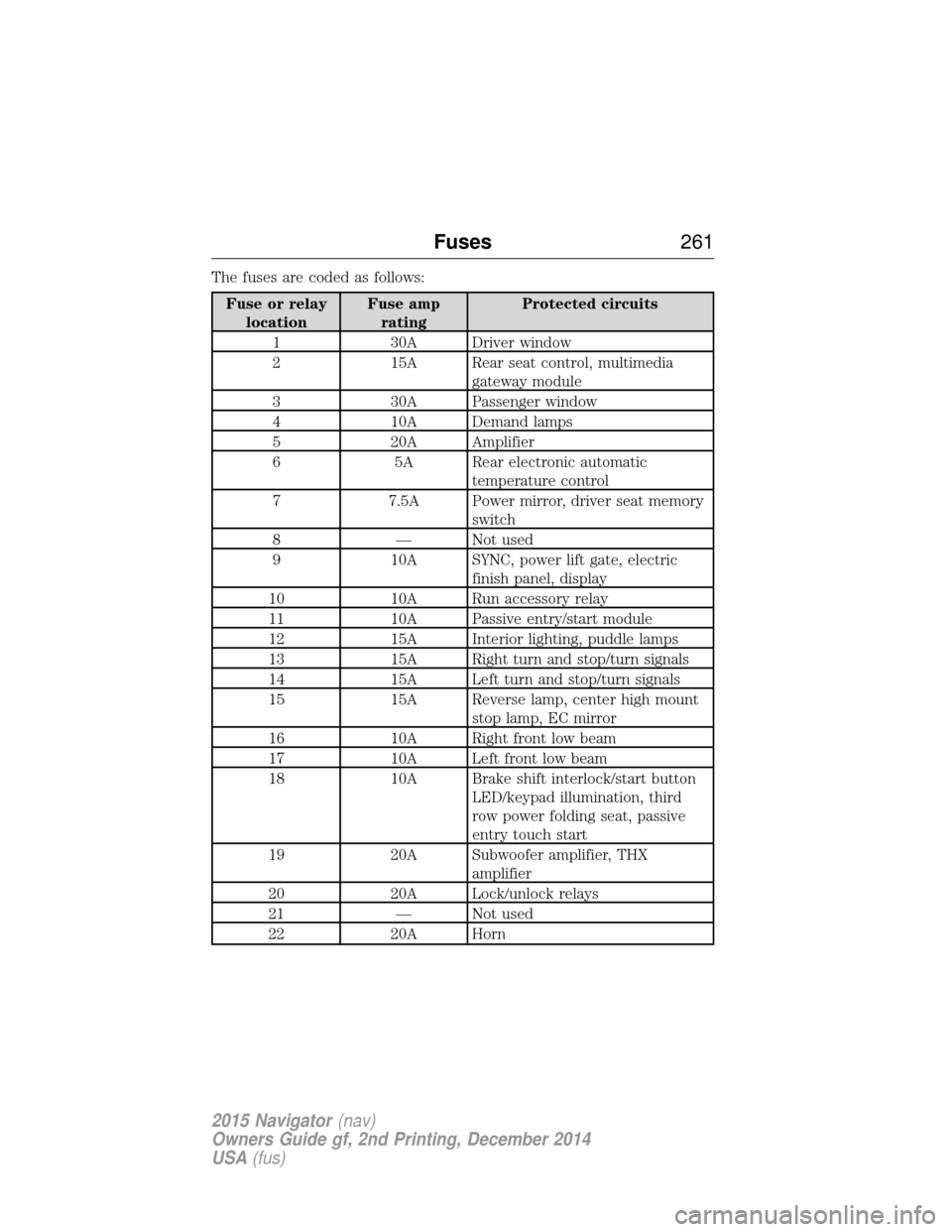
The fuses are coded as follows:
Fuse or relaylocation Fuse amp
rating Protected circuits
1 30A Driver window
2 15A Rear seat control, multimedia gateway module
3 30A Passenger window
4 10A Demand lamps
5 20A Amplifier
6 5A Rear electronic automatic temperature control
7 7.5A Power mirror, driver seat memory switch
8 — Not used
9 10A SYNC, power lift gate, electric finish panel, display
10 10A Run accessory relay
11 10A Passive entry/start module
12 15A Interior lighting, puddle lamps
13 15A Right turn and stop/turn signals
14 15A Left turn and stop/turn signals
15 15A Reverse lamp, center high mount stop lamp, EC mirror
16 10A Right front low beam
17 10A Left front low beam
18 10A Brake shift interlock/start button LED/keypad illumination, third
row power folding seat, passive
entry touch start
19 20A Subwoofer amplifier, THX amplifier
20 20A Lock/unlock relays
21 — Not used
22 20A Horn
Fuses 261
2015 Navigator(nav)
Owners Guide gf, 2nd Printing, December 2014
USA (fus)
Page 263 of 475
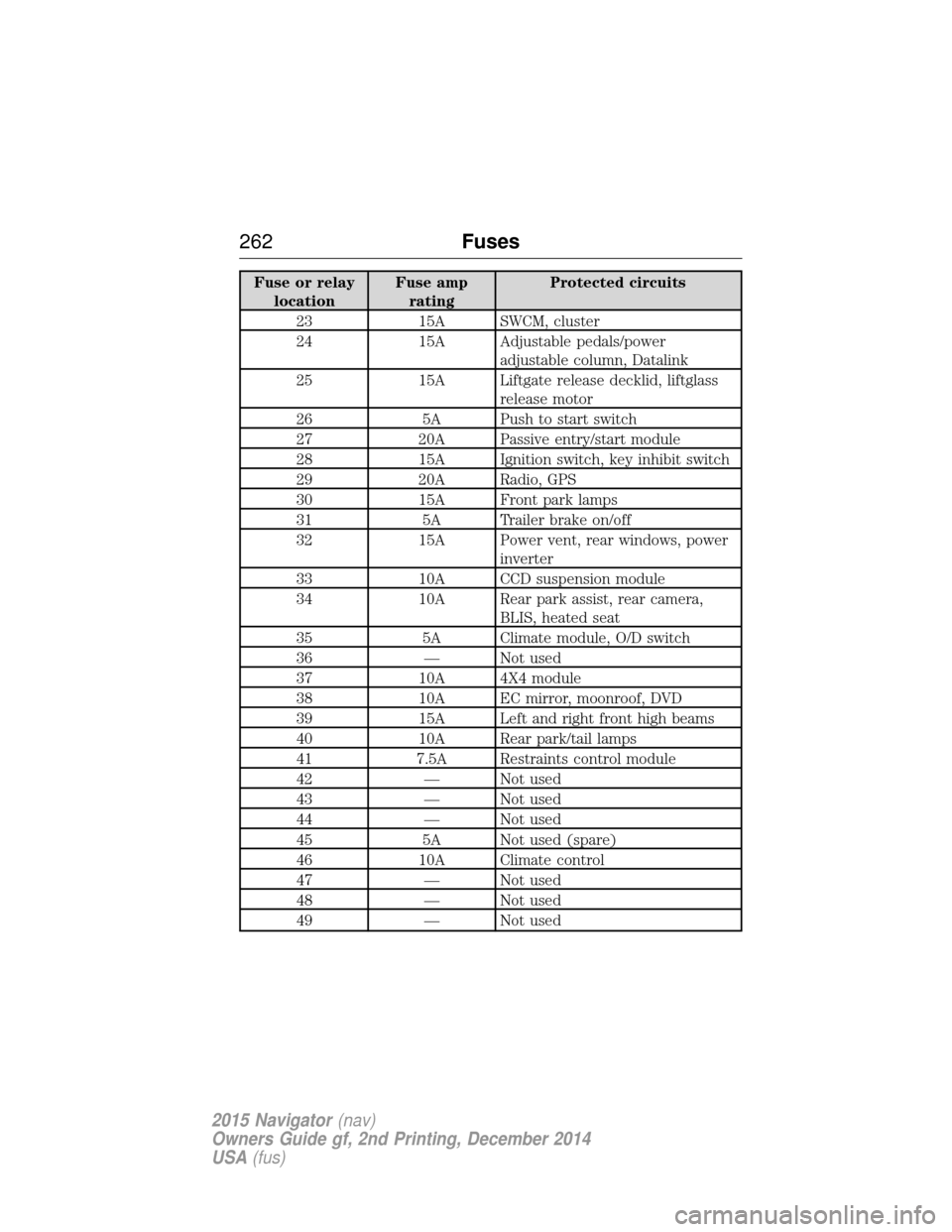
Fuse or relaylocation Fuse amp
rating Protected circuits
23 15A SWCM, cluster
24 15A Adjustable pedals/power adjustable column, Datalink
25 15A Liftgate release decklid, liftglass release motor
26 5A Push to start switch
27 20A Passive entry/start module
28 15A Ignition switch, key inhibit switch
29 20A Radio, GPS
30 15A Front park lamps
31 5A Trailer brake on/off
32 15A Power vent, rear windows, power inverter
33 10A CCD suspension module
34 10A Rear park assist, rear camera, BLIS, heated seat
35 5A Climate module, O/D switch
36 — Not used
37 10A 4X4 module
38 10A EC mirror, moonroof, DVD
39 15A Left and right front high beams
40 10A Rear park/tail lamps
41 7.5A Restraints control module
42 — Not used
43 — Not used
44 — Not used
45 5A Not used (spare)
46 10A Climate control
47 — Not used
48 — Not used
49 — Not used
262 Fuses
2015 Navigator(nav)
Owners Guide gf, 2nd Printing, December 2014
USA (fus)
Page 264 of 475
GENERAL INFORMATION
WARNING:Turn off the power running boards, if equipped,
before working under the vehicle, jacking or placing any object
under the vehicle. Never place your hand between the extended
running board and the vehicle. A moving running board may cause
injury.
Have your vehicle serviced regularly to help maintain its roadworthiness
and resale value. There is a large network of Ford authorized dealers
that are there to help you with their professional servicing expertise. We
believe that their specially trained technicians are best qualified to
service your vehicle properly and expertly. They are supported by a wide
range of highly specialized tools developed specifically for servicing your
vehicle.
To help you service your vehicle, we provide scheduled maintenance
information which makes tracking routine service easy.
If your vehicle requires professional service, your authorized dealer can
provide the necessary parts and service. Check your warranty
information to find out which parts and services are covered.
Use only recommended fuels, lubricants, fluids and service parts
conforming to specifications. Motorcraft® parts are designed and built to
provide the best performance in your vehicle.
Precautions
• Do not work on a hot engine.
• Make sure that nothing gets caught in moving parts.
• Do not work on a vehicle with the engine running in an enclosed
space, unless you are sure you have enough ventilation.
• Keep all open flames and other burning material (such as cigarettes)
away from the battery and all fuel related parts.
Working with the Engine Off
1. Set the parking brake and shift to P(Park).
2. Turn off the engine and remove the key (if equipped).
3. Block the wheels.
Maintenance 263
2015 Navigator(nav)
Owners Guide gf, 2nd Printing, December 2014
USA (fus)
Page 277 of 475
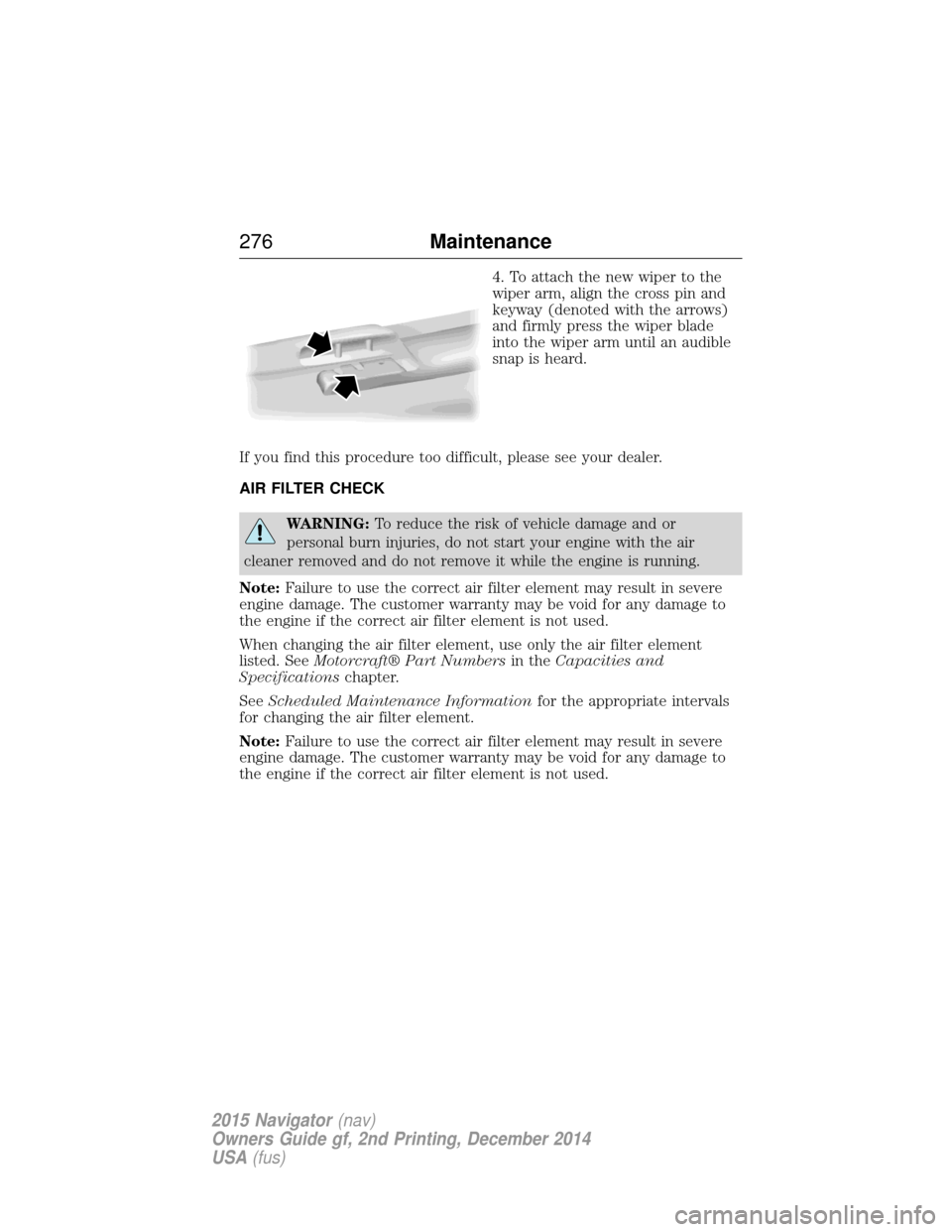
4. To attach the new wiper to the
wiper arm, align the cross pin and
keyway (denoted with the arrows)
and firmly press the wiper blade
into the wiper arm until an audible
snap is heard.
If you find this procedure too difficult, please see your dealer.
AIR FILTER CHECK
WARNING: To reduce the risk of vehicle damage and or
personal burn injuries, do not start your engine with the air
cleaner removed and do not remove it while the engine is running.
Note: Failure to use the correct air filter element may result in severe
engine damage. The customer warranty may be void for any damage to
the engine if the correct air filter element is not used.
When changing the air filter element, use only the air filter element
listed. See Motorcraft® Part Numbers in theCapacities and
Specifications chapter.
See Scheduled Maintenance Information for the appropriate intervals
for changing the air filter element.
Note: Failure to use the correct air filter element may result in severe
engine damage. The customer warranty may be void for any damage to
the engine if the correct air filter element is not used.
276 Maintenance
2015 Navigator(nav)
Owners Guide gf, 2nd Printing, December 2014
USA (fus)
Page 350 of 475
Sirius satellite radio is a
subscription-based satellite radio
service that broadcasts a variety of
music, sports, news, weather, traffic
and entertainment programming.
Your factory-installed Sirius satellite
radio system includes hardware and
a limited subscription term which begins on the date of sale or lease of
your vehicle. See an authorized dealer for availability.
For more information on extended subscription terms (a service fee is
required), the online media player and a complete list of Sirius satellite
radio channels, and other features, please visit www.siriusxm.com in the
United States, www.sirius.ca in Canada, or call Sirius at 1–888–539–7474.
Satellite Radio Electronic Serial Number (ESN)
You need your ESN to activate, modify or track your satellite radio
account. When in satellite radio mode, you can view this number by
pressing SIRIUSand memory preset 1 at the same time. To access your
ESN, press the bottom left corner of the touchscreen, then SIRIUS>
Options.
Troubleshooting
Radio display Condition Possible action
Acquiring Radio requires more
than two seconds to
produce audio for the
selected channel. No action required.
This message should
disappear shortly.
Sat Fault/SIRIUS
system failure There is an internal
module or system
failure present.If this message does
not clear shortly, or
with an ignition key
cycle, your receiver
may have a fault. See
an authorized dealer
for service.
Invalid Channel The channel is no longer available.Tune to another
channel or choose
another preset.
Audio System
349
2015 Navigator(nav)
Owners Guide gf, 2nd Printing, December 2014
USA (fus)
Page 359 of 475
•Any action that requires you to use a keyboard is restricted, such as
entering a navigation destination or editing information.
• All lists are limited so the user can view fewer entries (such as phone
contacts or recent phone call entries).
See the following chart for more specific examples:
Restricted Features
Cellular Phone Pairing a Bluetooth phone Adding phonebook contacts or uploading
phonebook contacts (from a USB)
List entries are limited for phone contacts and
recent phone call entries
System Functionality Editing the keypad code Enabling Valet Mode
Editing settings while the rear view camera or
Active Park Assist are active
Wi-Fi and Wireless Editing wireless settings Editing the list of wireless networks
Videos, Photos and
Graphics Playing video
Editing the screen’s wallpaper or adding new
wallpaper
Text Messages Composing text messages Viewing received text messages
Editing preset text messages
Navigation Using the keyboard to enter a destination Demo navigation route
Adding or Editing Address Book entries or
Avoid Areas
Privacy Information
When a cellular phone is connected to SYNC, the system creates a
profile within your vehicle that is linked to that cellular phone. This
profile is created in order to offer you more cellular features and to
operate more efficiently. Among other things, this profile may contain
data about your cellular phone book, text messages (read and unread),
and call history, including history of calls when your cell phone was not
connected to the system. In addition, if you connect a media device, the
358 MyLincoln Touch™
2015 Navigator(nav)
Owners Guide gf, 2nd Printing, December 2014
USA (fus)
Page 377 of 475
Sirius troubleshooting tips
Radio display Condition Possible action
Acquiring... Radio requires more than two seconds to
produce audio for the
selected channel.No action required.
This message should
disappear shortly.
Sat Fault/SIRIUS
system failure. There is an internal
module or system
failure present.If this message does
not clear shortly, or
with an ignition key
cycle, your receiver
may have a fault. See
your authorized dealer
for service.
Invalid Channel. The channel is no longer available.Tune to another
channel or choose
another preset.
Unsubscribed Channel. Your subscription does not include this
channel.Contact Sirius at
1–888–539–7474 to
subscribe to the
channel, or tune to
another channel.
No Signal. The signal is lost from the Sirius satellite or
Sirius tower to your
vehicle antenna.The signal is blocked.
When you move into
an open area, the
signal should return.
Updating. Update of channel programming in
progress.No action required.
The process may take
up to three minutes.
Call SIRIUS
1–888–539–7474. Your satellite service is
no longer available.Contact Sirius at
1-888-539-7474 to
resolve subscription
issues.
None Found. Check
Channel Guide. All the channels in the
selected channels are
either skipped or
locked.Use the channel guide
to turn off the
Lock
or Skip function on
that station.
Subscription Updated. Sirius has updated the channels available for
your vehicle.No action required.
376
MyLincoln Touch™
2015 Navigator(nav)
Owners Guide gf, 2nd Printing, December 2014
USA (fus)
Page 406 of 475
Only the photograph(s), which meets the following conditions, display:
•Compatible file formats are as follows: .jpg, .gif, .png, .bmp.
• Each file must be 1.5 MB or less.
• Recommended dimensions: 800 x 384.
Sound Press the Settings icon > Sound,then select from the
following:
Sound Settings
Bass DSP*
Midrange Occupancy Mode*
TrebleSpeed Compensated Volume
Set Balance and Fade
*If equipped.
Vehicle Press the Settings icon > Vehicle,then select from the
following:
• Ambient Lighting.
• Vehicle Health Report.
• Door Keypad Code.
• Camera Settings.
• Enable Valet Mode.
Ambient Lighting (If Equipped)
When activated, ambient lighting illuminates footwells and cupholders
with a choice of colors. To access and make adjustments:
1. Press the Settings icon > Vehicle>Ambient Lighting.
2. Touch the desired color.
3. Use the scroll bar to increase or decrease the intensity.
To turn the feature on or off, press the power button.
Vehicle Health Report
Turn Automatic Reminders on and off and set the mileage interval at
which you would like to receive the reports. Press ?for more information
on these selections.
When done making your selections, press Run Vehicle Health Report
Now if you want your report.
MyLincoln Touch™ 405
2015 Navigator(nav)
Owners Guide gf, 2nd Printing, December 2014
USA (fus)
Page 407 of 475
Door Keypad Code
To change the keypad code for your keyless entry keypad system:
1. Press the Settings icon >Vehicle>Door Keypad Code.
2. Enter your current factory code, then, when prompted, enter your new code.
Camera Settings
This menu allows you to access settings for your rear view camera.
Press the Settings icon > Vehicle>Camera Settings, then select from
the following settings:
• Enhanced Park Aids.
• Rear Camera Delay.
Enable Valet Mode
Valet mode allows you to lock the system. No information is accessible
until the system is unlocked with the correct PIN.
1. Press the Settings icon > Vehicle>Enable Valet Mode.
2. Enter a four-digit pin twice, as prompted.
After you press Continue, the system locks until you enter the PIN again.
Note: If the system locks, and you need to reset the PIN, enter 3681 and
the system unlocks.
Settings
Access and adjust system settings, voice features, as well as phone,
navigation and wireless settings.
System
Press the Settings icon > Settings>System, then select from
the following:
System
Language Select to have the touchscreen display in
English, Spanish or French.
Distance Select to display units in kilometers or miles.
Temperature Select to display units in Celsius or
Fahrenheit.
System Prompt
Volume Adjust the volume of voice prompts from the
system.
Touch Screen Button
Beep Select to have the system beep to confirm
choices made through the touchscreen.
406
MyLincoln Touch™
2015 Navigator(nav)
Owners Guide gf, 2nd Printing, December 2014
USA (fus)