ad blue LINCOLN NAVIGATOR 2022 Owner's Manual
[x] Cancel search | Manufacturer: LINCOLN, Model Year: 2022, Model line: NAVIGATOR, Model: LINCOLN NAVIGATOR 2022Pages: 646, PDF Size: 7.29 MB
Page 626 of 646
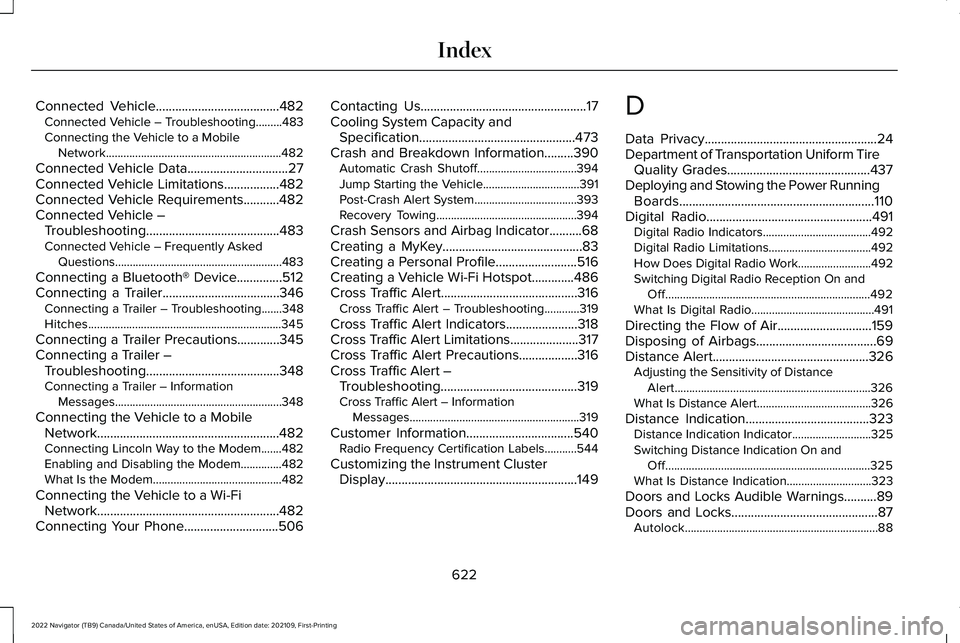
Connected Vehicle......................................482
Connected Vehicle – Troubleshooting.........483
Connecting the Vehicle to a Mobile
Network............................................................482
Connected Vehicle Data...............................27
Connected Vehicle Limitations.................482
Connected Vehicle Requirements...........482
Connected Vehicle – Troubleshooting.........................................483
Connected Vehicle – Frequently Asked Questions.........................................................483
Connecting a Bluetooth® Device..............512
Connecting a Trailer....................................346 Connecting a Trailer – Troubleshooting.......348
Hitches..................................................................345
Connecting a Trailer Precautions.............345
Connecting a Trailer – Troubleshooting.........................................348
Connecting a Trailer – Information Messages.........................................................348
Connecting the Vehicle to a Mobile Network........................................................482
Connecting Lincoln Way to the Modem.......482
Enabling and Disabling the Modem..............482
What Is the Modem............................................482
Connecting the Vehicle to a Wi-Fi Network........................................................482
Connecting Your Phone.............................506 Contacting Us...................................................17
Cooling System Capacity and
Specification................................................473
Crash and Breakdown Information.........390 Automatic Crash Shutoff..................................394
Jump Starting the Vehicle.................................391
Post-Crash Alert System...................................393
Recovery Towing................................................394
Crash Sensors and Airbag Indicator
..........68
Creating a MyKey...........................................83
Creating a Personal Profile.........................516
Creating a Vehicle Wi-Fi Hotspot.............486
Cross Traffic Alert
..........................................316
Cross Traffic Alert – Troubleshooting............319
Cross Traffic Alert Indicators......................318
Cross Traffic Alert Limitations.....................317
Cross Traffic Alert Precautions..................316
Cross Traffic Alert – Troubleshooting..........................................319
Cross Traffic Alert – Information Messages..........................................................319
Customer Information.................................540 Radio Frequency Certification Labels...........544
Customizing the Instrument Cluster Display...........................................................149 D
Data Privacy
.....................................................24
Department of Transportation Uniform Tire Quality Grades............................................437
Deploying and Stowing the Power Running Boards............................................................110
Digital Radio...................................................491 Digital Radio Indicators.....................................492
Digital Radio Limitations...................................492
How Does Digital Radio Work.........................492
Switching Digital Radio Reception On and
Off......................................................................492
What Is Digital Radio..........................................491
Directing the Flow of Air.............................159
Disposing of Airbags.....................................69
Distance Alert
................................................326
Adjusting the Sensitivity of Distance
Alert...................................................................326
What Is Distance Alert.......................................326
Distance Indication
......................................323
Distance Indication Indicator...........................325
Switching Distance Indication On and
Off......................................................................325
What Is Distance Indication.............................323
Doors and Locks Audible Warnings..........89
Doors and Locks
.............................................87
Autolock..................................................................88
622
2022 Navigator (TB9) Canada/United States of America, enUSA, Edition date: 202109, First-Printing Index
Page 635 of 646
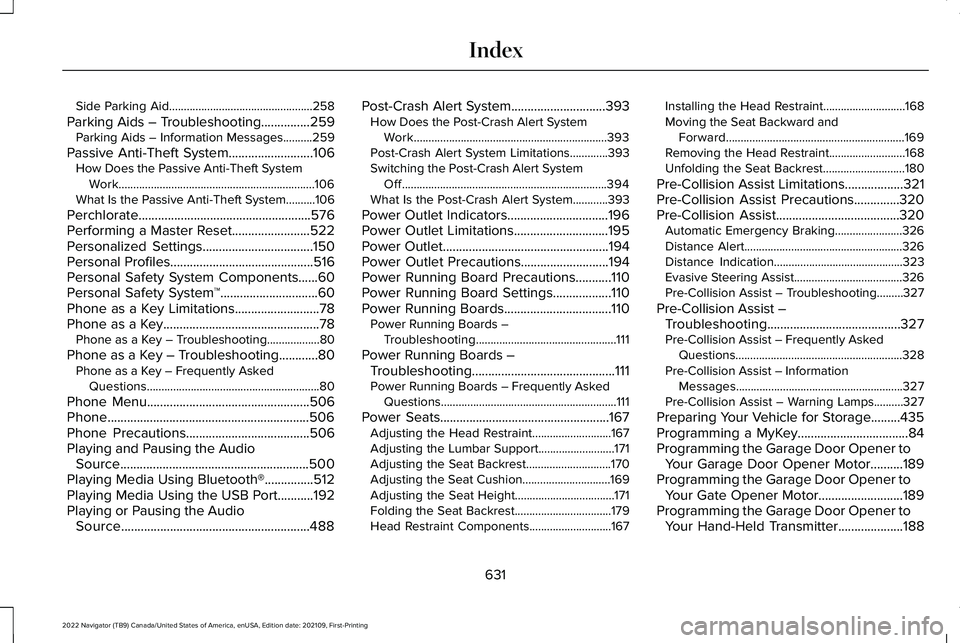
Side Parking Aid.................................................258
Parking Aids – Troubleshooting...............259 Parking Aids – Information Messages..........259
Passive Anti-Theft System..........................106 How Does the Passive Anti-Theft System
Work...................................................................106
What Is the Passive Anti-Theft System..........106
Perchlorate.....................................................576
Performing a Master Reset........................522
Personalized Settings..................................150
Personal Profiles............................................516
Personal Safety System Components......60
Personal Safety System ™
..............................60
Phone as a Key Limitations..........................78
Phone as a Key................................................78 Phone as a Key – Troubleshooting..................80
Phone as a Key – Troubleshooting............80 Phone as a Key – Frequently Asked
Questions...........................................................80
Phone Menu
..................................................506
Phone..............................................................506
Phone Precautions
......................................506
Playing and Pausing the Audio Source..........................................................500
Playing Media Using Bluetooth®...............512
Playing Media Using the USB Port...........192
Playing or Pausing the Audio Source
..........................................................488 Post-Crash Alert System
.............................393
How Does the Post-Crash Alert System
Work..................................................................393
Post-Crash Alert System Limitations.............393
Switching the Post-Crash Alert System Off......................................................................394
What Is the Post-Crash Alert System............393
Power Outlet Indicators
...............................196
Power Outlet Limitations.............................195
Power Outlet
...................................................194
Power Outlet Precautions...........................194
Power Running Board Precautions...........110
Power Running Board Settings..................110
Power Running Boards.................................110 Power Running Boards –
Troubleshooting................................................111
Power Running Boards – Troubleshooting............................................111
Power Running Boards – Frequently Asked Questions............................................................111
Power Seats
....................................................167
Adjusting the Head Restraint...........................167
Adjusting the Lumbar Support..........................171
Adjusting the Seat Backrest.............................170
Adjusting the Seat Cushion..............................169
Adjusting the Seat Height..................................171
Folding the Seat Backrest.................................179
Head Restraint Components............................167 Installing the Head Restraint............................
168
Moving the Seat Backward and Forward.............................................................169
Removing the Head Restraint..........................168
Unfolding the Seat Backrest............................
180
Pre-Collision Assist Limitations..................321
Pre-Collision Assist Precautions..............320
Pre-Collision Assist
......................................320
Automatic Emergency Braking.......................326
Distance Alert......................................................326
Distance Indication............................................323
Evasive Steering Assist.....................................326
Pre-Collision Assist – Troubleshooting.........327
Pre-Collision Assist – Troubleshooting.........................................327
Pre-Collision Assist – Frequently Asked Questions.........................................................328
Pre-Collision Assist – Information Messages.........................................................327
Pre-Collision Assist – Warning Lamps..........327
Preparing Your Vehicle for Storage.........435
Programming a MyKey..................................84
Programming the Garage Door Opener to Your Garage Door Opener Motor..........189
Programming the Garage Door Opener to Your Gate Opener Motor..........................189
Programming the Garage Door Opener to Your Hand-Held Transmitter....................188
631
2022 Navigator (TB9) Canada/United States of America, enUSA, Edition date: 202109, First-Printing Index