Button MAZDA MODEL 6 2005 Owners Manual (in English)
[x] Cancel search | Manufacturer: MAZDA, Model Year: 2005, Model line: MODEL 6, Model: MAZDA MODEL 6 2005Pages: 340, PDF Size: 3.73 MB
Page 9 of 340
Black plate (9,1)
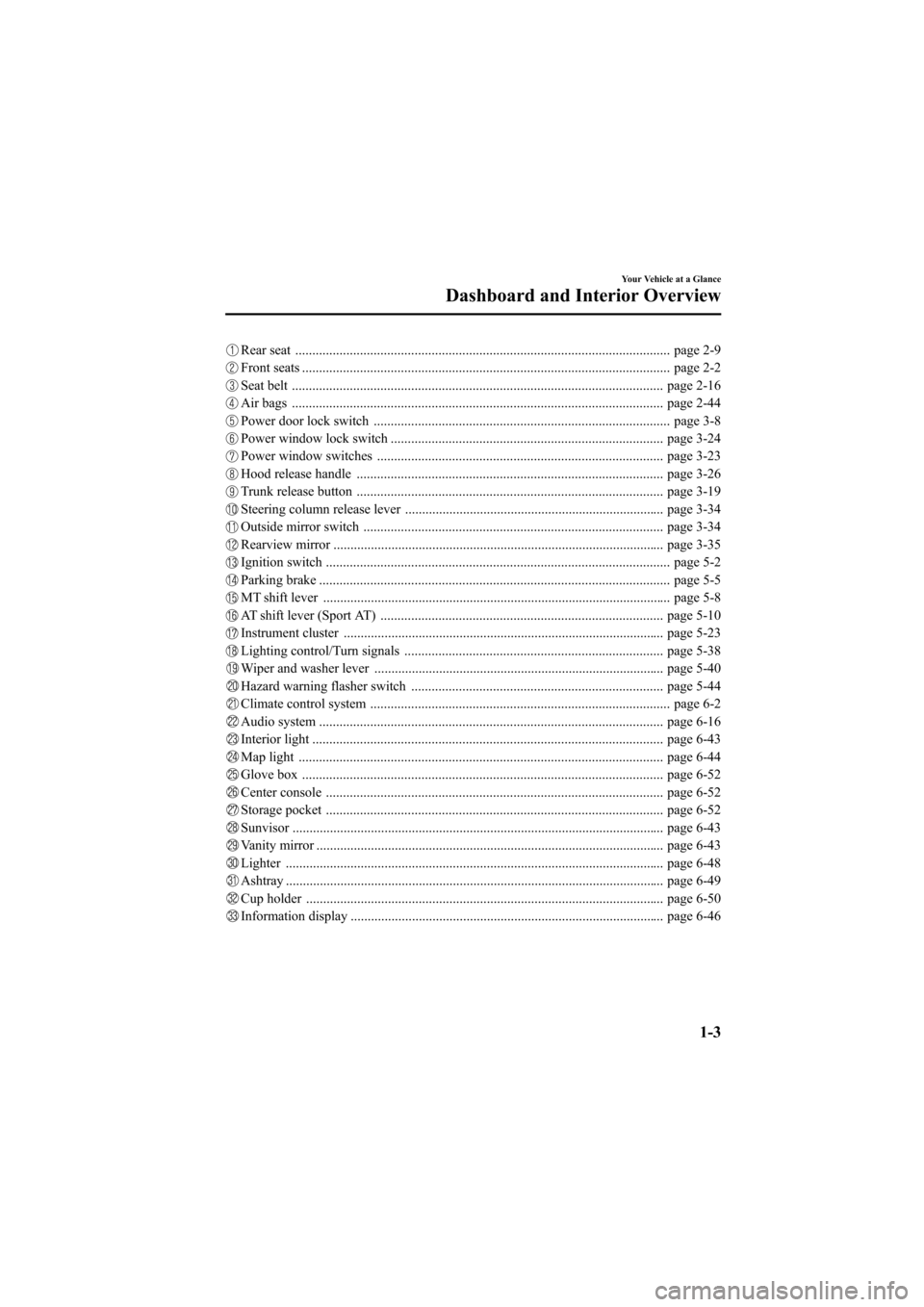
Rear seat .............................................................................................................. page 2-9
Front seats ............................................................................................................ page 2-2
Seat belt ............................................................................................................. page 2-16
Air bags ............................................................................................................. page 2-44
Power door lock switch ....................................................................................... page 3-8
Power window lock switch ................................................................................ page 3-24
Power window switches .................................................................................... page 3-23
Hood release handle .......................................................................................... page 3-26
Trunk release button .......................................................................................... page 3-19
Steering column release lever ............................................................................ page 3-34
Outside mirror switch ........................................................................................ page 3-34
Rearview mirror ................................................................................................. page 3-35
Ignition switch ..................................................................................................... page 5-2
Parking brake ....................................................................................................... page 5-5
MT shift lever ...................................................................................................... page 5-8
AT shift lever (Sport AT) ................................................................................... page 5-10
Instrument cluster .............................................................................................. page 5-23
Lighting control/Turn signals ............................................................................ page 5-38
Wiper and washer lever ..................................................................................... page 5-40
Hazard warning flasher switch .......................................................................... page 5-44
Climate control system ........................................................................................ page 6-2
Audio system ..................................................................................................... page 6-16
Interior light ....................................................................................................... page 6-43
Map light ........................................................................................................... page 6-44
Glove box .......................................................................................................... page 6-52
Center console ................................................................................................... page 6-52
Storage pocket ................................................................................................... page 6-52
Sunvisor ............................................................................................................. page 6-43
Vanity mirror ...................................................................................................... page 6-43
Lighter ............................................................................................................... page 6-48
Ashtray ............................................................................................................... page 6-49
Cup holder ......................................................................................................... page 6-50
Information display ............................................................................................ page 6-46
Your Vehicle at a Glance
Dashboard and Interior Overview
1-3
Mazda6_8T56-EC-04G_Edition2 Page9
Monday, November 15 2004 4:32 PM
Form No.8T56-EC-04G
Page 34 of 340
Black plate (34,1)
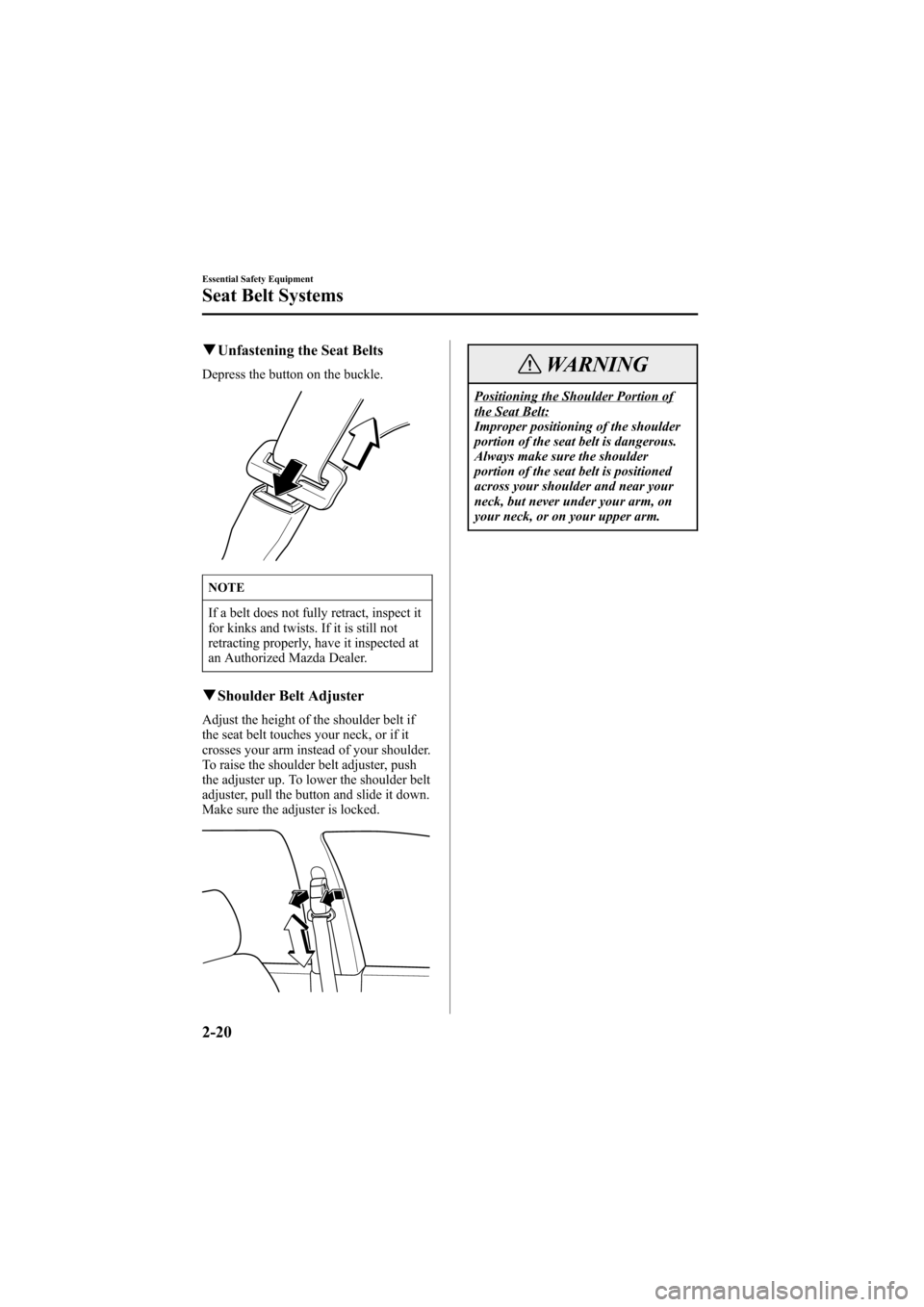
qUnfastening the Seat Belts
Depress the button on the buckle.
NOTE
If a belt does not fully retract, inspect it
for kinks and twists. If it is still not
retracting properly, have it inspected at
an Authorized Mazda Dealer.
qShoulder Belt Adjuster
Adjust the height of the shoulder belt if
the seat belt touches your neck, or if it
crosses your arm instead of your shoulder.
To raise the shoulder belt adjuster, push
the adjuster up. To lower the shoulder belt
adjuster, pull the button and slide it down.
Make sure the adjuster is locked.
WARNING
Positioning the Shoulder Portion ofthe Seat Belt:
Improper positioning of the shoulder
portion of the seat belt is dangerous.
Always make sure the shoulder
portion of the seat belt is positioned
across your shoulder and near your
neck, but never under your arm, on
your neck, or on your upper arm.
2-20
Essential Safety Equipment
Seat Belt Systems
Mazda6_8T56-EC-04G_Edition2 Page34
Monday, November 15 2004 4:32 PM
Form No.8T56-EC-04G
Page 38 of 340
Black plate (38,1)
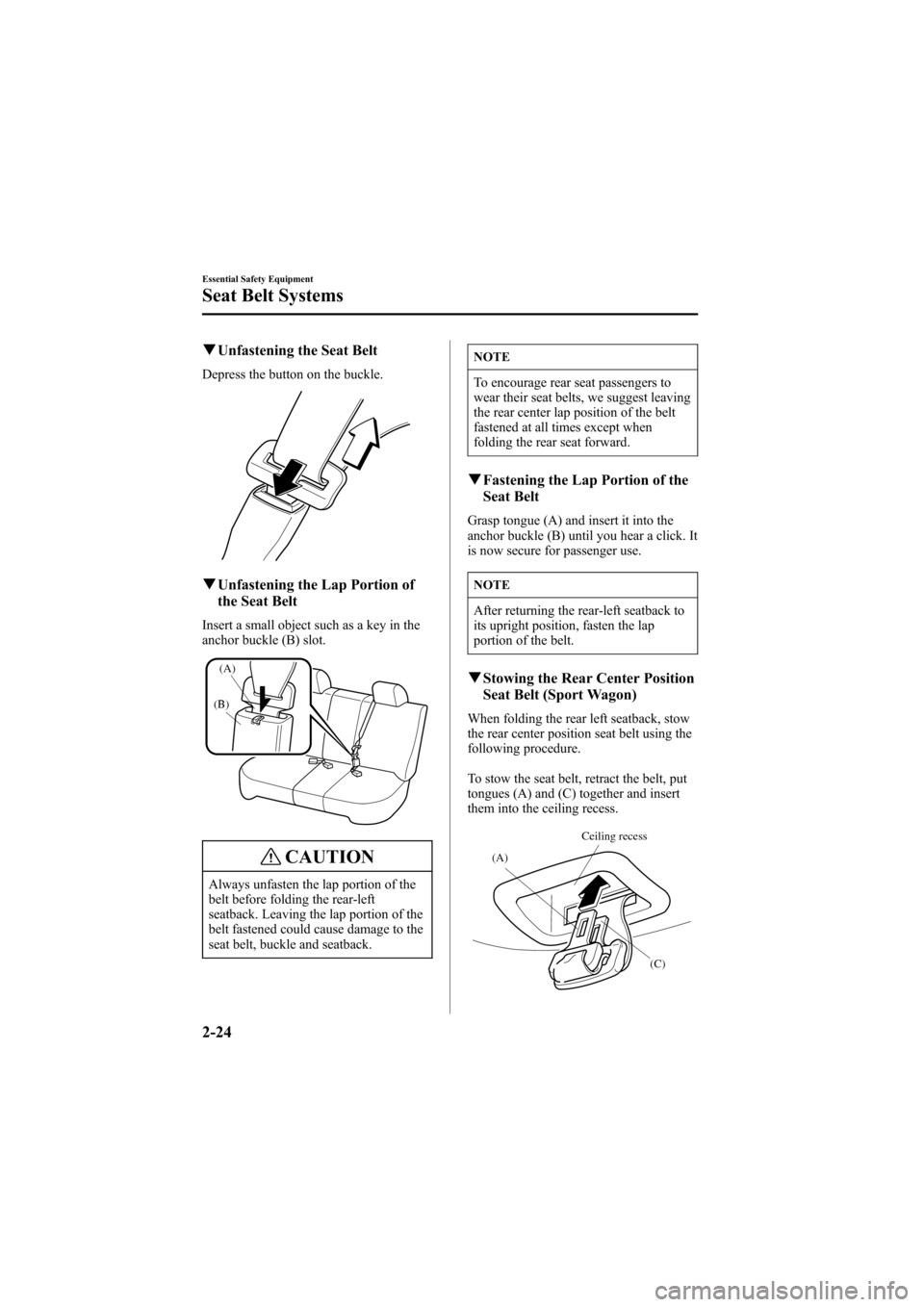
qUnfastening the Seat Belt
Depress the button on the buckle.
qUnfastening the Lap Portion of
the Seat Belt
Insert a small object such as a key in the
anchor buckle (B) slot.
(B)
(A)
CAUTION
Always unfasten the lap portion of the
belt before folding the rear-left
seatback. Leaving the lap portion of the
belt fastened could cause damage to the
seat belt, buckle and seatback.
NOTE
To encourage rear seat passengers to
wear their seat belts, we suggest leaving
the rear center lap position of the belt
fastened at all times except when
folding the rear seat forward.
qFastening the Lap Portion of the
Seat Belt
Grasp tongue (A) and insert it into the
anchor buckle (B) until you hear a click. It
is now secure for passenger use.
NOTE
After returning the rear-left seatback to
its upright position, fasten the lap
portion of the belt.
qStowing the Rear Center Position
Seat Belt (Sport Wagon)
When folding the rear left seatback, stow
the rear center position seat belt using the
following procedure.
To stow the seat belt, retract the belt, put
tongues (A) and (C) together and insert
them into the ceiling recess.
(A)
(C) Ceiling recess
2-24
Essential Safety Equipment
Seat Belt Systems
Mazda6_8T56-EC-04G_Edition2 Page38
Monday, November 15 2004 4:32 PM
Form No.8T56-EC-04G
Page 79 of 340
Black plate (79,1)
Keyless Entry System
This system locks and unlocks the doors
and the hatch/liftgate, and opens the
trunk.
It can also help you signal for attention in
an emergency.
Press the button slowly and accurately.
CAUTION
To avoid damage to the transmitter, do
not:
lDrop it.
lGet it wet.
lDisassemble it.
lExpose it to heat or sunlight.
NOTE
lThe keyless entry system is designed
to operate up to about 2.5 m (8 ft)
from the center of the vehicle, but
this may vary due to local
conditions.
lThe system doesn't operate when the
ignition switch is in the ON position.
lIf the transmitter does not operate
when pressing a button or the
operation range becomes too small,
the battery may be dead. To install a
new battery, refer to Maintenance
(page 3-5).
lAdditional transmitters can be
obtained at an Authorized Mazda
Dealer. Up to 3 transmitters can be
used with the keyless entry system
per vehicle. Bring all transmitters to
an Authorized Mazda Dealer when
the electronic codes need to be reset.
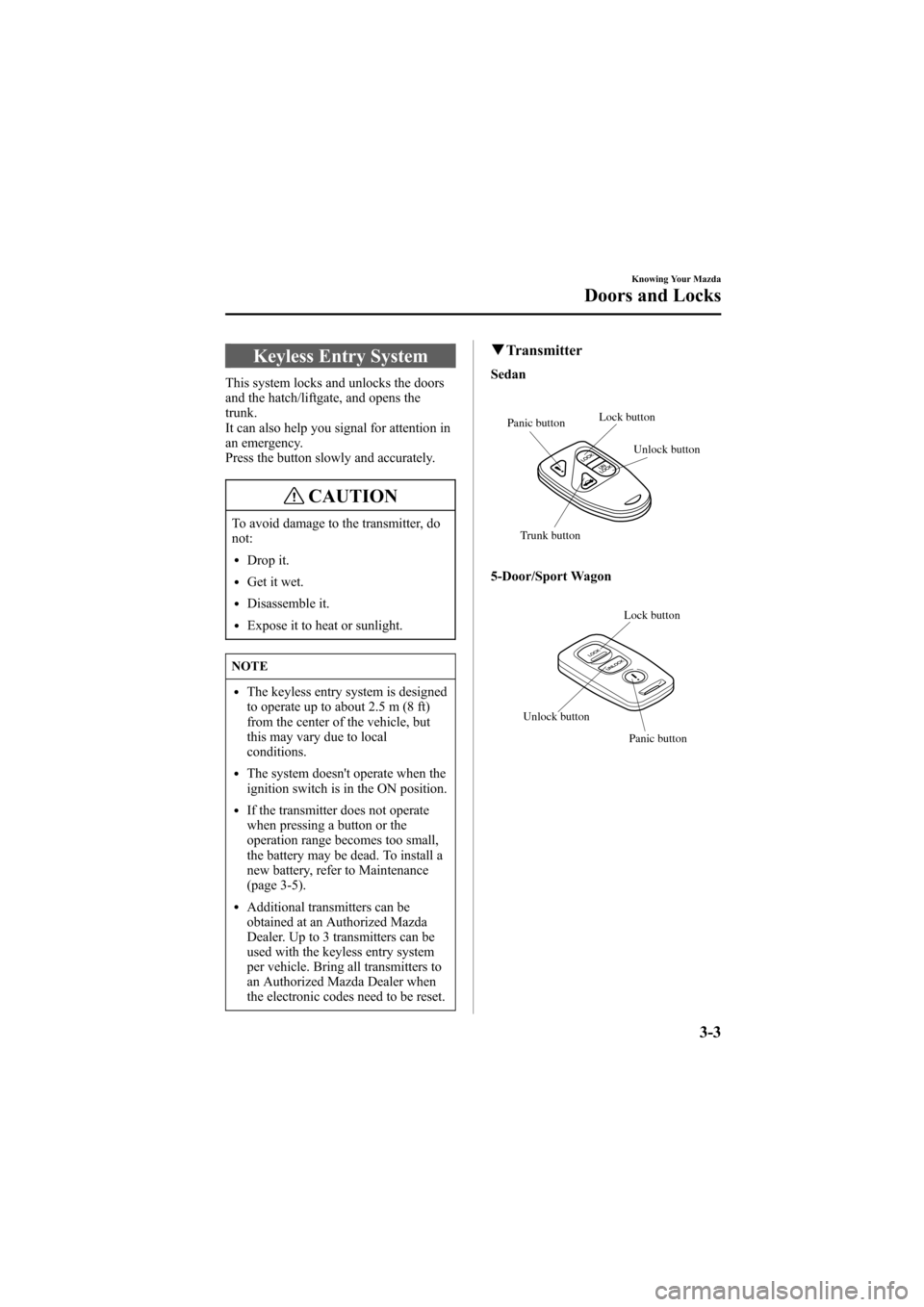
qTransmitter
Sedan
Unlock button Lock button
Panic button
Trunk button
5-Door/Sport Wagon
Panic button Lock button
Unlock button
Knowing Your Mazda
Doors and Locks
3-3
Mazda6_8T56-EC-04G_Edition2 Page79
Monday, November 15 2004 4:32 PM
Form No.8T56-EC-04G
Page 80 of 340
Black plate (80,1)
NOTE
l(U.S.A.)
This device complies with part 15 of
the FCC Rules. Operation is subject
to the following two conditions: (1)
This device may not cause harmful
interference, and (2) this device must
accept any interference received,
including interference that may cause
undesired operation.
l(CANADA)
This device complies with RSS-210
of Industry CANADA. Operation is
subject to the following two
conditions: (1) this device may not
cause interference, and (2) this
device must accept any interference,
including interference that may cause
undesired operation of the device.
NOTE
lIf the lock and unlock buttons are
pressed sequentially, the hazard
warning lights may not flash
correctly.
l(With theft-deterrent system)
The hazard warning lights only flash
when the system is armed or turned
off.
Refer to the theft-deterrent system
(page 3-32).
Lock button
To lock the doors and the hatch/liftgate,
press the lock button and the hazard
warning lights will flash once.To confirm that all the doors and the
hatch/liftgate have been locked, press the
lock button again within 5 seconds. If
they are closed and locked, the horn will
sound.
NOTE
(Without theft-deterrent system)
The hazard warning lights will flash
once to indicate that the doors are
locked.
NOTE
lAll doors and the hatch/liftgate
cannot be locked when any door is
open and the key is in the ignition
switch.
lConfirm that all the doors and the
hatch/liftgate are locked visually or
audibly by use of the double click.
Unlock button
To unlock the driver's door, press the
unlock button and the hazard warning
lights will flash twice.
To unlock all the doors and the hatch/
liftgate, press the unlock button again
within 5 seconds.
NOTE
(Without theft-deterrent system)
The hazard warning lights will flash
twice to indicate that the doors are
unlocked.
3-4
Knowing Your Mazda
Doors and Locks
Mazda6_8T56-EC-04G_Edition2 Page80
Monday, November 15 2004 4:32 PM
Form No.8T56-EC-04G
Page 81 of 340
Black plate (81,1)
NOTE
After unlocking with the transmitter, all
doors and the hatch/liftgate will
automatically lock if one of the doors or
the hatch/liftgate is not opened within
about 30 seconds.
Trunk button
To open the trunk, press the trunk button.
NOTE
The trunk button is disabled when the
glove box-mounted trunk lid release
lock-out button is in the OFF position.
Refer to Remote Trunk Lid Release
Lock-Out on page 3-20.
Panic button
You can use the panic button to turn on
the alarm, which allows you to signal for
attention in an emergency.
NOTE
The alarm will work whether any door
is open or closed.
Turning on the alarm
Pressing the panic button once will trigger
the alarm for about 2 minutes and 30
seconds, and the following will occur:
lThe horn sounds intermittently.
lThe hazard warning lights flash.
Turning off the alarm
Press any button on the transmitter.
qTransmitter Maintenance
CAUTION
lMake sure the battery is installed
with the correct pole facing upward.
Battery leakage could occur if it is
not installed correctly.
lWhen replacing the battery, be
careful not to bend the electrical
terminals or get oil on them. Also be
careful not to get dirt in the
transmitter as it could be damaged.
lThere is the danger of explosion if
the battery is not correctly replaced.
lReplace only with the same type
battery (CR2025 or equivalent).
lDispose of used batteries according
to the following instructions.
lInsulate the plus and minus
terminals of the battery using
cellophane or equivalent tape.
lNever disassemble.lNever throw the battery into fire
and/or water.
lNever deform or crush.
Knowing Your Mazda
Doors and Locks
3-5
Mazda6_8T56-EC-04G_Edition2 Page81
Monday, November 15 2004 4:32 PM
Form No.8T56-EC-04G
Page 91 of 340

Black plate (91,1)
NOTE
To fully retract and protect the cover,
guide the cover all the way into the
retainer.
Ta b
2. Press and hold the button on the right
side of the retainer bar and lift the bar.
Button
3. Remove the left end of the retainer bar
from the notch.
qLuggage Compartment Net
The luggage compartment net can be used
as a compartment separator or to keep
animals in the back.
CAUTION
Make sure the net is firmly secured. If it
is not firmly secured, it could
unexpectedly disengage resulting in
injury.
NOTE
The width of the net anchors can be
shortened by pushing both sides
inward.
Net anchor
Knowing Your Mazda
Doors and Locks
3-15
Mazda6_8T56-EC-04G_Edition2 Page91
Monday, November 15 2004 4:33 PM
Form No.8T56-EC-04G
Page 95 of 340
Black plate (95,1)
qOpening and Closing the Trunk
WARNING
Open Trunk Lid and Children:
Leaving the trunk lid open or leaving
children in the vehicle with the keys is
dangerous. Children could open the
trunk lid and climb inside resulting in
possible injury or death from heat
exposure. Close the trunk lid, lock the
rear seatbacks and do not allow
children to play inside the vehicle.
Unattended Children and Pets:
Leaving children or animals
unattended in a parked vehicle is
dangerous. Babies left sleeping and
kids who lock themselves in cars or
trunks can die very quickly from heat
prostration. Don't leave your children
or pets alone in a car at any time.
Don't leave the car, the rear folding
seats or the trunk unlocked. Always
keep the car from being a tempting
place to play by locking rear seats,
doors and the trunk, and keeping the
keys where children won't play with
them.
CAUTION
For vehicles equipped with a rear
spoiler, do not lift the trunk lid by the
spoiler. Lifting up the trunk lid by the
rear spoiler could cause damage to the
rear spoiler and the trunk lid.
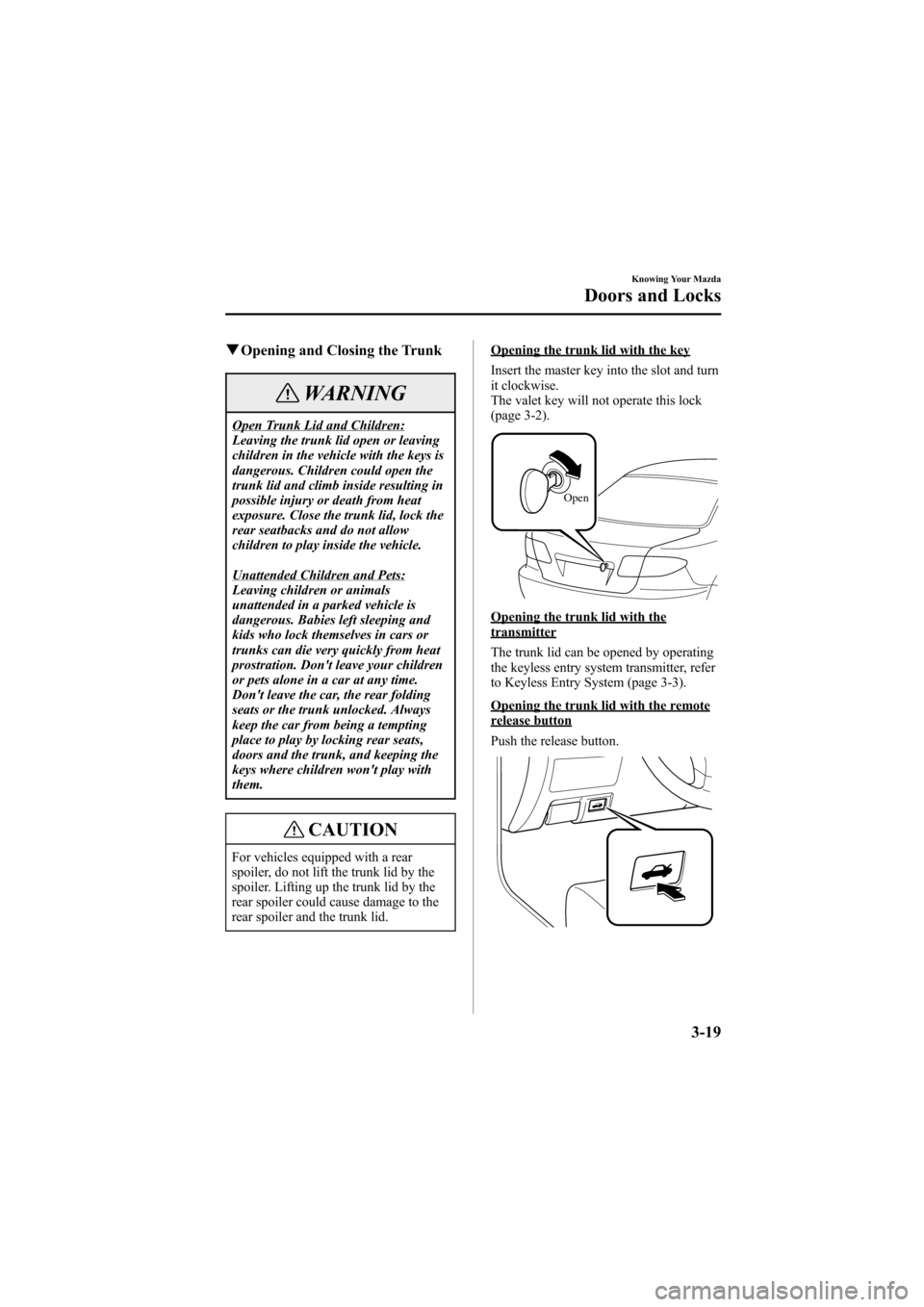
Opening the trunk lid with the key
Insert the master key into the slot and turn
it clockwise.
The valet key will not operate this lock
(page 3-2).
Open
Opening the trunk lid with thetransmitter
The trunk lid can be opened by operating
the keyless entry system transmitter, refer
to Keyless Entry System (page 3-3).
Opening the trunk lid with the remoterelease button
Push the release button.
Knowing Your Mazda
Doors and Locks
3-19
Mazda6_8T56-EC-04G_Edition2 Page95
Monday, November 15 2004 4:33 PM
Form No.8T56-EC-04G
Page 108 of 340
Black plate (108,1)
Theft-Deterrent Systemí
The optional theft-deterrent system is
designed to prevent your vehicle or its
contents from being stolen when all the
doors, hood, and trunk lid/liftgate/hatch
are locked.
If forcible entry is attempted, the system
sounds the horn and flashes the hazard
warning lights.
NOTE
lThe theft-deterrent system operates
with the key or the keyless entry
system transmitter.
lThe system will not function unless
it is properly armed. To properly
secure the vehicle, always make sure
all the windows are completely
closed and all doors and the trunk
lid/liftgate/hatch are locked before
leaving the vehicle. Remember to
take your key and transmitter.
qOperation
System triggering conditions
The horn sounds intermittently and the
hazard warning lights flash for about 3
minutes when the system is triggered by
any one of the following:
lForcing open a door, the hood or the
trunk lid/liftgate/hatch.
lOpening a door, the hood or the trunk
lid by operating an inside door-lock
knob, the hood release handle or the
trunk lid release button.If the system is triggered again, the lights
and horn will activate until a door is
unlocked or the trunk lid is opened with
the key or with the transmitter.
qHow to Arm the System
1. Remove the key from the ignition
switch.
2. Close the hood. Then close and lock all
doors and the trunk lid/liftgate/hatch
from the outside using the key or press
the lock button on your keyless entry
system transmitter. The hazard warning
lights will flash once to indicate that
the system is armed.
The following method will also arm the
theft-deterrent system:
Close the hood and the trunk lid/
liftgate/hatch . Press the area on the
door-lock switch marked“LOCK”
once. Close all doors.
NOTE
Locking the doors with the inside door-
lock knob will not arm the system.
qTo Turn off an Armed System
An armed system can be turned off by any
one of the following methods:
lUnlock a door with the key.
lPress the unlock button on the keyless
entry system transmitter.
lInsert the key into the ignition switch
and turn it to the ON position.
The hazard warning lights will flash twice
to indicate that the system is turned off.
3-32
Knowing Your Mazda
íSome models.
Security System
Mazda6_8T56-EC-04G_Edition2 Page108
Monday, November 15 2004 4:33 PM
Form No.8T56-EC-04G
Page 109 of 340
Black plate (109,1)
NOTE
The trunk lid can be opened with the
key or the transmitter even when the
system is armed. The alarm will not
come on and the system will remain
armed.
qTo Stop an Alarm
A triggered alarm can be turned off by
any one of the following methods:
lUnlock a door with the key.
lOpen the trunk lid with the key.
lPress the unlock button or the trunk
button on the keyless entry system
transmitter.
NOTE
If you have any problem with the theft-
deterrent system, consult an Authorized
Mazda Dealer.
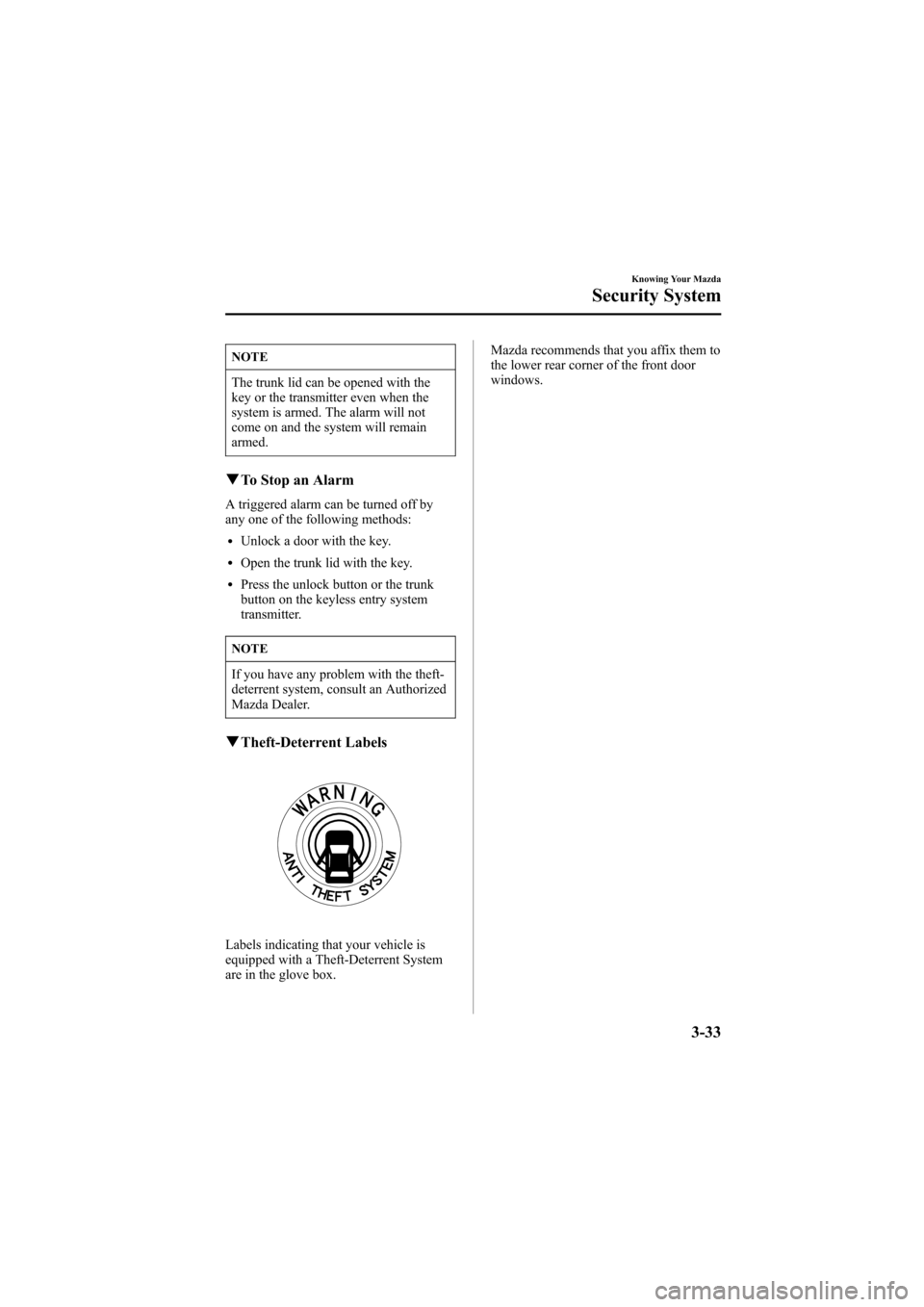
qTheft-Deterrent Labels
Labels indicating that your vehicle is
equipped with a Theft-Deterrent System
are in the glove box.Mazda recommends that you affix them to
the lower rear corner of the front door
windows.
Knowing Your Mazda
Security System
3-33
Mazda6_8T56-EC-04G_Edition2 Page109
Monday, November 15 2004 4:33 PM
Form No.8T56-EC-04G