Seat MAZDA MODEL CX-30 2021 Owners Manual
[x] Cancel search | Manufacturer: MAZDA, Model Year: 2021, Model line: MODEL CX-30, Model: MAZDA MODEL CX-30 2021Pages: 594, PDF Size: 83.37 MB
Page 356 of 594
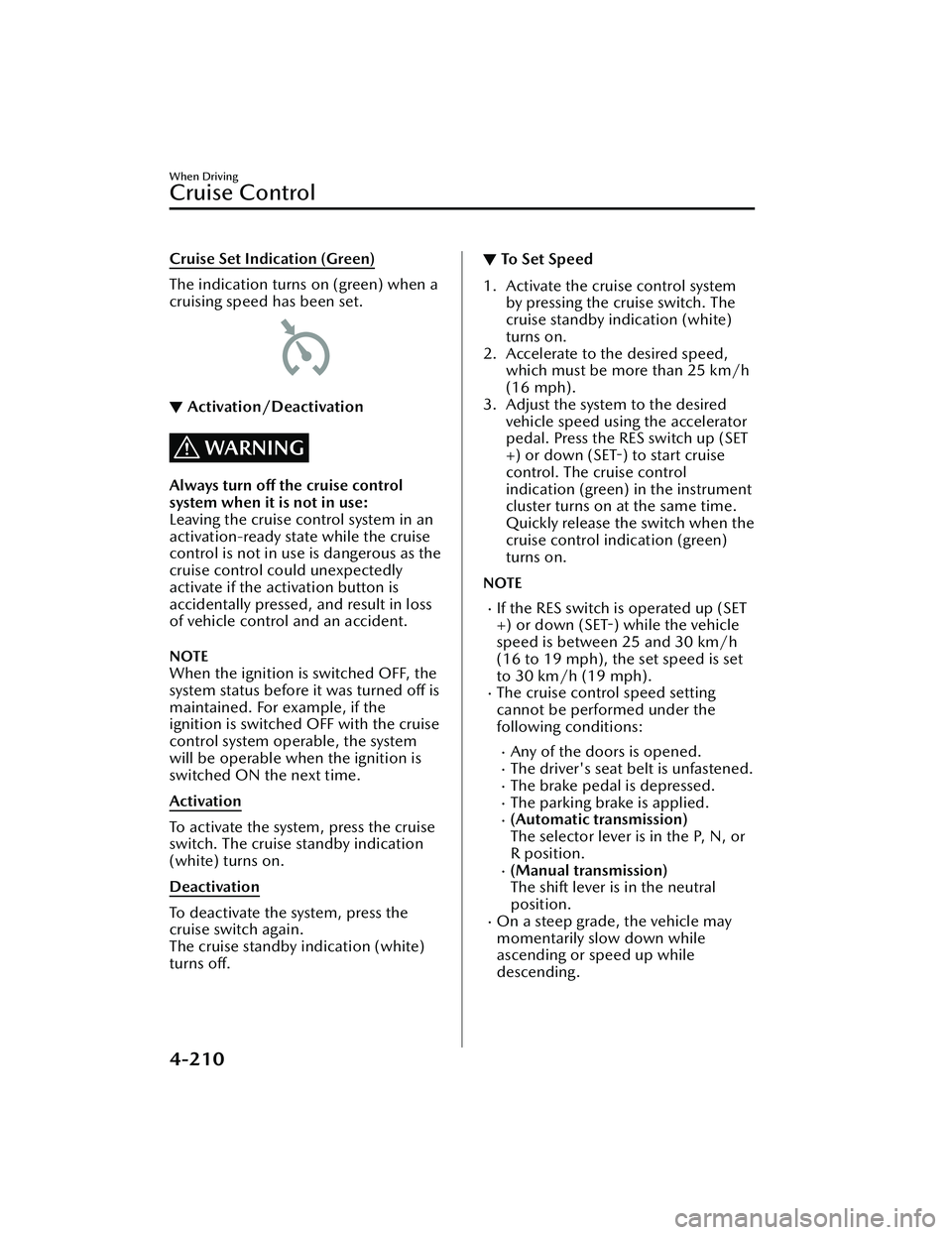
Cruise Set Indication (Green)
The indication turns on (green) when a
cruising speed has been set.
▼Activation/Deactivation
WARNING
Always turn off the cruise control
system when it is not in use:
Leaving the cruise control system in an
activation-ready state while the cruise
control is not in use is dangerous as the
cruise control could unexpectedly
activate if the activation button is
accidentally pressed, and result in loss
of vehicle control and an accident.
NOTE
When the ignition is switched OFF, the
system status before it was turned off is
maintained. For example, if the
ignition is switched OFF with the cruise
control system operable, the system
will be operable when the ignition is
switched ON the next time.
Activation
To activate the system, press the cruise
switch. The cruise standby indication
(white) turns on.
Deactivation
To deactivate the system, press the
cruise switch again.
The cruise standby indication (white)
turns off.
▼ To Set Speed
1. Activate the cruise control system
by pressing the cruise switch. The
cruise standby indication (white)
turns on.
2. Accelerate to the desired speed, which must be more than 25 km/h
(16 mph).
3. Adjust the system to the desired vehicle speed using the accelerator
pedal. Press the RES switch up (SET
+) or down (SET-) to start cruise
control. The cruise control
indication (green) in the instrument
cluster turns on at the same time.
Quickly release the switch when the
cruise control indication (green)
turns on.
NOTE
If the RES switch is operated up (SET
+) or down (SET-) while the vehicle
speed is between 25 and 30 km/h
(16 to 19 mph), the set speed is set
to 30 km/h (19 mph).
The cruise control speed setting
cannot be performed under the
following conditions:
Any of the doors is opened.The driver's seat belt is unfastened.The brake pedal is depressed.The parking brake is applied.(Automatic transmission)
The selector lever is in the P, N, or
R position.
(Manual transmission)
The shift lever is in the neutral
position.
On a steep grade, the vehicle may
momentarily slow down while
ascending or speed up while
descending.
When Driving
Cruise Control
4-210
CX-30_8JP5-EA-20K_Edition1_new 2020-7-22 15:50:09
Page 358 of 594
▼To Resume Cruisi
ng Speed at More
Than 30 km/h (19 mph)
If the cruise control system is
temporarily canceled (such as by
applying the brake pedal) and the
system is still activated, the most
recent set speed will automatically
resume when the RES switch is
pressed.
If vehicle speed is below 30 km/h (19
mph), increase the vehicle speed up to
30 km/h (19 mph) or more and press
the RES switch.
▼ To Te m p o ra r i l y C a n c e l
To temporarily cancel the system, use
one of these methods:
Slightly depress the brake pedal.Press the CANCEL switch.(Manual transmission)
Depress the clutch pedal.
If the RES switch is pressed when the
vehicle speed is 30 km/h (19 mph) or
higher, the system reverts to the
previously set speed.
NOTE
If any of the following conditions
occur, the cruise control system is
temporarily canceled.
Even when the brake pedal is
slightly depressed.
The DSC is operating.There is a problem in the system.Any of the doors is opened.The driver's seat belt is unfastened.The parking brake is applied.(Automatic transmission)
The selector lever is in the P, N, or
R position.
(Manual transmission)
The shift lever is in the neutral
position.
When the cruise control system is
temporarily canceled by even one of
the applicable cancel conditions, the
speed cannot be re-set.
(Automatic transmission)
The cruise control cannot be
canceled while driving in manual
mode (selector lever shifted from D
to M position). Therefore, engine
braking will not be applied even if
the transmission is shifted down to a
lower gear. If deceleration is
required, lower the set speed or
depress the brake pedal.
▼ To D e a c t i v a t e
Press the cruise switch again.
When Driving
Cruise Control
4-212
CX-30_8JP5-EA-20K_Edition1_new
2020-7-22 15:50:09
Page 384 of 594

▼Parking Sensor Warning Beep
Informs the driver of the ap
proximate distance from the vehicle to the obstruction
using warning beeps depending on the distance. If multiple obstructions are
detected at the same time, warning beeps are activated according to the distance to
the nearest obstruction. The warning beeps are activated as follows while the system
is operating. However, the warning beeps are not activated while the seat belt
reminder is operating.
Front ultrasonic sensor
*, Rear ultrasonic sensor
Distance De-
tection area Distance between vehicle and obstruction
Beeper sound*1Front ultrasonic sensor Rear ultrasonic sensor
Farthest dis- tance Approx. 100
―60.0 cm
(39.3 ―23.6 in)
Approx. 150 ―60.0 cm
(59.0 ―23.6 in)
Slow intermittent
sound
Far distance Approx. 60.0
―45.0 cm
(23.6 ―17.7 in)
Approx. 60.0 ―45.0 cm
(23.6 ―17.7 in)
Medium intermit-
tent sound
Middle dis- tance Approx. 45.0
―35.0 cm
(17.7 ―13.7 in)
Approx. 45.0 ―35.0 cm
(17.7 ―13.7 in)
Fast intermittent
sound
When Driving
Pa r k i n g S e n s o r Sys te m
4-238*Some models.
CX-30_8JP5-EA-20K_Edition1_new 2020-7-22 15:50:09
Page 396 of 594

Fully Automatic Type
▼Fully Automatic Type
Climate control system information is displayed on the display.
1. Driver temperature control dial
2. AUTO switch
3. Temperature setting display (driver’s side)
4. Air intake display
5. Airflow display
6. Mode selector display
7. Temperature setting display (passenger’s side)
8. SYNC (synchronized temperature) switch
9. Passenger temperature control dial
10.A/C switch
11.Rear window defogger switch
12.Mode selector switch
13.Fan control switch
14.Air intake selector switch
15.Windshield defroster switch
16.Power switch
▼Control Switches
AUTO switch
By pressing the AUTO switch the
following functions will be
automatically controlled in accordance
with the selected set temperature:
Airflow temperatureAmount of airflowSelection of airflow modeOutside/Recirculated air selectionAir conditioner operation
Seat warmer level selection*
Heated steering wheel operation*
NOTE
AUTO switch indicator light
When the AUTO switch indicator
light is on, it indicates auto
operation, and the system will
function automatically.
If any of the following switches are
operated while in auto control, the
AUTO switch indicator turns off.
Interior Features
Climate Control System
5-10*Some models.
CX-30_8JP5-EA-20K_Edition1_new
2020-7-22 15:50:09
Page 428 of 594
Assist Grips
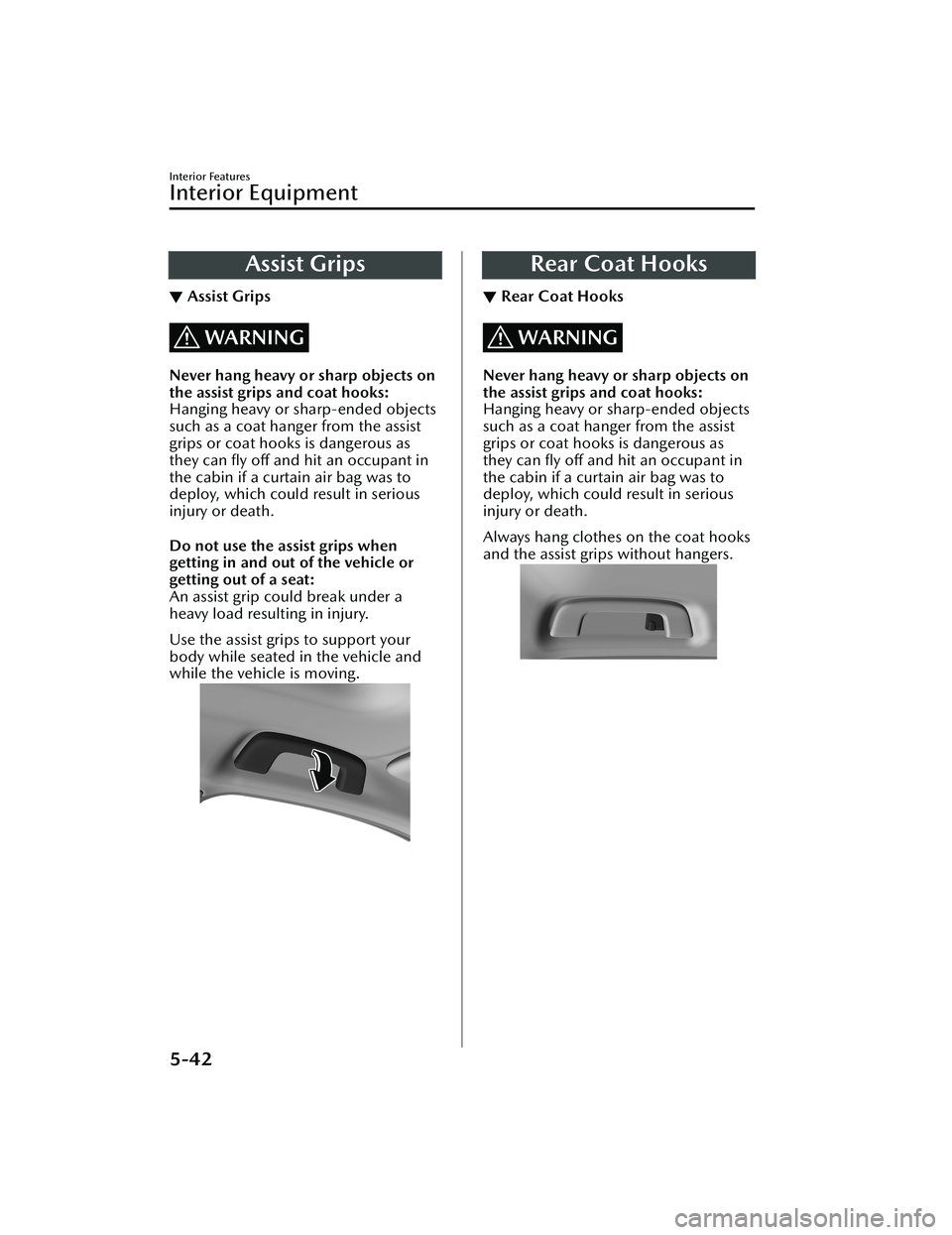
▼Assist Grips
WARNING
Never hang heavy or sharp objects on
the assist grips and coat hooks:
Hanging heavy or sharp-ended objects
such as a coat hanger from the assist
grips or coat hooks is dangerous as
they can fly off and hit an occupant in
the cabin if a curtain air bag was to
deploy, which could result in serious
injury or death.
Do not use the assist grips when
getting in and out of the vehicle or
getting out of a seat:
An assist grip could break under a
heavy load resulting in injury.
Use the assist grips to support your
body while seated in the vehicle and
while the vehicle is moving.
Rear Coat Hooks
▼ Rear Coat Hooks
WARNING
Never hang heavy or sharp objects on
the assist grips and coat hooks:
Hanging heavy or sharp-ended objects
such as a coat hanger from the assist
grips or coat hooks is dangerous as
they can fly off and hit an occupant in
the cabin if a curtain air bag was to
deploy, which could result in serious
injury or death.
Always hang clothes on the coat hooks
and the assist grips without hangers.
Interior Features
Interior Equipment
5-42
CX-30_8JP5-EA-20K_Edition1_new
2020-7-22 15:50:09
Page 430 of 594

▼Center Console
To slide the console lid, pull the knob
and slide it rearward.
To open the lid, pull the knob, slide
the lid rearward, and then lift up the
lid.
CAUTION
Do not put your hands or fingers
around the moving parts of the lid
when using the lid. Otherwise, your
hand or finger could get caught,
resulting in an injury.
NOTE
The lid can be opened/closed while it
is slid to the 1st and 2nd stages, but if
the rear seatback is folded, the lid
cannot be opened/closed while it is
slid to the 2nd stage because the rear
seat (head restraint) will contact it.
Center console divider
Small items can be placed using the
center console divider.
▼ Luggage Compartment
Cargo Securing Loops
Use the loops in the luggage
compartment to secure cargo with a
rope or net. The tensile strength of the
loops is 196 N (20 kgf, 44 lbf). Do not
apply excessive force to the loops as it
will damage them.
Interior Features
Interior Equipment
5-44
CX-30_8JP5-EA-20K_Edition1_new
2020-7-22 15:50:09
Page 469 of 594

No.FUSE RAT-
ING PROTECTED COMPONENT
F7 15 A
―
20 A Fuel pump
F8 15 A Engine control system
F9 15 A Transmission control system
*
F1015 A Engine control system
F11 7.5 A Air conditioner
F12 15 A Engine control system
F13 15 A ―
F14 20 A
Front seat warmer
*
F15 20 A ―
F16 15 A For protection of various circuits
F17 ――
F18 15 A For protection of various circuits
F19 60 A Power steering system
F20 15 A Headlight (LH) 1
F21 15 A Headlight (RH) 1
F22 15 A Keyless system
F23 30 A ABS, Dynamic stability control system
F24 15 A Headlight (LH) 2
F25 15 A Headlight (RH) 2
F26 7.5 A On board diagnostics
F27 25 A For protection of various circuits
F28 25 A For protection of various circuits
F29 15 A Windshield washer
F30 15 A Accessory sockets
F31 15 A Horn
F32 15 A Headlights
F33 ――
F34 ――
F35 50A ABS, Dynamic stability control system
F36 ――
F37 40 A Rear window defogger
F38 50 A For protection of various circuits
Maintenance and Care
Owner Maintenance
*Some models.6-39
CX-30_8JP5-EA-20K_Edition1_new 2020-7-22 15:50:09
Page 471 of 594

Fuse block (Left side)
No.FUSE RAT-
ING PROTECTED COMPONENT
F1 ――
F2 ――
F3 ――
F4 15 A Power door locks (Driver)
F5 15 A Power door locks (Passenger)
F6 ――
F7 25 A
Powe r l i ft ga te
*
F8 ――
F9 30 A Power windows (Driver)
F10 30 A Power windows (Passenger)
F11 30 A
Power seat (Driver)
*
F12 ――
F13 15 A Audio
F14 ――
F15 15 A Liftgate lock
Maintenance and Care
Owner Maintenance
*Some models.6-41
CX-30_8JP5-EA-20K_Edition1_new 2020-7-22 15:50:09
Page 479 of 594

Interior Care
▼Interior Care
WARNING
Do not spray water into the vehicle
cabin:
Spraying water into the vehicle cabin is
dangerous as electrical devices such as
the audio and switches could get wet
resulting in a malfunction or vehicle
fire.
NOTE
Do not wipe the interior using
alcohol, chlorine bleach, or organic
solvents such as thinner, benzene,
and gasoline. Otherwise, it may
cause discoloration or stains.
Rubbing hard with a stiff brush or
cloth may cause damage.
If the vehicle interior becomes soiled
by any of the following, wipe it off
immediately using a soft cloth.
Leaving it uncleaned could cause
discoloration, stains, cracks, or peeling
of the coating , and it will make it hard
to wipe off later.
Beverage or fragranceGrease or oilSoiling
▼ Seat Belt Maintenance
1. Clean the soiled area by lightly
dabbing it with a soft cloth soaked
in a mild detergent (approx. 5%)
diluted with water.
2. Wipe off the remaining detergent using a cloth soaked in clean water
and wrung out well.
3. Before retracting seat belts which have been pulled out for cleaning,
dry them off thoroughly and make
sure there is no remaining moisture
on them.
WARNING
If a seat belt appears frayed or has
abrasions, have it replaced by an
Authorized Mazda Dealer:
If a seat belt is used under such a
condition, it cannot function at its full
capacity which could result in serious
injury or death.
Use a mild detergent to remove
soiling from a seat belt:
If organic solvents are used for cleaning
the seat belts or they become stained
or bleached, there is the possibility of
them becoming weakened and as a
result, they may not function at their
full capacity which could cause serious
injury or death.
NOTE
Clean seat belts diligently if they get
dirty. Leaving them uncleaned will
make it difficult to clean them later,
and it may affect the smooth retracting
of the seat belt.
Maintenance and Care
Appearance Care
6-49
CX-30_8JP5-EA-20K_Edition1_new 2020-7-22 15:50:09
Page 494 of 594

9. Put the flat tire into the liftgate onthe left and toward the back.
10.Fold the right side of the rearseatback forward.
11.Thread the belt through the rear seat as shown in the figure.
12.Thread the buckle through thewheel as shown in the figure and
secure it so that the buckle does
not contact the wheel.
13.Thread the belt through the buckle,then pull the belt end to secure the
flat tire.
14.Return the seatback on the rightside of the rear seat to its original
position.
15.Remove the tire blocks and store the tools and jack.
16.Check the inflation pressure. Refer to Tires on page 9-8.
17.Have the flat tire repaired or replaced as soon as possible.
WARNING
Do not drive with any tires that have
incorrect air pressure:
Driving on tires with incorrect air
pressure is dangerous. Tires with
incorrect pressure could affect
handling and result in an accident.
When you check the regular tires' air
pressure, check the spare tire, too.
NOTE
To prevent the jack and tool from
rattling, store them properly.
If Trouble Arises
Flat Tire
7-12
CX-30_8JP5-EA-20K_Edition1_new 2020-7-22 15:50:09