brake MAZDA MODEL CX-5 2022 Manual PDF
[x] Cancel search | Manufacturer: MAZDA, Model Year: 2022, Model line: MODEL CX-5, Model: MAZDA MODEL CX-5 2022Pages: 723, PDF Size: 89.79 MB
Page 314 of 723
When entering and exiting interchanges, servic e areas, and parking areas of expressways (If
you exit an expressway while headway control is in use, the vehicle ahead will no longer be
tracked and your vehicle may a ccelerate to the set speed).
Slippery roads such as icy or snow-covered roads and unpaved roads (Tires could spin
causing you to lose vehicle control, or the stop hold control may not operate.)
Long, descending slopes (to maintain distance between vehicles, the system automatically
and continuously applies the brakes which could result in the loss of brake power.)
Two-wheeled vehicles such as mo torcycles or bicycles are ahead.
Slopes with a steep gradient (The vehicle ahea d may not be detected correctly, your vehicle
may slip while stopped by the stop hold control, or it may accelerate suddenly after it starts
moving.)
Driving under bad weather conditions (rain, fog, and snow).
Tires of a
different
specified size are used, such as a temporary spare tire.
Tires with insufficient tread are used.
The tire pressures are not adjusted to the
specified pressure.
The vehicle is being used to tow a camper or boat trailer.
Tire chains are used.
The vehicle is driven on roads with lane lines other than white (yellow) lines, such as an
expressway.
Do not get out of the vehicle while the stop hold control is operating.
Getting out of the vehicle while the stop hold co ntrol is operating is dangerous as the vehicle
may move unexpectedly and result in an accident . Before getting out of the vehicle, switch the
TJA off, apply the parking brake, and then sh ift the selector lever to the P position.
CAUTION
Heed the following cautions so th at the TJA can operate normally.
Turn the system off when the vehicle is running on a chassis roller.
Do not modify the vehicle's suspensions.
Always use wheels of the specified size for th e front and rear wheels. Consult an Authorized
Mazda Dealer for tire replacement.
NOTE
The headway control does not detect the following as physical objects.
Vehicles approaching in the opposite direction
When Driving
i-ACTIVSENSE
4-161
CX-5_8KN5-EA-21K_Edition1_old 2021-9-9 8:35:12
Page 315 of 723

Pedestrians
Stationary objects (stopped vehicles, obstructions)
If a vehicle ahead is traveling at an extremely low speed, the system may not detect it
correctly.
If there is a structure on the road or an object (such as a monorail) at a low height off the
ground in front of the vehicle, the system may operate. Therefore, do not use the TJA.
Do not use the TJA under conditions in which close proximity warnings are frequently
activated.
If it is necessary to accelerate for a lane change or the vehicle ahead brakes suddenly
causing you to close in on the vehicle rapidly, accelerate using the accelerator pedal or
decelerate using the brake pedal depending on the conditions.
While the TJA is in use, any intended engine braking does not occur even if you shift the
selector lever. If deceleration is required, lower the vehicle speed setting or depress the
brake pedal.
While braking by the TJA control is operating, you might hear an operation sound,
however, this does not indicate a problem.
The brake lights turn on while braking by the TJA control is operating, however, they may
not turn on while the vehicle is on a down slope at the set vehicle speed or traveling at a
constant speed and following a vehicle ahead.
Under the following conditions, the TJA may no t be able to detect white (yellow) lines or
vehicles ahead correctly and the TJA may not operate normally.
The forward sensing camera (FSC) cannot recognize the area in front of the vehicle due
to soiling or fog.
The white (yellow) lane lines are less vi sible because of dirt or paint flaking.
White (yellow) lane lines or vehicles ahe ad are less visible because of bad weather
(rain, fog, or snow).
The vehicle is driven on a temporary lane or section with a closed lane resulting from
construction where there might be multiple white (yellow) lane lines, or they are
interrupted.
The camera picks up an obscure line, such as a temporary line being used for
construction, or because of shade, unmelted snow, or grooves filled with water.
The road surface is wet and shiny after rain, or there are puddles on the road.
Heavy luggage is loaded in the luggage compartment or on the rear seat causing the
vehicle to tilt.
A vehicle in front of your vehicle is running near a white (yellow) lane line making it
less visible.
The windshield is dirty or foggy.
The vehicle is driven through an intersection, a junction, or a fork in the road.
While white (yellow) lane lines cannot be detected due to road or weather conditions.
The surrounding brightness suddenly changes such as when entering or exiting a
tunnel.
When Driving
i-ACTIVSENSE
4-162
CX-5_8KN5-EA-21K_Edition1_old 2021-9-9 8:35:12
Page 320 of 723

Active (vehicle ahead)
*1*1
Instrument Cluster (Type A)Instrument Cluster (Type B)
Steering assist operation
display (green)
Displayed on the basic display.
*1: Steering assist operation
display (green)
Active (lane line)
*1
*1
Instrument Cluster (Type A)Instrument Cluster (Type B)
Steering assist operation
display (green)
Displayed on the basic display.
*1: Steering assist operation
display (green)
If there is a problem with the TJA, a message
is displayed on the display. Check the details
of the problem and then have your vehicle inspected by an Authorized Mazda Dealer.
▼ Close Proximity Warning
If your vehicle rapidly closes in on the vehicle ahead because the vehicle ahead applies the
brakes suddenly while you are traveling in headway control, the warning sound activates
and the brake warning is indicated in the di
splay. Always verify the safety of the
When Driving
i-ACTIVSENSE
4-167
CX-5_8KN5-EA-21K_Edition1_old 2021-9-9 8:35:12
Page 321 of 723

surrounding area and depress the brake pedal while keeping a safer distance from the
vehicle ahead. Additionally, keep a safer distance from the vehicles behind you.
NOTE
In the following cases, the warnings and brakes may not operate even if your vehicle starts
closing in on the vehicle ahead.
You are driving your vehicle at the same speed as the vehicle ahead.
Directly after the TJA has been set.
Directly after the accelerator pedal is released.
Another vehicle cuts into the driving lane.
▼Setting the System
Operation conditions
Headway control function
The TJA operates when all of the following conditions are met.
Vehicle speed is 0 km/h (0 mph) to 145 km/h (90 mph)
The headway control function of the Mazda Radar Cruise Control with Stop & Go
function (MRCC with Stop & Go function) is se
t to operable (if it was set to inoperable,
set it to operable using the personalization function).
The selector lever is in the D or M position (manual mode).
The TJA is operating.
The brake pedal is not depressed.
The parking brake is released (Electric Parki ng Brake (EPB) indicator light is turned off).
There is no problem with the DSC.
All the doors are closed.
The driver's seat belt is fastened.
NOTE
Under the following conditions, the TJA cannot be used when the vehicle speed is 30 km/h
(19 mph) or slower.
The Forward Sensing Camera (FSC) cannot detect target objects (There is problem
with the Forward Sensing Camera (FSC) or windshield is dirty).
There is a problem with the stop hold control function.
There is a problem with the Electric Parking Brake (EPB).
When Driving
i-ACTIVSENSE
4-168
CX-5_8KN5-EA-21K_Edition1_old 2021-9-9 8:35:12
Page 324 of 723

NOTE
For example, the set vehicle speed is changed by pressing the SET switch four times as
follows:
The vehicle speed accelerates or decelerates by 4 km/h (4 mph).
To increase speed using accelerator pedal
Depress the accelerator pedal and press and release the SET+ switch or SET- switch at the
desired speed. If the switch is not operated, the system returns to the set speed after you
release your foot from the accelerator pedal.
CAUTION
The warnings and brake control do not operate while the accelerator pedal is depressed.
NOTE
When accelerating using the SET+ switch while in headway control, the set vehicle speed
can be adjusted but acceleration is not possible. If there is no longer a vehicle ahead,
acceleration continues until reaching the set vehicle speed. For the set vehicle speed,
check the set vehicle speed indication in the display.
When depressing the accelerator pedal, the inter-vehicle distance indication in the display
changes to the white-line indication.
The setting speed can be changed by operating the SET+ switch or SET- switch during
stop hold control.
Changing the distance between vehicles during headway control
The distance-between-vehicles can be set to 4 levels; Long, medium, short, and extremely
short distance.
The distance-between-vehicles is set to a shorter distance by pressing the
switch. The
distance-between-vehicles is set to a longer distance by pressing the
switch.
Distance-between-vehi ‐
cles guideline
(at 80 km/h (50 mph) vehicle speed) Indication on multi-information display
Indication on active driv‐
ing display
*1Ty p e A Ty p e B
Long (about 50 m (164
ft))
When Driving
i-ACTIVSENSE
4-171
CX-5_8KN5-EA-21K_Edition1_old 2021-9-9 8:35:12
Page 325 of 723

Distance-between-vehi‐cles guideline
(at 80 km/h (50 mph) vehicle speed) Indication on multi-information display
Indication on active driv‐
ing display
*1Ty p e A Ty p e B
Medium (about 40 m
(131 ft))
Short (about 30 m (98
ft))
Extremely short (about
25 m (82 ft))
*1 Displays a pop-up image in the active driving display only when the driver operates the switch.
NOTE
The distance-between-vehicles differs depending on the vehicle speed, and the slower the
vehicle speed, the shorter the distance.
When the ignition is switched to ACC or OFF and then the engine is started again, the
system automatically sets the distance-between-vehicles to the previous setting.
The function is temporarily canceled
Headway control function
When the following operations ar e performed, the headway control function is temporarily
canceled and the TJA set indication (green) changes to the TJA standby indication (white) at
the same time.
The CANCEL switch is pressed.
The brake pedal is depressed.
The parking brake is applied.
The selector lever is in the P, N, or R position.
When Driving
i-ACTIVSENSE
4-172
CX-5_8KN5-EA-21K_Edition1_old 2021-9-9 8:35:12
Page 326 of 723

Under the following conditions, the TJA cancel indication is displayed in the
multi-information display and a single beep sound is heard.
The DSC has operated.
The Smart Brake Support (SBS) has operated.
The Smart City Brake Support [Forward] (SCBS F) or Advanced Smart City Brake
Support (Advanced SCBS) has operated.
When traveling on a downslope for a long period of time.
There is a problem with the system.
The engine has stalled.
Any of the doors is opened.
The driver's seat belt is unfastened.
The radar sensor (front) cannot detect target objects (during rain, fog, snow or other
inclement weather conditions, or wh en the radiator grille is dirty).
The parking brake is automatically applied during stop hold control.
Steering assist function
If any of the following conditions occurs, the steering assist function is temporarily
canceled.
The headway control function is canceled.
White (yellow) lane lines cannot be detected or a vehicle ahead cannot be recognized.
Your vehicle speed is more than about 64 km/h (40 mph).
The accelerator pedal is operated.
The turn signal lever is operated.
The Off-Road Traction Assist has operated.
When Off-road mode is selected using Mazda intelligent Drive Select (Mi-Drive).
The vehicle is being driven on a sharp curve.
The width of a lane is excessively narrow or wide.
The vehicle crosses a lane line.
The driver takes his/her hands off the steering wheel.
The steering wheel is operated abruptly.
There is a problem with the system.
The temperature in the Forward Sensing Camera (FSC) is too high or too low.
The windshield around the Forward Sensing Camera (FSC) is foggy.
The windshield around the Forward Sensing Camera (FSC) is blocked by an obstruction,
causing poor forward visibility.
When Driving
i-ACTIVSENSE
4-173
CX-5_8KN5-EA-21K_Edition1_old 2021-9-9 8:35:12
Page 328 of 723
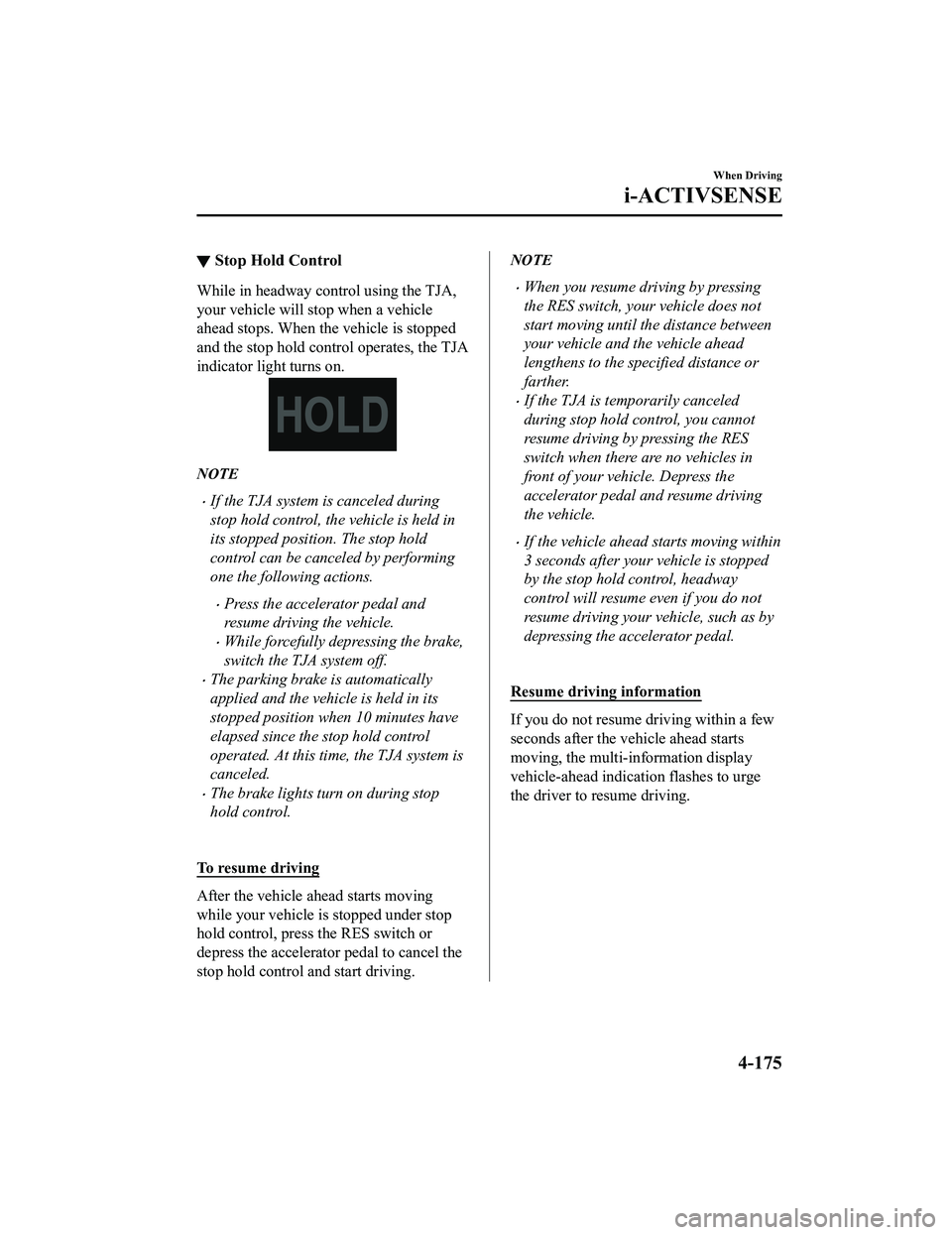
▼Stop Hold Control
While in headway control using the TJA,
your vehicle will stop when a vehicle
ahead stops. When the vehicle is stopped
and the stop hold control operates, the TJA
indicator light turns on.
NOTE
If the TJA system is canceled during
stop hold control, the vehicle is held in
its stopped position. The stop hold
control can be canceled by performing
one the following actions.
Press the accelerator pedal and
resume driving the vehicle.
While forcefully depressing the brake,
switch the TJA system off.
The parking brake is automatically
applied and the vehicle is held in its
stopped position when 10 minutes have
elapsed since the stop hold control
operated. At this time, the TJA system is
canceled.
The brake lights turn on during stop
hold control.
To resume driving
After the vehicle ahead starts moving
while your vehicle is stopped under stop
hold control, pre ss the RES switch or
depress the accelerator pedal to cancel the
stop hold control and start driving.
NOTE
When you resume driving by pressing
the RES switch, your vehicle does not
start moving until the distance between
your vehicle and the vehicle ahead
lengthens to the specified distance or
farther.
If the TJA is temporarily canceled
during stop hold control, you cannot
resume driving by pressing the RES
switch when there are no vehicles in
front of your vehicle. Depress the
accelerator pedal and resume driving
the vehicle.
If the vehicle ahead starts moving within
3 seconds after your vehicle is stopped
by the stop hold control, headway
control will resume even if you do not
resume driving your vehicle, such as by
depressing the accelerator pedal.
Resume driving information
If you do not resume driving within a few
seconds after the vehicle ahead starts
moving, the multi-information display
vehicle-ahead indication flashes to urge
the driver to resume driving.
When Driving
i-ACTIVSENSE
4-175
CX-5_8KN5-EA-21K_Edition1_old 2021-9-9 8:35:12
Page 330 of 723
Driving on roads with tight curves.
Driving under bad weather conditions (rain, fog, and snow).
Slippery roads such as ice or snow-bound roads.
Roads with heavy traffic and insufficient distance between vehicles.
Roads with no white (yellow) lane lines.
Narrow roads resulting from road construction or lane closures.
The vehicle is driven on a temporary lane or section with a closed lane resulting from road
construction where there may be multiple white (yellow) lane lines or they are interrupted.
Vehicle is driven on roads oth er than expressways and highways.
The tire pressures are not adjusted to the
specified pressure.
The vehicle is being used to tow a camper or boat trailer.
Tires of a
different
specified size are used, such as an emergency spare tire.
CAUTION
Heed the following cautions so that the LAS & LDWS can operate normally.
Do not modify the suspensions.
Always use wheels of the specified type and size for the front and rear wheels. Consult an
Authorized Mazda Dealer for tire replacement.
NOTE
When the turn signal lever is operated for a lane change, the LAS & LDWS is
automatically disabled. The LAS & LDWS becomes operational again when the turn
signal lever is returned and the system detects white (yellow) lane lines while the vehicle
is being driven normally within its vehicle lane.
If the steering wheel, accelerator pedal, or brake pedal is operated abruptly and the
vehicle moves close to a white (yellow) line, the system de termines that the driver is
making a lane change and the LAS & LDWS operation is temporarily canceled. The LAS
& LDWS becomes operational again when the system detects white (yellow) lane lines
while the vehicle is being driven normally within its vehicle lane.
If the vehicle deviates from its lane repeatedly within a short period of time, the LAS &
LDWS may not operate.
When white (yellow) lane lines are not detected, the LAS & LDWS does not operate.
Under the following conditions, the LAS & LDWS may not be able to detect white (yellow)
lane lines correctly and it may not operate normally.
If an object placed on the dashboard is reflected in the windshield and picked up by the
camera.
Heavy luggage is loaded in the luggage compartment or on the rear seat and the
vehicle is tilted.
When Driving
i-ACTIVSENSE
4-177
CX-5_8KN5-EA-21K_Edition1_old 2021-9-9 8:35:12
Page 333 of 723

When Off-road mode is selected using Mazda intellige nt Drive Select (Mi-Drive).
The vehicle is making a sharp curve.
The brake pedal is depressed.
The steering wheel is operated abruptly.
The width of a lane is excessively narrow or wide.
The steering assist function of the TJA operated.
NOTE
The LAS & LDWS does not operate until the system detects white (yellow) lane lines on
either the left or right.
When the system detects a white (yellow) lane line on one side only, the system will not
operate the steering wheel operation assist and the warning for the lane line on the side
that is not being detected. The steering wheel operation assist and the warning is only for
a lane deviation on the side that is being detected.
When the system determines that the driver is driving the vehicle with his or her hands off
the steering wheel while the steering wheel operation assist is operating, and if the
condition continues several times within a certain period of time, the warning sound is
activated. The higher the number of times the steering wheel operation assist operates,
the longer the period of time the warning sound is activated.
The timing at which the lane departure warning is activated and the steering wheel
operation assist is performed varies.
The following settings for the LAS & LDWS can be changed. Refer to the Settings section
in the Mazda Connec t Owner's Manual.
Steering operation assist operational/non-operational
(Mazda Connect (Type A) only)
Cancel sensitivity (likelihood of steering assist)
Vehicle lane line display
When the LAS & LDWS goes on standby, the vehicle lane lines are indicated on the
multi-information display and the active driving display. When white (yellow) lines on both
the left and right sides are detected and th e system becomes operational, the vehicle lane
lines indicated on the multi-information disp lay and the active driving display change to
white.
When Driving
i-ACTIVSENSE
4-180
CX-5_8KN5-EA-21K_Edition1_old 2021-9-9 8:35:12