ignition MAZDA MODEL TRIBUTE 2003 (in English) User Guide
[x] Cancel search | Manufacturer: MAZDA, Model Year: 2003, Model line: MODEL TRIBUTE, Model: MAZDA MODEL TRIBUTE 2003Pages: 248, PDF Size: 2.5 MB
Page 38 of 248
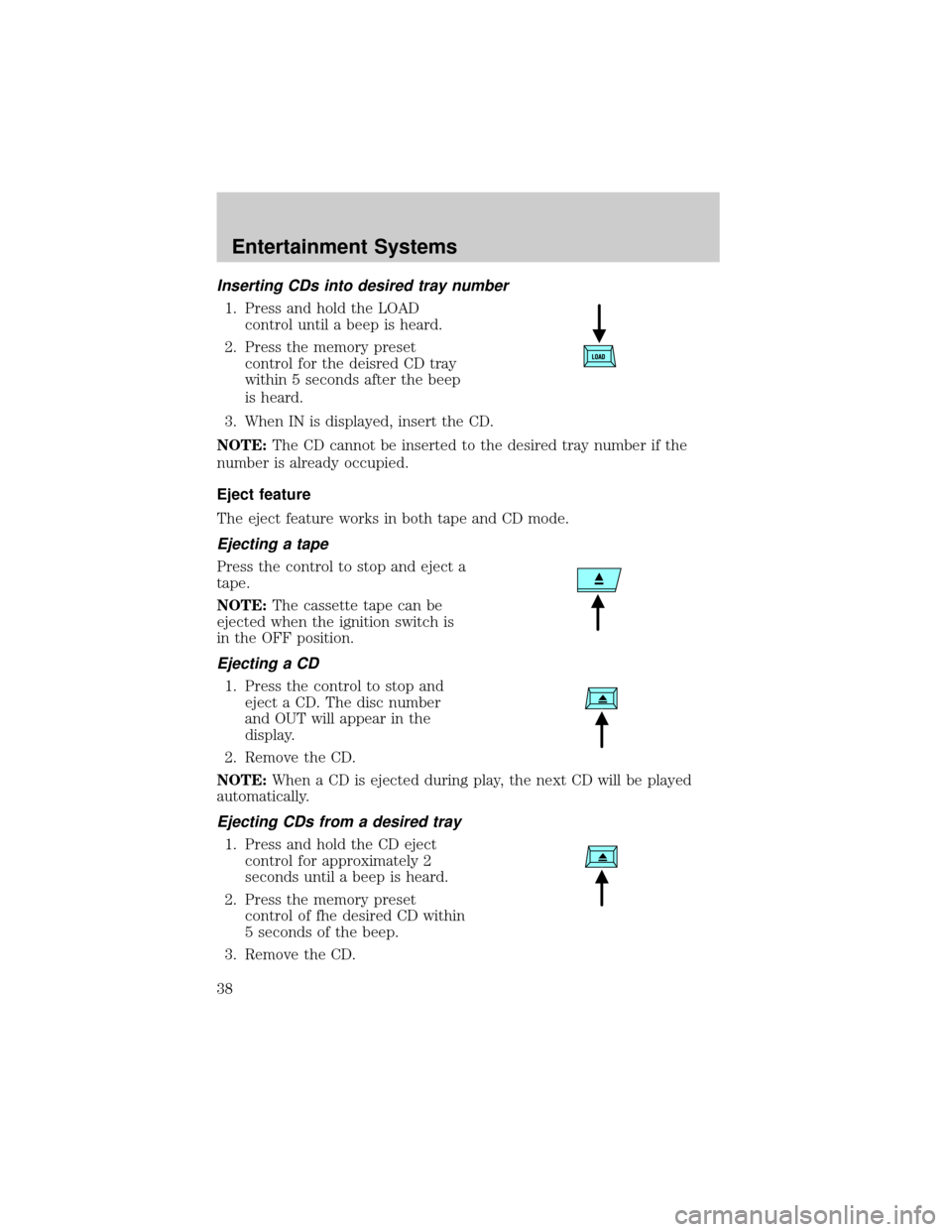
Inserting CDs into desired tray number
1. Press and hold the LOAD
control until a beep is heard.
2. Press the memory preset
control for the deisred CD tray
within 5 seconds after the beep
is heard.
3. When IN is displayed, insert the CD.
NOTE:The CD cannot be inserted to the desired tray number if the
number is already occupied.
Eject feature
The eject feature works in both tape and CD mode.
Ejecting a tape
Press the control to stop and eject a
tape.
NOTE:The cassette tape can be
ejected when the ignition switch is
in the OFF position.
Ejecting a CD
1. Press the control to stop and
eject a CD. The disc number
and OUT will appear in the
display.
2. Remove the CD.
NOTE:When a CD is ejected during play, the next CD will be played
automatically.
Ejecting CDs from a desired tray
1. Press and hold the CD eject
control for approximately 2
seconds until a beep is heard.
2. Press the memory preset
control of fhe desired CD within
5 seconds of the beep.
3. Remove the CD.
Entertainment Systems
38
Page 39 of 248

Multiple ejection
1. Press and hold the CD eject
control for approximately 2
seconds until a beep is heard.
2. Wait approximately 5 seconds or
press the CD eject control again
within 5 seconds after the beep is heard.
3. Remove the CD. The next CD will then be ejected.
NOTE:
²Cds will be ejected in numerical order, lowest number first.
²All CDs in the tray will be ejected continuously.
²Cds can be ejected when the ignition switch is OFF. Press and hold
the CD eject control for approximately 2 seconds and all CDs will
eject.
Random play
The random play feature works in CD mode and plays the selections on
the current CD in random order.
Random play in CD mode
Press the RDM control during play.
RDM will illuminate in the display.
The next selection will be randomly
selected.
To disengage random play, press the
RDM control again.
Setting the clock
The clock can be set at any time when the ignition switch is in the ACC
or ON position.
1. Press and hold the CLOCK
control for approximately 2
seconds until a beep is heard.
The clock's current time will
flash.
Entertainment Systems
39
Page 47 of 248

4. Direct the outer panel vents towards the side windows.
5. To increase airflow to the outer panel vents, close the central panel
vents.
WARNING: Do not place objects on top of the instrument panel
as these objects may become projectiles in a collision or sudden
stop.
REAR WINDOW DEFROSTER CONTROL
The rear defroster control is located
on the instrument panel.
Press the rear defroster control to
clear the rear window of thin ice
and fog.
²The small LED will illuminate
when the rear defroster is
activated.
The ignition must be in the ON position to operate the rear window
defroster.
The defroster turns off automatically after 15 minutes or when the
ignition is turned to the OFF position. To manually turn off the defroster
before 15 minutes have passed, push the control again.
Climate Controls
47
Page 48 of 248
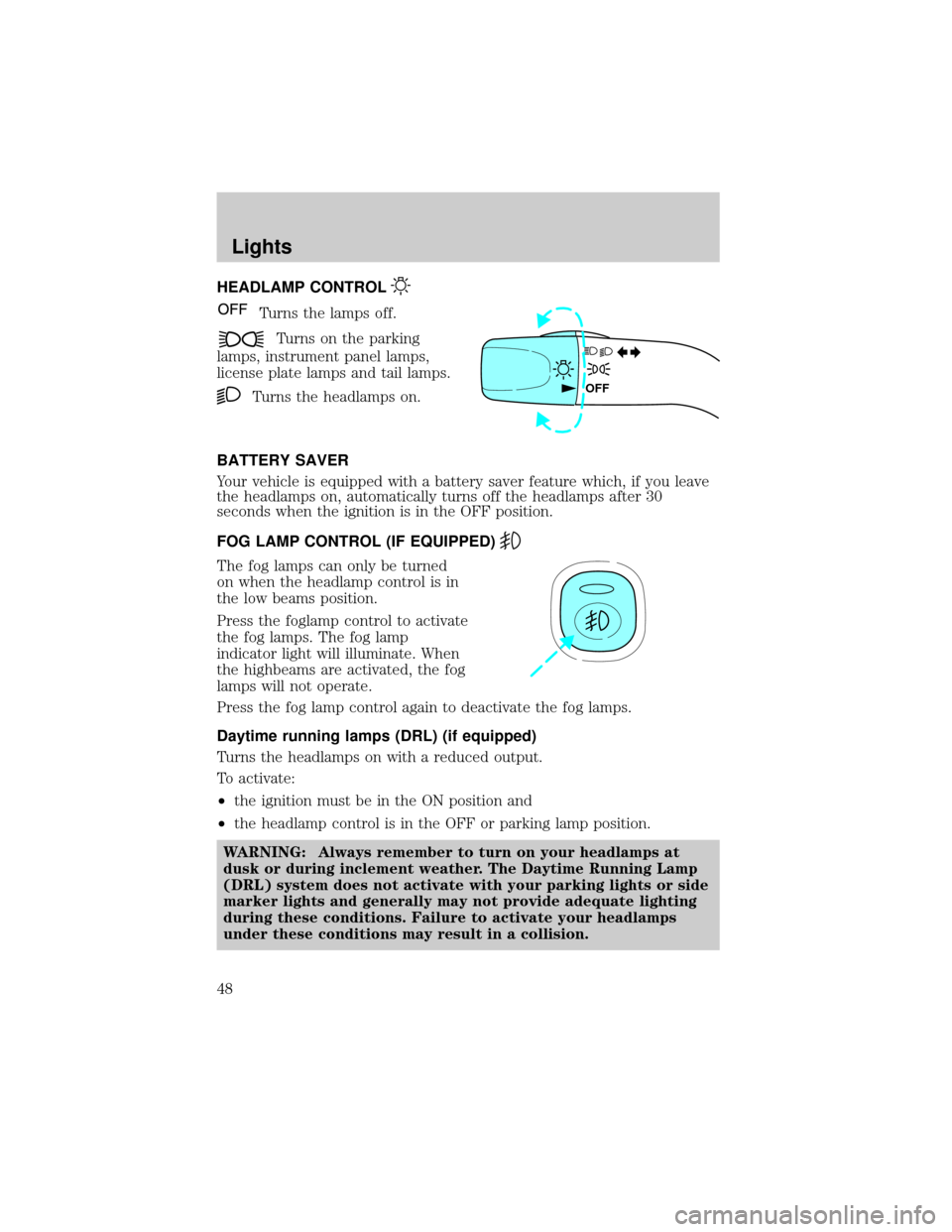
HEADLAMP CONTROL
Turns the lamps off.
Turns on the parking
lamps, instrument panel lamps,
license plate lamps and tail lamps.
Turns the headlamps on.
BATTERY SAVER
Your vehicle is equipped with a battery saver feature which, if you leave
the headlamps on, automatically turns off the headlamps after 30
seconds when the ignition is in the OFF position.
FOG LAMP CONTROL (IF EQUIPPED)
The fog lamps can only be turned
on when the headlamp control is in
the low beams position.
Press the foglamp control to activate
the fog lamps. The fog lamp
indicator light will illuminate. When
the highbeams are activated, the fog
lamps will not operate.
Press the fog lamp control again to deactivate the fog lamps.
Daytime running lamps (DRL) (if equipped)
Turns the headlamps on with a reduced output.
To activate:
²the ignition must be in the ON position and
²the headlamp control is in the OFF or parking lamp position.
WARNING: Always remember to turn on your headlamps at
dusk or during inclement weather. The Daytime Running Lamp
(DRL) system does not activate with your parking lights or side
marker lights and generally may not provide adequate lighting
during these conditions. Failure to activate your headlamps
under these conditions may result in a collision.
OFF
Lights
48
Page 60 of 248
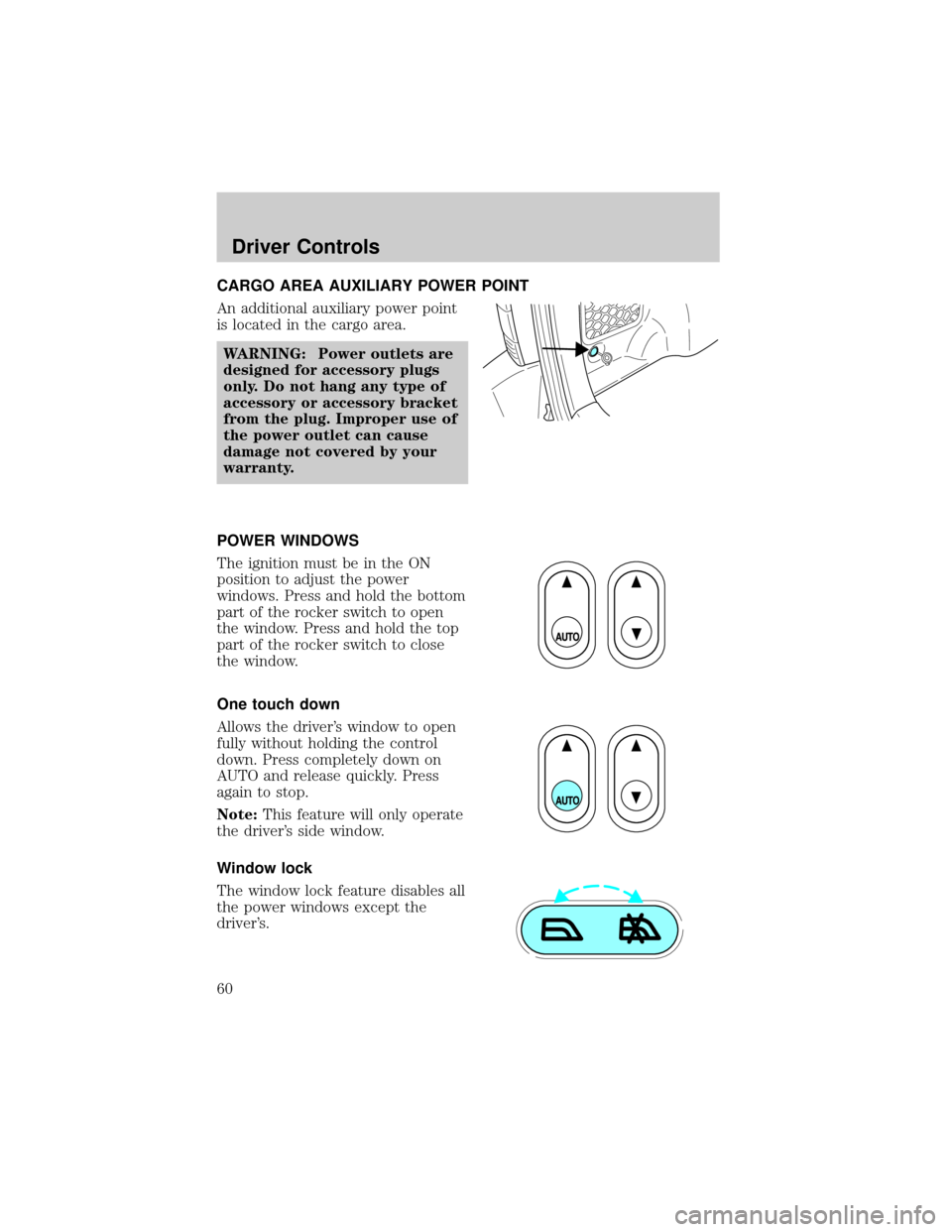
CARGO AREA AUXILIARY POWER POINT
An additional auxiliary power point
is located in the cargo area.
WARNING: Power outlets are
designed for accessory plugs
only. Do not hang any type of
accessory or accessory bracket
from the plug. Improper use of
the power outlet can cause
damage not covered by your
warranty.
POWER WINDOWS
The ignition must be in the ON
position to adjust the power
windows. Press and hold the bottom
part of the rocker switch to open
the window. Press and hold the top
part of the rocker switch to close
the window.
One touch down
Allows the driver's window to open
fully without holding the control
down. Press completely down on
AUTO and release quickly. Press
again to stop.
Note:This feature will only operate
the driver's side window.
Window lock
The window lock feature disables all
the power windows except the
driver's.
Driver Controls
60
Page 61 of 248

To lock out all the window controls except for the driver's window press
the right side of the control.
NOTE:The window switches will not illuminate when the window
control is in the LOCKED position.
Press the left side to restore the window controls.
Accessory delay
With accessory delay, power windows and moonroof operate for up to
ten minutes after the ignition switch is turned from the ACC or ON to
the OFF position or until any door is opened.
WARNING: Do not let children play with the power windows or
moon roof. They may seriously injure themselves.
MIRRORS
Power side view mirrors
The ignition must be in the ACC or ON position to adjust the power side
view mirrors.
To adjust your mirrors:
1. Rotate the control clockwise to
adjust the right mirror and
rotate the control
counterclockwise to adjust the
left mirror.
2. Move the control in the
direction you wish to tilt the
mirror.
3. Return to the center position to lock mirrors in place.
Driver Controls
61
Page 65 of 248
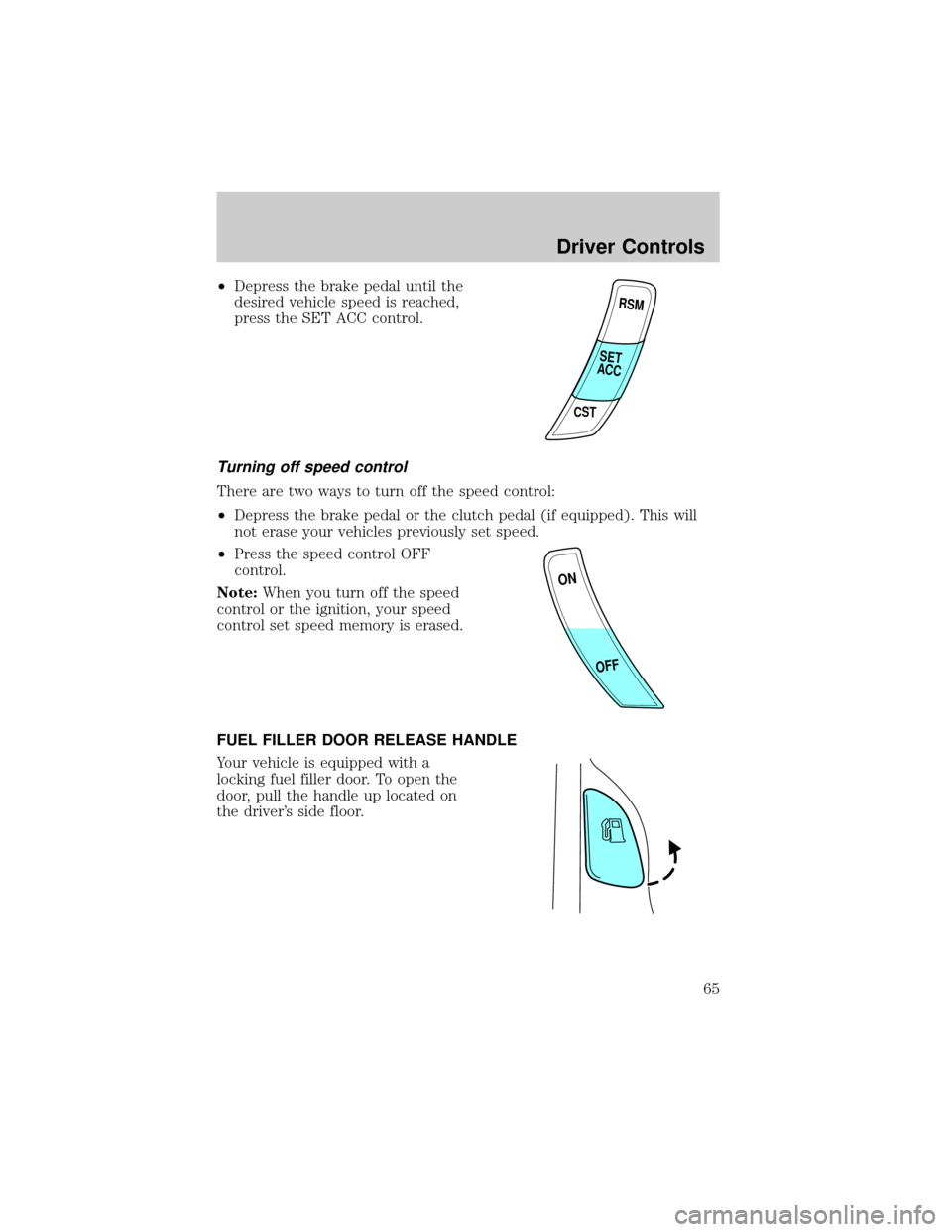
²Depress the brake pedal until the
desired vehicle speed is reached,
press the SET ACC control.
Turning off speed control
There are two ways to turn off the speed control:
²Depress the brake pedal or the clutch pedal (if equipped). This will
not erase your vehicles previously set speed.
²Press the speed control OFF
control.
Note:When you turn off the speed
control or the ignition, your speed
control set speed memory is erased.
FUEL FILLER DOOR RELEASE HANDLE
Your vehicle is equipped with a
locking fuel filler door. To open the
door, pull the handle up located on
the driver's side floor.
RSM
CST
SET
ACC
ON
OFF
Driver Controls
65
Page 69 of 248

KEYS
The key operates all locks on your vehicle. In case of loss, replacement
keys are available from your dealer.
You should always carry a second key with you in a safe place in case
you require it in an emergency.
Refer toSecuriLockyPassive Anti-Theft Systemfor more information.
POWER DOOR LOCKS
Press control to unlock all doors.
Press control to lock all doors.
Door key unlocking/locking
Unlocking the doors
1. Turn the key in the door cylinder to unlock the driver's door.Note:
The interior lamps will illuminate, if the control on the overhead
lamp is in the DOOR position, the flashers will flash twice, and the
perimeter alarm system (if equipped) will deactivate.
2. Turn the key in the door cylinder again within three seconds to
unlock the passenger doors, the liftgate and liftgate glass. The park
lamps will flash twice to confirm all doors are unlocked.
This two step unlocking feature activates the illuminated entry feature. This
feature turns on all the interior lamps for 30 seconds or until the ignition is
turned to the RUN position. If the dome lamp control (if equipped) is in the
offposition, the illuminated entry feature will not work.
The inside lights will not turn off if:
²they have been turned on using the dome lamp control or
²any door is open.
The battery saver feature will turn off the interior lamps 30 minutes after
the ignition is turned to the OFF position.
Locks and Security
69
Page 70 of 248

Locking the doors
1. Turn the key in the door cylinder to lock all the doors. The park
lamps will flash once and the perimeter alarm (if equipped) will be
start the arming process. For more information concerning the
perimeter alarm, refer toPerimeter alarm system (if equipped)
later in this chapter.
2.
Turn the key in the door cylinder again within three seconds to
confirm that all the doors are closed and locked.Note:the doors will
lock again, the horn will chirp once, and the park lamps will flash.
If any of the doors or the hood are not properly closed the horn will not
sound and the park lamps will not flash.
Smart unlocking feature
The smart unlocking feature prevents you from locking yourself out of
the vehicle by unlocking the doors if the key is in the ignition and the
driver's door is open/ajar when the vehicle doors were locked using the
power lock/unlock control.
The smart unlocking feature operates independent of the position of the
ignition.
Childproof door locks
²When these locks are set, the
rear doors cannot be opened from
the inside.
²The rear doors can be opened
from the outside when the doors
are unlocked.
The childproof locks are located on
rear edge of each rear door and
must be setseparatelyfor each
door. Setting the lock for one door
willnotautomatically set the lock
for both doors.
²Rotate lock control in the
direction of arrow to engage the
lock.
²Rotate control in the opposite
direction to disengage childproof
locks.
Locks and Security
70
Page 71 of 248
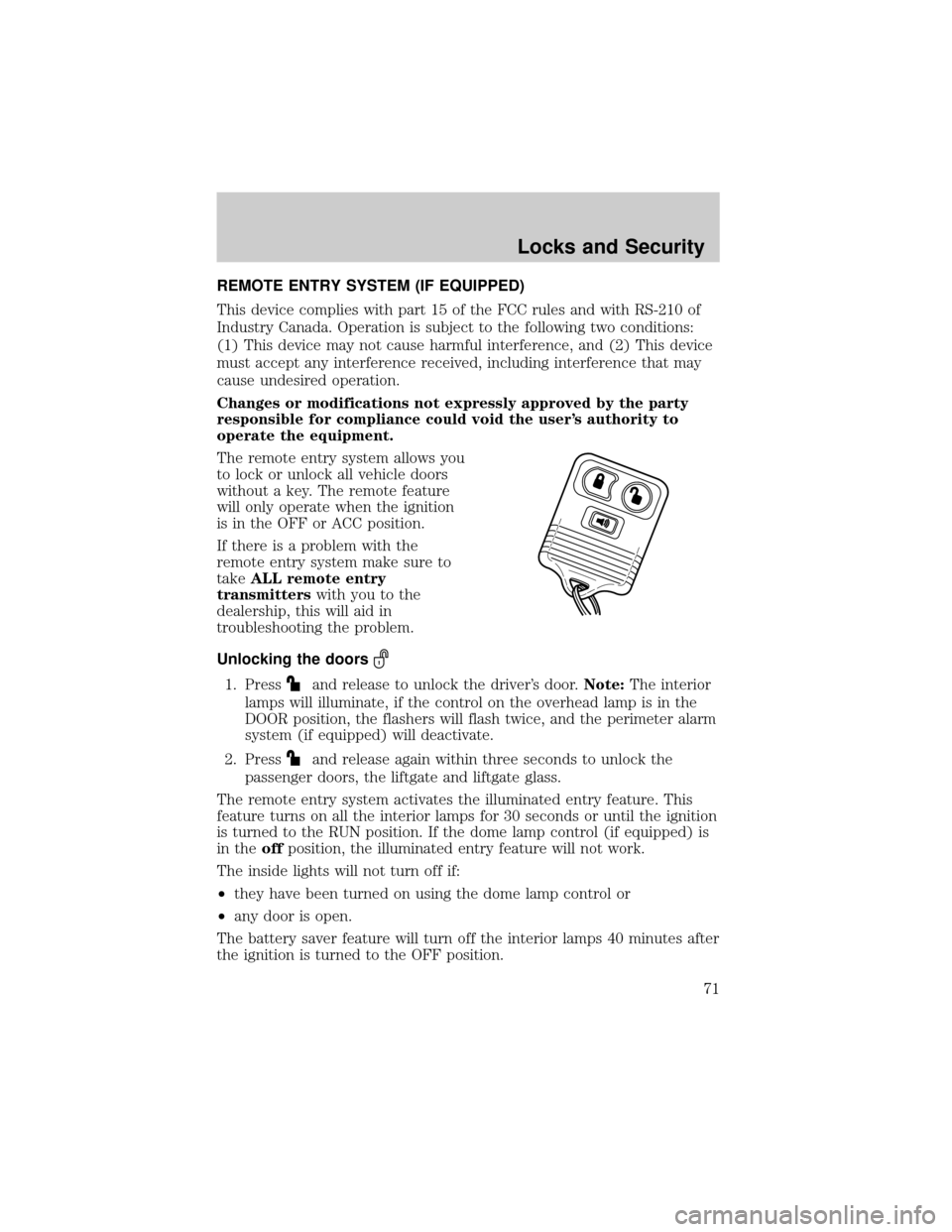
REMOTE ENTRY SYSTEM (IF EQUIPPED)
This device complies with part 15 of the FCC rules and with RS-210 of
Industry Canada. Operation is subject to the following two conditions:
(1) This device may not cause harmful interference, and (2) This device
must accept any interference received, including interference that may
cause undesired operation.
Changes or modifications not expressly approved by the party
responsible for compliance could void the user's authority to
operate the equipment.
The remote entry system allows you
to lock or unlock all vehicle doors
without a key. The remote feature
will only operate when the ignition
is in the OFF or ACC position.
If there is a problem with the
remote entry system make sure to
takeALL remote entry
transmitterswith you to the
dealership, this will aid in
troubleshooting the problem.
Unlocking the doors
1. Pressand release to unlock the driver's door.Note:The interior
lamps will illuminate, if the control on the overhead lamp is in the
DOOR position, the flashers will flash twice, and the perimeter alarm
system (if equipped) will deactivate.
2. Press
and release again within three seconds to unlock the
passenger doors, the liftgate and liftgate glass.
The remote entry system activates the illuminated entry feature. This
feature turns on all the interior lamps for 30 seconds or until the ignition
is turned to the RUN position. If the dome lamp control (if equipped) is
in theoffposition, the illuminated entry feature will not work.
The inside lights will not turn off if:
²they have been turned on using the dome lamp control or
²any door is open.
The battery saver feature will turn off the interior lamps 40 minutes after
the ignition is turned to the OFF position.
Locks and Security
71