brake MAZDA MODEL TRIBUTE 2003 Owners Manual (in English)
[x] Cancel search | Manufacturer: MAZDA, Model Year: 2003, Model line: MODEL TRIBUTE, Model: MAZDA MODEL TRIBUTE 2003Pages: 248, PDF Size: 2.5 MB
Page 2 of 248
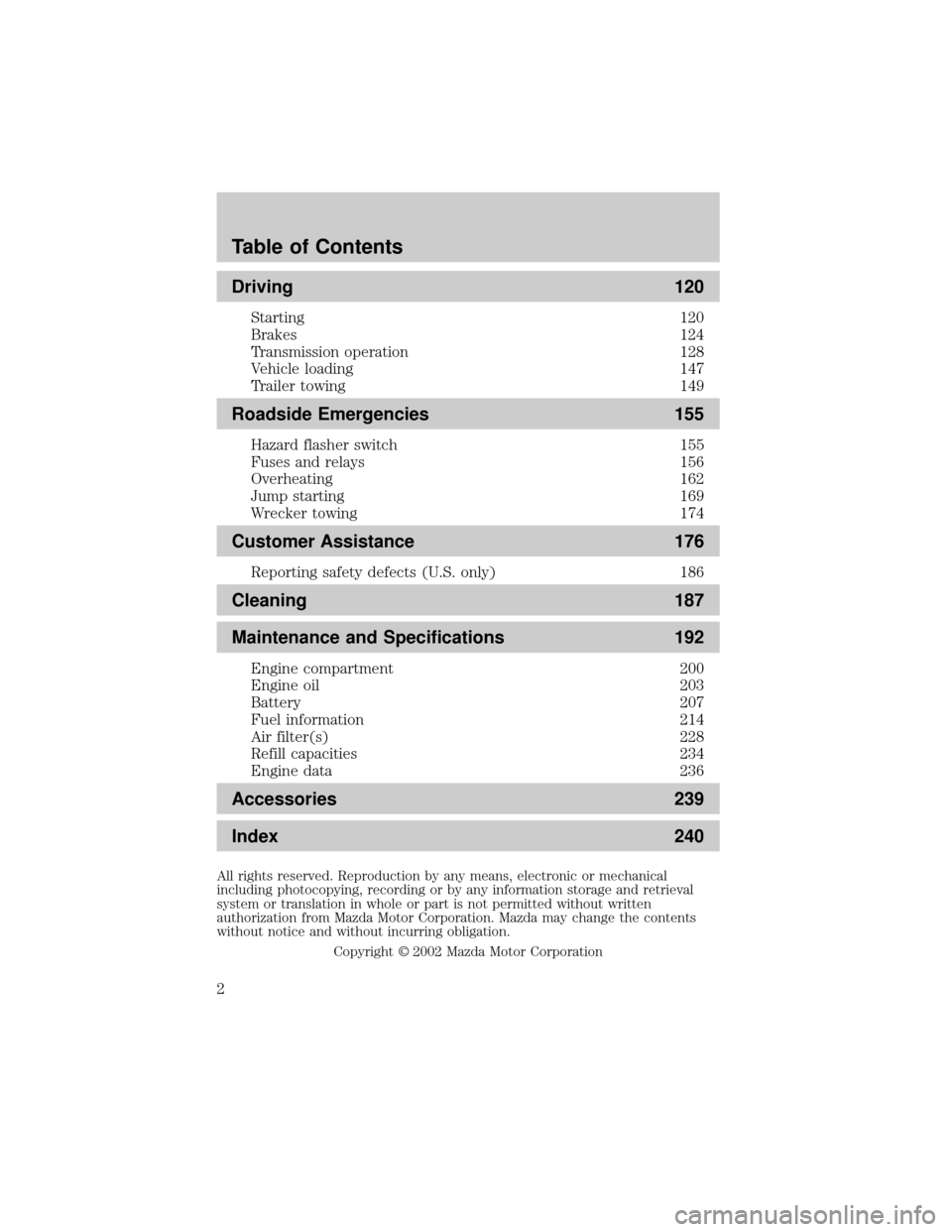
Driving 120
Starting 120
Brakes 124
Transmission operation 128
Vehicle loading 147
Trailer towing 149
Roadside Emergencies 155
Hazard flasher switch 155
Fuses and relays 156
Overheating 162
Jump starting 169
Wrecker towing 174
Customer Assistance 176
Reporting safety defects (U.S. only) 186
Cleaning 187
Maintenance and Specifications 192
Engine compartment 200
Engine oil 203
Battery 207
Fuel information 214
Air filter(s) 228
Refill capacities 234
Engine data 236
Accessories 239
Index 240
All rights reserved. Reproduction by any means, electronic or mechanical
including photocopying, recording or by any information storage and retrieval
system or translation in whole or part is not permitted without written
authorization from Mazda Motor Corporation. Mazda may change the contents
without notice and without incurring obligation.
Copyright 2002 Mazda Motor Corporation
Table of Contents
2
Page 5 of 248
SPECIAL NOTICES
Event Data Recorder
The computer in your vehicle is capable of recording detailed data
potentially including but not limited to information such as:
²the use of restraint systems including seat belts by the driver and
passengers,
²information about the performance of various systems and modules in
the vehicle, and
²information related to engine, throttle, steering, brake or other system
status potentially including information related to how the driver
operates the vehicle including but not limited to vehicle speed.
This information may be stored during regular operation or in a crash or
near crash event. This stored information may be read out and used by:
²Mazda Motor Company.
²service and repair facilities.
²law enforcement or government agencies.
²others who may assert a right or obtain your consent to know such
information.
Emission warranty
The New Vehicle Limited Warranty includes Bumper to Bumper
Coverage, Safety Restraint Coverage and Corrosion Coverage. In addition,
your vehicle is eligible for Emissions Defect and Emissions Performance
Warranties. For a detailed description of what is covered and what is not
covered, refer to theWarranty Guidethat is provided to you along with
your Owner's Guide.
Using your vehicle as an ambulance
WARNING: Do not use this vehicle as an ambulance.
Do not use your vehicle as an ambulance, as it is not equipped with an
ambulance preparation package.
Introduction
5
Page 6 of 248
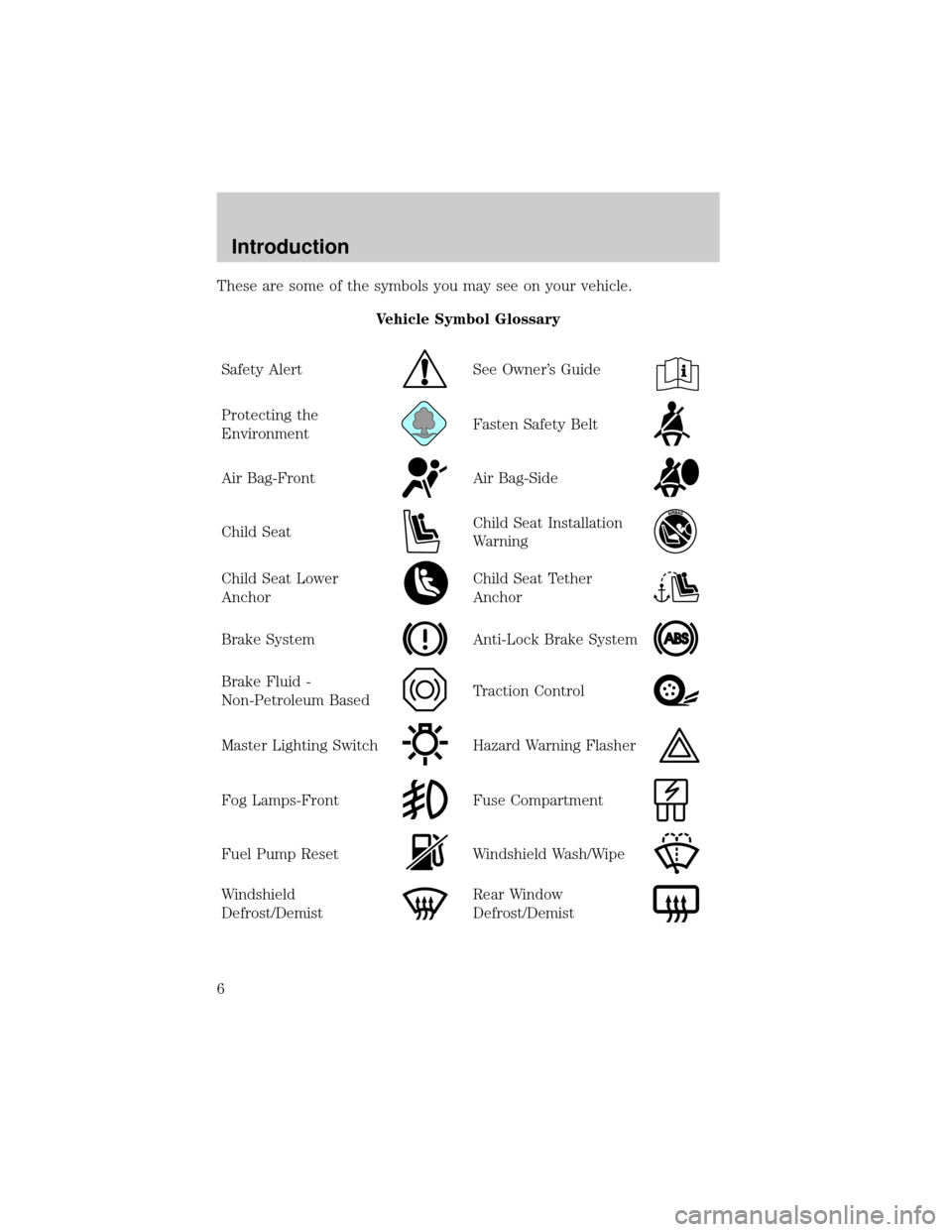
These are some of the symbols you may see on your vehicle.
Vehicle Symbol Glossary
Safety Alert
See Owner's Guide
Protecting the
EnvironmentFasten Safety Belt
Air Bag-FrontAir Bag-Side
Child SeatChild Seat Installation
Warning
Child Seat Lower
AnchorChild Seat Tether
Anchor
Brake SystemAnti-Lock Brake System
Brake Fluid -
Non-Petroleum BasedTraction Control
Master Lighting SwitchHazard Warning Flasher
Fog Lamps-FrontFuse Compartment
Fuel Pump ResetWindshield Wash/Wipe
Windshield
Defrost/DemistRear Window
Defrost/Demist
Introduction
6
Page 12 of 248
It may take a long period of time for the system to detect an
improperly installed fuel filler cap.
For more information, refer toFuel filler capin theMaintenance and
specificationschapter.
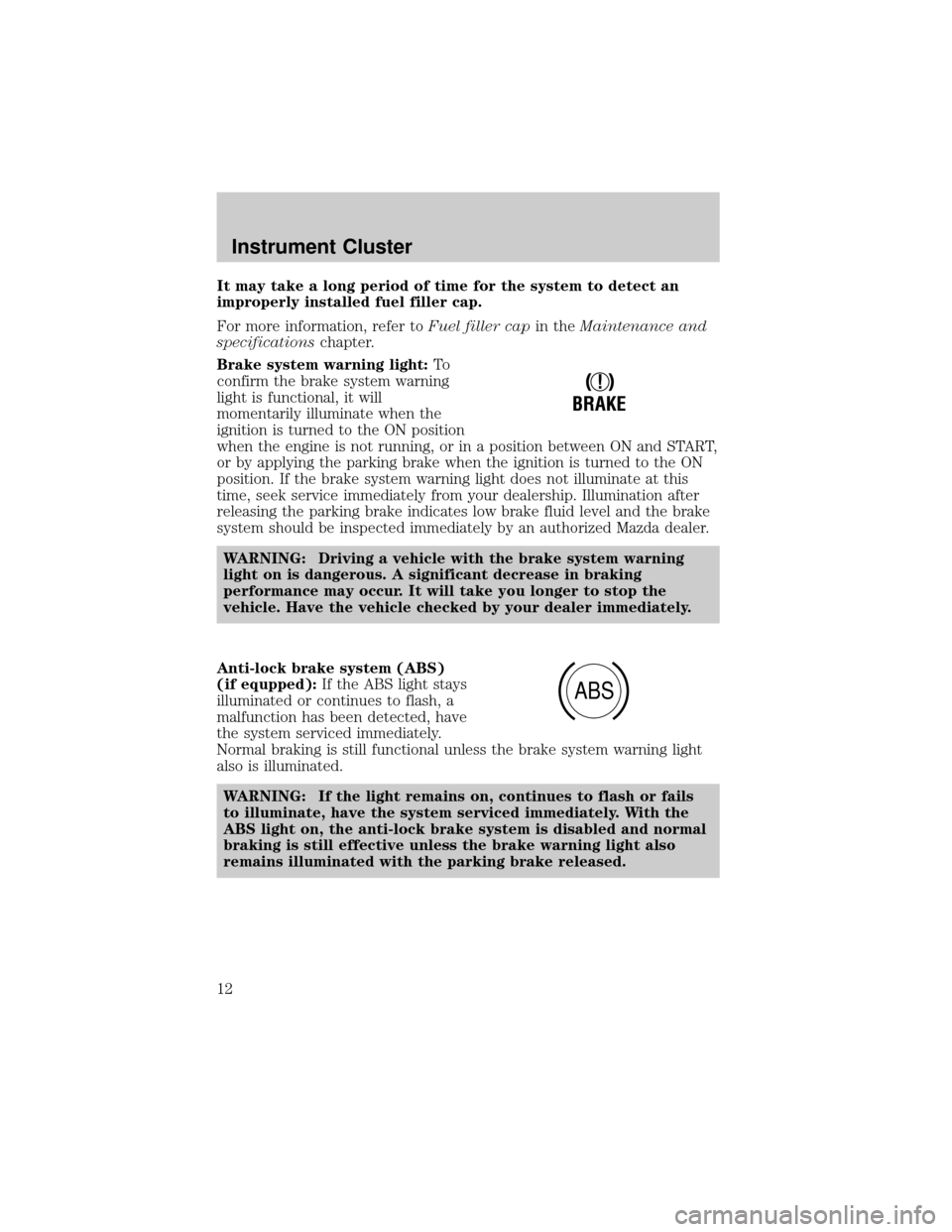
Brake system warning light:To
confirm the brake system warning
light is functional, it will
momentarily illuminate when the
ignition is turned to the ON position
when the engine is not running, or in a position between ON and START,
or by applying the parking brake when the ignition is turned to the ON
position. If the brake system warning light does not illuminate at this
time, seek service immediately from your dealership. Illumination after
releasing the parking brake indicates low brake fluid level and the brake
system should be inspected immediately by an authorized Mazda dealer.
WARNING: Driving a vehicle with the brake system warning
light on is dangerous. A significant decrease in braking
performance may occur. It will take you longer to stop the
vehicle. Have the vehicle checked by your dealer immediately.
Anti-lock brake system (ABS)
(if equpped):If the ABS light stays
illuminated or continues to flash, a
malfunction has been detected, have
the system serviced immediately.
Normal braking is still functional unless the brake system warning light
also is illuminated.
WARNING: If the light remains on, continues to flash or fails
to illuminate, have the system serviced immediately. With the
ABS light on, the anti-lock brake system is disabled and normal
braking is still effective unless the brake warning light also
remains illuminated with the parking brake released.
!
BRAKE
ABS
Instrument Cluster
12
Page 53 of 248

Handle a halogen headlamp bulb carefully and keep out of
children's reach. Grasp the bulb only by its plastic base and do
not touch the glass. The oil from your hands could cause the bulb
to break the next time the headlamps are operated. Always wear
safety glasses while handling bulbs.
NOTE: If the bulb is accidentally touched, it should be cleaned with
rubbing alcohol before being used.
7. Insert the glass end of the new bulb into the headlamp assembly.
When the bulb's three metal tabs are aligned with the grooves in the
plastic base, push the bulb into the lamp assembly until the bulb's
metal base contacts the rear of the lamp assembly.
8. Rotate the retainer spring over the bulb plastic base and secure it on
the bulb hooks.
9. Install rubber boot on the lamp assembly.
10. Connect the electrical connector into the rear of the plastic base
until it ªsnaps.º
Replacing brake/tail/turn/backup lamps bulbs
The brake/tail/turn/backup lamp bulbs are located in the tail lamp
assembly, one just below the other. Follow the same steps to replace
either bulb:
1. Open the liftgate to expose the
lamp assemblies.
2. Remove the two screws from
the lamp assembly.
3. Carefully remove the lamp
assembly by pulling it rearward.
4. Twist the bulb socket
counterclockwise and remove
from lamp assembly.
Lights
53
Page 55 of 248

Replacing license plate lamp bulbs
1. Remove two screws and the
license plate lamp assembly
(located above the license
plate) from the liftgate.
2. Remove bulb socket from lamp
assembly by turning
counterclockwise.
3. Pull the bulb out from the
socket and push in the new
bulb.
4. Install the bulb socket in lamp assembly turning it clockwise,
5. Install the lamp assembly on liftgate with two screws.
Replacing high-mount brake lamp bulbs
For bulb replacement, see an authorized Mazda dealer.
Lights
55
Page 63 of 248
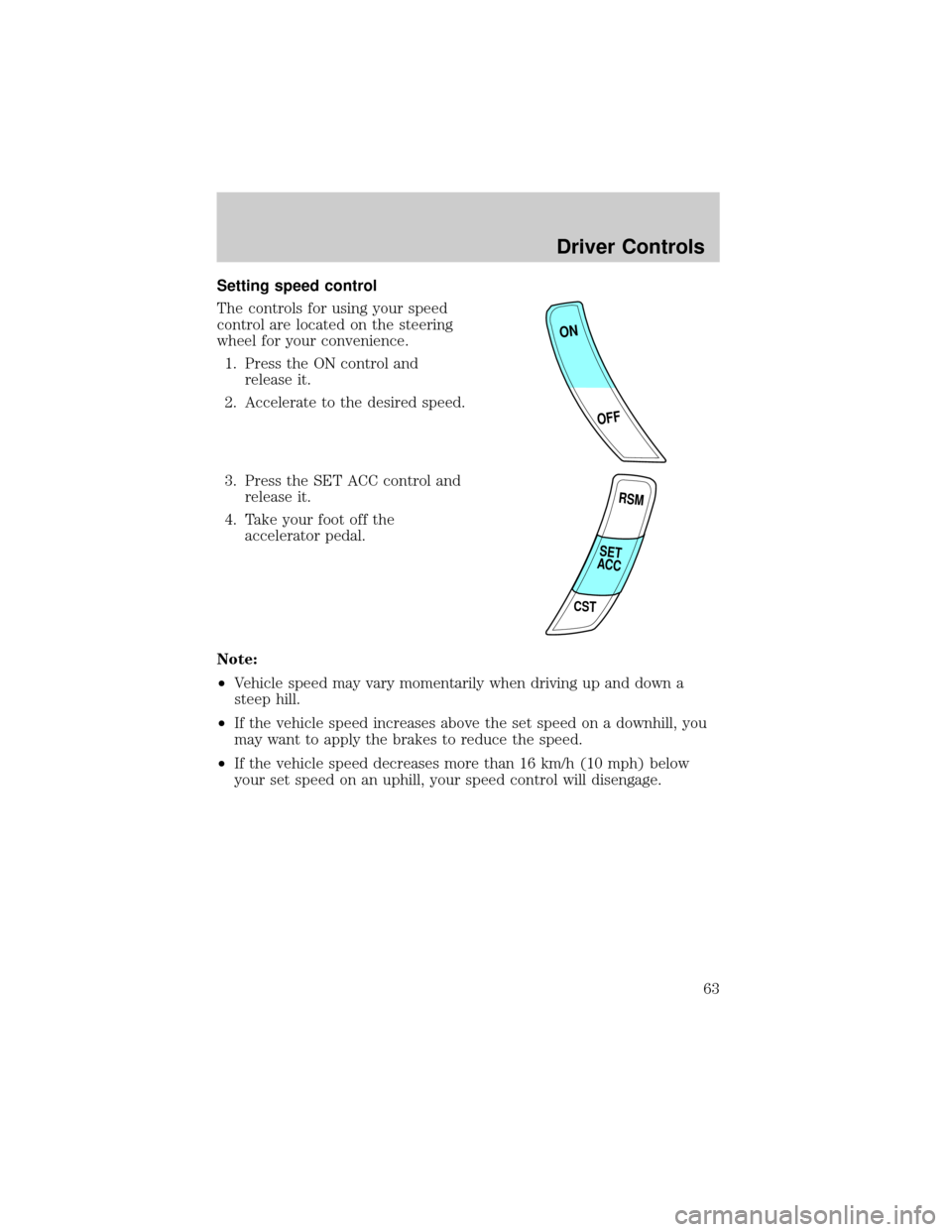
Setting speed control
The controls for using your speed
control are located on the steering
wheel for your convenience.
1. Press the ON control and
release it.
2. Accelerate to the desired speed.
3. Press the SET ACC control and
release it.
4. Take your foot off the
accelerator pedal.
Note:
²Vehicle speed may vary momentarily when driving up and down a
steep hill.
²If the vehicle speed increases above the set speed on a downhill, you
may want to apply the brakes to reduce the speed.
²If the vehicle speed decreases more than 16 km/h (10 mph) below
your set speed on an uphill, your speed control will disengage.
ON
OFF
RSM
CST
SET
ACC
Driver Controls
63
Page 65 of 248
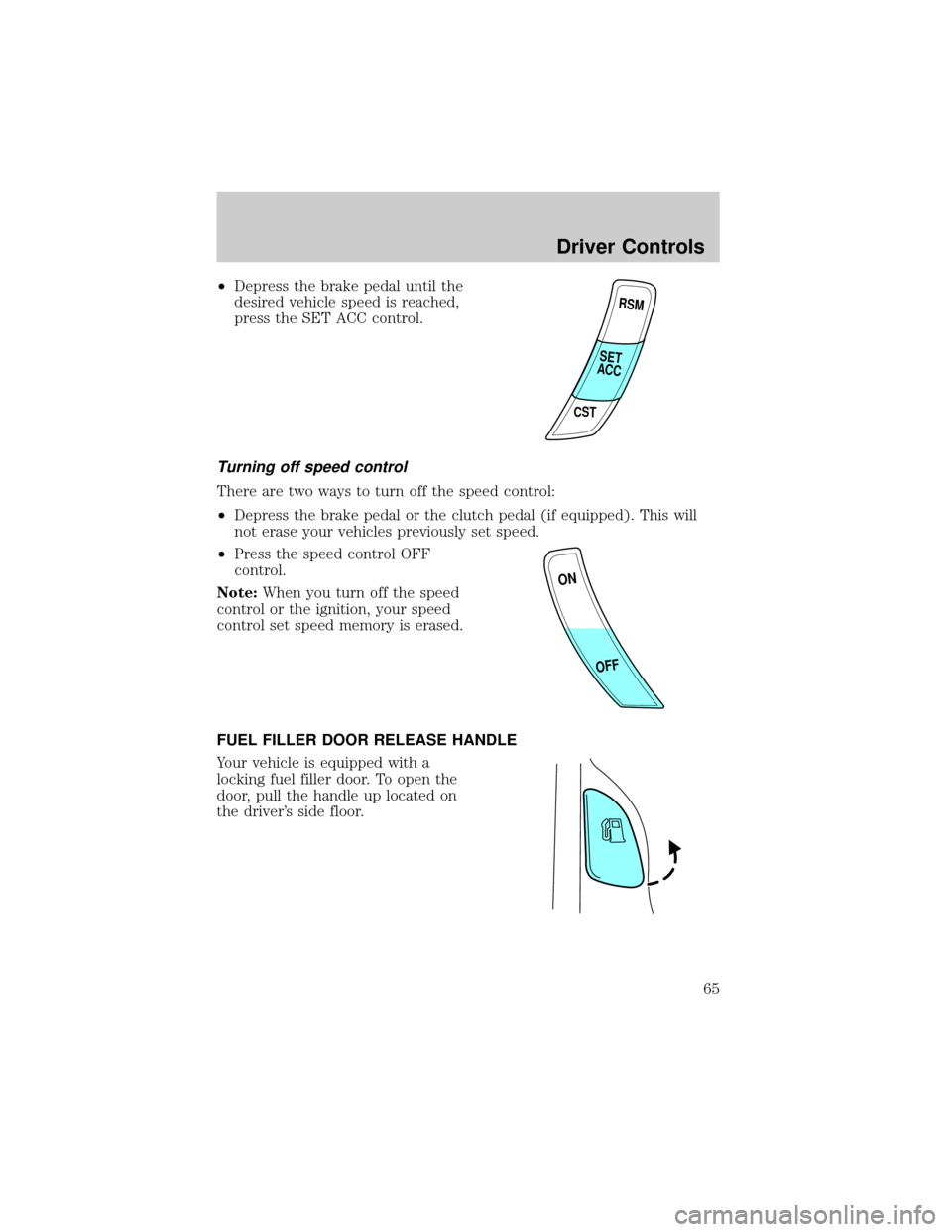
²Depress the brake pedal until the
desired vehicle speed is reached,
press the SET ACC control.
Turning off speed control
There are two ways to turn off the speed control:
²Depress the brake pedal or the clutch pedal (if equipped). This will
not erase your vehicles previously set speed.
²Press the speed control OFF
control.
Note:When you turn off the speed
control or the ignition, your speed
control set speed memory is erased.
FUEL FILLER DOOR RELEASE HANDLE
Your vehicle is equipped with a
locking fuel filler door. To open the
door, pull the handle up located on
the driver's side floor.
RSM
CST
SET
ACC
ON
OFF
Driver Controls
65
Page 91 of 248

WARNING: BELT AND RETRACTOR ASSEMBLY MUST BE
REPLACED if the safety belt assembly ªautomatic locking
retractorº feature or any other safety belt function is not
operating properly when checked according to the procedures in
Workshop Manual.
WARNING: Failure to replace the Belt and Retractor assembly
could increase the risk of injury in collisions.
Combination lap and shoulder belts
1. Insert the belt tongue into the
proper buckle (the buckle
closest to the direction the
tongue is coming from) until
you hear a snap and feel it
latch. Make sure the tongue is
securely fastened in the buckle.
2. To unfasten, push the release
button and remove the tongue
from the buckle.
The front and rear outboard safety restraints in the vehicle are
combination lap and shoulder belts. The front passenger and rear seat
outboard safety belts have two types of locking modes described below:
Vehicle sensitive mode
This is the normal retractor mode, which allows free shoulder belt length
adjustment to your movements and locking in response to vehicle
movement. For example, if the driver brakes suddenly or turns a corner
Seating and Safety Restraints
91
Page 121 of 248

WARNING: If you smell exhaust fumes inside your vehicle,
have your authorized Mazda dealer inspect your vehicle
immediately. Do not drive if you smell exhaust fumes.
Important safety precautions
A computer system controls the engine's idle revolutions per minute
(RPM). When the engine starts, the idle RPM runs higher than normal in
order to warm the engine. If the engine idle speed does not slow down
automatically, have the vehicle checked by your authorized Mazda
dealership.
Before starting the vehicle:
1. Make sure all vehicle occupants have buckled their safety belts. For
more information on safety belts and their proper usage, refer to the
Seating and safety restraintschapter.
2. Make sure the headlamps and vehicle accessories are off.
If starting a vehicle with an
automatic transmission:
²Make sure the parking brake is
set.
²Make sure the gearshift is in P
(Park).
R D 2 1ODO
Driving
121