tire MAZDA MX5 MIATA 2023 User Guide
[x] Cancel search | Manufacturer: MAZDA, Model Year: 2023, Model line: MX5 MIATA, Model: MAZDA MX5 MIATA 2023Pages: 503, PDF Size: 6.98 MB
Page 129 of 503
Traffic Sign Recognition System
(TSR)
*........................................ 4-90
Rear Cross Traffic Alert (RCTA)
*.....
.................................................... 4-96
Smart City Brake Support
(SCBS)
*...................................... 4-99
Forward Sensing Camera (FSC)
*......
.................................................. 4-103
Radar Sensors (Rear)
*.............. 4-107
Cruise Control............................... 4-109
Cruise Control
*.........................4-109
Tire Pressure Monitoring
System............................................. 4-114 Tire Pressure Monitoring
System...................................... 4-114
Rear View Monitor........................ 4-118 Rear View Monitor................... 4-118
4-2*Some models.
MX-5_8LE7-EA-22K_Edition1_old 2022-8-4 8:12:24
Page 151 of 503
The distance-to-empty is the
approximate remaining distance the
vehicle can be driven until all the
graduation marks in the fuel gauge
indicating the remaining fuel supply
disappear.
If there is no past fuel economy
information such as after first
purchasing your vehicle or the
information is deleted when the battery
cables are disconnected, the actual
distance-to empty/range may differ from
the amount indicated.
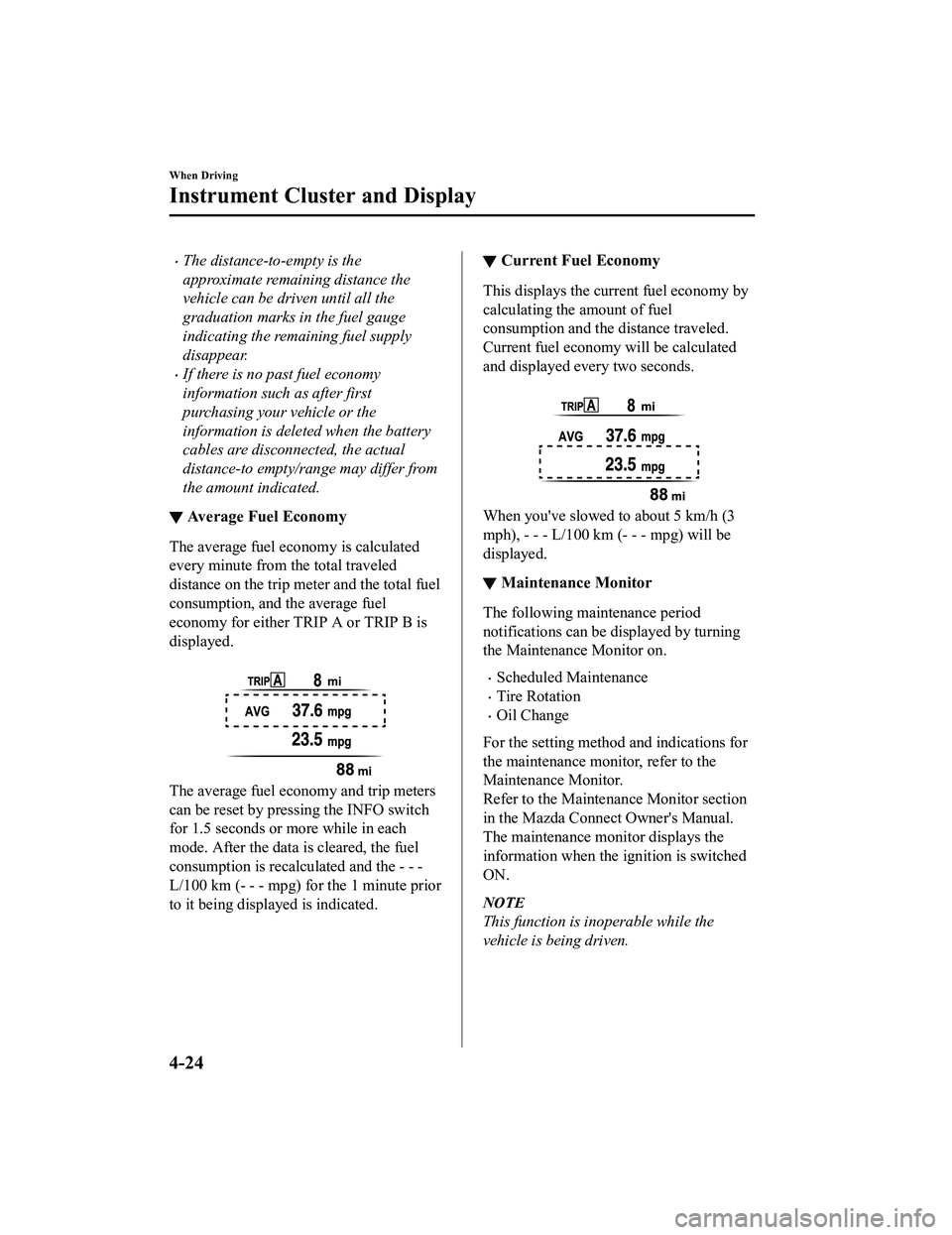
▼Average Fuel Economy
The average fuel economy is calculated
every minute from the total traveled
distance on the trip me
ter and the total fuel
consumption, and the average fuel
economy for either TRIP A or TRIP B is
displayed.
The average fuel economy and trip meters
can be reset by pressing the INFO switch
for 1.5 seconds or more while in each
mode. After the data is cleared, the fuel
consumption is recalculated and the - - -
L/100 km (- - - mpg) for the 1 minute prior
to it being displayed is indicated.
▼ Current Fuel Economy
This displays the current fuel economy by
calculating the amount of fuel
consumption and the distance traveled.
Current fuel economy will be calculated
and displayed every two seconds.
When you've slowed to about 5 km/h (3
mph), - - - L/100 km (- - - mpg) will be
displayed.
▼Maintenance Monitor
The following maintenance period
notifications can be displayed by turning
the Maintenance Monitor on.
Scheduled Maintenance
Tire Rotation
Oil Change
For the setting method and indications for
the maintenance monitor, refer to the
Maintenance Monitor.
Refer to the Maintenance Monitor section
in the Mazda Connect Owner's Manual.
The maintenance moni tor displays the
information when the ignition is switched
ON.
NOTE
This function is inoperable while the
vehicle is being driven.
When Driving
Instrument Cluster and Display
4-24
MX-5_8LE7-EA-22K_Edition1_old 2022-8-4 8:12:24
Page 155 of 503

SignalWarning Lights Page
ABS Warning Light*1
Electronic Brake Force
Distribution System Wa r n i n g
7-33
ABS warning 7-36
Check Engine Light*17-36
*Automatic Transmission Warnin g Indication/Warning Light*17-36
Air Bag/Seat Belt Pretensioner System Warning Light*17-36
Tire Pressure Monitoring System Warning Light*1
Flashing
7-36
Turns on 7-40
(Red)
*KEY Warning Light*1
Turns on7-36
Flashing 7-40
(Amber)
*KEY Warning Indication 7-36
*Lane Departure Warning System (LDWS) Warning Indication/
Warning Light*1
Turns on 7-36
Flashing 4-84
(Amber)
*High Beam Control System (HBC) Warning Indication/Warn ‐
ing Light*17-36
*Blind Spot Monitoring (BSM) Warning Indication 7-36
*Retractable Hardtop Warning Indication
7-36
LED Headlight Warning Light*17-36
(Amber)
*Smart City Brake
Support (SCBS) Warning Indication/Warn ‐
ing Light*17-40
Seat Belt Warning Light 7-40
*Door-Ajar Warning Light7-40
When Driving
Instrument Cluster and Display
4-28*Some models.
MX-5_8LE7-EA-22K_Edition1_old
2022-8-4 8:12:24
Page 159 of 503

Manual Transmission ShiftPattern
Neutral position
The shift pattern of the transmission is
conventional, as shown.
Depress the clutch pedal all the way down
while shifting; then release it slowly.
Your vehicle is equi pped with a device to
prevent shifting to R (reverse) by mistake.
Push the shift lever downward and shift to
R.
WA R N I N G
Do not use sudden engine braking on
slippery road surfaces or at high speeds:
Shifting down while driving on wet, snowy,
or frozen roads, or while driving at high
speeds causes sudden engine braking,
which is dangerous. The sudden change in
tire speed could cause the tires to skid. This
could lead to loss of vehicle control and an
accident.
Always leave the shift lever in 1 or R
position and set the parking brake when
leaving the vehicle unattended:
Otherwise the vehicle could move and
cause an accident.
CAUTION
Keep your foot off the clutch pedal except
when shifting gears. Also, do not use the
clutch to hold the vehicle on an upgrade.
Riding the clutch will cause needless
clutch wear and damage.
Do not apply any excessive lateral force
to the shift lever when changing from
5th to 4th gear. This could lead to the
accidental selection of 2nd gear, which
could result in damage to the
transmission.
Make sure the vehicle comes to a
complete stop before shifting to R.
Shifting to R while the vehicle is still
moving may damage the transmission.
When Driving
Manual Transmission Operation
4-32
MX-5_8LE7-EA-22K_Edition1_old 2022-8-4 8:12:24
Page 167 of 503

Using steering shift switch*
To shift down to a lower gear with the
steering shift switches, pull the DOWN
switch
toward you once with your
fingers.
DOWN switch (-)
WA R N I N G
Do not use engine braking on slippery road
surfaces or at high speeds:
Shifting down while driving on wet, snowy,
or frozen roads, or while driving at high
speeds causes sudden engine braking,
which is dangerous. The sudden change in
tire speed could cause the tires to skid. This
could lead to loss of vehicle control and an
accident.
Keep your hands on the steering wheel rim
when using fingers on the steering shift
switches:
Putting your hands inside the rim of the
steering wheel when using the steering
shift switches is dangerous. If the driver's
air bag were to deploy in a collision, your
hands could be impacted causing injury.
NOTE
When driving at high speeds, the gear
may not shift down.
During deceleration, the gear may
automatically shift down depending on
vehicle speed.
When depressing the accelerator fully,
the transmission will shift to a lower
gear, depending on vehicle speed.
However, the gears do not kickdown
while the DSC is turned off.
▼ Second Gear Fixed Mode
When the selector lever is moved back
while the vehicle speed is about 10 km/h
(6.2 mph) or less, th
e transmission is set in
the second gear fixed mode. The gear is
fixed in second while in this mode for
easier acceleration from a stop and driving
on slippery roads such as snow-covered
roads.
If the selector lever is moved back
or
forward
while in the second gear fixed
mode, the mode will be canceled.
When Driving
Automatic Transmission
4-40*Some models.
MX-5_8LE7-EA-22K_Edition1_old 2022-8-4 8:12:24
Page 193 of 503

Antilock Brake System(ABS)
The ABS control unit continuously
monitors the speed of each wheel. If one
wheel is about to lock up, the ABS
responds by automatically releasing and
reapplying that wheel's brake.
The driver will feel a slight vibration in
the brake pedal and may hear a chattering
noise from the brake system. This is
normal ABS system operation. Continue
to depress the brake pedal without
pumping the brakes.
The warning light turns on when the
system has a malfunction.
Contact an Authorized Mazda Dealer and
Have Vehicle Inspected on page 7-36.
WA R N I N G
Do not rely on ABS as a substitute for safe
driving:
The ABS cannot compensate for unsafe
and reckless driving, excessive speed,
tailgating (following another vehicle too
closely), driving on ice and snow, and
hydroplaning (reduced tire friction and
road contact because of water on the road
surface). You can still have an accident.
NOTE
Braking distances may be longer on
loose surfaces (snow or gravel, for
example) which usually have a hard
foundation. A vehicle with a normal
braking system may require less
distance to stop under these conditions
because the tires wi ll build up a wedge
of surface layer when the wheels skid.
The sound of the ABS operating may be
heard when starting the engine or
immediately after starting the vehicle,
however, it does not indicate a
malfunction.
When Driving
ABS/TCS/DSC
4-66
MX-5_8LE7-EA-22K_Edition1_old 2022-8-4 8:12:24
Page 194 of 503

Traction Control System(TCS)
The Traction Control System (TCS)
enhances traction and safety by controlling
engine torque and braking. When the TCS
detects driving wheel slippage, it lowers
engine torque and operates the brakes to
prevent loss of traction.
This means that on a slick surface, the
engine adjusts automa tically to provide
optimum power to the drive wheels,
limiting wheel spin and loss of traction.
The warning light turns on when the
system has a malfunction.
Contact an Authorized Mazda Dealer and
Have Vehicle Inspected on page 7-36.
WA R N I N G
Do not rely on the Traction Control System
(TCS) as a substitute for safe driving:
The Traction Control System (TCS) cannot
compensate for unsafe and reckless
driving, excessive speed, tailgating
(following another vehicle too closely), and
hydroplaning (reduced tire friction and
road contact because of water on the road
surface). You can still have an accident.
Use snow tires or tire chains and drive at
reduced speeds when roads are covered
with ice and/or snow:
Driving without proper traction devices on
snow and/or ice-covered roads is
dangerous. The Traction Control System
(TCS) alone cannot provide adequate
traction and you co uld still have an
accident.
NOTE
To turn off the TCS, press the DSC OFF
switch (page 4-69).
▼ TCS/DSC Indicator Light
This indicator light stays on for a few
seconds when the ignition is switched ON.
If the TCS or DSC is operating, the
indicator light flashes.
If the light stays on, the TCS, DSC or the
brake assist system may have a
malfunction and they may not operate
correctly. Take your vehicle to an
Authorized Mazda Dealer.
NOTE
In addition to the indicator light
flashing, a slight lugging sound will
come from the engine. This indicates
that the TCS/DSC is operating properly.
On slippery surfaces, such as fresh
snow, it will be impossible to achieve
high rpm when the TCS is on.
When Driving
ABS/TCS/DSC
4-67
MX-5_8LE7-EA-22K_Edition1_old
2022-8-4 8:12:24
Page 195 of 503

Dynamic Stability Control(DSC)
The Dynamic Stability Control (DSC)
automatically controls braking and engine
torque in conjunction with systems such as
ABS and TCS to help control side slip
when driving on slippery surfaces, or
during sudden or evasive maneuvering,
enhancing vehicle safety.
Refer to ABS (page 4-66) and TCS (page
4-67).
DSC operation is possible at speeds
greater than 20 km/h (12 mph).
The warning light turns on when the
system has a malfunction.
Contact an Authorized Mazda Dealer and
Have Vehicle Inspected on page 7-36.
WA R N I N G
Do not rely on the Dynamic Stability
Control as a substitute for safe driving:
The Dynamic Stability Control (DSC)
cannot compensate for unsafe and reckless
driving, excessive speed, tailgating
(following another vehicle too closely), and
hydroplaning (reduced tire friction and
road contact because of water on the road
surface). You can still have an accident.
CAUTION
The DSC may not operate correctly
unless the following are observed:
Use tires of the correct size
specified for
your Mazda on all 4 wheels.
Use tires of the same manufacturer,
brand and tread pattern on all 4
wheels.
Do not mix worn tires.
The DSC may not operate correctly when
tire chains are used or a temporary spare
tire is installed because the tire diameter
changes.
▼ TCS/DSC Indicator Light
This indicator light stays on for a few
seconds when the ignition is switched ON.
If the TCS or DSC is operating, the
indicator light flashes.
If the light stays on, the TCS, DSC or the
brake assist system may have a
malfunction and they may not operate
correctly. Take your vehicle to an
Authorized Mazda Dealer.
When Driving
ABS/TCS/DSC
4-68
MX-5_8LE7-EA-22K_Edition1_old
2022-8-4 8:12:24
Page 197 of 503

Drive Selection*
Drive selection is a system to switch the vehicle's drive mode. When the sport mode is
selected, the vehicle's response against accelerator operation is enhanced. This provides
additional quick acceleration which may be needed to safely make maneuvers such as lane
changes, merging onto freeways, or passing other vehicles.
CAUTION
Do not use the sport mode when driving on slip pery roads such as wet or snow-covered roads.
It may cause tire slipping.
NOTE
When sport mode is selected, driving at higher engine speeds may increase fuel
consumption. Mazda recommends that you cancel sport mode for normal driving.
Drive mode cannot be switched in the following conditions:
ABS/TCS/DSC is operating
Cruise control is operating.
Steering wheel is being operated abruptly
▼ Drive Selection Switch
Press the drive selection switch forward
(“
”) to select the sport mode.
Pull the drive selection switch back
(“
”) to cancel the sport mode.
NOTE
In the following cases, the drive
selection is canceled.
The ignition is switched OFF.
Cruise control is set.
Depending on the driving conditions
when sport mode is selected, the vehicle
may perform shift-down or slightly
accelerate.
When Driving
Drive Selection
4-70*Some models.
MX-5_8LE7-EA-22K_Edition1_old 2022-8-4 8:12:24
Page 204 of 503
NOTE
The timing in which the system switches the headlights changes under the following
conditions. If the system does not switch the headlights appropriately, manually switch
between high and low beams according to the visibility as well as road and traffic
conditions.
When there are sources of light in the area such as streetlamps, illuminated signboards,
and traffic signals.
When there are reflective objects in the surrounding area such as reflective plates and
signs.
When visibility is reduced under rain, snow and foggy conditions.
When driving on roads with sharp turn or hilly terrain.
When the headlights/rear lamps of vehicles in front of you or in the opposite lane are dim
or not illuminated.
When there is sufficient darkness such as at dawn or dusk.
When the luggage compartment is loaded with heavy objects.
When visibility is reduced due to a vehicle in front of you spraying water from its tires
onto your windshield.
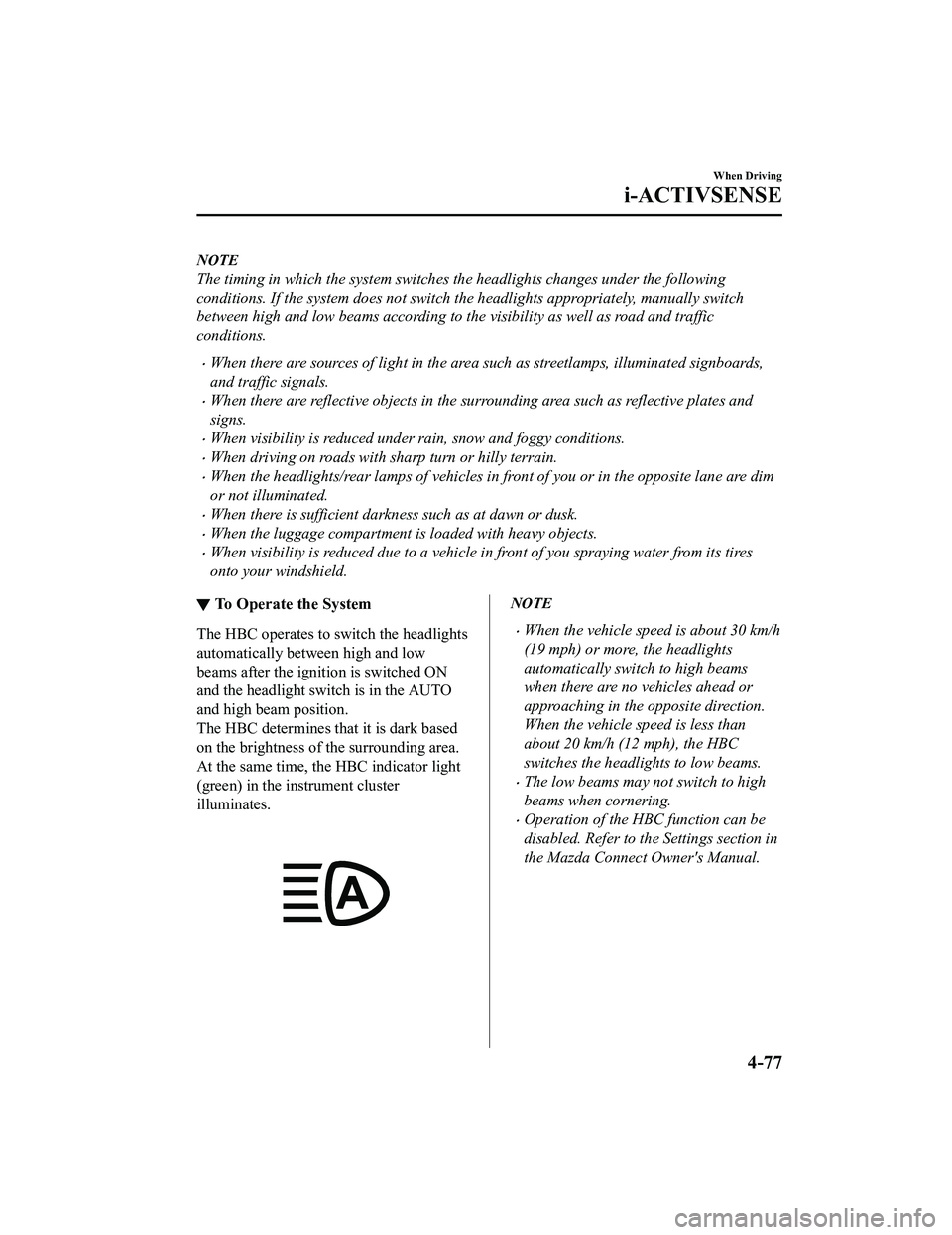
▼ To Operate the System
The HBC operates to switch the headlights
automatically between high and low
beams after the igniti
on is switched ON
and the headlight switch is in the AUTO
and high beam position.
The HBC determines that it is dark based
on the brightness of the surrounding area.
At the same time, the HBC indicator light
(green) in the in strument cluster
illuminates.
NOTE
When the vehicle speed is about 30 km/h
(19 mph) or more, the headlights
automatically switch to high beams
when there are no vehicles ahead or
approaching in the opposite direction.
When the vehicle speed is less than
about 20 km/h (12 mph), the HBC
switches the headlights to low beams.
The low beams may not switch to high
beams when cornering.
Operation of the HBC function can be
disabled. Refer to th e Settings section in
the Mazda Connect Owner's Manual.
When Driving
i-ACTIVSENSE
4-77
MX-5_8LE7-EA-22K_Edition1_old 2022-8-4 8:12:24