warning MERCEDES-BENZ A-CLASS HATCHBACK 2018 Owners Manual
[x] Cancel search | Manufacturer: MERCEDES-BENZ, Model Year: 2018, Model line: A-CLASS HATCHBACK, Model: MERCEDES-BENZ A-CLASS HATCHBACK 2018Pages: 609, PDF Size: 10.73 MB
Page 306 of 609
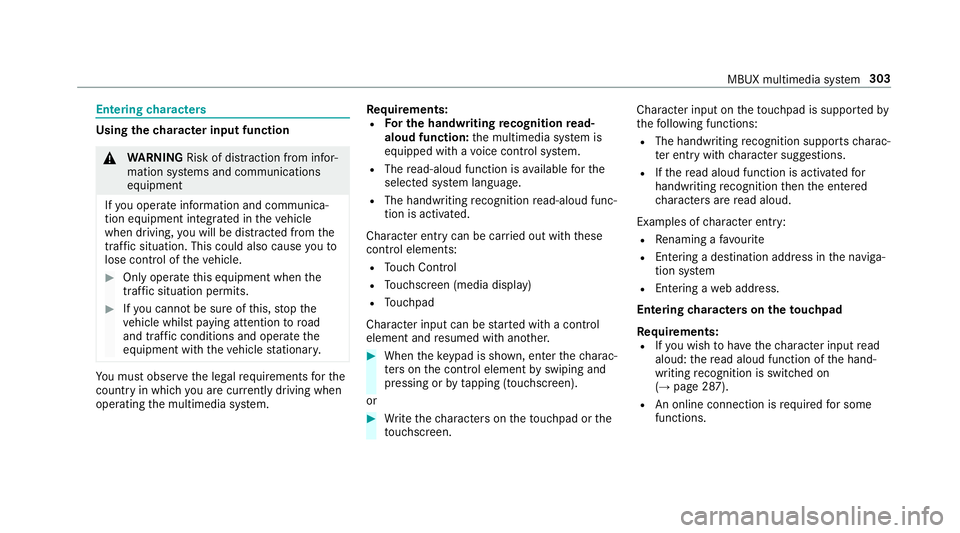
Entering
characters Using
thech aracter input function &
WARNING Risk of di stra ction from infor‐
mation sy stems and communications
equipment
If yo u operate information and communica‐
tion equipment integ rated in theve hicle
when driving, you will be distracted from the
traf fic situation. This could also cause youto
lose control of theve hicle. #
Only operate this equipment when the
traf fic situation permits. #
Ifyo u cannot be sure of this, stop the
ve hicle whilst paying attention toroad
and traf fic conditions and ope rate the
equipment with theve hicle stationar y. Yo
u must obse rveth e legal requirements forthe
country in whi chyou are cur rently driving when
operating the multimedia sy stem. Re
quirements:
R For the handwriting recognition read-
aloud function: the multimedia sy stem is
equipped with a voice control sy stem.
R The read-aloud function is available forthe
selected sy stem language.
R The handwriting recognition read-aloud func‐
tion is activated.
Character ent rycan be car ried out with these
control elements:
R Touch Control
R Touchsc reen (media display)
R Touchpad
Character input can be star ted with a control
element and resumed with ano ther. #
When theke ypad is shown, en terth ech arac‐
te rs on the control element byswiping and
pressing or bytapping (touchscreen).
or #
Write thech aracters on theto uchpad or the
to uchsc reen. Character input on
theto uchpad is suppo rted by
th efo llowing functions:
R The handwriting recognition suppo rts ch arac‐
te r entry with character suggestions.
R Ifth ere ad aloud function is activated for
handwriting recognition then the entered
ch aracters are read aloud.
Examples of character ent ry:
R Renaming a favo urite
R Entering a de stination address in the naviga‐
tion sy stem
R Ente ring a web address.
Entering characters on theto uchpad
Re quirements:
R Ifyo u wish tohave thech aracter input read
aloud: there ad aloud function of the hand‐
writing recognition is switched on
(→ page 287).
R An online connection is requ ired for some
functions. MBUX multimedia sy
stem 303
Page 322 of 609
Fu
rther information about software updates can
be found at http://me.mercedes-benz.com
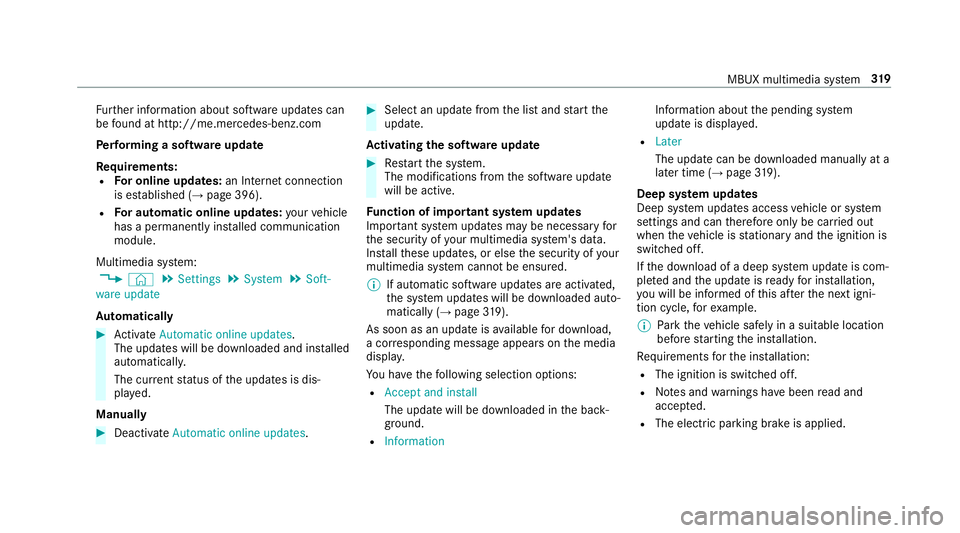
Pe rforming a software upda te
Re quirements:
R For online updates: an Internet connection
is es tablished (→ page 396).
R For automatic online updates: your vehicle
has a permanently installed communication
module.
Multimedia sy stem:
, © .
Settings .
System .
Soft-
ware update
Au tomatically #
Activate Automatic online updates.
The upda tes will be downloaded and ins talled
automaticall y.
The cur rent status of the updates is dis‐
pla yed.
Manually #
Deactivate Automatic online updates. #
Select an update from the list and start the
update.
Ac tivating the so ftwa reupdate #
Restart the sy stem.
The modifications from the software update
will be active.
Fu nction of important sy stem upda tes
Impor tant sy stem updates may be necessary for
th e security of your multimedia sy stem's data.
Ins tallth ese updates, or else the security of your
multimedia sy stem cann otbe ensured.
% If automatic software updates are activated,
th e sy stem updates will be downloaded auto‐
matically (→ page319).
As soon as an upda teisavailable for download,
a cor responding message appears onthe media
displa y.
Yo u ha vethefo llowing selection options:
R Accept and install
The update will be downloaded in the back‐
ground.
R Information Information about
the pending sy stem
update is displa yed.
R Later
The update can be downloaded manually at a
later time (→ page319).
Dee p sy stem upda tes
Deep sy stem updates access vehicle or sy stem
settings and can therefore only be car ried out
when theve hicle is stationary and the ignition is
switched off.
If th e download of a deep sy stem update is com‐
ple ted and the update is ready for ins tallation,
yo u will be informed of this af terth e next igni‐
tion cycle, forex ample.
% Park theve hicle safely in a suitable location
before starting the ins tallation.
Re quirements forth e ins tallation:
R The ignition is switched off.
R Notes and warnings ha vebeen read and
accep ted.
R The elect ric pa rking brake is applied. MBUX multimedia sy
stem 319
Page 329 of 609
•
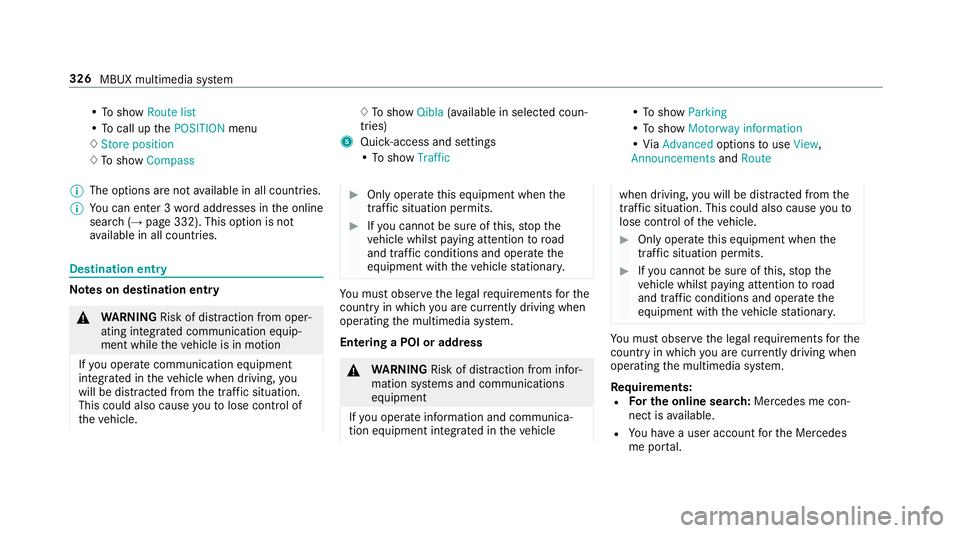
To show Route list
• To call up thePOSITION menu
♢ Store position
♢ To show Compass ♢
To show Qibla(ava ilable in selec ted coun‐
tries)
5 Quic k-access and settings
• To show Traffic •
To show Parking
• To show Motorway information
• ViaAdvanced optionstouse View ,
Announcements andRoute
% The options are not available in all countries.
% You can en ter 3 wordaddresses in the online
sear ch (→page 332). This option is not
av ailable in all countries. Destination ent
ryNote
s on destination entry &
WARNING Risk of di stra ction from oper‐
ating integrated communication equip‐
ment while theve hicle is in motion
If yo u operate communication equipment
integrated in theve hicle when driving, you
will be distracted from the tra ffic situation.
This could also cause youto lose control of
th eve hicle. #
Only operate this equipment when the
traf fic situation permits. #
Ifyo u cannot be sure of this, stop the
ve hicle whilst paying attention toroad
and traf fic conditions and ope rate the
equipment with theve hicle stationar y. Yo
u must obse rveth e legal requirements forthe
country in whi chyou are cur rently driving when
operating the multimedia sy stem.
Entering a POI or addre ss &
WARNING Risk of di stra ction from infor‐
mation sy stems and communications
equipment
If yo u operate information and communica‐
tion equipment integ rated in theve hicle when driving,
you will be distracted from the
traf fic situation. This could also cause youto
lose control of theve hicle. #
Only operate this equipment when the
traf fic situation permits. #
Ifyo u cannot be sure of this, stop the
ve hicle whilst paying attention toroad
and traf fic conditions and ope rate the
equipment with theve hicle stationar y. Yo
u must obse rveth e legal requirements forthe
country in whi chyou are cur rently driving when
operating the multimedia sy stem.
Re quirements:
R For the online sear ch:Me rcedes me con‐
nect is available.
R You ha vea user account forth e Mercedes
me por tal. 326
MBUX multimedia sy stem
Page 340 of 609
or
#
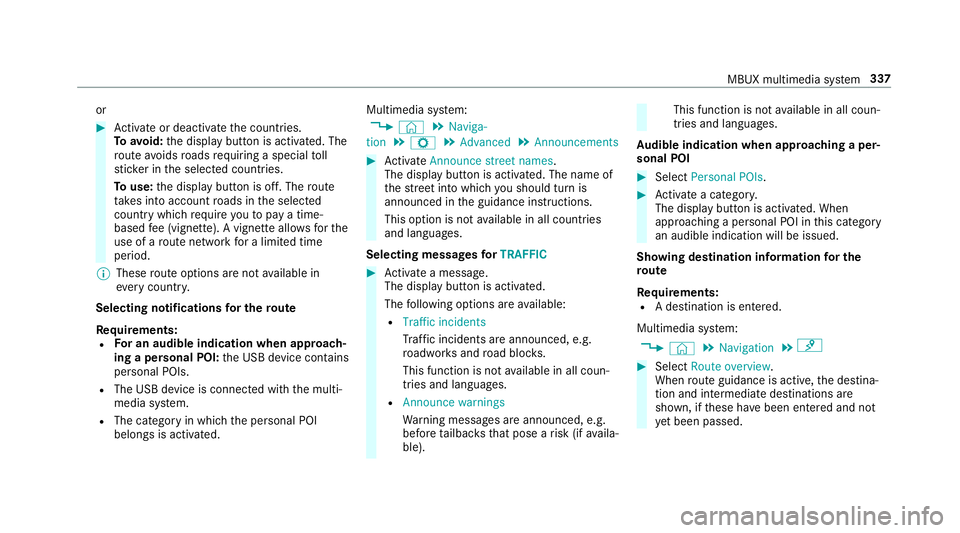
Activate or deacti vate the count ries.
To avoid: the display button is activated. The
ro ute avoids roads requ iring a special toll
st icke r in the selected count ries.
To use: the display button is off. The route
ta ke s into account roads in the selected
count rywhich requireyouto pay a time-
based fee (vignette). A vignette allo wsforthe
use of a route network for a limi ted time
period.
% These route options are not available in
eve rycountr y.
Selecting notifications for the route
Re quirements:
R For an audible indication when approach‐
ing a personal POI: the USB device conta ins
personal POIs.
R The USB device is connec ted with the multi‐
media sy stem.
R The category in which the personal POI
belongs is activated. Multimedia sy
stem:
, © .
Naviga-
tion .
Z .
Advanced .
Announcements #
Activate Announce street names .
The display button is acti vated. The name of
th est re et into which you should turn is
announced in the guidance instructions.
This option is not available in all countries
and languages.
Selecting messages forTRAFFIC #
Activate a messa ge.
The display button is activated.
The following options are available:
R Traffic incidents
Traf fic incidents are announced, e.g.
ro adwor ksand road bloc ks.
This function is not available in all coun‐
tries and languages.
R Announce warnings
Warning messages are announced, e.g.
before tailbac ksthat pose a risk (if availa‐
ble). This function is not
available in all coun‐
tries and languages.
Au dible indication when approaching a per‐
sonal POI #
Select Personal POIs . #
Activate a categor y.
The display button is activated. When
approaching a personal POI in this category
an audible indication will be issued.
Showing destination information for the
ro ute
Re quirements:
R A destination is entered.
Multimedia sy stem:
, © .
Navigation .
¡ #
Select Route overview .
When route guidance is active, the destina‐
tion and intermediate destinations are
shown, if these ha vebeen entered and not
ye t been passed. MBUX multimedia sy
stem 337
Page 345 of 609
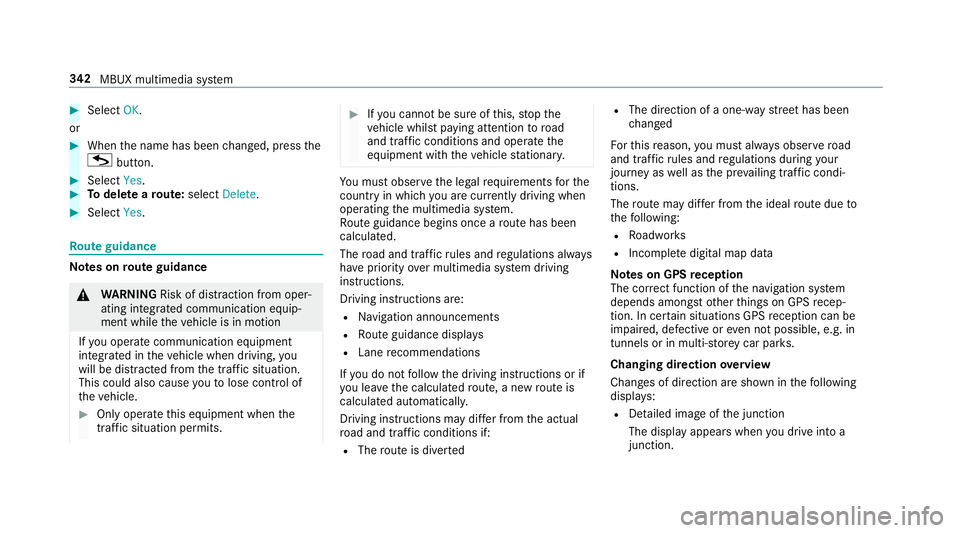
#
Select OK.
or #
When the name has been changed, press the
G button. #
Select Yes. #
Todel ete a route: select Delete. #
Select Yes. Ro
ute guidance Note
s onroute guidance &
WARNING Risk of di stra ction from oper‐
ating integrated communication equip‐
ment while theve hicle is in motion
If yo u operate communication equipment
integrated in theve hicle when driving, you
will be distracted from the tra ffic situation.
This could also cause youto lose control of
th eve hicle. #
Only operate this equipment when the
traf fic situation permits. #
Ifyo u cannot be sure of this, stop the
ve hicle whilst paying attention toroad
and traf fic conditions and ope rate the
equipment with theve hicle stationar y. Yo
u must obse rveth e legal requirements forthe
country in whi chyou are cur rently driving when
operating the multimedia sy stem.
Ro ute guidance begins once a route has been
calculated.
The road and traf fic ru les and regulations alw ays
ha ve priority over multimedia sy stem driving
instructions.
Driving instructions are:
R Navigation announcements
R Route guidance displ ays
R Lane recommendations
If yo u do not follow the driving instructions or if
yo u lea vethe calculated route, a new route is
calculated automaticall y.
Driving instructions may di ffer from the actual
ro ad and traf fic conditions if:
R The route is diver ted R
The direction of a one-w aystre et has been
ch anged
Fo rth is reason, you must alw ays obser veroad
and traf fic ru les and regulations during your
journey as well as the pr evailing traf fic condi‐
tions.
The route may dif fer from the ideal route due to
th efo llowing:
R Roadwor ks
R Incomple tedigital map data
Note s on GPS reception
The cor rect function of the navigation sy stem
depends amongst other things on GPS recep‐
tion. In cer tain situations GPS reception can be
impaired, defective or even not possible, e.g. in
tunnels or in multi-s torey car par ks.
Changing direction overview
Changes of direction are shown in thefo llowing
displa ys:
R Detailed image of the junction
The display appears when you drive into a
junction. 342
MBUX multimedia sy stem
Page 352 of 609
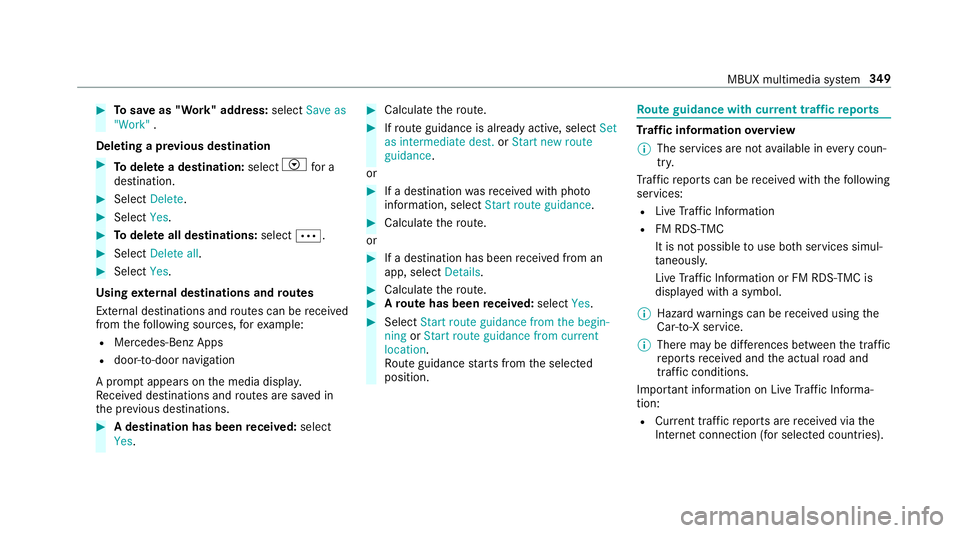
#
Tosave as "Work" address: selectSave as
"Work" .
Deleting a pr evious destination #
Todel ete a destination: selectVfor a
destination. #
Select Delete. #
Select Yes. #
Todel ete all destinations: selectÄ. #
Select Delete all. #
Select Yes.
Using extern al destinations and routes
External destinations and routes can be recei ved
from thefo llowing sources, forex ample:
R Mercedes-Benz Apps
R door-to-door navigation
A prom ptappears on the media displa y.
Re cei ved destinations and routes are sa ved in
th e pr evious destinations. #
A destination has been received: select
Yes . #
Calculate thero ute. #
Ifro ute guidance is already active, select Set
as intermediate dest. orStart new route
guidance .
or #
If a destination wasre cei ved with pho to
information, select Start route guidance. #
Calculate thero ute.
or #
If a destination has been recei ved from an
app, select Details. #
Calculate thero ute. #
Aro ute has been received: selectYes. #
Select Start route guidance from the begin-
ning orStart route guidance from current
location.
Ro ute guidance starts from the selected
position. Ro
ute guidance with cur rent traf fic re ports Tr
af fic information overview
% The services are not available in everycoun‐
tr y.
Tr af fic re ports can be recei ved with thefo llowing
services:
R Live Traf fic Information
R FM RDS-TMC
It is not possible touse bo thservices simul‐
ta neously.
Live Traf fic Information or FM RDS-TMC is
displ ayed with a symbol.
% Hazard warnings can be recei ved using the
Car-to-X service.
% There may be dif fere nces between the traf fic
re ports recei ved and the actual road and
traf fic conditions.
Impor tant information on Live Traf fic Informa‐
tion:
R Current tra ffic reports are recei ved via the
Internet connection (for selected countries). MBUX multimedia sy
stem 349
Page 354 of 609
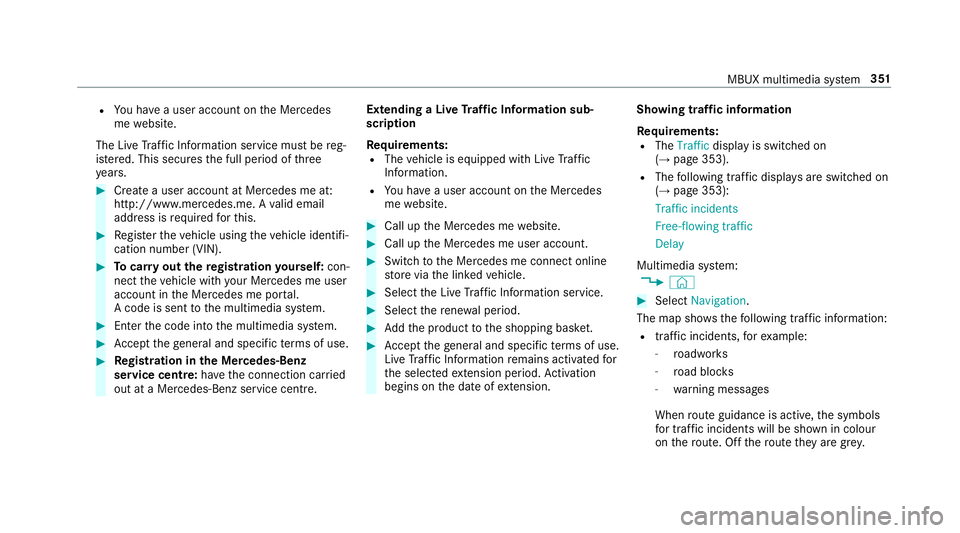
R
You ha vea user account on the Mercedes
me website.
The Live Traf fic Information service must be reg‐
is te re d. This secures the full period of three
ye ars. #
Create a user account at Mercedes me at:
http://www.mercedes.me. A valid email
address is requ ired forth is. #
Regis terth eve hicle using theve hicle identifi‐
cation number (VIN). #
Tocar ryout there gistration yourself: con‐
nect theve hicle with your Mercedes me user
account in the Mercedes me por tal.
A code is sent tothe multimedia sy stem. #
Ente rth e code into the multimedia sy stem. #
Accept thege neral and specific term s of use. #
Registration in the Mercedes-Benz
service centre: have the connection car ried
out at a Mercedes-Benz service cent re.Extending a Live
Traf fic Information sub‐
scription
Re quirements:
R The vehicle is equipped with Live Traf fic
Information.
R You ha vea user account on the Mercedes
me website. #
Call up the Mercedes me website. #
Call up the Mercedes me user account. #
Switch tothe Mercedes me connect online
st ore via the linked vehicle. #
Select the Live Traf fic Information service. #
Select there ne wa l period. #
Addth e product tothe shopping bask et. #
Accept thege neral and specific term s of use.
Live Traf fic Information remains activated for
th e selected extension pe riod. Activation
begins on the date of extension. Showing traf
fic information
Re quirements:
R The Traffic display is switched on
(→ page 353).
R The following traf fic displ ays are switched on
(→ page 353):
Traffic incidents
Free-flowing traffic
Delay
Multimedia sy stem:
, © #
Select Navigation.
The map sho ws thefo llowing traf fic information:
R traf fic incidents, forex ample:
- roadwor ks
- road bloc ks
- warning messages
When route guidance is active, the symbols
fo r traf fic incidents will be shown in colour
on thero ute. Off thero ute they are gr ey. MBUX multimedia sy
stem 351
Page 355 of 609
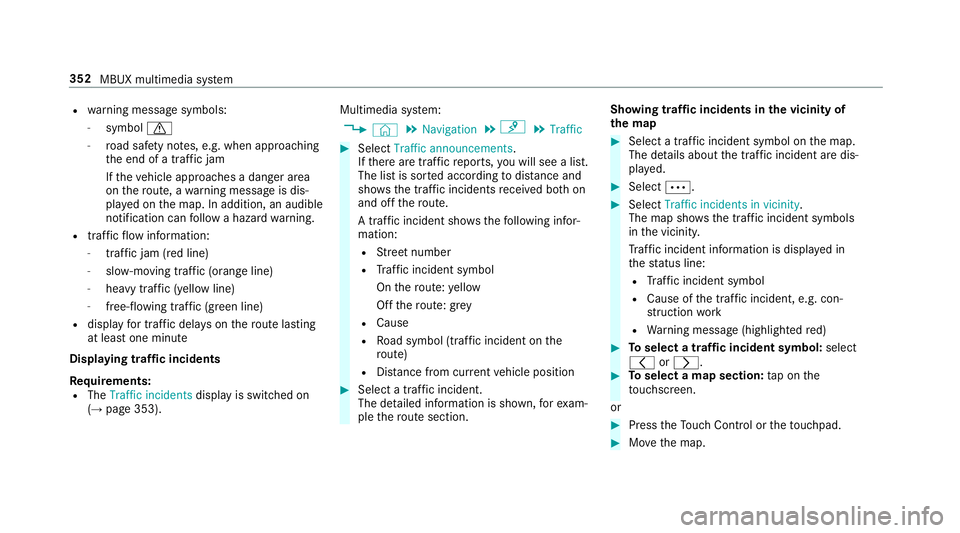
R
warning message symbols:
- symbol d
- road saf ety no tes, e.g. when approaching
th e end of a tra ffic jam
If th eve hicle approaches a danger area
on thero ute, a warning message is dis‐
pla yed on the map. In addition, an audible
notification can follow a hazard warning.
R traf fic flow information:
- traf fic jam (red line)
- slow-moving traf fic (orange line)
- heavy traf fic (yellow line)
- free-flowing traf fic (green line)
R displ ay fo r traf fic del ays on thero ute lasting
at least one minute
Displaying traf fic incidents
Re quirements:
R The Traffic incidents display is switched on
(→ page 353). Multimedia sy
stem:
, © .
Navigation .
¡ .
Traffic #
Select Traffic announcements .
If th ere are traf fic re ports, you will see a list.
The list is sor ted according todis tance and
sho ws th e traf fic incidents recei ved bo thon
and off thero ute.
A traf fic incident sho wsthefo llowing infor‐
mation:
R Street number
R Traf fic incident symbol
On thero ute: yellow
Off thero ute: grey
R Cause
R Road symbol (traf fic incident on the
ro ute)
R Distance from cur rent vehicle position #
Select a traf fic incident.
The de tailed information is shown, forex am‐
ple thero ute section. Showing traf
fic incidents in the vicinity of
th e map #
Select a traf fic incident symbol on the map.
The de tails about the traf fic incident are dis‐
pl ay ed. #
Select Ä. #
Select Traffic incidents in vicinity.
The map sho ws the traf fic incident symbols
in the vicinit y.
Tr af fic incident information is displ ayed in
th est atus line:
R Traf fic incident symbol
R Cause of the tra ffic incident, e.g. con‐
st ru ction work
R Warning message (highligh tedre d) #
Toselect a traf fic incident symbol: select
q orr. #
Toselect a map section: tap on the
to uchsc reen.
or #
Press theTo uch Control or theto uchpad. #
Movethe map. 352
MBUX multimedia sy stem
Page 356 of 609
#
Toreturn tothe navigation map: tapon
G.
or #
Press theG button on theTo uch Control
or on theto uchpad.
Swit ching the traf fic information display on
Multimedia sy stem:
, © .
Navigation .
Z #
Activate Traffic.
The display button is acti vated.
Ac tivating Incidents, Free Flow and Delay #
Select Advanced. #
Select View. #
Select Map elements. #
IntheTRAFFIC category,activate theTraffic
incidents, Free-flowing traffic andDelay
entri es.
The display buttons are activated.
If tra ffic information has been recei ved, then
tra ffic incidents such as roadwor ks,ro ad bloc
ks, local area reports (e.g. fog) and warn‐
ing messages are displa yed.
The tra ffic delay is displa yedfo rth e cur rent
ro ute. Traf fic del ays lasting one minute or
longer are take n into conside ration.
Showing local area messages
Multimedia sy stem:
, © .
Navigation .
¡ .
Traffic #
Select Area messages.
Local area messages are shown, forex ample
fo g or heavy rain. #
Select a local area message.
The de tails are displa yed. Car-to-X-Communication
Car-to-X-Communication
overview
The following requ irements apply for using Car-
to -X-Communication:
R The vehicle is equipped with a multimedia
sy stem featuring navigation and a communi‐
cation module with an activated, integ rated
SIM card. R
Car-to -X-Communication is acti vated.
% Car-to-X-Communication is available in
selec ted count ries.
The communication module automatically es tab‐
lishes an Internet connection once the ignition is
switched on. If there are any hazard warnings,
th ey will be pr ovided shortly thereaf ter.Depend‐
ing on the mobile phone connection, the pr ovi‐
sion take s place from within a second up to
about a minute.
Benefits of Car-to-X-Communication:
R Hazards are recognised au tomatical lyin the
bac kground bytheve hicle or may be repor‐
te dby the driver. These are then sent tovehi‐
cles with Car-to-X-Communication in the
immediate vicinity.
R Ifav ailable, cur rent de tails relating tohazard
spots near theve hicle's cur rent position are
re cei ved.
This gives you suf ficient time toadapt your
driving style to the traf fic conditions.
The use of Ca r-to -X-Communication requ ires the
re gular transmission of vehicle data toDaimler MBUX multimedia sy
stem 353
Page 357 of 609
AG
. The da taisthen immediately pseudony‐
mised byDaimler AG. The vehicle data is dele ted
af te r an appro priate amount of time has elapsed
(se veralwe eks) and is not stored permanent ly.
% Data which ser ves as identification is
re placed during the pseudonymisation proc‐
ess. In this wa y,yo ur identity is pr otected
against access byunauthorised third parties.
Displaying hazard warnings
Multimedia sy stem:
, © #
Select Navigation (Navigation).
If hazard warnings are available these will be
shown on the map.
The following hazard warnings are shown on the
map:
R broken-down vehicles
R accidents
R hazardous weather
R general hazards
R hazard warning lights, if activated
R mobile roadwor ks The display is not
available in all countries
and regions.
In theFe deral Republic of Germany the dis‐
play is cur rently available in theFe deral State
of Hesse.
% Ifth eve hicle is approaching a hazard spot
with a vehicle speed of at least 60 km/h, the
vo ice output "T raffic incident ahead" is
issued.
The voice output is not issued for hazardous
we ather.
Sending haza rdwa rnings
Au tomatically de tected hazard warnings are sent
by theve hicle. #
Tosend a haza rdwa rning yourself: tap on
th e media display when the map is shown.
The navigation menu is shown. #
Select ¡. #
Select Report traffic incident.
A prom ptis shown. #
Select Yes.
The Thank you for supporting accident pre-
vention. message appears. Ro
ute guidance with augmented reality Overview of
route guidance with augmented
re ality &
WARNING Risk of accident and inju ry
caused bydistraction, inco rrect image or
interpr etation of the display
The dis tance to ot herroad users or informa‐
tion, such as traf fic lights, can be incor rectly
assessed from the camera image. The cam‐
era image of the augmented reality display is
not suitable tobe used for driving. #
Alw ayske ep your eyes on the actual
tra ffic situation. Only glance brief lyat
th e camera image. #
Beaware that depending on the driving
situation there may be hazards that are
not captured in the camera image, e.g.
when turning. Avoid observing the cam‐
era image forex tended pe riods. During
route guidance with augmented reality a
camera image with there al traf fic scene is 354
MBUX multimedia sy stem