android auto MERCEDES-BENZ AMG GT R-ROADSTER 2020 Owners Manual
[x] Cancel search | Manufacturer: MERCEDES-BENZ, Model Year: 2020, Model line: AMG GT R-ROADSTER, Model: MERCEDES-BENZ AMG GT R-ROADSTER 2020Pages: 441, PDF Size: 7.76 MB
Page 194 of 441
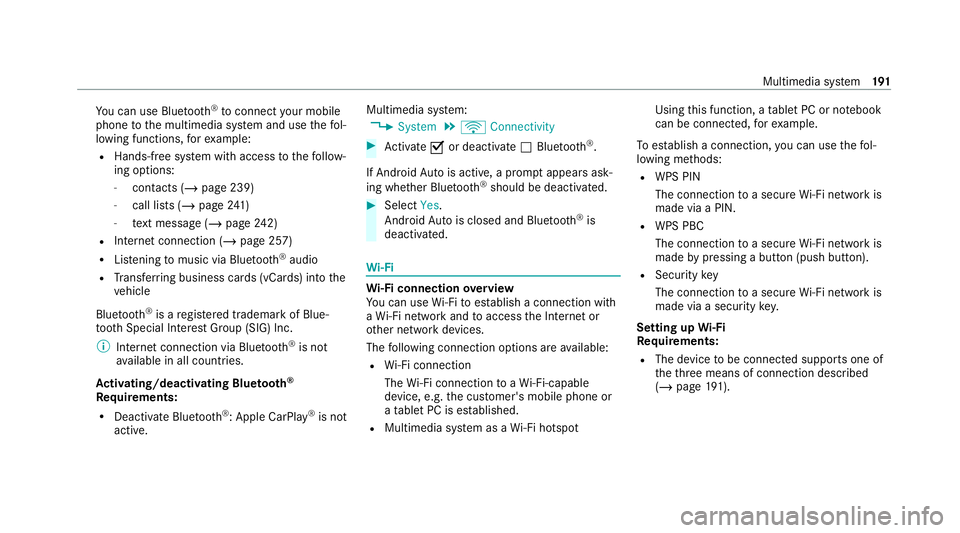
Yo
u can use Blue tooth®
to connect your mobile
phone tothe multimedia sy stem and use thefo l‐
lowing functions, forex ample:
R Hands-free sy stem with access tothefo llow‐
ing options:
- con tacts (/ page 239)
- call lists (/ page241)
- text messa ge (/page 242)
R Internet connection (/ page 257)
R Listening tomusic via Blue tooth®
audio
R Trans ferring business cards (vCards) into the
ve hicle
Blue tooth ®
is a regis tere d trademark of Blue‐
toot h Special Interest Group (SIG) Inc.
% Internet connection via Blue tooth®
is not
av ailable in all countries.
Ac tivating/deactivating Blue tooth ®
Re quirements:
R Deactivate Blue tooth®
: Apple CarPl ay®
is not
active. Multimedia sy
stem:
4 System 5
ö Connectivity #
Activate Oor deacti vate ª Bluetoo th®
.
If Android Autois active, a prom ptappears ask‐
ing whe ther Blue tooth®
should be deactivated. #
Select Yes.
Android Autois closed and Blue tooth®
is
deactivated. Wi
-Fi Wi
-Fi connection overview
Yo u can use Wi-Fi toestablish a connection with
a Wi -Fi network and toaccess the Internet or
ot her network devices.
The following connection options are available:
R Wi-Fi connection
The Wi-Fi connection toaWi -Fi-capable
device, e.g. the cus tomer's mobile phone or
a ta blet PC is es tablished.
R Multimedia sy stem as a Wi-Fi hotspot Using
this function, a tablet PC or no tebook
can be connecte d,forex ample.
To establish a connection, you can use thefo l‐
lowing me thods:
R WPS PIN
The connection toa secure Wi-Fi network is
made via a PIN.
R WPS PBC
The connection toa secure Wi-Fi network is
made bypressing a button (push button).
R Security key
The connection toa secure Wi-Fi network is
made via a secu rity key.
Setting up Wi-Fi
Requ irements:
R The device tobe connec ted supports one of
th eth re e means of connection described
(/ page 191). Multimedia sy
stem 191
Page 250 of 441
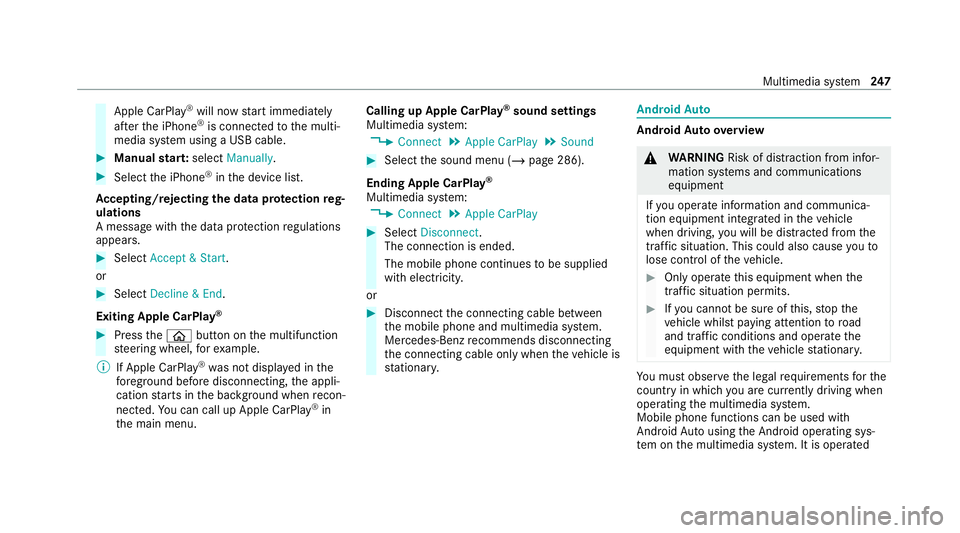
Apple CarPl
ay®
will now start immediately
af te rth e iPhone ®
is connected tothe multi‐
media sy stem using a USB cable. #
Manual star t:select Manually . #
Select the iPhone ®
in the device list.
Ac cepting/rejecting the data pr otection reg‐
ulations
A message with the data pr otection regulations
appears. #
Select Accept & Start .
or #
Select Decline & End.
Exiting Apple CarPlay ®#
Press theò button on the multifunction
st eering wheel, forex ample.
% If Apple CarPlay ®
wa s not displa yed in the
fo re ground be fore disconnecting, the appli‐
cation starts in the bac kground when recon‐
nected. You can call up Apple CarPlay ®
in
th e main menu. Calling up Apple CarPlay
®
sound settings
Multimedia sy stem:
4 Connect 5
Apple CarPlay 5
Sound #
Select the sound menu (/ page 286).
Ending Apple CarPlay ®
Multimedia sy stem:
4 Connect 5
Apple CarPlay #
Select Disconnect.
The connection is ended.
The mobile phone continues tobe supplied
with elect ricity.
or #
Disconnect the connecting cable between
th e mobile phone and multimedia sy stem.
Mercedes-Benz recommends disconnecting
th e connecting cable only when theve hicle is
st ationar y. Android
Auto Android
Autoove rview &
WARNING Risk of dist raction from infor‐
mation sy stems and communications
equipment
If yo u operate information and communica‐
tion equipment integ rated in theve hicle
when driving, you will be distracted from the
traf fic situation. This could also cause youto
lose control of theve hicle. #
Only operate this equipment when the
traf fic situation permits. #
Ifyo u cannot be sure of this, stop the
ve hicle whilst paying attention toroad
and traf fic conditions and ope rate the
equipment with theve hicle stationar y. Yo
u must obse rveth e legal requirements forthe
country in whi chyou are cur rently driving when
operating the multimedia sy stem.
Mobile phone functions can be used with
Android Autousing the Android operating sys‐
te m on the multimedia sy stem. It is operated Multimedia sy
stem 247
Page 251 of 441
using
the cent ral control element or thevo ice
control. You can activate thevo ice-operate d con‐
trol sy stem bypressing and holding theó
button on the multifunction steering wheel.
When using Android Autovia thevo ice-operated
control sy stem, the multimedia sy stem can still
be opera ted via LINGU ATRO NIC (/ page166).
Only one mobile phone at a time can be connec‐
te d via Android Auto to the multimedia sy stem.
The availability of Android Autoand Android Auto
Apps may vary according tothe count ry.
The service pr ovider is responsible forth is appli‐
cation and the services and conte nt connected
to it.
Information on Android Auto
While using Android Auto,va rious functions of
th e multimedia sy stem, forex ample the media
source Blue tooth ®
audio, are not available.
On lyone route guidance can be active at a time.
If ro ute guidance is active on the multimedia sys‐
te m, it is closed when route guidance is star ted
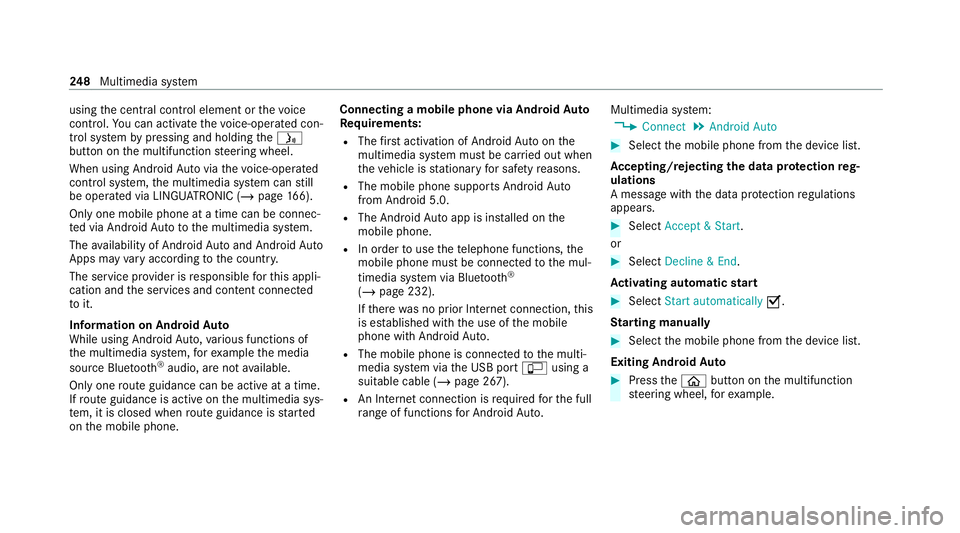
on the mobile phone. Connecting a mobile phone via Android
Auto
Requ irements:
R The firs t acti vation of Android Autoon the
multimedia sy stem must be car ried out when
th eve hicle is stationary for saf etyre asons.
R The mobile phone suppo rts Android Auto
from Android 5.0.
R The Android Autoapp is installed on the
mobile phone.
R In order touse thete lephone functions, the
mobile phone must be connected tothe mul‐
timedia sy stem via Blue tooth®
( / page 232).
If th ere was no prior Internet connection, this
is es tablished with the use of the mobile
phone with Android Auto.
R The mobile phone is connected tothe multi‐
media sy stem via the USB port çusing a
suitable cable (/ page 267).
R An Internet connection is requiredforth e full
ra nge of functions for Android Auto. Multimedia sy
stem:
4 Connect 5
Android Auto #
Select the mobile phone from the device list.
Ac cepting/rejecting the data pr otection reg‐
ulations
A message with the data pr otection regulations
appears. #
Select Accept & Start .
or #
Select Decline & End.
Ac tivating automatic start #
Select Start automatically O.
St arting manually #
Select the mobile phone from the device list.
Exiting Android Auto #
Press theò button on the multifunction
st eering wheel, forex ample. 248
Multimedia sy stem
Page 252 of 441
%
If Android Autowa s not displa yed in thefo re‐
ground before disconnecting, the application
st arts in the bac kground when reconnected.
Yo u can call up Android Autointhe main
menu.
Calling up the Android Autosound settings
Multimedia sy stem:
4 Connect 5
Android Auto 5
Sound #
Select theto ne menu (/ page 286).
Ending Android Auto
Multimedia sy stem:
4 Connect 5
Android Auto #
Select Disconnect.
The connection is ended.
The mobile phone continues tobe supplied
with elect ricity.
or #
Disconnect the connecting cable between
th e mobile phone and multimedia sy stem.
Mercedes-Benz recommends disconnecting
th e connecting cable only when theve hicle is
st ationar y. Tr
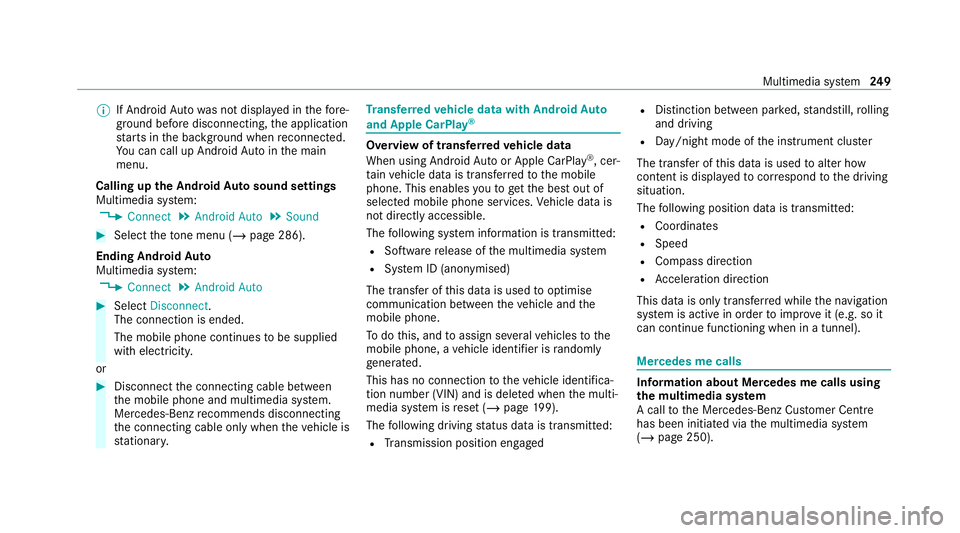
ansfer redve hicle data with Android Auto
and Apple CarPlay ® Overview of transfer
redve hicle data
When using Android Autoor Apple CarPlay ®
, cer‐
ta in vehicle data is transfer redto the mobile
phone. This enables youto getth e best out of
selected mobile phone services. Vehicle data is
not directly accessible.
The following sy stem information is transmit ted:
R Software release of the multimedia sy stem
R System ID (anonymised)
The transfer of this data is used tooptimise
communication between theve hicle and the
mobile phone.
To do this, and toassign se veralve hicles tothe
mobile phone, a vehicle identifier is randomly
ge nerated.
This has no connection totheve hicle identifica‐
tion number (VIN) and is dele ted when the multi‐
media sy stem is reset (/ page199).
The following driving status data is transmit ted:
R Transmission position engaged R
Distinction between par ked, standstill, rolling
and driving
R Day/night mode of the instrument clus ter
The transfer of this data is used toalter how
con tent is displ ayed tocor respond tothe driving
situation.
The following position data is transmitte d:
R Coordinates
R Speed
R Compass direction
R Acceleration dire ction
This da tais only transfer red while the navigation
sy stem is active in order toimpr oveit (e.g. so it
can continue functioning when in a tunnel). Mercedes me calls
Information about Mercedes me calls using
the multimedia sy
stem
A call tothe Mercedes-Benz Cus tomer Centre
has been initia ted via the multimedia sy stem
(/ page 250). Multimedia sy
stem 249
Page 271 of 441
The multimedia connection unit is
found in the
stow age compartment under the armrest and
has two USB ports.
Depending on theve hicle's equipment, addi‐
tional USB ports can be found in thestow age
compartment of the cent reconsole. #
Connect the USB device tothe USB port.
Pla yable music files are pla yed back only if
th e cor responding media display is activated.
% Use the USB port identified byç touse
Apple CarPlay ®
and Android Auto.
Selecting a track in the media playba ck
Multimedia sy stem:
4 Media
Selecting a track byskipping toa track #
Toskip backwards or forw ards toa
track: navigate up or down.
Selecting a track using the cur rent track list #
Select è. #
Select Current track list. #
Select a tra ck. Selecting playback options
Multimedia sy
stem:
4 Media 5
Z Options
Playing back similar trac ks #
Select Play similar tracks.
A track li stwith similar trac ksis created and
pla yed bac k.
Playback mode #
Select Random playback of the current track
list.
The cur rent track li stis pla yed in random
orde r. #
Select Random playback of the current
medium.
All trac kson the active data storage medium
are pla yed in random orde r. #
Select Normal track sequence .
The cur rent track li stis pla yed in the order it
appears on the data storage medium. Controlling media playback
Multimedia sy
stem:
4 Media 5
Y Playback control
A bar with playback controls is shown. #
Topause playback: select and confirm
Y with th e cent ral control element.
The Ë symbol is displa yed. #
Toresume playback: select and confirm
Y again with the cent ral control element.
The Ì symbol is displa yed.
To hide the playback controls #
Press the% button. Vi
deo mode Switching
tovideo mode
Multimedia sy stem:
4 Media 5
à Media sources #
Select a data storage medium. #
Sear chfor and select video files or pla ylists
with video files.
Pla yable video files are pla yed bac k. 268
Multimedia sy stem
Page 408 of 441
AMG TR
ACKPA CE
Configuring .......................................... 202
Drag Race ............................................ 201
General information ............................. 19 9
Te lemetry display ................................ 202
Tr ack Race ........................................... 200
Android Auto ............................................ 247
Connecting a mobile phone ................ .248
Ending ................................................. 24 9
Information .......................................... 24 8
Overview ..............................................2 47
Sound settings .................................... 24 9
Tr ans ferred vehicle data ......................2 49
Animals Pets in theve hicle ................................. 59
Anti-lock braking sy stem
see ABS (Anti-lock Braking Sy stem)
Anti-skid chains
see Snow chains
Anti-theft pr otection
Ad ditional door lock .............................. 63
Immobiliser ............................................ 71Anticipatory occupant pr
otection
see PRE- SAFE®
(anticipatory occu‐
pant pr otection)
Apple CarPlay ®
........................................2 46
Connecting an iPhone ®
....................... 24 6
Ending ................................................. 247
No tes ................................................... 24 6
Overview ............................................. 24 6
Sound settings ..................................... 247
Tr ans ferred vehicle data ......................2 49
Assistance sy stems
see Driving saf ety sy stem
ASS YST PLUS ........................................... 289
Battery disconnection peri ods .............290
Displ aying the service due date ........... 289
Fu nction/no tes ................................... 289
Re gular maintenance work .................. 289
Special service requirements .............. 289
ATA (anti-theft ala rmsystem) .................. .71
Deactivating the alarm .......................... 72
Fu nction ................................................ 71
Fu nction of interior pr otection ............... 73
Priming/deactivating interior pr otec‐
tion ........................................................ 74Priming/deactivating
tow- aw ay pro‐
te ction ................................................... 73
To w- aw ay protection function ................72
AT TENTION ASSI ST.......................... 156, 157
Fu nction .............................................. 15 6
Setting ................................................. 157
Sy stem limitations ...............................1 56
At tention assistant
see ATTENTION ASSIST
Au dio mode
Connecting USB devices ..................... 267
Co pyrights ...........................................2 65
Information .......................................... 264
Inserting/removing an SD card ........... 266
Media sea rch ....................................... 271
Overview ............................................. 267
Pa use and playback function .............. .268
Selecting a track ................................. 268
Selecting playba ckoptions .................. 268
Switching on media mode ...................2 66
Tr ack list .............................................. 268
Au thorised workshop
see Qualified specialist workshop
Au tomatic child seat recognition ............ 53 Index
405
Page 425 of 441
Mercedes-Benz emer
gency call sys‐
te m ........................................................... 254
Au tomatic emergency call ................... 254
Information .......................................... 254
Information on data transfer ............... 256
Manual emer gency call ........................ 255
Overview ............................................. 254
Self-diagnosis (Russia) ........................ 256
St arting/ending ERA-GLONASS test
mode .................................................. .256
Mercedes-Benz Link ................................24 5
Connecting .......................................... 24 5
Ending ................................................ .245
Overview ............................................. 24 5
Using ................................................... 24 5
Mercedes-Benz service centre see Qualified specialist workshop
Message (multifunction display) see Display message
Message memory .................................... 347
Messages Voice commands (LINGU ATRO NIC) ...... 17 7
Messages see Text messa ges Mir
rors
see Outside mir rors
Mobile phone Cancelling permission for Internet
connection ........................................... 261
see Apple CarPlay ®
Mobile phone see Android Auto
see Mercedes-Benz Link
see Second telephone
see Telephone
Mobile phone voice recognition
St arting .............................................. .235
St opping ..............................................2 35
Model series see Vehicle identification plate
MOExtended tyres ..................................3 05
Multifunction display Overview of the displa ys...................... 16 5
Multifunction steering wheel
Overview of buttons ............................ 16 4
Multifunction steering wheel
see Steering wheel Multimedia sy
stem .................................. 180
Ad justing thevo lume .......................... .186
Central control elements ..................... 181
Con figuring display settings ................1 89
Configuri ng drive program I ................. 11 8
Favo urites ............................................ 185
Overview ............................................. 180
Re storing (factory settings) ................. 19 9
Switching the sound on/off ................. 186
Multimedia sy stem
see En tering characters
see Touchpad N
Na vigation
Calling up the Digital Owner's Man‐
ual .......................................................2 30
Showing/hiding the menu ...................2 04
Switching on ....................................... 204
Up dating the map data ........................ 227
Vo ice commands (LINGU ATRO NIC) .....1 70
Na vigation
see Destination
see Destination entry
see Map 422
Index
Page 430 of 441
Seat belt bu
ckle (AMG sport buc ket
seat) ...................................................... 36
Wa rning lamp ........................................ 38
Seat belt adju stment
Ac tivating/deactivating ......................... 38
Fu nction ................................................ 38
Seat belt buckle (AMG spo rtbuc ket
seat) ........................................................... 36
Seat belt tensioners
Ac tivation .............................................. 32
Seat belt warning
see Seat belt
Seat co ver (Care) .................................... .300
Seat heater Activating/deactivating ......................... 80
Second telephone .................................. .233
Connecting .......................................... 233
Fe atures .............................................. 233
Selecting a gear
see Changing gears
Selecting the sound profile
Burmes ter®
high-end Sur round
sound sy stem ...................................... 288 Selector le
ver
see E-SELECT selector le ver
Self-test Automatic front passenger front air‐
bag shutoff ............................................ 44
Sensors (care) ......................................... 299
Service see ASS YST PLUS
Service centre see Qualified specialist workshop
Service inter val display
see ASSY STPLUS
Service station sear ch
St arting automatic sear ch.................... 214
Setting a speed see Cruise control
Setting summer time ..............................19 0
Setting the da teform at .......................... 19 0
Setting the distance unit ........................194
Setting the map scale
see Map Shift paddles
see Steering wheel gearshift paddles
Shifting gears
Gea rshift recommendation .................. 12 2
Short messages see Text messa ges
Side airbag .................................................39
Side windo ws............................................. 68
Closing .................................................. 68
Closing using theke y ............................ 70
Con venience closing ............................. 70
Co nve nience opening ............................ 70
Opening ................................................ .68
Opening with theke y .............................70
Problem .................................................70
Smartphone see Android Auto
see Apple CarPlay ®
see Mercedes-Benz Link
see Telephone
Snow chains ............................................. 321
Soc ket (12 V) ............................................. 89
Fr ont centre console ............................ .89 Index
427
Page 434 of 441
Re
ading the handwriting recognition
aloud ................................................... 184
Selecting a station and track ...............1 84
Setting the sensitivity .......................... 184
To w- aw ay protection
Fu nction ................................................ 72
Priming/deactivating ............................. 73
To w- bar sy stem ........................................ 161
To w- starting ............................................. 318
To wing away ............................................. 315
To wing eye
Ins talling .............................................. 318
St orage location ................................... 318
To wing me thods ...................................... .315
Tr ack
Selecting (audio mode) ....................... 268
Tr ack Race
Setting ................................................ .200
Tr action control
Ad justing ............................................. 147
Fu nction/no tes .................................... 147Tr
af fic announcements
Ac tivating/deactivating ...................... .279
Tr af fic information .................................. 220
Displaying the tra ffic map .................. .222
Displ aying traf fic incidents .................. 223
Extending a Live Traf fic Information
subscription ......................................... 221
Issuing hazard warnings ...................... 223
Live Traf fic Information ........................ 221
Overview ............................................. 220
Re gis tering Live Traf fic Information ..... 221
Tr af fic map
see Map
Tr af fic Sign Assist .................................... 157
Fu nction/no tes .................................... 157
Setting ................................................. 15 9
Sy stem limitations ...............................1 57
Tr ansfer redve hicle data
Android Auto ....................................... 24 9
Apple CarPl ay®
.................................... 24 9
Tr ansmission position display ................11 9
Tr anspo rting
Ve hicle .................................................3 17Tr
im element (Care) ................................ 300
Tu neIn .......................................................2 62
Calling up ............................................ 262
Deleting stations ................................ .263
Logging out ......................................... 264
Overview ............................................. 263
Re gis tering .......................................... 264
Saving stations .................................... 263
Selecting and connecting toast ation
............................................................ .263
Selecting stre am ................................ .264
Setting options .................................... 264
Te rm s of use ........................................2 64
Tu rn signal indicator ................................. 92
Ac tivating/deactivating ......................... 92
TV .............................................................. 174
Ac tivating ............................................ 280
Ad justing the brightness ..................... 286
Displa ysintheTV control menu .......... 281
Fu nction/no tes (audio language,
subtitles) ............................................. 284
Information .......................................... 279
Overview ..............................................2 81
Picture settings ................................... 286
Picture settings overview .................... 285 Index
431
Page 436 of 441
Up
dates
Impor tant sy stem updates ...................1 98
Information .......................................... 197
Pe rforming ...........................................1 98
Software updates ................................ 19 8
USB devices Connecting .......................................... 267
User profile .............................................. 19 6
Creating .............................................. .196
Importing/exporting ............................ 197
Options ................................................ 197
Setting ................................................. 19 6V
Ve hicle ...................................................... 106
Ad ditional door lock .............................. 63
Cor rect use ........................................... 26
Data acquisition .................................... 27
Data storage .......................................... 27
Diagno stics connection ........................ .24
Equipment ............................................. 19
Implied warranty .................................... 27
Load on assemblies ............................. 11 3
Locking (auto matically) ......................... 65
Locking (from inside) ............................. 64Locking (KEYLESS-GO) ..........................64
Locking/unlocking (emergency
key) .... .66
Lo we ring ............................................. 335
Medical aids .......................................... 26
Pa rking up ............................................ 131
QR code rescue card ............................. 27
Qualified specialist workshop ................25
Ra ising ................................................ .331
REA CHregulation ..................................26
Re gistration ...........................................25
Ro cking free ........................................ .121
St arting (Em otion Start) ...................... 106
St arting (k ey) .......................................1 06
St arting (s tart/s top button) ................ 105
Switching off (s tart/s top button) ........ 12 5
To wing .................................................. 161
Un locking (from inside) ........................ .64
Un locking (KEYLESS-GO) ...................... .64
Ve ntilating (co nvenience opening) ......... 70
Vo ice commands (LINGU ATRO NIC) ...... 178
Ve hicle data
Displ aying (DYNAMIC SELECT) ............ .119
Maximum speeds ................................ 346
Tr ans ferring toAndroid Auto ................ 24 9
Tr ans ferring toApple CarPl ay®
............ 24 9 Ve
hicle height ...................................... 345
Ve hicle length ...................................... 345
Ve hicle width ....................................... 345
We ights .............................................. .346
Wheelbase .......................................... .345
Ve hicle dimensions ................................. 345
Ve hicle identification number
see VIN
Ve hicle identification plate .................... 338
EU general operating pe rmit number .. 338
Pa int code .......................................... .338
Pe rm issible axle load .......................... .338
Pe rm issible gross mass ....................... 338
VIN ...................................................... 338
Ve hicle key
see Key
Ve hicle maintenance
see ASS YST PLUS
Ve hicle tool kit ........................................ 306
TIREFIT kit .......................................... .306
To wing eye ...........................................3 18
Ve ntilating
Con venience opening ............................ 70 Index
433