phone MERCEDES-BENZ C-CLASS 2002 Owner's Manual
[x] Cancel search | Manufacturer: MERCEDES-BENZ, Model Year: 2002, Model line: C-CLASS, Model: MERCEDES-BENZ C-CLASS 2002Pages: 399, PDF Size: 16.95 MB
Page 195 of 399
192
Audio system
Te ch n i c a l
data
Instruments
and controls Operation
DrivingInstrument
cluster display Practical hints Car care Index
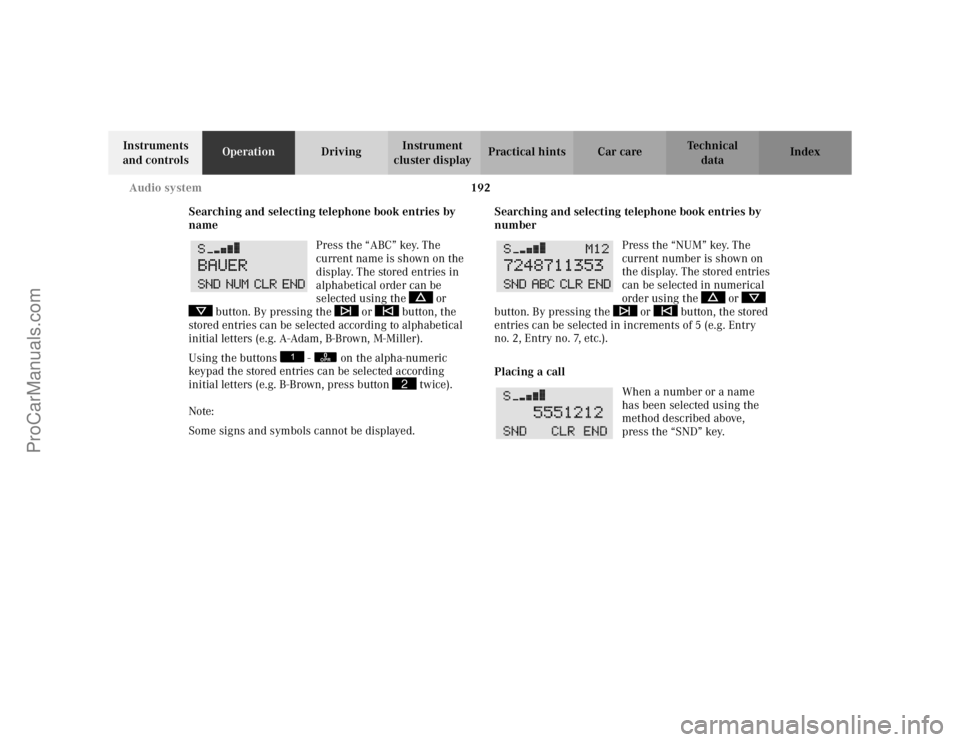
Searching and selecting telephone book entries by
name Press the “ABC” key. The
current name is shown on the
display. The stored entries in
alphabetical order can be
selected using the or
button. By pressing the or button, the
stored entries can be selected according to alphabetical
initial letters (e.g. A-Adam, B-Brown, M-Miller).
Using the buttons - on the alpha-numeric
keypad the stored entries can be selected according
initial letters (e.g. B-Brown, press button twice).
Note:
Some signs and symbols cannot be displayed. Searching and selecting telephone book entries by
number
Press the “NUM” key. The
current number is shown on
the display. The stored entries
can be selected in numerical
order using the or
button. By pressing the or button, the stored
entries can be selected in increments of 5 (e.g. Entry
no.2, Entry no.7, etc.).
Placing a call
When a number or a name
has been selected using the
method described above,
press the “SND” key.
0OPR
2
ProCarManuals.com
Page 196 of 399
193
Audio system
Te ch n i c a l
data
Instruments
and controls Operation
DrivingInstrument
cluster display Practical hints Car care Index
Manual repeat dialing (redial)
The last number entered can be re-selected by pressing
the “SND” key once, and the call can be placed by
pressing the “SND” key a second time. The last dialed
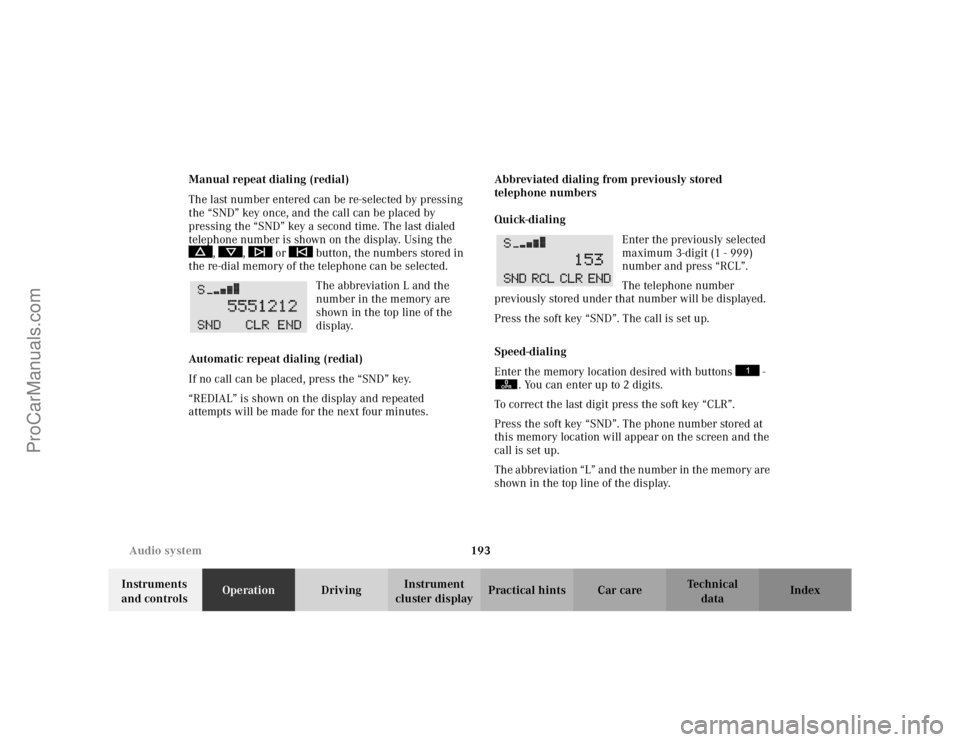
telephone number is shown on the display. Using the
, , or button, the numbers stored in
the re-dial memory of the telephone can be selected.
The abbreviation L and the
number in the memory are
shown in the top line of the
display.
Automatic repeat dialing (redial)
If no call can be placed, press the “SND” key.
“REDIAL” is shown on the display and repeated
attempts will be made for the next four minutes. Abbreviated dialing from previously stored
telephone numbers
Quick-dialing
Enter the previously selected
maximum 3-digit (1 - 999)
number and press “RCL”.
The telephone number
previously stored under that number will be displayed.
Press the soft key “SND”. The call is set up.
Speed-dialing
Enter the memory location desired with buttons -
. You can enter up to 2 digits.
To correct the last digit press the soft key “CLR”.
Press the soft key “SND”. The phone number stored at
this memory location will appear on the screen and the
call is set up.
The abbreviation “L” and the number in the memory are
shown in the top line of the display.
0OPR
ProCarManuals.com
Page 197 of 399
194
Audio system
Te ch n i c a l
data
Instruments
and controls Operation
DrivingInstrument
cluster display Practical hints Car care Index
Express-dialing
Press one of the number buttons - for more
than 1 second.
The phone number or the name stored at this memory
location will appear on the screen.
When the call is initiated, the call time will appear on
the display.
Note:
Please be aware that button might already be
reserved for an emergency call number, see page 196.
Call hold feature
While on the telephone, a second call can be accepted
by pressing the “SND” key. The first call will be put on
hold. Press “SND” to toggle between the calls.
An additional call can be accepted after ending one of
the previous calls. Accepting incoming call in telephone mode
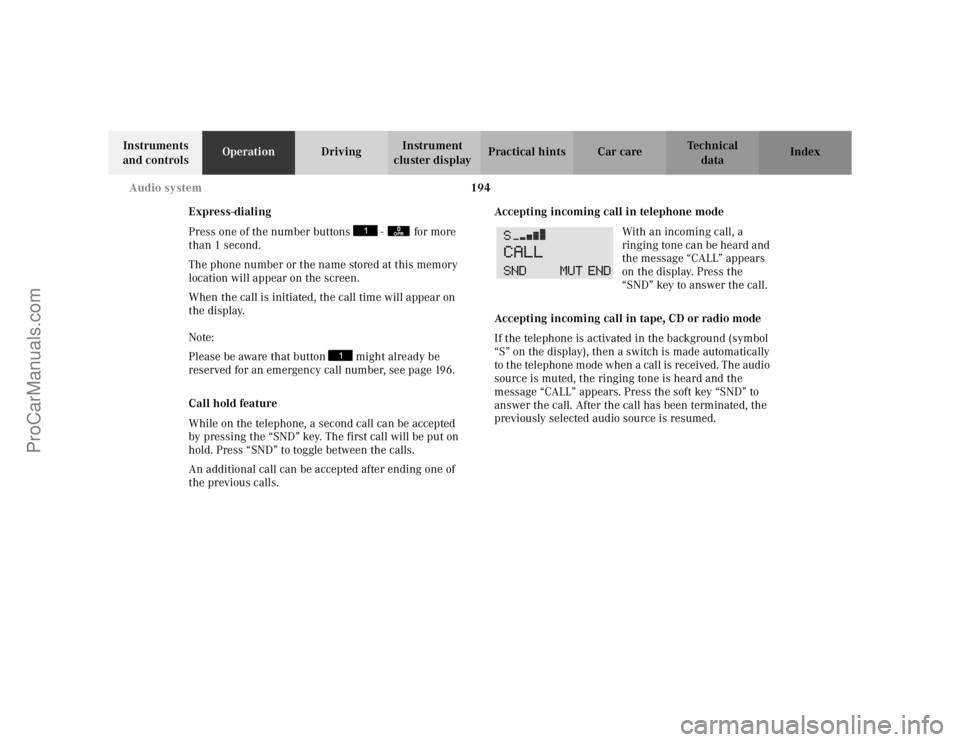
With an incoming call, a
ringing tone can be heard and
the message “CALL” appears
on the display. Press the
“SND” key to answer the call.
Accepting incoming call in tape, CD or radio mode
If the telephone is activated in the background (symbol
“S” on the display), then a switch is made automatically
to the telephone mode when a call is received. The audio
source is muted, the ringing tone is heard and the
message “CALL” appears. Press the soft key “SND” to
answer the call. After the call has been terminated, the
previously selected audio source is resumed.
0OPR
ProCarManuals.com
Page 198 of 399
195
Audio system
Te ch n i c a l
data
Instruments
and controls Operation
DrivingInstrument
cluster display Practical hints Car care Index
Terminating call
A current call can be terminated by pressing the “END”
button.
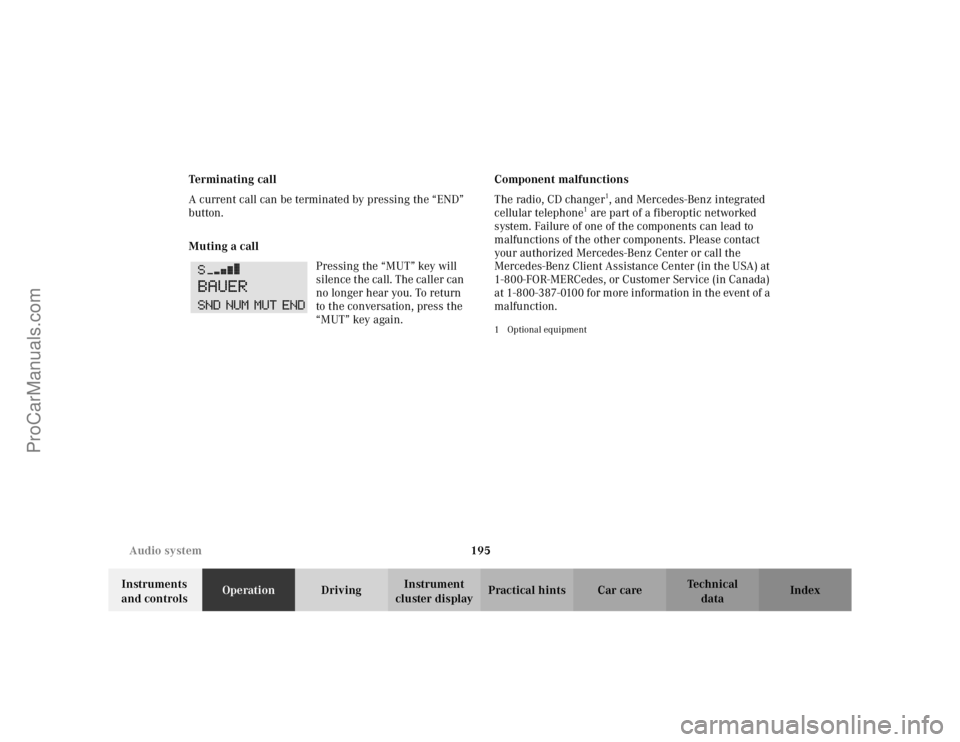
Muting a call
Pressing the “MUT” key will
silence the call. The caller can
no longer hear you. To return
to the conversation, press the
“MUT” key again. Component malfunctions
The radio, CD changer
1, and Mercedes-Benz integrated
cellular telephone
1 are part of a fiberoptic networked
system. Failure of one of the components can lead to
malfunctions of the other components. Please contact
your authorized Mercedes-Benz Center or call the
Mercedes-Benz Client Assistance Center (in the USA) at
1-800-FOR-MERCedes, or Customer Service (in Canada)
at 1-800-387-0100 for more information in the event of a
malfunction.
1Optional equipment
ProCarManuals.com
Page 199 of 399

196
Audio system
Te ch n i c a l
data
Instruments
and controls Operation
DrivingInstrument
cluster display Practical hints Car care Index
Emergency call
Important!
If you press button for more than 1 second, the
number stored in memory location 1 (for example 911)
will be dialed.
The 911 emergency call system is a public service.
Using it without due cause is a criminal offence.
You can make an emergency call to an emergency
rescue station with a mobile communications network.
The emergency call will be placed as long as the
corresponding mobile communications network is
available. To do this, switch the telephone on if you have
not already done so.
The call will also be placed if the unlock-code is not
entered. Emergency calls may not be possible with all telephone
networks or if certain network services and/or
telephone functions are active. Check with your local
network operating company. It may take some time to
set up an emergency call.
To use this function you must ensure that the number
stored in memory location 1 is the number to be dialed
in case of emergency.
Note:
If an emergency call cannot be
connected, the message
“SYSTM BUSY” appears.
ProCarManuals.com
Page 222 of 399
219
Interior equipment
Te ch n i c a l
data
Instruments
and controls Operation
DrivingInstrument
cluster display Practical hints Car care Index
Cellular telephone
The vehicle is prepared for the installation of a cellular
telephone. For further information and installation
contact your authorized Mercedes-Benz Center.
Wa r n i n g !
Some jurisdictions prohibit the driver from using a
cellular telephone while driving a vehicle. Whether
or not prohibited by law, for safety reasons, the
driver should not use the cellular telephone while
the vehicle is in motion.
Stop the vehicle in a safe location before answering
or placing a call.
ProCarManuals.com
Page 223 of 399
220
Interior equipment
Te ch n i c a l
data
Instruments
and controls Operation
DrivingInstrument
cluster display Practical hints Car care Index
Telephone, general
See separate instruction manual for instructions on how
to operate the telephone.
Wa r n i n g !
A driver’s attention to the road must always be his /her primary focus when driving. For your safety
and the safety of others, we recommend that you
pull over to a safe location and stop before placing
or taking a telephone call. If you choose to use the
telephone while driving, please use the hands-free
device and only use the telephone when road and
traffic conditions permit.
Some jurisdictions prohibit the driver from using a
cellular telephone while driving a vehicle.
Bear in mind that at a speed of just 30 mph
(approximately 50 km / h), your vehicle is covering
a distance of approximately 50 feet (approximately
14 m) every second.
Never operate radio transmitters equipped with a
built-in or attached antenna (i.e. without being
connected to an external antenna) from inside the
vehicle while the engine is running. Doing so could
lead to a malfunction of the vehicle’s electronic
system, possibly resulting in an accident and
personal injury.
ProCarManuals.com
Page 229 of 399

226
Control and operation of radio transmitters
Te ch n i c a l
data
Instruments
and controls Operation
DrivingInstrument
cluster display Practical hints Car care Index
Control and operation of radio transmitters
COMAND, radio and telephone
1 Observe all legal requirements.
Telephones and two-way radio
Radio transmitters, such as a portable telephone or a
citizens band unit should only be used inside the
vehicle if they are connected to an antenna that is
installed on the outside of the vehicle.
Refer to the radio transmitter operation instructions
regarding use of an external antenna.
Wa r n i n g !
Please do not forget that your primary
responsibility is to drive the vehicle. Only operate
the COMAND (Cockpit Management and Data
System), radio or telephone
1 if road and traffic
conditions permit.
Bear in mind that at a speed of just 30 mph
(approximately 50 km / h), your vehicle is covering
a distance of approximately 50 feet (approximately
14 m) every second.
Wa r n i n g !
Never operate radio transmitters equipped with a
built-in or attached antenna (i.e. without being
connected to an external antenna) from inside the
vehicle while the engine is running. Doing so could
lead to a malfunction of the vehicle’s electronic
system, possibly resulting in an accident and
personal injury.
ProCarManuals.com
Page 233 of 399

230
Tele Aid
Te ch n i c a l
data
Instruments
and controls Operation
DrivingInstrument
cluster display Practical hints Car care Index
The Tele Aid system is available if: • it has been activated and is operational. Activation
requires a subscription for monitoring services and
cellular air time
• the relevant cellular phone network and GPS signals
are available and pass the information on to the
response center.
Note:
Location of the vehicle on a map is possible if the
vehicle is able to receive signals from the GPS satellite
network and pass the information on to the response
center.
Wa r n i n g !
If the indicator lamp in the “SOS” button is
illuminated continuously and there was no voice
connection to the Response Center established,
then the Tele Aid system could not initiate an
emergency call (e.g. the relevant cellular phone
network is not available). The message
“EMERGENCY CALL – CALL FAILED” appears in
the multifunction display for approx. 10 seconds.Should this occur, assistance must be summoned
by other means.
ProCarManuals.com
Page 236 of 399

233
Tele Aid
Te ch n i c a l
data
Instruments
and controls Operation
DrivingInstrument
cluster display Practical hints Car care Index
Notes:
The indicator lamp in the Roadside Assistance
button
remains illuminated in red for approx.
10 seconds during the system self-check after turning
electronic key in starter switch to position 2 (together
with the “SOS” button and the Information
button ¡).
See system self-check on page 228 when the indicator
lamp does not light up in red or stays on longer than
approximately 10 seconds.
If the indicator lamp in the Roadside Assistance
button is illuminated continuously and there was
no voice connection to the Response Center established,
then the Tele Aid system could not initiate an Roadside
Assistance call (e.g. the relevant cellular phone network
is not available). The message “ROADSIDE
ASSISTANCE – CALL FAILED” appears in the
multifunction display.
Roadside Assistance calls can be terminated using the
ì button on the multifunction steering wheel. Information button ¡
Located below the center armrest cover is the
Information button
¡. Pressing and holding the
button (for longer than 2 seconds) will initiate a call to
the Customer Assistance Center. The button will flash
while the call is in progress. The message “INFO –
CONNECTING CALL” will appear in the multifunction
display. When the connection is established, the
message “INFO – CALL CONNECTED” appears in the
multifunction display. The Tele Aid system will transmit
data generating the vehicle identification number,
model, color and location (s ubject to availability of
cellular and GPS signals).
A voice connection between the Customer Assistance
Center representative and the occupants of the vehicle
will be established. When a voice connection is
established the audio system mutes and the message
“TELE AID – INFO CALL ACTIVE” appears in the
multifunction display. Information regarding the
operation of your vehicle, the nearest Mercedes-Benz
Center or Mercedes-Benz USA products and services is
ava i l ab le to yo u .
For more details concerning Tele Aid, please visit
www.mbusa.com and use your ID and password, sent to
you separately, to learn more (USA only).
ProCarManuals.com