service MERCEDES-BENZ C-Class 2013 W204 Comand Manual
[x] Cancel search | Manufacturer: MERCEDES-BENZ, Model Year: 2013, Model line: C-Class, Model: MERCEDES-BENZ C-Class 2013 W204Pages: 274, PDF Size: 4.07 MB
Page 247 of 274
X
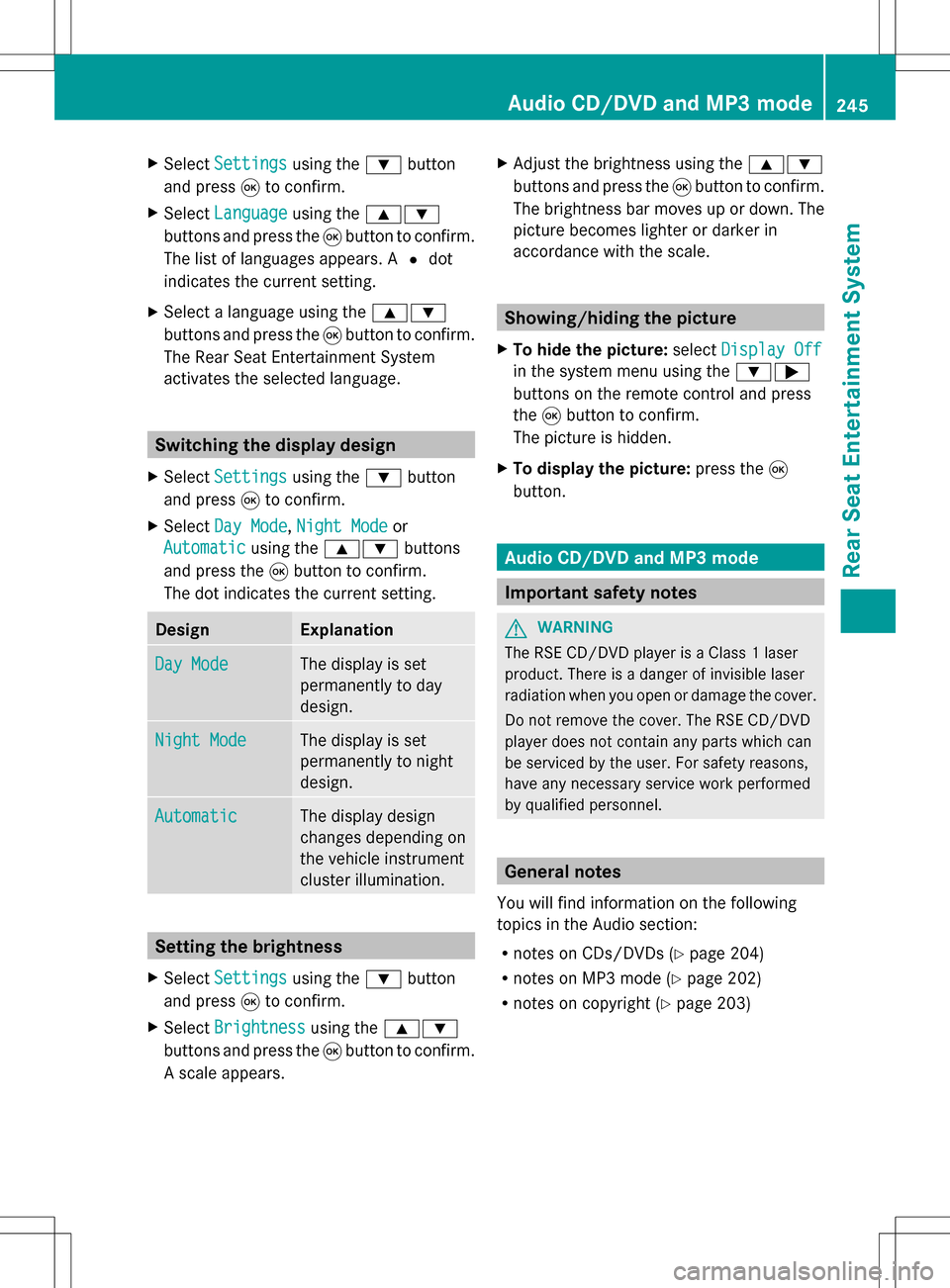
Select Settings
Settings using the0064button
and press 008Bto confirm.
X Select Language
Language using the00630064
buttons and press the 008Bbutton to confirm.
The list of languages appears. A 003Fdot
indicates the current setting.
X Select a language using the 00630064
buttons and press the 008Bbutton to confirm.
The Rear Seat Entertainment System
activates the selected language. Switching the display design
X Select Settings
Settings using the0064button
and press 008Bto confirm.
X Select Day Mode
Day Mode, Night Mode Night Mode or
Automatic
Automatic using the00630064 buttons
and press the 008Bbutton to confirm.
The dot indicates the current setting. Design Explanation
Day Mode
Day Mode The display is set
permanently to day
design. Night Mode
Night Mode The display is set
permanently to night
design. Automatic Automatic The display design
changes depending on
the vehicle instrument
cluster illumination.
Setting the brightness
X Select Settings Settings using the0064button
and press 008Bto confirm.
X Select Brightness
Brightness using the00630064
buttons and press the 008Bbutton to confirm.
A scale appears. X
Adjust the brightness using the 00630064
buttons and press the 008Bbutton to confirm.
The brightness bar moves up or down. The
picture becomes lighter or darker in
accordance with the scale. Showing/hiding the picture
X To hide the picture: selectDisplay Off Display Off
in the system menu using the 00640065
buttons on the remote control and press
the 008Bbutton to confirm.
The picture is hidden.
X To display the picture: press the008B
button. Audio CD/DVD and MP3 mode
Important safety notes
G
WARNING
The RSE CD/DVD player is a Class 1 laser
product. There is a danger of invisible laser
radiation when you open or damage the cover.
Do not remove the cover. The RSE CD/DVD
player does not contain any parts which can
be serviced by the user. For safety reasons,
have any necessary service work performed
by qualified personnel. General notes
You will find information on the following
topics in the Audio section:
R notes on CDs/DVDs (Y page 204)
R notes on MP3 mode (Y page 202)
R notes on copyright ( Ypage 203) Audio CD/DVD and MP3 mode
245Rear Seat Entertainment System Z
Page 252 of 274
X
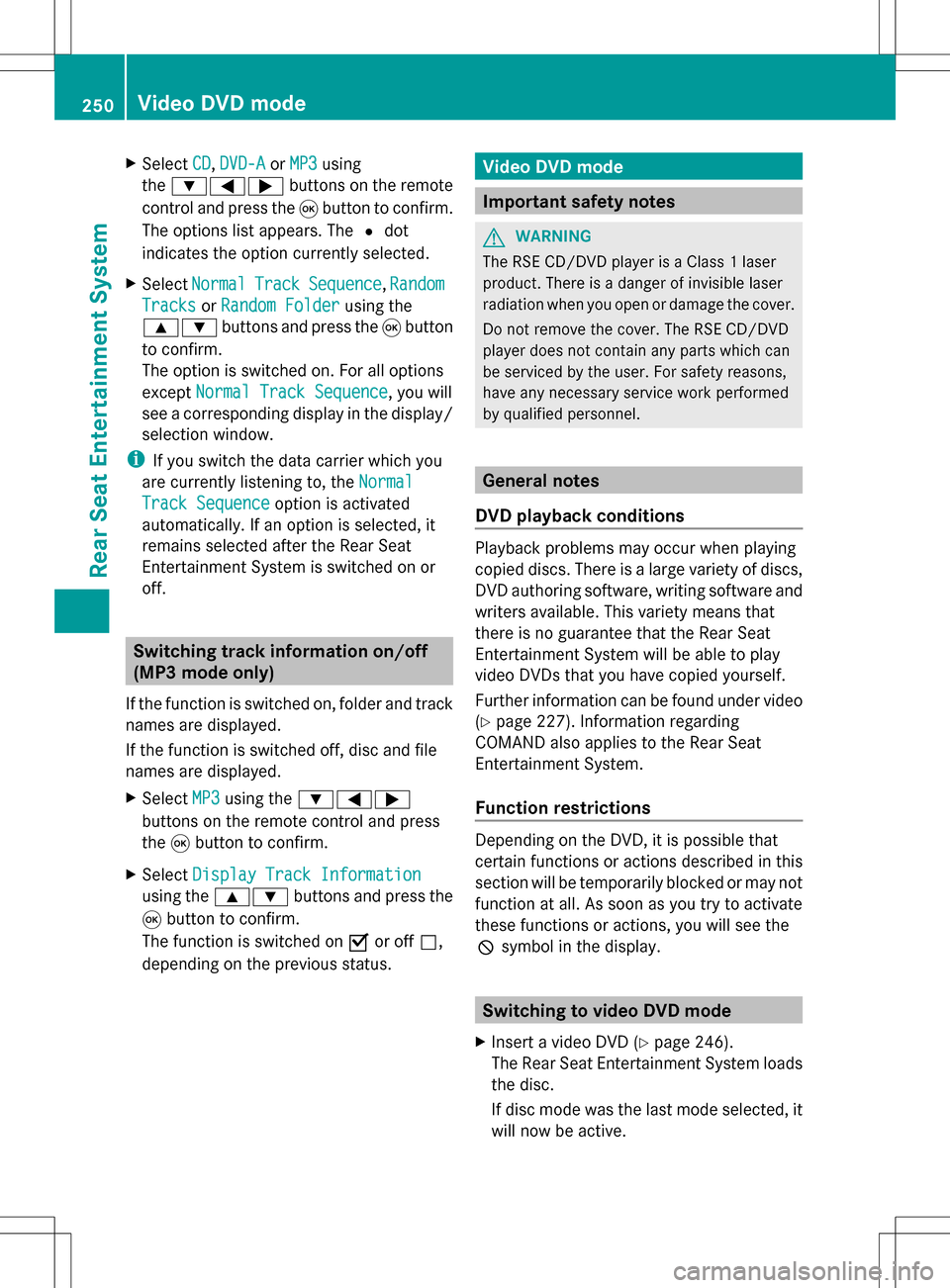
Select CD
CD,DVD-A
DVD-A orMP3
MP3 using
the 006400590065 buttons on the remote
control and press the 008Bbutton to confirm.
The options list appears. The 003Fdot
indicates the option currently selected.
X Select Normal
Normal Track
TrackSequence
Sequence ,Random
Random
Tracks
Tracks orRandom Folder
Random Folder using the
00630064 buttons and press the 008Bbutton
to confirm.
The option is switched on. For all options
except Normal Track Sequence
Normal Track Sequence , you will
see a corresponding display in the display/
selection window.
i If you switch the data carrier which you
are currently listening to, the Normal
Normal
Track Sequence Track Sequence option is activated
automatically. If an option is selected, it
remains selected after the Rear Seat
Entertainment System is switched on or
off. Switching track information on/off
(MP3 mode only)
If the function is switched on, folder and track
names are displayed.
If the function is switched off, disc and file
names are displayed.
X Select MP3
MP3 using the 006400590065
buttons on the remote control and press
the 008Bbutton to confirm.
X Select Display Track Information
Display Track Information
using the 00630064 buttons and press the
008B button to confirm.
The function is switched on 0073or off 0053,
depending on the previous status. Video DVD mode
Important safety notes
G
WARNING
The RSE CD/DVD player is a Class 1 laser
product. There is a danger of invisible laser
radiation when you open or damage the cover.
Do not remove the cover. The RSE CD/DVD
player does not contain any parts which can
be serviced by the user. For safety reasons,
have any necessary service work performed
by qualified personnel. General notes
DVD playback conditions Playback problems may occur when playing
copied discs. There is a large variety of discs,
DVD authoring software, writing software and
writers available. This variety means that
there is no guarantee that the Rear Seat
Entertainment System will be able to play
video DVDs that you have copied yourself.
Further information can be found under video
(Y page 227). Information regarding
COMAND also applies to the Rear Seat
Entertainment System.
Function restrictions Depending on the DVD, it is possible that
certain functions or actions described in this
section will be temporarily blocked or may not
function at all. As soon as you try to activate
these functions or actions, you will see the
0050
symbol in the display. Switching to video DVD mode
X Insert a video DVD ( Ypage 246).
The Rear Seat Entertainment System loads
the disc.
If disc mode was the last mode selected, it
will now be active. 250
Video DVD modeRear Seat Entertainment System
Page 262 of 274

Your COMAND equipment
These operating instructions describe all the
standard and optional equipment for your
COMAND system, as available at the time of
going to print. Country-specific differences
are possible. Please note that your COMAND
system may not be equipped with all the
features described. Introduction
i This function is currently not available for
Canada.
For the reception of weather forecasts via
satellite radio, you will need a SIRIUS XM
Satellite Weather subscription.
When the Call SIRIUS to activate
Call SIRIUS to activate
system system at
at888-539-7474
888-539-7474 message with the
SIRIUS device identification number appears,
you will first have to obtain access to the
weather service. A description of the
procedure can be found in the "Registering
satellite radio" section (Y page 187).
COMAND can receive weather forecasts via
satellite radio for the entire USA (including
Alaska and Hawaii). The received weather
data can be displayed as an information chart
(daily forecast, five-day forecast, detailed
information) or on the weather map.
The weather data received from a weather
station is stored in COMAND for one hour. It
can therefore be displayed again immediately
after restarting the engine (for example after
refueling).
The weather map can display the following
weather data with symbols:
R rain radar
R storm characteristics
R areas of high-pressure/low-pressure,
weather fronts
R course of tropical cyclones (hurricanes,
typhoons)
R wind direction and speeds i
The rain radar cannot be displayed for
Alaska, Hawaii and Puerto Rico.
i Hurricane: term used to describe the
tropical cyclones that primarily develop in
the Atlantic, North Pacific and South Pacific
oceans. The wind speeds are above
74 mph (118 km/h). Five categories are
used to classify the strength of a hurricane.
Typhoon: term used to describe a tropical
cyclone that develops in the northwestern
Pacific. The wind speeds are in the category
of a hurricane. Switching the SIRIUS weather display
on/off
Activating
Example: daily forecast as an information chart
X
Select the 00A7symbol in the main function
bar by sliding 00A0005Band turning 0082005Bthe 260
Switching
the SIRIUS weather display on/offSIRIUS Wea ther