phone MERCEDES-BENZ C-Class 2015 W205 Comand Manual
[x] Cancel search | Manufacturer: MERCEDES-BENZ, Model Year: 2015, Model line: C-Class, Model: MERCEDES-BENZ C-Class 2015 W205Pages: 214, PDF Size: 5.16 MB
Page 128 of 214
Preventing overwriting an entry
X
To select No No: turn and press the controller.
The process is canceled. Deleting call lists
Call lists which are generated and managed
by COMAND can be deleted on COMAND.
You cannot delete call lists from COMAND
which are displayed on a mobile phone that
supports the PBAP Bluetooth ®
profile.
X To call up the telephone menu: press the
002B button.
X To switch to the menu bar: slide 6the
controller.
X To select Call Lists Call Lists: turn and press the
controller.
X Select Delete Call Lists
Delete Call Lists.
A prompt appears asking whether you wish
to delete all call lists.
X To select Yes Yes: turn and press the controller.
The call lists are deleted.
or
X To select No
No: turn and press the controller.
The process is canceled.
i If you delete these call lists from the
mobile phone (see the separate mobile
phone operating instructions), COMAND
updates the call list display the next time it
connects. Speed dial lists
Setting up
X To call up the telephone menu: press the
002B button.
X To call up the menu bar: slide 6the con-
troller.
X To select Call Lists
Call Lists: turn and press the
controller.
X Select Speed Dial Preset List
Speed Dial Preset List.
The speed dial list is displayed. X
To highlight a memory position for the
speed dial: turn the controller.
If you highlight an entry that already exists
in the speed dial list, this is overwritten with
the new entry.
X To select G: slide 9the controller.
X Select Assign Speed Dial Preset Assign Speed Dial Preset.
The phone book is displayed.
X Search for a contact (Y page 114).
X To select a contact: turn and press the con-
troller.
The phone number has been saved as a
speed dial. Deleting
Deleting a speed dial preset X
To call up the telephone menu: press the
002B button.
X To call up the menu bar: slide 6the con-
troller.
X To select Call Lists Call Lists: turn and press the
controller.
X Select Speed Dial Preset List
Speed Dial Preset List.
The speed dial list is displayed.
X To highlight the memory position you want
to delete: turn the controller.
X To select G: slide 9the controller.
X To select Delete Speed Dial Preset Delete Speed Dial Preset:
turn and press the controller.
X To select Yes
Yes: turn and press the controller.
The speed dial preset has been deleted.
or
X To select No No: turn and press the controller.
The process is canceled.
Deleting all speed dial presets X
To call up the telephone menu: press the
002B button.
X To call up the menu bar: slide 6the con-
troller. 126
Speed dial listsTelephone
Page 129 of 214
X
To select Call Lists
Call Lists: turn and press the
controller.
X Select Speed Dial Preset List
Speed Dial Preset List.
The speed dial list is displayed.
X To highlight the desired memory position:
turn the controller.
X To select G: slide 9the controller.
X To select Delete All Speed Dial Pre‐
Delete All Speed Dial Pre‐
sets sets: turn and press the controller.
X To select Yes
Yes: turn and press the controller.
All speed dials are deleted.
or
X To select No
No: turn and press the controller.
The process is canceled. Messages (text messages and e-
mails) General notes
New messages are identified by the 008F
symbol in the COMAND display and an audi-
ble signal. Once you have read all the mes-
sages, the symbol is no longer displayed.
COMAND displays the 100 newest text mes-
sages and e-mails.
The ú symbol is displayed when the
mobile phone's message memory is full. The
symbol is no longer displayed if you delete
messages on the mobile phone. Prerequisites
To use the message functions, the connected
mobile phone must support the Bluetooth ®
MAP profile. The prompt for the MAP Blue-
tooth ®
profile may have to be confirmed on
the mobile phone.
With some mobile phones, some settings still
have to be made after connecting to
COMAND (see the manufacturer's operating
instructions). The messages are displayed the
next time you connect to COMAND. An e-mail account must be set up on the
mobile phone for the e-mail function (see the
manufacturer’s operating instructions).
To read and write e-mails in COMAND, the e-
mail account first needs to be configured
(Y page 128).
Some mobile phones with the MAP Blue-
tooth ®
profile:
R only show new text messages.
R do not support the deleting or editing of
text messages.
R do not support the drafts folder for text
messages.
R do not support the sending of text mes-
sages.
R do not support the e-mail function.
R do not send messages in a locked status.
Not all mobile phones available on the market
are equally suitable. You can obtain further
information about settings and supported
functions of Bluetooth ®
-capable mobile
phones on the Internet at
http://www.mbusa-mobile.com. Or call
the Mercedes-Benz Customer Assistance
Center at 1-800-FOR-MERCedes
(1-800-367-6372)( for the USA) or Customer
Relations at 1-800-387-0100 (for Canada). Settings
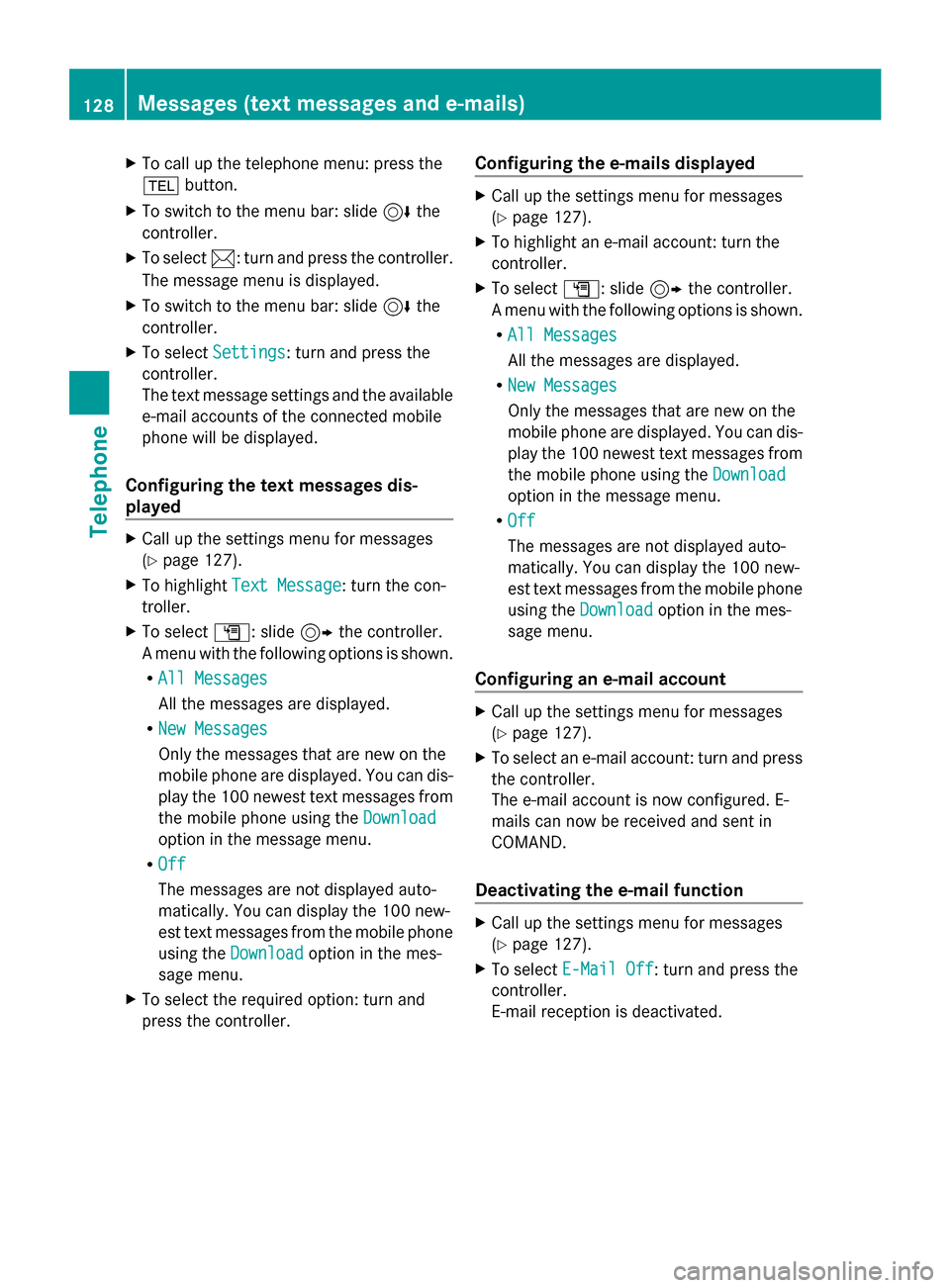
Calling up the settings menu for mes-
sages Messages (text messages and e-mails)
127Telephone Z
Page 130 of 214
X
To call up the telephone menu: press the
002B button.
X To switch to the menu bar: slide 6the
controller.
X To select 0083: turn and press the controller.
The message menu is displayed.
X To switch to the menu bar: slide 6the
controller.
X To select Settings
Settings: turn and press the
controller.
The text message settings and the available
e-mail accounts of the connected mobile
phone will be displayed.
Configuring the text messages dis-
played X
Call up the settings menu for messages
(Y page 127).
X To highlight Text Message Text Message: turn the con-
troller.
X To select G: slide 9the controller.
A menu with the following options is shown.
R All Messages
All Messages
All the messages are displayed.
R New Messages
New Messages
Only the messages that are new on the
mobile phone are displayed. You can dis-
play the 100 newest text messages from
the mobile phone using the Download
Download
option in the message menu.
R Off
Off
The messages are not displayed auto-
matically. You can display the 100 new-
est text messages from the mobile phone
using the Download
Download option in the mes-
sage menu.
X To select the required option: turn and
press the controller. Configuring the e-mails displayed X
Call up the settings menu for messages
(Y page 127).
X To highlight an e-mail account: turn the
controller.
X To select G: slide 9the controller.
A menu with the following options is shown.
R All Messages All Messages
All the messages are displayed.
R New Messages New Messages
Only the messages that are new on the
mobile phone are displayed. You can dis-
play the 100 newest text messages from
the mobile phone using the Download Download
option in the message menu.
R Off
Off
The messages are not displayed auto-
matically. You can display the 100 new-
est text messages from the mobile phone
using the Download
Download option in the mes-
sage menu.
Configuring an e-mail account X
Call up the settings menu for messages
(Y page 127).
X To select an e-mail account: turn and press
the controller.
The e-mail account is now configured. E-
mails can now be received and sent in
COMAND.
Deactivating the e-mail function X
Call up the settings menu for messages
(Y page 127).
X To select E-Mail Off E-Mail Off: turn and press the
controller.
E-mail reception is deactivated. 128
Messages (text messages and e-mails)Telephone
Page 131 of 214
Changing the displayed name of the e-
mail account X
Call up the settings menu for messages
(Y page 127).
X To highlight an e-mail account: turn the
controller.
X To select G: slide 9the controller.
X To select Own E-Mail Address
Own E-Mail Address: turn and
press the controller.
The input menu for entering your own e-
mail address is displayed. Downloading messages manually
X To call up the telephone menu: press the
002B button.
X To switch to the menu bar: slide 6the
controller.
X To select 0083: turn and press the controller.
The message menu is displayed.
X To switch to the menu bar: slide 6the
controller.
X To select Download
Download: turn and press the
controller.
Downloading text messages and e-mails
from the phone
X Select From the Phone From the Phone.
The messages are downloaded. If you have
selected Automatic Download
Automatic Download in the e-
mail settings, manual downloading is not
possible.
Updating from the e-mail server by the
mobile phone
X Select From the E-Mail Server
From the E-Mail Server .
The e-mails in the mobile phone are
updated.
This function is not supported by all mobile
phones. Reading messages
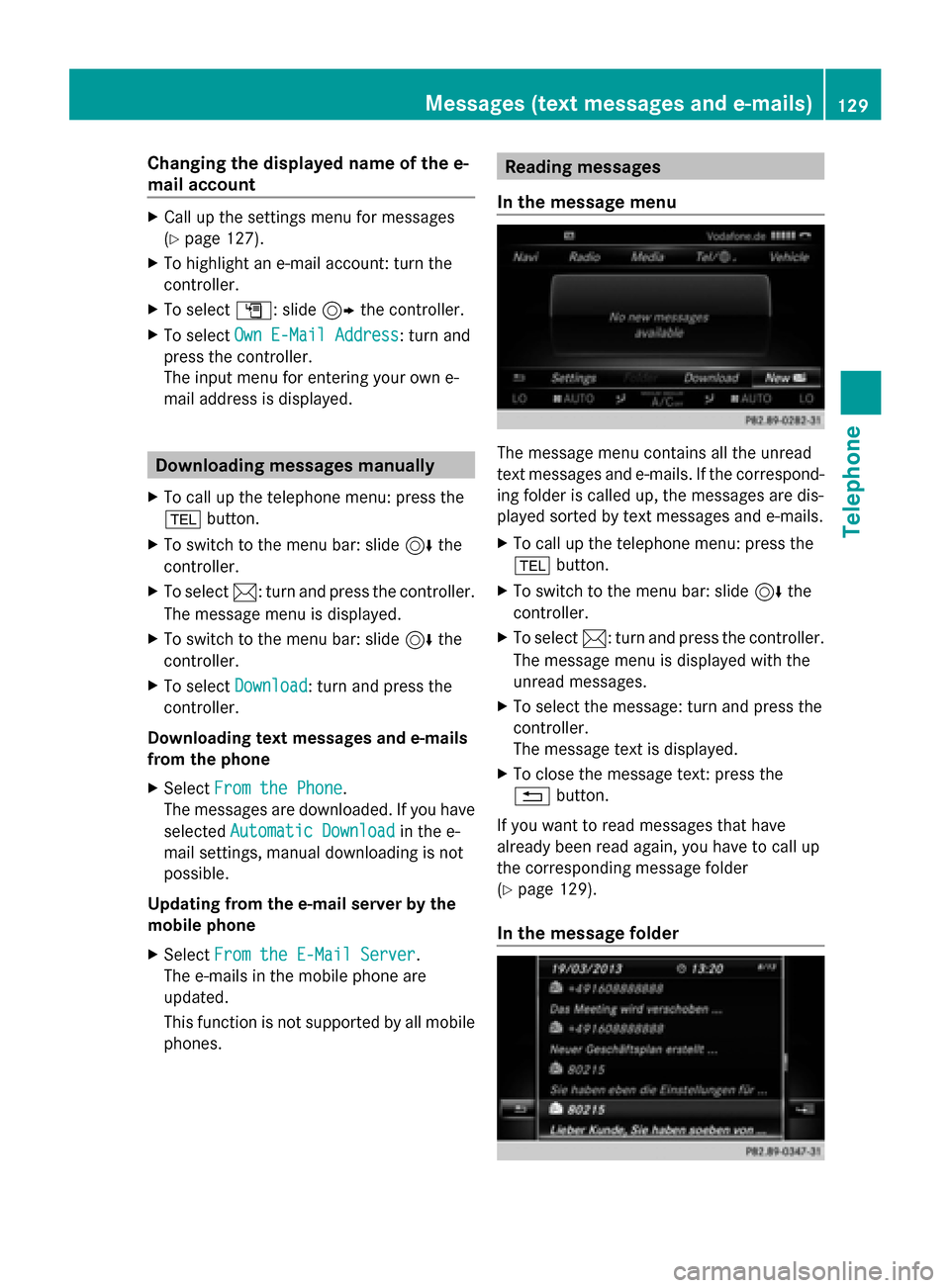
In the message menu The message menu contains all the unread
text messages and e-mails. If the correspond-
ing folder is called up, the messages are dis-
played sorted by text messages and e-mails.
X
To call up the telephone menu: press the
002B button.
X To switch to the menu bar: slide 6the
controller.
X To select 0083: turn and press the controller.
The message menu is displayed with the
unread messages.
X To select the message: turn and press the
controller.
The message text is displayed.
X To close the message text: press the
0038 button.
If you want to read messages that have
already been read again, you have to call up
the corresponding message folder
(Y page 129).
In the message folder Messages (text messages and e-mails)
129Telephone Z
Page 132 of 214
X
To call up the telephone menu: press the
002B button.
X To switch to the menu bar: slide 6the
controller.
X To select 0083: turn and press the controller.
The message menu is displayed.
X To switch to the menu bar: slide 6the
controller.
X To select Folder
Folder: turn and press the con-
troller.
X To select Text Message
Text Message orE-Mail
E-Mail: turn
and press the controller.
The selected folder is displayed.
X To select the message: turn and press the
controller.
The message is displayed.
X To scroll through the message or select
phone numbers in the text: turn the con-
troller.
The display scrolls up or down line by line,
or skips to the next or previous telephone
number and automatically highlights it.
X To return to the list: press 0038.
The following sub-folders can be selected
for text messages and e-mails:
R Inbox
Inbox
This folder contains all the incoming mes-
sages.
R Outbox Outbox
This folder contains all the outgoing mes-
sages.
R Drafts
Drafts
This folder contains all the messages that
you have saved as a draft.
i Folders cannot be selected if they are
empty.
Depending on the mobile phone used, the
sub-folder function may be available. Read-aloud function for messages X
To start the read-aloud function: press the
controller when the message is displayed.
X To select Read Aloud Read Aloud: turn and press the
controller.
COMAND reads out the message.
X To cancel the read-aloud function: press
the 0063 button.
or
X Press the controller, select Cancel Read- Cancel Read-
Aloud Function
Aloud Function and press the controller
again.
You can set the language (Y page 42) and the
speed (Y page 38) of the read-aloud function.
Displaying details and phone numbers COMAND can also show a shortened sender
display in full.
X
To call up the telephone menu: press the
002B button.
X To switch to the menu bar: slide 6the
controller.
X To select 0083: turn and press the controller.
The message menu is displayed.
X To switch to the menu bar: slide 6the
controller.
X To select Folder Folder: turn and press the con-
troller.
X To select Text Message
Text Message orE-Mail
E-Mail: turn
and press the controller.
The selected folder is displayed.
X To highlight the desired message: turn the
controller.
X To select G: slide 9the controller.
X To select Details Details: turn and press the con-
troller.
The detailed view appears.
X To close the detailed display: slide8
the controller.
X To return to the telephone menu: press
the 003D button. 130
Messages (text messages and e-mails)Telephone
Page 133 of 214
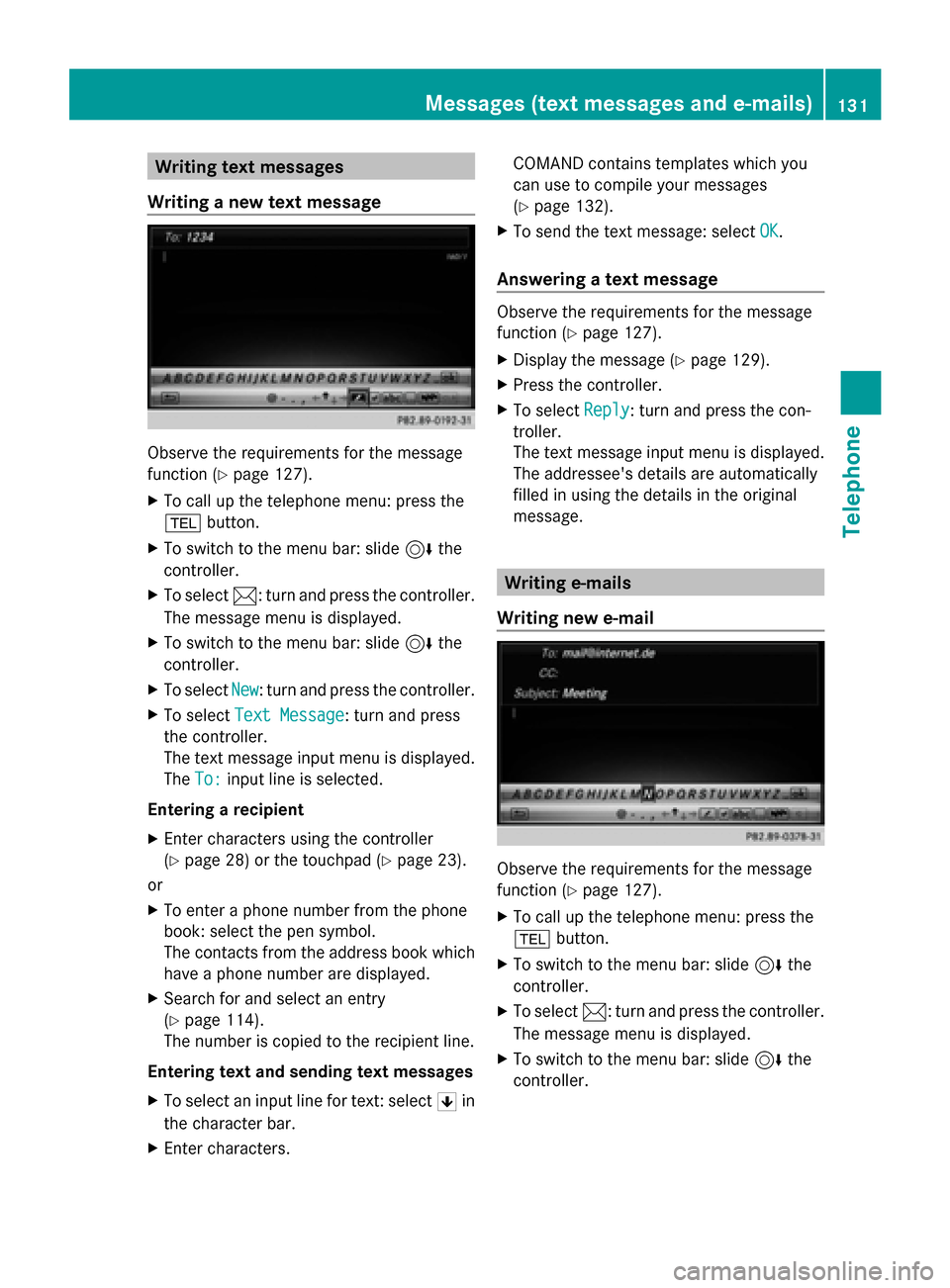
Writing text messages
Writing a new text message Observe the requirements for the message
function ( Ypage 127).
X To call up the telephone menu: press the
002B button.
X To switch to the menu bar: slide 6the
controller.
X To select 0083: turn and press the controller.
The message menu is displayed.
X To switch to the menu bar: slide 6the
controller.
X To select New
New: turn and press the controller.
X To select Text Message
Text Message : turn and press
the controller.
The text message input menu is displayed.
The To: To: input line is selected.
Entering a recipient
X Enter characters using the controller
(Y page 28) or the touchpad (Y page 23).
or
X To enter a phone number from the phone
book: select the pen symbol.
The contacts from the address book which
have a phone number are displayed.
X Search for and select an entry
(Y page 114).
The number is copied to the recipient line.
Entering text and sending text messages
X To select an input line for text: select 0060in
the character bar.
X Enter characters. COMAND contains templates which you
can use to compile your messages
(Y
page 132).
X To send the text message: select OK OK.
Answering a text message Observe the requirements for the message
function (
Ypage 127).
X Display the message (Y page 129).
X Press the controller.
X To select Reply
Reply: turn and press the con-
troller.
The text message input menu is displayed.
The addressee's details are automatically
filled in using the details in the original
message. Writing e-mails
Writing new e-mail Observe the requirements for the message
function (
Ypage 127).
X To call up the telephone menu: press the
002B button.
X To switch to the menu bar: slide 6the
controller.
X To select 0083: turn and press the controller.
The message menu is displayed.
X To switch to the menu bar: slide 6the
controller. Messages (text messages and e-mails)
131Telephone Z
Page 134 of 214
X
To select New
New: turn and press the controller.
X To select E-Mail
E-Mail: turn and press the con-
troller.
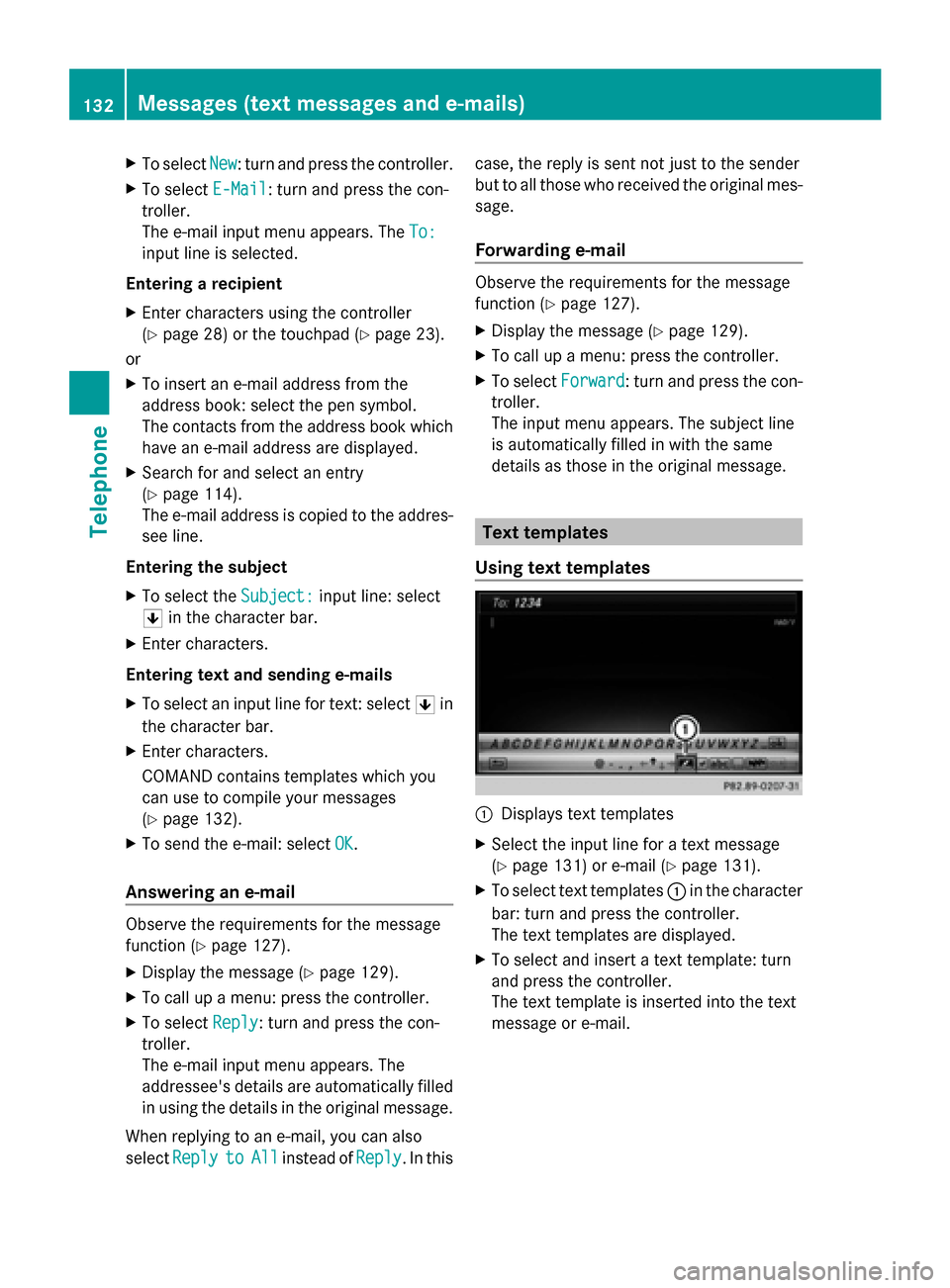
The e-mail input menu appears. The To:
To:
input line is selected.
Entering a recipient
X Enter characters using the controller
(Y page 28) or the touchpad (Y page 23).
or
X To insert an e-mail address from the
address book: select the pen symbol.
The contacts from the address book which
have an e-mail address are displayed.
X Search for and select an entry
(Y page 114).
The e-mail address is copied to the addres-
see line.
Entering the subject
X To select the Subject:
Subject: input line: select
0060 in the character bar.
X Enter characters.
Entering text and sending e-mails
X To select an input line for text: select 0060in
the character bar.
X Enter characters.
COMAND contains templates which you
can use to compile your messages
(Y page 132).
X To send the e-mail: select OK OK.
Answering an e-mail Observe the requirements for the message
function (Y page 127).
X Display the message (Y page 129).
X To call up a menu: press the controller.
X To select Reply
Reply: turn and press the con-
troller.
The e-mail input menu appears. The
addressee's details are automatically filled
in using the details in the original message.
When replying to an e-mail, you can also
select Reply
Reply to toAll
All instead of Reply
Reply. In this case, the reply is sent not just to the sender
but to all those who received the original mes-
sage.
Forwarding e-mail Observe the requirements for the message
function (Y
page 127).
X Display the message (Y page 129).
X To call up a menu: press the controller.
X To select Forward Forward: turn and press the con-
troller.
The input menu appears. The subject line
is automatically filled in with the same
details as those in the original message. Text templates
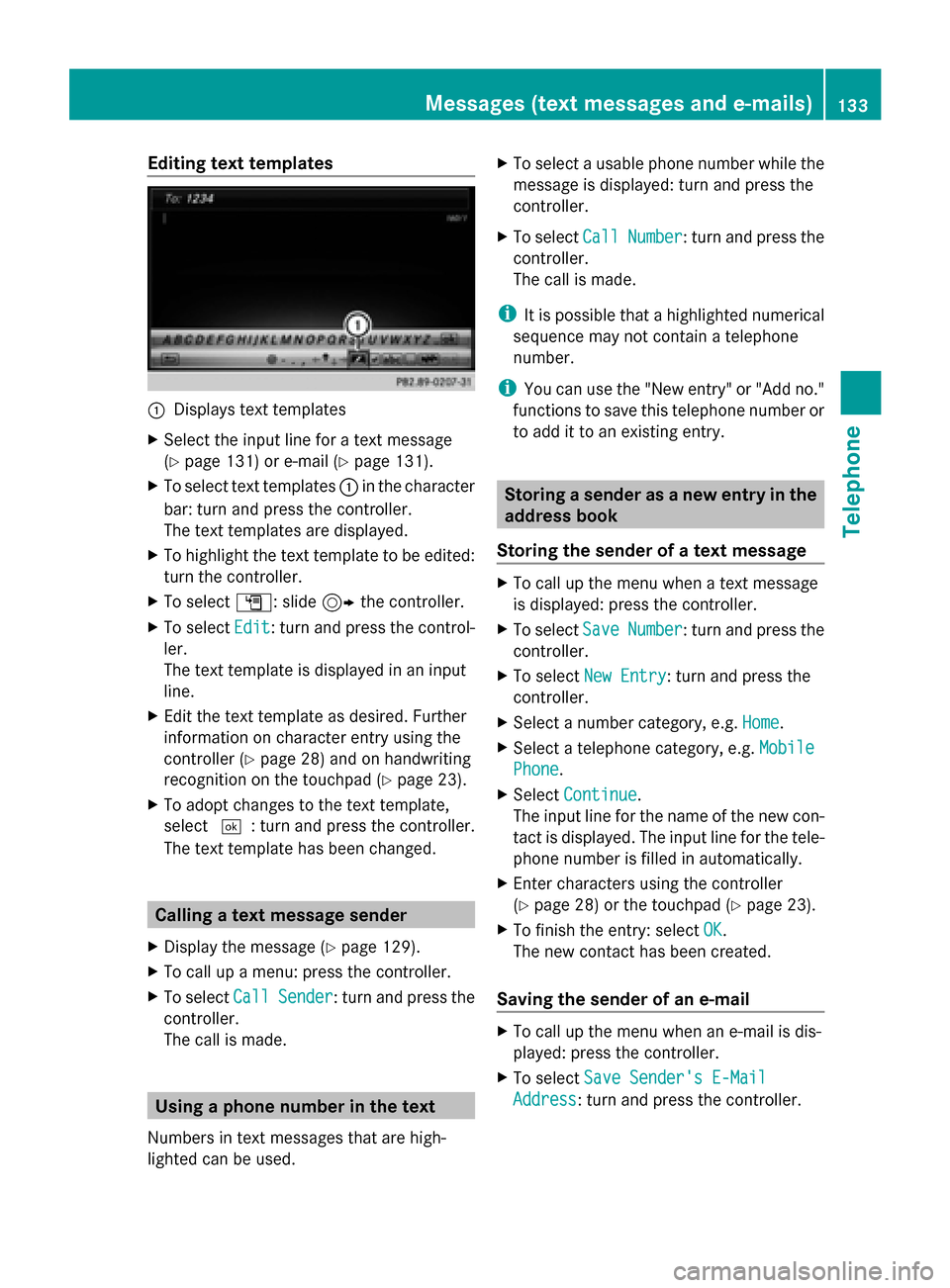
Using text templates 0043
Displays text templates
X Select the input line for a text message
(Y page 131) or e-mail (Y page 131).
X To select text templates 0043in the character
bar: turn and press the controller.
The text templates are displayed.
X To select and insert a text template: turn
and press the controller.
The text template is inserted into the text
message or e-mail. 132
Messages (text messages and e-mails)Telephone
Page 135 of 214
Editing text templates
0043
Displays text templates
X Select the input line for a text message
(Y page 131) or e-mail (Y page 131).
X To select text templates 0043in the character
bar: turn and press the controller.
The text templates are displayed.
X To highlight the text template to be edited:
turn the controller.
X To select G: slide 9the controller.
X To select Edit
Edit: turn and press the control-
ler.
The text template is displayed in an input
line.
X Edit the text template as desired. Further
information on character entry using the
controller (Y page 28) and on handwriting
recognition on the touchpad (Y page 23).
X To adopt changes to the text template,
select 0054: turn and press the controller.
The text template has been changed. Calling a text message sender
X Display the message ( Ypage 129).
X To call up a menu: press the controller.
X To select Call
Call Sender Sender : turn and press the
controller.
The call is made. Using a phone number in the text
Numbers in text messages that are high-
lighted can be used. X
To select a usable phone number while the
message is displayed: turn and press the
controller.
X To select Call
Call Number Number : turn and press the
controller.
The call is made.
i It is possible that a highlighted numerical
sequence may not contain a telephone
number.
i You can use the "New entry" or "Add no."
functions to save this telephone number or
to add it to an existing entry. Storing a sender as a new entry in the
address book
Storing the sender of a text message X
To call up the menu when a text message
is displayed: press the controller.
X To select Save SaveNumber
Number : turn and press the
controller.
X To select New Entry
New Entry: turn and press the
controller.
X Select a number category, e.g. Home
Home.
X Select a telephone category, e.g. Mobile
Mobile
Phone
Phone.
X Select Continue
Continue.
The input line for the name of the new con-
tact is displayed. The input line for the tele-
phone number is filled in automatically.
X Enter characters using the controller
(Y page 28) or the touchpad ( Ypage 23).
X To finish the entry: select OK
OK.
The new contact has been created.
Saving the sender of an e-mail X
To call up the menu when an e-mail is dis-
played: press the controller.
X To select Save Sender's E-Mail Save Sender's E-Mail
Address
Address: turn and press the controller. Messages (text messages and e-mails)
133Telephone Z
Page 136 of 214
X
To select New Entry
New Entry: turn and press the
controller.
The input line for the name of the new con-
tact is displayed. The input line for the e-
mail address is filled in automatically.
X Enter characters using the controller
(Y page 28) or the touchpad (Y page 23).
X To finish the entry: select OK
OK.
The new contact has been created. Adding the sender to an address book
entry
Storing the sender of a text message X
To call up the menu when a text message
is displayed: press the controller.
X To select Save SaveNumber
Number : turn and press the
controller.
X To select Add Phone No.
Add Phone No.: turn and press
the controller.
X To select a category for the number, e.g.
Home
Home: turn the controller and press to con-
firm.
X To select a telephone category, e.g.
Mobile Phone
Mobile Phone: turn the controller and
press to confirm.
X To select Continue
Continue: turn and press the
controller.
The address book is displayed.
X Search for the desired entry (Y page 117).
X Press the controller when you have finished
searching.
The telephone number has been added.
A maximum of five entries can be saved for
one category.
Saving the sender of an e-mail X
To call up the menu when an e-mail is dis-
played: press the controller.
X To select Save Sender's E-Mail
Save Sender's E-Mail
Address Address: turn and press the controller.
X To select Add
Add: turn and press the controller.
The address book is displayed. X
Search for the desired entry (Y page 117).
X Press the controller when you have finished
searching.
The e-mail address has been added. Deleting messages
X Call up the message folder (Y page 129).
X To select the message: turn and press the
controller.
X To select G: slide 9the controller.
X To select Delete Delete: turn and press the con-
troller.
X To select Yes Yes: turn and press the controller.
The message is deleted.
or
X To select No No: turn and press the controller.
The process is canceled.
i This delete function is not supported by
all mobile phones. The Delete failed.
Delete failed.
message then appears. 134
Messages (text messages and e-mails)Telephone
Page 140 of 214
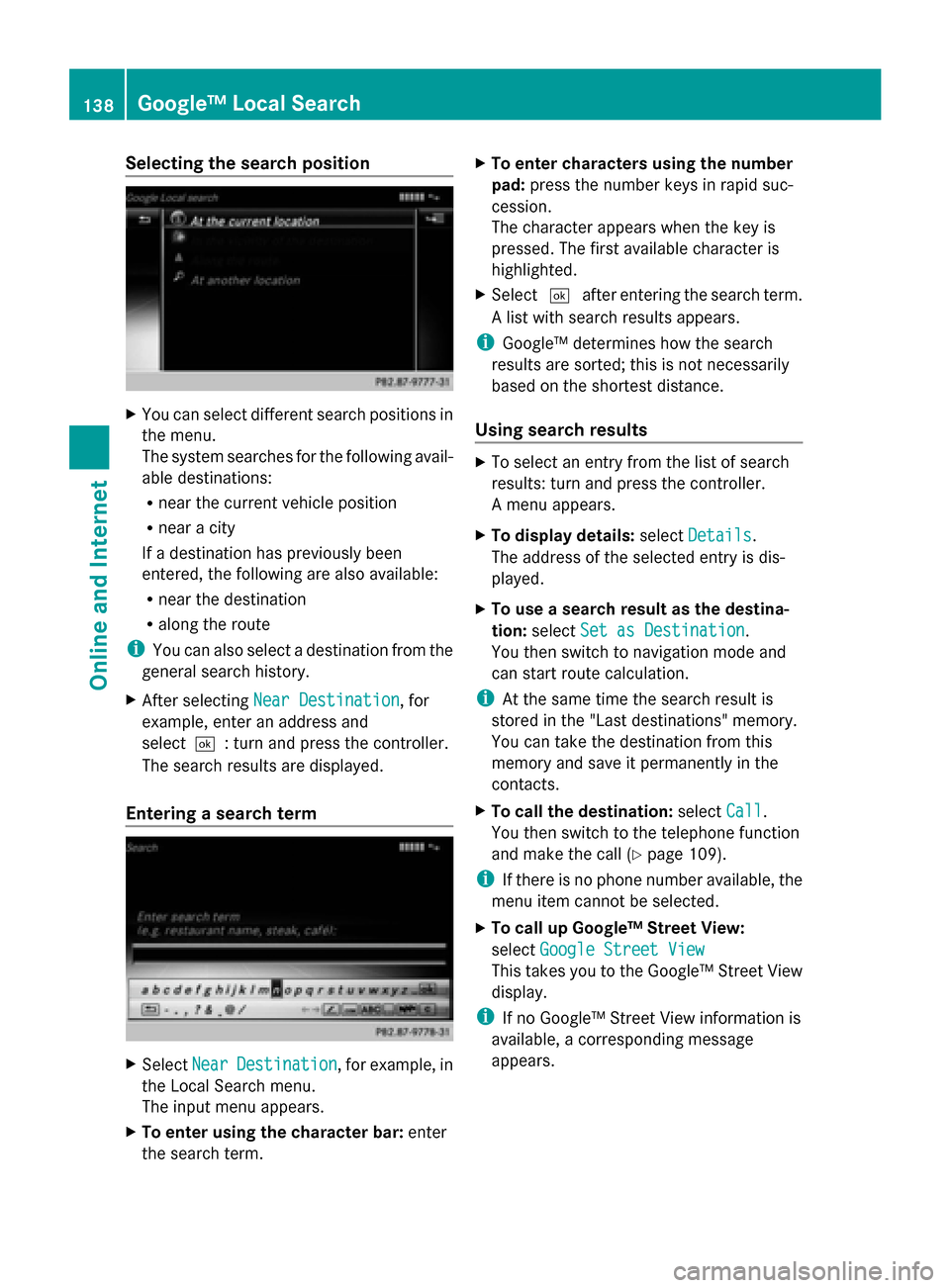
Selecting the search position
X
You can select different search positions in
the menu.
The system searches for the following avail-
able destinations:
R near the current vehicle position
R near a city
If a destination has previously been
entered, the following are also available:
R near the destination
R along the route
i You can also select a destination from the
general search history.
X After selecting Near Destination
Near Destination, for
example, enter an address and
select0054: turn and press the controller.
The search results are displayed.
Entering a search term X
Select Near NearDestination
Destination , for example, in
the Local Search menu.
The input menu appears.
X To enter using the character bar: enter
the search term. X
To enter characters using the number
pad: press the number keys in rapid suc-
cession.
The character appears when the key is
pressed. The first available character is
highlighted.
X Select 0054after entering the search term.
A list with search results appears.
i Google™ determines how the search
results are sorted; this is not necessarily
based on the shortest distance.
Using search results X
To select an entry from the list of search
results: turn and press the controller.
A menu appears.
X To display details: selectDetails Details.
The address of the selected entry is dis-
played.
X To use a search result as the destina-
tion: select Set as Destination Set as Destination.
You then switch to navigation mode and
can start route calculation.
i At the same time the search result is
stored in the "Last destinations" memory.
You can take the destination from this
memory and save it permanently in the
contacts.
X To call the destination: selectCall
Call.
You then switch to the telephone function
and make the call (Y page 109).
i If there is no phone number available, the
menu item cannot be selected.
X To call up Google™ Street View:
select Google Street View Google Street View
This takes you to the Google™ Street View
display.
i If no Google™ Street View information is
available, a corresponding message
appears. 138
Google™ Local SearchOnline and Internet