off MERCEDES-BENZ C-Class 2017 W205 Comand Manual
[x] Cancel search | Manufacturer: MERCEDES-BENZ, Model Year: 2017, Model line: C-Class, Model: MERCEDES-BENZ C-Class 2017 W205Pages: 178, PDF Size: 5.62 MB
Page 167 of 178
XTo activate the menu for balance and fader:
press the controller.
XTo adjust the balance focus: slide8or
9 the controller.
XTo adjust the fader focus: slide 6or5 the
controller.
An image shows the sound focus set.
XTo exit the menu: press the %button.
Setting surround sound
TheSurroundsetting optimizes the sound play-
back for the selected seat position.
XCall up the sound menu (Ypage 164).
XTurn the controller until Surroundis in the
center.
XSlide 6the controller.
The left-hand rotary menu to switch surround
sound on and off is activated.
XTo switch on Surround: turn the controller.
XTo set surround sound: slide 9the con-
troller.
The right-hand rotary menu is activated.
XTo set the desired Surroundfocus: turn the
controller.
The menu symbol, text and image show the
selected setting.
XTo exit the menu: press the %button.
Burmester®surround sound system165
Sound
Page 172 of 178
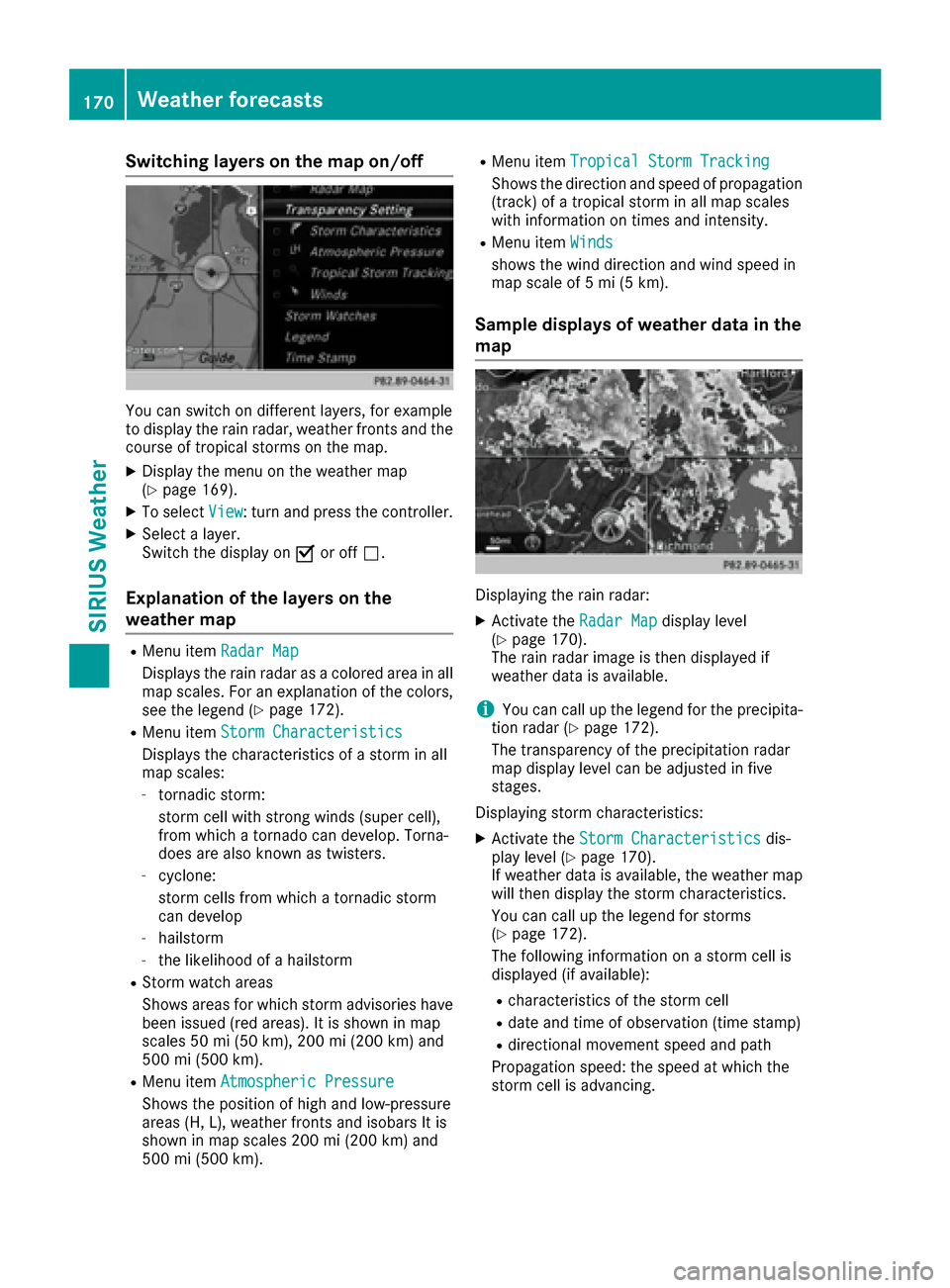
Switching layers on the map on/off
You can switch on different layers, for example
to display the rain radar, weather fronts and the
course of tropical storms on the map.
XDisplay the menu on the weather map
(Ypage 169).
XTo selectView: turn and press the controller.
XSelect a layer.
Switch the display on Oor off ª.
Explanation of the layers on the
weather map
RMenu item Radar Map
Displays the rain radar as a colored area in all
map scales. For an explanation of the colors,
see the legend (
Ypage 172).
RMenu item Storm Characteristics
Displays the characteristics of a storm in all
map scales:
-tornadic storm:
storm cell with strong winds (super cell),
from which a tornado can develop. Torna-
does are also known as twisters.
-cyclone:
storm cells from which a tornadic storm
can develop
-hailstorm
-the likelihood of a hailstorm
RStorm watch areas
Shows areas for which storm advisories have
been issued (red areas). It is shown in map
scales 50 mi (50 km), 200 mi (200 km) and
500 mi (500 km).
RMenu itemAtmospheric Pressure
Shows the position of high and low-pressure
areas (H, L), weather fronts and isobars It is
shown in map scales 200 mi (200 km) and
500 mi (500 km).
RMenu itemTropical Storm Tracking
Shows the direction and speed of propagation
(track) of a tropical storm in all map scales
with information on times and intensity.
RMenu itemWinds
shows the wind direction and wind speed in
map scale of 5 mi (5 km).
Sample displays of weather data in the
map
Displaying the rain radar:
XActivate the Radar Mapdisplay level
(Ypage 170).
The rain radar image is then displayed if
weather data is available.
iYou can call up the legend for the precipita-
tion radar (Ypage 172).
The transparency of the precipitation radar
map display level can be adjusted in five
stages.
Displaying storm characteristics:
XActivate the Storm Characteristicsdis-
play level (Ypage 170).
If weather data is available, the weather map
will then display the storm characteristics.
You can call up the legend for storms
(
Ypage 172).
The following information on a storm cell is
displayed (if available):
Rcharacteristics of the storm cell
Rdate and time of observation (time stamp)
Rdirectional movement speed and path
Propagation speed: the speed at which the
storm cell is advancing.
170Weather forecasts
SIRIUS Weather