Assyst MERCEDES-BENZ C CLASS 2018 Owners Manual
[x] Cancel search | Manufacturer: MERCEDES-BENZ, Model Year: 2018, Model line: C CLASS, Model: MERCEDES-BENZ C CLASS 2018Pages: 370, PDF Size: 6.25 MB
Page 5 of 370
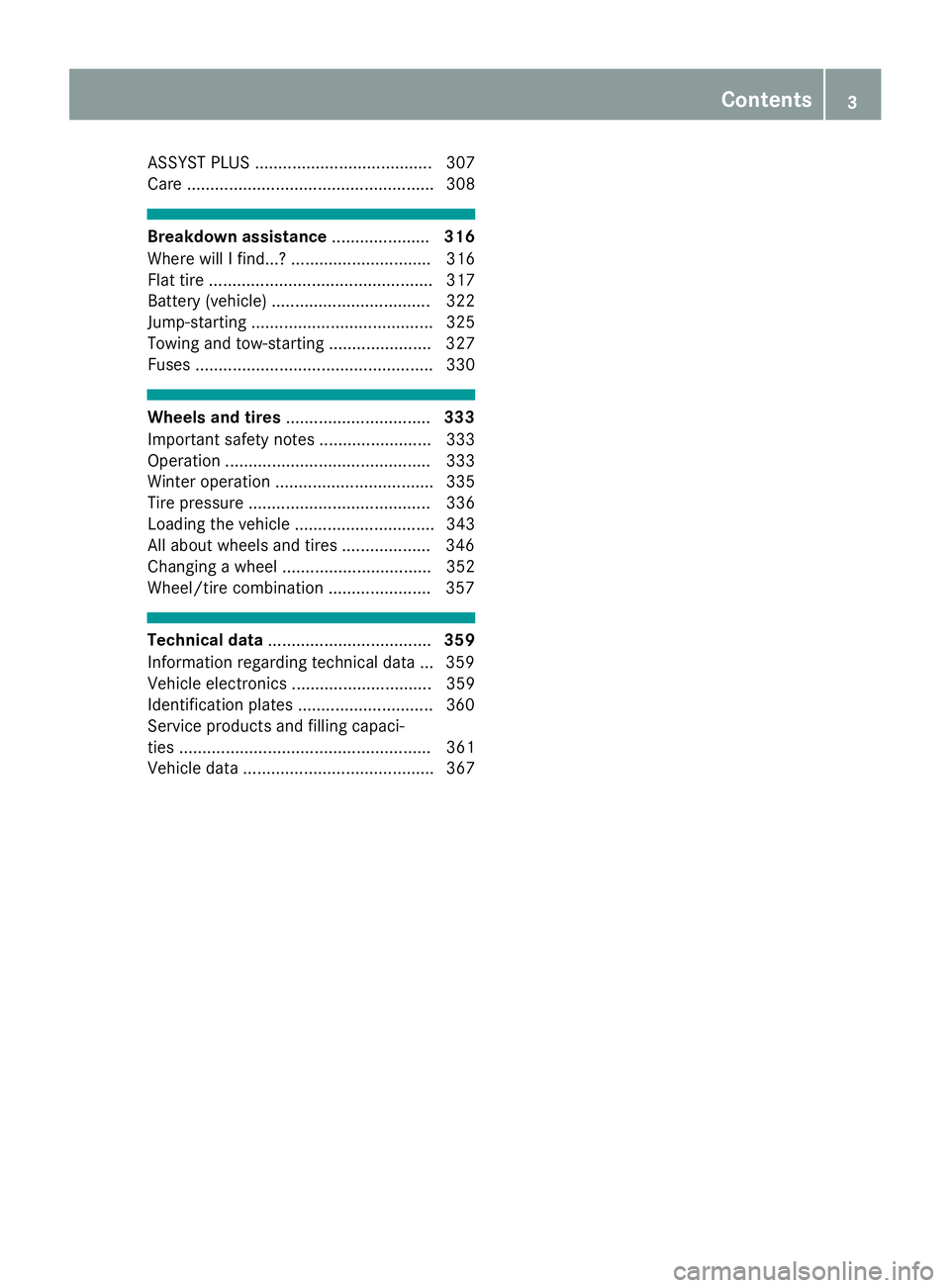
ASSYST PLUS ...................................... 307
Care ..................................................... 308
Breakdown assistance.....................316
Where will I find...? .............................. 316
Flat tire ................................................ 317
Battery (vehicle) .................................. 322
Jump-starting ....................................... 325
Towing and tow-starting ...................... 327
Fuses ................................................... 330
Wheels and tires ............................... 333
Important safety notes ........................ 333
Operation ............................................ 333
Winter operation .................................. 335
Tire pressure ....................................... 336
Loading the vehicle .............................. 343
All about wheels and tires ...................3 46
Changing a wheel ................................ 352
Wheel/tire combination ......................3 57
Technical data................................... 359
Information regarding technical data ... 359
Vehicle electronics .............................. 359
Identification plates .............................3 60
Service products and filling capaci-
ties ...................................................... 361
Vehicle data ......................................... 367
Contents3
Page 6 of 370
1, 2, 3 ...
4ETS (Electronic Traction System)see ETS/4ETS (Electronic Trac-
tion System)
4MATIC (permanent four-wheel
drive) .................................................. 184
12 V socket
see Socket (12 V)
360° camera
Cleaning .........................................3 13
Display in the multimedia system .. 196
Function/notes .............................1 94
A
ABS (Anti-lock Braking System)
Display message ............................ 231
Function/notes ................................ 66
Warning lamp ................................. 261
Acceleration
see Kickdown
Accident
Automatic measures after an acci-
dent ................................................. 59
Accident warning
see Driving safety system
Activating media mode
General notes ................................ 279
Activating/deactivating cooling
with air dehumidification ................. 127
Active Blind Spot Assist
Activating/deactivating (on-
board computer) ............................ 223
Display message ............................ 248
Function/notes .............................2 04
Active Brake Assist
Activating or deactivating .............. 223
Display message ............................ 236
Function/notes ................................ 67
Active Brake Assist with cross-
traffic function
Activating or deactivating .............. 223
Display message ............................ 237
Function/notes ................................ 73
Important safety notes .................... 73
Warning lamp ................................. 267 Active Lane Keeping Assist
Activating/deactivating (on-
board computer) ............................ 223
Display message ............................ 248
Function/information .................... 207
Active light function
Display message ............................ 242
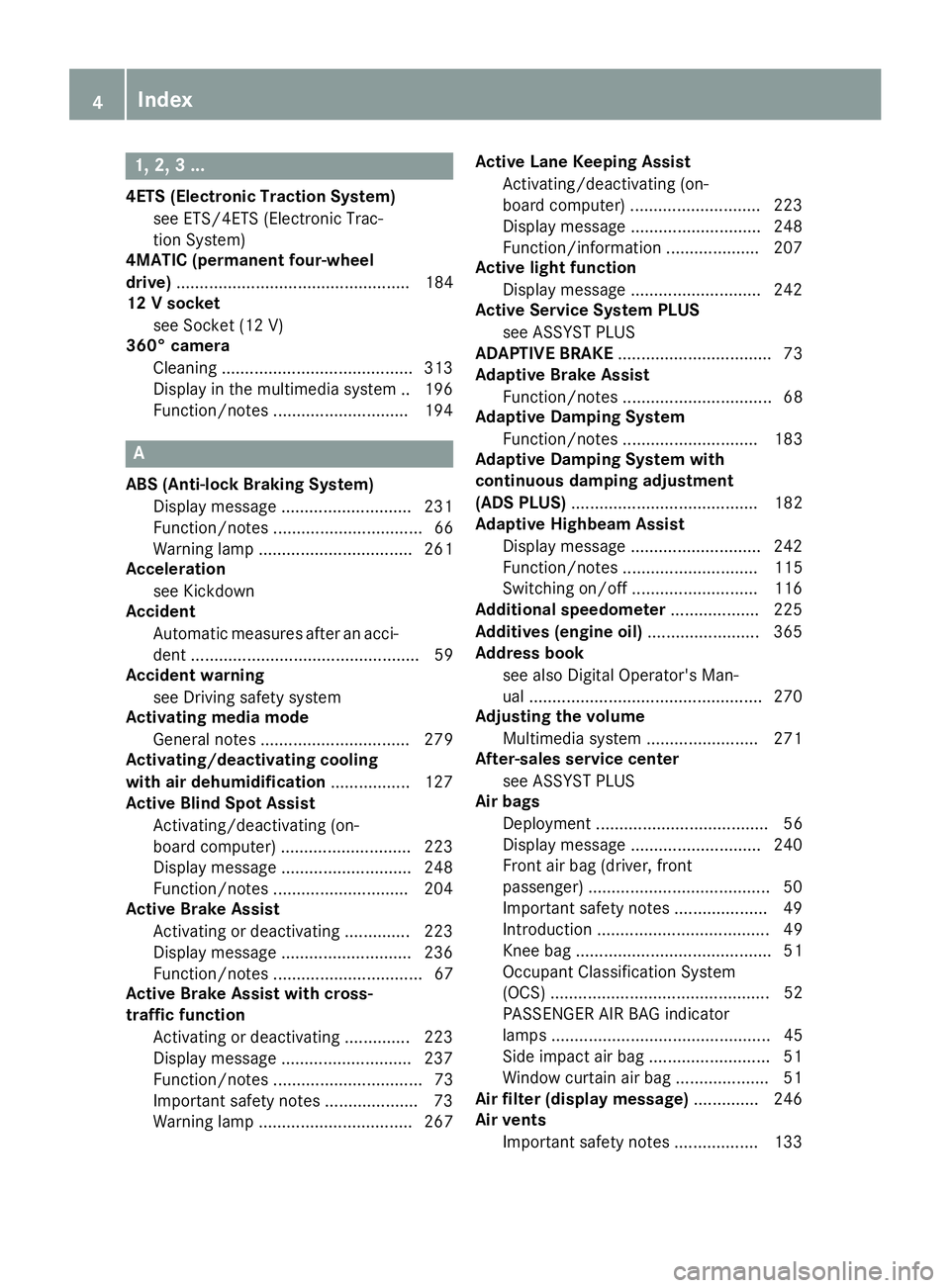
Active Service System PLUS
see ASSYST PLUS
ADAPTIVE BRAKE ................................. 73
Adaptive Brake Assist
Function/notes ................................ 68
Adaptive Damping System
Function/notes ............................. 183
Adaptive Damping System with
continuous damping adjustment
(ADS PLUS) ........................................ 182
Adaptive Highbeam Assist
Display message ............................ 242
Function/notes ............................. 115
Switching on/off ........................... 116
Additional speedometer ................... 225
Additives (engine oil) ........................ 365
Address book
see also Digital Operator's Man-
ual .................................................. 270
A
djusting the volume
Multimedia system ........................ 271
After-sales service center
see ASSYST PLUS
Air bags
Deployment ..................................... 56
Display message ............................ 240
Front air bag (driver, front
passenger) ....................................... 50
Important safety notes .................... 49
Introduction ..................................... 49
Knee bag .......................................... 51
Occupant Classification System
(OCS) ............................................... 52
PASSENGER AIR BAG indicator
lamps ............................................... 45
Side impact air bag .......................... 51
Window curtain air bag .................... 51
Air filter (display message) .............. 246
Air vents
Important safety notes .................. 133
4Index
Page 7 of 370
Rear ...............................................133
Setting ...........................................1 33
Setting the center air vents ........... 133
Setting the side air vents ...............1 33
Air-conditioning system
see Climate control
Airbag
Warning lamp ................................. 264
AIRMATIC
Display message ............................ 247
Function/notes .............................1 81
Setting the normal vehicle level ..... 182
Setting the raised vehicle level ...... 182
AIRPANEL
Cleaning instructions ..................... 312
Alarm
ATA (Anti-Theft Alarm system) ......... 76
Switching off (ATA) .......................... 76
Switching the function on/off
(ATA) ................................................ 76
Alarm system
see ATA (Anti-Theft Alarm system)
All-wheel drive
see 4MATIC (permanent four-
wheel drive)
AMG
Adaptive sport suspension sys-
tem ................................................ 183
Performance Seat .......................... 104
Switchable performance exhaust
system ...........................................1 42
AMG menu (on-board computer) ..... 226
Animals
see Pets in the vehicle
Anti-lock braking system
see ABS (Anti-lock Braking System)
Anti-skid chains
see Snow chains
Anti-Theft Alarm system
see ATA (Anti-Theft Alarm system)
AppCode
see QR code
Armrest
Stowage compartment .................. 281
Ashtray ............................................... 291
Assistance display (on-board com-
puter) ..................................................2 21Assistance menu (on-board com-
puter)
..................................................2 22
Assistance system
see Driving systems
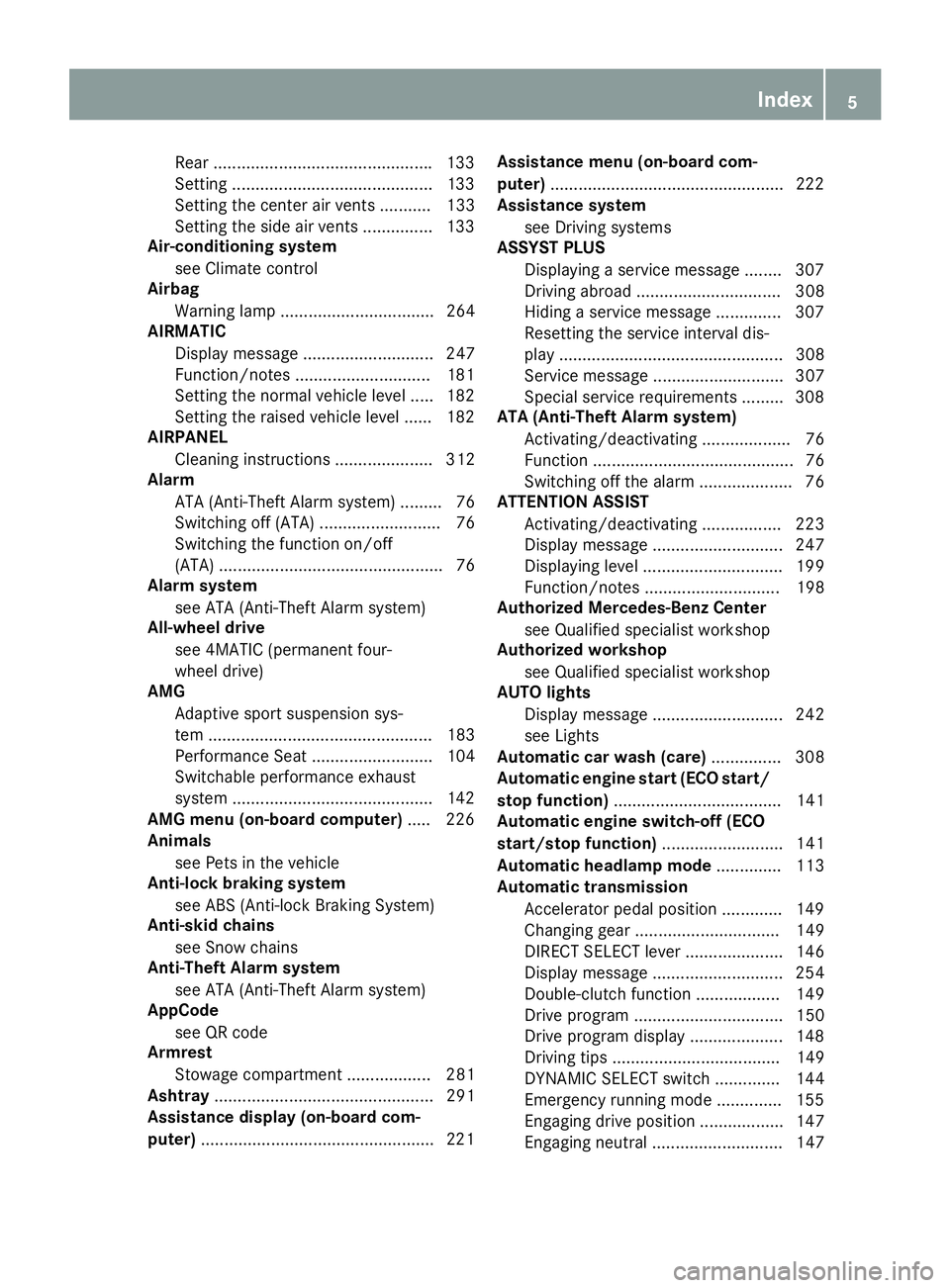
ASSYST PLUS
Displaying a service message ........3 07
Driving abroad ............................... 308
Hiding a service message .............. 307
Resetting the service interval dis-
play ................................................ 308
Service message ............................ 307
Spe cial se
rvice requirements ......... 308
ATA (Anti-Theft Alarm system)
Activating/deactivating ................... 76
Function ........................................... 76
Switching off the alarm .................... 76
ATTENTION ASSIST
Activating/deactivating ................. 223
Display message ............................ 247
Displaying level .............................. 199
Function/notes ............................. 198
Authorized Mercedes-Benz Center
see Qualified specialist workshop
Authorized workshop
see Qualified specialist workshop
AUTO lights
Display message ............................ 242
see Lights
Automatic car wash (care) ............... 308
Automatic engine start (ECO start/
stop function) .................................... 141
Automatic engine switch-off (ECO
start/stop function) .......................... 141
Automatic headlamp mode .............. 113
Automatic transmission
Accelerator pedal position ............. 149
Changing gear ............................... 149
DIRECT SELECT lever ..................... 146
Display message ............................ 254
Double-clutch function .................. 149
Drive program ................................ 150
Drive program display .................... 148
Driving tips .................................... 149
DYNAMIC SELECT switch .............. 144
Emergency running mode .............. 155
Engaging drive position .................. 147
Engaging neutral ............................ 147
Index5
Page 11 of 370
Storing and maintaining current
speed ............................................. 170
Storing the current speed or call-
ing up the last stored speed .......... 170
Cup holder
Center console .............................. 289
Important safety notes .................. 289
Rear compartment ......................... 289
Customer Assistance Center
(CAC) ..................................................... 32
Customer Relations Department ....... 32
D
Dashboard
see Instrument cluster
Dashboard lighting
see Instrument cluster lighting
Data
see Technical data
Data carrier
Selecting ........................................ 219
Daytime running lamp mode
see Daytime running lamps
Daytime running lamps
Display message ............................ 242
Function/notes ............................. 113
Switching on/off (on-board com-
puter) ............................................. 225
DEF
Adding ........................................... 158
Display message ............................ 246
Displaying level and range ............. 221
Filling capacity ............................... 364
Important safety notes .................. 364
Low outside temperatures ............. 364
Purity ............................................. 364
DEF
®
Additives ........................................ 364
Diagnostics connection ...................... 32
Diesel .................................................. 363
Digital Operator's Manual
Help ................................................. 27
Introduction ..................................... 27
Digital speedometer ......................... 215
DIRECT SELECT lever
Automatic transmission ................. 146 Display
see Display messages
see Warning and indicator lamps
Display messages
ASSYST PLUS ................................ 307
Calling up (on-board computer) ..... 230
Driving systems ............................. 247
Engine ............................................ 243
General notes ................................ 229
Hiding (on-board computer) ........... 229
Introduction ................................... 229
Lights ............................................. 242
Safety systems .............................. 231
SmartKey ....................................... 257
Tires ............................................... 252
Vehicle ........................................... 254
Distance control
see Driving system
Distance Pilot DISTRONIC
Activating ....................................... 173
Activation conditions ..................... 173
Cruise control lever ....................... 173
Display Message ............................ 249
Displays in the instrument cluster .. 175
Driving tips .................................... 177
Driving with Distance Pilot
DISTRONIC .................................... 174
Function/notes ............................. 171
Important safety notes .................. 172
Setting a speed .............................. 175
Setting the spe cifie
d minimum
distance ......................................... 175
Stopping ........................................ 174
Switching off .................................. 176
with Steering Pilot ......................... 177
Distance recorder ............................. 214
Distance warning (warning lamp) .... 267
Distance warning function
Function/notes ................................ 68
Distance warning system
see Active Brake Assist
Doors
Automatic locking (switch) ............... 85
Central locking/unlocking
(SmartKey) ....................................... 78
Control panel ................................... 43
Display message ............................ 256
Emergency locking ........................... 85
Index9
Page 15 of 370
Synchronizing the rolling code ....... 301
Gear indicator (on-board com-
puter, Mercedes-AMG vehicles) ....... 226
Genuine parts ...................................... 28
Glove box ........................................... 281
Google™ Local Search
see also Digital Operator's Man-
ual .................................................. 270
H
Handbrakesee Parking brake
Handling control system
see ESP
®(Electronic Stability Program)
HANDS-FREE ACCESS .......................... 88
Handwriting recognition
Switching text reader function
on/off ............................................ 273
Touchpad ....................................... 272
Hazard warning lamps ...................... 115
Head restraints
Adjusting (electrically) ................... 103
Adjusting (manually) ...................... 103
Adjusting (rear) .............................. 103
Adjusting the fore-and-aft posi-
tion manually ................................. 103
General notes ................................ 102
Important safety notes .................. 102
Installing/removing (rear) .............. 103
Head-up display
Adjusting the brightness ................ 224
Displays and operating .................. 213
Function/notes ............................. 213
Important safety notes .................. 213
Selecting displays .......................... 224
Setting the position ....................... 224
Storing settings (memory func-
tion) ............................................... 111
Switching on or off ......................... 213
Headlamps
Display message ............................ 242
Fogging up ..................................... 116
see Automatic headlamp mode
Heating
see Climate control
High beam flasher ............................. 114 High-beam headlamps
Adaptive Highbeam Assist ............. 115
Display message ............................ 242
Replacing bulbs ............................. 118
Switching on/off ........................... 114
Hill start assist .................................. 140
HOLD function
Activating ....................................... 180
Activation conditions ..................... 179
Deactivating ................................... 180
Display message ............................ 249
Function/notes ............................. 179
General notes ................................ 179
Home address
see also Digital Operator's Man-
ual .................................................. 270
Hood
Closing ........................................... 304
Display message ............................ 256
Important safety notes .................. 303
Opening ......................................... 303
Horn ...................................................... 36
HUD
see Head-up display
Hydroplaning ..................................... 168
I
Ignition key
see SmartKey
Ignition lock
see Key positions
Immobilizer .......................................... 76
Indicator lamp
Replacing bulbs (rear) .................... 119
Indicator lamps
see Warning and indicator lamps
Indicators
see Turn signals
Insect protection on the radiator .... 304
Inspection
see ASSYST PLUS
Instrument cluster
Overview .......................................... 37
Warning and indicator lamps ........... 37
Instrument cluster lighting .............. 210
Interior lighting
Automatic control .......................... 117
Index13
Page 22 of 370
Adjusting the 4-way lumbar sup-
port ................................................ 104
Adjusting the head restraint .......... 102
Calling up a stored setting (mem-
ory function) .................................. 111
Cleaning the cover ......................... 314
Folding the backrest (rear com-
partment) forwards/back .............. 283
Important safety notes .................. 100
Seat heating .................................. 104
Seat heating problem .................... 105
Seat ventilation .............................. 105
Seat ventilation problem ................ 105
Storing settings (memory func-
tion) ............................................... 111
Securing a load
see Securing cargo
Securing cargo .................................. 285
Selecting a gear
see Automatic transmission
Selector lever
Cleaning ......................................... 314
see Automatic transmission
Sensors (cleaning instructions) ....... 312
Service center
see Qualified specialist workshop
Service Center
see Qualified specialist workshop
Service menu (on-board com-
puter) .................................................. 221
Service message
see ASSYST PLUS
Service products
Brake fluid ..................................... 365
Coolant (engine) ............................ 365
DEF special additives ..................... 364
Engine oil ....................................... 364
Fuel ................................................ 361
Important safety notes .................. 361
Refrigerant (air-conditioning sys-
tem) ............................................... 367
Washer fluid ................................... 366
Setting the date/time format
see also Digital Operator's Man-
ual .................................................. 270
Setting the language
see also Digital Operator's Man-
ual .................................................. 270 Setting the time
see also Digital Operator's Man-
ual .................................................. 270
Settings
Factory (on-board computer) ......... 226
On-board computer ....................... 222
SETUP (on-b oard c
omputer,
Mercedes-AMG vehicles) .................. 227
Side impact air bag ............................. 51
Side marker lamp (display mes-
sage) ................................................... 242
Side windows
Cleaning ......................................... 311
Convenience closing feature ............ 92
Convenience opening feature .......... 92
Important safety information ........... 90
Opening/closing .............................. 91
Problem (malfunction) ..................... 93
Resetting ......................................... 93
Reversing feature ............................. 91
SIRIUS services
see also Digital Operator's Man-
ual .................................................. 270
Ski and snowboard bag .................... 282
Sliding sunroof
Important safety notes .................... 94
Opening/closing .............................. 95
Problem (malfunction) ..................... 98
Resetting ......................................... 95
see Panorama roof with power
tilt/sliding panel
SmartKey
Changing the battery ....................... 81
Changing the programming ............. 80
Checking the battery ....................... 81
Convenience closing feature ............ 92
Convenience opening feature .......... 92
Display message ............................ 257
Door central locking/unlocking ....... 78
Important safety notes .................... 78
KEYLESS-GO start function .............. 80
Loss ................................................. 82
Mechanical key ................................ 80
Overview .......................................... 78
Positions (ignition lock) ................. 136
Problem (malfunction) ..................... 82
Starting the engine ........................ 138
20Index
Page 227 of 370
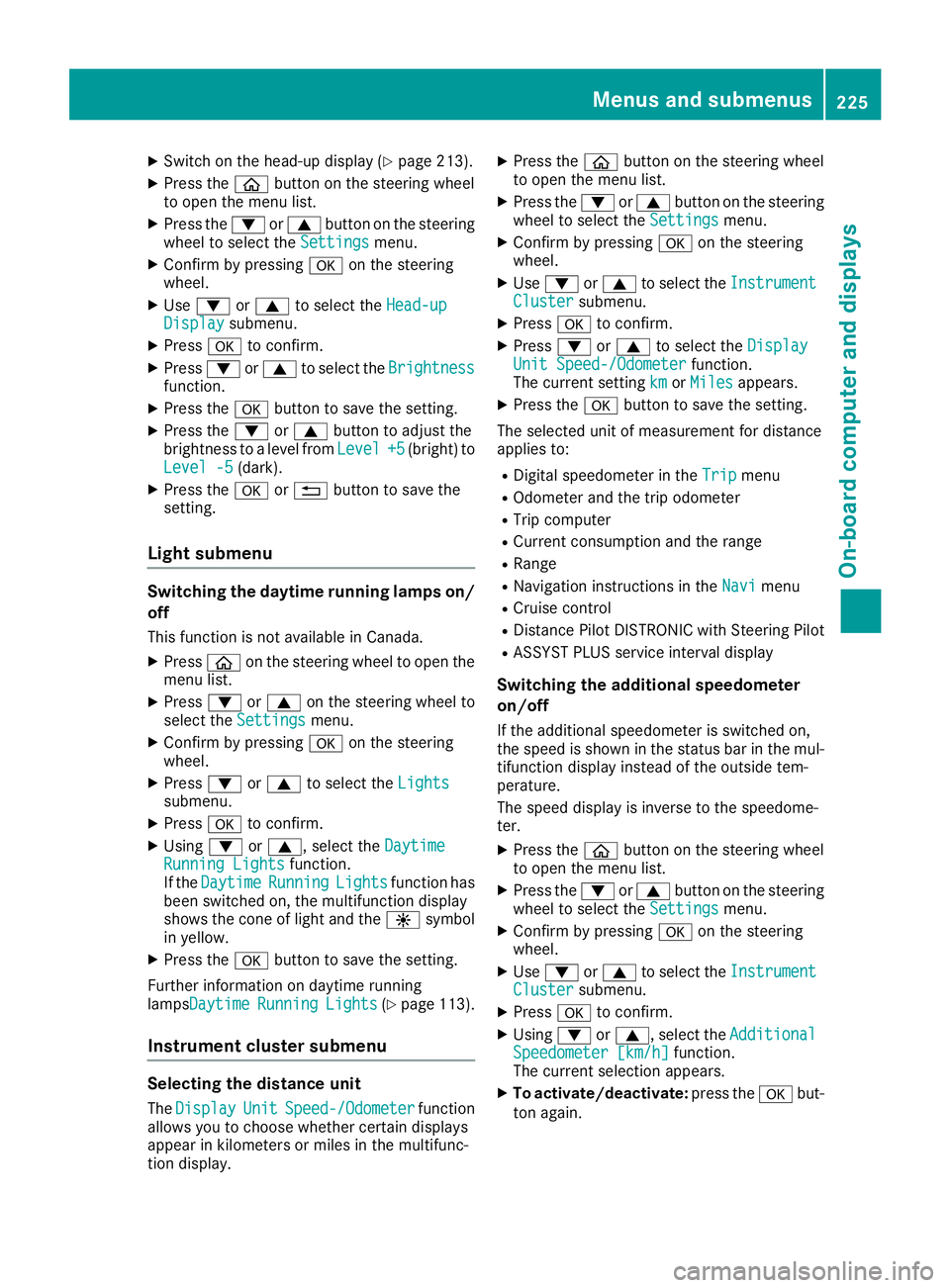
XSwitch on the head-up display (Ypage 213).
XPress theòbutton on the steering wheel
to open the menu list.
XPress the :or9 button on the steering
wheel to select the Settingsmenu.
XConfirm by pressing aon the steering
wheel.
XUse : or9 to select the Head-upDisplaysubmenu.
XPressato confirm.
XPress :or9 to select the Brightnessfunction.
XPress theabutton to save the setting.
XPress the :or9 button to adjust the
brightness to a level from Level+5(bright) to
Level -5(dark).
XPress the aor% button to save the
setting.
Light submenu
Switching the daytime running lamps on/
off
This function is not available in Canada.
XPress òon the steering wheel to open the
menu list.
XPress :or9 on the steering wheel to
select the Settingsmenu.
XConfirm by pressing aon the steering
wheel.
XPress :or9 to select the Lightssubmenu.
XPressato confirm.
XUsing :or9, select the DaytimeRunning Lightsfunction.
If the DaytimeRunningLightsfunction has
been switched on, the multifunction display
shows the cone of light and the Wsymbol
in yellow.
XPress the abutton to save the setting.
Further information on daytime running
lampsDaytime
RunningLights(Ypage 113).
Instrument cluster submenu
Selecting the distance unit
The DisplayUnitSpeed-/Odometerfunction
allows you to choose whether certain displays
appear in kilometers or miles in the multifunc-
tion display.
XPress the òbutton on the steering wheel
to open the menu list.
XPress the :or9 button on the steering
wheel to select the Settingsmenu.
XConfirm by pressing aon the steering
wheel.
XUse : or9 to select the InstrumentClustersubmenu.
XPressato confirm.
XPress :or9 to select the DisplayUnit Speed-/Odometerfunction.
The current setting kmorMilesappears.
XPress the abutton to save the setting.
The selected unit of measurement for distance
applies to:
RDigital speedometer in the Tripmenu
ROdometer and the trip odometer
RTrip computer
RCurrent consumption and the range
RRange
RNavigation instructions in the Navimenu
RCruise control
RDistance Pilot DISTRONIC with Steering Pilot
RASSYST PLUS service interval display
Switching the additional speedometer
on/off
If the additional speedometer is switched on,
the speed is shown in the status bar in the mul-
tifunction display instead of the outside tem-
perature.
The speed display is inverse to the speedome-
ter.
XPress theòbutton on the steering wheel
to open the menu list.
XPress the :or9 button on the steering
wheel to select the Settingsmenu.
XConfirm by pressing aon the steering
wheel.
XUse : or9 to select the InstrumentClustersubmenu.
XPressato confirm.
XUsing :or9, select the AdditionalSpeedometer [km/h]function.
The current selection appears.
XTo activate/deactivate: press theabut-
ton again.
Menus and submenus225
On-board computer and displays
Z
Page 309 of 370
XIf necessary, add coolant that has been tested
and approved by Mercedes-Benz.
XReplace cap:and turn it clockwise as far as
it will go.
For further information on coolant, see
(
Ypage 365).
Adding washer fluid to the windshield
washer system
GWARNING
Windshield washer concentrate could ignite if it comes into contact with hot engine compo-
nents or the exhaust system. There is a risk of
fire and injury.
Make sure that no windshield washer con-
centrate is spilled next to the filler neck.
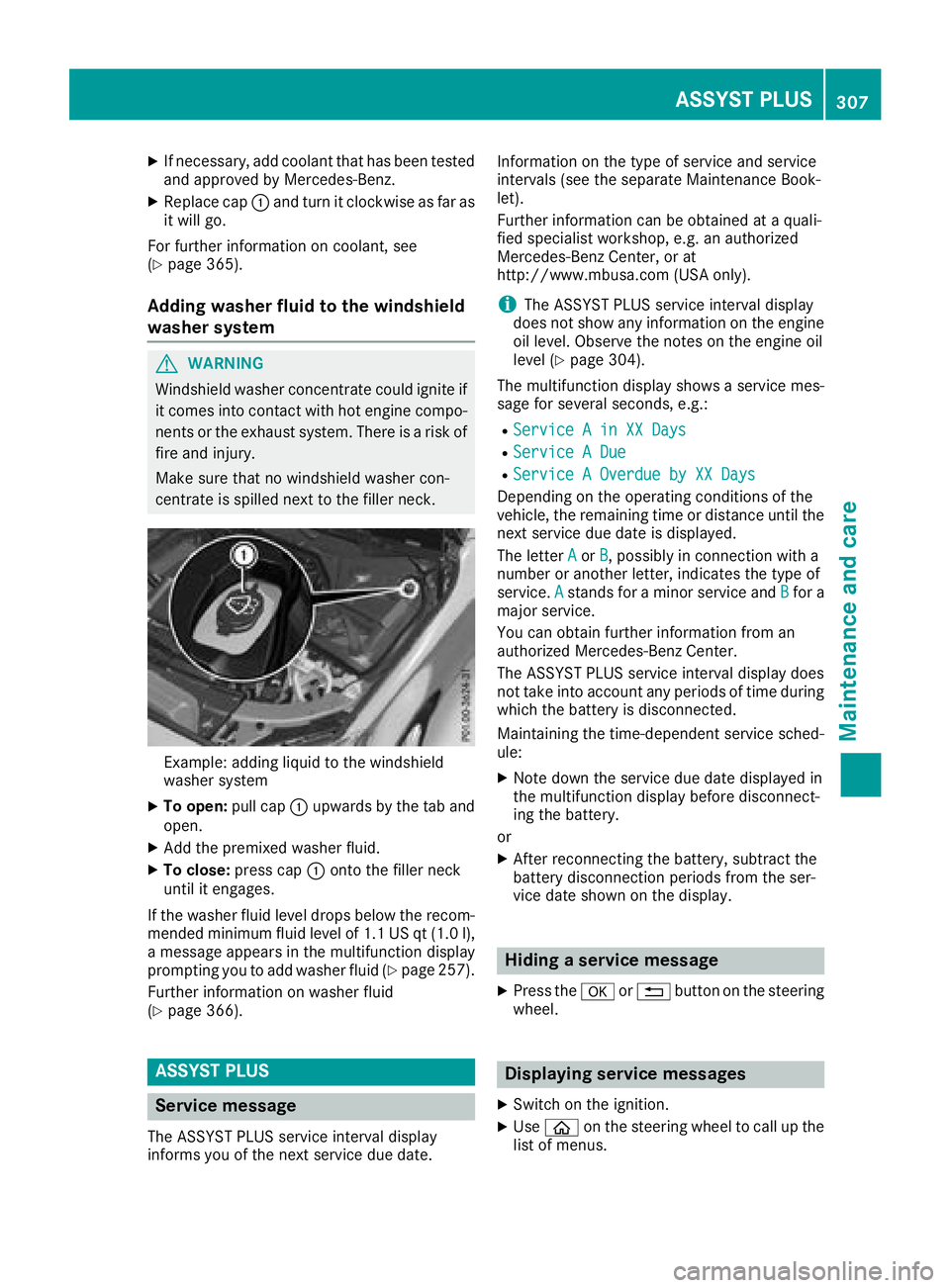
Example: adding liquid to the windshield
washer system
XTo open: pull cap:upwards by the tab and
open.
XAdd the premixed washer fluid.
XTo close: press cap :onto the filler neck
until it engages.
If the washer fluid level drops below the recom-
mended minimum fluid level of 1.1 US qt (1.0 l),
a message appears in the multifunction display
prompting you to add washer fluid (
Ypage 257).
Further information on washer fluid
(
Ypage 366).
ASSYST PLUS
Service message
The ASSYST PLUS service interval display
informs you of the next service due date. Information on the type of service and service
intervals (see the separate Maintenance Book-
let).
Further information can be obtained at a quali-
fied specialist workshop, e.g. an authorized
Mercedes-Benz Center, or at
http://www.mbusa.com (USA only).
iThe ASSYST PLUS service interval display
does not show any information on the engine
oil level. Observe the notes on the engine oil
level (
Ypage 304).
The multifunction display shows a service mes-
sage for several seconds, e.g.:
RService A in XX Days
RService A Due
RService A Overdue by XX Days
Depending on the operating conditions of the
vehicle, the remaining time or distance until the
next service due date is displayed.
The letter A
orB, possibly in connection with a
number or another letter, indicates the type of
service. A
stands for a minor service and Bfor a
major service.
You can obtain further information from an
authorized Mercedes-Benz Center.
The ASSYST PLUS service interval display does
not take into account any periods of time during
which the battery is disconnected.
Maintaining the time-dependent service sched-
ule:
XNote down the service due date displayed in
the multifunction display before disconnect-
ing the battery.
or
XAfter reconnecting the battery, subtract the
battery disconnection periods from the ser-
vice date shown on the display.
Hiding a service message
XPress the aor% button on the steering
wheel.
Displaying service messages
XSwitch on the ignition.
XUse ò on the steering wheel to call up the
list of menus.
ASSYST PLUS307
Maintenance and care
Z
Page 310 of 370
XPress9or: on the steering wheel to
select the Servicemenu and confirm with
a.
XPress 9or: on the steering wheel to
select the ASSYST PLUSsubmenu and con-
firm with a.
The service due date appears in the multi-
function display.
Information about Service
Resetting the ASSYST PLUS service
interval display
!If the ASSYST PLUS service interval display
has been inadvertently reset, this setting can
be corrected at a qualified specialist work-
shop.
Have service work carried out as described in
the Maintenance Booklet. This may otherwise
lead to increased wear and damage to the
major assemblies or the vehicle.
A qualified specialist workshop, e.g. an author-
ized Mercedes-Benz Center, will reset the
ASSYST PLUS service interval display after the
service work has been carried out. You can also
obtain further information on maintenance
work, for example.
Special service requirements
The specified maintenance interval takes only
the normal operation of the vehicle into
account. Under arduous operating conditions or
increased load on the vehicle, maintenance
work must be carried out more frequently, for
example:
Rregular city driving with frequent intermediate
stops
Rif the vehicle is primarily used to travel short
distances
Ruse in mountainous terrain or on poor road
surfaces
Rif the engine is often left idling for long periods
Under these or similar conditions, have, for
example, the air filter, engine oil and oil filter
replaced or changed more frequently. Under
arduous operating conditions, the tires must be
checked more often. Further information can be obtained at a qualified specialist workshop, e.g.
an authorized Mercedes-Benz Center.
Driving abroad
An extensive Mercedes-Benz Service network is
also available in other countries. You can obtain
further information from any authorized
Mercedes-Benz Center.
Care
General notes
!
For cleaning your vehicle, do not use any of
the following:
Rdry, rough or hard cloths
Rabrasive cleaning agents
Rsolvents
Rcleaning agents containing solvents
Do not scrub.
Do not touch the surfaces or protective films
with hard objects, e.g. a ring or ice scraper.
You could otherwise scratch or damage the
surfaces and protective film.
!Do not park your vehicle for a long period of
time directly after cleaning, particularly after
cleaning the wheel rim with wheel cleaner.
Wheel cleaner can lead to the increased cor-
rosion of the brake discs and pads. Therefore,
drive for a few minutes after cleaning. By
heating up the brakes, the brake discs and
pads dry. The vehicle can then be parked for a
long period of time.
HEnvironmental note
Dispose of empty packaging and cleaning
cloths in an environmentally responsible man-
ner.
Regular care of your vehicle is a condition for
retaining the quality in the long term.
Use care products and cleaning agents recom-
mended and approved by Mercedes-Benz.
Washing the vehicle and cleaning the
paintwork
Automatic car wash
GWARNING
Braking efficiency is reduced after washing
the vehicle. There is a risk of an accident.
308Care
Maintenance and care