display MERCEDES-BENZ C CLASS 2019 Owners Manual
[x] Cancel search | Manufacturer: MERCEDES-BENZ, Model Year: 2019, Model line: C CLASS, Model: MERCEDES-BENZ C CLASS 2019Pages: 534, PDF Size: 19.88 MB
Page 516 of 534
Mobile phonevoicerecognitionStarting ...............................................308Stopping ..............................................308
Model seriesseeVehicle identification plate
MOExtended tires....................................370
Multifunction displayOverview of displays............................ 230
Multifunctionsteering wheelOverview of buttons ............................ 227
Multifunctionsteering wheelseeSteering wheel
Multimedia system.................................254Activating/deactivatingstandbymode ...................................................170Adjuststhevolume .............................. 261Central control elements .....................255Configuring displaysettings ................263ENERGIZING comfort program (over‐view) ....................................................275Enteringcharacters .............................261Favorites ............................................. 258Main functions .................................... 258Overview ............................................. 254
Rear climate control ............................14 0Restoringthefactory settings ..............274Standby mode function .......................170Startingthe ENERGIZING comfortprogram ...............................................276Switchingthe sound on or off .............260
Multimedia systemseeTouch ControlseeTouchpad
N
NavigationMenu (on-board computer) .................. 233Showing/hidingthe menu ...................277Switching on ........................................276Updatingthe map data ........................ 300Voice commands (Voice Control Sys‐tem) .....................................................24 3
Navigationsee Destinationsee Destination entrysee MapseeRouteseeRoute guidanceseeTraffic information
Navigation announcementsActivating/deactivating .......................290Adjustingthevolume ...........................290Repeating ............................................ 291Switching audiofadeout on/off .......... 290
Navigation messagesOn-board computer ............................. 233
NearField Communication (NFC).......... 307Connectingthe mobile phonetothemultimedia system .............................. 307Information .......................................... 307
Switching Bluetooth®audio equip‐ment .................................................... 341Switching mobile phones .................... 307Using a mobile phone .......................... 307
NeutralInserting ..............................................15 5
NFCsee Near Field Communication (NFC)
Non-operational timeActivating/deactivatingstandbymode ...................................................170Standby mode function .......................170
Notes on breaking-in a newvehicle.......147
514Index
Page 517 of 534
O
Occupant safetyPets inthevehicle ................................. 62
Occupant safetysee AirbagseeAutomatic front passenger frontairbag shutoff
see PRE-SAFE®(anticipatory occu‐pant protection)
see PRE-SAFE®PLUS (anticipatoryoccupant protection plus)seeRestraint systemsee Seat belt
OdometerseeTotal distance
Oilsee Engine oil
On-board computer................................. 228Assistance graphic menu ..................... 231Displayingthe service due date ........... 351Head-up Display menu ........................ 237Media menu ........................................235Menu designs ...................................... 229Menuoverview .................................... 228
Multifunction display ...........................230Navigation system menu ..................... 233Operating ............................................ 228Radio menu .........................................235Service menu ...................................... 231Telephone menu .................................. 236Trip menu ............................................ 232
On-boarddiagnostics interfacesee Diagnostics connection
Open-source software...............................31
Openingthe trunk lid usingyourfootHANDS-FREEACCESS ...........................76
OperatingfluidsAdditives (fuel) .................................... 427Brakefluid ...........................................428Coolant (engine) .................................. 429Engine oil ............................................. 427Fuel (gasoline) .....................................426Notes .................................................. 425Refrigerant (air conditioning system) ... 430Windshieldwasherfluid ...................... 429
Operating safetyDeclaration of conformity (wirelessvehicle components) ............................. 25
Information ............................................24
Operating systemsee On-board computer
Operator's ManualVehicle equipment ................................. 22
Operator's Manual (digital)......................20
Overhead control panelMaking calls (Mercedes me connect) ..319Overview ................................................14
P
Paint code................................................ 423
Paintwork (cleaning instructions).......... 361
Panic alarm................................................ 65Activating/deactivating ......................... 65
Panoramic sliding sunroofsee Sliding sunroof
ParkpositionInserting ..............................................15 5Selecting automatically.......................15 5
Parkingsee Electric parking brake
Index515
Page 518 of 534
Parking aidseeParking AssistPARKTRONIC
Parking AssistPARKTRONIC.................. 200Activating ............................................ 202Adjustingwarningtones ...................... 203Function .............................................. 200Side impact protection ........................ 201Switching off ....................................... 202System limitations ...............................200
Parking assistance systemsseeActiveParking Assist
Parking brakesee Electric parking brake
Parkingfor anextended period..............16 9
Parking lights...........................................122
Parking positionExterior mirrors...................................13 5Storingthe position ofthe front-passenger outside mirror usingreversegear .........................................136
PASSENGER AIRBAGstatus displayseeAutomatic front passenger frontairbag shutoff
PayloadCalculationexample ............................ 401Determiningthe maximum .................. 400
PerfumeseePerfume atomizer
Perfume atomizer....................................14 2Inserting/removingtheflacon .............142Setting .................................................141
Perfume vialseePerfume atomizer
Permittedtowing methods.....................381
Personalizationsee User profile
Pets in thevehicle.....................................62
Phone booksee Contacts
PictureformatsseeVideo mode
Picture settingsseeVideo mode
PIN protectionActivating/deactivating .......................270
Plastic trim (Care)................................... 365
Playback optionsSelecting ............................................. 333
POISelecting ............................................. 280
POI symbolsSelecting ............................................. 298
Power supplySwitching on (Start/Stop button) ........14 4
Powerwasher (care)...............................359
Power windowssee Side windows
PRE-SAFE®(anticipatory occupantprotection).................................................47Function ................................................47
PRE-SAFE®Sound .................................47Reversing measures .............................. 48
PRE-SAFE®PLUS (anticipatoryoccu‐pant protection plus)................................ 48Function ................................................ 48Reversing measures .............................. 48
516Index
Page 519 of 534
Preventative occupant protection sys‐tem
see PRE-SAFE®(anticipatory occu‐pant protection)
Previous destinationsSelecting .............................................280
ProgramsseeDYNAMIC SELECT
Protectingthe environmentNotes .....................................................21
Q
QR codeRescue card .......................................... 28
Qualified specialistworkshop................. 26
R
Radar sensorsFoil covering ........................................171
RadioActivating/deactivatingradiotext ....... 345Calling upthestation list .....................344Deletingchannels ................................ 344
Direct frequency entry........................ 344Displaying information ......................... 345Displayingradiotext ............................ 345Editingstation presets ........................ 344Menu (on-board computer) .................. 235Movingstations ...................................344Overview ............................................. 343Searchingforstations .........................344Setting achannel ................................ 344Settingthewaveband .......................... 344Storingradiostations .......................... 344Switching on .......................................342Switchingthe HDradio functionon/off .................................................344Voice commands (Voice Control Sys‐tem) .....................................................247
RadiostationsDialing (on-boardcomputer) ................235
Rain closing functionSliding sunroof ...................................... 86
RangeDisplaying ............................................ 232
Reading lightsee Interior lighting
Realwood (Care).....................................365
Rear climate controlSetting .................................................14 0
Rear door (child safety lock).....................61
Rearfog lampSwitching on/off .................................123
Rear seatsee Seat
Rear view camera....................................204Care.................................................... 364Function .............................................. 204Openingthe camera cover (360°Camera) ..............................................209Settingfavorites (360° Camera) ......... 209
Rear windowRoller sunblind ...................................... 79
Rear window defroster...........................138
Reflective safetyvest............................. 368
Refrigerant (air conditioning system)Notes .................................................. 430
RefuelingRefuelingthevehicle ...........................15 9
Index517
Page 520 of 534
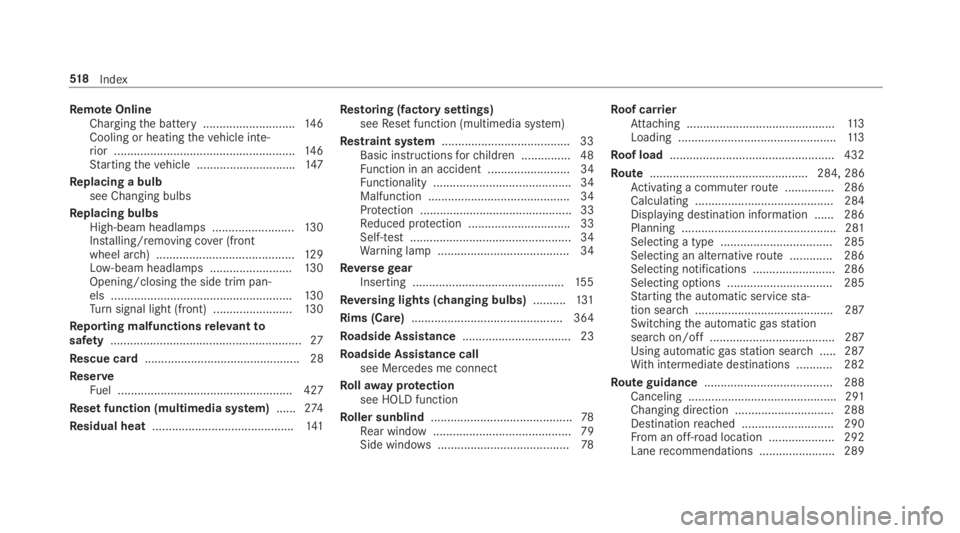
RemoteOnlineChargingthe battery ............................146Cooling or heatingthevehicle inte‐rior .......................................................146Startingthevehicle ..............................147
Replacing a bulbsee Changing bulbs
Replacing bulbsHigh-beam headlamps .........................13 0Installing/removing cover (frontwheel arch) ..........................................12 9Low-beam headlamps .........................130Opening/closingthe side trim pan‐els .......................................................130Turnsignal light (front) ........................13 0
Reporting malfunctionsrelevanttosafety..........................................................27
Rescue card............................................... 28
ReserveFuel ..................................................... 427
Reset function (multimedia system)......274
Residual heat...........................................141
Restoring (factory settings)seeReset function (multimedia system)
Restraint system.......................................33Basic instructionsforchildren ...............48Function in an accident ......................... 34Functionality .......................................... 34Malfunction ........................................... 34Protection ..............................................33Reduced protection ...............................33Self-test ................................................. 34Warning lamp ........................................ 34
ReversegearInserting ..............................................15 5
Reversing lights (changing bulbs)..........131
Rims (Care).............................................. 364
Roadside Assistance................................. 23
Roadside Assistance callsee Mercedes me connect
Rollawayprotectionsee HOLD function
Roller sunblind...........................................78Rear window.......................................... 79Side windows........................................78
Roof carrierAttaching .............................................113Loading ................................................11 3
Roof load.................................................. 432
Route................................................ 284, 286Activating a commuterroute ...............286Calculating .......................................... 284Displaying destination information ...... 286Planning ...............................................281Selecting a type .................................. 285Selecting an alternativeroute .............286Selecting notifications ......................... 286Selecting options ................................ 285Startingthe automatic servicesta‐tion search.......................................... 287Switchingthe automaticgasstationsearchon/off ...................................... 287Using automaticgasstation search..... 287Withintermediate destinations ...........282
Route guidance....................................... 288Canceling ............................................. 291Changing direction .............................. 288Destinationreached ............................ 290From an off-road location .................... 292Lanerecommendations ....................... 289
518Index
Page 521 of 534
Notes .................................................. 288Off-road ............................................... 292Toan off-road destination .................... 291
Route-based speed adaptationDisplays inthe Instrument Display ......19 3Function ..............................................188
Route-based speed adjustmentSetting .................................................189
Run-flatcharacteristicsMOExtended tires ................................370
S
Safety systemssee Driving safety system
Satellite map............................................ 301
SatelliteradioActivating/deactivatingTuneStart....... 348Adding achanneltoSmartFavorites ... 348Deleting achannel ...............................347Displaying EPG information .................347Displaying service information ............ 349Information .......................................... 345Information about SmartFavoritesandTuneStart...................................... 348
Logging in ............................................ 345Moving achannel ................................ 347Music and sport alerts function ...........347Overview ............................................. 346Pause and playback function ...............348Restrictions ......................................... 345Selecting a category............................ 347Selecting achannel .............................347Setting music and sportalerts ............ 347Settingthe parental control ................. 347Storing achannel ................................ 347Switching on .......................................345
SD cardInserting/removing .............................331
Seat............................................... 90,91,1064-waylumbar support ...........................95Adjusting (electrically) ...........................95Adjusting (manually and electrically).........................................................91, 93Backrest (rear) locking ........................108Configuringthe settings ........................97Correct driver's seat position ................ 90Foldingthe backrest (rear passengercompartment) back .............................107Foldingthe backrest (rear)forwards ....106
Massage programoverview ...................98Operatingthe memory function ..........102Resettingthe settings ............................98Setting options ......................................16Workout programoverview .................... 98
Seat belt.....................................................36Centerrear seat (releasing) ...................38Protection ..............................................36
Seat belt adjustmentActivating/deactivating ......................... 39Function ................................................ 39
Seat beltwarningsee Seat belts
Seat belts...................................................39Activating/deactivating seat beltadjustment ............................................ 39Adjustingthe height .............................. 38Care ....................................................365Fastening ............................................... 38Reduced protection ...............................37Releasing ...............................................39Seat belt adjustment (function) ............. 39Warning lamp ........................................ 39
Seat cover (Care).....................................365
Index519
Page 522 of 534
Seat heatingActivating/deactivating ......................... 98
SeatventilationSwitching on/off................................... 99
Secondtelephone...................................305Connecting .......................................... 305Features .............................................. 305
Selecting agearsee Changinggears
Selector leversee DIRECT SELECT lever
Self-testAutomatic front passenger front air‐bag shutoff ............................................44
Sensors (Care)......................................... 364
Service centersee Qualified specialistworkshop
Service interval displaysee ASSYSTPLUS
Servicestation searchStarting automatic search................... 287
Setting a speedsee Cruise control
Setting summer time.............................. 264
Setting the dateformat.......................... 265
Settingthe distance unit........................ 269
Settingthe map scalesee Map
Shift paddlesseeSteering wheel paddle shifters
ShiftinggearsGearshiftrecommendation ..................157
Short messagesseeText messages
Side airbag.................................................40
Side impact protection...........................201
Side windows............................................. 80Child safety lockintherearpassenger compartment .......................62Closing .................................................. 80Closing usingthe SmartKey................... 82Convenience closingfeature .................82Convenience opening ............................81Opening .................................................80Opening withthe SmartKey...................81Problem .................................................82
Roller sunblind .......................................78
Size designation (tires)........................... 406
Sliding sunroof.......................................... 83Automatic functions .............................. 86Closing .................................................. 83Closing usingthe SmartKey................... 82Opening ................................................. 83Opening with the SmartKey...................81Problem .................................................86Rain closing function .............................86
SmartKey...................................................64Acoustic lockingverification signal ....... 65Battery .................................................. 66Energy consumption .............................. 65Features ................................................64Keyring attachment .............................. 66Mechanicalkey ...................................... 66Overview ...............................................64Panic alarm ........................................... 65Problem .................................................67Unlocking setting .................................. 65
SmartKey functionsDeactivating .......................................... 65
520Index
Page 525 of 534
Technical dataInformation .......................................... 421Tirepressure monitor .......................... 397Vehicle identification plate .................. 423
Telephone........................................ 236, 303Activating functions during a call ........ 308Call andringtonevolume .....................308Calls with several participants .............308Connecting a mobile phone (NearField Communication (NFC)) ...............307Connecting a mobile phone (Pass‐key) .....................................................304Connecting a mobile phone (SecureSimplePairing) .................................... 304De-authorizing a mobile phone ............ 306Disconnecting a mobile phone ............ 306Importing contacts ...............................311Importing contacts (overview) .............310Incoming call during anexisting call .... 309Information .......................................... 304Interchanging mobile phones .............. 306Menu (on-board computer) .................. 236Mobile phonevoicerecognition .......... 308Notes .................................................. 302Operating modes ................................. 304
Reception and transmissionvolume .... 307Switching mobile phones (Near FieldCommunication (NFC)) ........................ 307Telephone menuoverview ...................303Telephone operation ............................ 308Using Near Field Communication(NFC) ...................................................307Voice commands (Voice Control Sys‐tem) .....................................................24 6Wirelesscharging (mobile phone) ........12 0
Telephonesee Secondtelephone
Telephone numberDialing (on-board computer) ................ 236
Telephony operating modes
Bluetooth®Telephony .......................... 304
Telephony operating modessee Secondtelephone
Temperature............................................13 8
Temperaturegrade.................................. 403
Text messages.........................................312Calling a message sender ....................313Changingfolders ..................................314
Composing ...........................................313Configuringthe displayedtext mes‐sages ...................................................312Deleting ...............................................314Drafts ..................................................314Notes ...................................................312Options ................................................314Outbox .................................................314Read-aloud function .............................313Reading ................................................313Replying ...............................................313Sending ................................................313Voice commands (Voice Control Sys‐tem) ..................................................... 250
Through-loadingfeaturesee Seat
TimeManual time setting ............................. 265Setting summer time ........................... 264Settingthe time and date automati‐cally ..................................................... 264Settingthe time zone .......................... 264Settingthe time/dateformat .............. 265
TIN (Tire IdentificationNumber)............404
Index523
Page 527 of 534
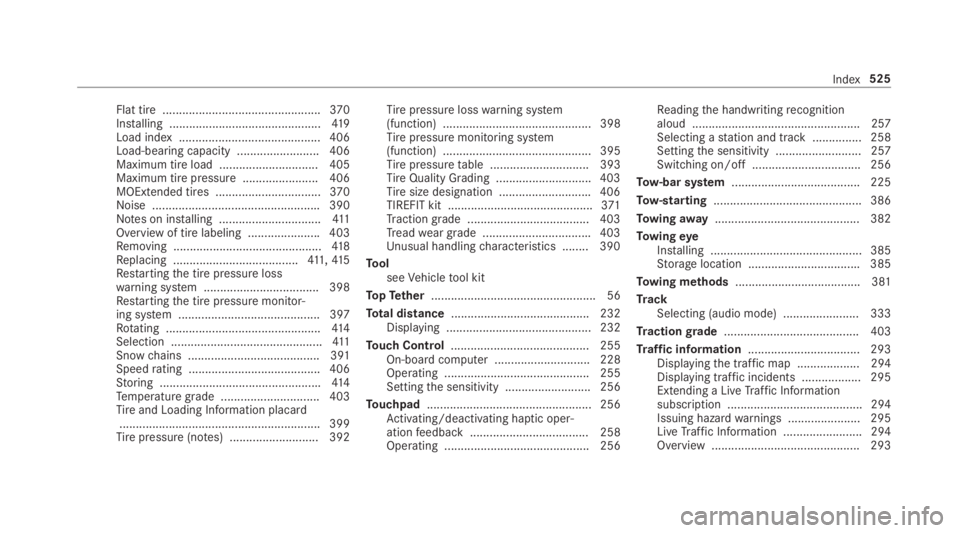
Flat tire ................................................370Installing ..............................................419Load index ........................................... 406Load-bearing capacity ......................... 406Maximum tire load .............................. 405Maximum tire pressure ....................... 406MOExtended tires ................................370Noise ...................................................390Notes on installing ...............................411Overview of tire labeling ......................403Removing .............................................41 8Replacing ......................................411,41 5Restartingthe tire pressure losswarning system ................................... 398Restartingthe tire pressure monitor‐ing system ...........................................397Rotating ...............................................414Selection ..............................................411Snowchains ........................................ 391Speedrating ........................................ 406Storing .................................................414Temperature grade .............................. 403Tireand Loading Information placard.............................................................399Tirepressure (notes) ........................... 392
Tirepressure losswarning system(function) ............................................. 398Tirepressure monitoring system(function) ............................................. 395Tirepressuretable .............................. 393TireQuality Grading ............................. 403Tiresize designation ............................406TIREFIT kit ............................................371Tractiongrade .....................................403Treadwear grade .................................403Unusual handlingcharacteristics ........ 390
ToolseeVehicletool kit
TopTether.................................................. 56
Total distance.......................................... 232Displaying ............................................ 232
Touch Control.......................................... 255On-board computer ............................. 228Operating ............................................ 255Settingthe sensitivity .......................... 256
Touchpad.................................................. 256Activating/deactivating haptic oper‐ationfeedback .................................... 258Operating ............................................ 256
Readingthe handwritingrecognitionaloud ................................................... 257Selecting astation and track ...............258Settingthe sensitivity .......................... 257Switching on/off ................................. 256
Tow-bar system.......................................225
Tow-starting............................................. 386
Towingaway............................................ 382
TowingeyeInstalling .............................................. 385Storage location ..................................385
Towing methods...................................... 381
TrackSelecting (audio mode) ....................... 333
Tractiongrade......................................... 403
Traffic information.................................. 293Displayingthe traffic map ...................294Displaying traffic incidents .................. 295Extending a LiveTraffic Informationsubscription ......................................... 294Issuing hazardwarnings ...................... 295LiveTraffic Information ........................ 294Overview ............................................. 293
Index525
Page 528 of 534
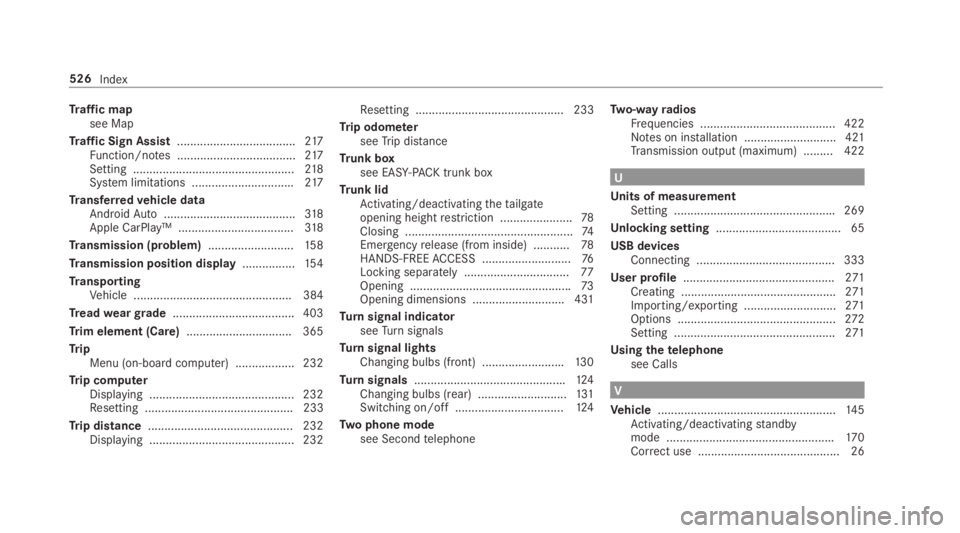
Traffic mapsee Map
Traffic Sign Assist....................................217Function/notes ....................................217Setting .................................................218System limitations ...............................217
Transferredvehicle dataAndroidAuto........................................318Apple CarPlay™ ...................................318
Transmission (problem)..........................15 8
Transmission position display................154
TransportingVehicle ................................................ 384
Treadweargrade..................................... 403
Trim element (Care)................................ 365
TripMenu (on-board computer) .................. 232
Trip computerDisplaying ............................................ 232Resetting ............................................. 233
Trip distance............................................ 232Displaying ............................................ 232
Resetting ............................................. 233
Trip odometerseeTrip distance
Trunk boxsee EASY-PACK trunk box
Trunk lidActivating/deactivatingthetailgateopening heightrestriction ......................78Closing ...................................................74Emergencyrelease (from inside) ...........78HANDS-FREEACCESS ...........................76Locking separately................................77Opening .................................................73Opening dimensions ............................431
Turnsignal indicatorseeTurnsignals
Turnsignal lightsChanging bulbs (front) .........................130
Turnsignals..............................................124Changing bulbs (rear) ...........................131Switching on/off .................................124
Two phone modesee Secondtelephone
Two-wayradiosFrequencies ......................................... 422Notes on installation ............................ 421Transmission output (maximum) .........422
U
Units of measurementSetting .................................................269
Unlocking setting...................................... 65
USB devicesConnecting .......................................... 333
User profile..............................................271Creating ...............................................271Importing/exporting ............................271Options ................................................272Setting .................................................271
Usingthetelephonesee Calls
V
Vehicle......................................................14 5Activating/deactivatingstandbymode ...................................................170Correct use ........................................... 26
526Index