climate settings MERCEDES-BENZ C-CLASS SALOON 2014 User Guide
[x] Cancel search | Manufacturer: MERCEDES-BENZ, Model Year: 2014, Model line: C-CLASS SALOON, Model: MERCEDES-BENZ C-CLASS SALOON 2014Pages: 489, PDF Size: 14.88 MB
Page 194 of 489
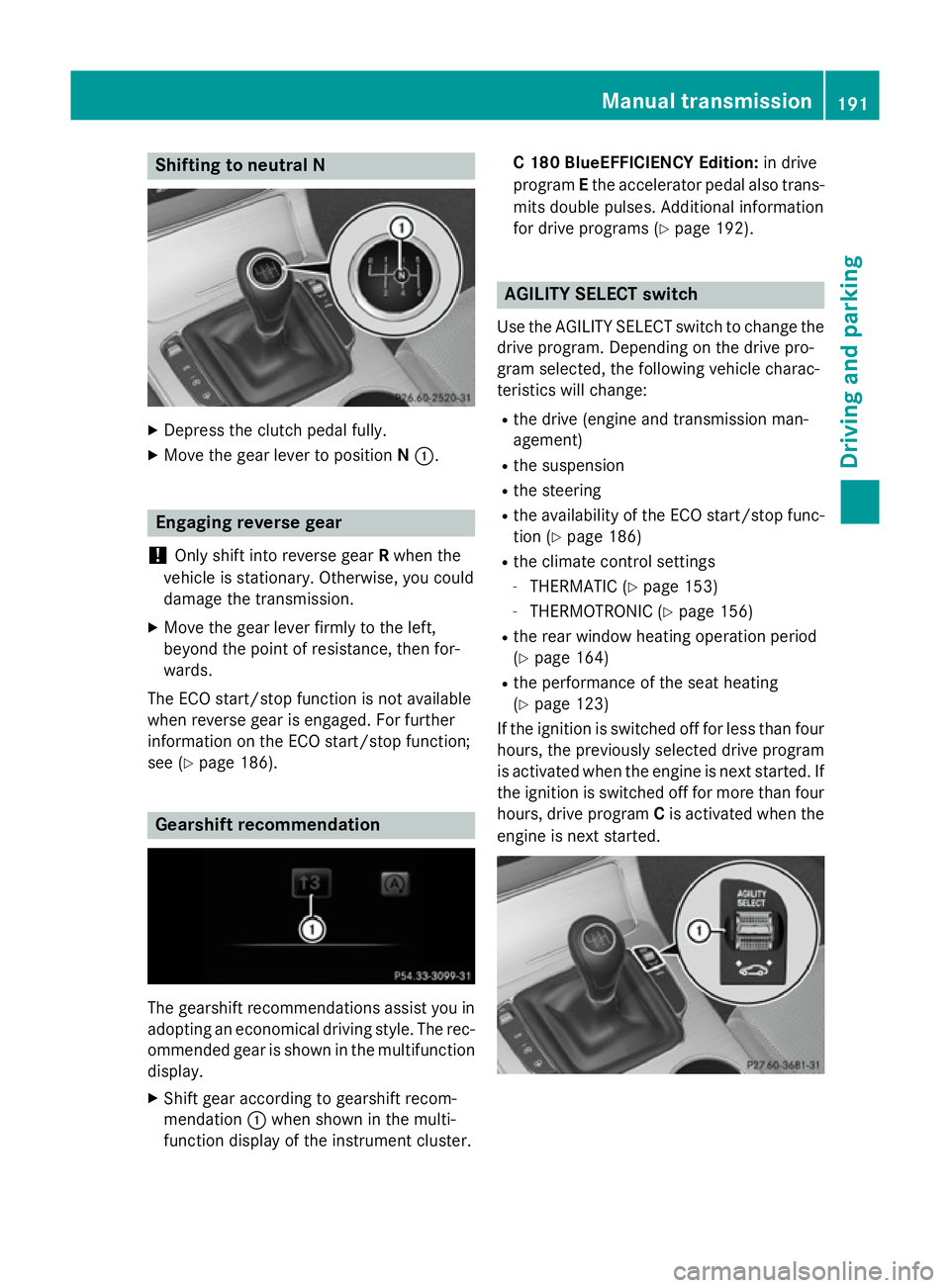
Shifting to neutral N
X
Depress the clutch pedal fully.
X Move the gear lever to position N:. Engaging reverse gear
! Only shift into reverse gear
Rwhen the
vehicle is stationary. Otherwise, you could
damage the transmission.
X Move the gear lever firmly to the left,
beyond the point of resistance, then for-
wards.
The ECO start/stop function is not available
when reverse gear is engaged. For further
information on the ECO start/stop function;
see (Y page 186). Gearshift recommendation
The gearshift recommendations assist you in
adopting an economical driving style. The rec- ommended gear is shown in the multifunction
display.
X Shift gear according to gearshift recom-
mendation :when shown in the multi-
function display of the instrument cluster. C 180 BlueEFFICIENCY Edition:
in drive
program Ethe accelerator pedal also trans-
mits double pulses. Additional information
for drive programs (Y page 192). AGILITY SELECT switch
Use the AGILITY SELECT switch to change the drive program. Depending on the drive pro-
gram selected, the following vehicle charac-
teristics will change:
R the drive (engine and transmission man-
agement)
R the suspension
R the steering
R the availability of the ECO start/stop func-
tion (Y page 186)
R the climate control settings
- THERMATIC (Y page 153)
- THERMOTRONIC (Y page 156)
R the rear window heating operation period
(Y page 164)
R the performance of the seat heating
(Y page 123)
If the ignition is switched off for less than four hours, the previously selected drive program
is activated when the engine is next started. If
the ignition is switched off for more than four hours, drive program Cis activated when the
engine is next started. Manual transmission
191Driving and parking Z
Page 200 of 489
This also applies if cruise control,
DISTRONIC PLUS or SPEEDTRONIC are
activated.
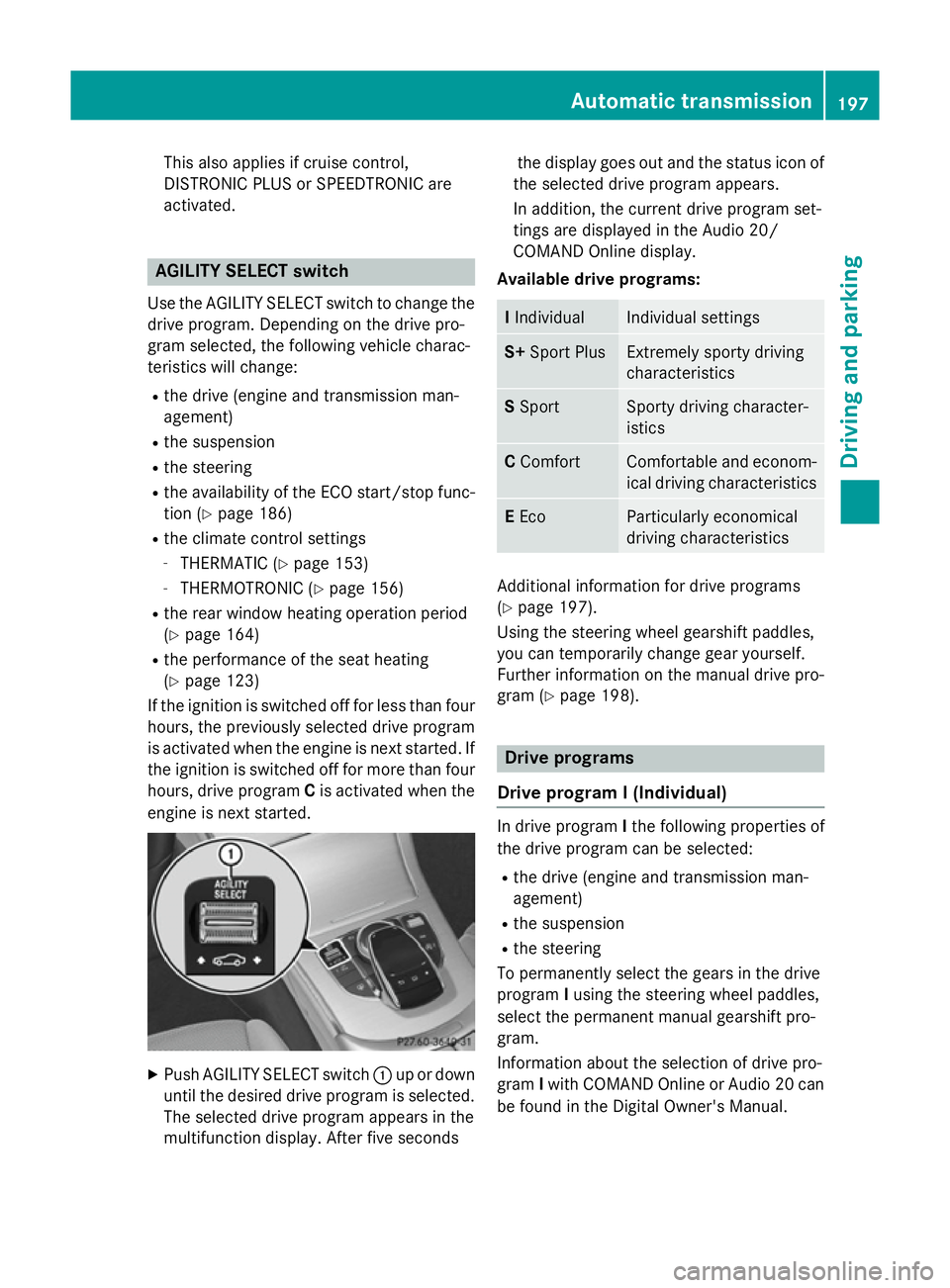
AGILITY SELECT switch
Use the AGILITY SELECT switch to change the drive program. Depending on the drive pro-
gram selected, the following vehicle charac-
teristics will change:
R the drive (engine and transmission man-
agement)
R the suspension
R the steering
R the availability of the ECO start/stop func-
tion (Y page 186)
R the climate control settings
- THERMATIC (Y page 153)
- THERMOTRONIC (Y page 156)
R the rear window heating operation period
(Y page 164)
R the performance of the seat heating
(Y page 123)
If the ignition is switched off for less than four hours, the previously selected drive program
is activated when the engine is next started. If
the ignition is switched off for more than four hours, drive program Cis activated when the
engine is next started. X
Push AGILITY SELECT switch :up or down
until the desired drive program is selected. The selected drive program appears in the
multifunction display. After five seconds the display goes out and the status icon of
the selected drive program appears.
In addition, the current drive program set-
tings are displayed in the Audio 20/
COMAND Online display.
Available drive programs: I
Individual Individual settings
S+
Sport Plus Extremely sporty driving
characteristics
S
Sport Sporty driving character-
istics
C
Comfort Comfortable and econom-
ical driving characteristics E
Eco Particularly economical
driving characteristics
Additional information for drive programs
(Y page 197).
Using the steering wheel gearshift paddles,
you can temporarily change gear yourself.
Further information on the manual drive pro-
gram (Y page 198). Drive programs
Drive program I (Individual) In drive program
Ithe following properties of
the drive program can be selected:
R the drive (engine and transmission man-
agement)
R the suspension
R the steering
To permanently select the gears in the drive
program Iusing the steering wheel paddles,
select the permanent manual gearshift pro-
gram.
Information about the selection of drive pro-
gram Iwith COMAND Online or Audio 20 can
be found in the Digital Owner's Manual. Automatic transmission
197Driving and parking Z
Page 280 of 489
X
Observe the notes on starting the engine
(Y page 183).
X Turn the key to position 3in the ignition
lock (Y page 183) or press the Start/Stop
button once (Y page 184).
The vehicle is operational when READY indi-
cator :lights up.
Noiseless start The vehicle starts in electric mode without the
internal combustion engine. The internal
combustion engine starts only after the
power demanded by the driver exceeds the
available power that the electric motor can
currently provide.
Noiseless start operation is dependent on the
outside temperature and the operating tem-
perature of the internal combustion engine.
The vehicle is operational when READY indi-
cator :lights up. Pulling away
X Depress the brake pedal and keep it
depressed.
X Shift the transmission to position Dor R.
X Release the brake pedal.
Further information on pulling away
(Y page 184). Driving
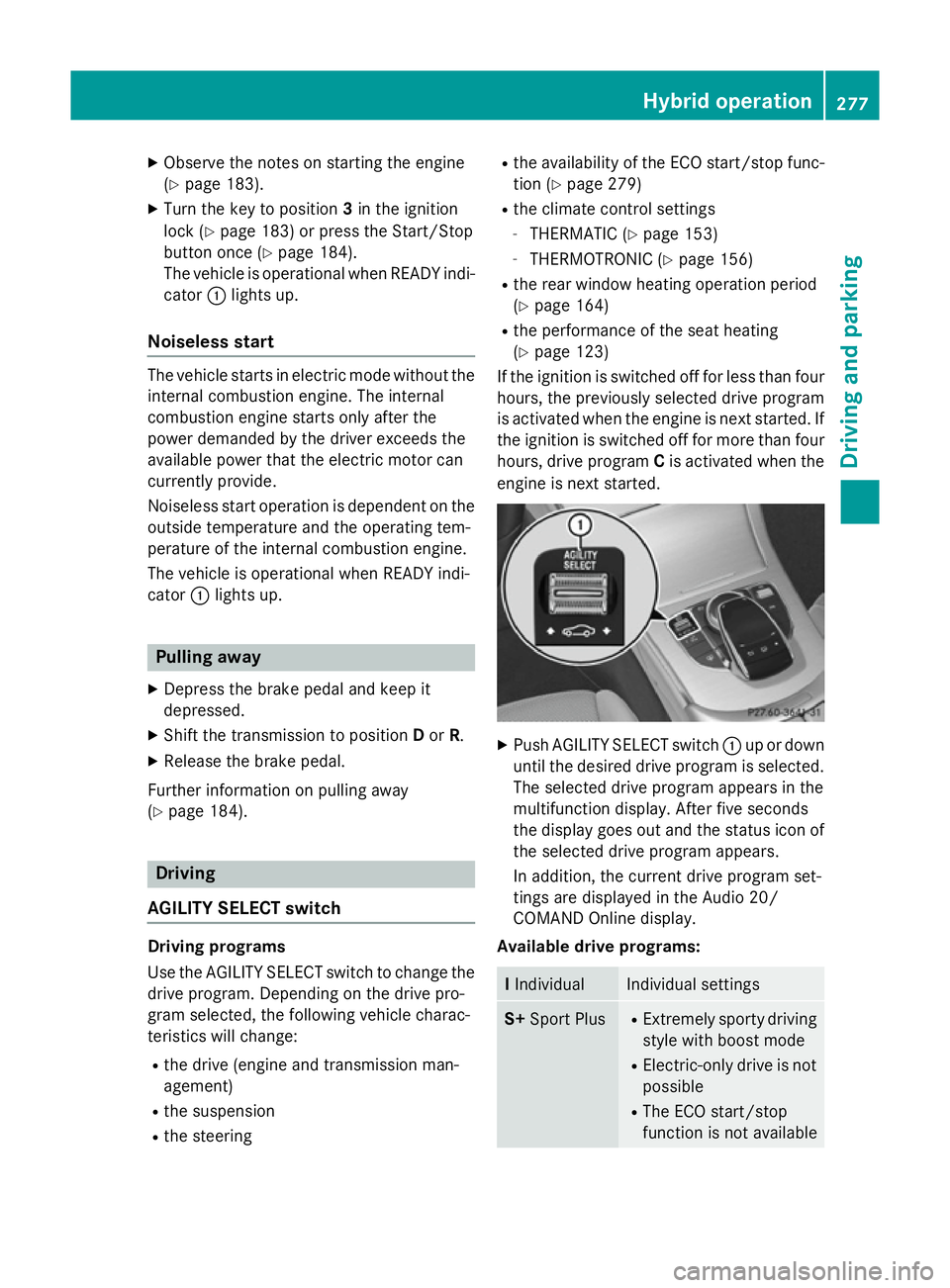
AGILITY SELECT switch Driving programs
Use the AGILITY SELECT switch to change the
drive program. Depending on the drive pro-
gram selected, the following vehicle charac-
teristics will change:
R the drive (engine and transmission man-
agement)
R the suspension
R the steering R
the availability of the ECO start/stop func-
tion (Y page 279)
R the climate control settings
- THERMATIC (Y page 153)
- THERMOTRONIC (Y page 156)
R the rear window heating operation period
(Y page 164)
R the performance of the seat heating
(Y page 123)
If the ignition is switched off for less than four
hours, the previously selected drive program
is activated when the engine is next started. If the ignition is switched off for more than four
hours, drive program Cis activated when the
engine is next started. X
Push AGILITY SELECT switch :up or down
until the desired drive program is selected. The selected drive program appears in the
multifunction display. After five seconds
the display goes out and the status icon of
the selected drive program appears.
In addition, the current drive program set-
tings are displayed in the Audio 20/
COMAND Online display.
Available drive programs: I
Individual Individual settings
S+
Sport Plus R
Extremely sporty driving
style with boost mode
R Electric-only drive is not
possible
R The ECO start/stop
function is not available Hybrid operation
277Driving and parking Z
Page 283 of 489
Automatic engine switch-off
The internal combustion engine is switched
off automatically if:
R the driver removes his foot from the accel-
erator pedal and a speed of 160 km/h is
not exceeded (Y page 280)
R the combustion engine and the transmis-
sion have reached operating temperature
R the driver's seat belt is fastened and the
driver's door is closed
R the driver only slightly depresses the accel-
erator pedal in order to, for example, main- tain the current speed for a limited distance
R the bonnet is closed and engaged properly
R the high-voltage battery is charged suffi-
ciently
R there are no faults in the hybrid system
The internal combustion engine will not be
switched off automatically, if:
R the self-diagnosis function of the engine
control unit is still active
R the climate control of the vehicle requires it
R the high-voltage battery is being charged
(Y page 274)
R automatic emissions tests are running
R the operating temperature of the engine,
transmission and catalytic converter has
not yet been reached
Automatic engine start
The internal combustion engine, which has
been automatically switched-off, starts auto-
matically in certain situations, when:
R the power demand from the driver via the
accelerator pedal is greater than the elec-
tric motor alone can provide
R the driver switches to drive program Sor S
+
R the driver has activated manual gearshift-
ing R
the charge level of the high-voltage battery
has reached the lower limit
R the settings of the automatic climate con-
trol require it, e.g. at external temperatures
above 30 †
Overrun mode
This operating mode is available in the speed
range below 160 km/h.
The combustion engine is switched off and is disconnected from the drive train.
The electric motor:
R simulates an overrun torque which is equiv-
alent to the overrun torque of the combus-
tion engine
R functions as a generator and produces the
necessary energy for the auxiliary consum- ers and charges the high-voltage battery
Extended overrun mode
Overrun mode allows you to increase the
vehicle range.
When the vehicle is in overrun operating
mode:
X Pull the right-hand steering wheel gearshift
paddle.
Energy recuperation is reduced to the min-
imal amount of energy required. The vehi-
cle rolls faster and further, e.g. on long and steep downhill gradients or while coasting
towards a set of traffic lights.
You can see the reduction in energy recuper-
ation in the electric motor CHARGE display
(Y page 272).
The "extended overrun" operating mode is
deactivated again if:
R the combustion engine starts
R you depress the brake pedal 280
Hybrid operationDriving and pa
rking