ESP MERCEDES-BENZ C240 2001 W203 User Guide
[x] Cancel search | Manufacturer: MERCEDES-BENZ, Model Year: 2001, Model line: C240, Model: MERCEDES-BENZ C240 2001 W203Pages: 381, PDF Size: 19.92 MB
Page 140 of 381
131 Exterior lamp switch
Te ch n i c a l
data Instruments
and controlsOperationDrivingInstrument
cluster displayPractical hints Car care Index Headlamp mode (HEADLAMPS)
(USA only)
The headlamps can be switched on and off manually or
automatically, or switched to daytime running lamp
mode.
Manual operation:
The low beam headlamps, parking lamps and license
plate lamps can be switched on and of f wit h t he exterior
lamp switch. For exterior lamp switch, see page 130.Autom ati c operation:
With electronic key in starter switch in position 1 turn
exterior lamp switch to positionU.
The parking lamps switch on and off automatically
depending on the brightness of the ambient light.
With the engine running and exterior lamp switch in
positionU:
The low beam headlamps, parking lamps and license
plate lamps are switched on and off automatically
depending on the brightness of the ambient light.
The low beam headlamps, parking lamps and license
plate lamps can still be switched on and off manually
using the exterior lamp switch.
Note:
The headlamps will not be automatically switched on
under foggy conditions.
Wa r n i n g !
The driver is responsible for the operation of the
vehicle’s lights at all times. The automatic
headlamp feature is only an aid to the driver.
Switch on the vehicle lights by hand when driving
or traffic conditions require you to do so.
Page 146 of 381
137 Hazard warning flasher
Te ch n i c a l
data Instruments
and controlsOperationDrivingInstrument
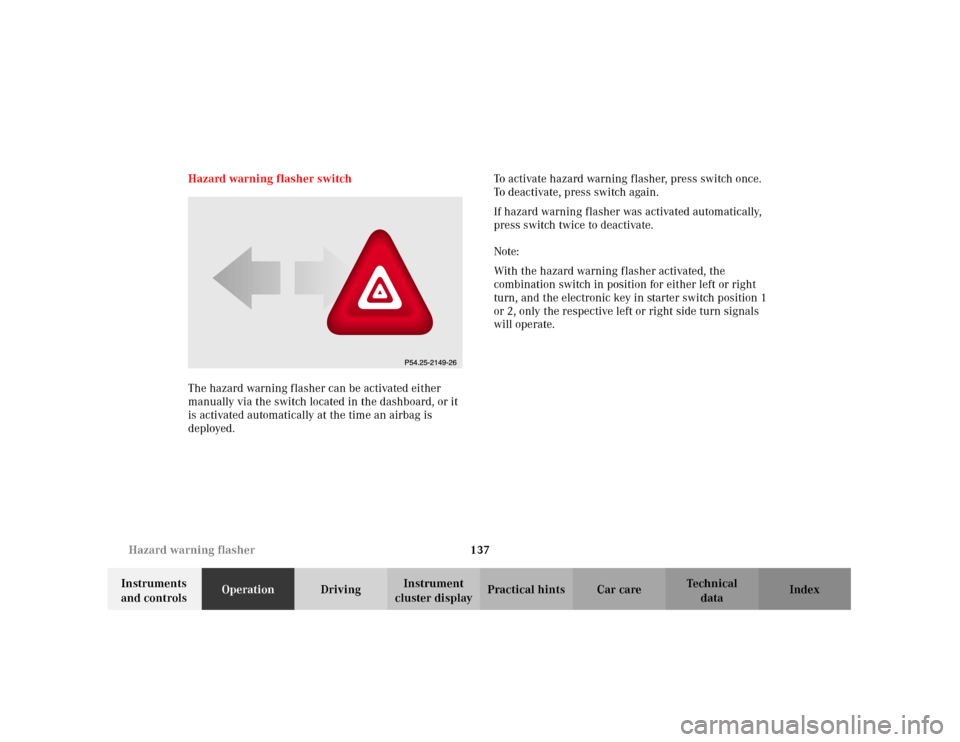
cluster displayPractical hints Car care Index Hazard warning flasher switch
The hazard warning flasher can be activated either
manually via the switch located in the dashboard, or it
is activated automatically at the time an airbag is
deployed.To activate hazard warning flasher, press switch once.
To deactivate, press switch again.
If hazard warning flasher was activated automatically,
press switch twice to deactivate.
Note:
With the hazard warning flasher activated, the
combination switch in position for either left or right
turn, and the electronic key in starter switch position 1
or 2, only the respective left or right side turn signals
will operate.
Page 154 of 381
145 Climate control
Te ch n i c a l
data Instruments
and controlsOperationDrivingInstrument
cluster displayPractical hints Car care Index Climate control - OFF/ON
To switch the climate control off, set the air volume
control switch to position 0.
The fresh air supply to the vehicle interior is shut off.
While driving, use this setting only temporarily,
otherwise the windshield could fog up.
To switch the climate control on again, set air volume
control switch to any speed.
Economy mode
The function of this setting corresponds to the
automatic mode. However, because the air conditioning
compressor will not engage (fuel savings), it is not
possible to air condition in this setting.
Press S button to activate. The indicator lamp in the
button illuminates.
Press S button once again to return to the previous
setting.
Important!
In the S mode the windows could fog up on the
inside. Switch off S mode.Residual engine heat utilization
With the engine switched off, it is possible to continue
to heat or ventilate the interior for a short while. Air
volume and distribution are controlled automatically.
To s e l e c t :
Turn the electronic key in starter switch to position 1
or 0 or remove it altogether.
Press button T. The indicator lamp in the button
illuminates.
This function selection will not activate if the battery
level is insufficient.
The function switches off automatically:
•if the electronic key in starter switch is turned to
position 2,
•after approximately 30 minutes,
•if the battery voltage drops.
Page 164 of 381
155 Automatic climate control
Te ch n i c a l
data Instruments
and controlsOperationDrivingInstrument
cluster displayPractical hints Car care Index Economy mode
The function of this setting corresponds to the
automatic mode. However, because the air conditioning
compressor will not engage (fuel savings), it is not
possible to air condition in this setting.
Press S button to activate. The indicator lamp in the
button illuminates.
Press S button once again to return to the previous
setting.
Important!
In the S mode the windows could fog up on the
inside. Switch off S mode.Automatic climate control - OFF/ON
To switch the climate control off, set the air volume
control switch to position 0.
The fresh air supply to the vehicle interior is shut off.
While driving, use this setting only temporarily,
otherwise the windshield could fog up.
To switch the climate control on again, press the U
or Pbutton, or set air volume control switch to any
speed.
Page 177 of 381
168 Audio system
Te ch n i c a l
data Instruments
and controlsOperationDrivingInstrument
cluster displayPractical hints Car care Index
We a t h e r B a n d
Press the “WB” key. The last weather band station is
tuned in.
Use buttons - to select a different station. If
the station cannot be received, the next available station
is selected automatically.
Press button or . The next available station is
tuned in. The message “WB NONE” appears if no station
can be received.
Station memory
Ten stations each in the AM and FM bands can be stored
via the alpha-numeric keypad. The button
corresponds to location 10. Weatherband (WB)
channels 1 to 7 are preset at the factory and can be
retrieved via the alpha-numeric keypad, but cannot be
changed.Storing stations automatically (Autostore)
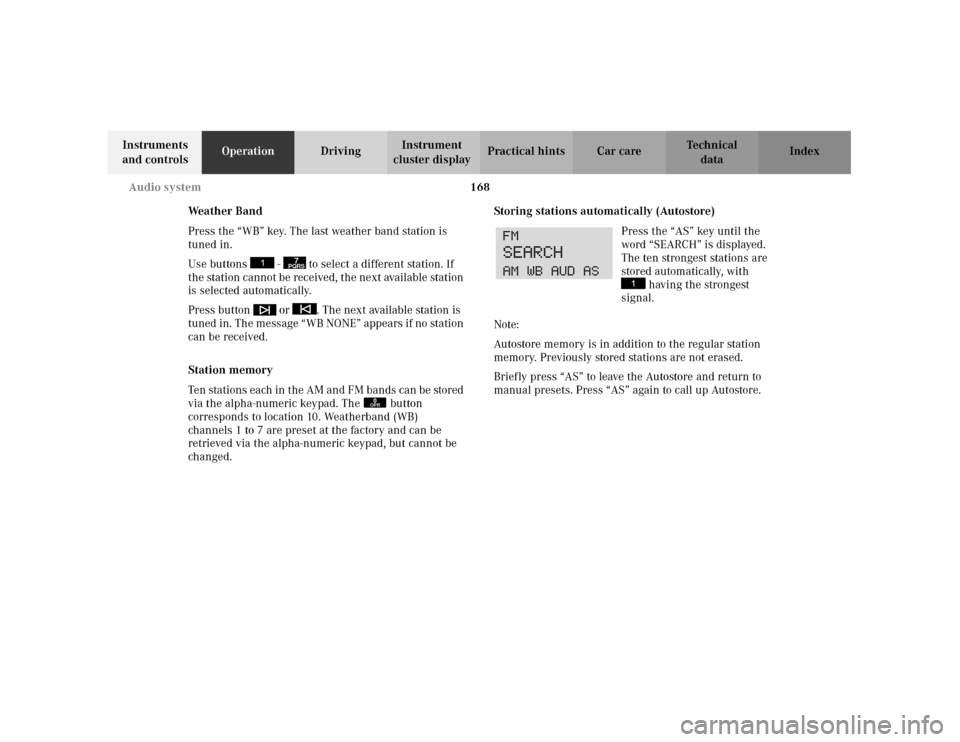
Press the “AS” key until the
word “SEARCH” is displayed.
The ten strongest stations are
stored automatically, with
having the strongest
signal.
Note:
Autostore memory is in addition to the regular station
memory. Previously stored stations are not erased.
Briefly press “AS” to leave the Autostore and return to
manual presets. Press “AS” again to call up Autostore.
7PQRS
0OPR
Page 184 of 381
175 Audio system
Te ch n i c a l
data Instruments
and controlsOperationDrivingInstrument
cluster displayPractical hints Car care Index Playing CDs
Press the button. When the changer is used for the
first time after removing/inserting a magazine, play
begins at CD 1 track 1. After that, the CD most recently
played will start at the point where it was last switched
of f. CDs stored in the magazine can be selected by using
the station preset buttons 1-6.
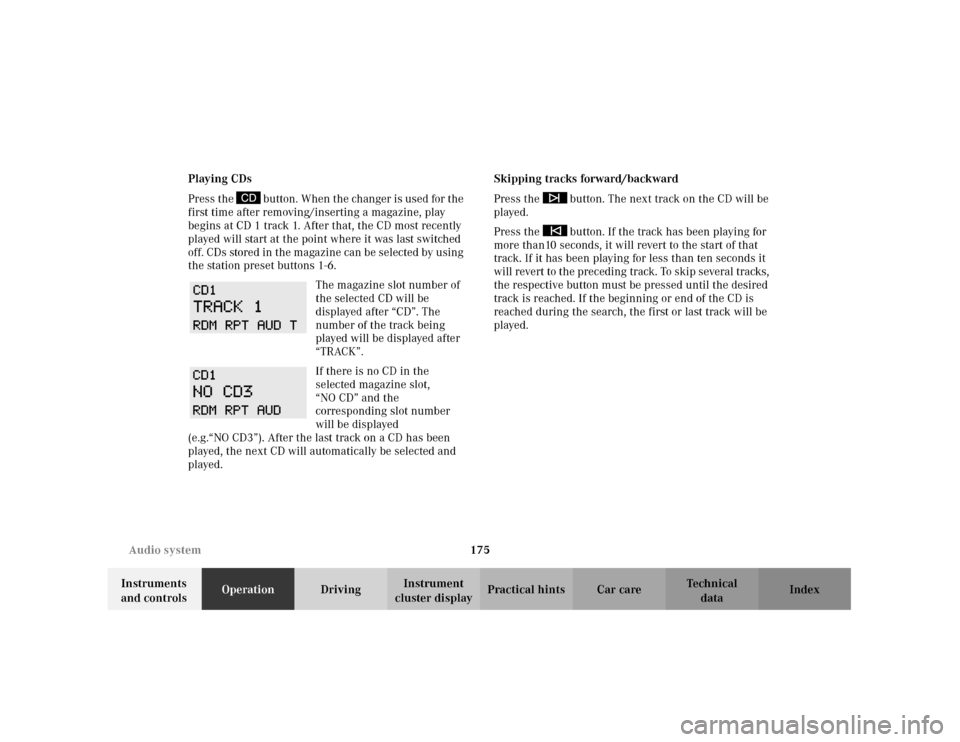
The magazine slot number of
the selected CD will be
displayed after “CD”. The
number of the track being
played will be displayed after
“TRACK”.
If there is no CD in the
selected magazine slot,
“NO CD” and the
corresponding slot number
will be displayed
(e.g.“NO CD3”). After the last track on a CD has been
played, the next CD will automatically be selected and
played.Skipping tracks forward/backward
Press the button. The next track on the CD will be
played.
Press the button. If the track has been playing for
more than10 seconds, it will revert to the start of that
track. If it has been playing for less than ten seconds it
will revert to the preceding track. To skip several tracks,
the respective button must be pressed until the desired
track is reached. If the beginning or end of the CD is
reached during the search, the first or last track will be
played.
Page 192 of 381
183 Audio system
Te ch n i c a l
data Instruments
and controlsOperationDrivingInstrument
cluster displayPractical hints Car care Index Emergency call
Important!
If you press button for more than 1 second, the
number stored in memory location 1 (for example 911)
will be dialed.
The 911 emergency call system is a public service.
Using it without due cause is a criminal offence.
You can make an emergency call to an emergency
rescue station with a mobile communications network.
The emergency call will be placed as long as the
corresponding mobile communications network is
available. To do this, switch the telephone on if you have
not already done so.
The call will also be placed if the unlock-code is not
entered.Emergency calls may not be possible with all telephone
networks or if certain network services and/or
telephone functions are active. Check with your local
network operating company. It may take some time to
set up an emergency call.
To use this function you must ensure that the number
stored in memory location 1 is the number to be dialed
in case of emergency.
Note:
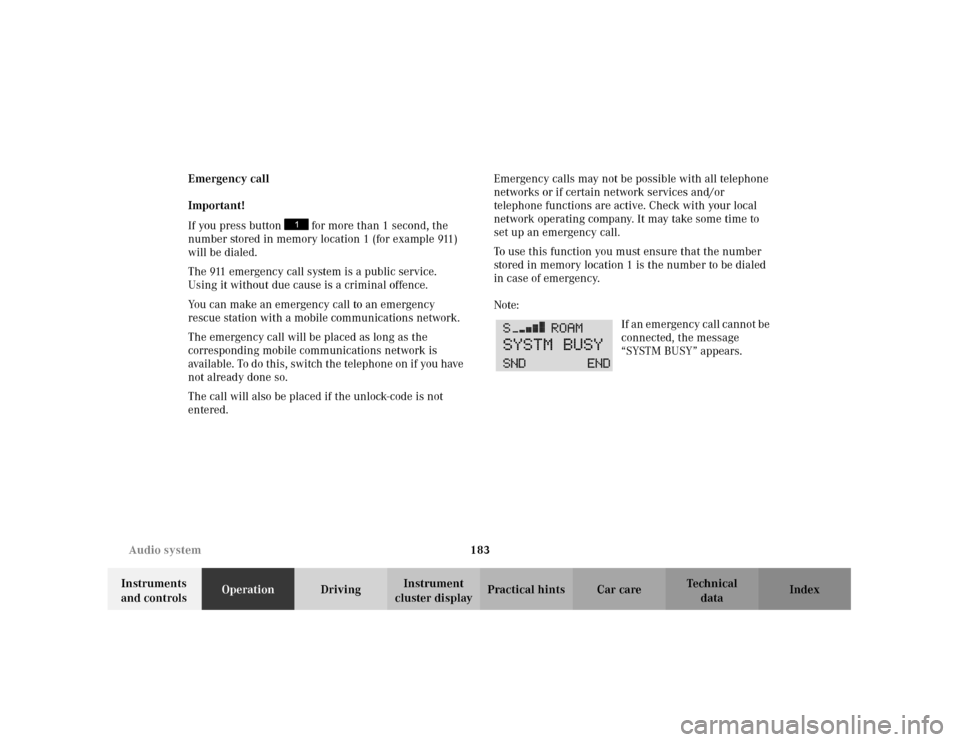
If an emergency call cannot be
connected, the message
“SYSTM BUSY” appears.
Page 193 of 381
184 Interior equipment
Te ch n i c a l
data Instruments
and controlsOperationDrivingInstrument
cluster displayPractical hints Car care Index
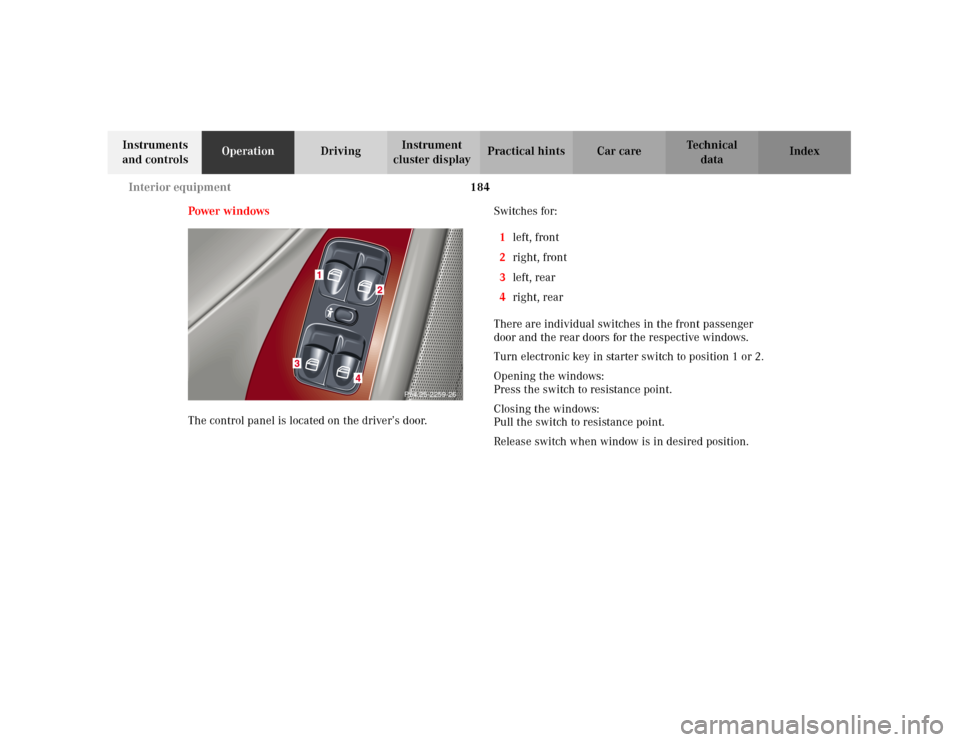
Power windows
The control panel is located on the driver’s door. Switches for:
1left, front
2right, front
3left, rear
4right, rear
There are individual switches in the front passenger
door and the rear doors for the respective windows.
Turn electronic key in starter switch to position 1 or 2.
Opening the windows:
Press the switch to resistance point.
Closing the windows:
Pull the switch to resistance point.
Release switch when window is in desired position.
P54.25-2259-26
Page 206 of 381
197 Interior equipment
Te ch n i c a l
data Instruments
and controlsOperationDrivingInstrument
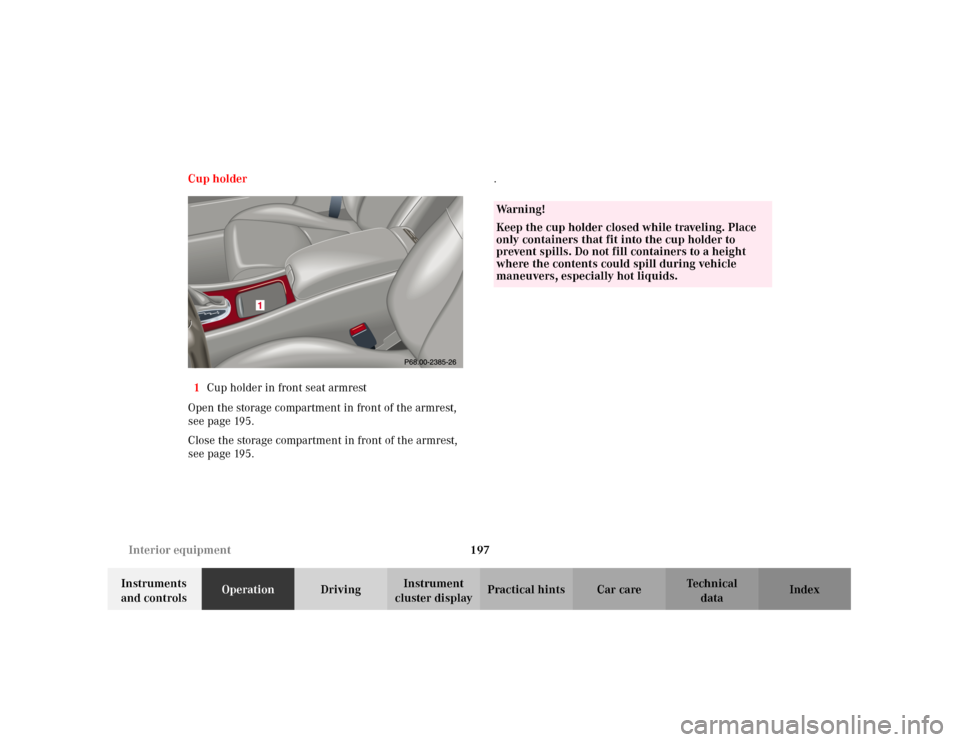
cluster displayPractical hints Car care Index Cup holder
1Cup holder in front seat armrest
Open the storage compartment in front of the armrest,
seepage195.
Close the storage compartment in front of the armrest,
seepage195..
Wa r n i n g !
Keep the cup holder closed while traveling. Place
only containers that fit into the cup holder to
prevent spills. Do not fill containers to a height
where the contents could spill during vehicle
maneuvers, especially hot liquids.
Page 207 of 381
198 Interior equipment
Te ch n i c a l
data Instruments
and controlsOperationDrivingInstrument
cluster displayPractical hints Car care Index
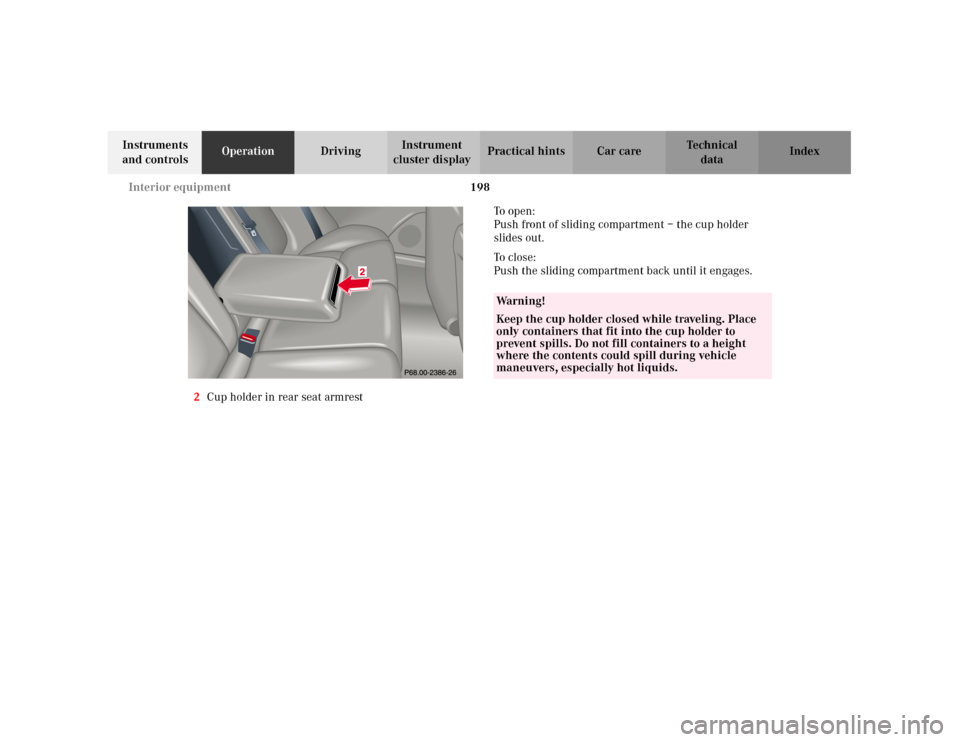
2Cup holder in rear seat armrestTo o p e n :
Push front of sliding compartment – the cup holder
slides out.
To c l o s e :
Push the sliding compartment back until it engages.
Wa r n i n g !
Keep the cup holder closed while traveling. Place
only containers that fit into the cup holder to
prevent spills. Do not fill containers to a height
where the contents could spill during vehicle
maneuvers, especially hot liquids.