buttons MERCEDES-BENZ C320 2001 W203 User Guide
[x] Cancel search | Manufacturer: MERCEDES-BENZ, Model Year: 2001, Model line: C320, Model: MERCEDES-BENZ C320 2001 W203Pages: 381, PDF Size: 19.92 MB
Page 177 of 381
168 Audio system
Te ch n i c a l
data Instruments
and controlsOperationDrivingInstrument
cluster displayPractical hints Car care Index
We a t h e r B a n d
Press the “WB” key. The last weather band station is
tuned in.
Use buttons - to select a different station. If
the station cannot be received, the next available station
is selected automatically.
Press button or . The next available station is
tuned in. The message “WB NONE” appears if no station
can be received.
Station memory
Ten stations each in the AM and FM bands can be stored
via the alpha-numeric keypad. The button
corresponds to location 10. Weatherband (WB)
channels 1 to 7 are preset at the factory and can be
retrieved via the alpha-numeric keypad, but cannot be
changed.Storing stations automatically (Autostore)
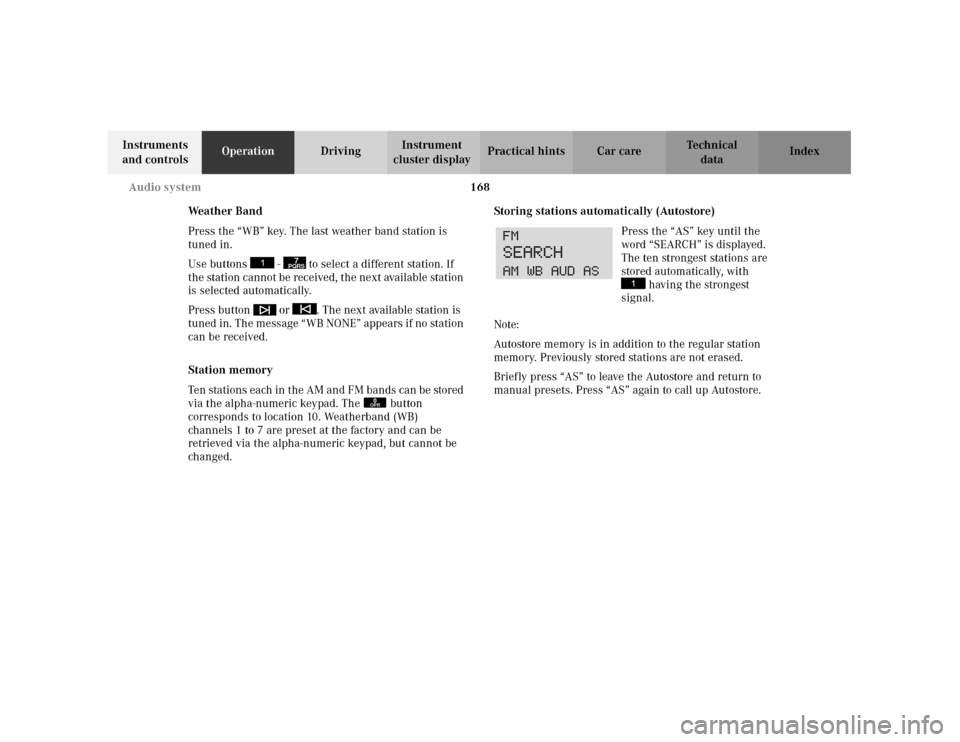
Press the “AS” key until the
word “SEARCH” is displayed.
The ten strongest stations are
stored automatically, with
having the strongest
signal.
Note:
Autostore memory is in addition to the regular station
memory. Previously stored stations are not erased.
Briefly press “AS” to leave the Autostore and return to
manual presets. Press “AS” again to call up Autostore.
7PQRS
0OPR
Page 181 of 381
172 Audio system
Te ch n i c a l
data Instruments
and controlsOperationDrivingInstrument
cluster displayPractical hints Car care Index
Scanning
Press the button. “SEEK
FWD” will appear on the
display. Each track will be
played for 8 seconds in
ascending order. The search
will stop if any of the , , , ,
buttons are pressed.
Skipping of blank sections (Skip-Blank)
Press the “SB” key. The Skip-
Blank function is switched on
or off. When switched on, the
“SB” on the display is
highlighted.
With the “SB” function activated and no sound signal
received for approximately 10 to 15 seconds, the tape
will fast forward to the next sound signal.Dolby NR
1 (noise reduction system)
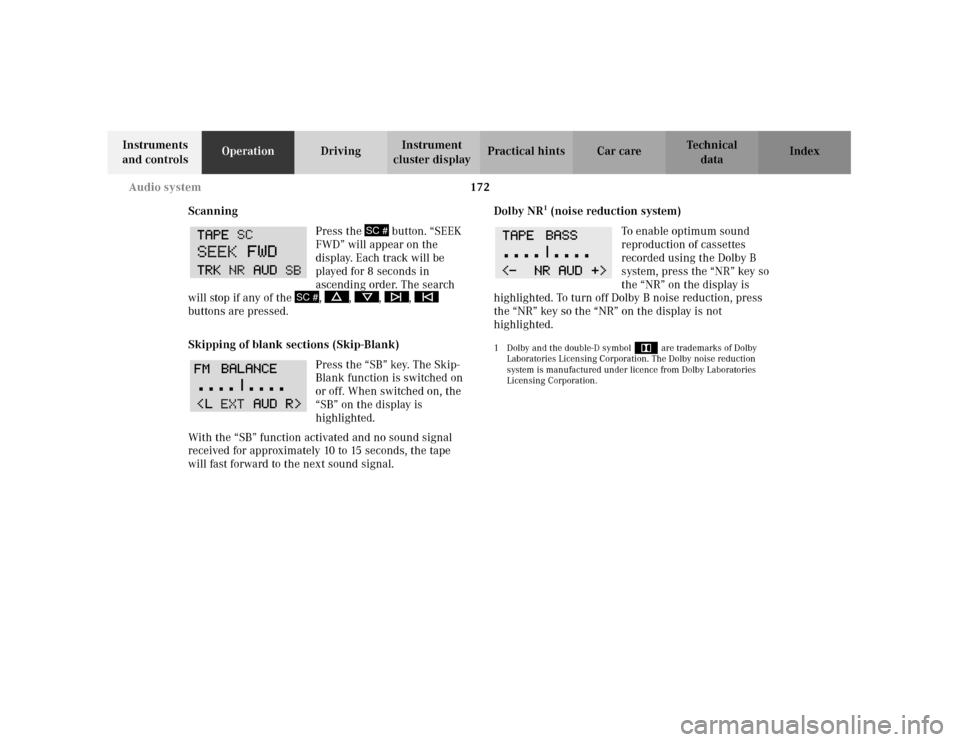
To enable optimum sound
reproduction of cassettes
recorded using the Dolby B
system, press the “NR” key so
the “NR” on the display is
highlighted. To turn off Dolby B noise reduction, press
the “NR” key so the “NR” on the display is not
highlighted.
1 Dolby and the double-D symbol
Ù
are trademarks of Dolby
Laboratories Licensing Corporation. The Dolby noise reduction
system is manufactured under licence from Dolby Laboratories
Licensing Corporation.
SC #
SC #
Page 184 of 381
175 Audio system
Te ch n i c a l
data Instruments
and controlsOperationDrivingInstrument
cluster displayPractical hints Car care Index Playing CDs
Press the button. When the changer is used for the
first time after removing/inserting a magazine, play
begins at CD 1 track 1. After that, the CD most recently
played will start at the point where it was last switched
of f. CDs stored in the magazine can be selected by using
the station preset buttons 1-6.
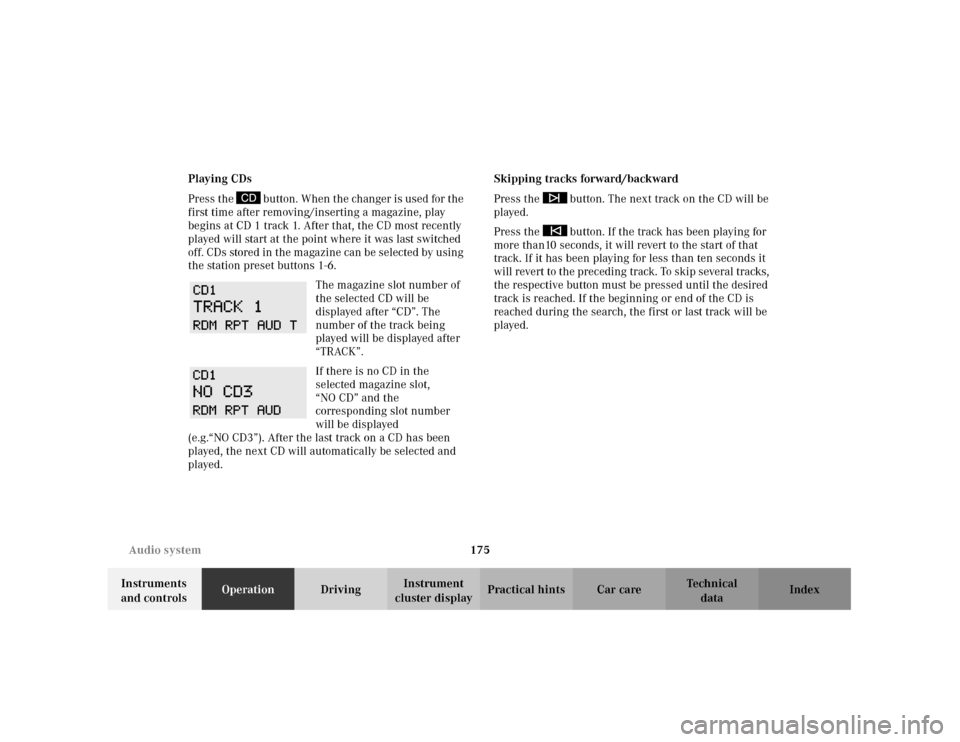
The magazine slot number of
the selected CD will be
displayed after “CD”. The
number of the track being
played will be displayed after
“TRACK”.
If there is no CD in the
selected magazine slot,
“NO CD” and the
corresponding slot number
will be displayed
(e.g.“NO CD3”). After the last track on a CD has been
played, the next CD will automatically be selected and
played.Skipping tracks forward/backward
Press the button. The next track on the CD will be
played.
Press the button. If the track has been playing for
more than10 seconds, it will revert to the start of that
track. If it has been playing for less than ten seconds it
will revert to the preceding track. To skip several tracks,
the respective button must be pressed until the desired
track is reached. If the beginning or end of the CD is
reached during the search, the first or last track will be
played.
Page 185 of 381
176 Audio system
Te ch n i c a l
data Instruments
and controlsOperationDrivingInstrument
cluster displayPractical hints Car care Index
Fast forward/reverse
Press and hold the button for audible fast forward.
Press and hold the button for audible reverse.
The search will stop when the
button is released. The played
time of the track will be
displayed during the search.
The search mode will cancel if
the beginning or end of the CD is reached.
Scanning
Press the button. Each track will be played for
8 s econ d s i n as cen di ng or de r. The s earch will stop at t he
current track if any of the , , , ,
buttons are pressed.Random play/repeat function
The tracks of the current CD are played in random order
when the random feature (RDM) is selected. Press the
“RDM” key to switch on. “RDM” will be highlighted.
Press “RDM” again to switch off.
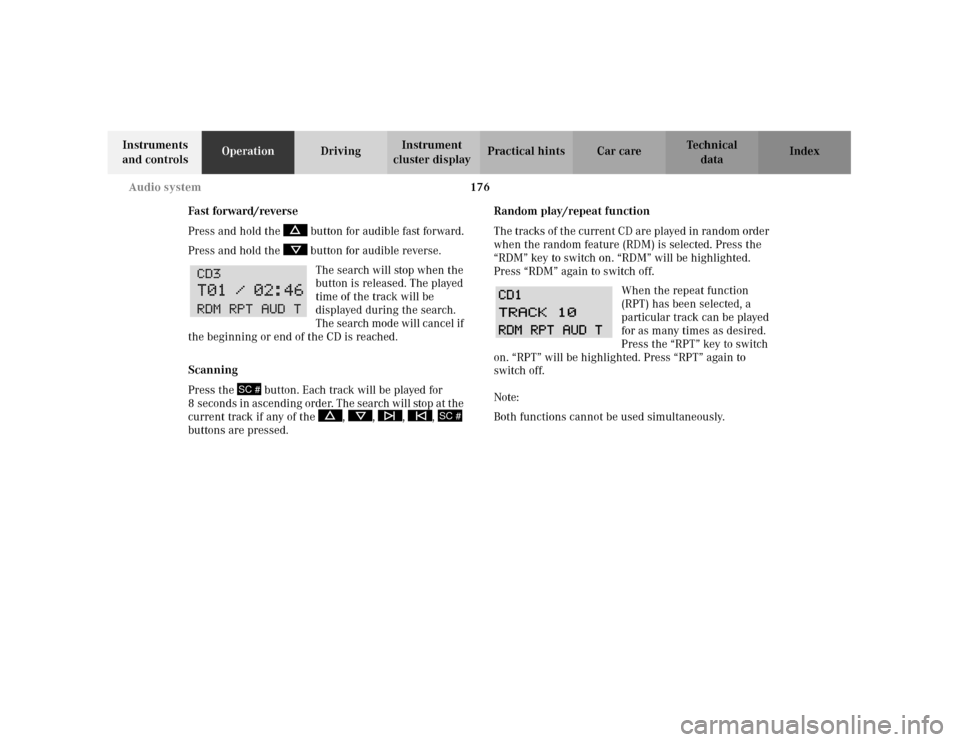
When the repeat function
(RPT) has been selected, a
particular track can be played
for as many times as desired.
Press the “RPT” key to switch
on. “RPT” will be highlighted. Press “RPT” again to
switch off.
Note:
Both functions cannot be used simultaneously.
SC #
SC #
Page 186 of 381
177 Audio system
Te ch n i c a l
data Instruments
and controlsOperationDrivingInstrument
cluster displayPractical hints Car care Index Direct track selection
Tracks can be selected directly using the buttons on the
alpha-numeric keypad. Press the “ function button,
followed by the track number.
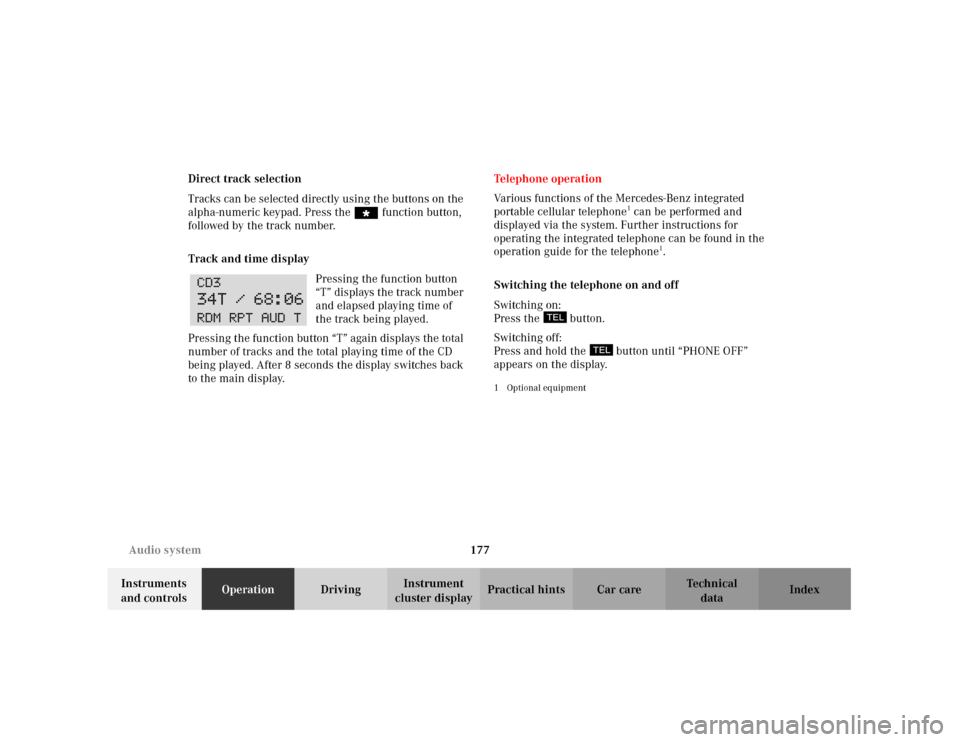
Track and time display
Pressing the function button
“T” displays the track number
and elapsed playing time of
the track being played.
Pressing the function button “T” again displays the total
number of tracks and the total playing time of the CD
being played. After 8 seconds the display switches back
to the main display.Te l e p h o n e o p e ra t i o n
Various functions of the Mercedes-Benz integrated
portable cellular telephone
1 can be performed and
displayed via the system. Further instructions for
operating the integrated telephone can be found in the
operation guide for the telephone
1.
Switching the telephone on and off
Switching on:
Press the button.
Switching off:
Press and hold the button until “PHONE OFF”
appears on the display.
1Optional equipment
Page 188 of 381
179 Audio system
Te ch n i c a l
data Instruments
and controlsOperationDrivingInstrument
cluster displayPractical hints Car care Index Searching and selecting telephone book entries by
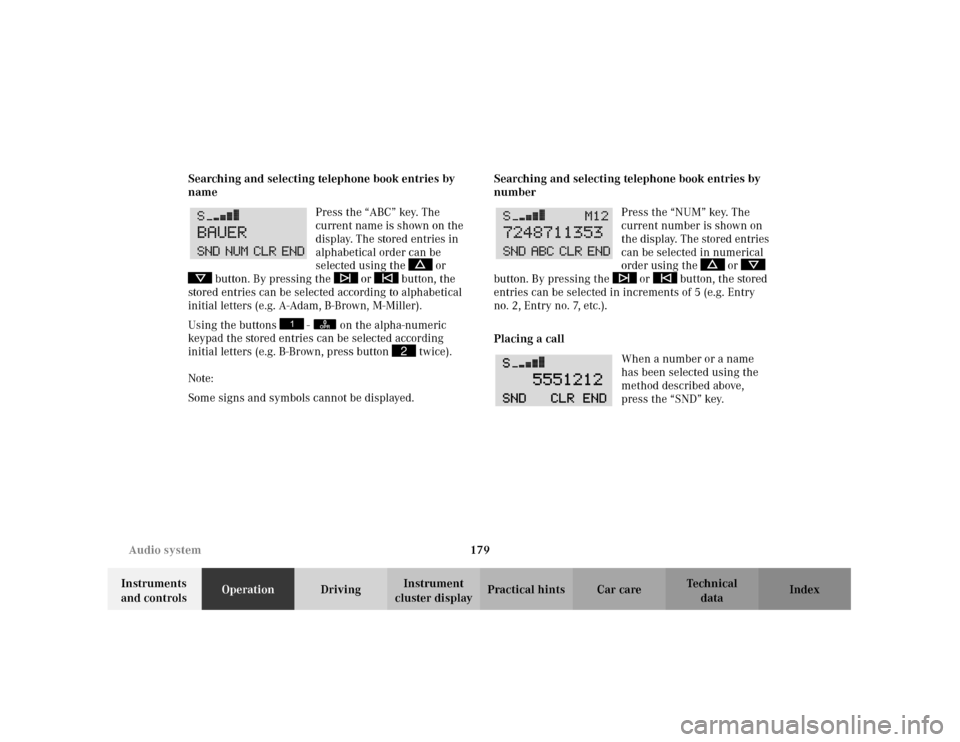
name
Press the “ABC” key. The
current name is shown on the
display. The stored entries in
alphabetical order can be
selected using the or
button. By pressing the or button, the
stored entries can be selected according to alphabetical
initial letters (e.g. A-Adam, B-Brown, M-Miller).
Using the buttons - on the alpha-numeric
keypad the stored entries can be selected according
initial letters (e.g. B-Brown, press button twice).
Note:
Some signs and symbols cannot be displayed.Searching and selecting telephone book entries by
number
Press the “NUM” key. The
current number is shown on
the display. The stored entries
can be selected in numerical
order using the or
button. By pressing the or button, the stored
entries can be selected in increments of 5 (e.g. Entry
no.2, Entry no.7, etc.).
Placing a call
When a number or a name
has been selected using the
method described above,
press the “SND” key.
0OPR
2
Page 189 of 381
180 Audio system
Te ch n i c a l
data Instruments
and controlsOperationDrivingInstrument
cluster displayPractical hints Car care Index
Manual repeat dialing (redial)
The last number entered can be re-selected by pressing
the “SND” key once, and the call can be placed by
pressing the “SND” key a second time. The last dialed
telephone number is shown on the display. Using the
, , or button, the numbers stored in
the re-dial memory of the telephone can be selected.
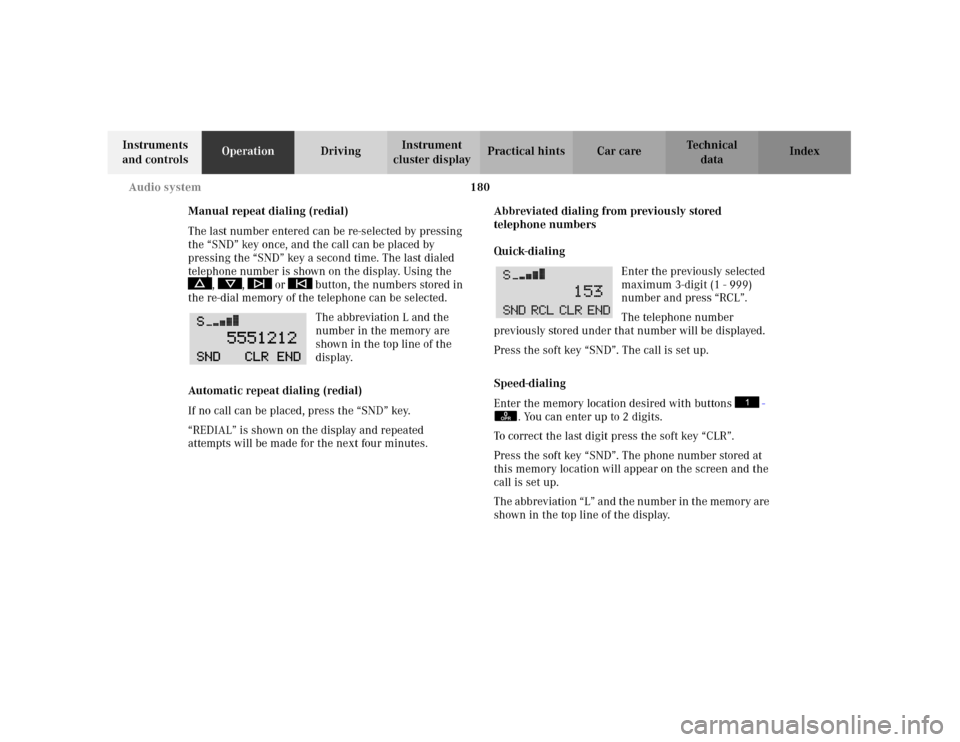
The abbreviation L and the
number in the memory are
shown in the top line of the
display.
Automatic repeat dialing (redial)
If no call can be placed, press the “SND” key.
“REDIAL” is shown on the display and repeated
attempts will be made for the next four minutes.Abbreviated dialing from previously stored
telephone numbers
Quick-dialing
Enter the previously selected
maximum 3-digit (1 - 999)
number and press “RCL”.
The telephone number
previously stored under that number will be displayed.
Press the soft key “SND”. The call is set up.
Speed-dialing
Enter the memory location desired with buttons -
. You can enter up to 2 digits.
To correct the last digit press the soft key “CLR”.
Press the soft key “SND”. The phone number stored at
this memory location will appear on the screen and the
call is set up.
The abb rev iati on “L” an d t he n umb er in t he memo ry are
shown in the top line of the display.
0OPR
Page 190 of 381
181 Audio system
Te ch n i c a l
data Instruments
and controlsOperationDrivingInstrument
cluster displayPractical hints Car care Index Express-dialing
Press one of the number buttons - for more
than 1 second.
The phone number or the name stored at this memory
location will appear on the screen.
When the call is initiated, the call time will appear on
the display.
Note:
Please be aware that button might already be
reserved for an emergency call number, see page 183.
Call hold feature
While on the telephone, a second call can be accepted
by pressing the “SND” key. The first call will be put on
hold. Press “SND” to toggle between the calls.
An additional call can be accepted after ending one of
the previous calls.Accepting incoming call in telephone mode
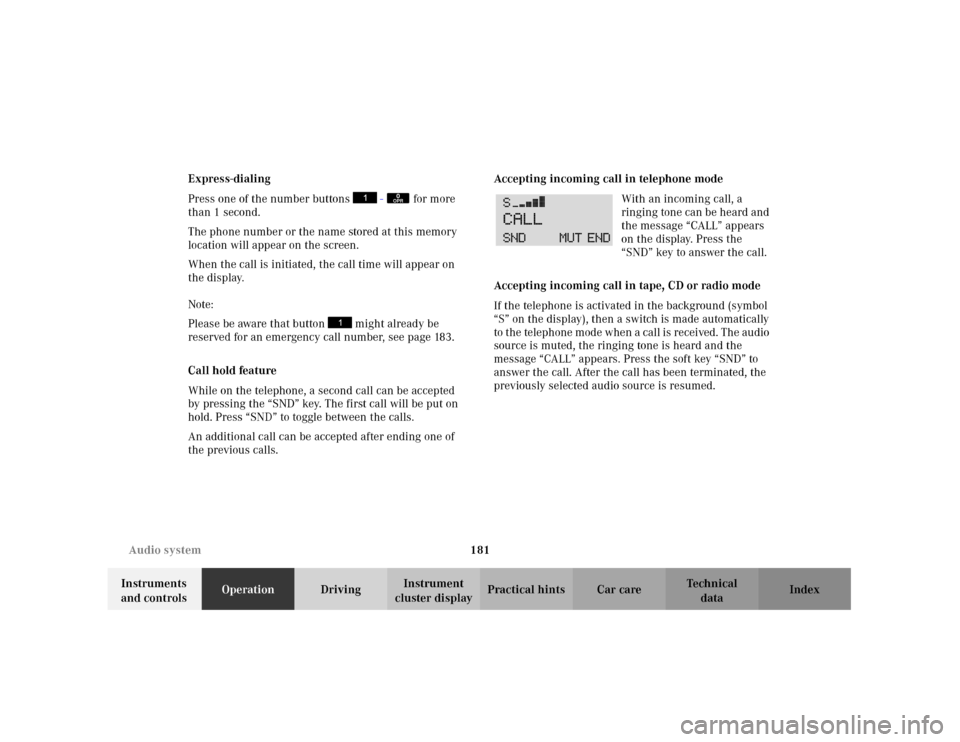
With an incoming call, a
ringing tone can be heard and
the message “CALL” appears
on the display. Press the
“SND” key to answer the call.
Accepting incoming call in tape, CD or radio mode
If the telephone is activated in the background (symbol
“S” on the display), then a switch is made automatically
to the telephone mode when a call is received. The audio
source is muted, the ringing tone is heard and the
message “CALL” appears. Press the soft key “SND” to
answer the call. After the call has been terminated, the
previously selected audio source is resumed.
0OPR
Page 223 of 381
214 Garage door opener
Te ch n i c a l
data Instruments
and controlsOperationDrivingInstrument
cluster displayPractical hints Car care Index
3. Using both hands, simultaneously push the hand-
held transmitter button and the desired integrated
remote control button. Do not release the buttons
until completing step 4.
4. The indicator lamp on the integrated remote control
will flash, first slowly and then rapidly. When the
indicator lamp flashes rapidly, both buttons may be
released (the rapid flashing lamp indicates
successful programming of the new frequency
signal). To program the remaining two buttons,
follow steps 1 through 4.
Note:
If, after repeated attempts, you do not successfully
program the integrated remote control device to learn
the signal of the hand-held transmitter, the garage door
opener could be equipped with the “rolling code
feature”.Rolling code programming:
To train a garage door opener (or other rolling code
devices) with the rolling code feature, follow these
instructions after completing the “Programming”
portion of this text. (A second person may make the
following training procedures quicker and easier.)
1. Locate training button on the garage door opener
motor head unit. Exact location and color of the
button may vary by garage door opener brand. If
there is difficulty locating the transmitting button,
reference to garage door opener operator’s manual.
2. Press “training” button on the garage door opener
motor head unit (which activated the “training
light”).
Note:
Following step 2, there are 30 seconds to initiate
step 3.
Page 225 of 381
216 Garage door opener
Te ch n i c a l
data Instruments
and controlsOperationDrivingInstrument
cluster displayPractical hints Car care Index
Operation of remote control:
1. Turn electronic key in starter switch to position 1
or 2.
2. Select and press the appropriate button to activate
the remote controlled device. The integrated remote
control transmitter continues to send the signal as
long as the button is pressed – up to 20 seconds.Erasing the remote control memory:
1. Turn electronic key in starter switch to position 1
or 2.
2. Simultaneously holding down the left and right side
buttons for approximately 20 seconds, or until the
control lamp blink rapidly, will erase the codes of all
three channels.