service menu MERCEDES-BENZ CLS-Class 2015 W218 Owner's Manual
[x] Cancel search | Manufacturer: MERCEDES-BENZ, Model Year: 2015, Model line: CLS-Class, Model: MERCEDES-BENZ CLS-Class 2015 W218Pages: 398, PDF Size: 7.43 MB
Page 7 of 398
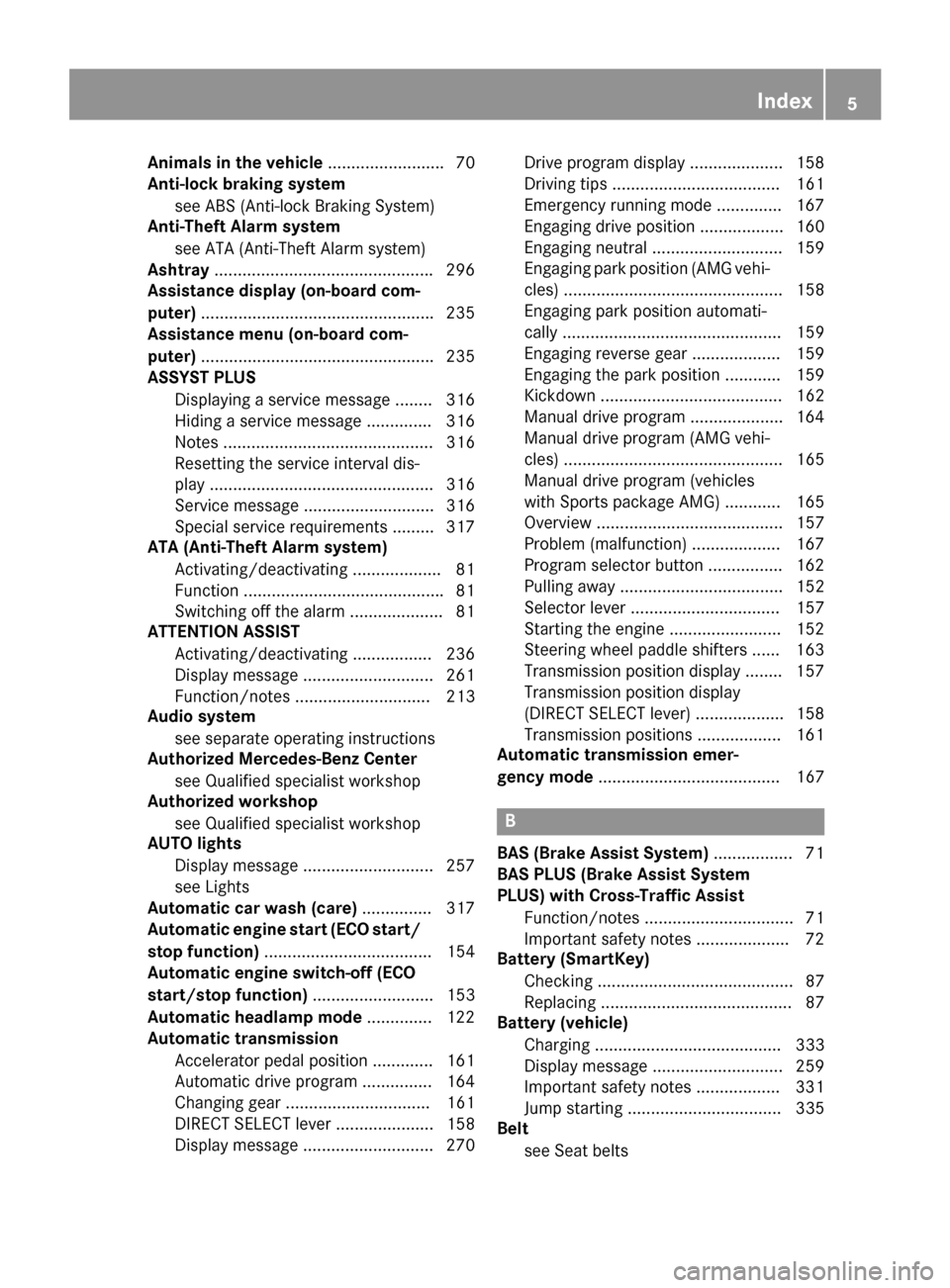
Animals in the vehicle
.........................70
Anti-lock braking system
see ABS (Anti-lock Braking System)
Anti-Theft Alarm system
see ATA (Anti-Theft Alarm system)
Ashtray .............................................. .296
Assistance display (on-board com-
puter) ................................................. .235
Assistance menu (on-board com-
puter) ................................................. .235
ASSYST PLUS
Displaying a service message ....... .316
Hiding a service message .............. 316
Notes ............................................. 316
Resetting the service interval dis-
play ................................................ 316
Service message ............................ 316
Special service requirements ......... 317
ATA (Anti-Theft Alarm system)
Activating/deactivating ................... 81
Function .......................................... .81
Switching off the alarm .................... 81
ATTENTION ASSIST
Activating/deactivating ................. 236
Display message ............................ 261
Function/note s............................. 213
Audio system
see separate operating instructions
Authorized Mercedes-Benz Center
see Qualified specialist workshop
Authorized workshop
see Qualified specialist workshop
AUTO lights
Display message ............................ 257
see Lights
Automatic car wash (care) ............... 317
Automatic engine start (ECO start/
stop function) .................................... 154
Automatic engine switch-off (ECO
start/stop function) .......................... 153
Automatic headlamp mode .............. 122
Automatic transmission
Accelerator pedal position ............. 161
Automatic drive program ............... 164
Changing gear ............................... 161
DIRECT SELECT lever ..................... 158
Display message ............................ 270 Drive program display .................... 158
Driving tips .................................... 161
Emergency running mode .............. 167
Engaging drive position .................. 160
Engaging neutral ............................ 159
Engaging park position (AMG vehi-
cles) ............................................... 158
Engaging park position automati-
cally ............................................... 159
Engaging reverse gear ................... 159
Engaging the park position ............ 159
Kickdown ....................................... 162
Manual drive progra m.................... 164
Manual drive program (AMG vehi- cles) ............................................... 165
Manual drive program (vehicles
with Sports package AMG) ............ 165
Overview ........................................ 157
Problem (malfunction) ................... 167
Program selector button ................ 162
Pulling away ................................... 152
Selector lever ................................ 157
Starting the engine ........................ 152
Steering wheel paddle shifters ...... 163
Transmission position display ........ 157
Transmission position display
(DIRECT SELECT lever) ................... 158
Transmission positions .................. 161
Automatic transmission emer-
gency mode ....................................... 167 B
BAS (Brake Assist System) ................. 71
BAS PLUS (Brake Assist System
PLUS) with Cross-Traffic Assist
Function/note s................................ 71
Important safety notes .................... 72
Battery (SmartKey)
Checking .......................................... 87
Replacing ......................................... 87
Battery (vehicle)
Charging ........................................ 333
Display message ............................ 259
Important safety notes .................. 331
Jump starting ................................. 335
Belt
see Seat belts Index
5
Page 12 of 398
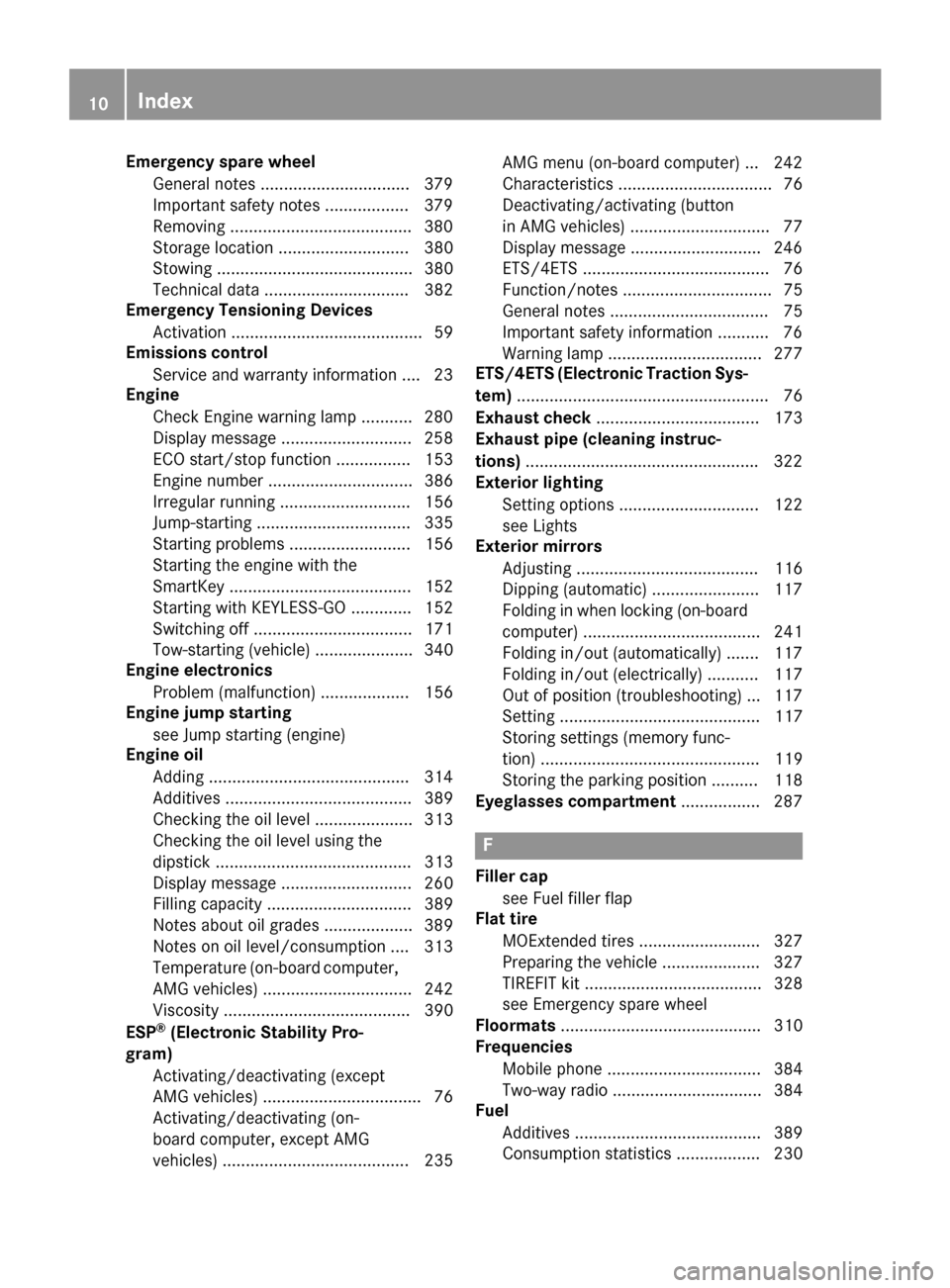
Emergency spare wheel
General notes ................................ 379
Important safety notes .................. 379
Removing ...................................... .380
Storage location ............................ 380
Stowing .......................................... 380
Technical data ............................... 382
Emergency Tensioning Devices
Activation ......................................... 59
Emissions control
Service and warranty information .... 23
Engine
Check Engine warning lamp ........... 280
Display message ............................ 258
ECO start/stop function ................ 153
Engine number ............................... 386
Irregular running ............................ 156
Jump-starting ................................. 335
Starting problems .......................... 156
Starting the engine with the
SmartKey ....................................... 152
Starting with KEYLESS-GO ............. 152
Switching off .................................. 171
Tow-starting (vehicle) ..................... 340
Engine electronics
Problem (malfunction) ................... 156
Engine jump starting
see Jump starting (engine)
Engine oil
Adding .......................................... .314
Additives ........................................ 389
Checking the oil level ..................... 313
Checking the oil level using the
dipstick .......................................... 313
Display message ............................ 260
Filling capacity ............................... 389
Notes about oil grades ................... 389
Notes on oil level/consumption .... 313
Temperature (on-board computer, AMG vehicles) ................................ 242
Viscosity ........................................ 390
ESP ®
(Electronic Stability Pro-
gram)
Activating/deactivating (except
AMG vehicles) .................................. 76
Activating/deactivating (on-
board computer, except AMG
vehicles) ........................................ 235 AMG menu (on-board computer) ... 242
Characteristics ................................. 76
Deactivating/activating (button
in AMG vehicles) .............................. 77
Display message ............................ 246
ETS/4ETS ........................................ 76
Function/notes ................................ 75
General notes .................................. 75
Important safety information ........... 76
Warning lamp ................................. 277
ETS/4ETS (Electronic Traction Sys-
tem) ...................................................... 76
Exhaust check ................................... 173
Exhaust pipe (cleaning instruc-
tions) ................................................. .322
Exterior lighting
Setting options .............................. 122
see Lights
Exterior mirrors
Adjusting ....................................... 116
Dipping (automatic) ....................... 117
Folding in when locking (on-board computer) ...................................... 241
Folding in/out (automatically) ....... 117
Folding in/out (electrically) ........... 117
Out of position (troubleshooting) ... 117
Setting ........................................... 117
Storing settings (memory func-
tion) ............................................... 119
Storing the parking position .......... 118
Eyeglasses compartment ................. 287 F
Filler cap see Fuel filler flap
Flat tire
MOExtended tire s.......................... 327
Preparing the vehicle ..................... 327
TIREFIT kit ...................................... 328
see Emergency spare wheel
Floormats ........................................... 310
Frequencies
Mobile phone ................................. 384
Two-way radio ................................ 384
Fuel
Additives ........................................ 389
Consumption statistics .................. 230 10
Index
Page 16 of 398
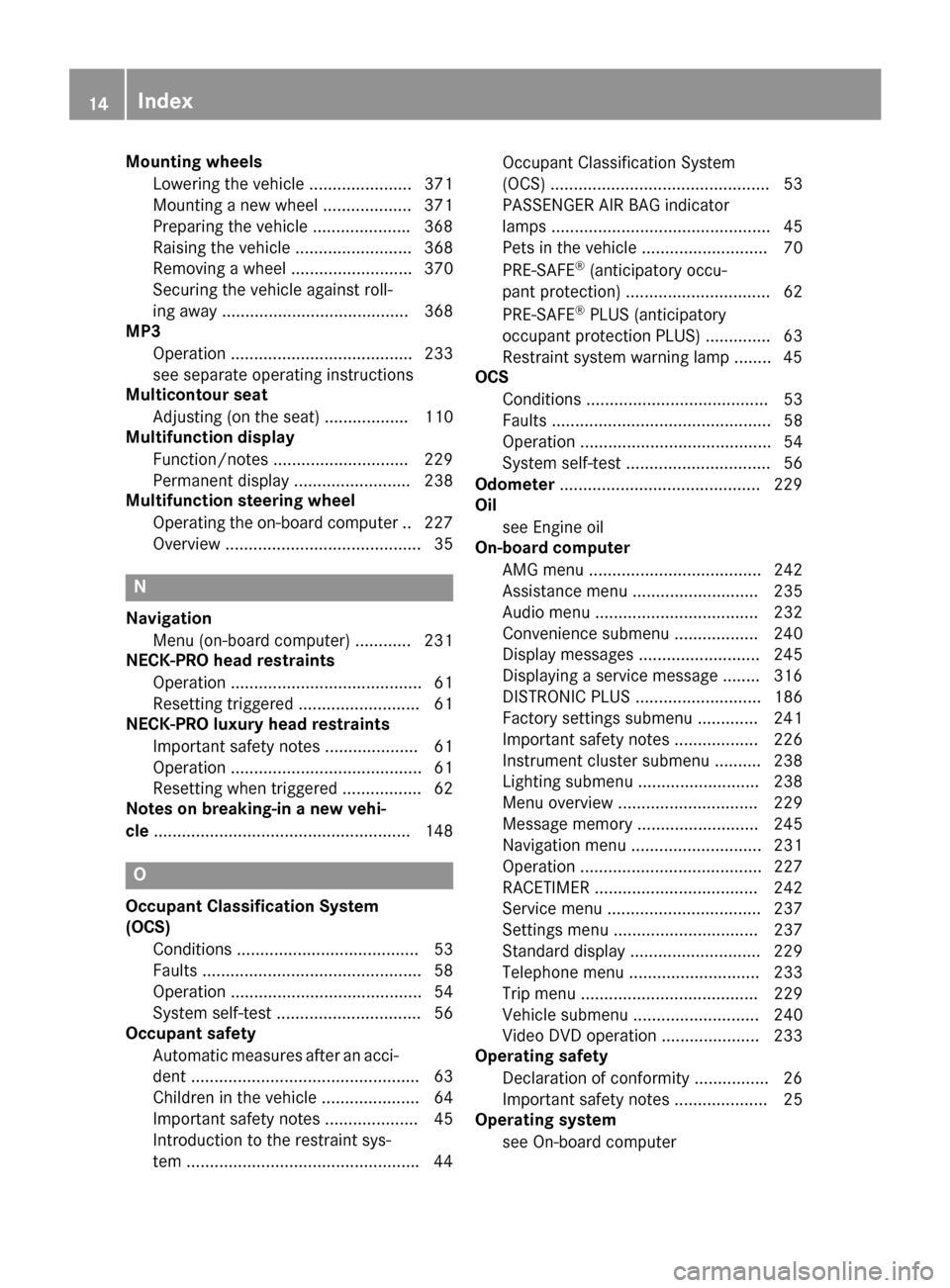
Mounting wheels
Lowering the vehicle ...................... 371
Mounting a new wheel ................... 371
Preparing the vehicle .................... .368
Raising the vehicle ......................... 368
Removing a wheel .......................... 370
Securing the vehicle against roll-
ing away ........................................ 368
MP3
Operation ....................................... 233
see separate operating instructions
Multicontour seat
Adjusting (on the seat) .................. 110
Multifunction display
Function/notes ............................ .229
Permanent display ......................... 238
Multifunction steering wheel
Operating the on-board computer .. 227
Overview .......................................... 35 N
Navigation Menu (on-board computer) ............ 231
NECK-PRO head restraints
Operation ......................................... 61
Resetting triggered .......................... 61
NECK-PRO luxury head restraints
Important safety notes .................... 61
Operation ......................................... 61
Resetting when triggered ................. 62
Notes on breaking-in a new vehi-
cle ....................................................... 148 O
Occupant Classification System
(OCS) Conditions ....................................... 53
Faults ............................................... 58
Operation ......................................... 54
System self-test ............................... 56
Occupant safety
Automatic measures after an acci-
dent ................................................. 63
Children in the vehicle ..................... 64
Important safety notes .................... 45
Introduction to the restraint sys-
tem ................................................. .44Occupant Classification System
(OCS) ............................................... 53
PASSENGER AIR BAG indicator
lamps ............................................... 45
Pets in the vehicle ........................... 70
PRE-SAFE
®
(anticipatory occu-
pant protection) ...............................62
PRE-SAFE ®
PLUS (anticipatory
occupant protection PLUS) .............. 63
Restraint system warning lamp ........ 45
OCS
Conditions ....................................... 53
Faults ............................................... 58
Operation ......................................... 54
System self-test ...............................56
Odometer ...........................................2 29
Oil
see Engine oil
On-board computer
AMG menu ..................................... 242
Assistance menu ........................... 235
Audio menu ................................... 232
Convenience submenu .................. 240
Display messages .......................... 245
Displaying a service message ....... .316
DISTRONIC PLUS ........................... 186
Factory settings submenu ............. 241
Important safety notes .................. 226
Instrument cluster submenu .......... 238
Lighting submenu .......................... 238
Menu overview .............................. 229
Message memory .......................... 245
Navigation menu ............................ 231
Operation ....................................... 227
RACETIMER ................................... 242
Service menu ................................. 237
Settings menu ............................... 237
Standard display ............................ 229
Telephone menu ............................ 233
Trip menu ...................................... 229
Vehicle submenu ........................... 240
Video DVD operation ..................... 233
Operating safety
Declaration of conformity ................ 26
Important safety notes .................... 25
Operating system
see On-board computer 14
Index
Page 19 of 398
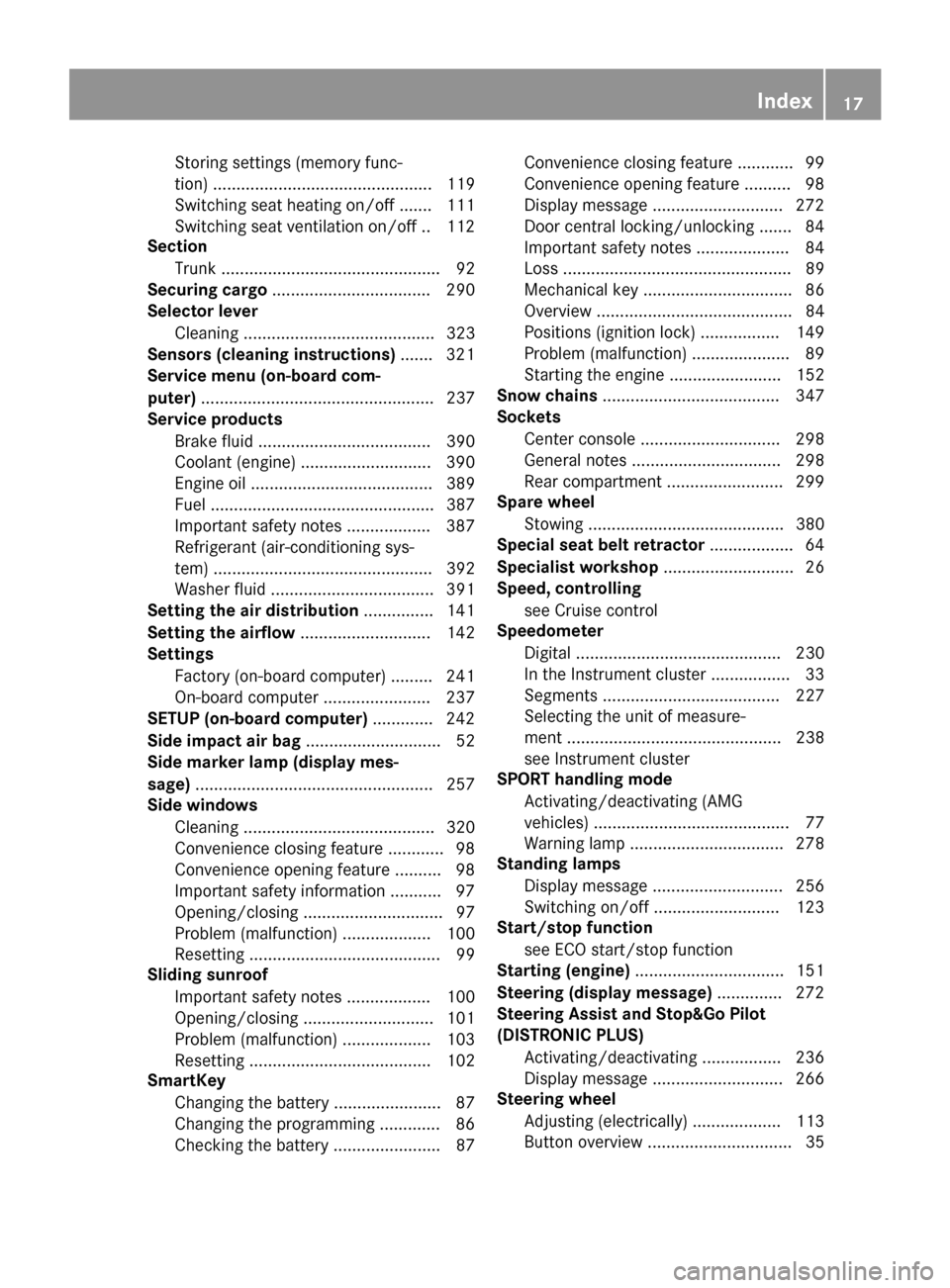
Storing settings (memory func-
tion) ............................................... 119
Switching seat heating on/of
f....... 111
Switching seat ventilation on/of f.. 112
Section
Trunk ............................................... 92
Securing cargo .................................. 290
Selector lever
Cleaning ......................................... 323
Sensors (cleaning instructions) ....... 321
Service menu (on-board com-
puter) .................................................. 237
Service products
Brake fluid ..................................... 390
Coolant (engine) ............................ 390
Engine oil ....................................... 389
Fuel ................................................ 387
Important safety notes .................. 387
Refrigerant (air-conditioning sys-
tem) ............................................... 392
Washer fluid ................................... 391
Setting the air distribution ............... 141
Setting the airflow ............................ 142
Settings
Factory (on-board computer) ......... 241
On-board computer ....................... 237
SETUP (on-board computer) ............. 242
Side impact air bag ............................. 52
Side marker lamp (display mes-
sage) ................................................... 257
Side windows
Cleaning ......................................... 320
Convenience closing feature ............ 98
Convenience opening feature .......... 98
Important safety information ........... 97
Opening/closing .............................. 97
Problem (malfunction) ................... 100
Resetting ......................................... 99
Sliding sunroof
Important safety notes .................. 100
Opening/closing ............................ 101
Problem (malfunction) ................... 103
Resetting ....................................... 102
SmartKey
Changing the battery ....................... 87
Changing the programming ............. 86
Checking the battery ....................... 87 Convenience closing feature ............ 99
Convenience opening feature .......... 98
Display message ............................ 272
Door central locking/unlocking ....... 84
Important safety notes .................... 84
Loss ................................................. 89
Mechanical key ................................ 86
Overview .......................................... 84
Positions (ignition lock) ................. 149
Problem (malfunction) ..................... 89
Starting the engine ........................ 152
Snow chains ...................................... 347
Sockets
Center console .............................. 298
General notes ................................ 298
Rear compartment ......................... 299
Spare wheel
Stowing .......................................... 380
Special seat belt retractor .................. 64
Specialist workshop ............................ 26
Speed, controlling
see Cruise control
Speedometer
Digital ............................................ 230
In the Instrument cluster ................. 33
Segments ...................................... 227
Selecting the unit of measure-
ment .............................................. 238
see Instrument cluster
SPORT handling mode
Activating/deactivating (AMG
vehicles) .......................................... 77
Warning lamp ................................. 278
Standing lamps
Display message ............................ 256
Switching on/of f........................... 123
Start/stop function
see ECO start/stop function
Starting (engine) ................................ 151
Steering (display message) .............. 272
Steering Assist and Stop&Go Pilot
(DISTRONIC PLUS)
Activating/deactivating ................. 236
Display message ............................ 266
Steering wheel
Adjusting (electrically) ................... 113
Button overview ............................... 35 Index
17
Page 216 of 398
You can have current status information dis-
played in the assistance menu (Y page 235)
of the on-board computer.
X Select the Assistance display for ATTEN-
TION ASSIST using the on-board computer
(Y page 235).
The following information is displayed:
R length of the journey since the last break.
R the attention level determined by ATTEN-
TION ASSIST, displayed in a bar display in
five levels from high to low.
R if ATTENTION ASSIST is unable to calculate
the attention level and cannot output a
warning, the System Suspended System Suspended message
appears. The bar display then changes the
display, e.g. if you are driving at a speed
below 37 mph (60 km/h) or above 124 mph
(200 km/h).
Activating ATTENTION ASSIST X
Activate ATTENTION ASSIST using the on-
board computer (Y page 236).
The system determines the attention level
of the driver depending on the setting
selected:
Standard selected: the sensitivity with
which the system determines the attention
level is set to normal.
Sensitive selected: the sensitivity is set
higher. The attention level detected by Atten- tion Assist is adapted accordingly and the
driver is warned earlier.
When ATTENTION ASSIST is deactivated, the À symbol and OFF appear in the multi-
function display in the assistance display
when the engine is running.
When ATTENTION ASSIST has been deactiva- ted, it is automatically reactivated after the
engine has been stopped. The sensitivity
selected corresponds to the last selection
activated (standard/sensitive). Warning in the multifunction display If fatigue or increasing lapses in concentra-
tion are detected, a warning appears in the
multifunction display: Attention Assist:
Attention Assist:
Take a Break! Take a Break!
In addition to the message shown in the mul-
tifunction display, you will then hear a warn-
ing tone.
X If necessary, take a break.
X Confirm the message by pressing the a
button on the steering wheel.
On long journeys, take regular breaks in good time to allow yourself to rest properly. If you
do not take a break, you will be warned again
after 15 minutes at the earliest. This will only
happen if ATTENTION ASSIST still detects
typical indicators of fatigue or increasing lap-
ses in concentration.
Vehicles with COMAND: if a warning is
issued in the multifunction display, a service
station search is performed in COMAND. You
can select a service station and navigation to this service station will then begin. This func- tion can be activated and deactivated in
COMAND. Lane Tracking package
General notes The Lane Tracking package consists of Blind
Spot Assist (Y
page 214) and Lane Keeping
Assist (Y page 216).
Blind Spot Assist General notes
Blind Spot Assist uses a radar sensor system
to monitor the areas on both sides of your
vehicle. It supports you from a speed of
approximately 20 mph (30 km/h). A warning
display in the exterior mirrors draws your
attention to vehicles detected in the moni-
tored area. If you then switch on the corre-
sponding turn signal to change lanes, you will also receive an optical and audible collision 214
Driving systemsDriving and parking
Page 236 of 398
X
Establish a Bluetooth ®
connection to Audio
20 or COMAND, see the separate operating instructions.
X Press the =or; button on the steer-
ing wheel to select the Tel
Tel menu.
You will see one of the following display mes-
sages in the multifunction display:
R Phone READY Phone READY or the name of the network
provider: the mobile phone has found a
network and is ready to receive.
R Phone No service
Phone No service: there is no network
available or the mobile phone is searching
for a network.
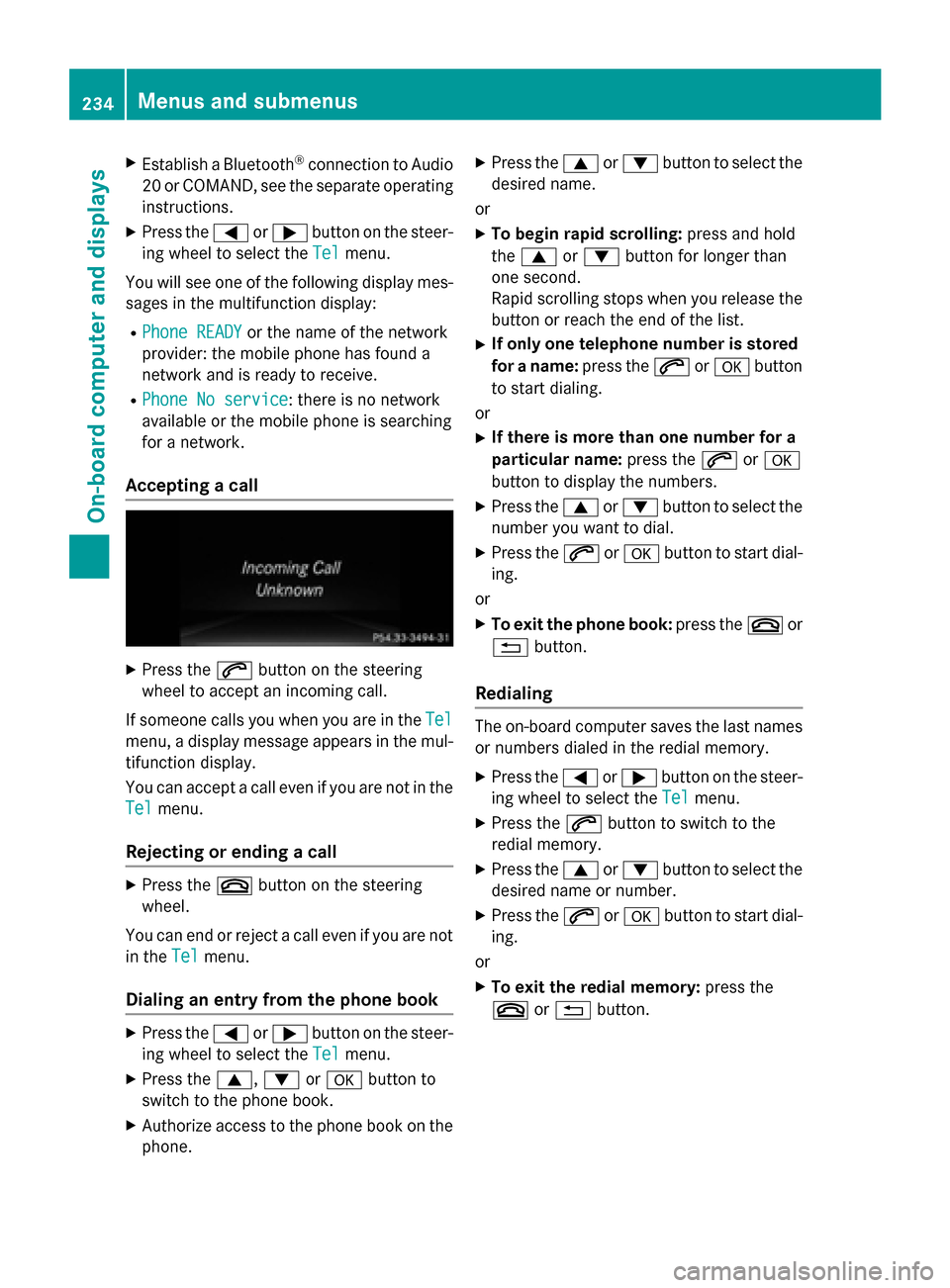
Accepting a call X
Press the 6button on the steering
wheel to accept an incoming call.
If someone calls you when you are in the Tel Tel
menu, a display message appears in the mul- tifunction display.
You can accept a call even if you are not in the
Tel
Tel menu.
Rejecting or ending a call X
Press the ~button on the steering
wheel.
You can end or reject a call even if you are not
in the Tel
Tel menu.
Dialing an entry from the phone book X
Press the =or; button on the steer-
ing wheel to select the Tel
Tel menu.
X Press the 9,:ora button to
switch to the phone book.
X Authorize access to the phone book on the
phone. X
Press the 9or: button to select the
desired name.
or
X To begin rapid scrolling: press and hold
the 9 or: button for longer than
one second.
Rapid scrolling stops when you release the
button or reach the end of the list.
X If only one telephone number is stored
for a name: press the6ora button
to start dialing.
or
X If there is more than one number for a
particular name: press the6ora
button to display the numbers.
X Press the 9or: button to select the
number you want to dial.
X Press the 6ora button to start dial-
ing.
or X To exit the phone book: press the~or
% button.
Redialing The on-board computer saves the last names
or numbers dialed in the redial memory.
X Press the =or; button on the steer-
ing wheel to select the Tel
Tel menu.
X Press the 6button to switch to the
redial memory.
X Press the 9or: button to select the
desired name or number.
X Press the 6ora button to start dial-
ing.
or X To exit the redial memory: press the
~ or% button. 234
Menus and submenusOn-board computer and displays
Page 239 of 398
tion display in the assistance graphics dis-
play.
For further information about ATTENTION
ASSIST, see (Y page 213).
Activating/deactivating Blind Spot
Assist X
Press the =or; button on the steer-
ing wheel to select the DriveAssist DriveAssistmenu.
X Press the 9or: button to select
Blind Spot Assist
Blind Spot Assist .
X Press the abutton.
The current selection appears.
X To activate/deactivate: press thea
button again.
For further information about Blind Spot
Assist, see (Y page 214).
For further information about Active Blind
Spot Assist, see (Y page 218).
Activating/deactivating Lane Keeping
Assist X
Press the =or; button on the steer-
ing wheel to select the DriveAssist DriveAssistmenu.
X Press the 9or: button to select
Lane Keep. Assist
Lane Keep. Assist .
X Press the abutton.
The current selection appears.
X Press ato confirm.
X Press the :or9 button to set Off
Off,
Standard
Standard orAdaptive
Adaptive.
X Press the abutton to save the setting.
For further information about Lane Keeping
Assist, see (Y page 216).
For further information about Active Lane
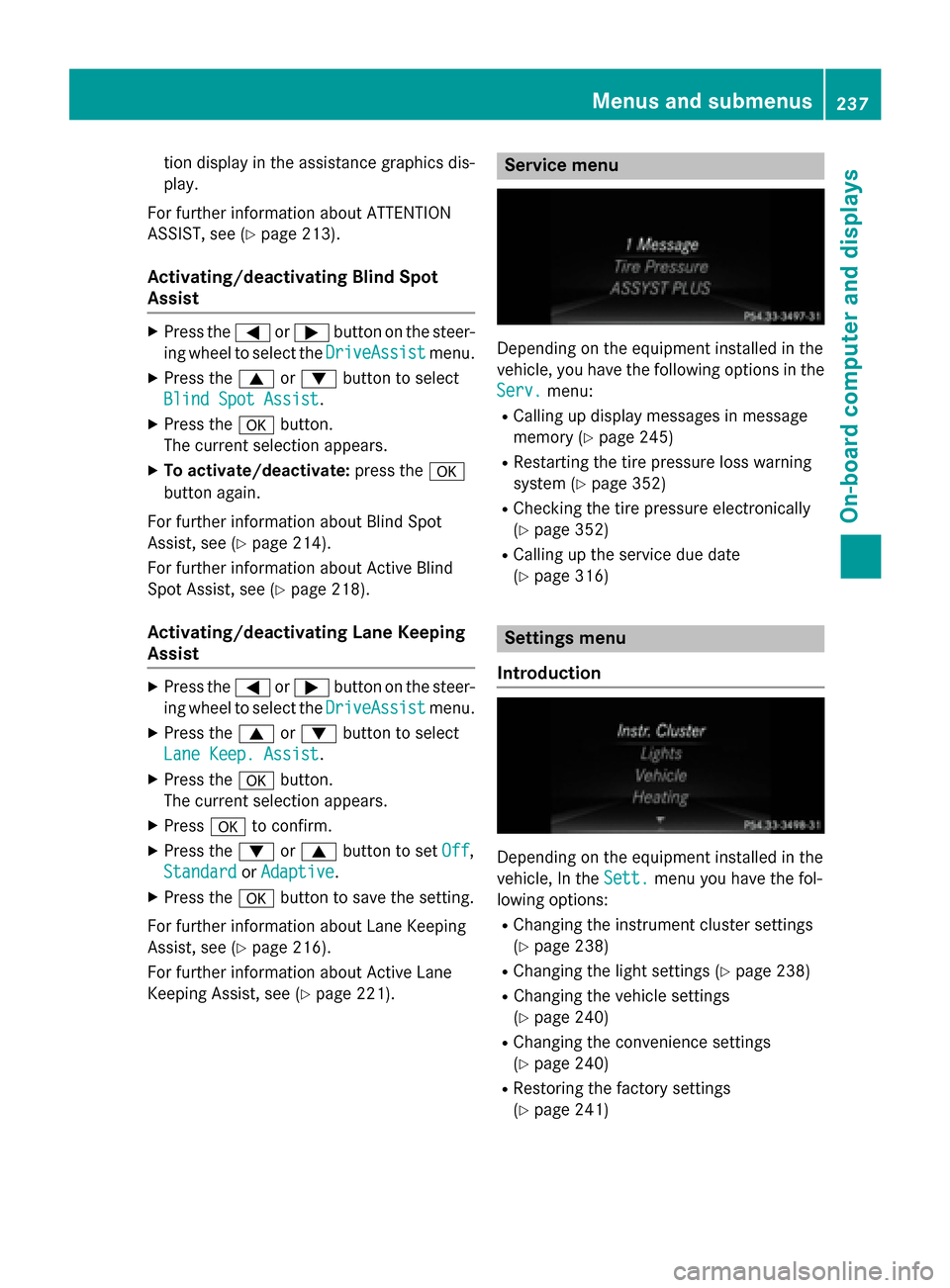
Keeping Assist, see (Y page 221). Service menu
Depending on the equipment installed in the
vehicle, you have the following options in the
Serv. Serv. menu:
R Calling up display messages in message
memory (Y page 245)
R Restarting the tire pressure loss warning
system (Y page 352)
R Checking the tire pressure electronically
(Y page 352)
R Calling up the service due date
(Y page 316) Settings menu
Introduction Depending on the equipment installed in the
vehicle, In the
Sett.
Sett. menu you have the fol-
lowing options:
R Changing the instrument cluster settings
(Y page 238)
R Changing the light settings (Y page 238)
R Changing the vehicle settings
(Y page 240)
R Changing the convenience settings
(Y page 240)
R Restoring the factory settings
(Y page 241) Menus and submenus
237On-board computer and displays Z
Page 240 of 398
Instrument cluster
Selecting the unit of measurement for dis-
tance
The Display Unit Speed-/Odometer: Display Unit Speed-/Odometer:
function allows you to choose whether cer-
tain displays appear in kilometers or miles in the multifunction display.
X Press the =or; button on the steer-
ing wheel to select the Sett.
Sett. menu.
X Press the :or9 button to select the
Instr. Cluster
Instr. Cluster submenu.
X Press ato confirm.
X Press the :or9 button to select the
Display Unit Speed-/Odometer Display Unit Speed-/Odometer func-
tion.
You will see the selected setting: km kmor
miles
miles.
X Press the abutton to save the setting.
The selected unit of measurement for dis-
tance applies to: R Digital speedometer in the Trip Tripmenu
R Odometer and the trip odometer
R Trip computer
R Current consumption and the range
R Navigation instructions in the Navi
Navimenu
R Cruise control
R DISTRONIC PLUS
R ASSYST PLUS service interval display
Selecting the permanent display function
You can determine whether the multifunction display permanently shows your speed or the
outside temperature.
X Press the =or; button on the steer-
ing wheel to select the Sett
Sett menu.
X Press the :or9 button to select the
Inst. Cluster
Inst. Cluster submenu.
X Press ato confirm.
X Press the :or9 button to select the
Permanent Display
Permanent Display function.
You will see the selected setting Outside
Outside
Temperature
Temperature orAdditional Speedome‐
Additional Speedome‐ ter [km/h] ter [km/h]
/AdditionalAdditional Speedometer Speedometer
[mph]
[mph].
X Press the abutton to save the setting.
i The speed is highlighted in km/h or in
mph conversely to your speedometer.
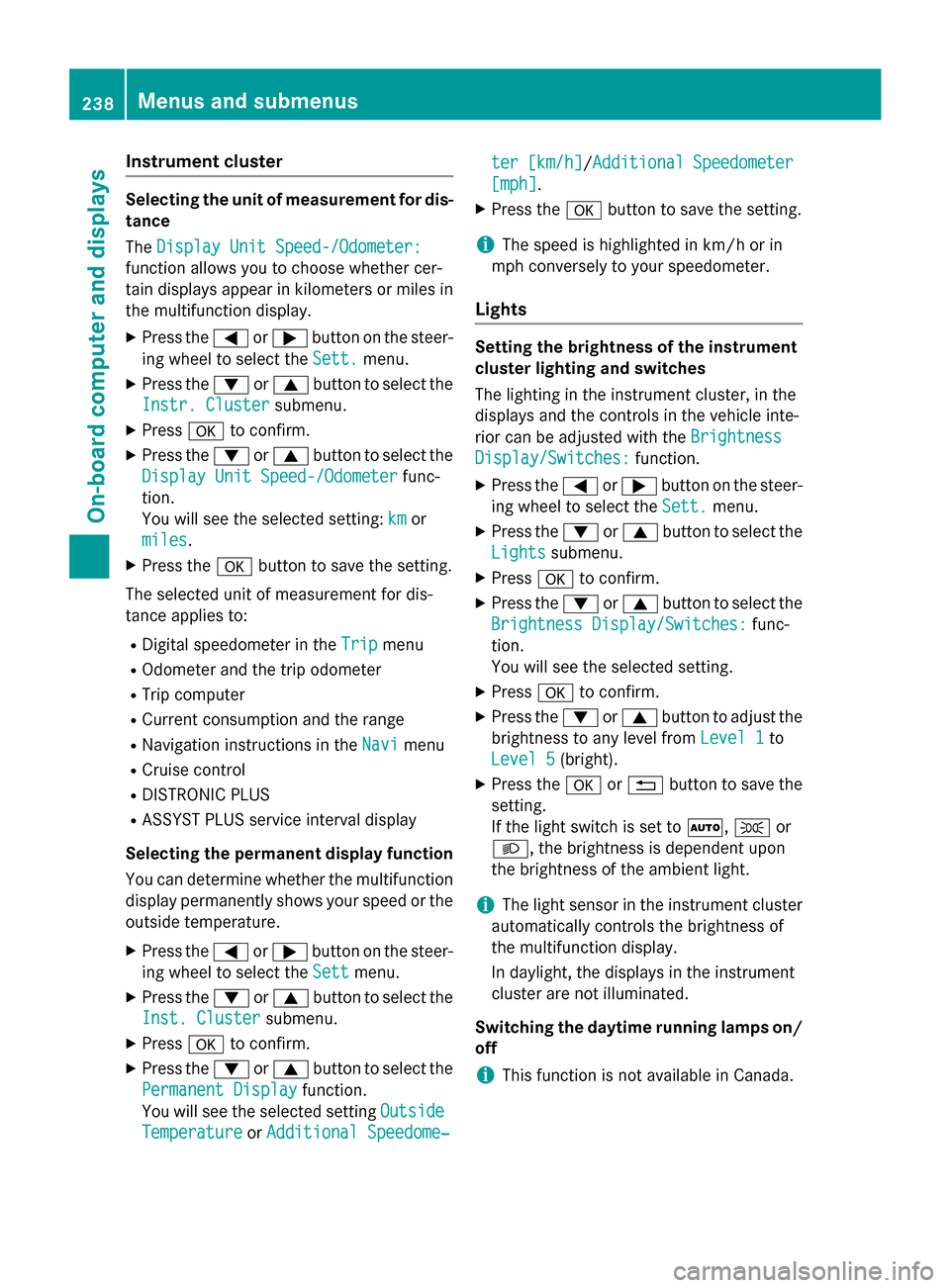
Lights Setting the brightness of the instrument
cluster lighting and switches
The lighting in the instrument cluster, in the
displays and the controls in the vehicle inte-
rior can be adjusted with the Brightness Brightness
Display/Switches:
Display/Switches: function.
X Press the =or; button on the steer-
ing wheel to select the Sett.
Sett.menu.
X Press the :or9 button to select the
Lights
Lights submenu.
X Press ato confirm.
X Press the :or9 button to select the
Brightness Display/Switches:
Brightness Display/Switches: func-
tion.
You will see the selected setting.
X Press ato confirm.
X Press the :or9 button to adjust the
brightness to any level from Level 1
Level 1 to
Level 5 Level 5 (bright).
X Press the aor% button to save the
setting.
If the light switch is set to Ã,Tor
L, the brightness is dependent upon
the brightness of the ambient light.
i The light sensor in the instrument cluster
automatically controls the brightness of
the multifunction display.
In daylight, the displays in the instrument
cluster are not illuminated.
Switching the daytime running lamps on/ off
i This function is not available in Canada. 238
Menus and submenusOn-board computer and displays
Page 303 of 398
In this case, summon assistance by other
means.
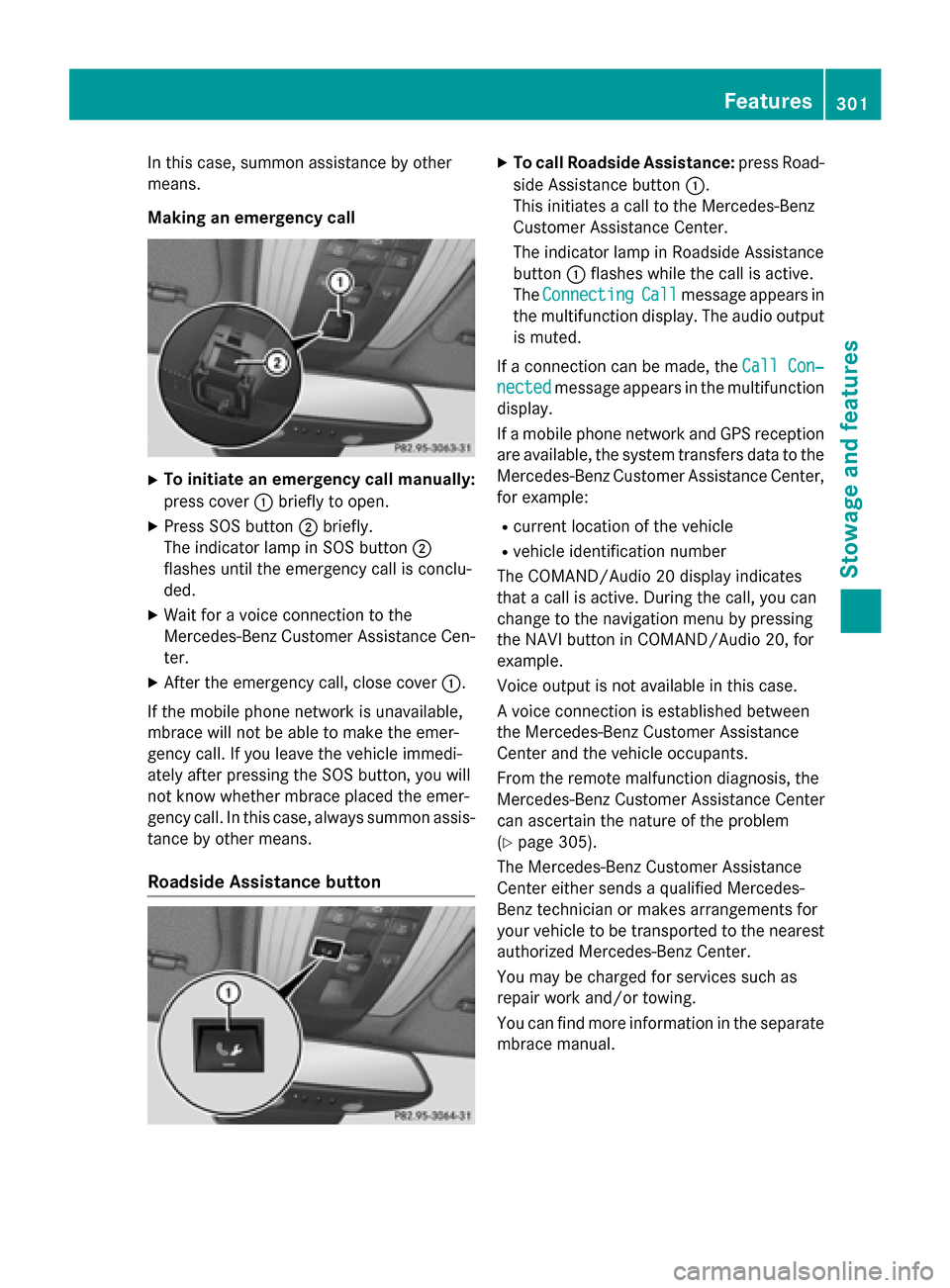
Making an emergency call X
To initiate an emergency call manually:
press cover :briefly to open.
X Press SOS button ;briefly.
The indicator lamp in SOS button ;
flashes until the emergency call is conclu-
ded.
X Wait for a voice connection to the
Mercedes-Benz Customer Assistance Cen-
ter.
X After the emergency call, close cover :.
If the mobile phone network is unavailable,
mbrace will not be able to make the emer-
gency call. If you leave the vehicle immedi-
ately after pressing the SOS button, you will
not know whether mbrace placed the emer-
gency call. In this case, always summon assis-
tance by other means.
Roadside Assistance button X
To call Roadside Assistance: press Road-
side Assistance button :.
This initiates a call to the Mercedes-Benz
Customer Assistance Center.
The indicator lamp in Roadside Assistance
button :flashes while the call is active.
The Connecting Connecting Call Callmessage appears in
the multifunction display. The audio output is muted.
If a connection can be made, the Call Con‐
Call Con‐
nected
nected message appears in the multifunction
display.
If a mobile phone network and GPS reception are available, the system transfers data to the
Mercedes-Benz Customer Assistance Center, for example:
R current location of the vehicle
R vehicle identification number
The COMAND/Audio 20 display indicates
that a call is active. During the call, you can
change to the navigation menu by pressing
the NAVI button in COMAND/Audio 20, for
example.
Voice output is not available in this case.
A voice connection is established between
the Mercedes-Benz Customer Assistance
Center and the vehicle occupants.
From the remote malfunction diagnosis, the
Mercedes-Benz Customer Assistance Center
can ascertain the nature of the problem
(Y page 305).
The Mercedes-Benz Customer Assistance
Center either sends a qualified Mercedes-
Benz technician or makes arrangements for
your vehicle to be transported to the nearest authorized Mercedes-Benz Center.
You may be charged for services such as
repair work and/or towing.
You can find more information in the separatembrace manual. Features
301Stowage and features Z
Page 304 of 398
The system has not been able to initiate a
Roadside Assistance call, if:
R the indicator lamp for Roadside Assistance
call button Fis flashing continuously.
R no voice connection to the Mercedes-Benz
Customer Assistance Center was estab-
lished.
This can occur if the relevant mobile phone
network is not available, for example.
The Call Failed Call Failed message appears in the
multifunction display.
X To end a call: press the~button on the
multifunction steering wheel.
or
X Press the corresponding COMAND/Audio
20 button for ending a phone call.
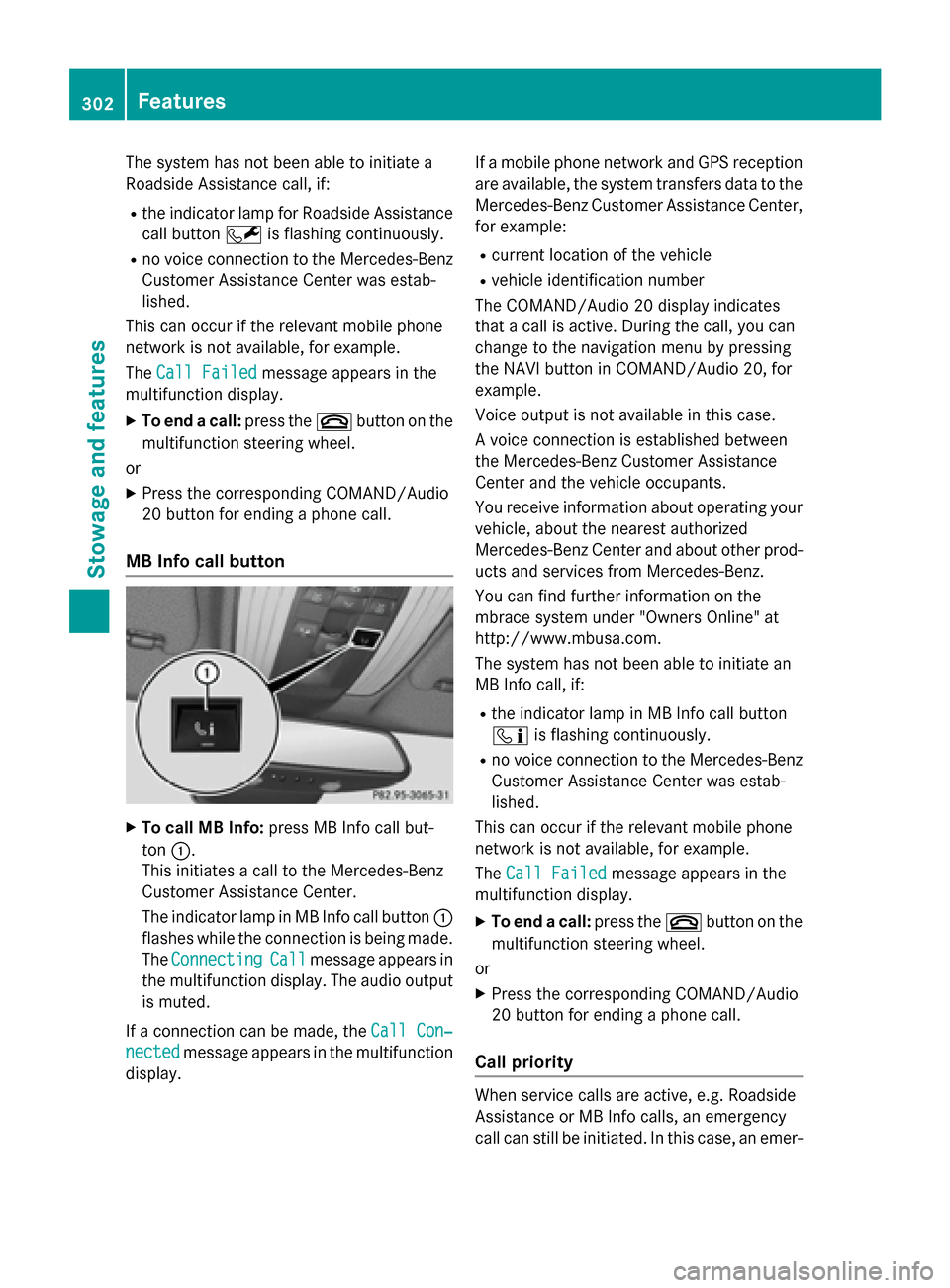
MB Info call button X
To call MB Info: press MB Info call but-
ton :.
This initiates a call to the Mercedes-Benz
Customer Assistance Center.
The indicator lamp in MB Info call button :
flashes while the connection is being made.
The Connecting Connecting Call
Callmessage appears in
the multifunction display. The audio output
is muted.
If a connection can be made, the Call Con‐
Call Con‐
nected
nected message appears in the multifunction
display. If a mobile phone network and GPS reception
are available, the system transfers data to the
Mercedes-Benz Customer Assistance Center, for example:
R current location of the vehicle
R vehicle identification number
The COMAND/Audio 20 display indicates
that a call is active. During the call, you can
change to the navigation menu by pressing
the NAVI button in COMAND/Audio 20, for
example.
Voice output is not available in this case.
A voice connection is established between
the Mercedes-Benz Customer Assistance
Center and the vehicle occupants.
You receive information about operating your vehicle, about the nearest authorized
Mercedes-Benz Center and about other prod-
ucts and services from Mercedes-Benz.
You can find further information on the
mbrace system under "Owners Online" at
http://www.mbusa.com.
The system has not been able to initiate an
MB Info call, if:
R the indicator lamp in MB Info call button
ï is flashing continuously.
R no voice connection to the Mercedes-Benz
Customer Assistance Center was estab-
lished.
This can occur if the relevant mobile phone
network is not available, for example.
The Call Failed Call Failed message appears in the
multifunction display.
X To end a call: press the~button on the
multifunction steering wheel.
or X Press the corresponding COMAND/Audio
20 button for ending a phone call.
Call priority When service calls are active, e.g. Roadside
Assistance or MB Info calls, an emergency
call can still be initiated. In this case, an emer- 302
FeaturesStowage and features